How do I use the Arthur Pencilgon Spear Cosplay template?
Choose the primary action to open PicX Studio with the available template settings. Review the model and format, personalize the creative direction, and generate when ready.
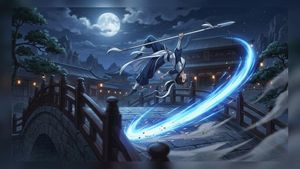
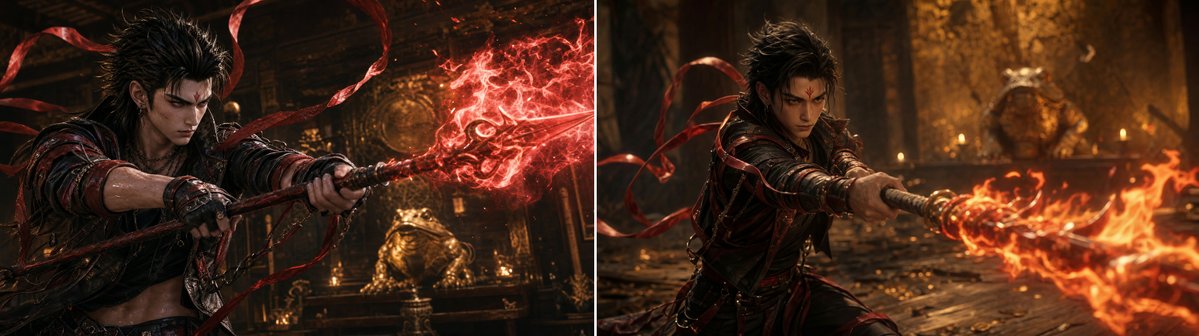
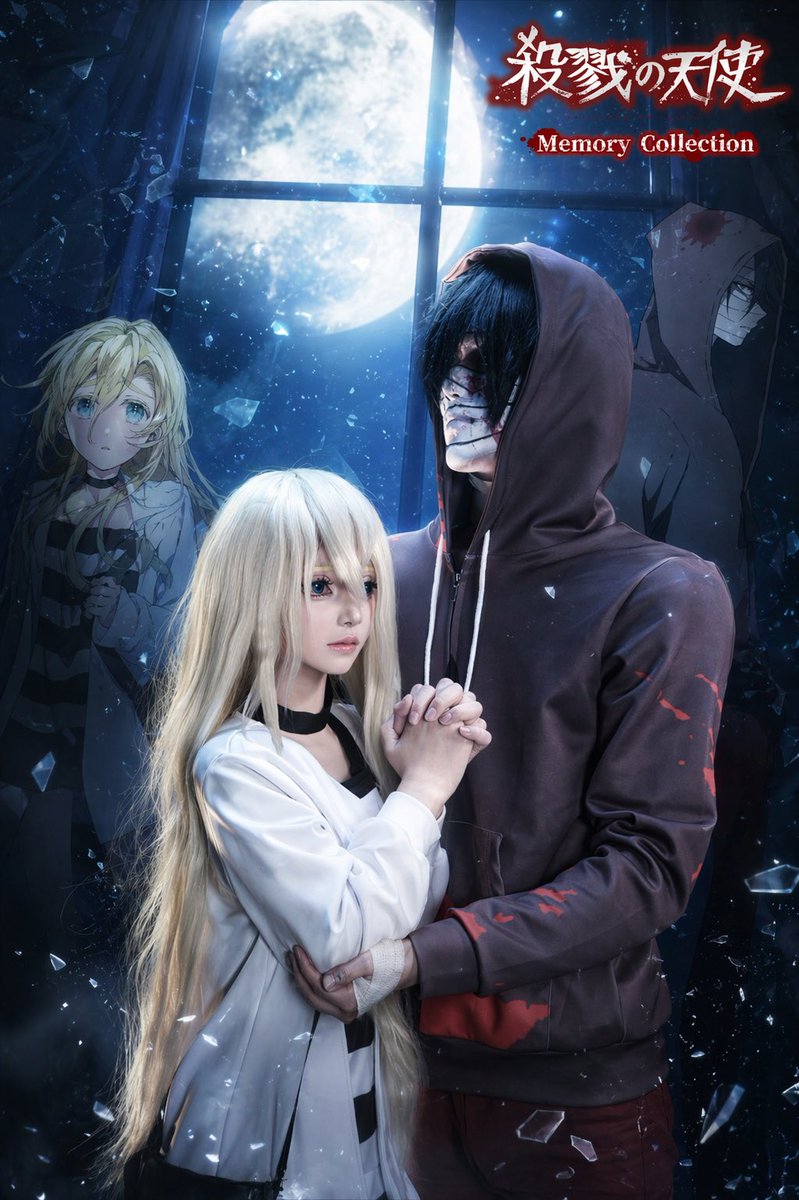
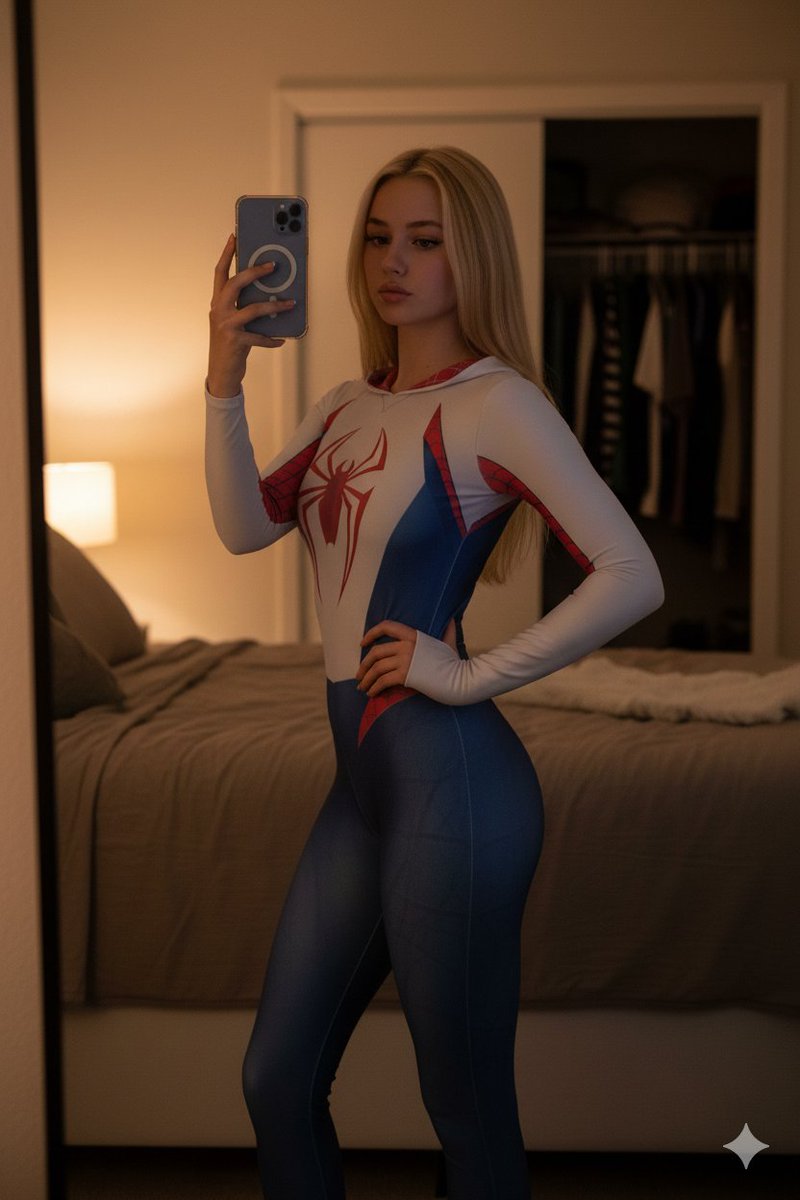
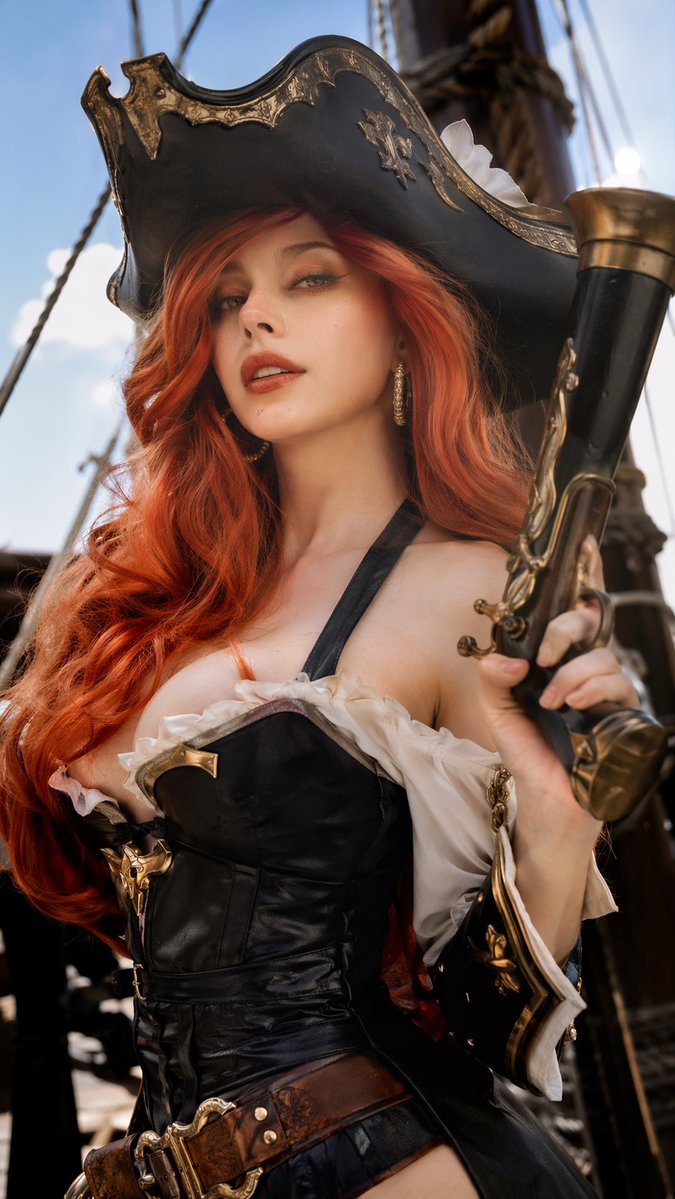
A cinematic photoreal anime-cosplay fantasy warrior lunging with a spear in a rocky battlefield, suitable for character art or fan cosplay visuals.
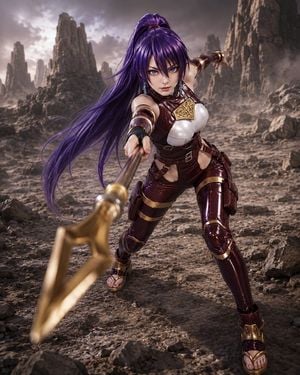
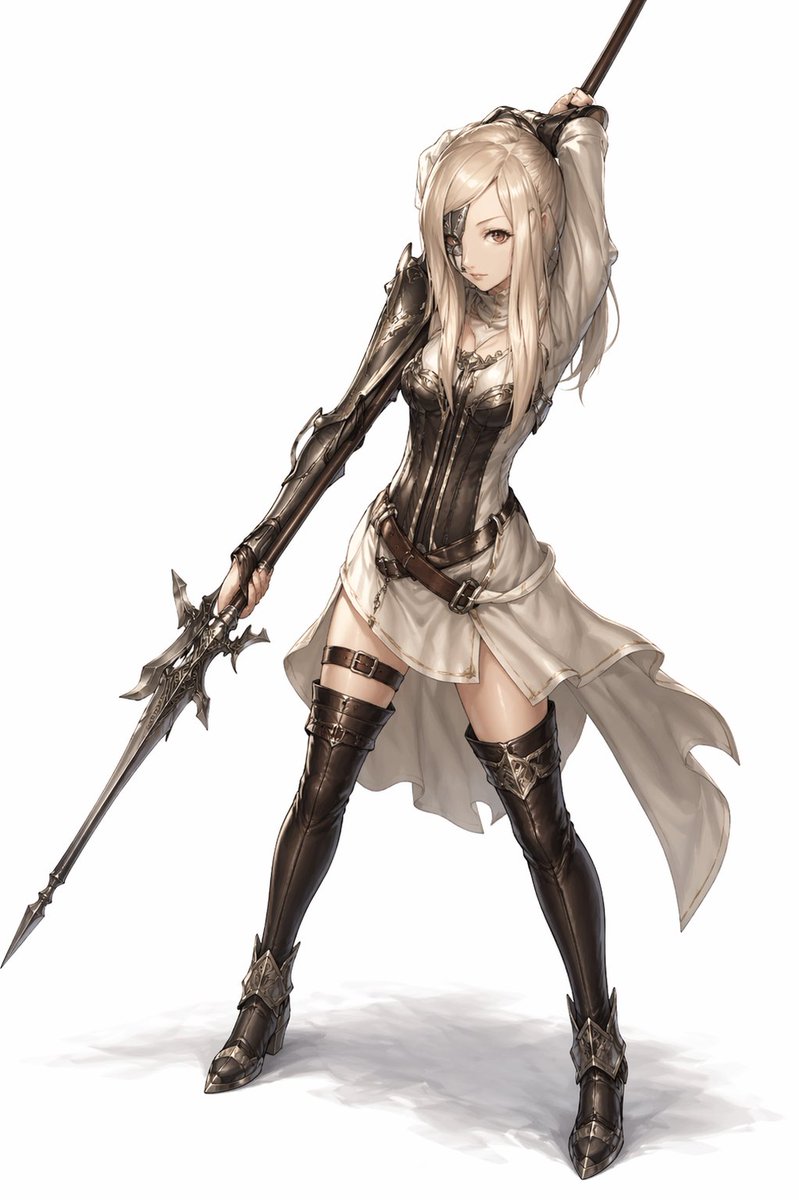
Create a dramatic ultra-realistic anime cosplay portrait of {argument name="character name" default="Arthur Pencilgon"} as a tall athletic female fantasy warrior in a desolate rocky battlefield. She is lunging aggressively toward the camera in a low forward stance, intense blue eyes locked on the viewer, holding a long golden spear directly toward the lens so the spearhead dominates the lower-left foreground with strong depth-of-field blur. Give her extremely long flowing {argument name="hair color" default="deep purple"} hair tied high in a ponytail, wind-swept across the left side of the frame, with sharp anime-inspired facial features rendered in photoreal detail. Her outfit is glossy dark burgundy leather and armor with gold trim: a white armored chest plate, triangular engraved gold collar ornament, burgundy high-neck bodice, shoulder and arm bands, black fingerless glove on the spear hand, cutout waist armor, strapped thigh guards, knee-high shin armor, and open-toe gladiator sandals. Use a cinematic fantasy wasteland background with jagged stone pillars, scattered rocks, dusty ground, haze, and a stormy gray sky. Camera angle is dynamic and slightly low, portrait orientation, centered character, wide-angle perspective exaggerating the spear and action pose. Lighting should be moody and high-contrast with soft rim light on hair and armor, realistic skin texture, shiny reflective armor, dust atmosphere, shallow depth of field, no text, no watermark.
Choose the primary action to open PicX Studio with the available template settings. Review the model and format, personalize the creative direction, and generate when ready.
Yes. You can change the subject, setting, lighting, mood, format, and available model controls before creating your image.
This template is free to open and customize. Generation usage is shown in PicX Studio before you create.
Start with GPT Image 2, which is the model associated with this template. You can compare another compatible model for a different finish.
Follow a topic to a crawlable collection of related PicX Studio templates.