How do I use the Holographic Cyberpop Idol template?
Choose the primary action to open PicX Studio with the available template settings. Review the model and format, personalize the creative direction, and generate when ready.
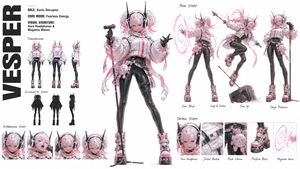
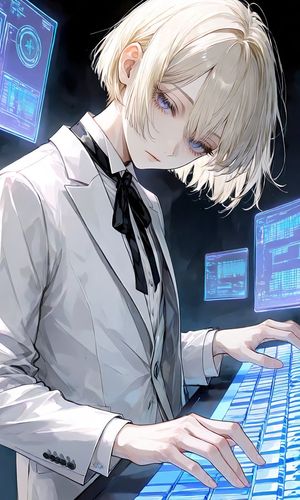
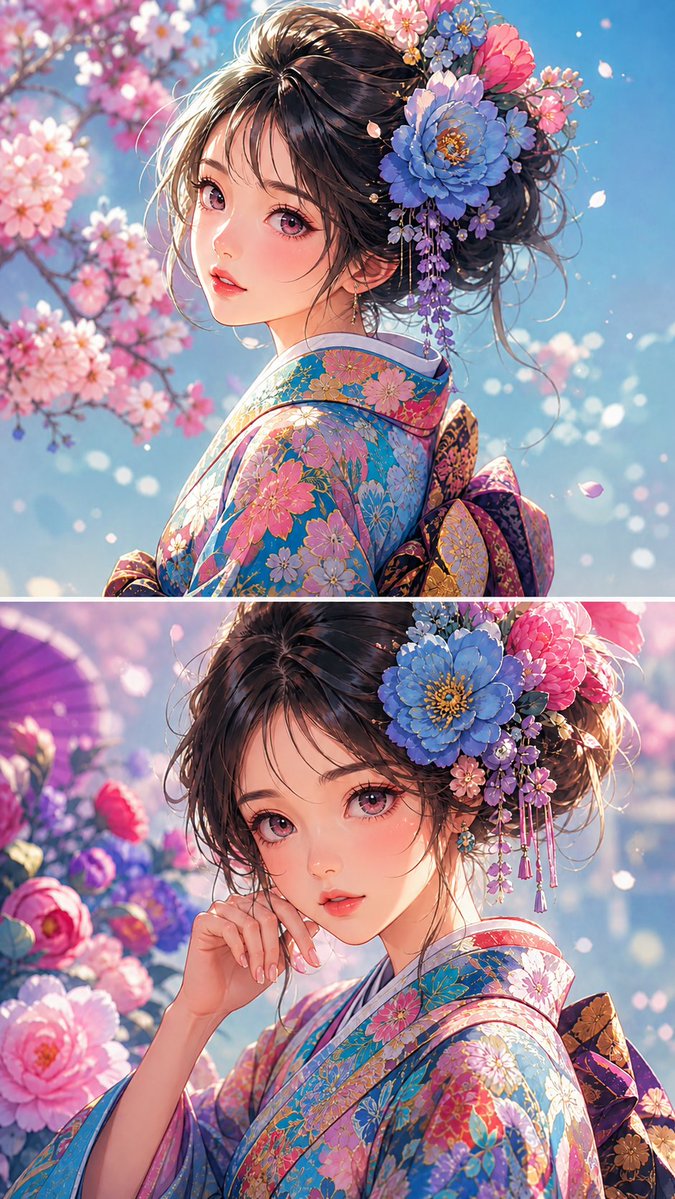
Generates a full-body anime cyberpop idol character design with iridescent futuristic fashion and glossy holographic materials.
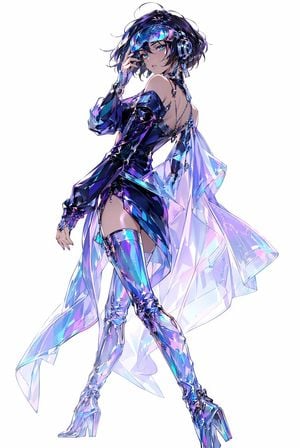
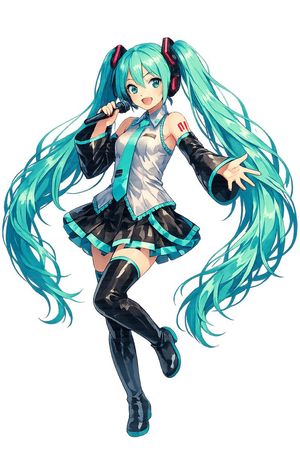
Create a full-body anime fashion illustration of a futuristic cyberpop idol woman on a clean white background. The character is {argument name="character type" default="a stylish young female DJ idol"} with short tousled {argument name="hair color" default="black hair with violet-blue highlights"}, bright teal eyes, glossy lips, and a confident over-the-shoulder pose. She wears large metallic headphones, a transparent neon visor across her forehead, dangling tech jewelry, fingerless gloves, and a sleek asymmetrical black-violet latex mini dress with one long sleeve, exposed shoulders, open back straps, and a high side slit. Add one dramatic translucent holographic cape or train flowing behind her, made of iridescent crystalline panels in cyan, lavender, pink, and electric blue. She also wears thigh-high reflective chrome boots with high heels, sharp angular highlights, and prismatic reflections. The pose should show her standing in three-quarter view with one hand near the visor/headphones, one leg extended forward, elegant long limbs, and a runway-like silhouette. Visual style: high-end Japanese anime character art, extremely detailed linework, luminous cyberpunk colors, glossy materials, glasslike reflections, holographic refractions, subtle sketchy hair strands, clean composition, no background objects, no text, no watermark. Color palette should emphasize {argument name="main palette" default="iridescent blue, violet, cyan, magenta, and black"}.
Choose the primary action to open PicX Studio with the available template settings. Review the model and format, personalize the creative direction, and generate when ready.
Yes. You can change the subject, setting, lighting, mood, format, and available model controls before creating your image.
This template is free to open and customize. Generation usage is shown in PicX Studio before you create.
Start with GPT Image 2, which is the model associated with this template. You can compare another compatible model for a different finish.
Follow a topic to a crawlable collection of related PicX Studio templates.