
Vesper Cyberpop Character Sheet
Generates a polished anime techwear character design sheet for a sonic cyberpop idol with pose, expression, silhouette, and detail studies.
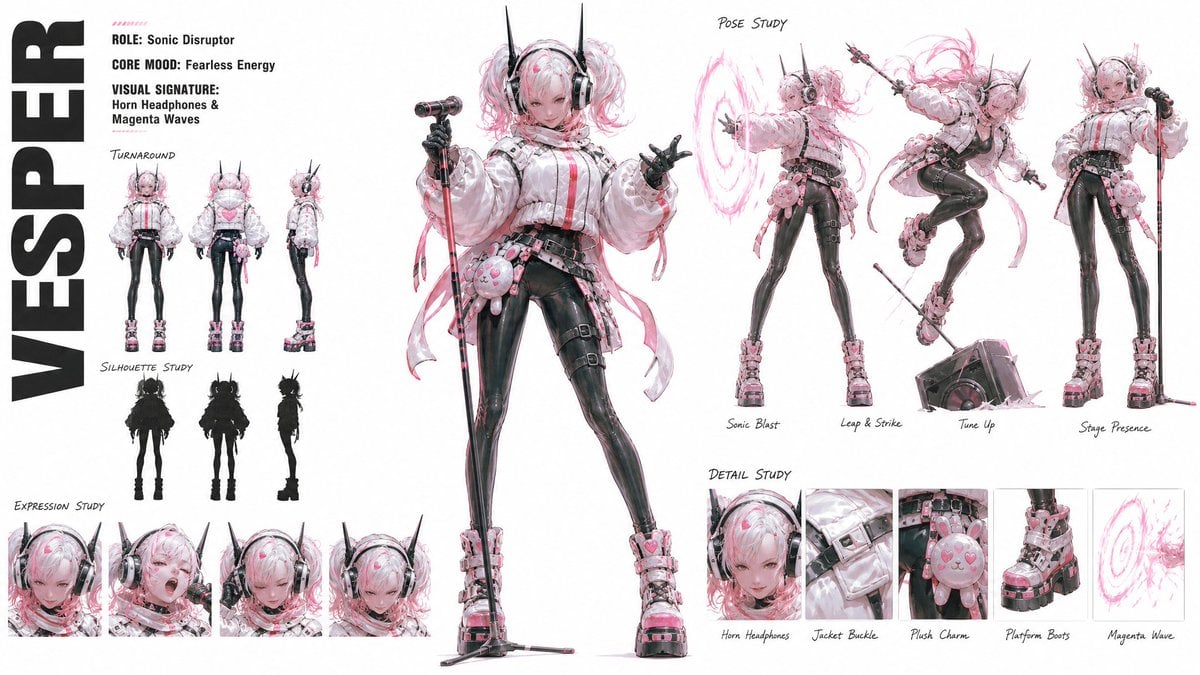
- Prompt included
- Model and format preset
- Free template
The prompt behind this image
Copy the exact prompt behind Vesper Cyberpop Character Sheet, or open it in the studio and make it yours.
Goal: Create a wide character concept sheet for {argument name="character name" default="VESPER"}, a semi-realistic anime cyberpop idol combat girl with sonic powers. Canvas: Horizontal 16:9 white studio sheet, high-resolution, clean negative space, polished concept-art presentation with light sketch annotations. Use black, white, glossy charcoal, pale pink, and hot magenta accents. Main character: Center-left full-body hero pose of a young anime girl with pale skin, freckles, confident fearless expression, detailed gray eyes, and messy twin tails in {argument name="hair color" default="white and pastel pink"}. She wears oversized futuristic black horn headphones with tall antenna-like spikes, a puffy white techwear jacket with straps and buckles, black glossy fitted leggings, layered belts and harnesses, pink plush charm accessories, chunky pink-and-black platform boots, fingerless black gloves, and long pink ribbon streamers. She holds a microphone stand like a stage weapon. Add pink heart hair clips and magenta energy accents. Left column: Place the huge vertical title text "VESPER" in bold black block letters along the far left edge. To the right of it include three short info lines: "ROLE: Sonic Disruptor", "CORE MOOD: Fearless Energy", and "VISUAL SIGNATURE: Horn Headphones & Magenta Waves". Beneath that, include a Turnaround section with exactly 3 small full-body views: front view, back view, and side view. Below it, include a Silhouette Study section with exactly 3 black silhouettes matching those same views. At the bottom left, include an Expression Study strip with exactly 4 close-up face panels: confident smirk, shouting performance expression, downward calm focus, and shy/intense lowered gaze. Right side: Create a Pose Study section across the upper right with exactly 4 action pose vignettes, each with handwritten labels: "Sonic Blast" showing her projecting a circular magenta sound-wave ring, "Leap & Strike" showing her airborne with ribbons and mic stand, "Tune Up" showing her interacting with a speaker/amplifier on the floor, and "Stage Presence" showing a strong standing singer pose with mic stand. Bottom right: Create a Detail Study row with exactly 5 boxed close-up panels, labeled "Horn Headphones", "Jacket Buckle", "Plush Charm", "Platform Boots", and "Magenta Wave". Show one detailed object per panel. Visual style: Semi-realistic anime illustration, delicate linework, glossy material rendering, fashion design sheet aesthetics, pink watercolor-like energy strokes, subtle gray shadows, handwritten annotation labels, sharp but airy composition. Constraints: Keep exactly 1 main large full-body figure, 3 turnaround figures, 3 silhouettes, 4 expression close-ups, 4 pose vignettes, and 5 detail panels. Do not add extra characters, logos, watermarks, or background scenery.
How to use Vesper Cyberpop Character Sheet in 3 steps
- 1Upload ImagePNG, JPG or paste
Add your photo
Upload the photo the template builds on. The prompt, model and format are already set.
- 2…a portrait of your subject in softgolden-hour light, 85mm…
Personalize
Edit the subject and creative details for your destination.
- 3Generate
Generate
Press Generate — your image is created in PicX Studio, so you can compare it with the original and refine one variable at a time.
More like this
Templates with the same subject, style or setup. Open one to see its prompt.
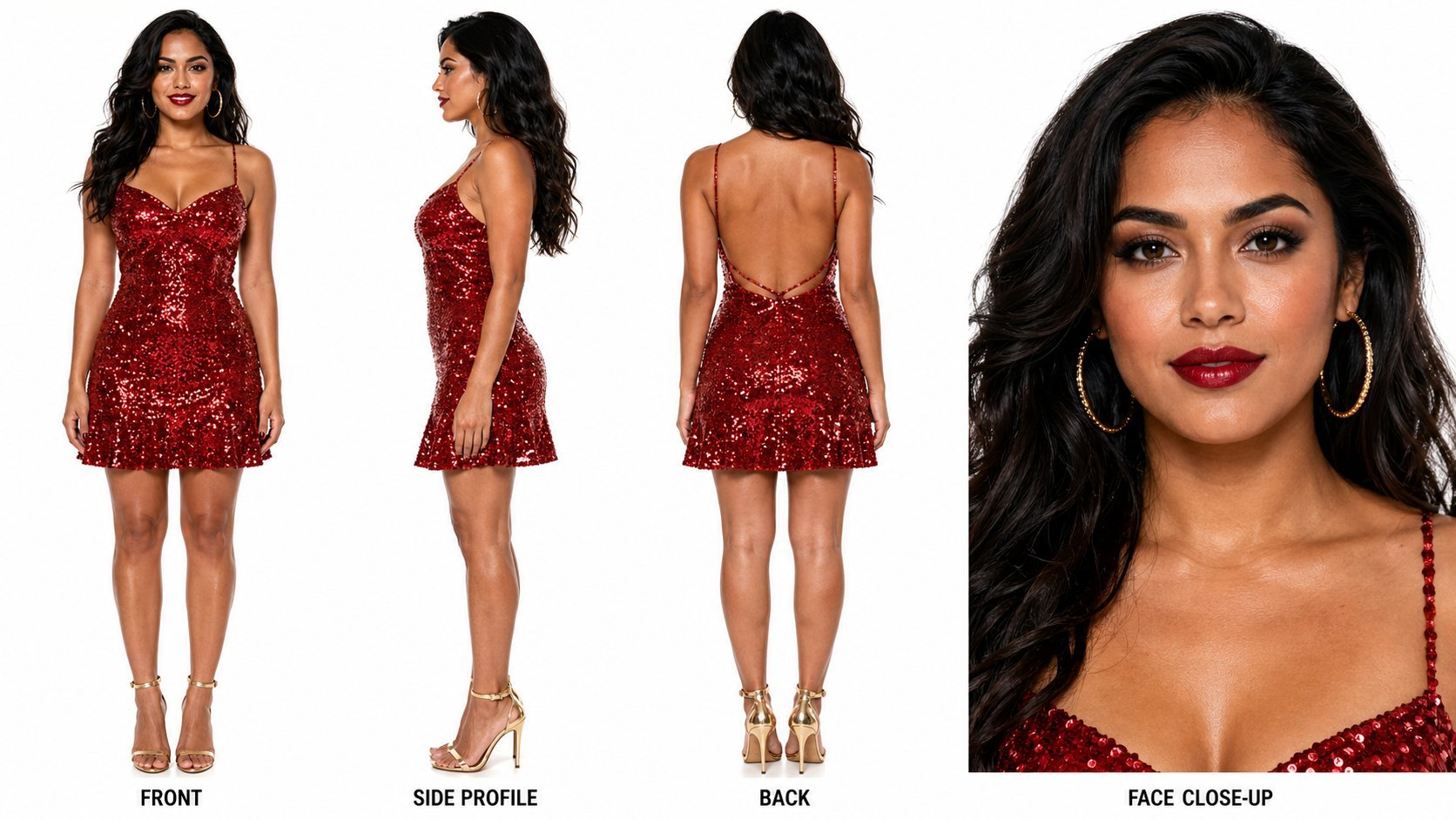
Dancer Character - Four View Reference Sheet
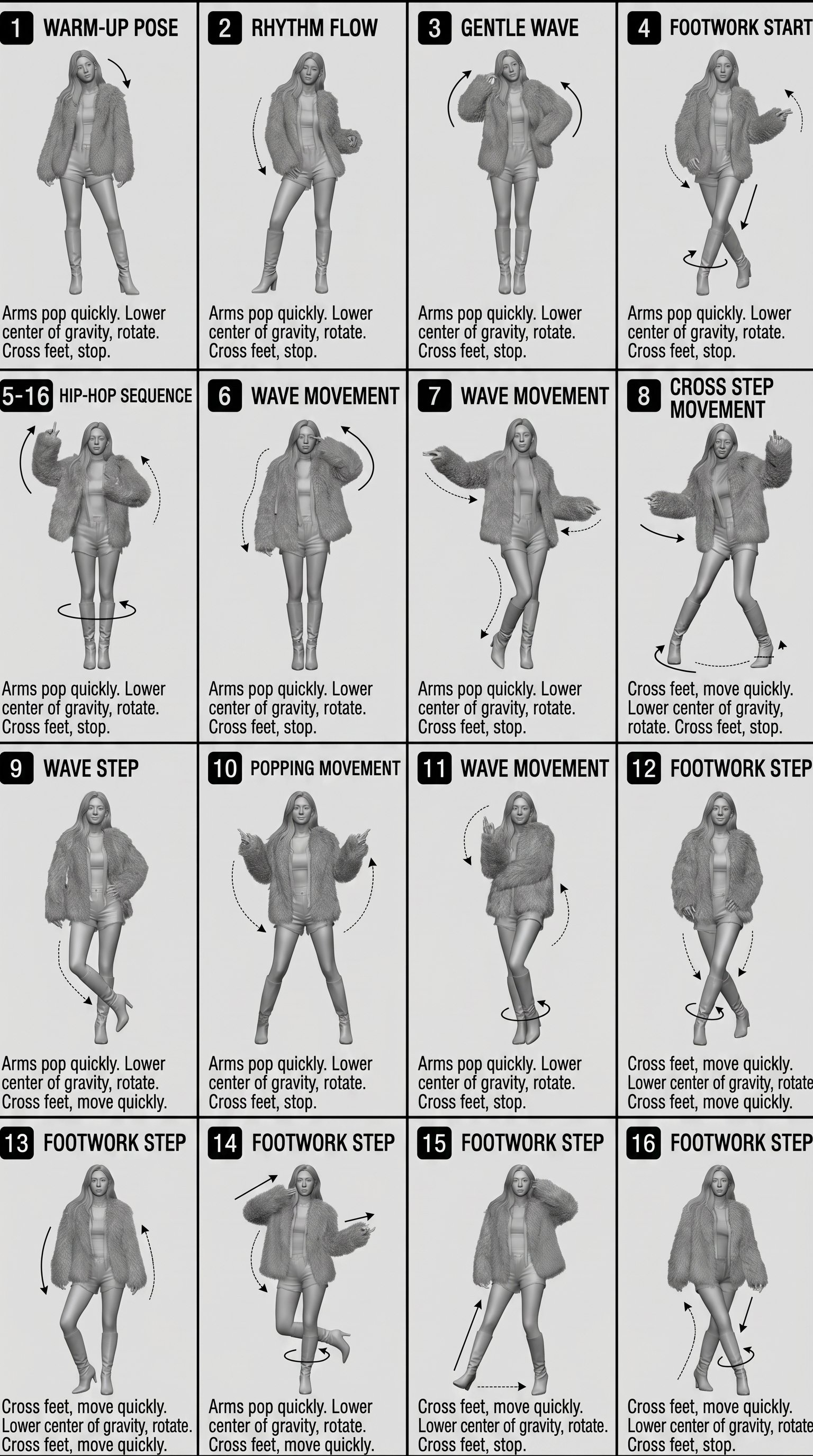
Movement Sheet - Dance Reference (Seedance 2.0)

Six VTuber Japanese Logo Sheet
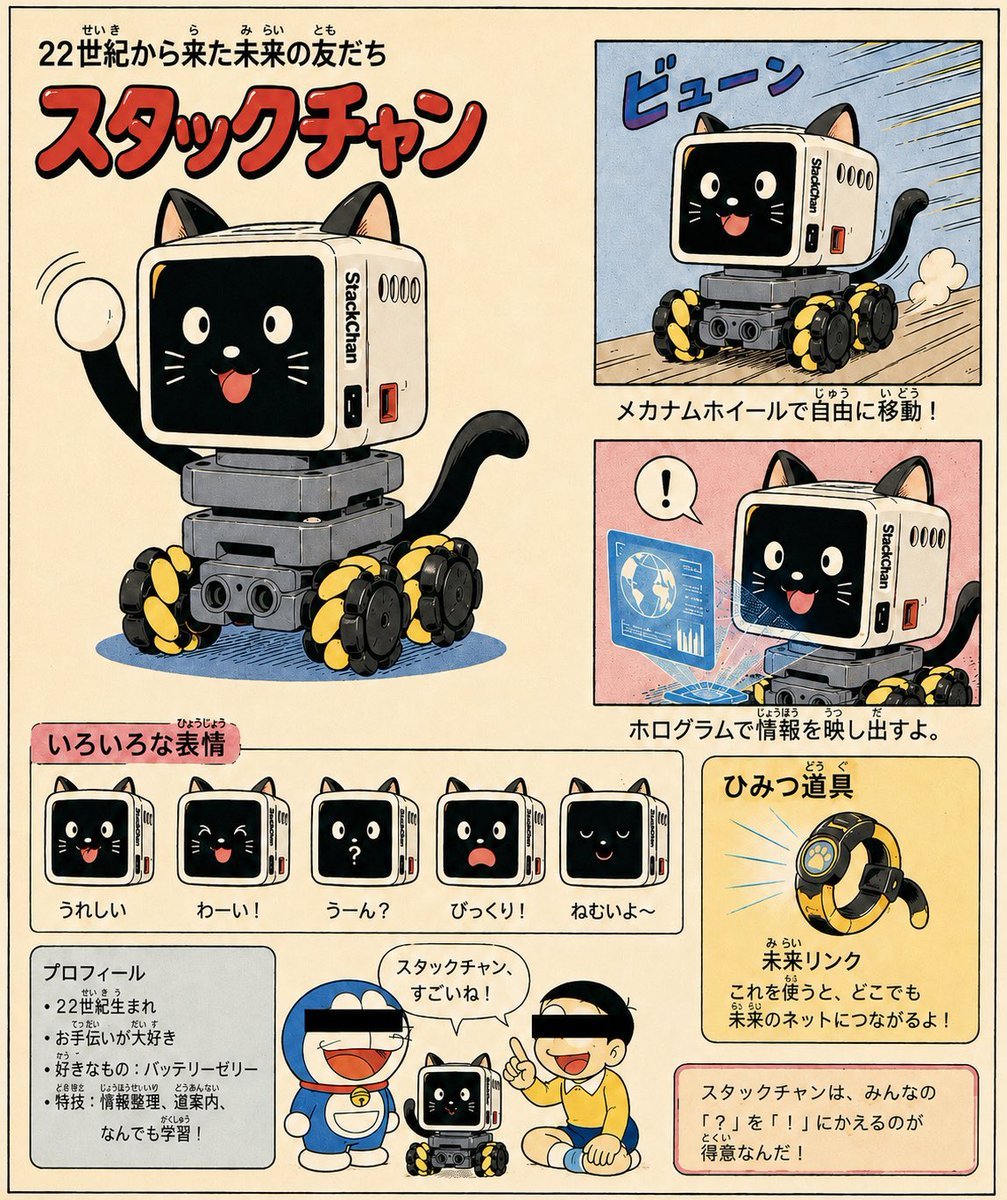
Retro Manga StackChan Concept Sheet
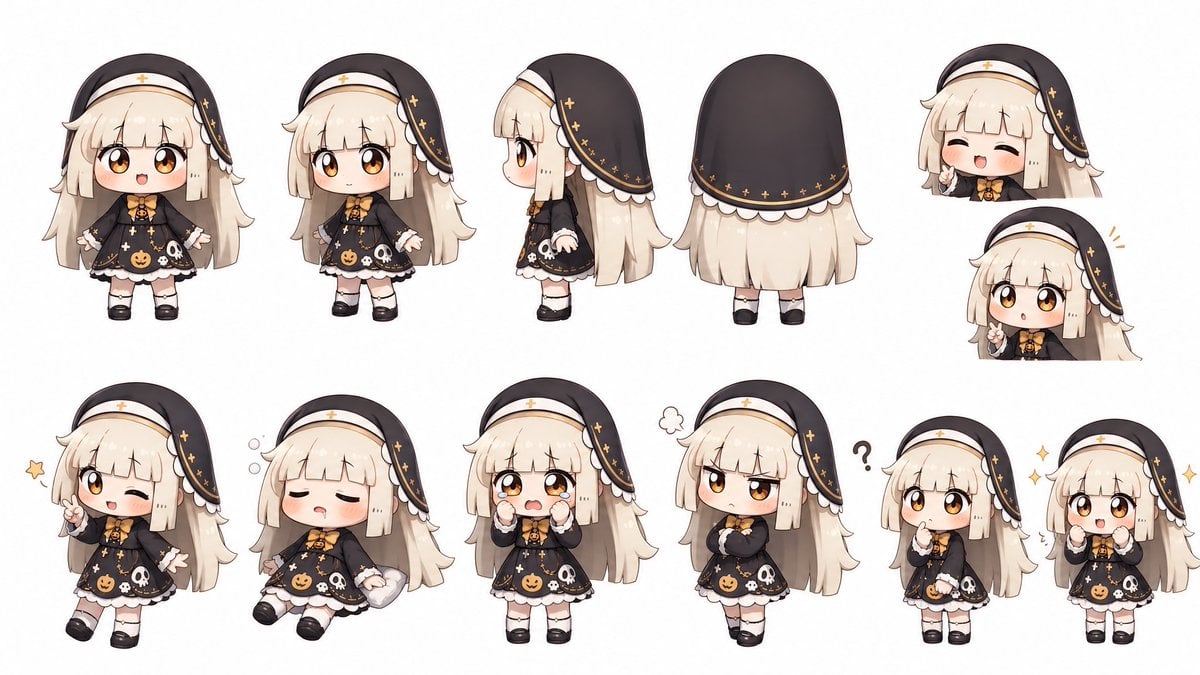
Halloween Nun Chibi Character Sheet
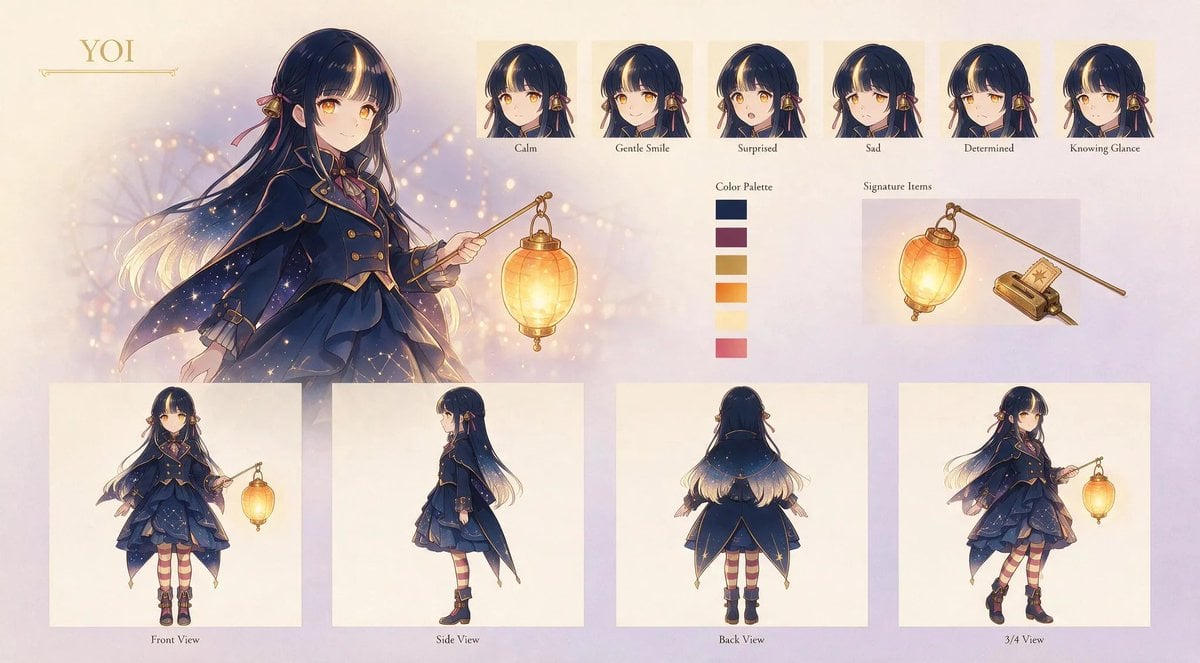
Anime Lantern Girl Character Sheet
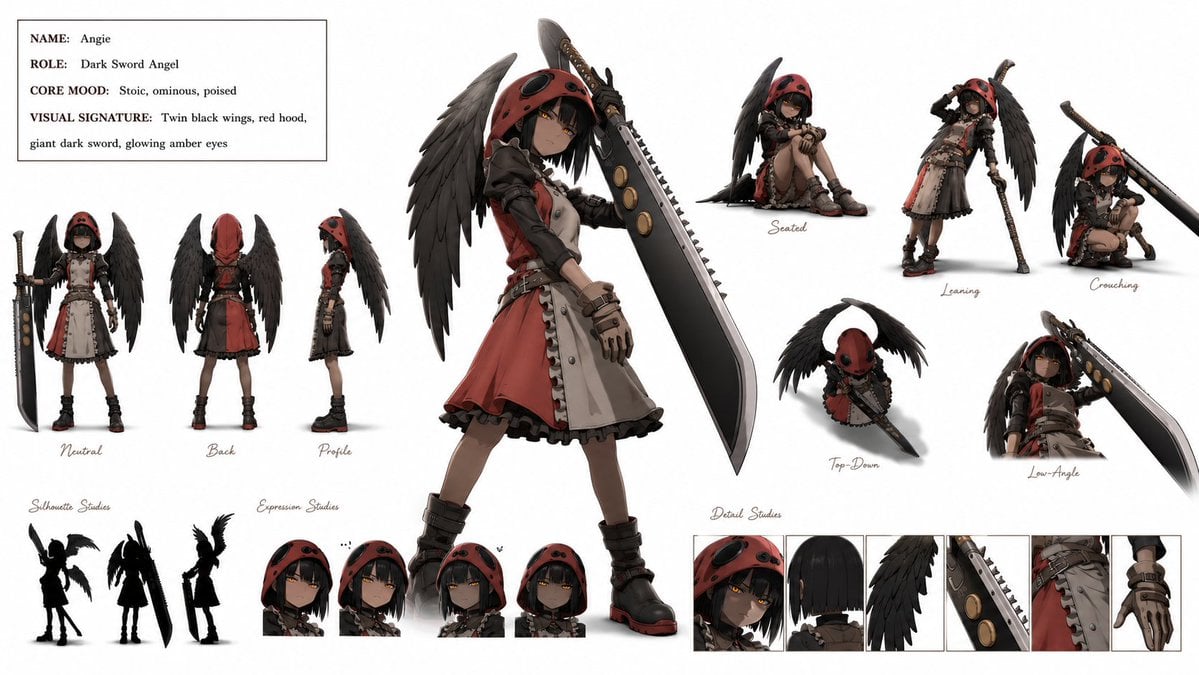
Dark Sword Angel Character Sheet

Mental Peace Sheet Music Poster
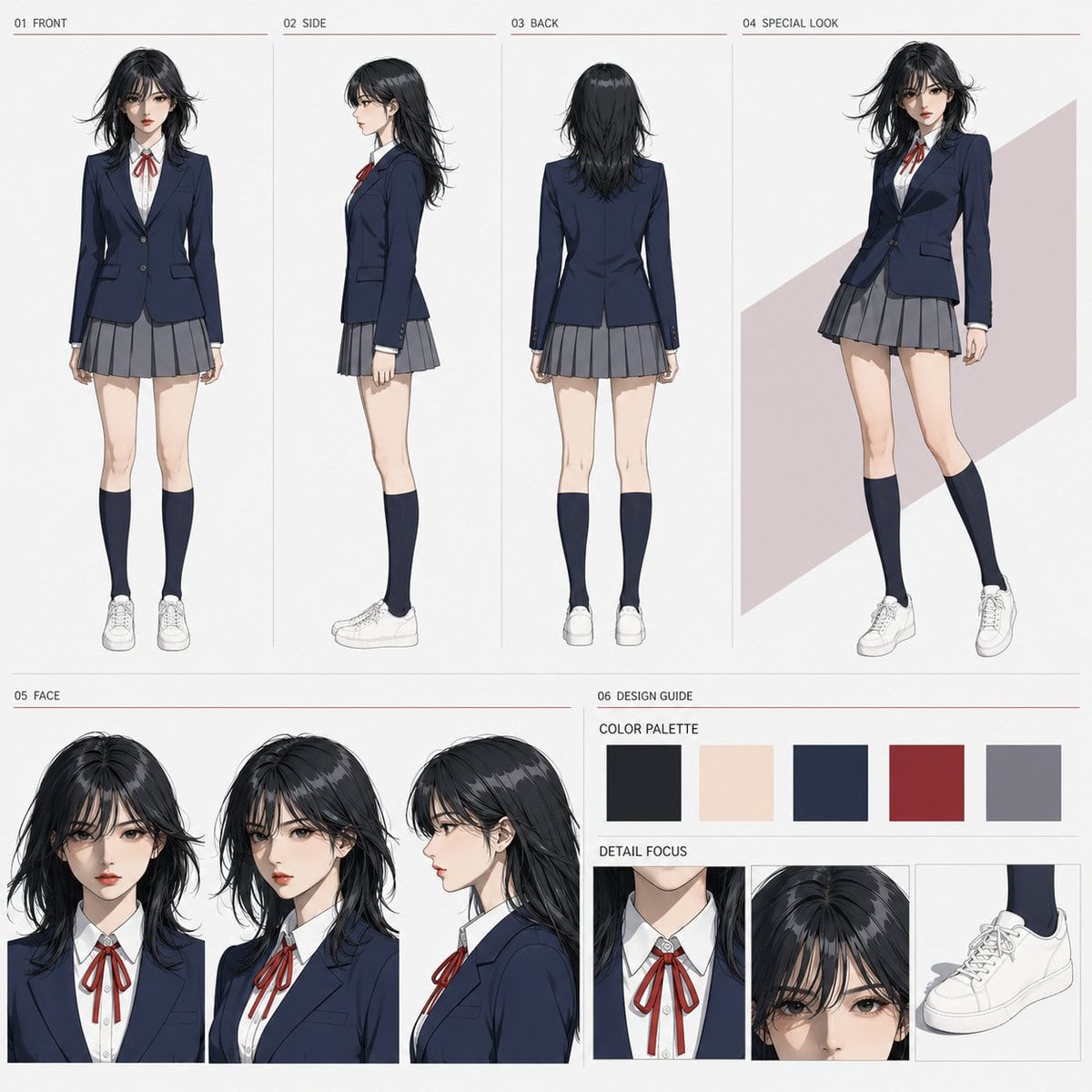
Anime Character Sheet Reference Prompt
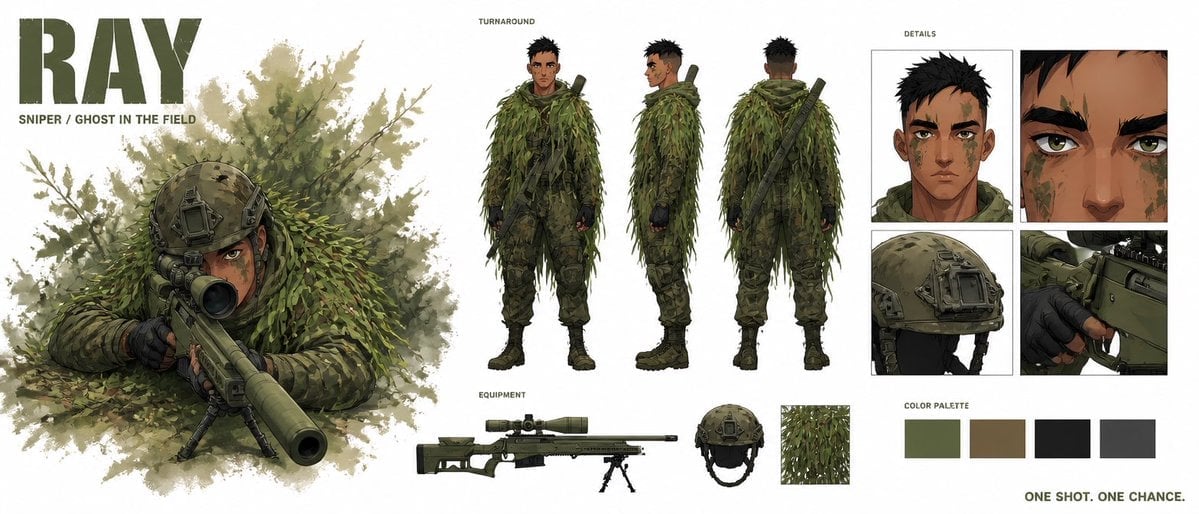
Cinematic Sniper Character Bible Sheet
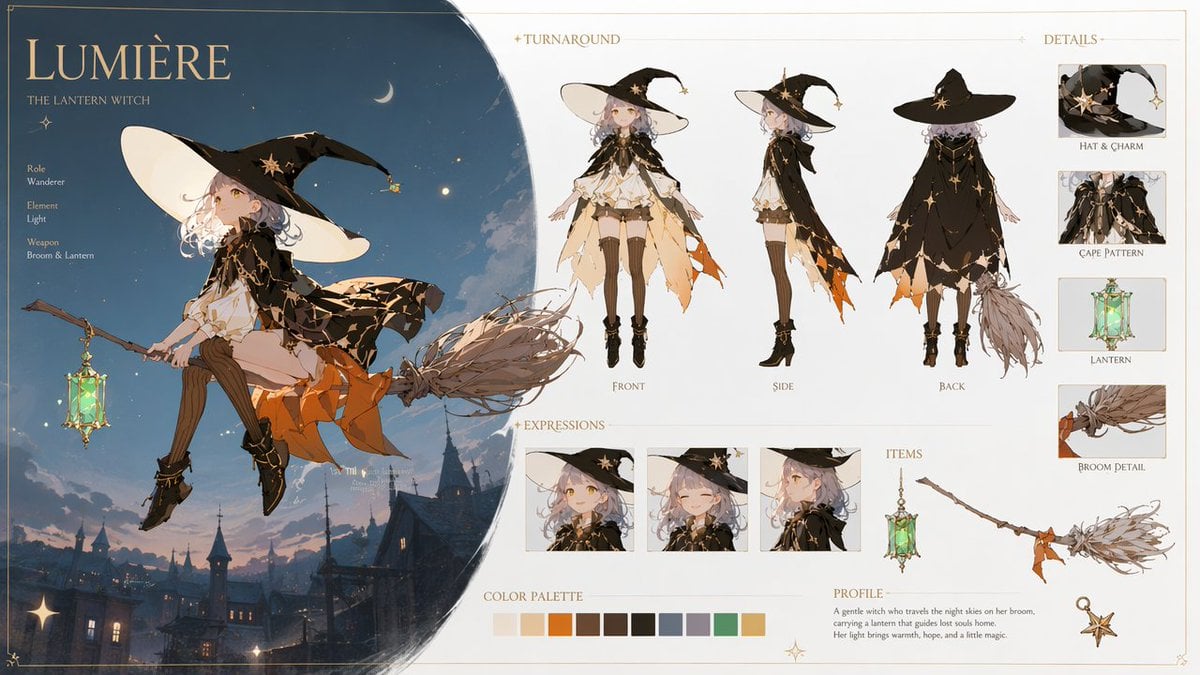
Lumière Lantern Witch Character Sheet
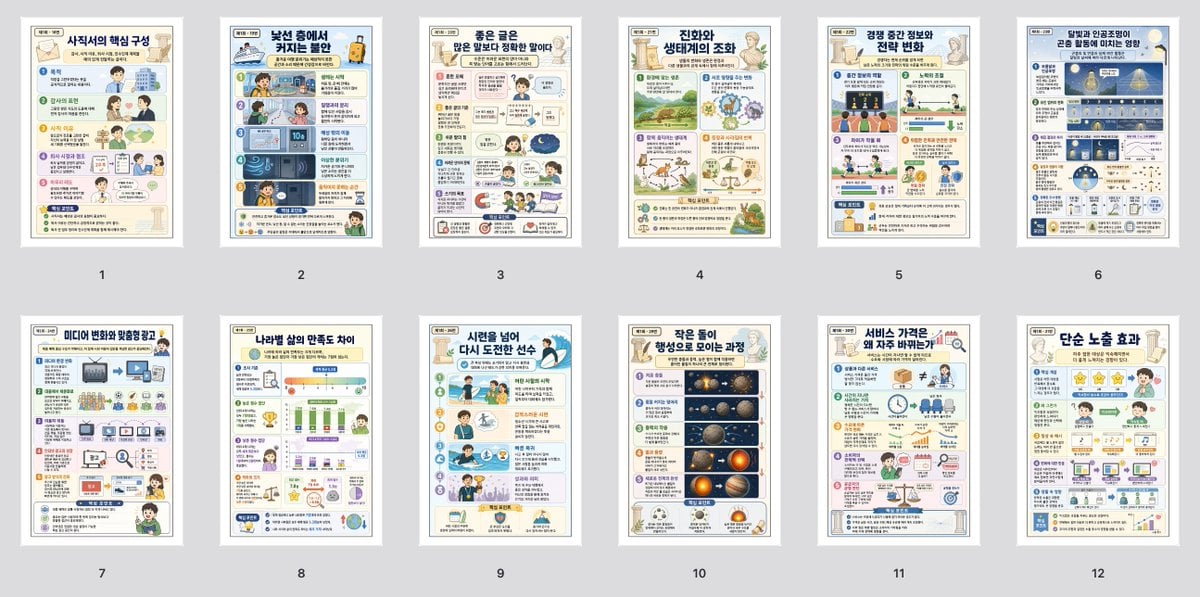
Korean Infographic Worksheet Batch
Make it yours
Vesper Cyberpop Character Sheet works as-is. These are the safest ways to change it without losing the look.
Change one field
Copy a single group, rewrite it, and generate again so you can see what that field is doing.
Keep the frame, change the subject
Hold the composition and light of Vesper Cyberpop Character Sheet, then swap wardrobe, props or the person for a new take.
| If the result… | Why | Fix |
|---|---|---|
| The result drifts from the preview | Too many fields changed at once. | Reuse Vesper Cyberpop Character Sheet as-is first, then change one group — subject, light, or setting. |
| The model over-stylizes the scene | The prose prompt leaves finish and camera underspecified. | Add one camera or lighting sentence and stay on GPT Image 2. |
More GPT Image 2 templates
Other prompts made for GPT Image 2.

Realistic Portrait of Woman and Deer

The Vista Modular Condo Poster

AI Model Routing Comparison Infographic

2.5D Anime Art Board

Isometric Productivity Desk Scene

New York Double Exposure Poster

Four-Panel AI Landscape Comparison

Japanese Tatami Lifestyle Magazine Cover

NESCAFÉ Coffee Map Poster

Brutalist Cogito Chinese Typography Poster
More image prompts
Fresh picks from across the catalog.
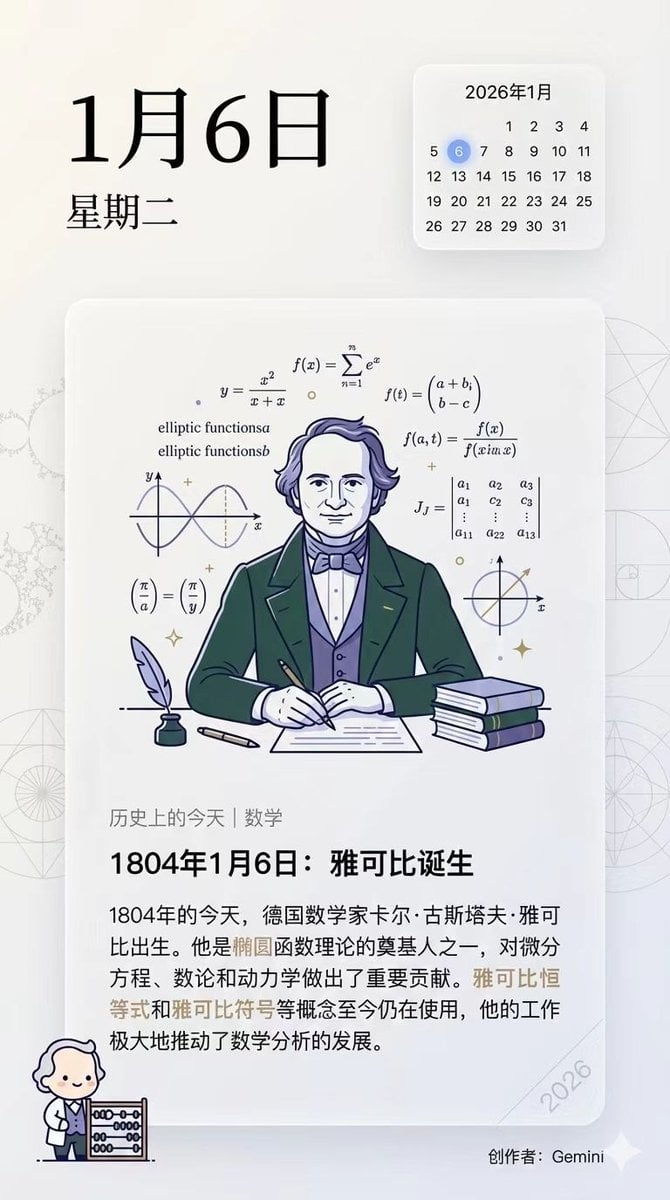
Ensuring Nano Banana Pro is used for Chinese prompts

Minimalist Studio Fashion Portrait Prompt
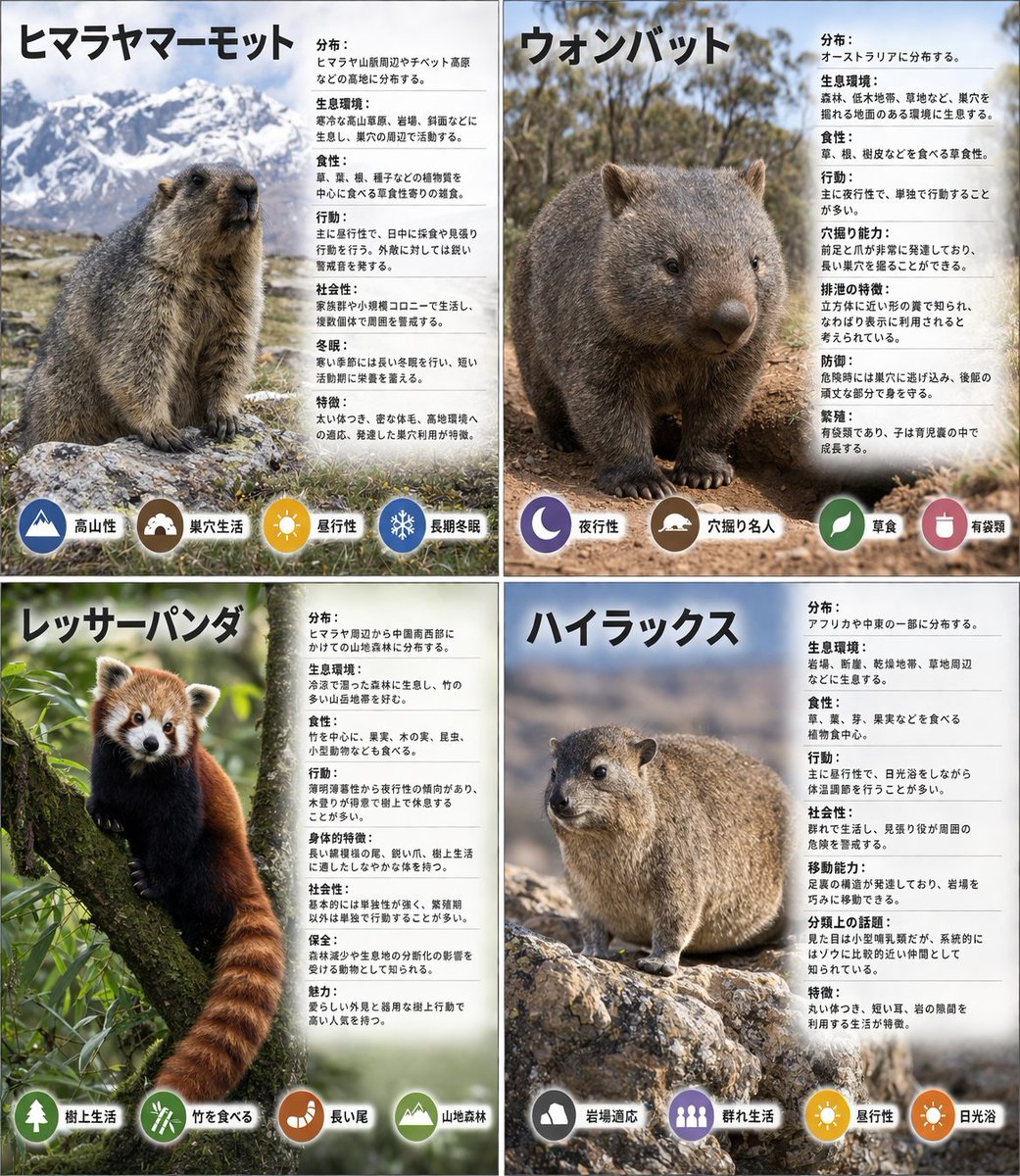
Panel Animal Infographic Grid
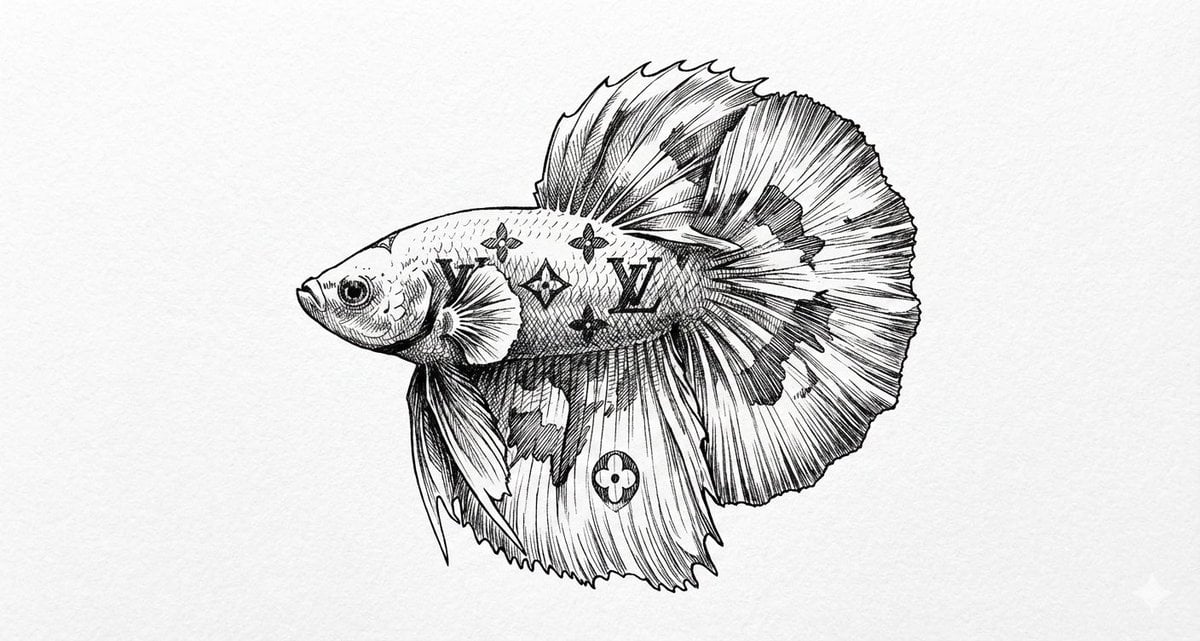
Ink Drawing Style Transfer Prompt
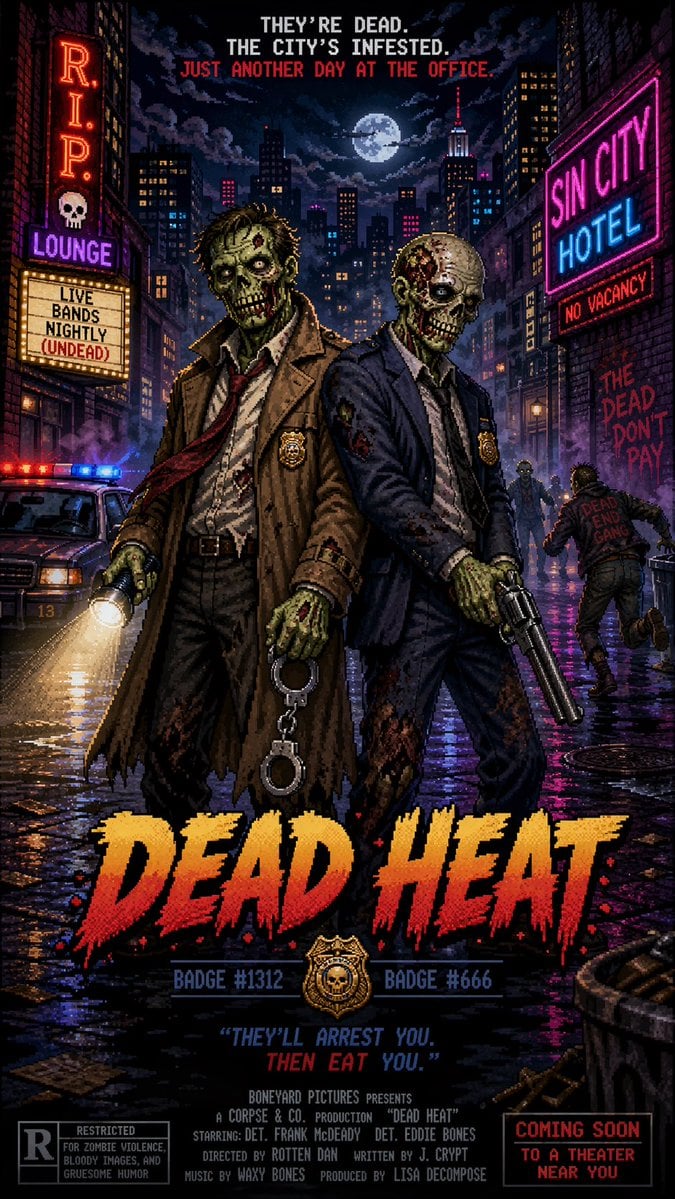
Pixel Art Movie Poster Prompt
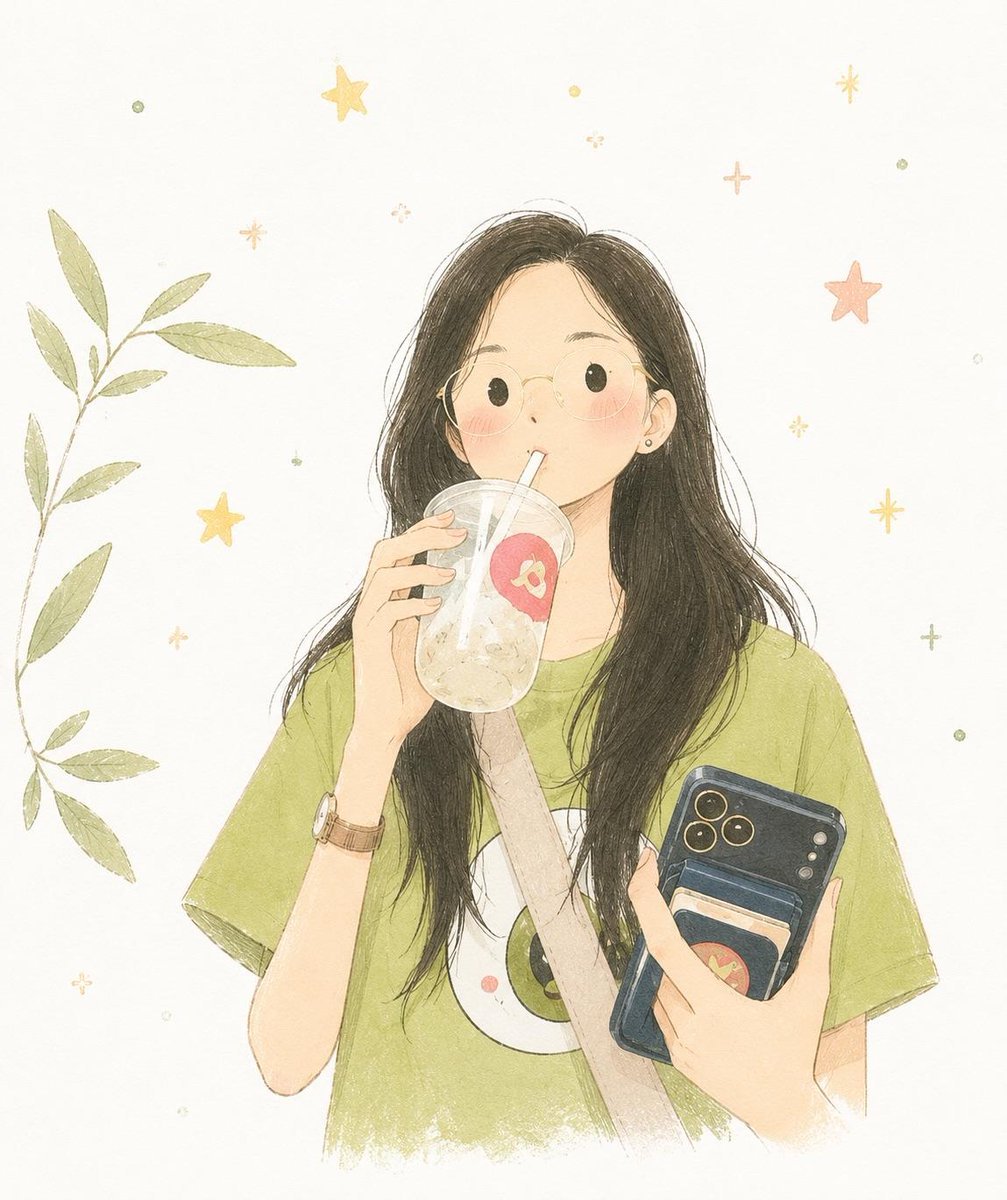
Minimalist Hand-Drawn Childrens Illustration
Chinese Gym Training Plan Infographic

Luxury Deodorant Product Ad Prompt (VELORÉ)
Monochrome Anime Couple Sketch
Statue of Liberty Technical Infographic
Browse template categories
Vesper Cyberpop Character Sheet questions
How do I use the Vesper Cyberpop Character Sheet template?
Add your photo if the template asks for one, edit the prompt if you like — the template's model and format are already selected — and press Generate. Your version opens in PicX Studio.
Can I customize the Vesper Cyberpop Character Sheet template?
Yes. You can change the subject, setting, lighting, mood, format, and available model controls before creating your image.
Is the Vesper Cyberpop Character Sheet template free?
Opening and editing this template is free. Generating uses credits, shown on the Generate button when you are signed in.
Which AI model should I use?
Start with GPT Image 2, which is the model associated with this template. You can compare another compatible model for a different finish.
Looking for something else? Browse all templates.

Your photo, any look
Thousands of ready templates for every top image and video model, from one credit balance.