
Pixel Art Battle Cat Buggy
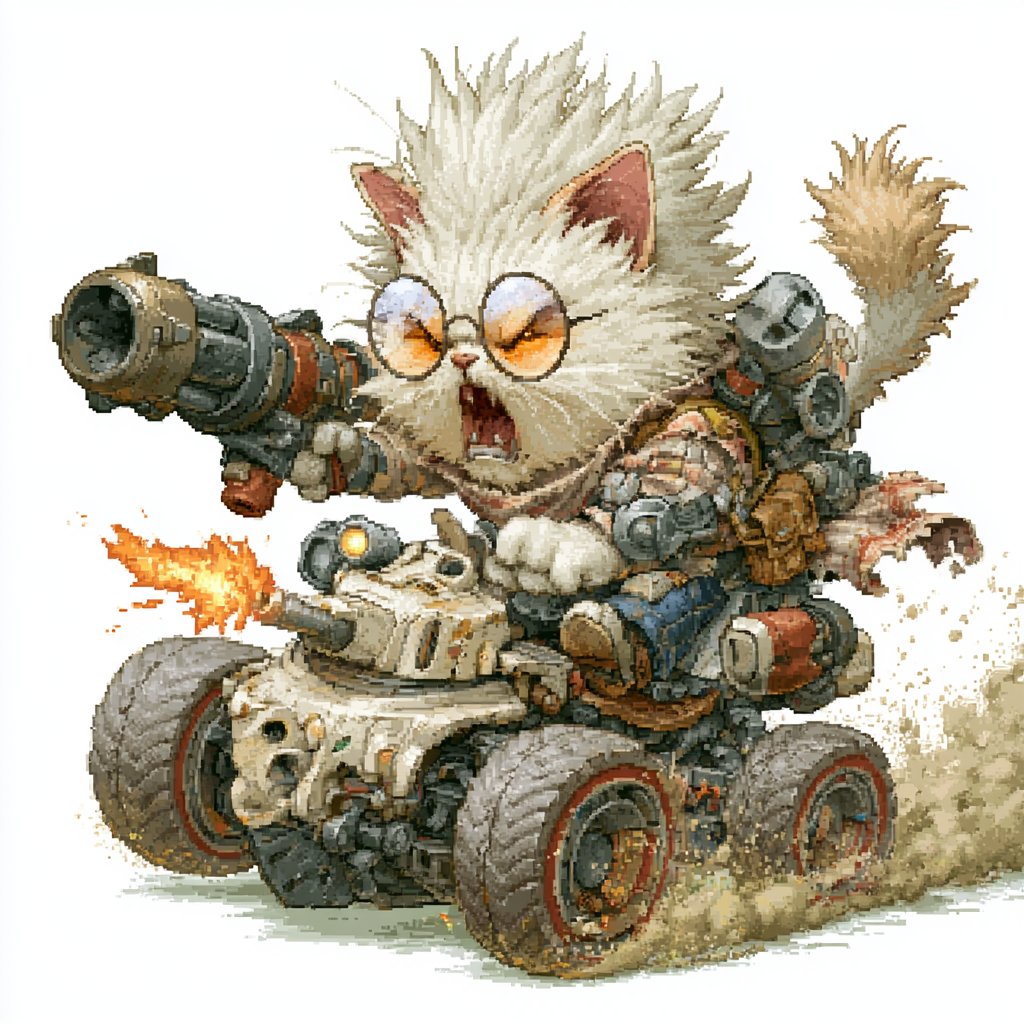
Generates a detailed retro game-style illustration of a snarling armored cat riding a weaponized off-road combat buggy.
- Prompt included
- Model and format preset
- Free template
The prompt behind this image
Copy the exact prompt behind Pixel Art Battle Cat Buggy, or open it in the studio and make it yours.
Create a highly detailed pixel-art style illustration of a ferocious fluffy {argument name="character species" default="white battle cat"} riding a compact armored combat buggy, isolated on a clean white background. The cat is centered and oversized compared with the vehicle, with wild spiky cream-white fur, upright pink ears, a raised fluffy tail, round orange-tinted goggles, an open snarling mouth with visible fangs, and white paws gripping the vehicle. The vehicle is a squat off-road mini tank buggy with exactly 4 large chunky wheels, red rim accents, dusty tires, a beige armored front body, exposed pipes, bolts, vents, skull-like front detailing, and heavy mechanical parts. Add exactly 3 main weapon systems: a huge cannon mounted over the cat’s left shoulder pointing toward the viewer, a smaller front turret on the vehicle firing a bright orange muzzle flash to the left, and a gray multi-barrel rocket pod mounted behind the cat on the right. Include additional steampunk/mecha details such as straps, brass fittings, small tanks, cables, rivets, and worn metal panels. Show the buggy speeding forward with beige dust clouds and gritty debris trailing behind the rear wheels, plus small sparks and exhaust effects. Use a nostalgic 16-bit/32-bit game sprite aesthetic with visible pixel dithering, crisp jagged edges, limited warm earthy colors, high contrast, and intricate hand-pixelled texture; no text, no logo, no frame, no background scenery.
How to use Pixel Art Battle Cat Buggy in 3 steps
- 1Upload ImagePNG, JPG or paste
Add your photo
Upload the photo the template builds on. The prompt, model and format are already set.
- 2…a portrait of your subject in softgolden-hour light, 85mm…
Personalize
Edit the subject and creative details for your destination.
- 3Generate
Generate
Press Generate — your image is created in PicX Studio, so you can compare it with the original and refine one variable at a time.
More like this
Templates with the same subject, style or setup. Open one to see its prompt.
Battle Maid in Ruined Cathedral
Victorian Pixel Art Smoking Cat
Cat Photobomb Selfie — 0.5x Wide Angle Café Chaos

Surreal Cat Astronaut — Humanoid Face Freefall
Pixel Limited Finale Fireworks
Pixel Limited Garden Maze
Pixel Limited Rooftop Concert
Pixel Limited Bicycle Coast
Pixel Limited Castle Gate

Pixel Limited Kitchen Chaos
Pixel Limited Carnival Ride
Pixel Limited Rainy Bus Stop
Make it yours
Pixel Art Battle Cat Buggy works as-is. These are the safest ways to change it without losing the look.
Change one field
Copy a single group, rewrite it, and generate again so you can see what that field is doing.
Keep the frame, change the subject
Hold the composition and light of Pixel Art Battle Cat Buggy, then swap wardrobe, props or the person for a new take.
| If the result… | Why | Fix |
|---|---|---|
| The result drifts from the preview | Too many fields changed at once. | Reuse Pixel Art Battle Cat Buggy as-is first, then change one group — subject, light, or setting. |
| The model over-stylizes the scene | The prose prompt leaves finish and camera underspecified. | Add one camera or lighting sentence and stay on GPT Image 2. |
More GPT Image 2 templates
Other prompts made for GPT Image 2.

Six VTuber Japanese Logo Sheet

Realistic Portrait of Woman and Deer

The Vista Modular Condo Poster

AI Model Routing Comparison Infographic

2.5D Anime Art Board

Isometric Productivity Desk Scene

New York Double Exposure Poster

Four-Panel AI Landscape Comparison

Japanese Tatami Lifestyle Magazine Cover

NESCAFÉ Coffee Map Poster
More image prompts
Fresh picks from across the catalog.
Milky Pastel Chibi Music Camera Twins
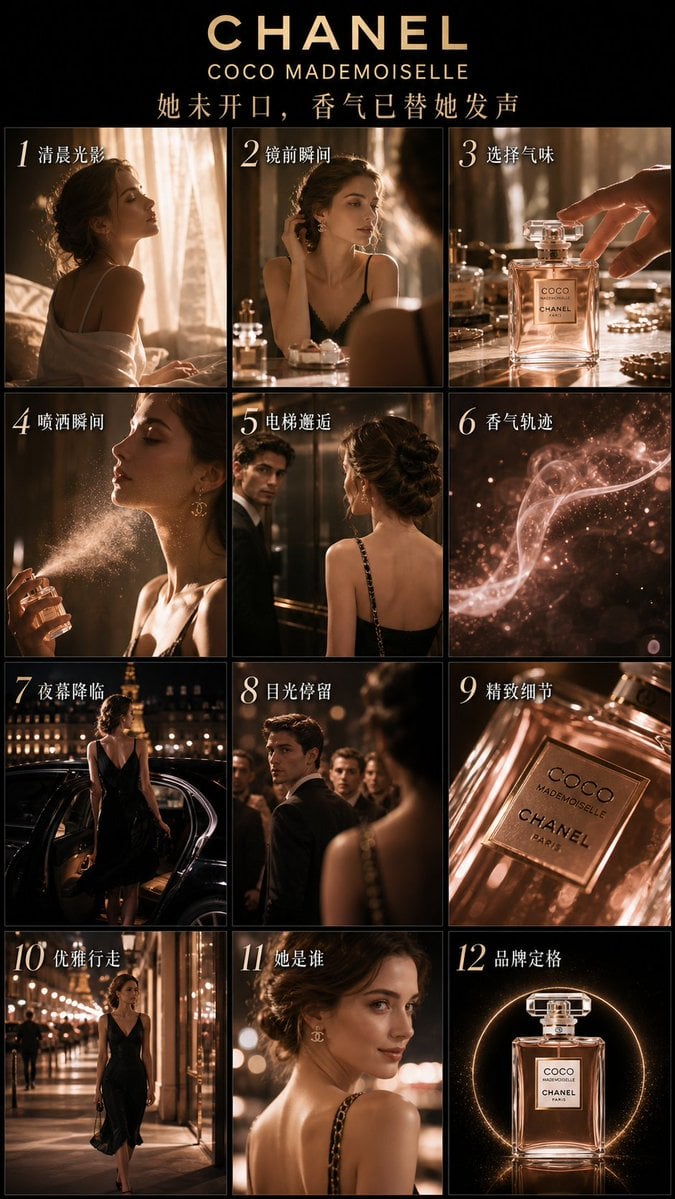
Luxury Perfume Advertising Storyboard
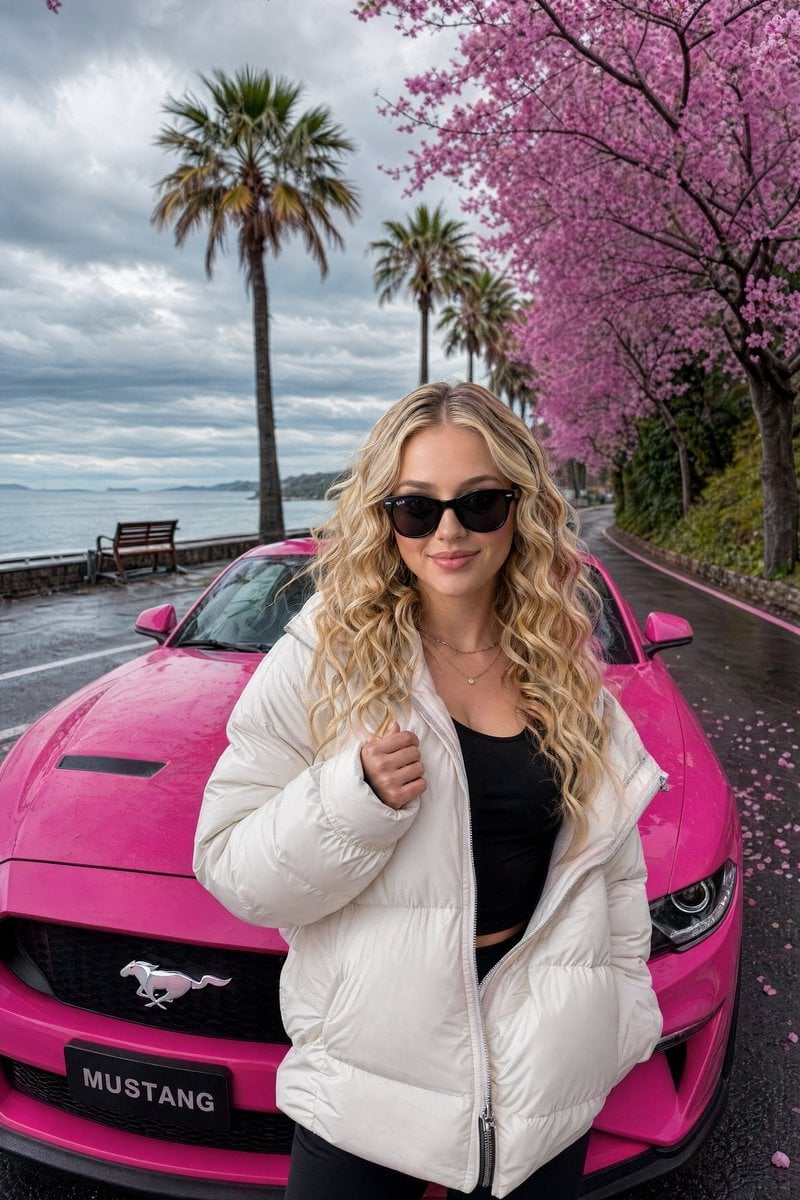
Gpt2 Social Media Post Luxury Lifestyle Mustang Shot

Futuristic Fashion Shot on Giant Smartphone Screen
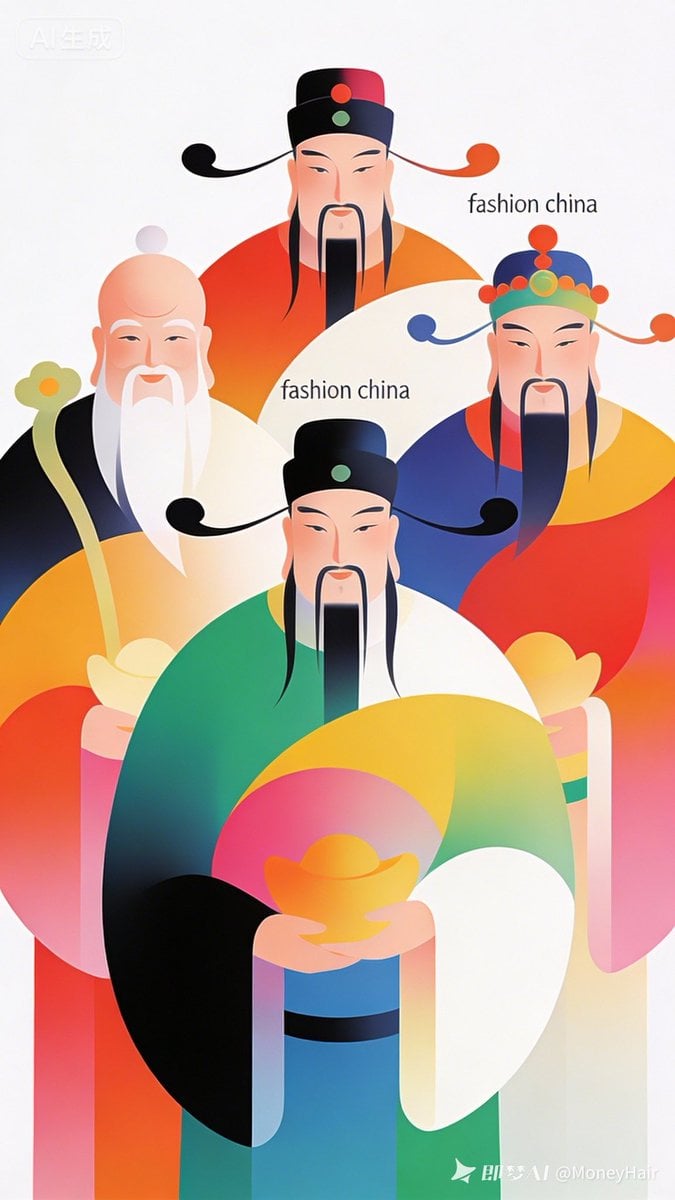
Vector Illustration for Five Gods of Wealth Red Packet Cover
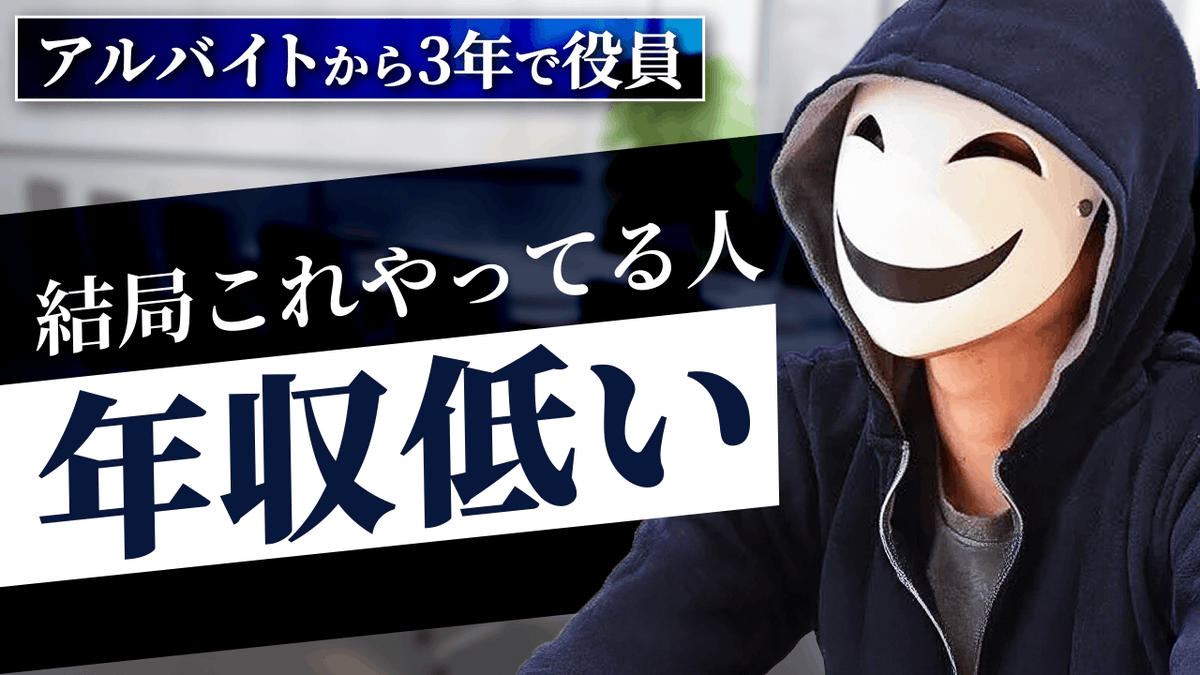
YouTube thumbnail design brief for a masked interview video
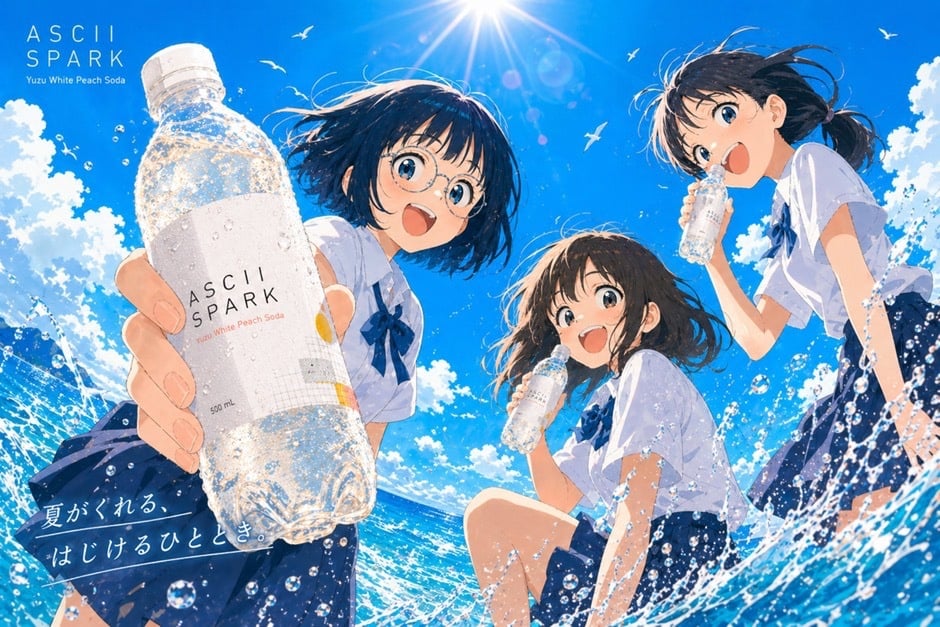
Anime Summer Soda Ad Poster
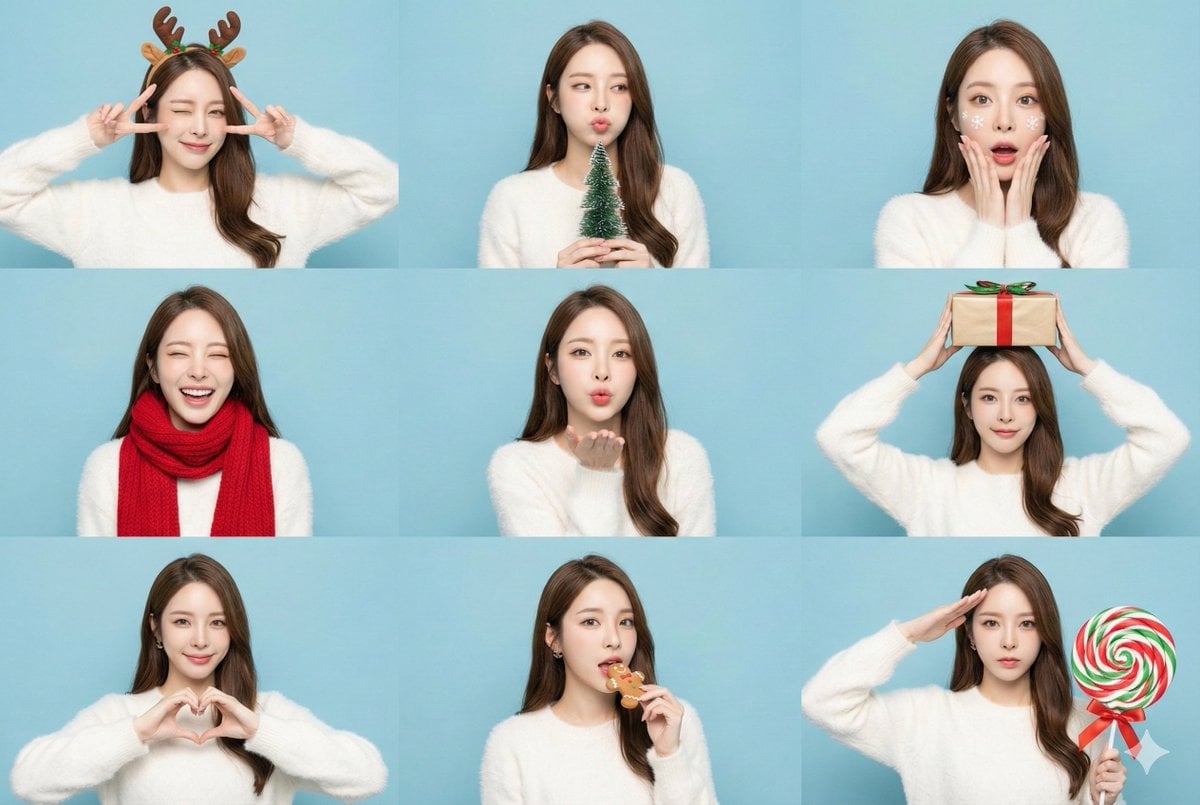
Panel Christmas Photobooth Sticker Generator
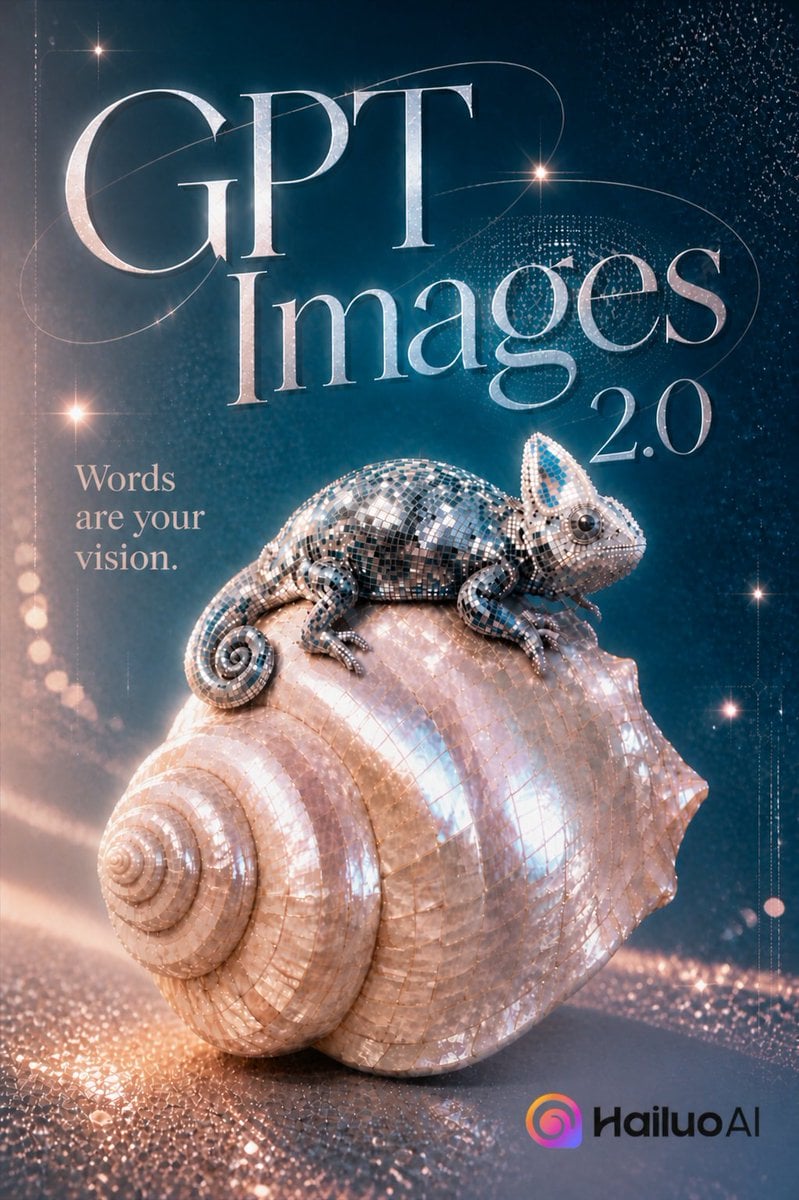
GPT Images 2.0 Chameleon Poster
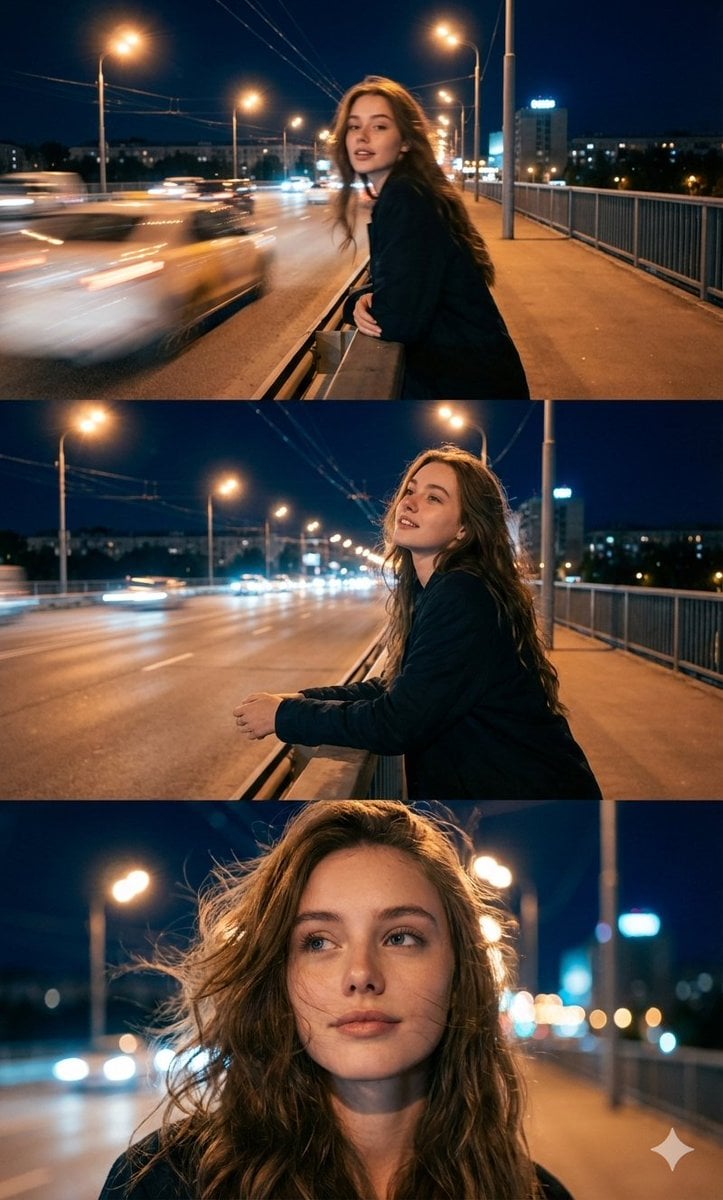
Cinematic Triptych Portrait in a Night City Setting
Browse template categories
Pixel Art Battle Cat Buggy questions
How do I use the Pixel Art Battle Cat Buggy template?
Add your photo if the template asks for one, edit the prompt if you like — the template's model and format are already selected — and press Generate. Your version opens in PicX Studio.
Can I customize the Pixel Art Battle Cat Buggy template?
Yes. You can change the subject, setting, lighting, mood, format, and available model controls before creating your image.
Is the Pixel Art Battle Cat Buggy template free?
Opening and editing this template is free. Generating uses credits, shown on the Generate button when you are signed in.
Which AI model should I use?
Start with GPT Image 2, which is the model associated with this template. You can compare another compatible model for a different finish.
Looking for something else? Browse all templates.

Your photo, any look
Thousands of ready templates for every top image and video model, from one credit balance.