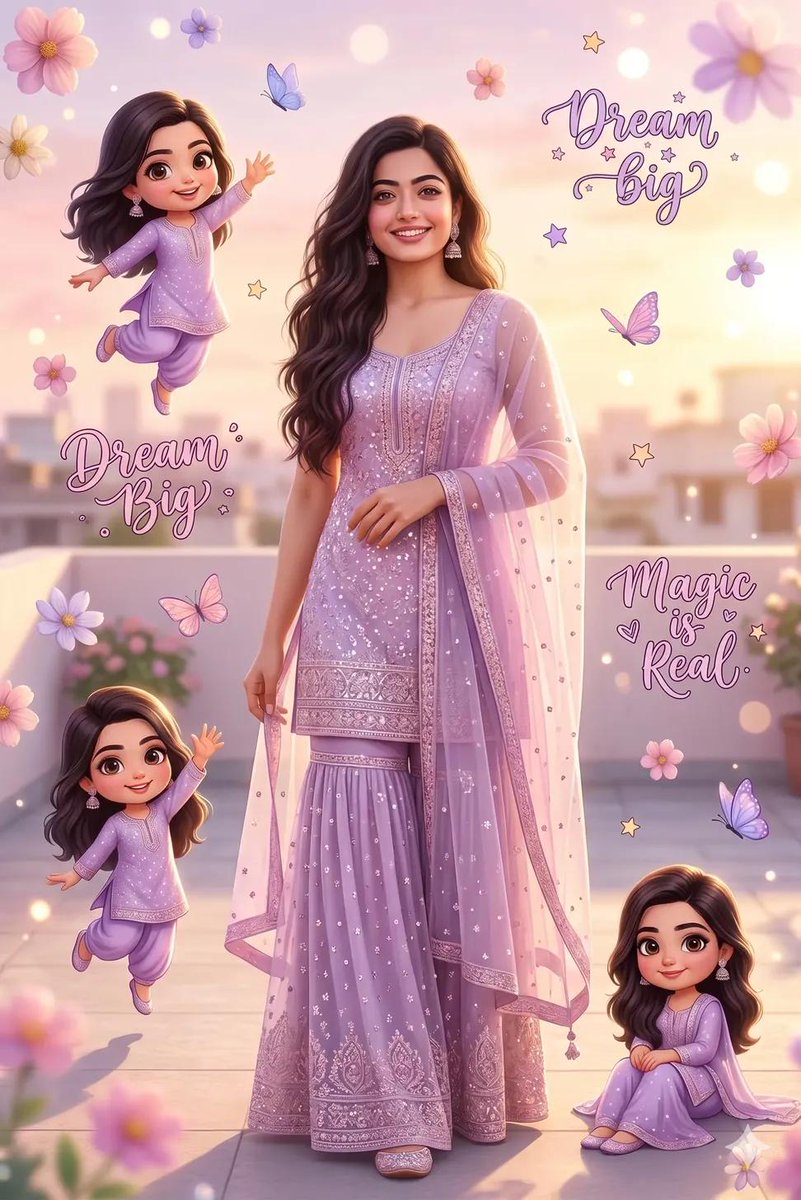
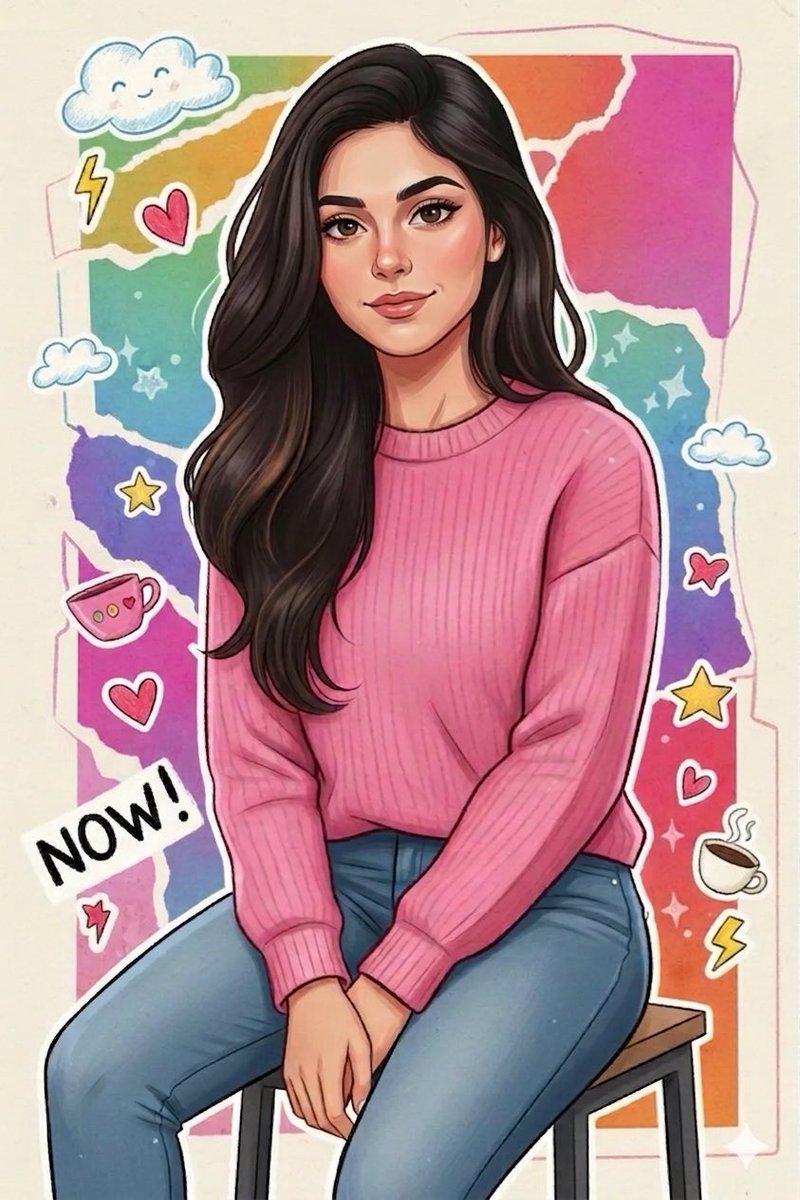
How do I use the Cartoon Selfie Doodle Illustration template?
Choose the primary action to open PicX Studio with the available template settings. Review the model and format, personalize the creative direction, and generate when ready.
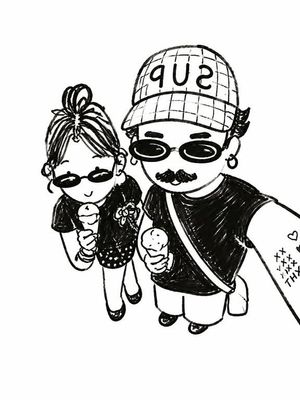
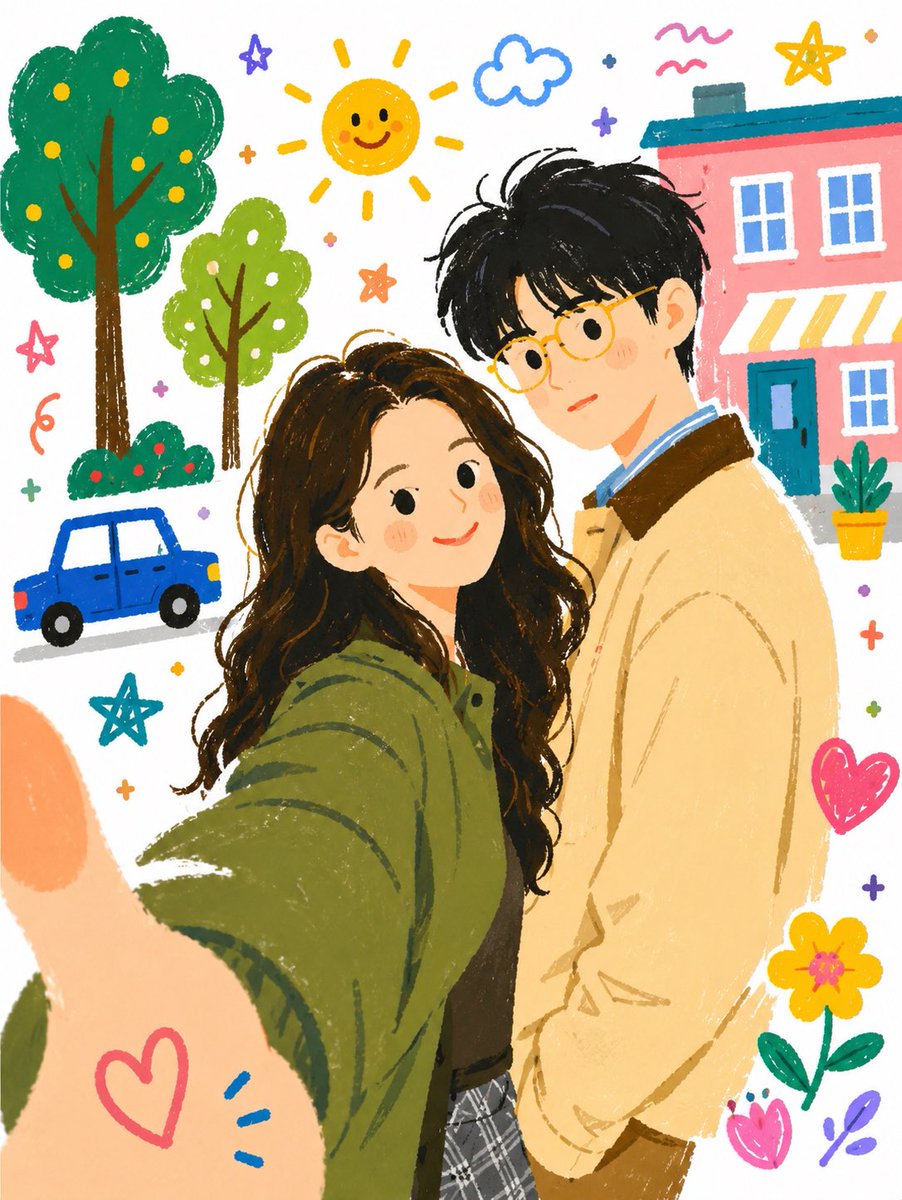
A comprehensive prompt that transforms a real-life selfie into a whimsical, hand-drawn doodle illustration with a cheerful summer vibe and colorful background e
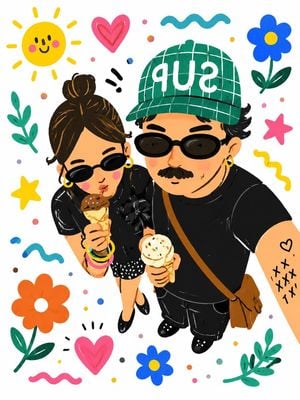
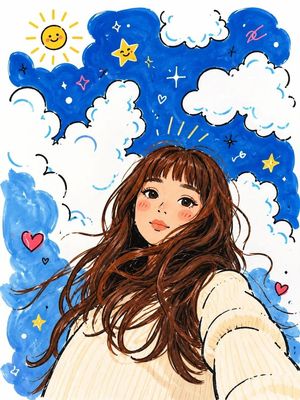
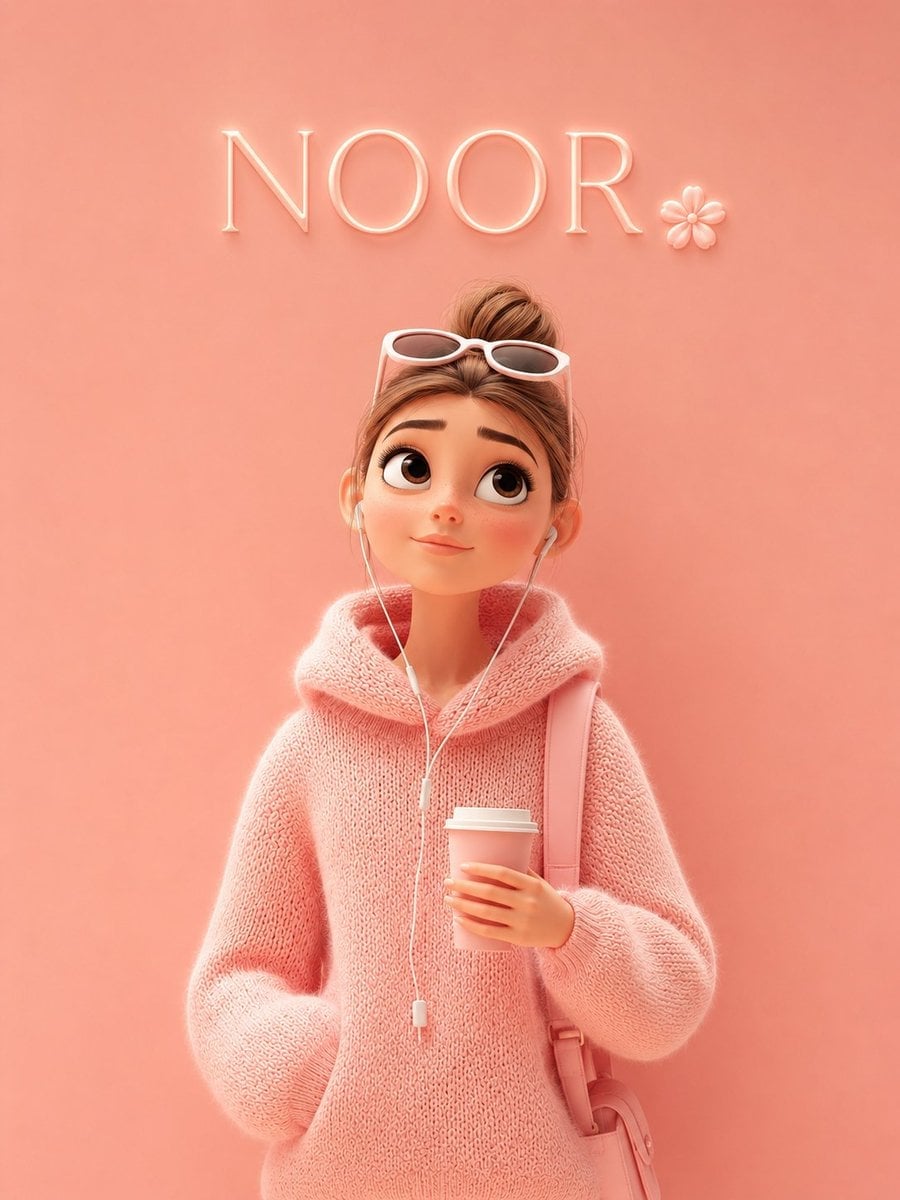
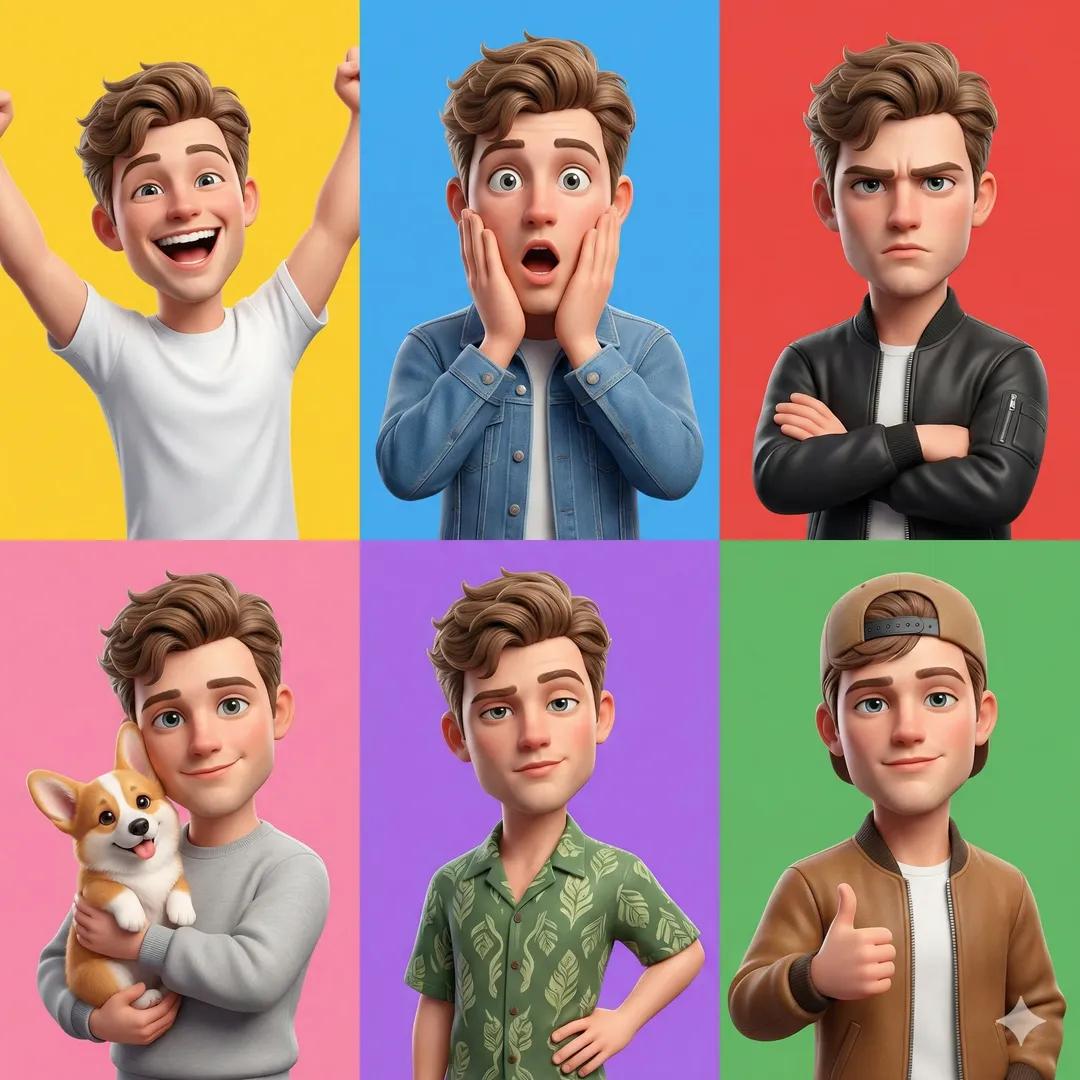
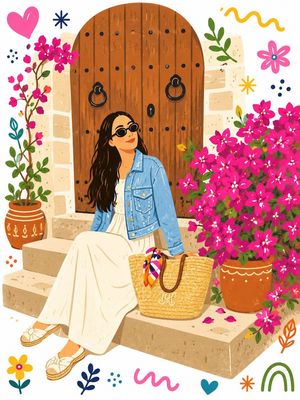
Turn this {argument name="subject" default="real-life selfie"} into a {argument name="style" default="playful hand-drawn cartoon illustration, cute doodle art style"}, top-down selfie perspective, stylish couple wearing black outfits and sunglasses, man with mustache, green plaid cap with bold white text, brown crossbody bag, woman with hair bun, holding ice cream cones, cheerful and cozy summer vibe. Bright white background filled with colorful doodles: smiling sun, flowers, hearts, stars, leaves, squiggles, clouds, tiny dots, playful hand-drawn decorations surrounding the characters. Soft pastel palette with vibrant accents, children's book illustration style, sticker art aesthetic, whimsical and charming. Flat vector illustration, clean bold outlines, simplified facial features, rosy cheeks, expressive cartoon eyes, textured brush strokes, vibrant colors, high detail, cute lifestyle artwork, Instagram-friendly illustration, cozy relationship aesthetic, modern doodle poster, joyful mood. Composition: - Overhead selfie angle - Couple centered - Ice cream cones visible - Green cap and black sunglasses preserved - Decorative doodles evenly filling the background - Clean white canvas Style references: cute doodle illustration, Scandinavian children's book art, whimsical sticker design, colorful hand-painted cartoon, playful digital illustration, kawaii aesthetic, modern lifestyle artwork, trending social media illustration.
Cartoon Selfie Doodle Illustration needs input media to work. Open it in the studio and these load alongside the prompt — pick whichever ones your chosen model can take.
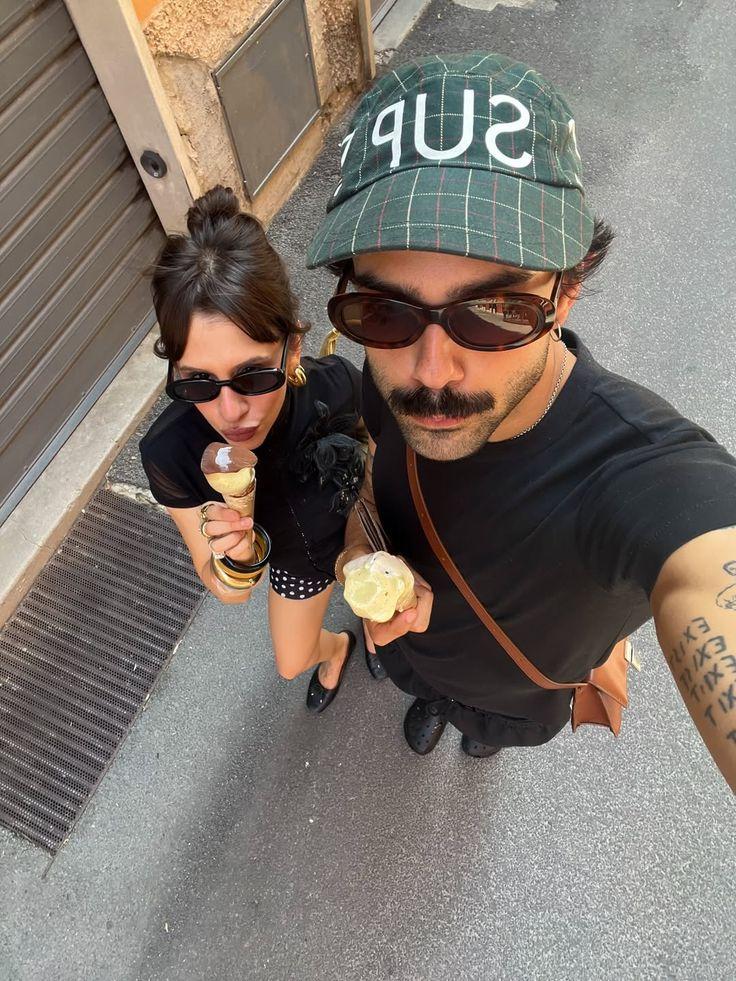
Choose the primary action to open PicX Studio with the available template settings. Review the model and format, personalize the creative direction, and generate when ready.
Yes. You can change the subject, setting, lighting, mood, format, and available model controls before creating your image.
This template is free to open and customize. Generation usage is shown in PicX Studio before you create.
Start with GPT Image 2, which is the model associated with this template. You can compare another compatible model for a different finish.
Follow a topic to a crawlable collection of related PicX Studio templates.