How do I use the Professional Office Portrait template?
Choose the primary action to open PicX Studio with the available template settings. Review the model and format, personalize the creative direction, and generate when ready.
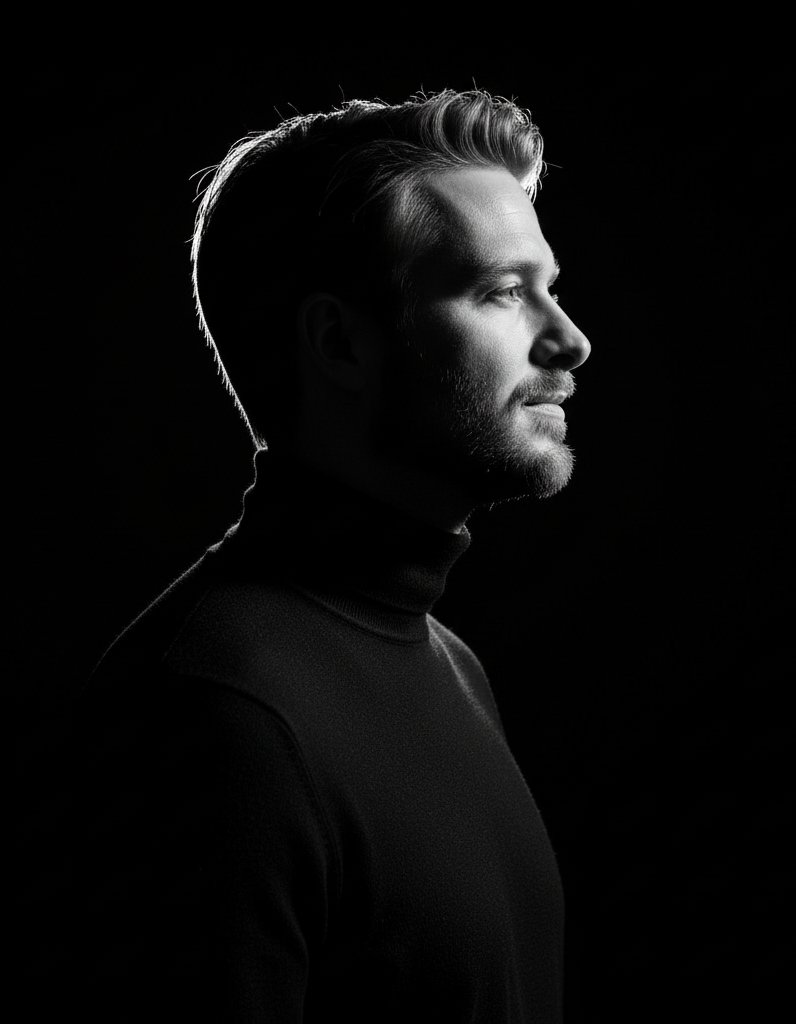
Creates a realistic corporate lifestyle portrait of a confident young African man seated at a desk for professional branding or LinkedIn-style use.

Create an ultra-realistic, high-end professional lifestyle portrait of a stylish young African man seated confidently behind a clean white desk in a modern office studio. He is centered in the frame, facing the camera with a calm, confident, approachable expression, his chin resting lightly on one hand. He has {argument name="skin tone" default="warm medium-brown skin"}, {argument name="hairstyle" default="short neat black cropped hair"}, clear-framed eyeglasses, natural facial features, and smooth professional grooming. Dress him in a textured light blue overshirt or smart casual jacket over a dark charcoal-blue crew-neck shirt, with a silver metal wristwatch and a simple silver ring visible. Place an open silver laptop on the right foreground edge of the white desk, partially cropped, and keep his other hand relaxed on the tabletop. The background is a softly blurred dark gray textured wall with exactly two office decor elements: a small green plant in a white pot on the left rear shelf and a black angled desk lamp glowing warmly on the right. Use premium corporate portrait photography lighting: soft diffused key light from the front, gentle highlights on the face and glasses, subtle shadow depth, shallow depth of field, crisp facial detail, natural skin texture, realistic reflections, 85mm portrait lens look, clean composition, muted cool color palette, no text, no watermark, no extra people.
Choose the primary action to open PicX Studio with the available template settings. Review the model and format, personalize the creative direction, and generate when ready.
Yes. You can change the subject, setting, lighting, mood, format, and available model controls before creating your image.
This template is free to open and customize. Generation usage is shown in PicX Studio before you create.
Start with GPT Image 2, which is the model associated with this template. You can compare another compatible model for a different finish.
Follow a topic to a crawlable collection of related PicX Studio templates.