
Cubist Contour Portrait
A sophisticated museum-quality prompt that blends a portrait's identity with modern geometric cubism and optical contour lines.
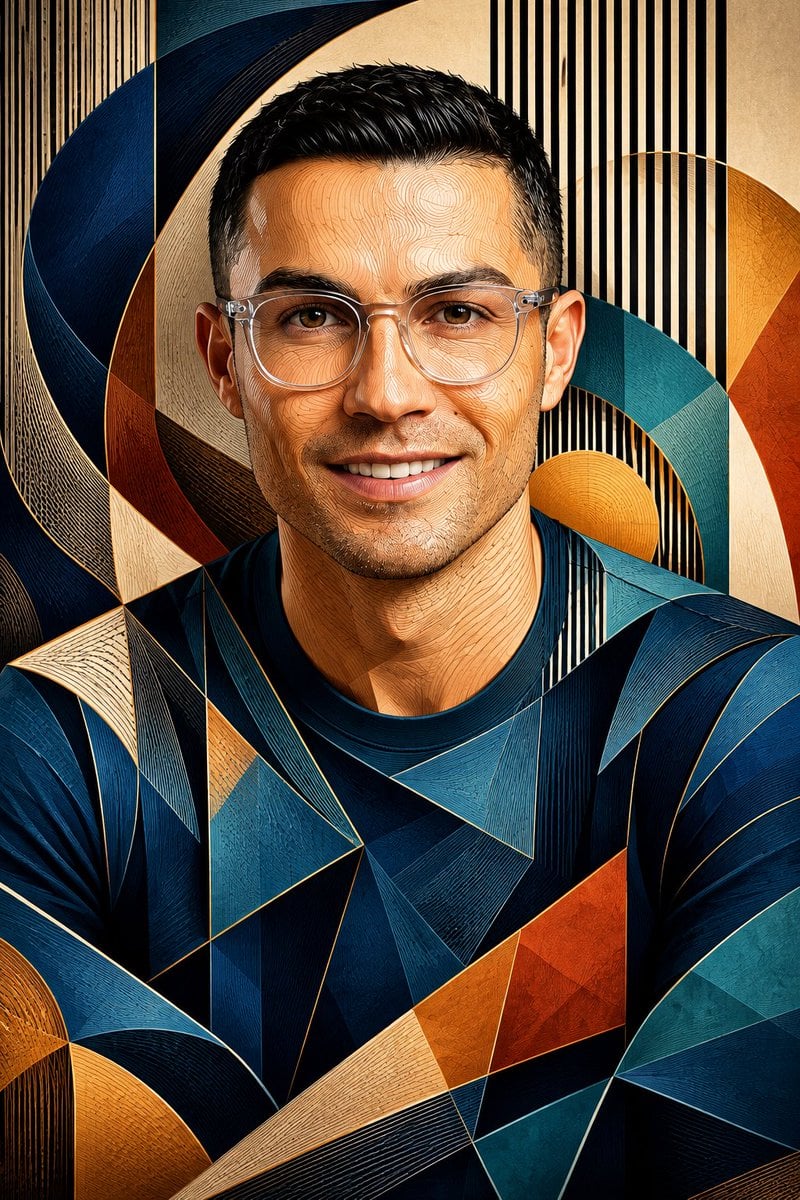
- Prompt included
- Model and format preset
- Free template
The prompt behind this image
Copy the exact prompt behind Cubist Contour Portrait, or open it in the studio and make it yours.
Transform the uploaded portrait into a masterpiece combining optical contour-line illustration and modern geometric cubism. Preserve the exact facial identity, glasses, hairstyle, age, skin tone, and facial proportions of the original person. Build the face from hundreds of flowing vertical contour lines that bend naturally around the eyes, nose, cheeks, lips, ears, and chin. Merge these contour lines with layered polygonal planes and faceted geometric surfaces inspired by contemporary cubist sculpture. Surround the portrait with large curved geometric ribbons in {argument name="ribbon colors" default="navy blue, teal, ochre, amber, terracotta, and cream"}. Background contains dense {argument name="background pattern" default="vertical black-and-cream stripes"} that continue through parts of the face to create an optical illusion effect. Skin rendered using warm sandstone and ivory tones with subtle engraved textures. Clothing simplified into elegant angular geometric shapes with deep blue gradients. Fine line engraving visible across all surfaces. Sophisticated museum artwork, high detail, premium gallery illustration, dimensional shading, sculptural appearance, realistic likeness, symmetrical composition, portrait centered, 4:6 aspect ratio, masterpiece quality, 8k resolution.
How to use Cubist Contour Portrait in 3 steps
- 1Upload ImagePNG, JPG or paste
Add your photo
Upload the photo the template builds on. The prompt, model and format are already set.
- 2…a portrait of your subject in softgolden-hour light, 85mm…
Personalize
Edit the subject and creative details for your destination.
- 3Generate
Generate
Press Generate — your image is created in PicX Studio, so you can compare it with the original and refine one variable at a time.
More like this
Templates with the same subject, style or setup. Open one to see its prompt.

Found Photograph: Us, 1970

80s Couple Studio Portrait

80s Bollywood Star

80s Golden Hour Cinema

Me in 1985

1985 Studio Portrait

Hyper-Realistic Minecraft POV Portrait

Rooftop Fisheye — Cat-Ear Balaclava at Golden Hour

Rainy Café Window Moody Portrait

untitled

2025 Aesthetic Photography

Nano Banana Is So Addictive
Make it yours
Cubist Contour Portrait works as-is. These are the safest ways to change it without losing the look.
Change one field
Copy a single group, rewrite it, and generate again so you can see what that field is doing.
Keep the frame, change the subject
Hold the composition and light of Cubist Contour Portrait, then swap wardrobe, props or the person for a new take.
| If the result… | Why | Fix |
|---|---|---|
| The result drifts from the preview | Too many fields changed at once. | Reuse Cubist Contour Portrait as-is first, then change one group — subject, light, or setting. |
| The model over-stylizes the scene | The prose prompt leaves finish and camera underspecified. | Add one camera or lighting sentence and stay on GPT Image 2. |
More GPT Image 2 templates
Other prompts made for GPT Image 2.

Six VTuber Japanese Logo Sheet

Realistic Portrait of Woman and Deer

The Vista Modular Condo Poster

AI Model Routing Comparison Infographic

2.5D Anime Art Board

Isometric Productivity Desk Scene

New York Double Exposure Poster

Four-Panel AI Landscape Comparison

Japanese Tatami Lifestyle Magazine Cover

NESCAFÉ Coffee Map Poster
More image prompts
Fresh picks from across the catalog.
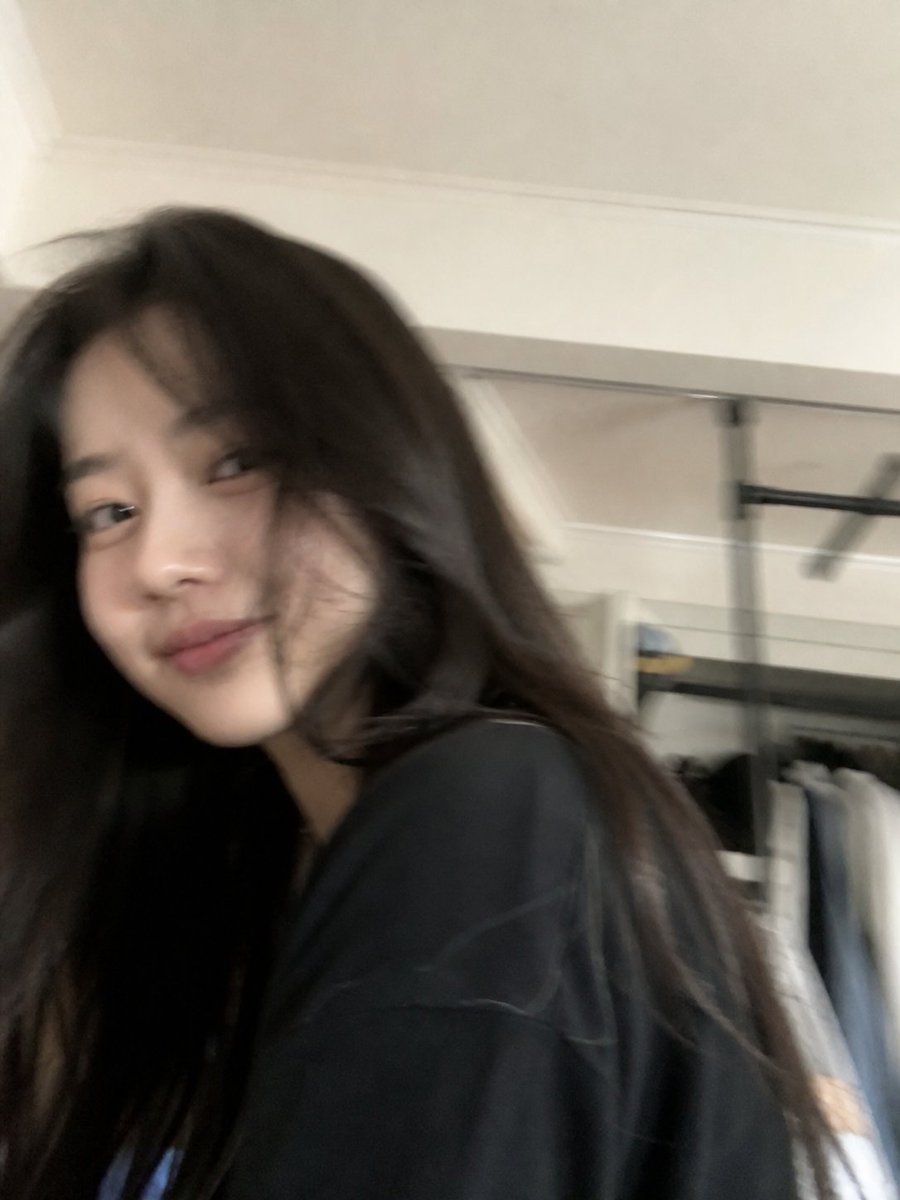
Candid iPhone Everyday Life Snapshot
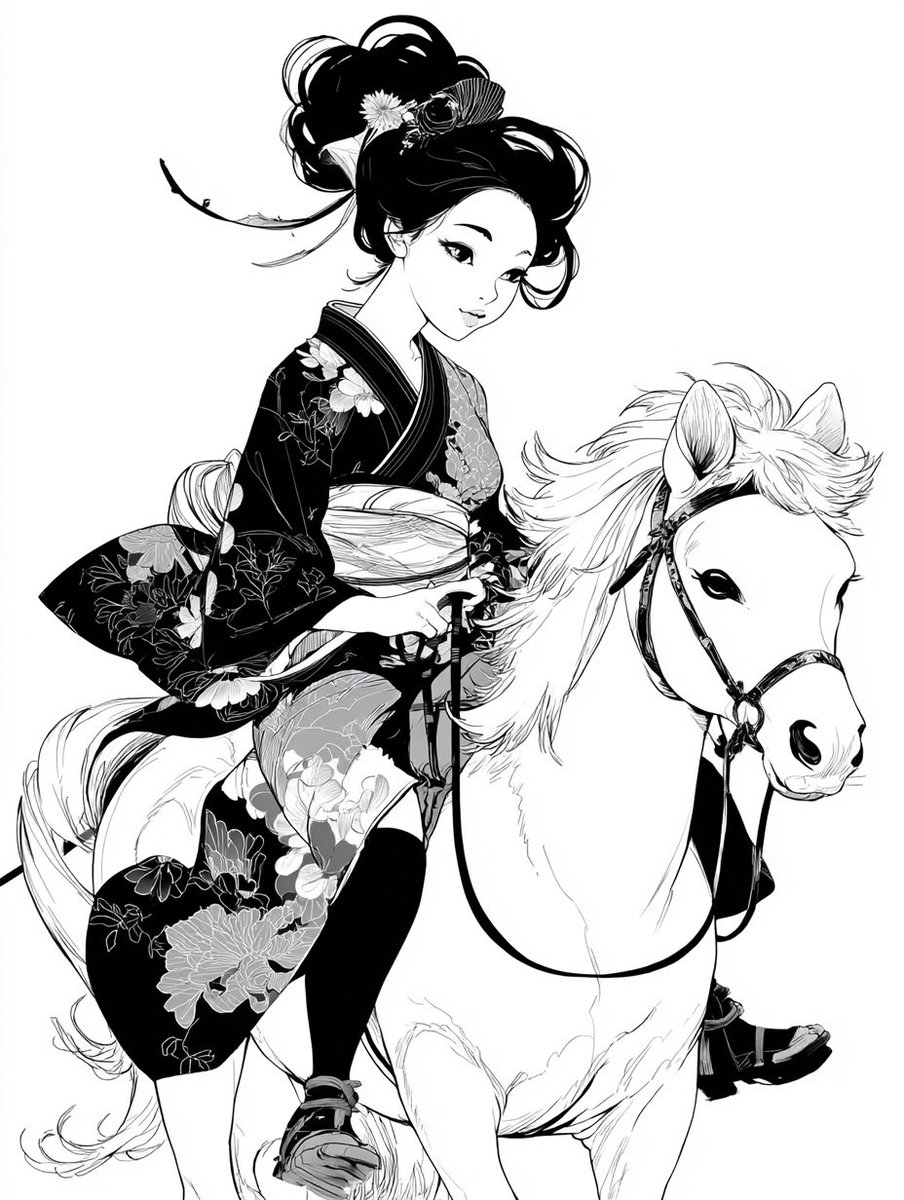
Colorful New Year's Illustration Prompt
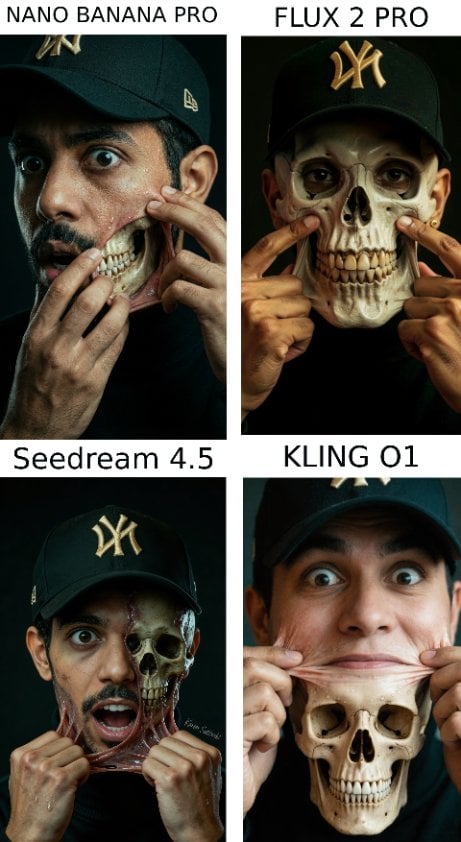
Hyper-Realistic Surreal Horror Portrait
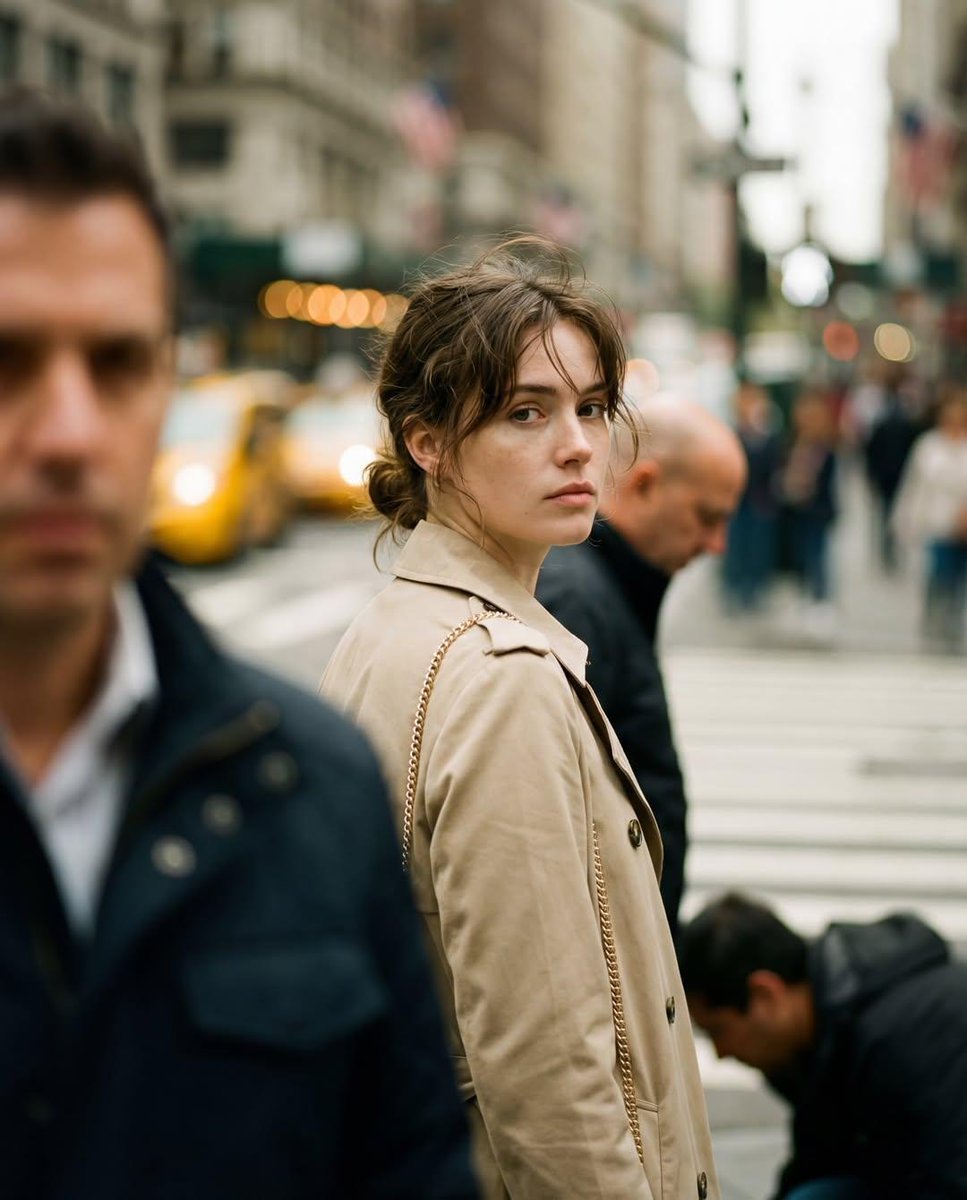
Candid Street Photography with Documentary Realism
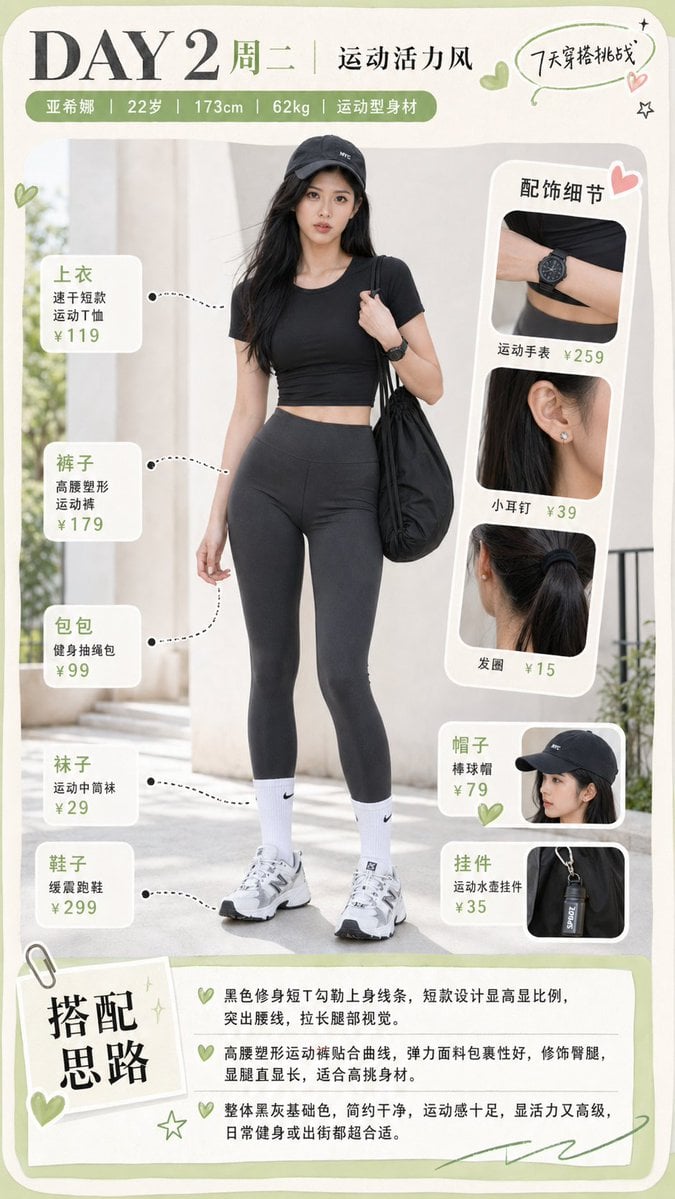
Sporty Outfit Breakdown Poster
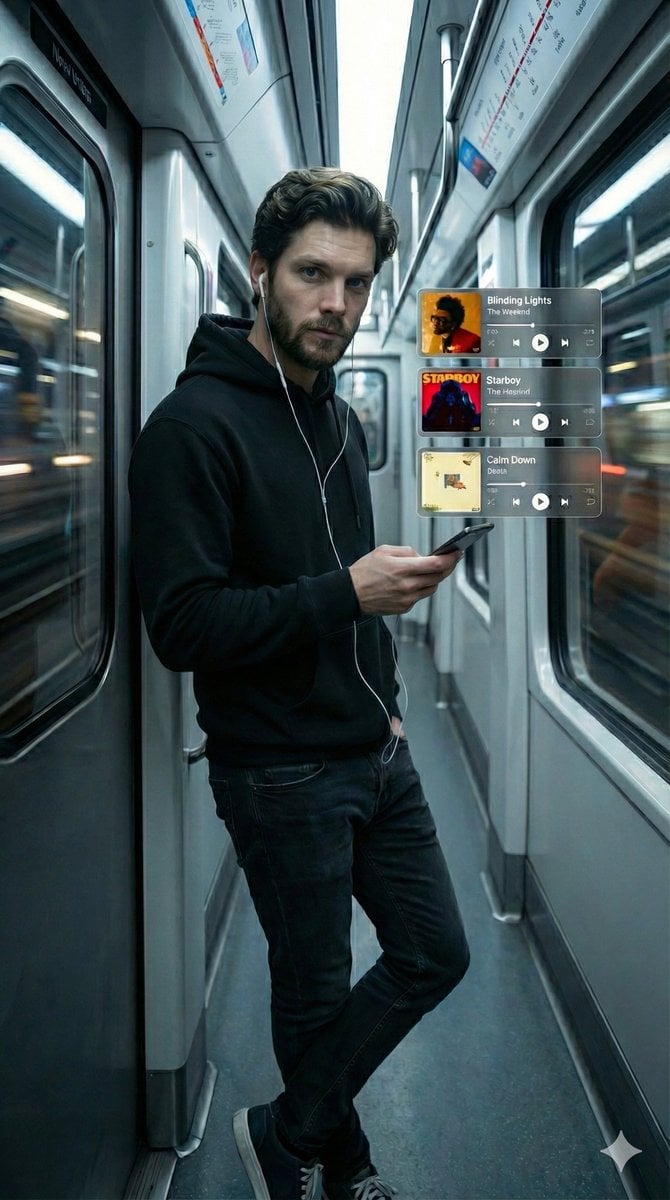
Cinematic Subway Portrait with Holographic Music UI
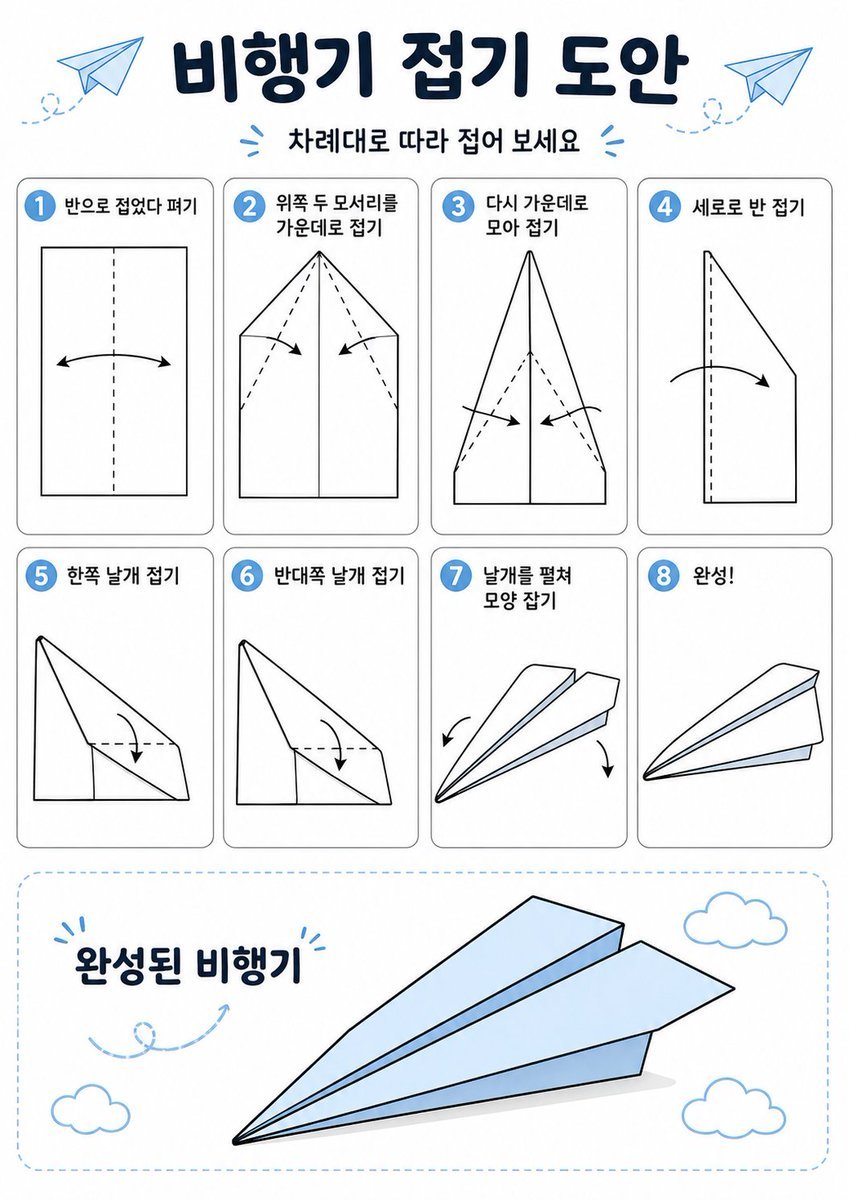
Korean Paper Airplane Folding Poster
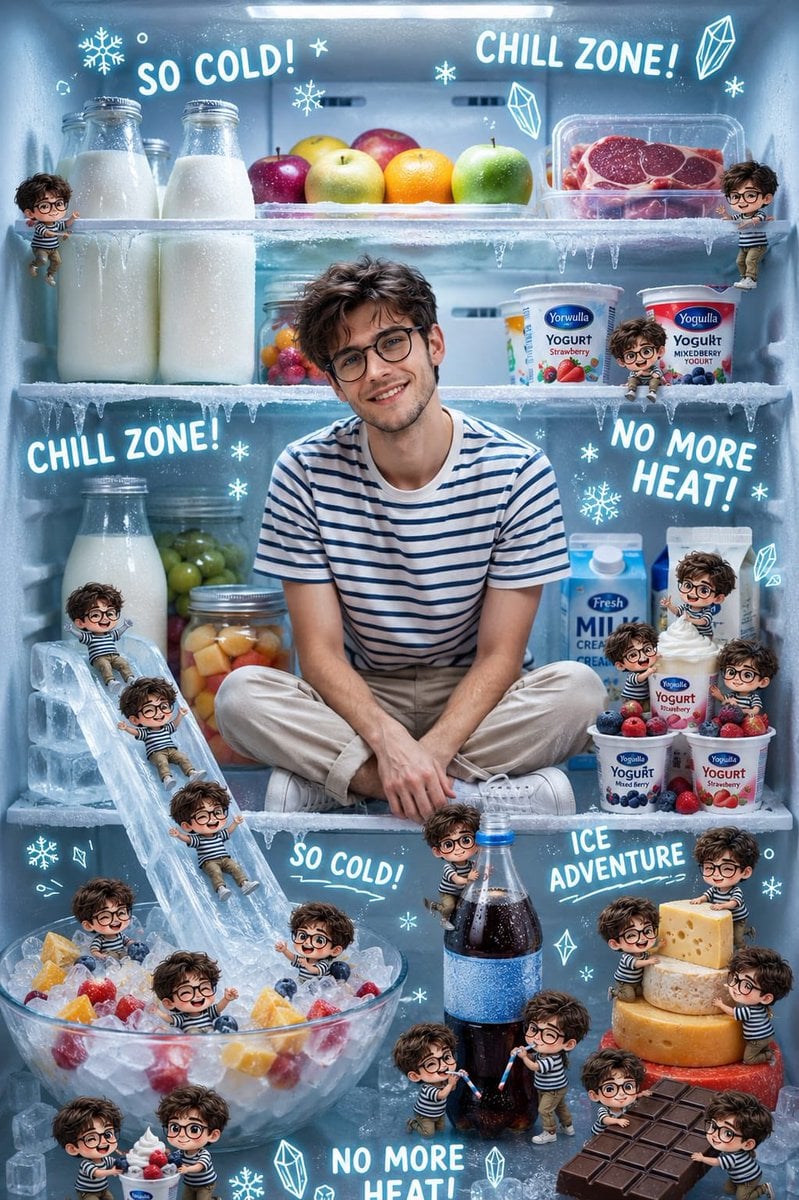
Chibi Boys in a Frozen Refrigerator
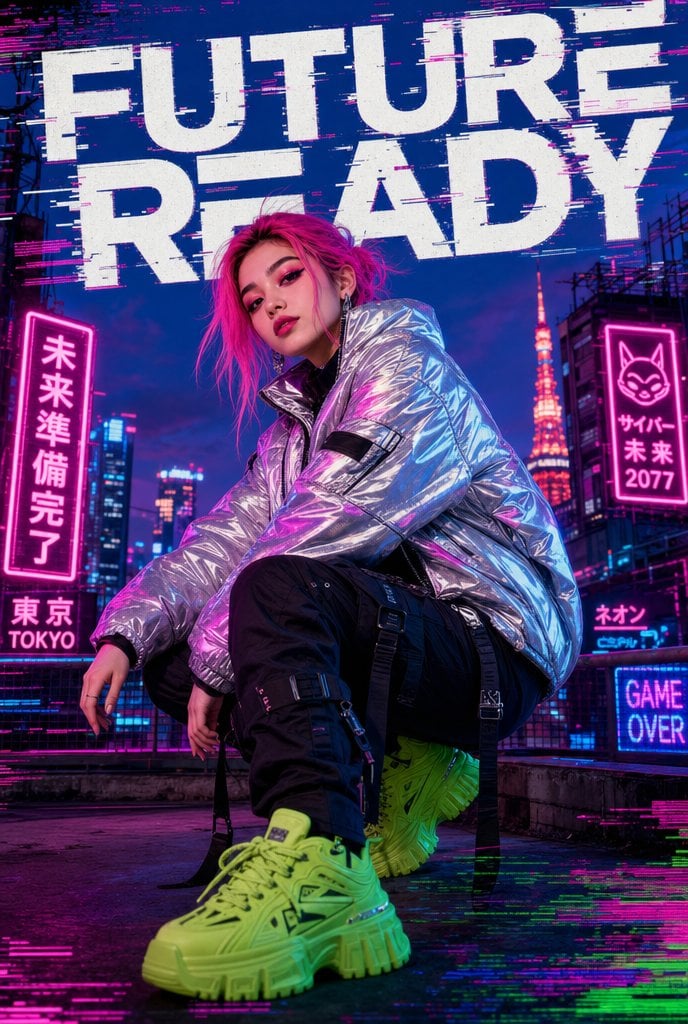
Cyberpunk Future Ready Fashion Poster
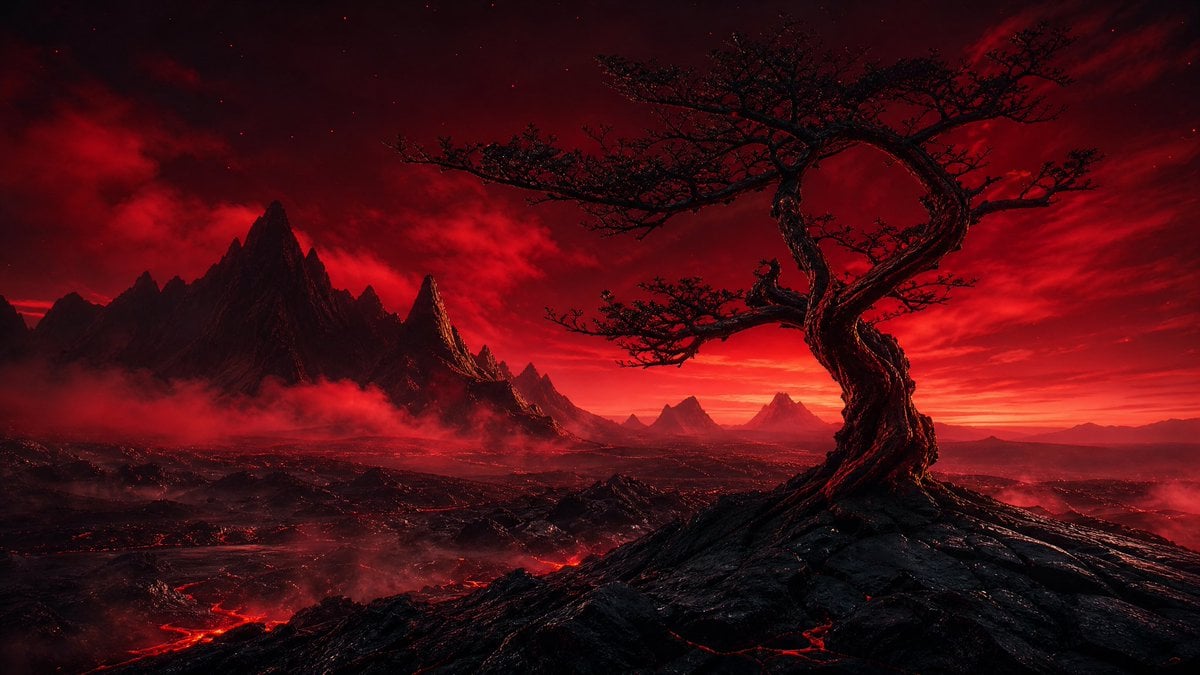
Crimson Volcanic Heart Tree
Browse template categories
Cubist Contour Portrait questions
How do I use the Cubist Contour Portrait template?
Add your photo if the template asks for one, edit the prompt if you like — the template's model and format are already selected — and press Generate. Your version opens in PicX Studio.
Can I customize the Cubist Contour Portrait template?
Yes. You can change the subject, setting, lighting, mood, format, and available model controls before creating your image.
Is the Cubist Contour Portrait template free?
Opening and editing this template is free. Generating uses credits, shown on the Generate button when you are signed in.
Which AI model should I use?
Start with GPT Image 2, which is the model associated with this template. You can compare another compatible model for a different finish.
Looking for something else? Browse all templates.

Your photo, any look
Thousands of ready templates for every top image and video model, from one credit balance.