
Protective Black Cat and Hissing Kitten
A cinematic photorealistic close-up of a black kitten hissing in front of a protective adult black cat in a warm indoor room.
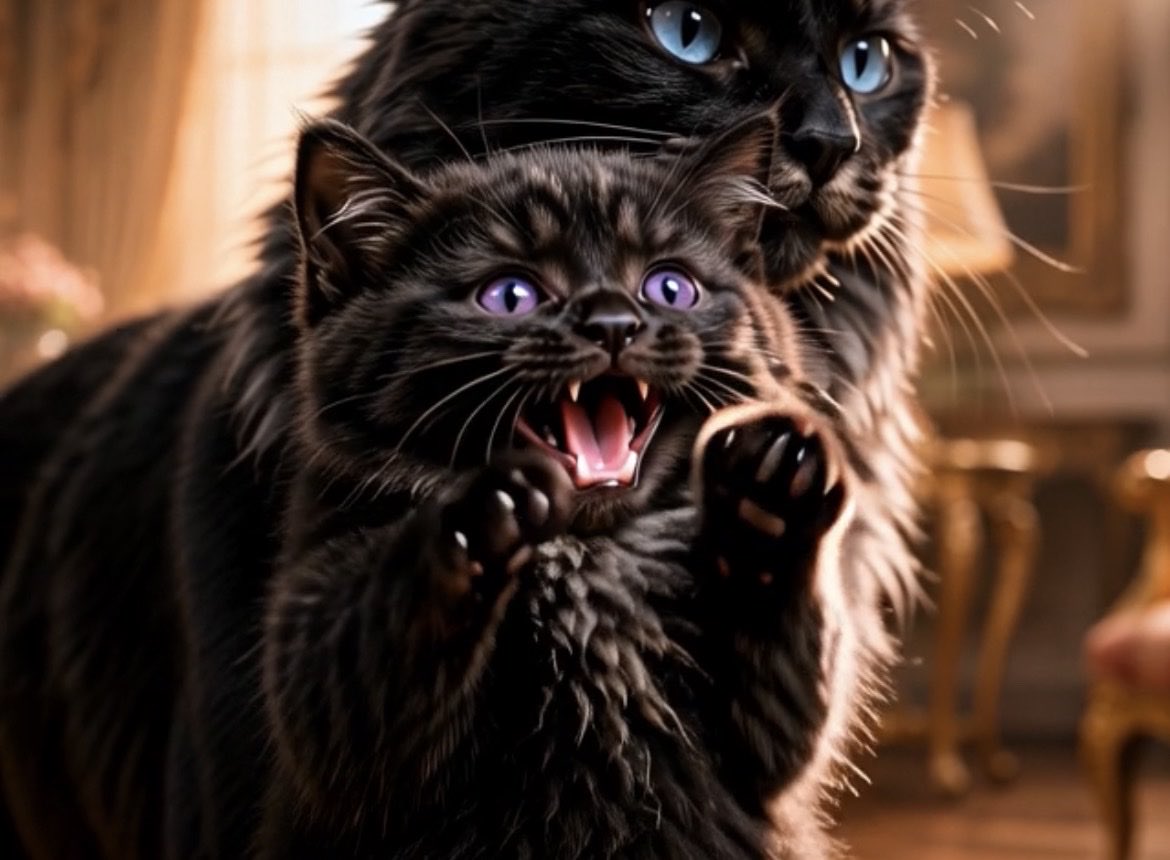
- Prompt included
- Model and format preset
- Free template
The prompt behind this image
Copy the exact prompt behind Protective Black Cat and Hissing Kitten, or open it in the studio and make it yours.
Create a photorealistic cinematic close-up of exactly two black cats indoors: one tiny fluffy black kitten in the foreground and one larger adult black cat directly behind it, partially embracing or looming protectively. The kitten is centered, with glossy black fur, violet-purple eyes, tiny raised front paws with visible pads, mouth wide open in a dramatic meow or hiss showing small white fangs and a pink tongue, whiskers sharply catching the light, and an expressive startled-angry face. The adult cat behind it is larger, long-haired, with bright icy blue eyes, a glossy black muzzle and whiskers, looking slightly upward and to the right with an alert protective expression; only the head, chest, and part of the body are visible around the kitten. Use warm golden indoor lighting, shallow depth of field, creamy bokeh, and an elegant cozy room background with blurred wooden furniture, warm wall panels, and a softly glowing table lamp. Compose as a tight horizontal 4:3 frame, low angle at cat eye level, fur detail extremely sharp on the cats while the background is softly blurred. High-end wildlife portrait realism, cinematic contrast, warm amber rim light on black fur, no text, no collar, no humans, no extra animals.
How to use Protective Black Cat and Hissing Kitten in 3 steps
- 1Upload ImagePNG, JPG or paste
Add your photo
Upload the photo the template builds on. The prompt, model and format are already set.
- 2…a portrait of your subject in softgolden-hour light, 85mm…
Personalize
Edit the subject and creative details for your destination.
- 3Generate
Generate
Press Generate — your image is created in PicX Studio, so you can compare it with the original and refine one variable at a time.
More like this
Templates with the same subject, style or setup. Open one to see its prompt.

Cat Photobomb Selfie — 0.5x Wide Angle Café Chaos

Surreal Cat Astronaut — Humanoid Face Freefall

Dark Runway Luxury Fashion Magazine Cover

Black Liquid Cyberpunk Portrait Poster

Low Angle Floor Selfie With Upside Down Cat
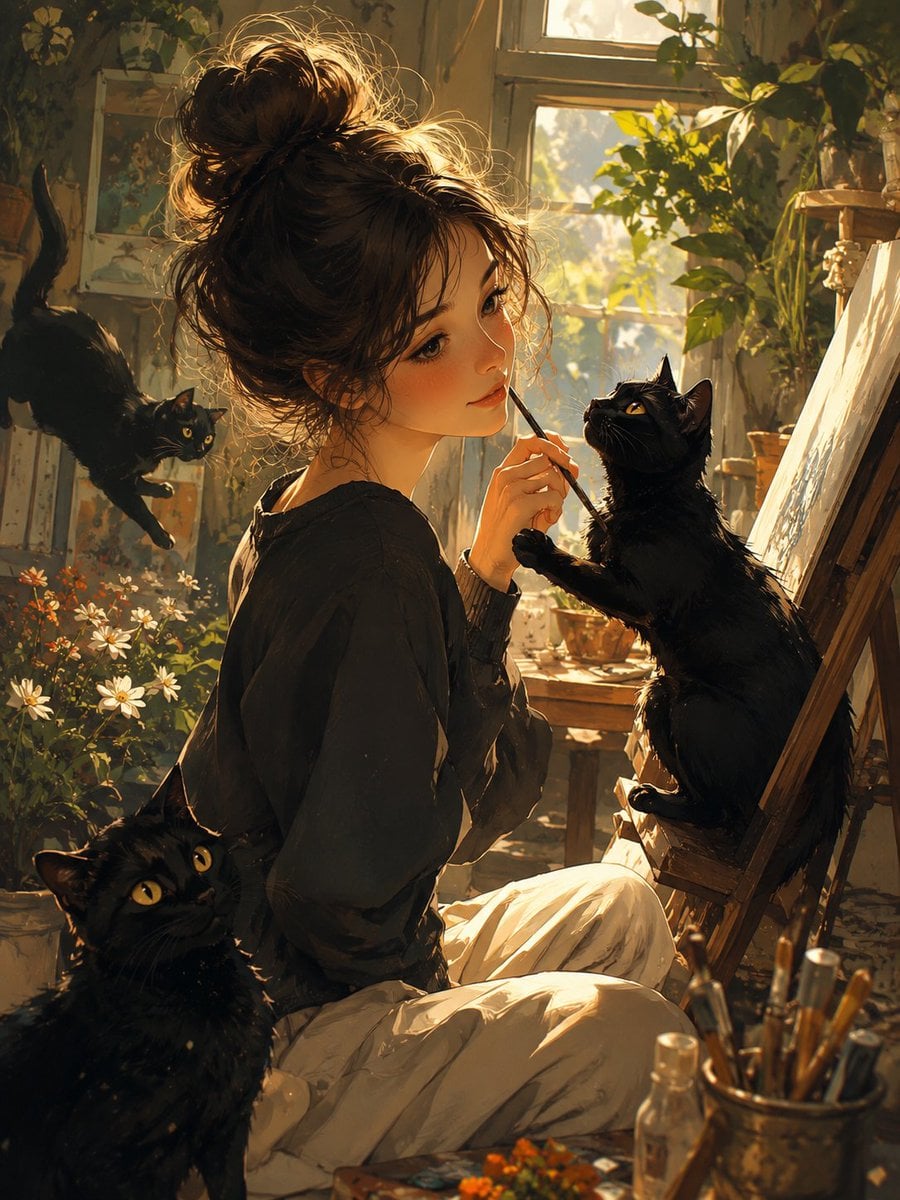
Rainy Studio Artist with Black Cats
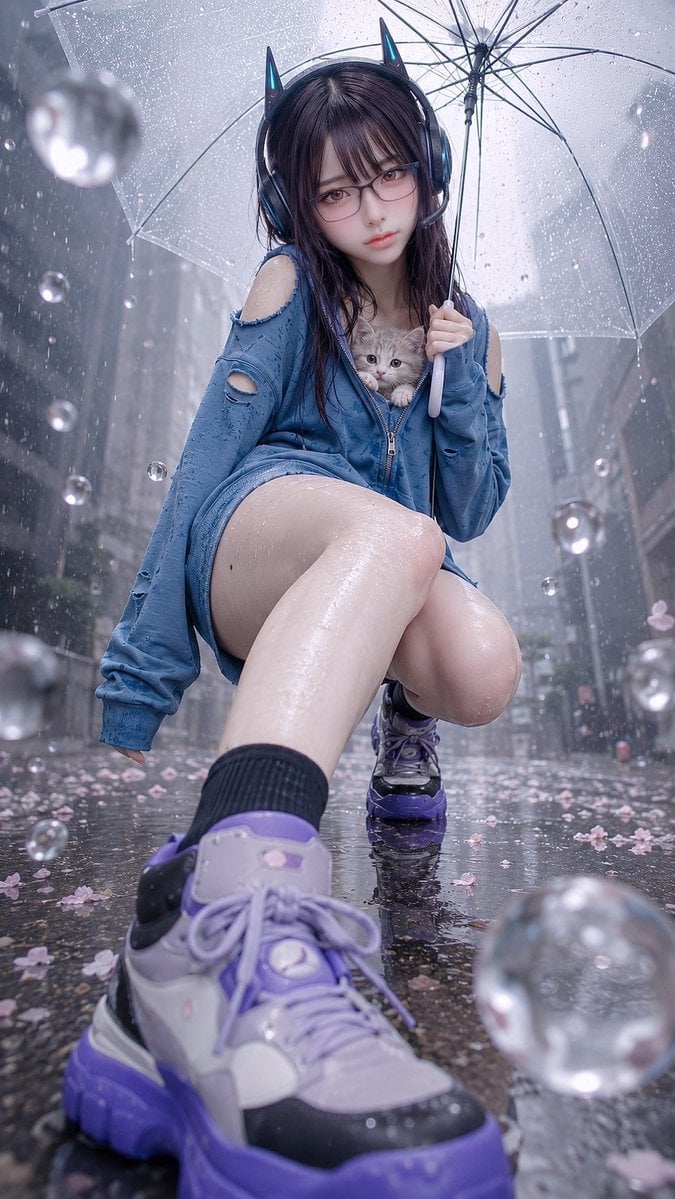
Rainy Cat-Ear Girl with Kitten

Woman in Mall with Chanel Bag - Heart Gesture

Black Cat on Wooden Post Scene
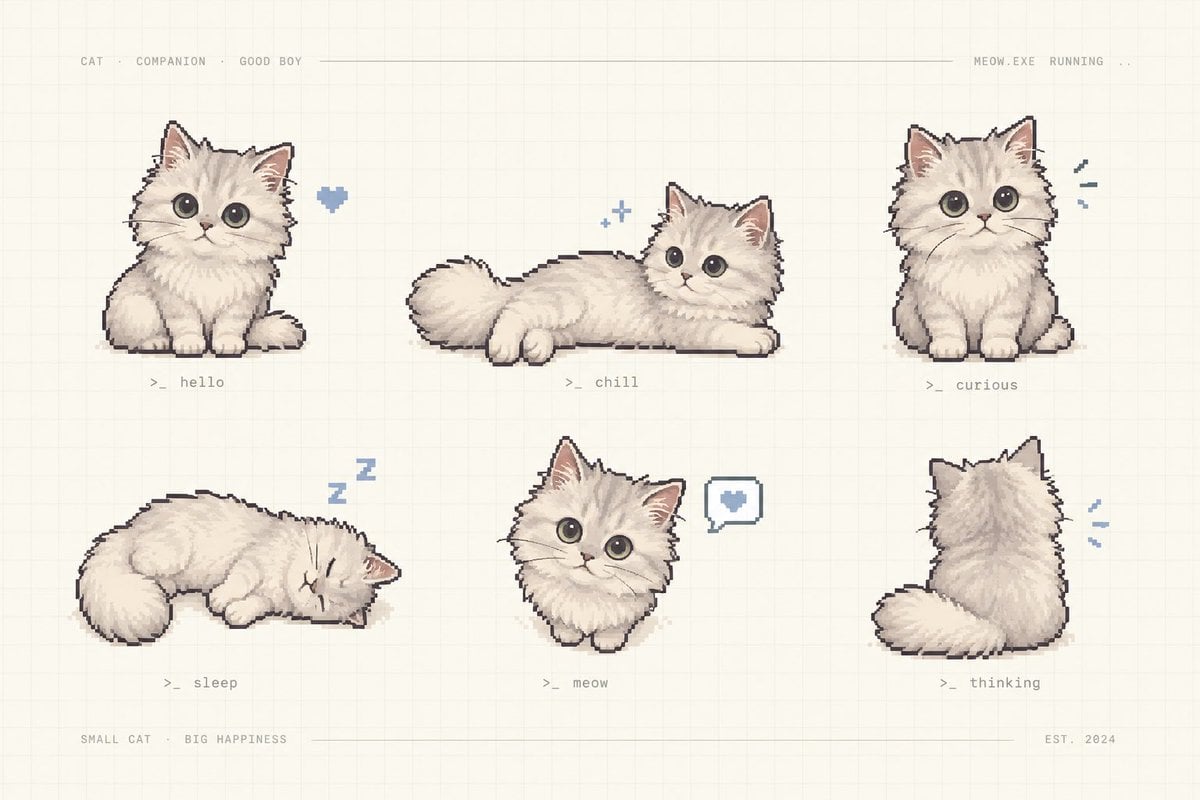
Pixel Art Kitten Companion Sheet
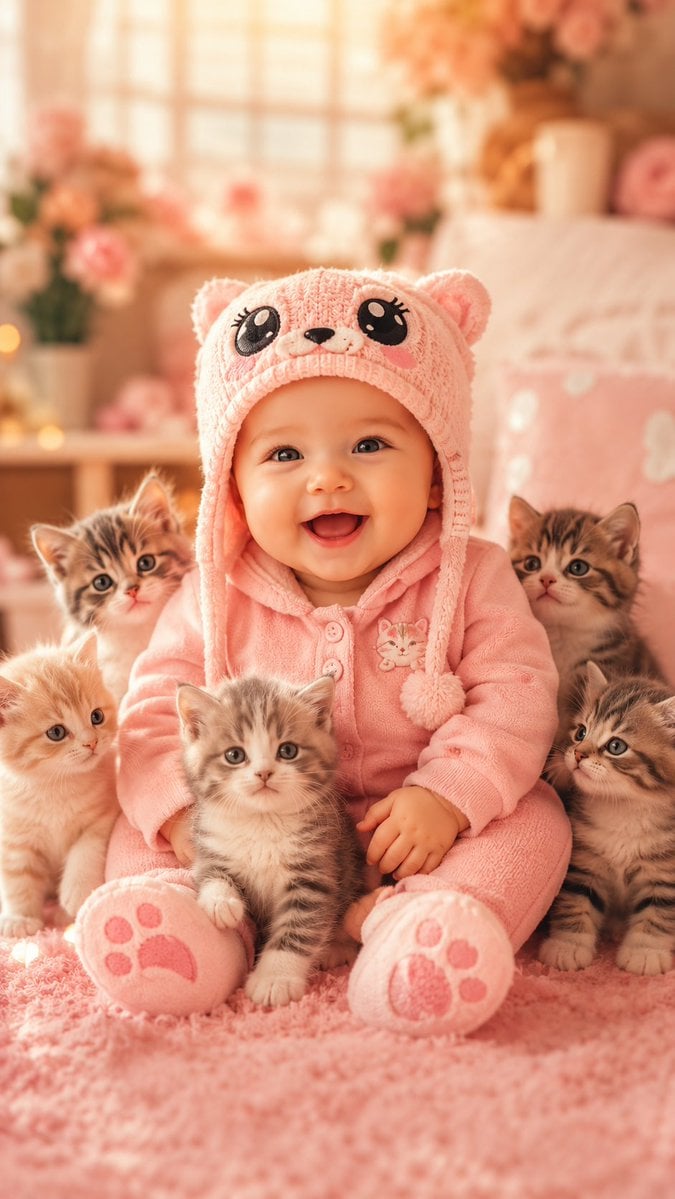
Cute Baby and Kittens Wallpaper
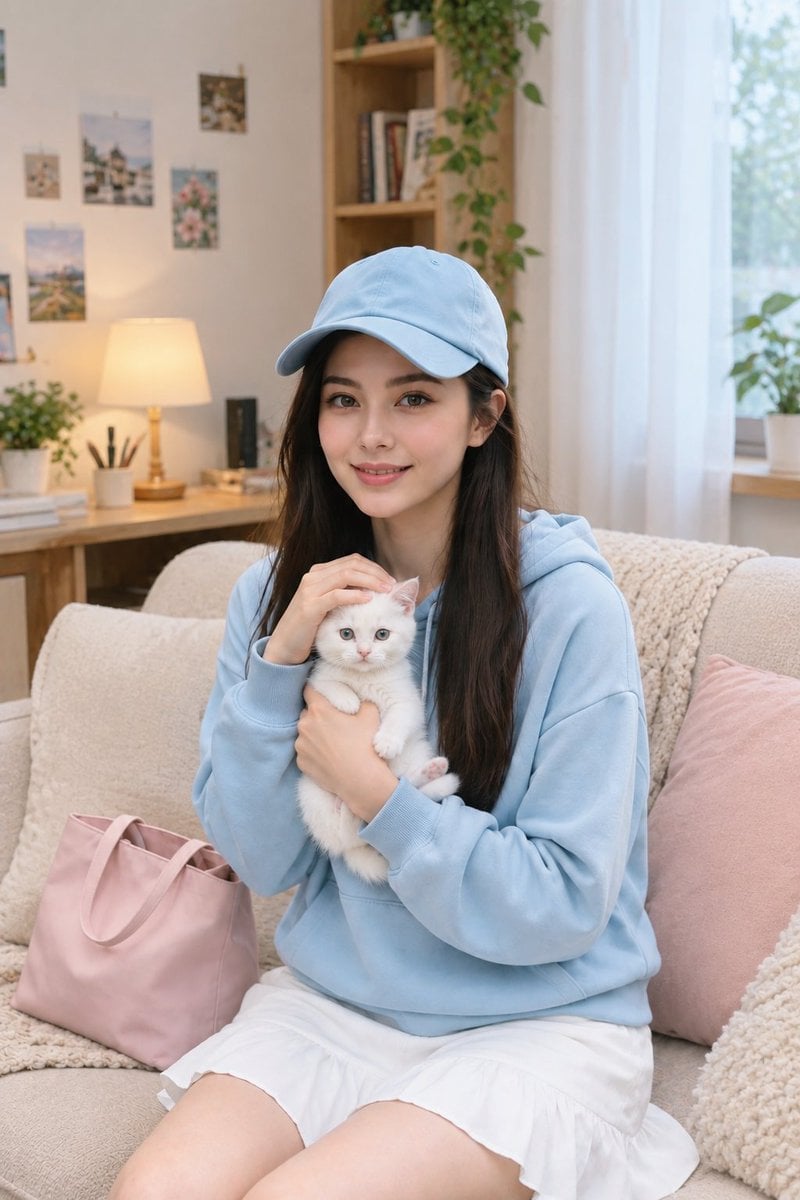
Lifestyle Portrait of Korean Woman with Kitten
Make it yours
Protective Black Cat and Hissing Kitten works as-is. These are the safest ways to change it without losing the look.
Change one field
Copy a single group, rewrite it, and generate again so you can see what that field is doing.
Keep the frame, change the subject
Hold the composition and light of Protective Black Cat and Hissing Kitten, then swap wardrobe, props or the person for a new take.
| If the result… | Why | Fix |
|---|---|---|
| The result drifts from the preview | Too many fields changed at once. | Reuse Protective Black Cat and Hissing Kitten as-is first, then change one group — subject, light, or setting. |
| The model over-stylizes the scene | The prose prompt leaves finish and camera underspecified. | Add one camera or lighting sentence and stay on GPT Image 2. |
More GPT Image 2 templates
Other prompts made for GPT Image 2.

Six VTuber Japanese Logo Sheet

Realistic Portrait of Woman and Deer

The Vista Modular Condo Poster

AI Model Routing Comparison Infographic

2.5D Anime Art Board

Isometric Productivity Desk Scene

New York Double Exposure Poster

Four-Panel AI Landscape Comparison

Japanese Tatami Lifestyle Magazine Cover

NESCAFÉ Coffee Map Poster
More image prompts
Fresh picks from across the catalog.

Premium Whiskey Brand Advertisement
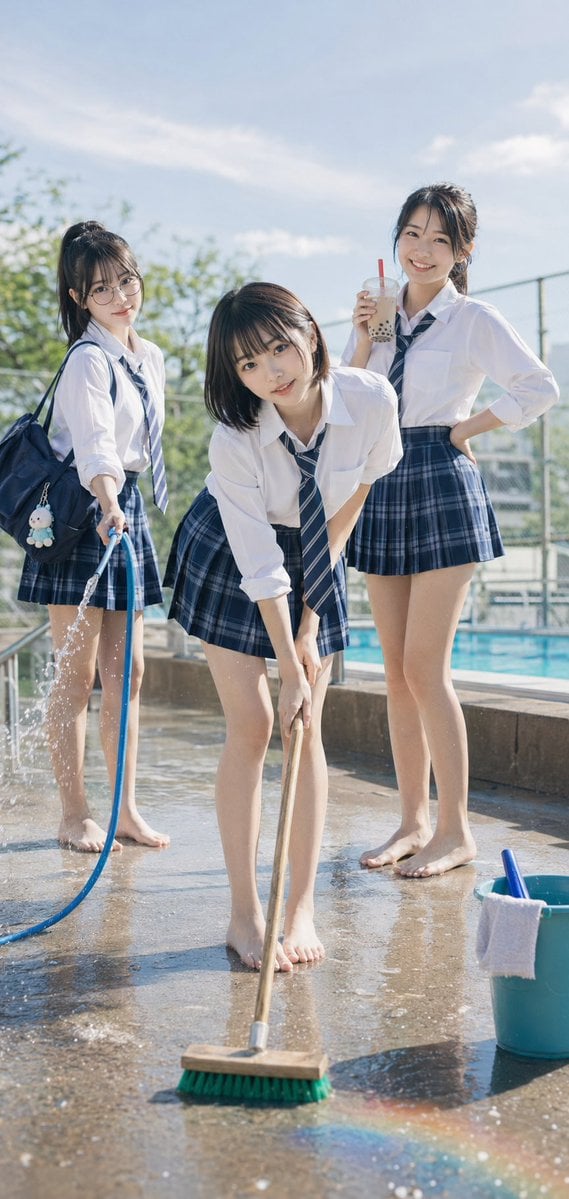
Poolside School Cleaning Scene
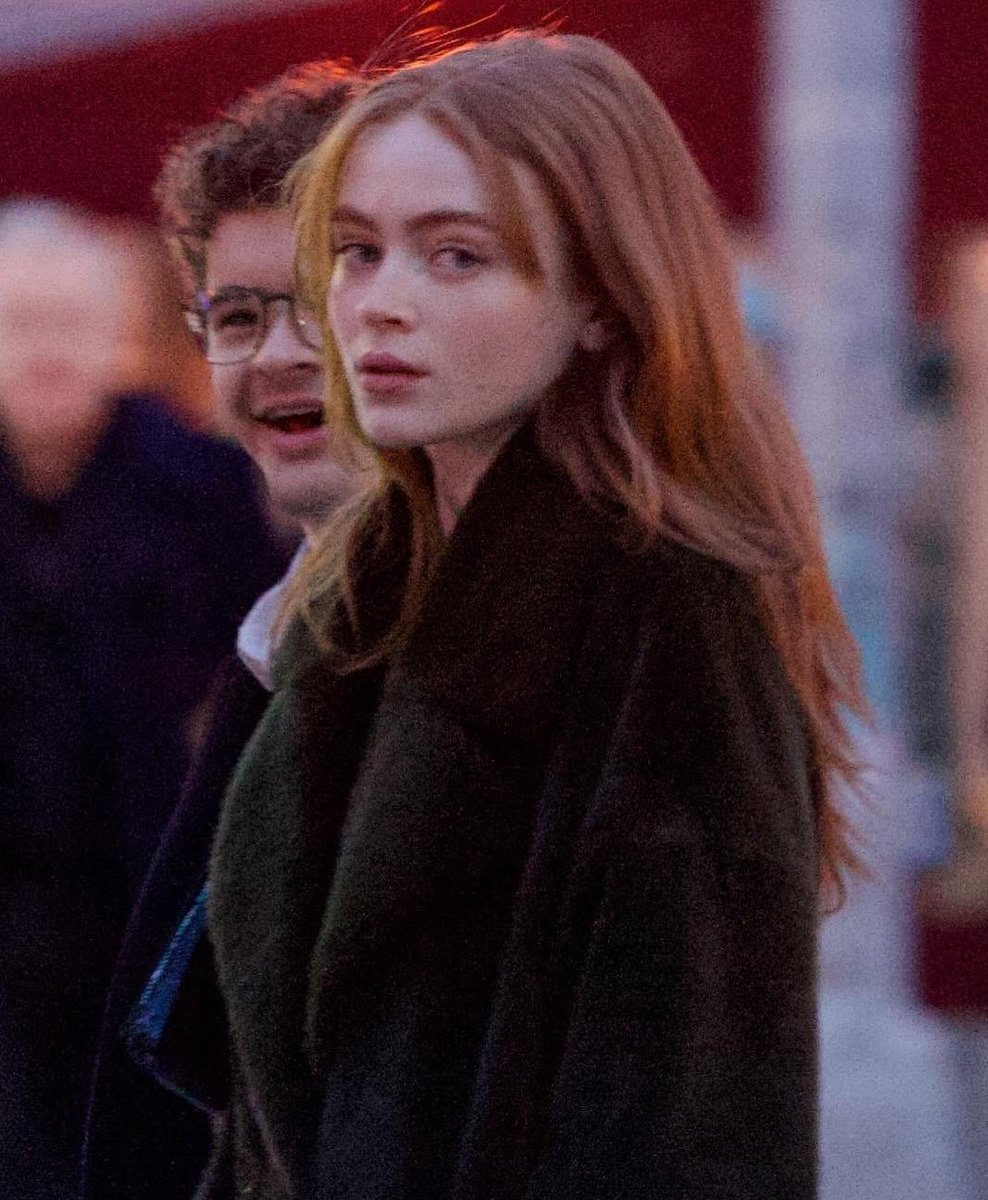
Cinematic Evening Street Portrait Prompt
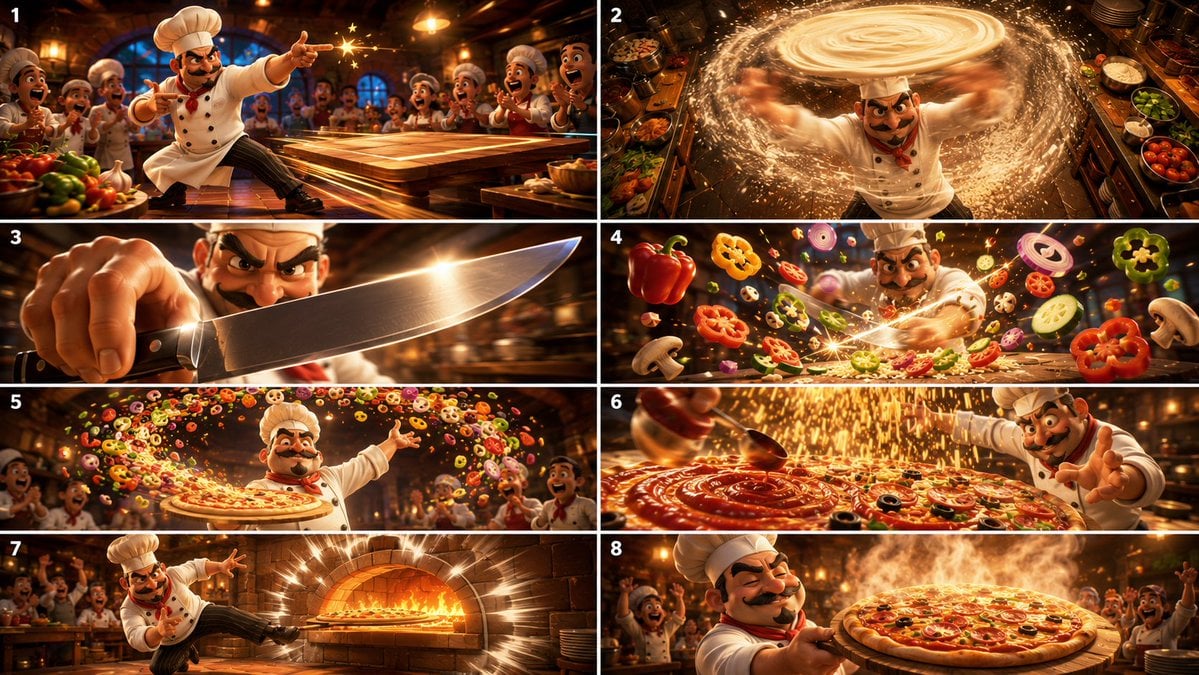
Cinematic Karate Pizza Chef Storyboard
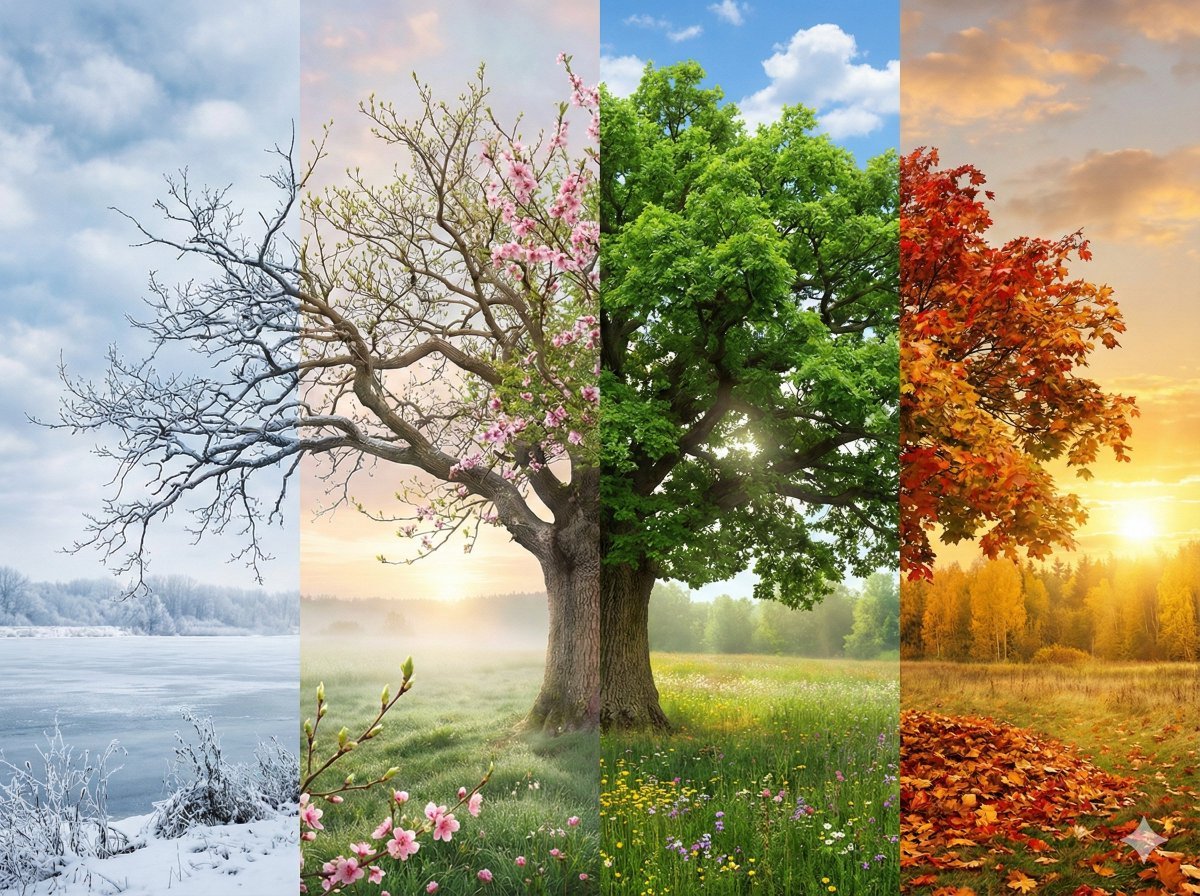
Four Seasons Transition Prompt

Kpop Summer World Cup Photoshoot
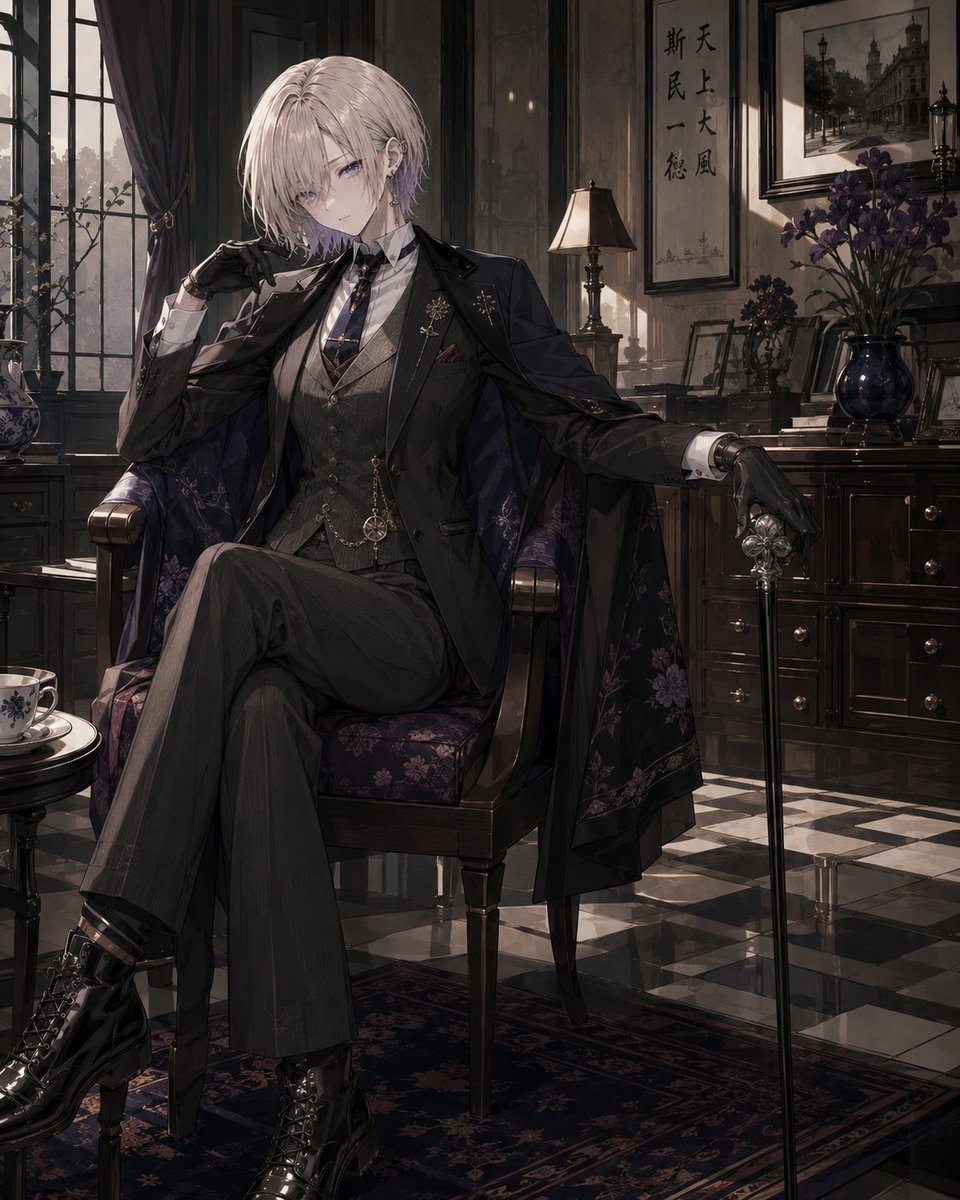
Vintage Showa Era Gentleman Outfit
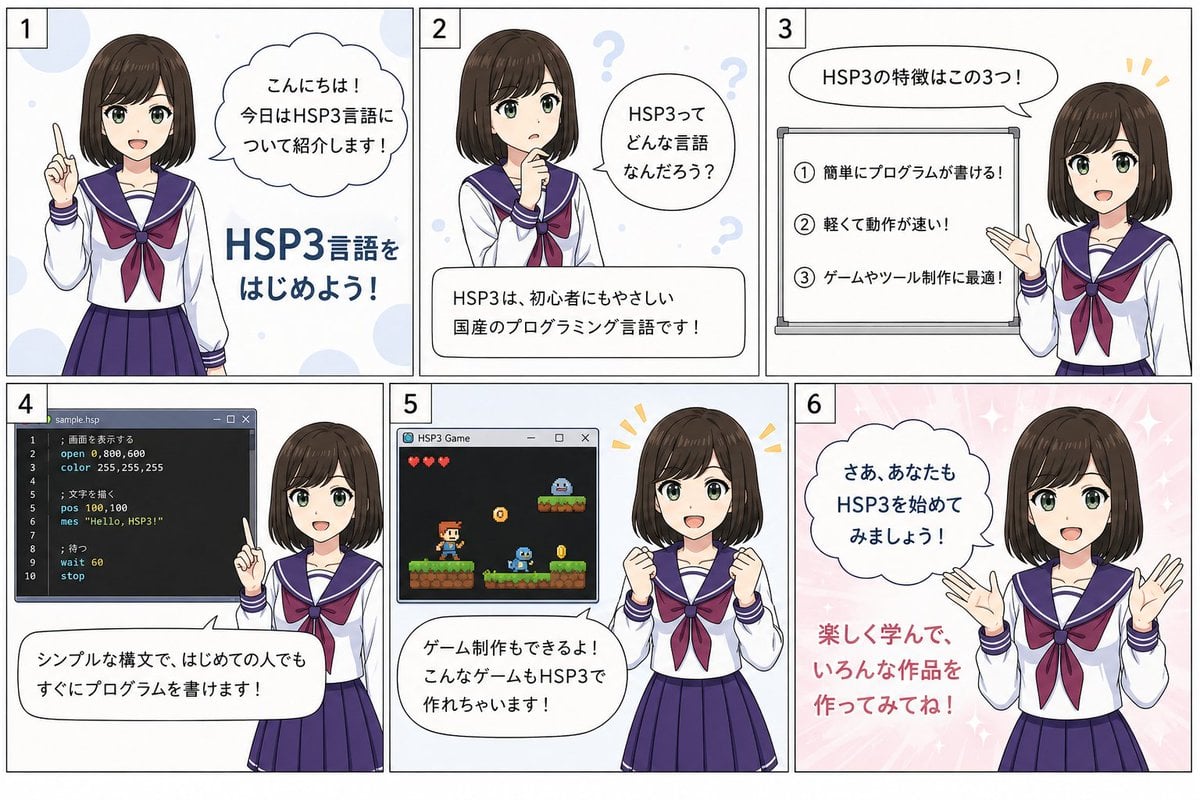
HSP3 Manga Introduction Comic
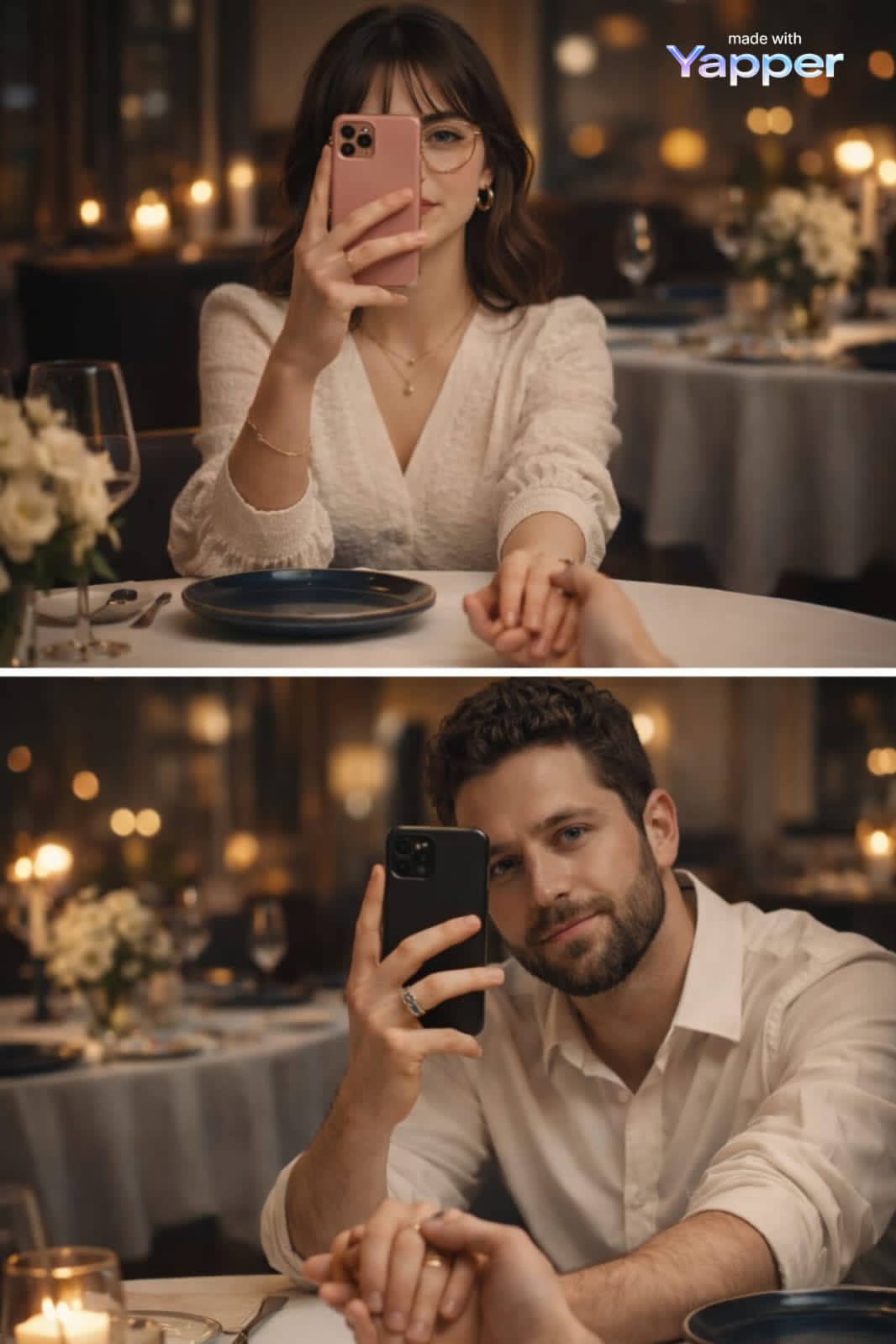
Cinematic Portrait with Reference Photo
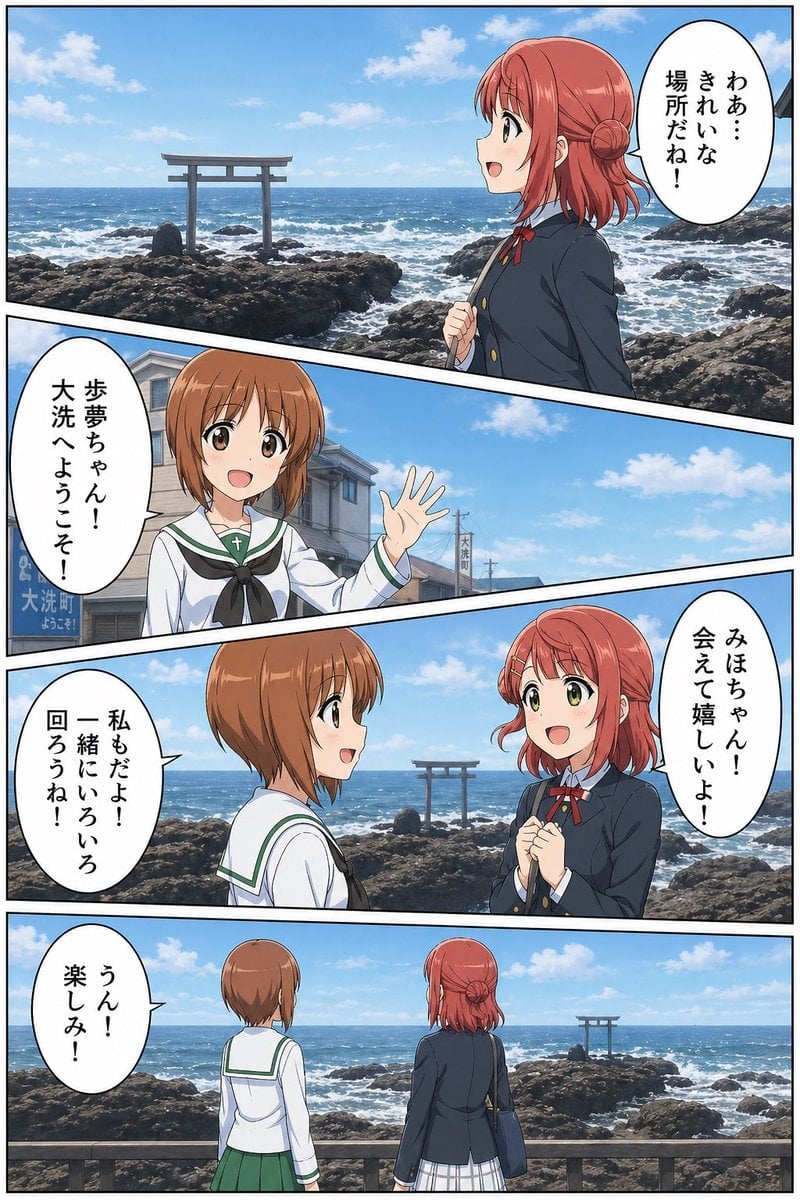
Seaside Anime Crossover Manga Page
Browse template categories
Protective Black Cat and Hissing Kitten questions
How do I use the Protective Black Cat and Hissing Kitten template?
Add your photo if the template asks for one, edit the prompt if you like — the template's model and format are already selected — and press Generate. Your version opens in PicX Studio.
Can I customize the Protective Black Cat and Hissing Kitten template?
Yes. You can change the subject, setting, lighting, mood, format, and available model controls before creating your image.
Is the Protective Black Cat and Hissing Kitten template free?
Opening and editing this template is free. Generating uses credits, shown on the Generate button when you are signed in.
Which AI model should I use?
Start with GPT Image 2, which is the model associated with this template. You can compare another compatible model for a different finish.
Looking for something else? Browse all templates.

Your photo, any look
Thousands of ready templates for every top image and video model, from one credit balance.