
Oriental Four Symbols Eye Macro
A detailed prompt for generating a four-panel macro eye photography art piece themed after the Four Symbols of Chinese mythology, featuring intricate symbolic textures and elegant aesthetics.
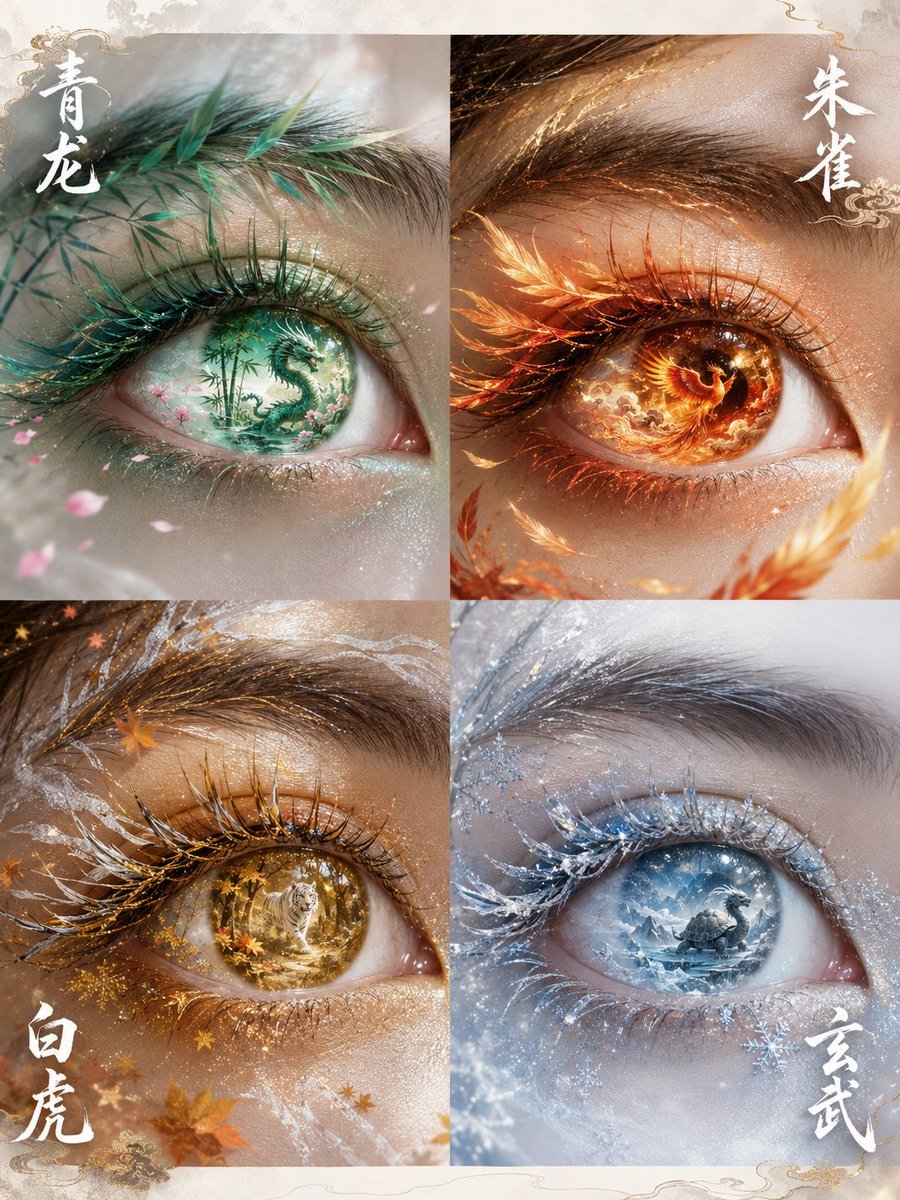
- Prompt included
- Model and format preset
- Free template
The prompt behind this image
Copy the exact prompt behind Oriental Four Symbols Eye Macro, or open it in the studio and make it yours.
以眼部特写参考图作为唯一人物眼睛参考,生成一张 {argument name="比例" default="3:4"} 四屏构图东方幻想艺术眼眸写真。 四个画面分别代表中国传统四象:青龙、朱雀、白虎、玄武。 整体风格: 东方神话美学 × 高级美妆广告 × 超现实艺术摄影。 保持真实人类眼睛结构,高清微距摄影,真实皮肤纹理,精致睫毛,细腻眼妆,不改变眼型比例。 四屏人物眼睛保持同一身份,同一角度,同一构图。 第一屏:青龙 · 东方春生 眼眸呈现青绿色翡翠质感虹膜,仿佛一块天然东方玉石。 虹膜内部隐藏微型东方山水世界: 青龙盘旋于云雾之间,青竹、桃花、流水融入眼底。 睫毛化作细长竹叶与青色羽纹,眼角有细小桃花花瓣飘落。 脸部肌肤带有柔和春日光泽,青绿色流光环绕眼眸。 画面中央加入: “青龙” 白色东方篆刻艺术字体。 整体: 青绿色调,清雅、灵动、生命感。 第二屏:朱雀 · 炽焰盛夏 眼眸呈现赤金色琥珀质感。 虹膜内部像燃烧的小型凤凰世界: 朱雀展翅飞翔,金色火焰、凤凰羽毛、夕阳云霞融合其中。 睫毛带有细微火焰羽片质感,眼角漂浮金色羽毛。 皮肤被暖金色光线照亮,形成高级珠宝广告质感。 画面中央加入: “朱雀” 白色鎏金东方艺术字体。 整体: 红金色调,华丽、热烈、神圣。 第三屏:白虎 · 金秋肃杀 眼眸呈现金黄色琥珀瞳孔。 虹膜内部是一片东方秋日森林: 白虎身影隐藏于金色山林之间, 枫叶、古树、金色尘埃飘浮。 睫毛融合白色虎纹与秋叶纹理, 眉眼之间有银白色纹路若隐若现。 光线如夕阳穿过森林,形成电影感暖光。 画面中央加入: “白虎” 白色水墨艺术字体。 整体: 金黄、银白、深棕色调,神秘、高贵。 第四屏:玄武 · 冰雪玄境 眼眸呈现冰蓝色水晶质感。 虹膜内部是一片东方冰雪世界: 玄武神兽沉睡于冰川湖泊, 雪山、冰晶、寒雾融入眼底。 睫毛覆盖透明冰晶纹理, 眼角有细小雪花与银色光点。 冷蓝月光照射脸庞, 形成冰雪女神般的高级视觉。 画面中央加入: “玄武” 白色书法艺术字体。 整体: 冰蓝、银白色调,冷冽、纯净、空灵。 统一画面要求 四屏排列整齐,像高级艺术展览海报。 背景为极简东方留白空间, 加入淡淡水墨纹理、云雾、金属浮雕质感。 文字设计: 东方篆刻字体, 白色半透明艺术字, 不要现代商业字体。 摄影: {argument name="摄影风格" default="macro eye photography, ultra realistic skin texture, cinematic lighting, luxury beauty campaign, 8K detail, high fashion editorial"}。 禁止: {argument name="禁止内容" default="卡通风格、动漫眼睛、夸张变形眼球、低质量CG、塑料皮肤、错误文字、额外眼睛"}。 比例: 3:4 生成图片
How to use Oriental Four Symbols Eye Macro in 3 steps
- 1Upload ImagePNG, JPG or paste
Add your photo
Upload the photo the template builds on. The prompt, model and format are already set.
- 2…a portrait of your subject in softgolden-hour light, 85mm…
Personalize
Edit the subject and creative details for your destination.
- 3Generate
Generate
Press Generate — your image is created in PicX Studio, so you can compare it with the original and refine one variable at a time.
More like this
Templates with the same subject, style or setup. Open one to see its prompt.
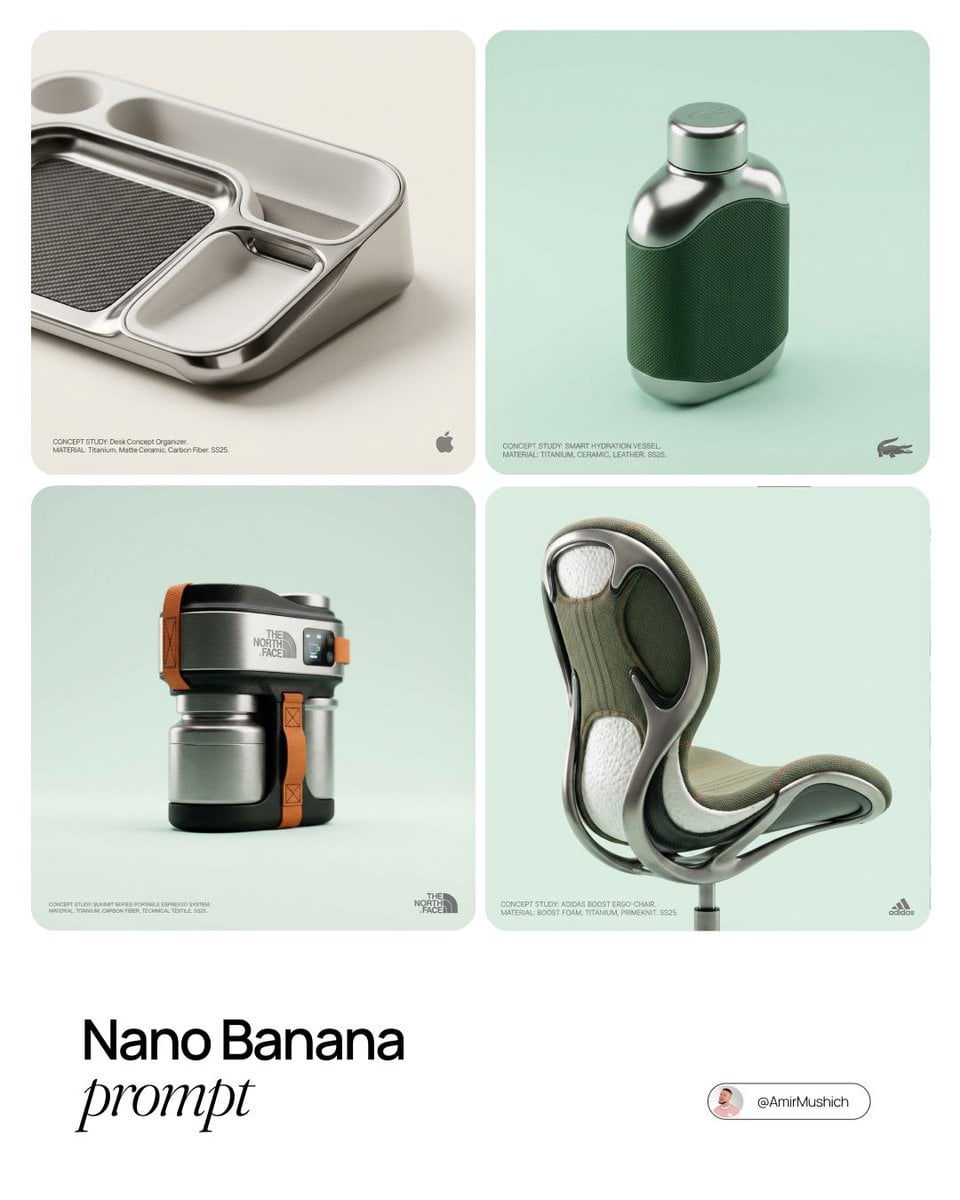
Editorial Concept Study Product Design

Dancer Character - Four View Reference Sheet

Firefly Pixar Spill — Nano Banana Pro
Seedance - Arrow Microscopic Battle
Seedance - Brand Commercial
JSON Seedance - Fairy Macro Flight
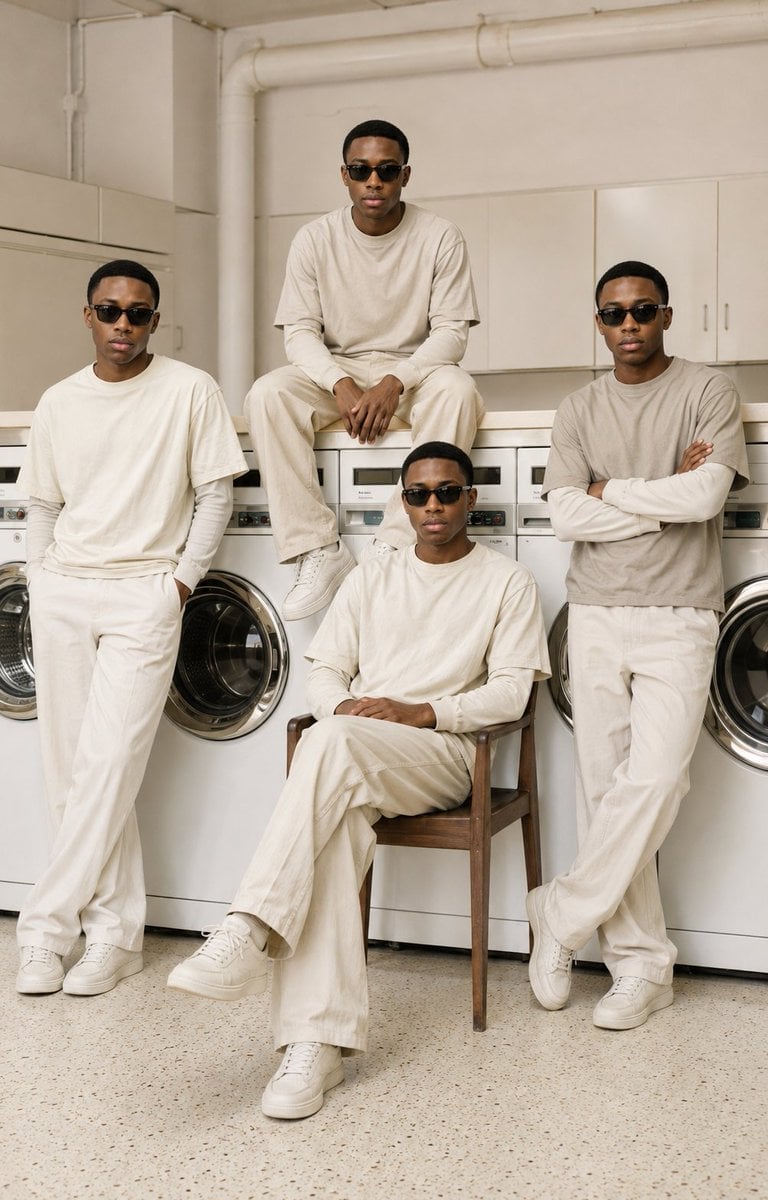
Four-Man Laundromat Fashion Editorial
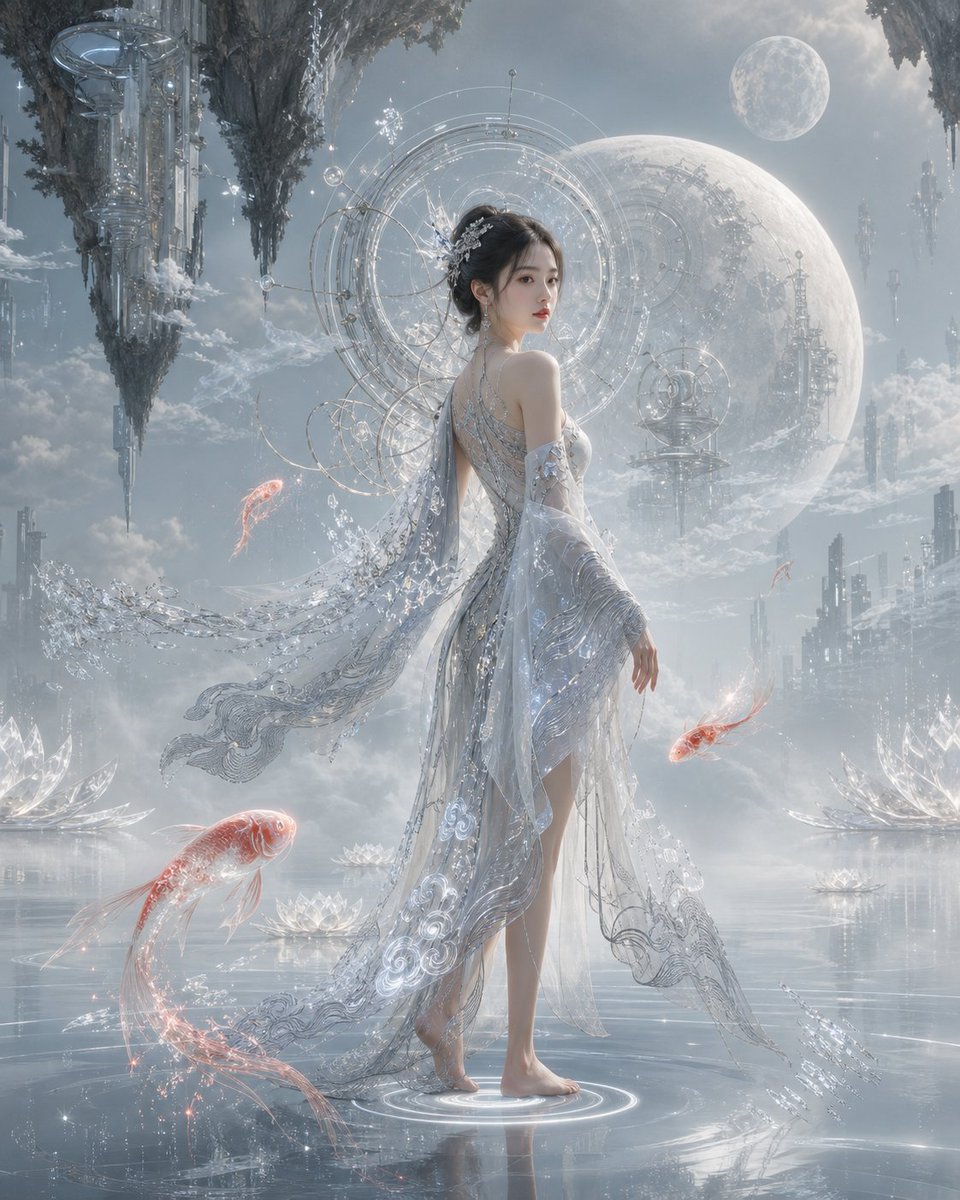
Oriental Futurism Female Concept Art
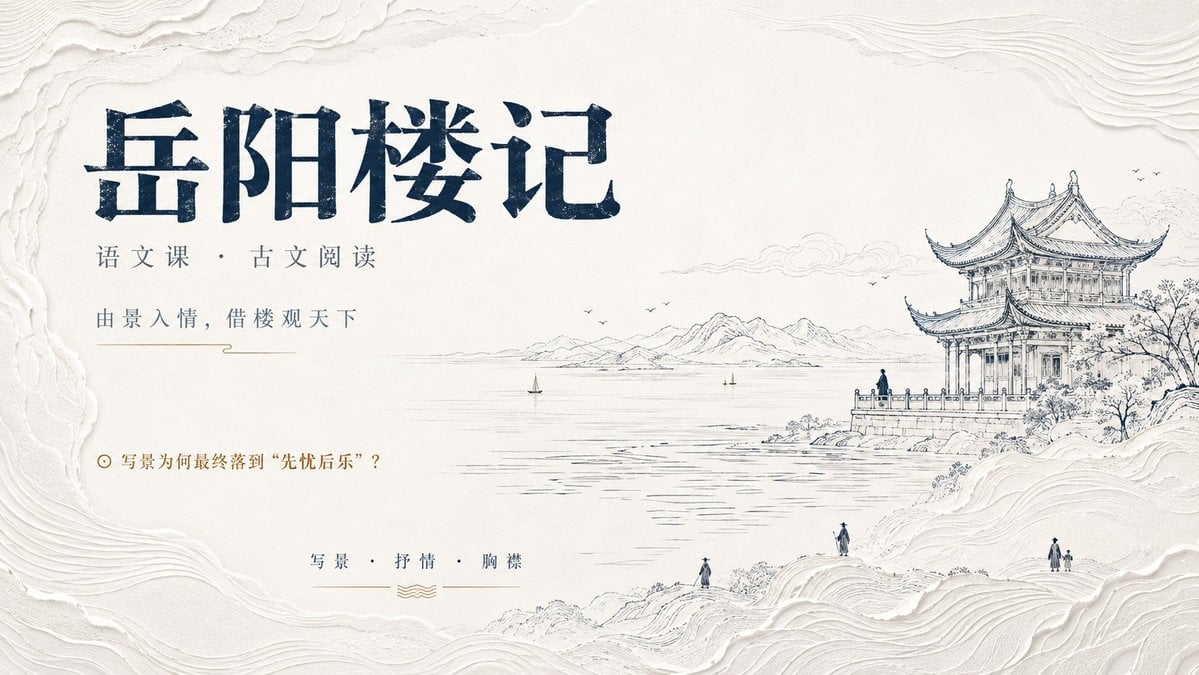
Modern Oriental Minimalist Poster
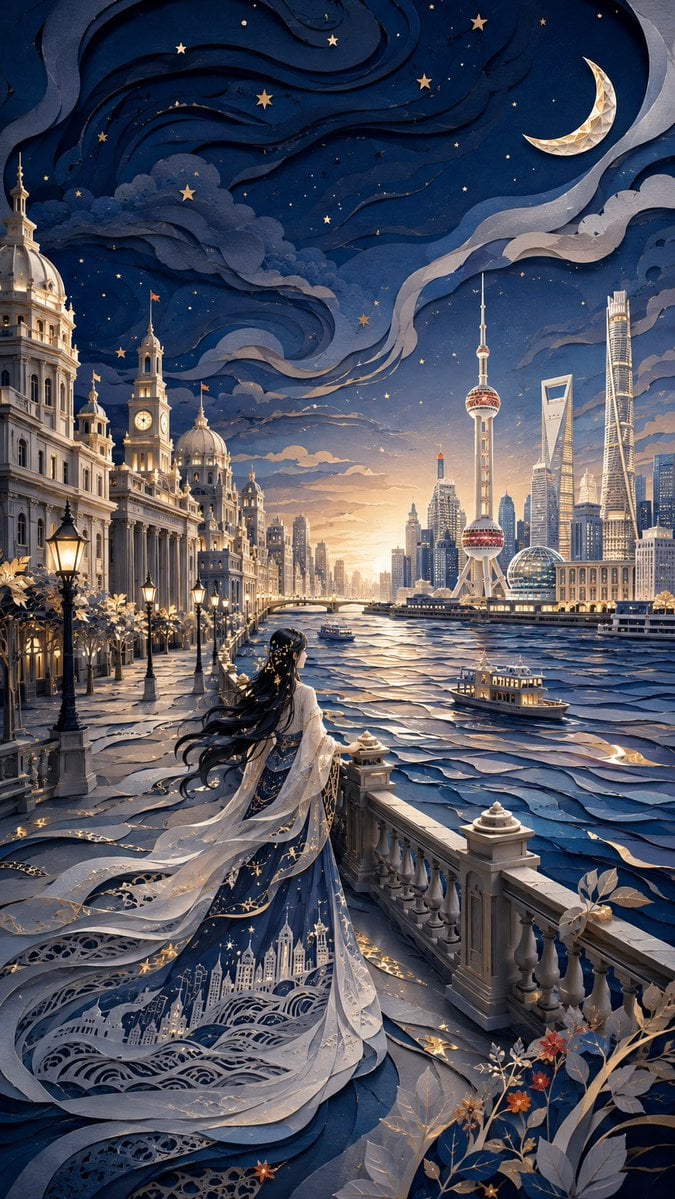
Modern Oriental Papercut Art Cityscape
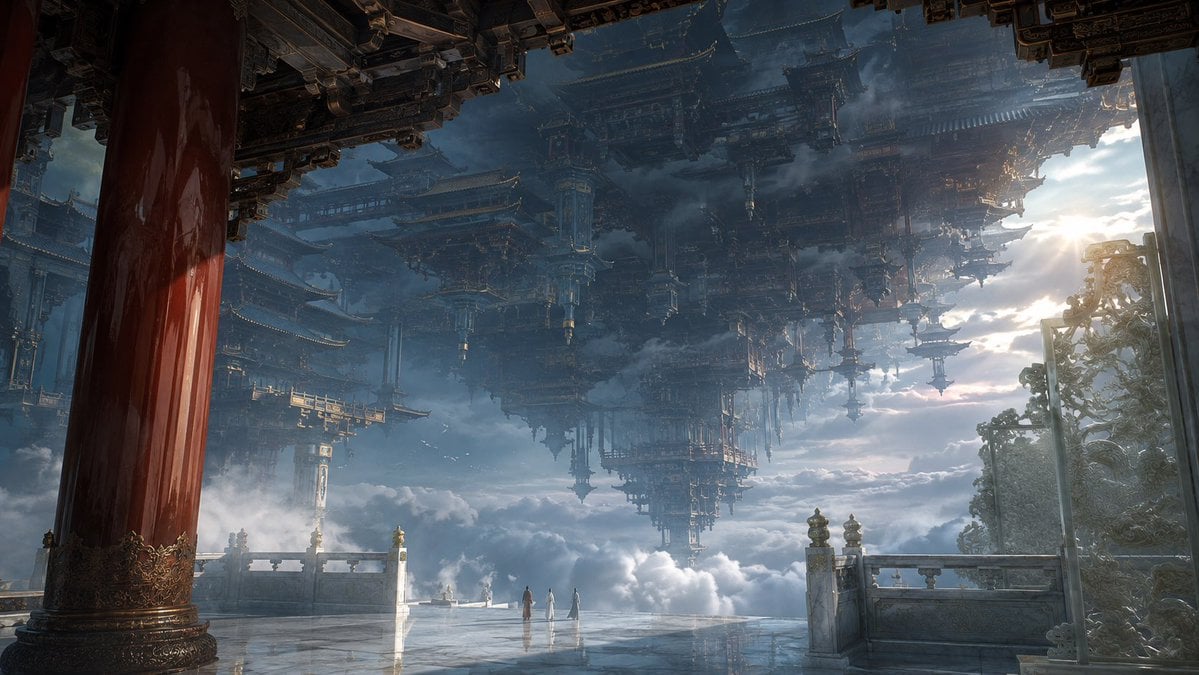
Celestial Inverted Oriental Palace
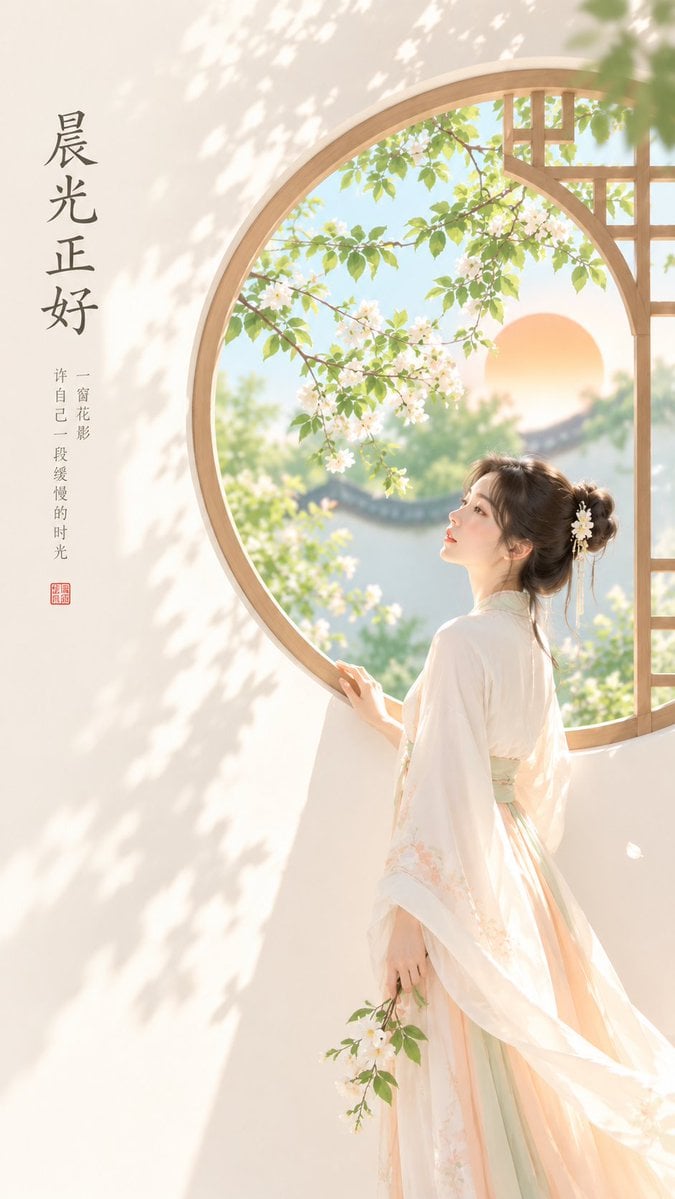
Oriental Zen Minimalist Cover Art
Make it yours
Oriental Four Symbols Eye Macro works as-is. These are the safest ways to change it without losing the look.
Change one field
Copy a single group, rewrite it, and generate again so you can see what that field is doing.
Keep the frame, change the subject
Hold the composition and light of Oriental Four Symbols Eye Macro, then swap wardrobe, props or the person for a new take.
| If the result… | Why | Fix |
|---|---|---|
| The result drifts from the preview | Too many fields changed at once. | Reuse Oriental Four Symbols Eye Macro as-is first, then change one group — subject, light, or setting. |
| The model over-stylizes the scene | The prose prompt leaves finish and camera underspecified. | Add one camera or lighting sentence and stay on GPT Image 2. |
More GPT Image 2 templates
Other prompts made for GPT Image 2.

Six VTuber Japanese Logo Sheet

Realistic Portrait of Woman and Deer

The Vista Modular Condo Poster

AI Model Routing Comparison Infographic

2.5D Anime Art Board

Isometric Productivity Desk Scene

New York Double Exposure Poster

Four-Panel AI Landscape Comparison

Japanese Tatami Lifestyle Magazine Cover

NESCAFÉ Coffee Map Poster
More image prompts
Fresh picks from across the catalog.
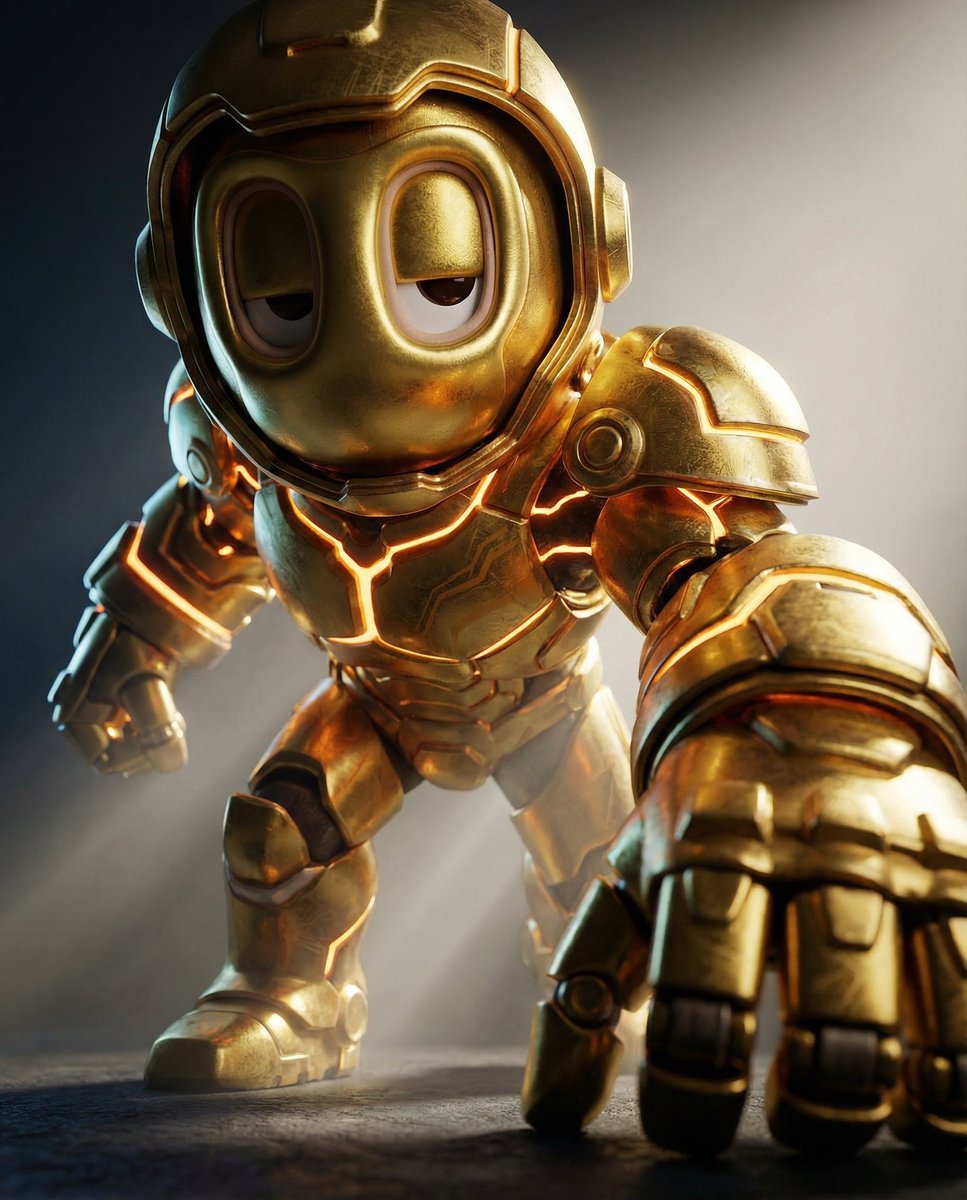
Mech Armor Power Reveal Prompt (Likeness Preservation)
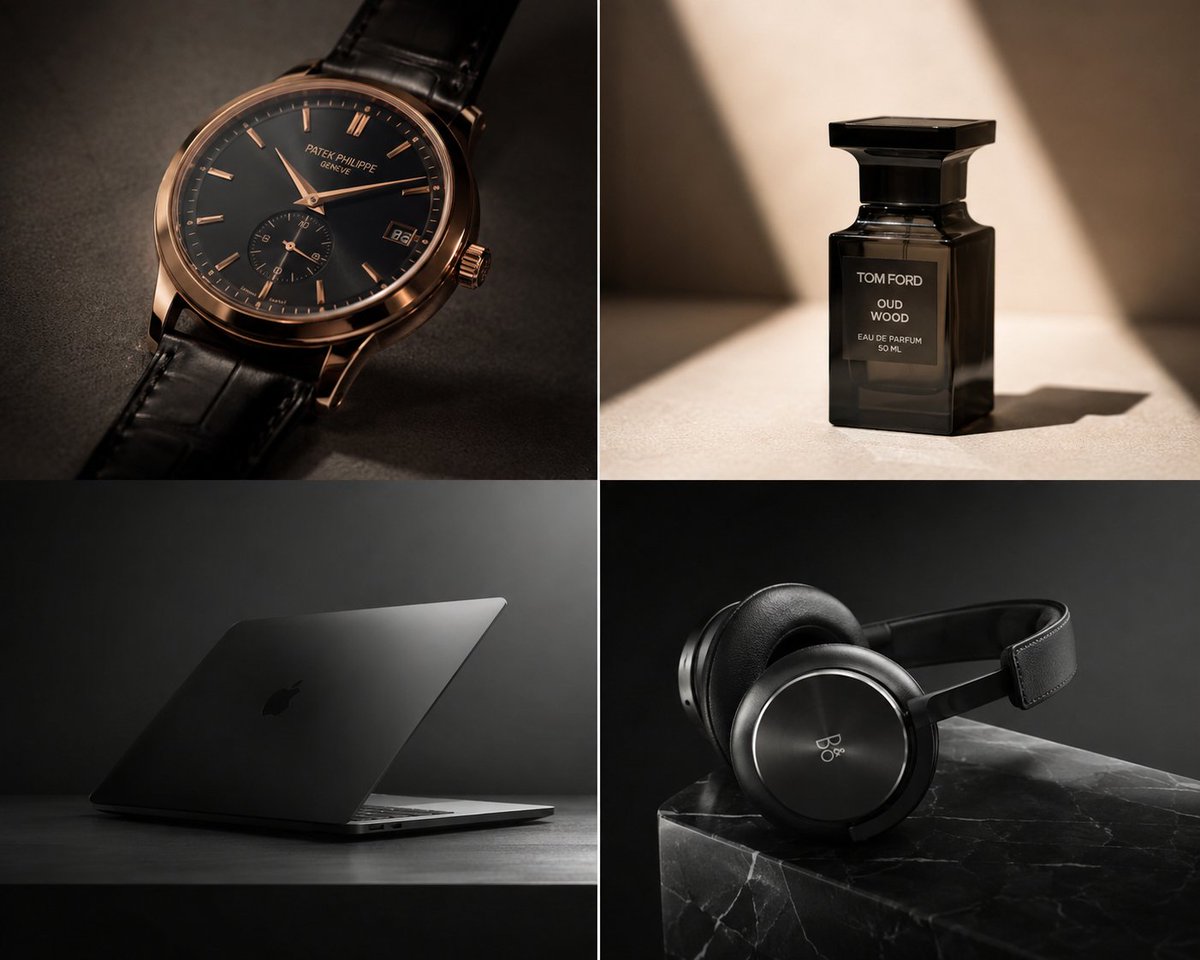
Premium Luxury Tech Editorial Style
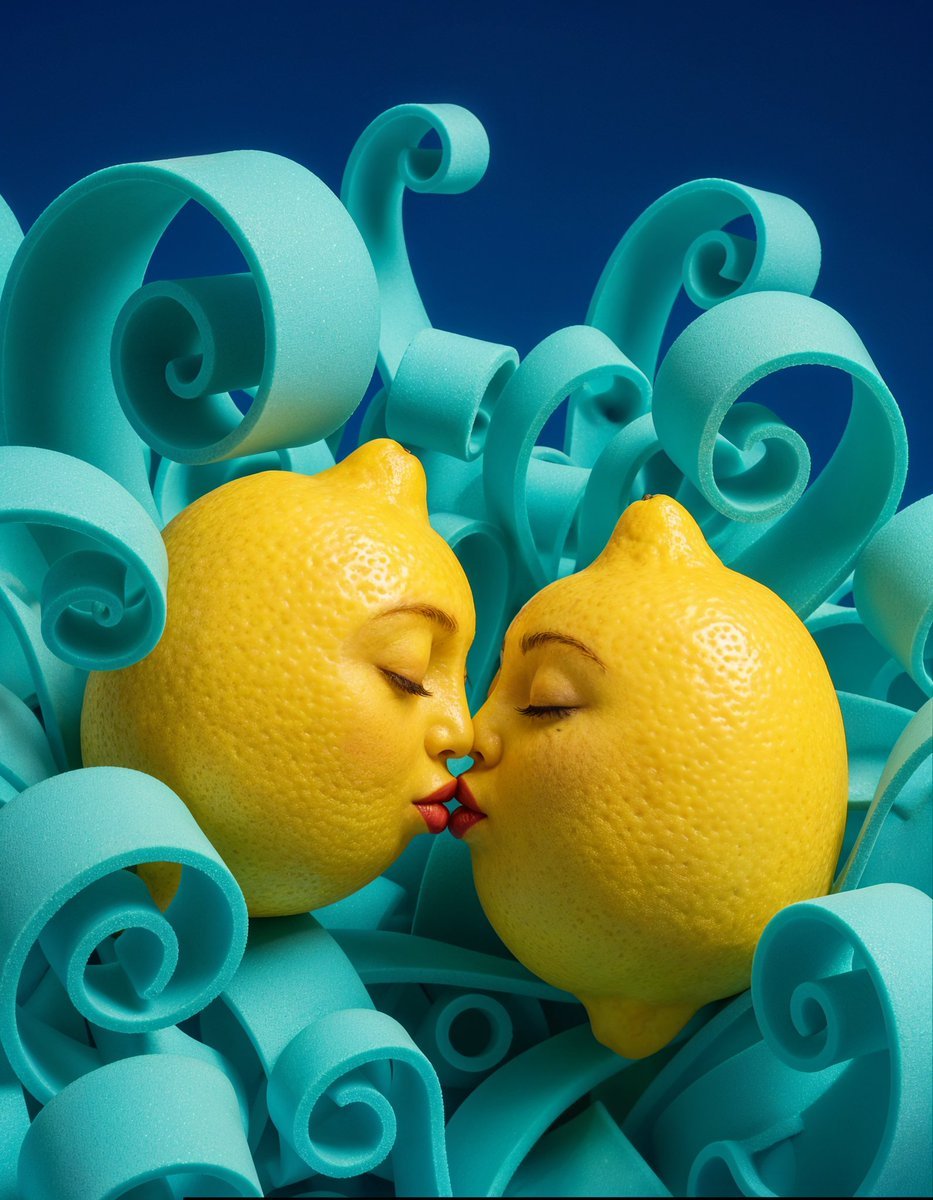
Surreal Anthropomorphic Lemon Still Life Prompt
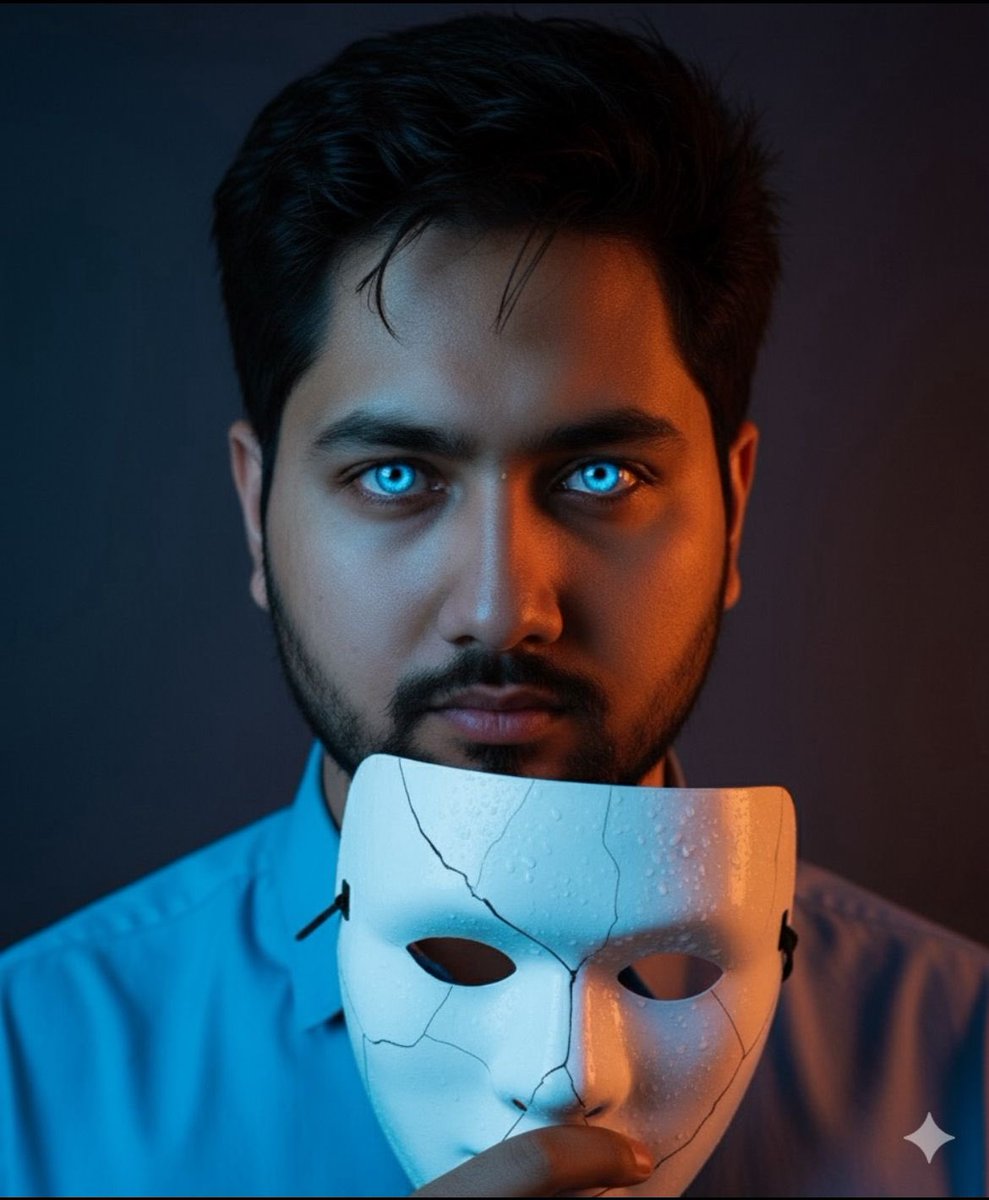
Dramatic Close-Up Portrait with Wet Skin and Cracked Mask
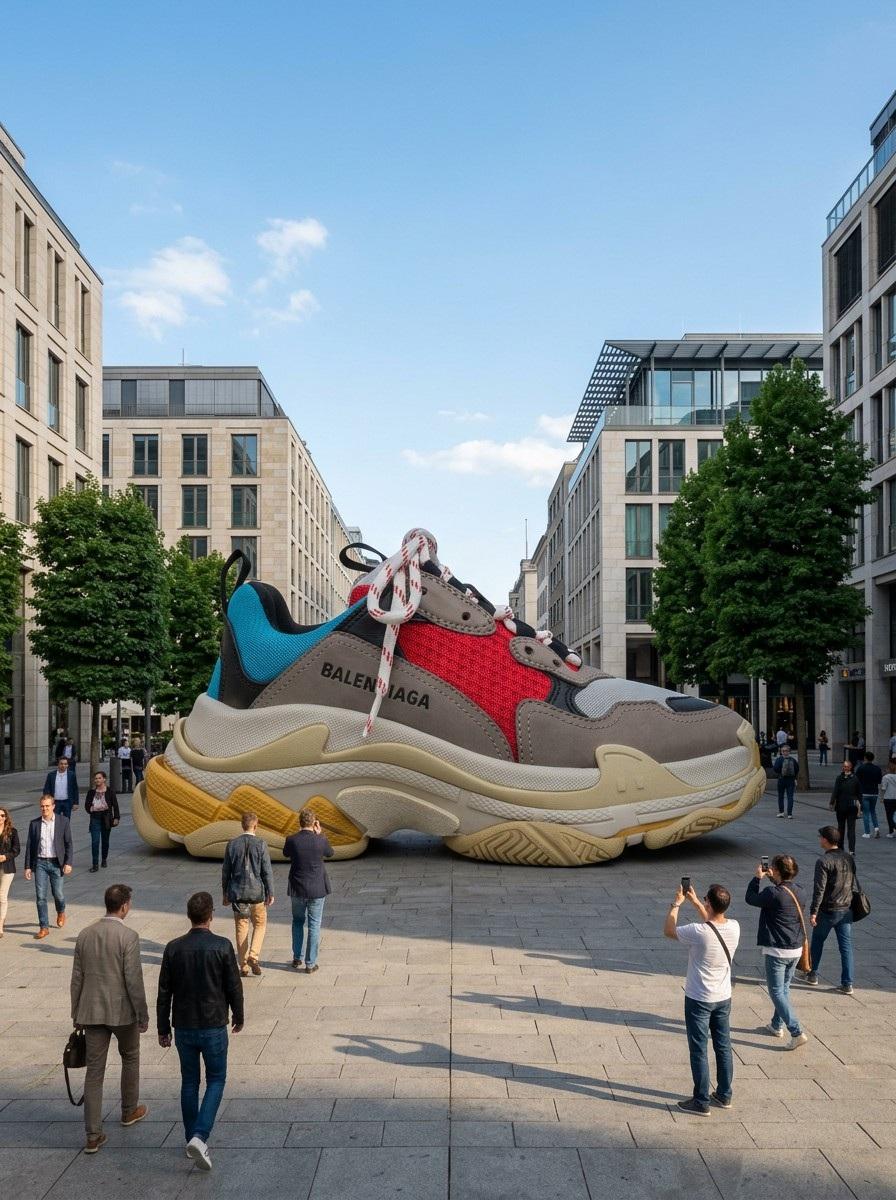
Giant Product Art Installation Prompt for Nano Banana Pro
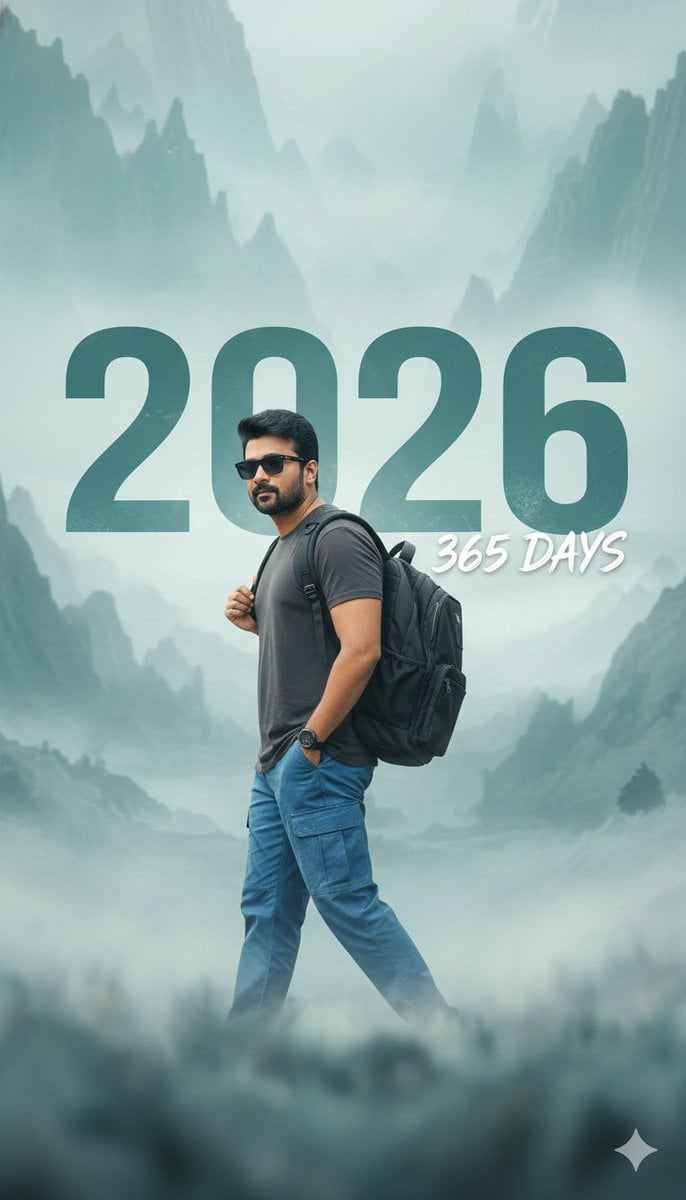
New Year 2026 Cinematic Photo with Text Overlay
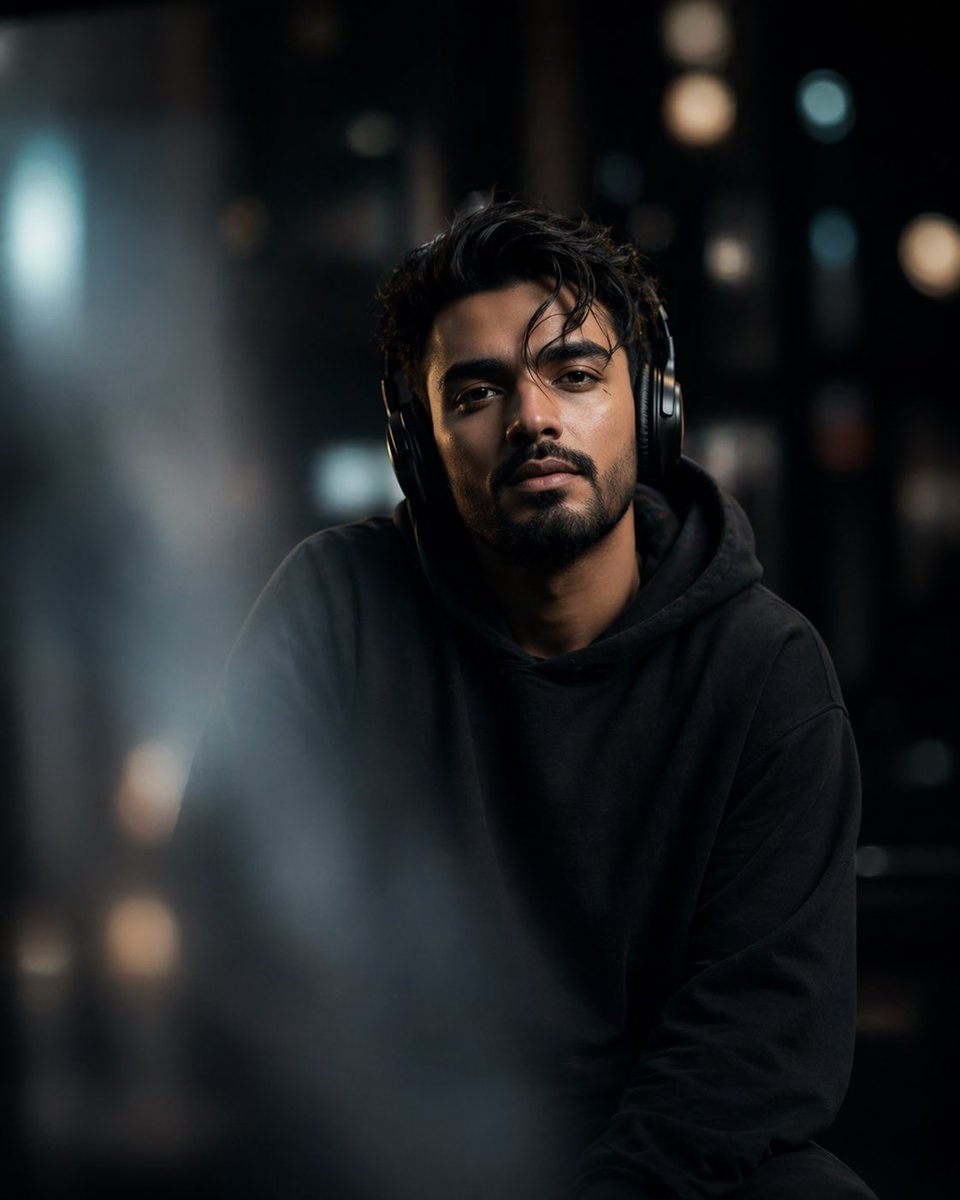
Cinematic Moody Portrait

Gemini Nano Banana 2
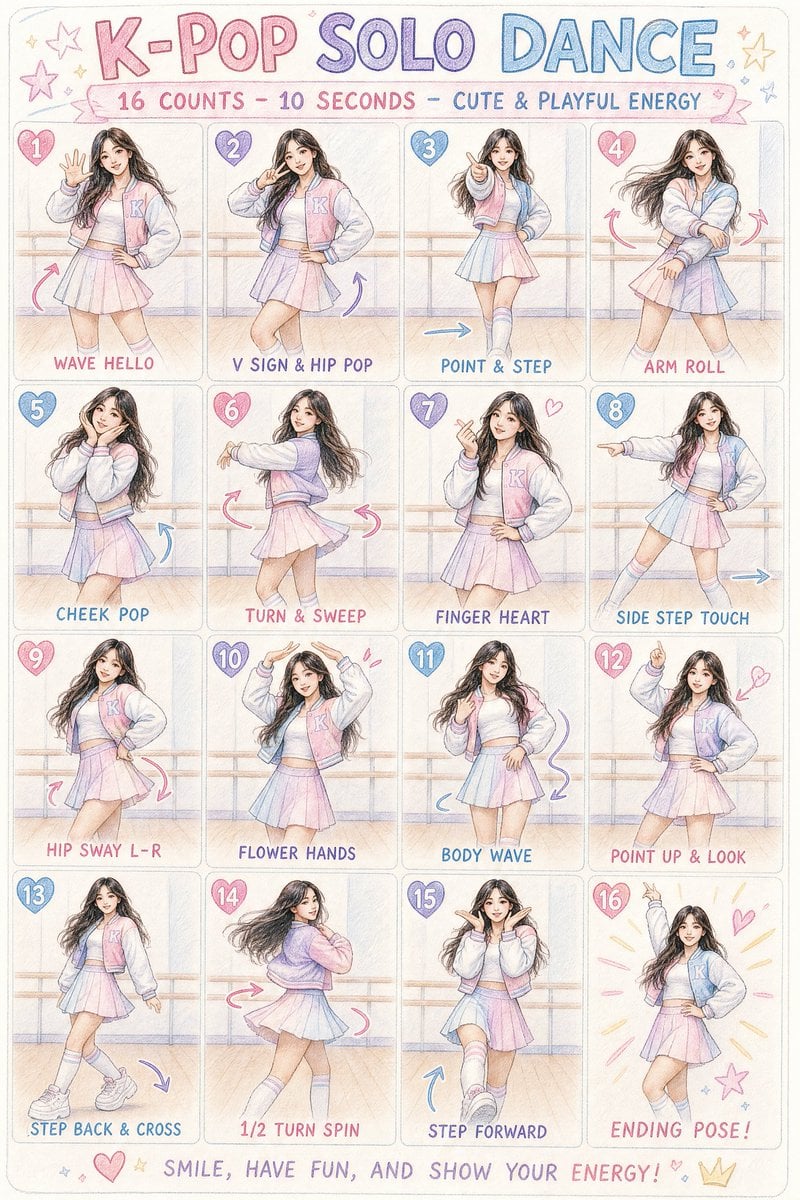
K-pop Dance Choreography Infographic
Gpt2 Profile Avatar Cyber Crystal Anime Girl Portrait
Browse template categories
Oriental Four Symbols Eye Macro questions
How do I use the Oriental Four Symbols Eye Macro template?
Add your photo if the template asks for one, edit the prompt if you like — the template's model and format are already selected — and press Generate. Your version opens in PicX Studio.
Can I customize the Oriental Four Symbols Eye Macro template?
Yes. You can change the subject, setting, lighting, mood, format, and available model controls before creating your image.
Is the Oriental Four Symbols Eye Macro template free?
Opening and editing this template is free. Generating uses credits, shown on the Generate button when you are signed in.
Which AI model should I use?
Start with GPT Image 2, which is the model associated with this template. You can compare another compatible model for a different finish.
Looking for something else? Browse all templates.

Your photo, any look
Thousands of ready templates for every top image and video model, from one credit balance.