How do I use the Manga Style Photo Transformation template?
Choose the primary action to open PicX Studio with the available template settings. Review the model and format, personalize the creative direction, and generate when ready.
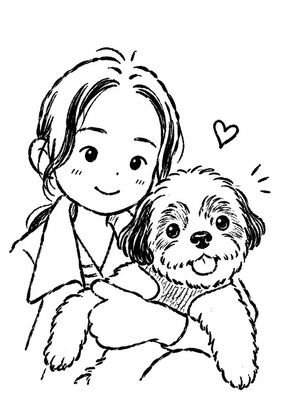
A specialized prompt for transforming a realistic selfie into a detailed black-and-white manga illustration while maintaining exact proportions.
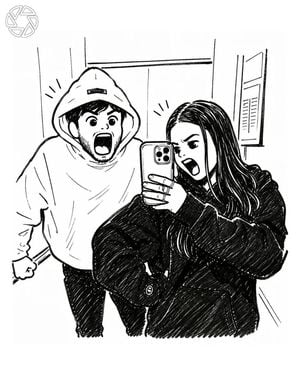
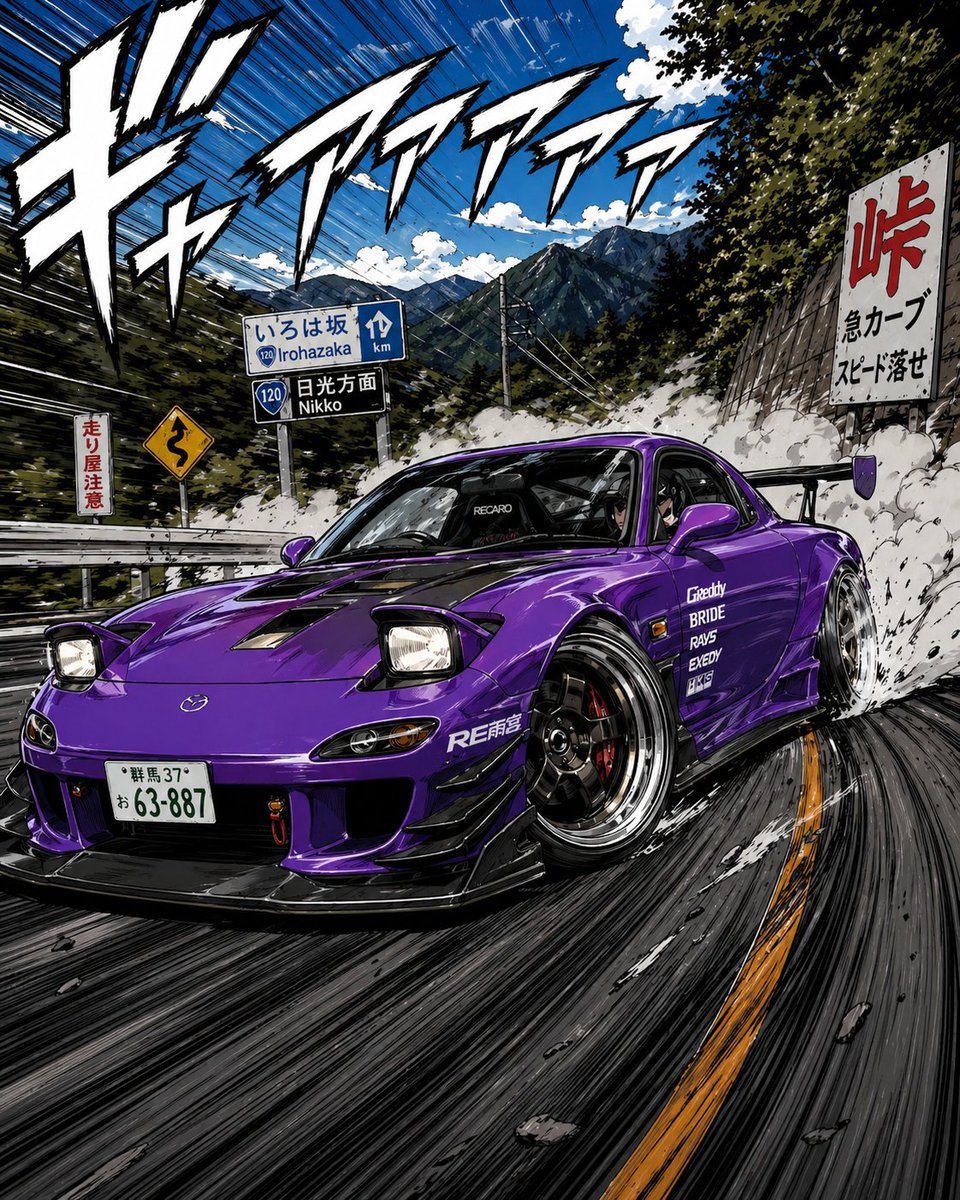
Create a highly detailed black-and-white manga illustration based on the uploaded photo while preserving the exact pose, composition, facial expressions, clothing, and camera angle. {argument name="subject" default="Two friends are taking a mirror selfie inside a modern elevator. The girl stands in the foreground holding a smartphone, wearing an oversized black hoodie, long dark hair, making an exaggerated screaming expression with one eye squinted. Behind her, the boy wears an oversized white hoodie with the hood up, also screaming dramatically with wide eyes and an open mouth, fists clenched in a playful pose."} Illustrate everything using bold manga ink lines, clean contour work, expressive cross-hatching, fine pen strokes, subtle screentone shading, and dynamic comic-style line weight. Keep the elevator background minimal but recognizable with metallic panels and reflections. Add tiny manga emphasis lines around both heads to enhance the comedic energy.
Manga Style Photo Transformation needs input media to work. Open it in the studio and these load alongside the prompt — pick whichever ones your chosen model can take.

Choose the primary action to open PicX Studio with the available template settings. Review the model and format, personalize the creative direction, and generate when ready.
Yes. You can change the subject, setting, lighting, mood, format, and available model controls before creating your image.
This template is free to open and customize. Generation usage is shown in PicX Studio before you create.
Start with GPT Image 2, which is the model associated with this template. You can compare another compatible model for a different finish.
Follow a topic to a crawlable collection of related PicX Studio templates.