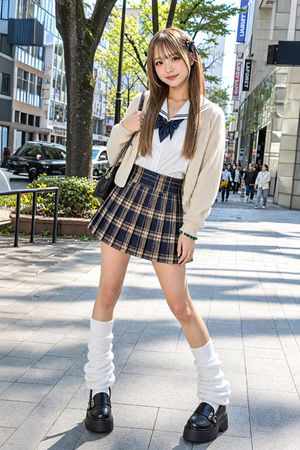
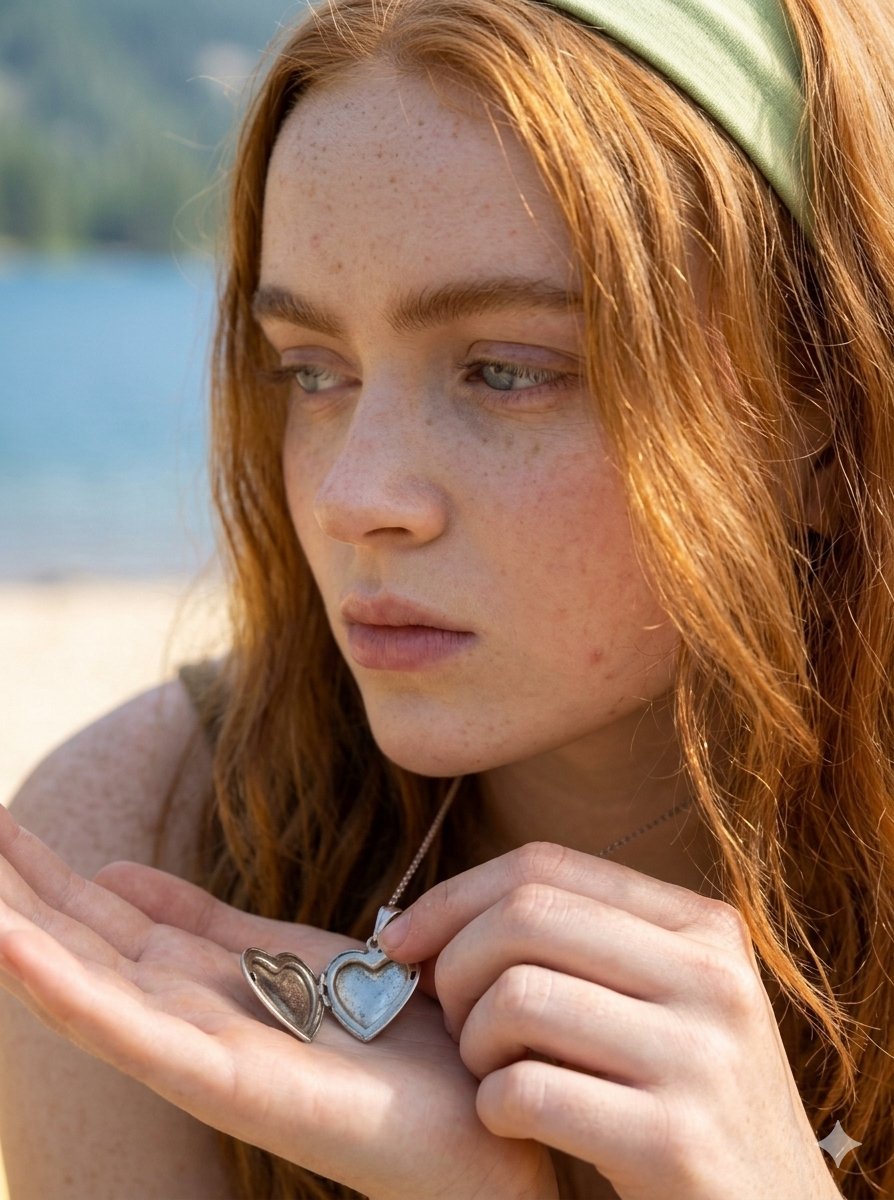
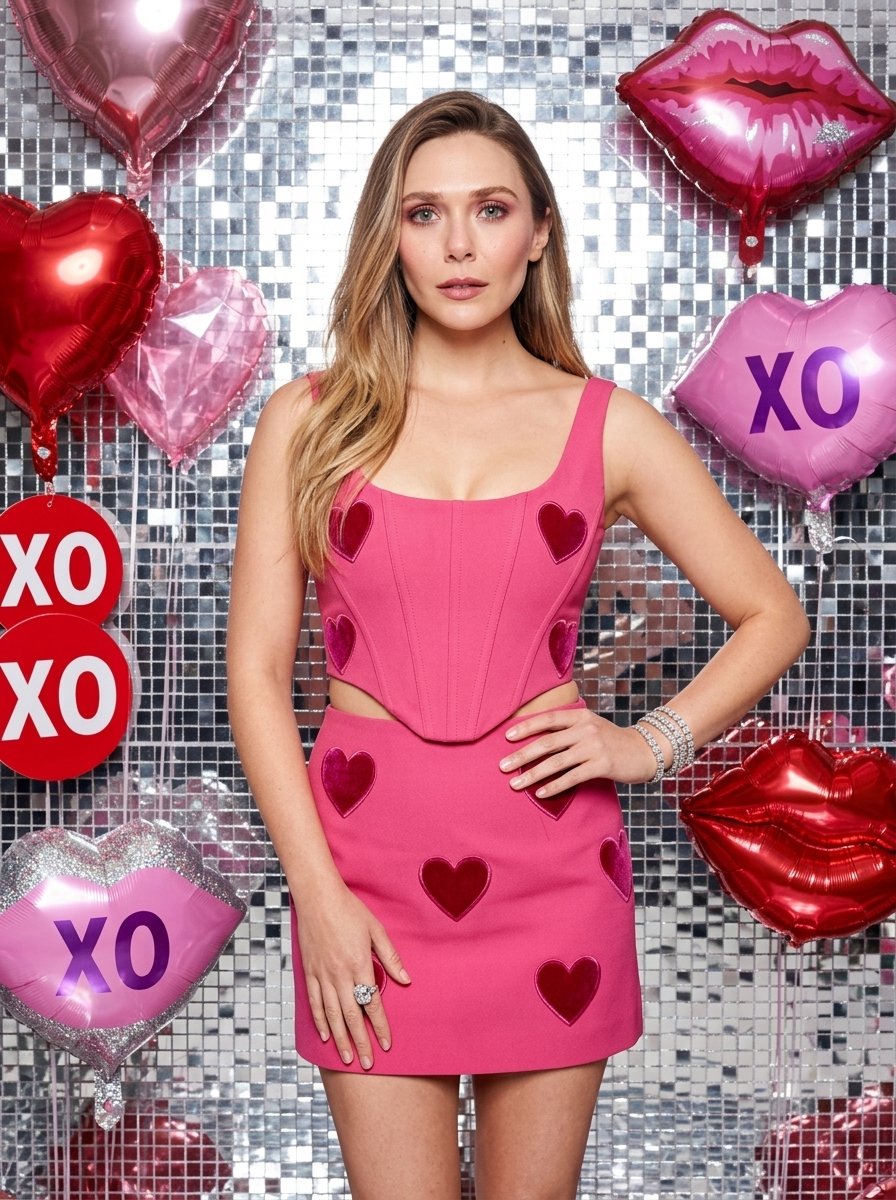
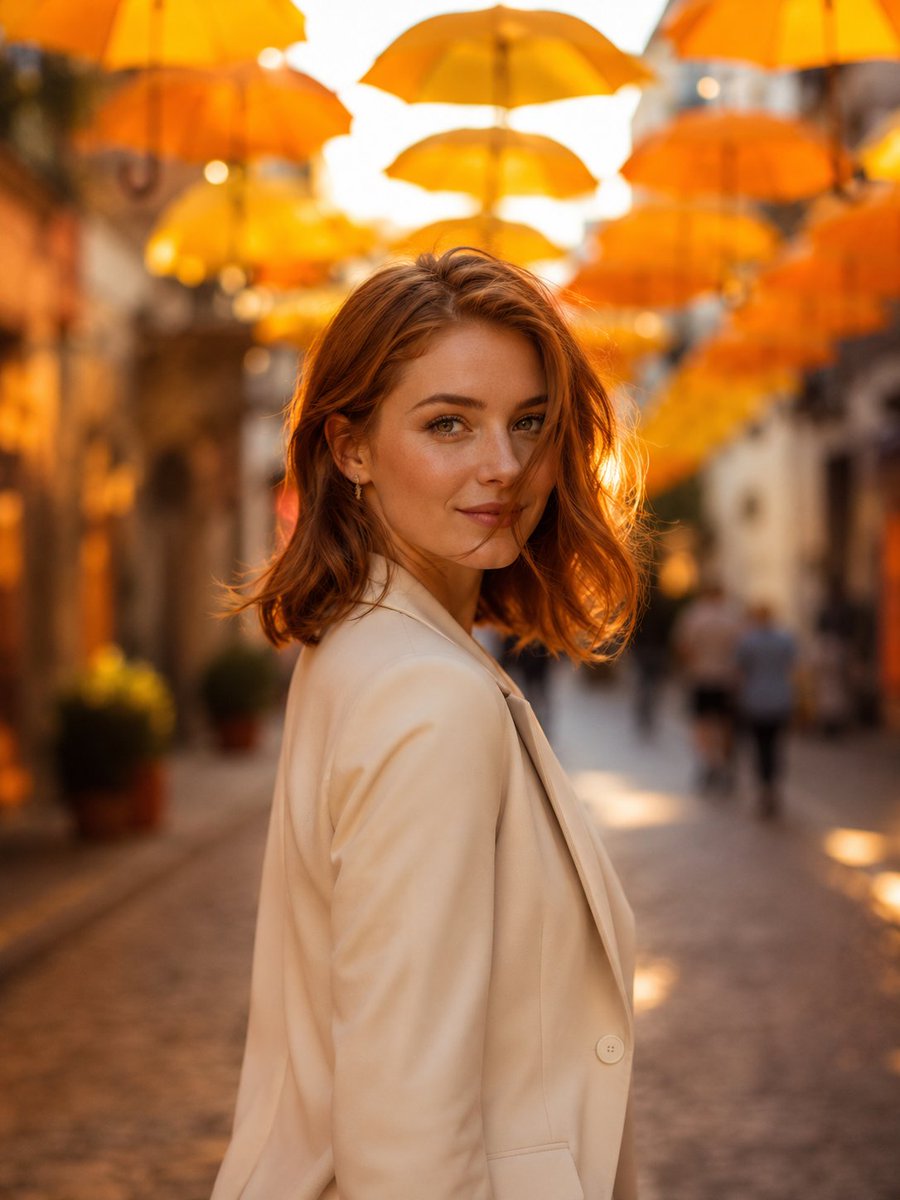
How do I use the Candid Street Style Fashion Photography template?
Choose the primary action to open PicX Studio with the available template settings. Review the model and format, personalize the creative direction, and generate when ready.
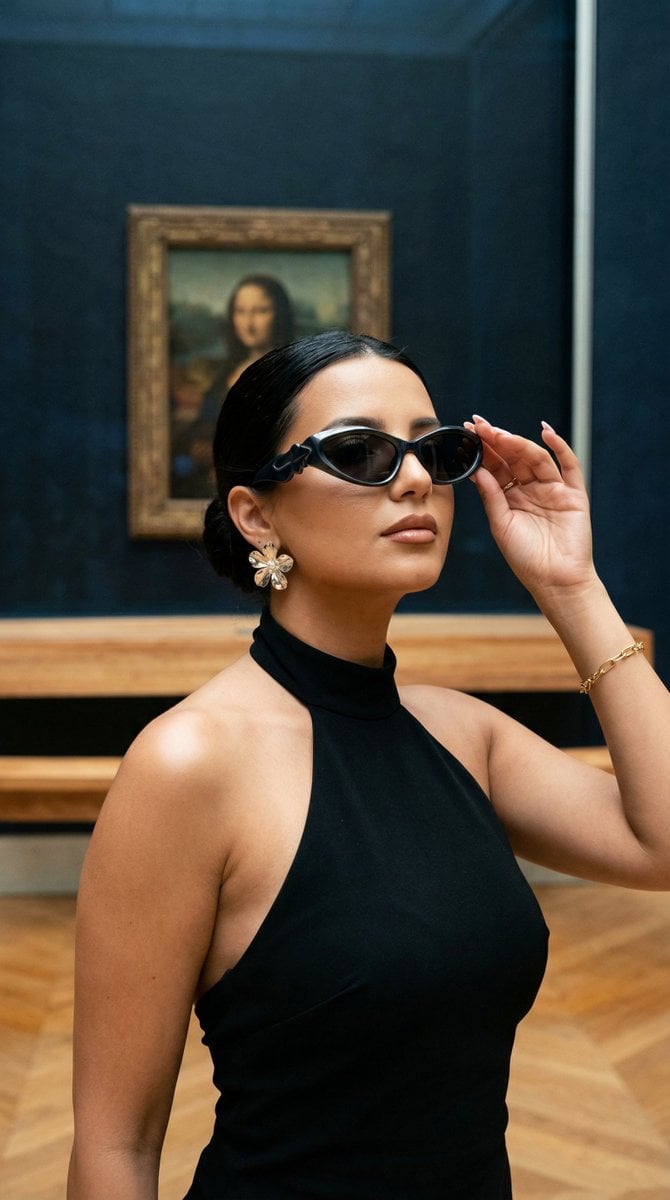
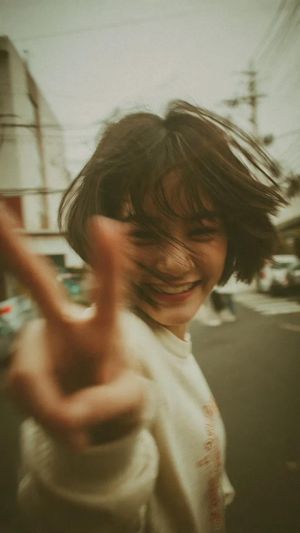
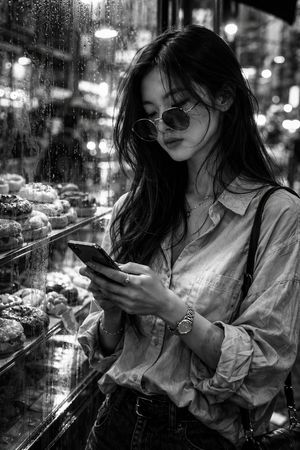
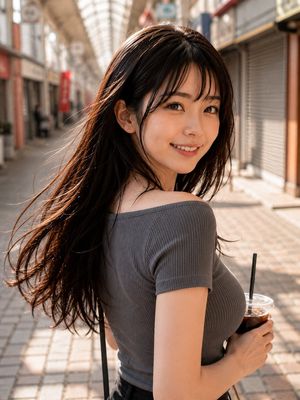
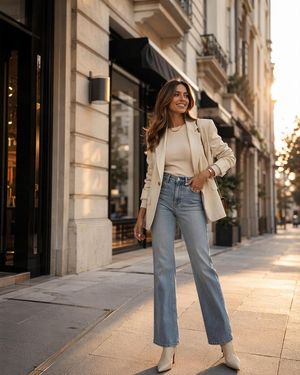
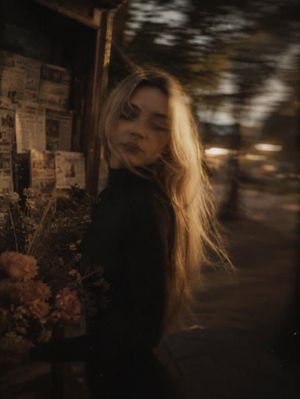
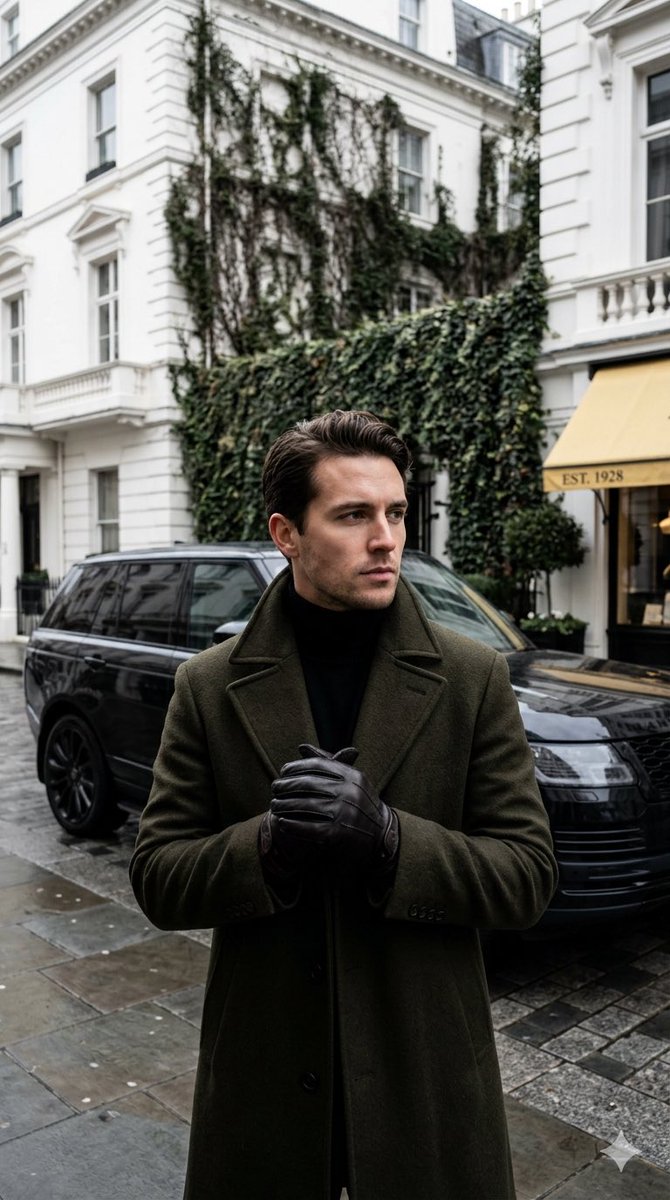
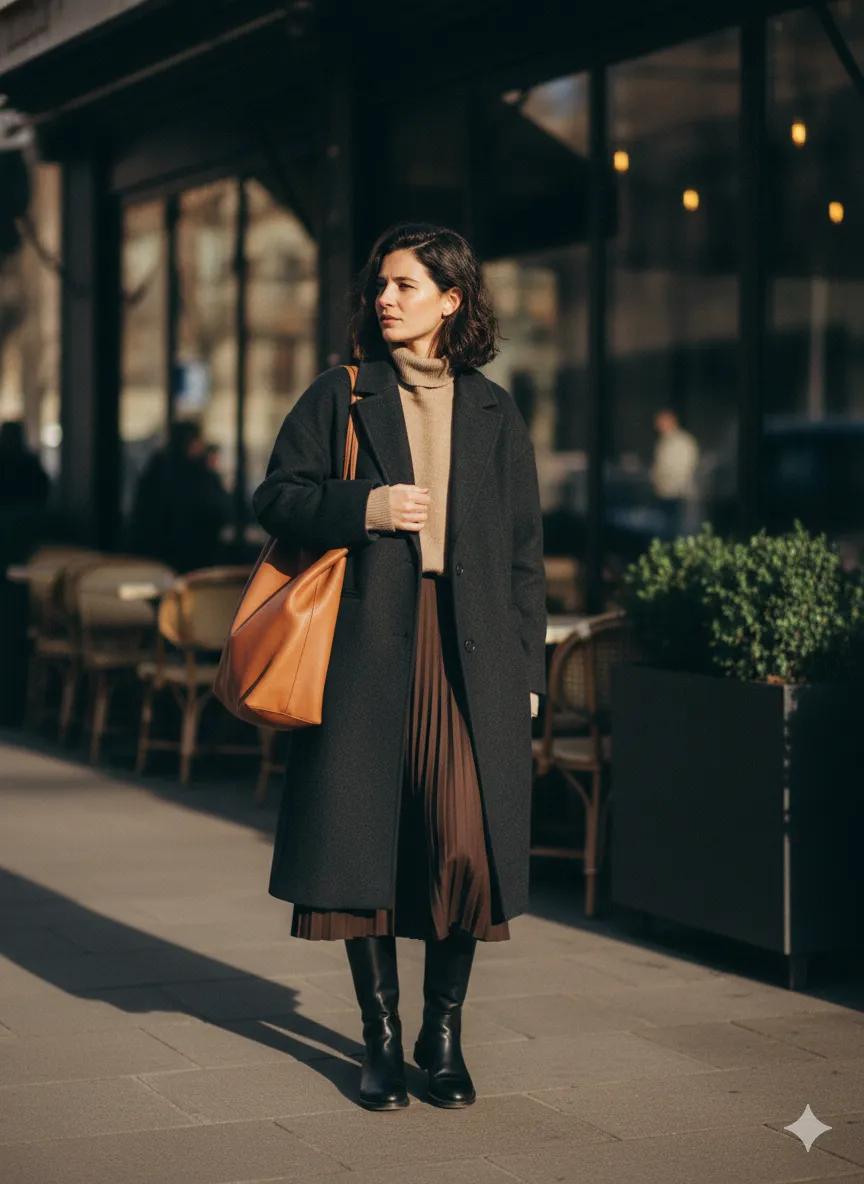
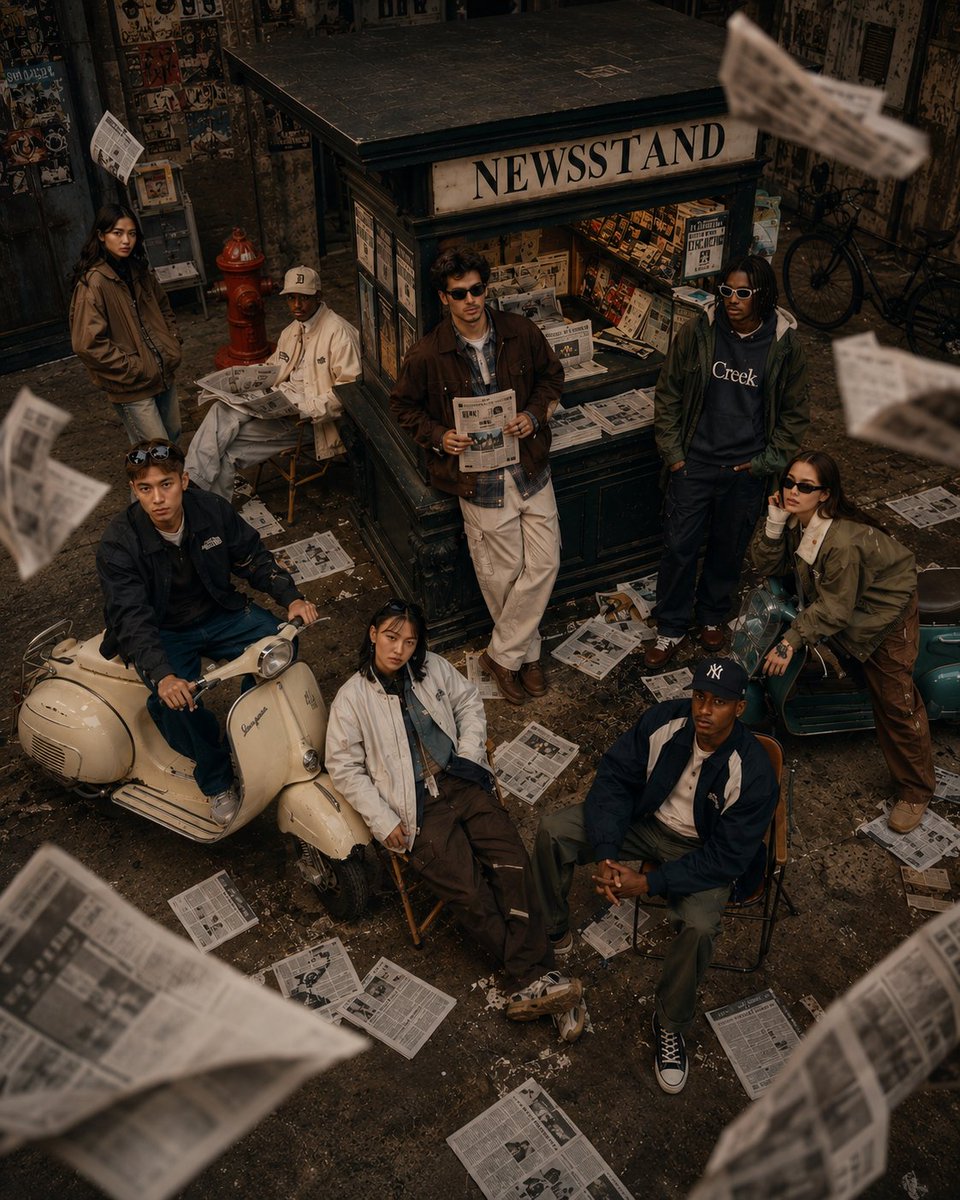
Creates an editorial-style street fashion photo featuring a casual pose against a vintage European backdrop with golden hour lighting.
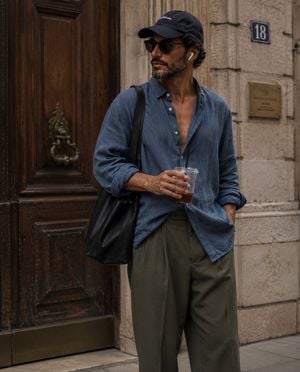
candid street-style fashion photograph of a {argument name="subject" default="stylish young man"} standing casually outside a {argument name="location" default="vintage European building with an ornate dark wooden door and stone walls"}. He is wearing an {argument name="outfit" default="oversized faded blue button-up linen shirt with the top buttons open, loose olive green cargo pants, a dark baseball cap, black sunglasses, white wireless earbuds, and carrying a large black shoulder tote bag"}. One hand holds a clear iced drink with a black straw while looking sideways, creating a natural, unposed moment. Soft golden-hour lighting, muted earthy tones, relaxed effortless aesthetic, editorial fashion photography, shallow depth of field, realistic skin texture, high detail, cinematic composition, 35mm lens, slightly grainy film look, luxury streetwear vibe, minimalist color palette, Instagram fashion editorial, ultra-realistic, 8K.
Choose the primary action to open PicX Studio with the available template settings. Review the model and format, personalize the creative direction, and generate when ready.
Yes. You can change the subject, setting, lighting, mood, format, and available model controls before creating your image.
This template is free to open and customize. Generation usage is shown in PicX Studio before you create.
Start with GPT Image 2, which is the model associated with this template. You can compare another compatible model for a different finish.
Follow a topic to a crawlable collection of related PicX Studio templates.