How do I use the Minimalist Travel Poster Template template?
Choose the primary action to open PicX Studio with the available template settings. Review the model and format, personalize the creative direction, and generate when ready.
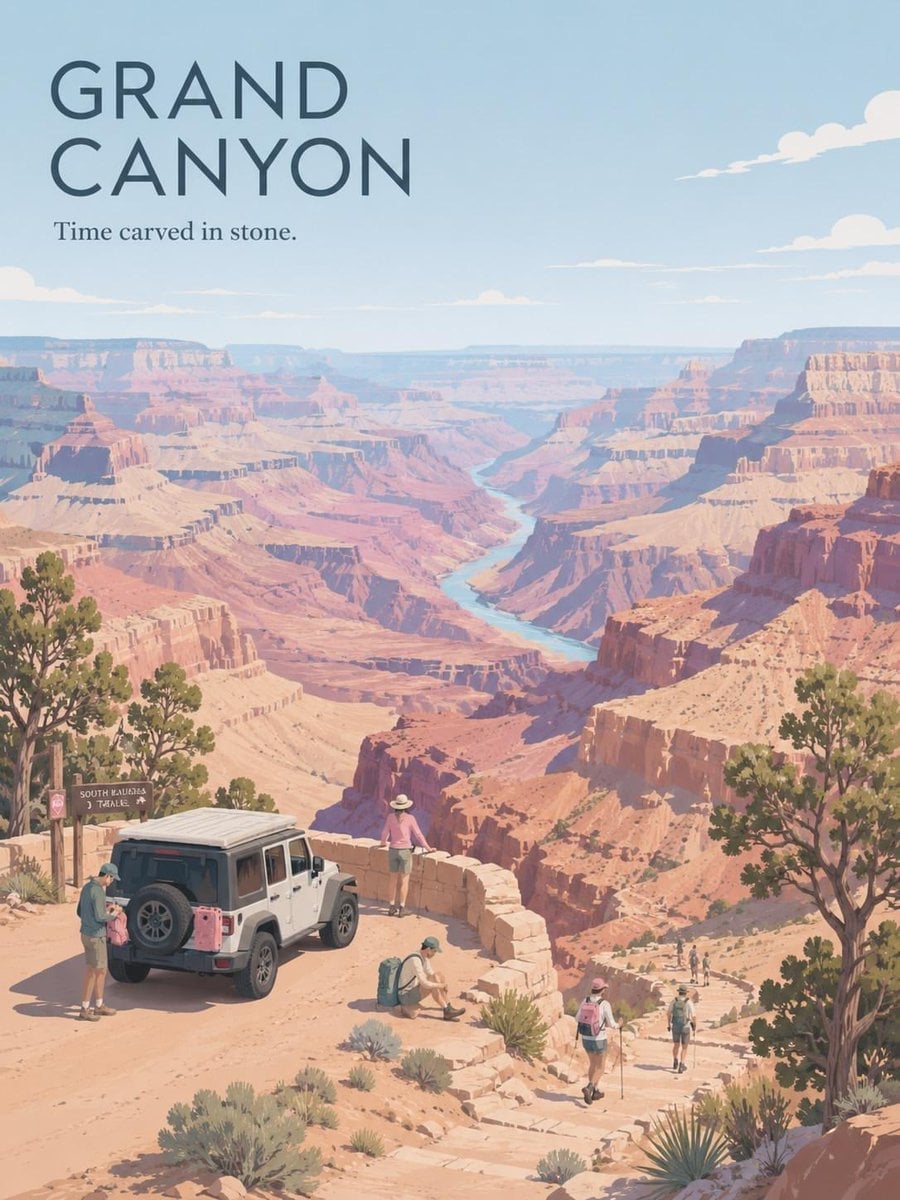
A versatile template for creating flat, minimalist travel posters with clean vector shapes, stylized silhouettes, and customizable color palettes.

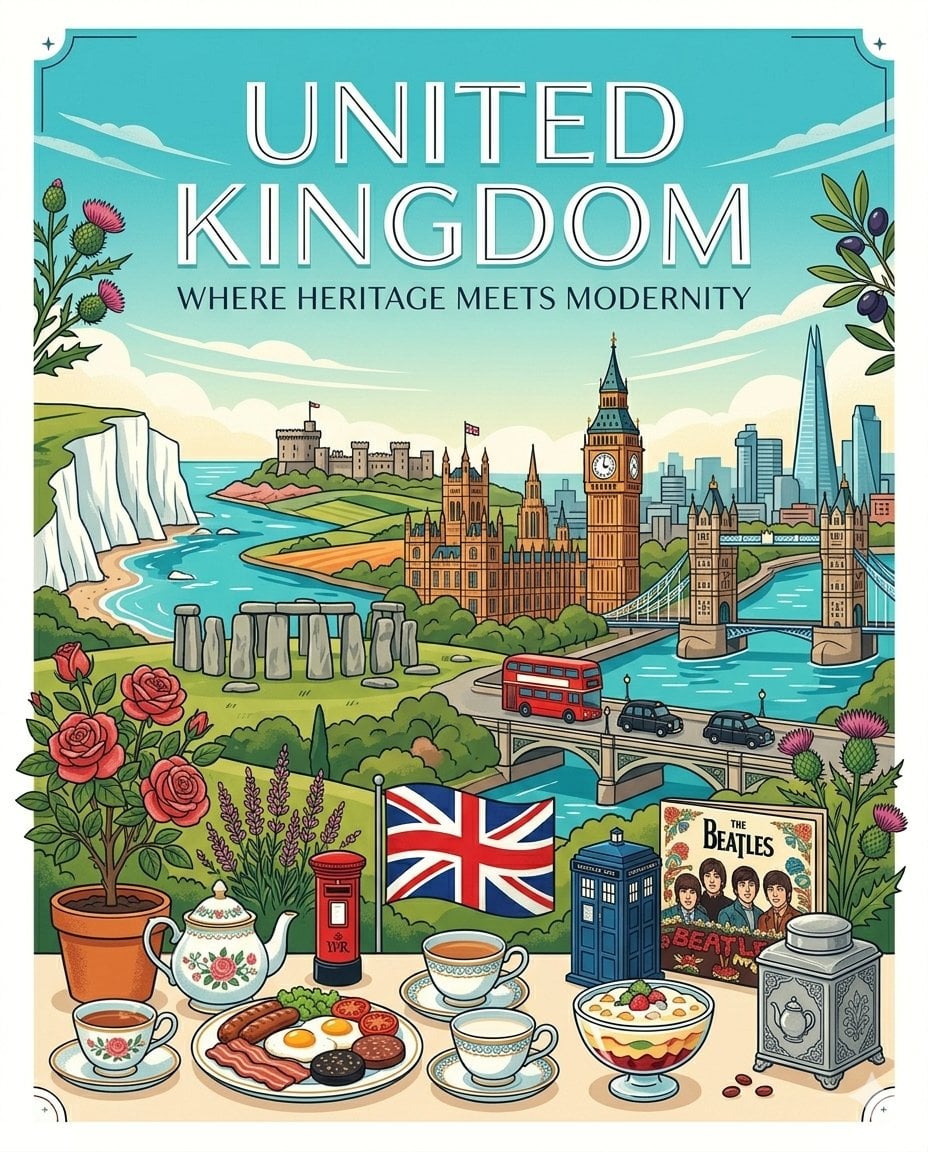
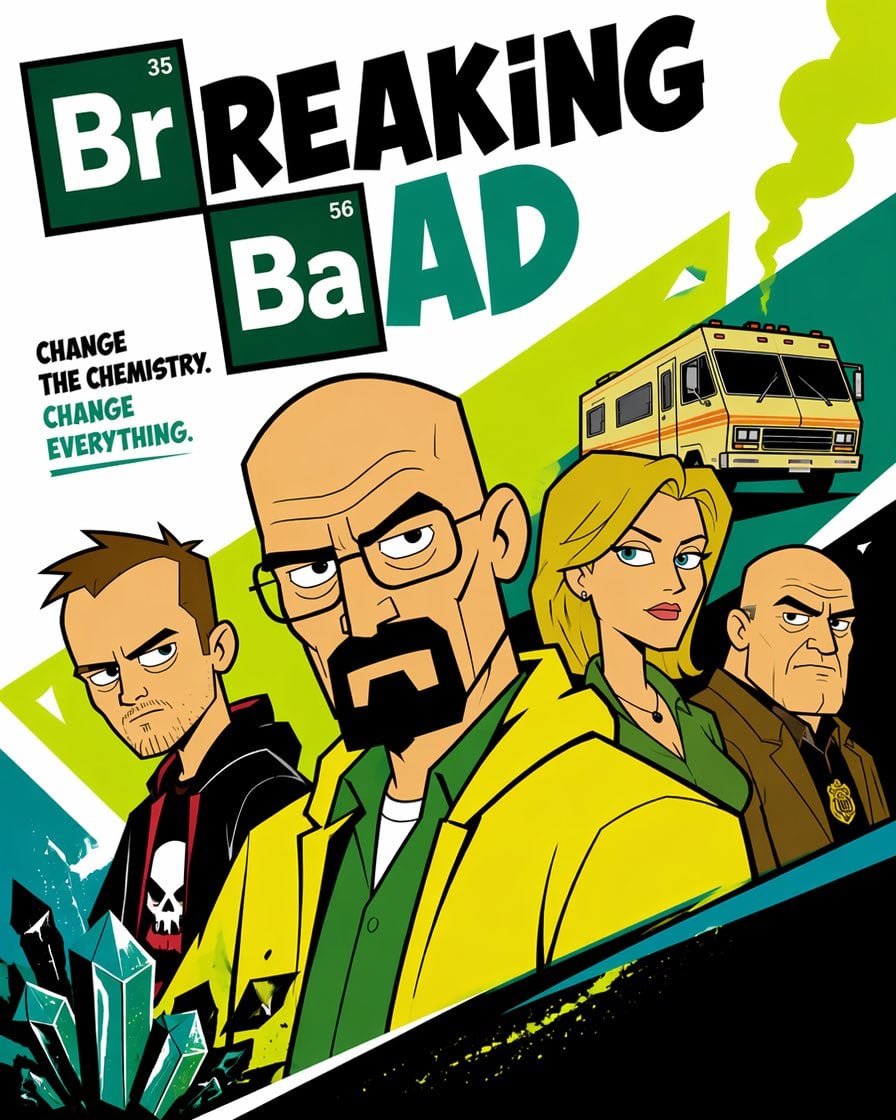
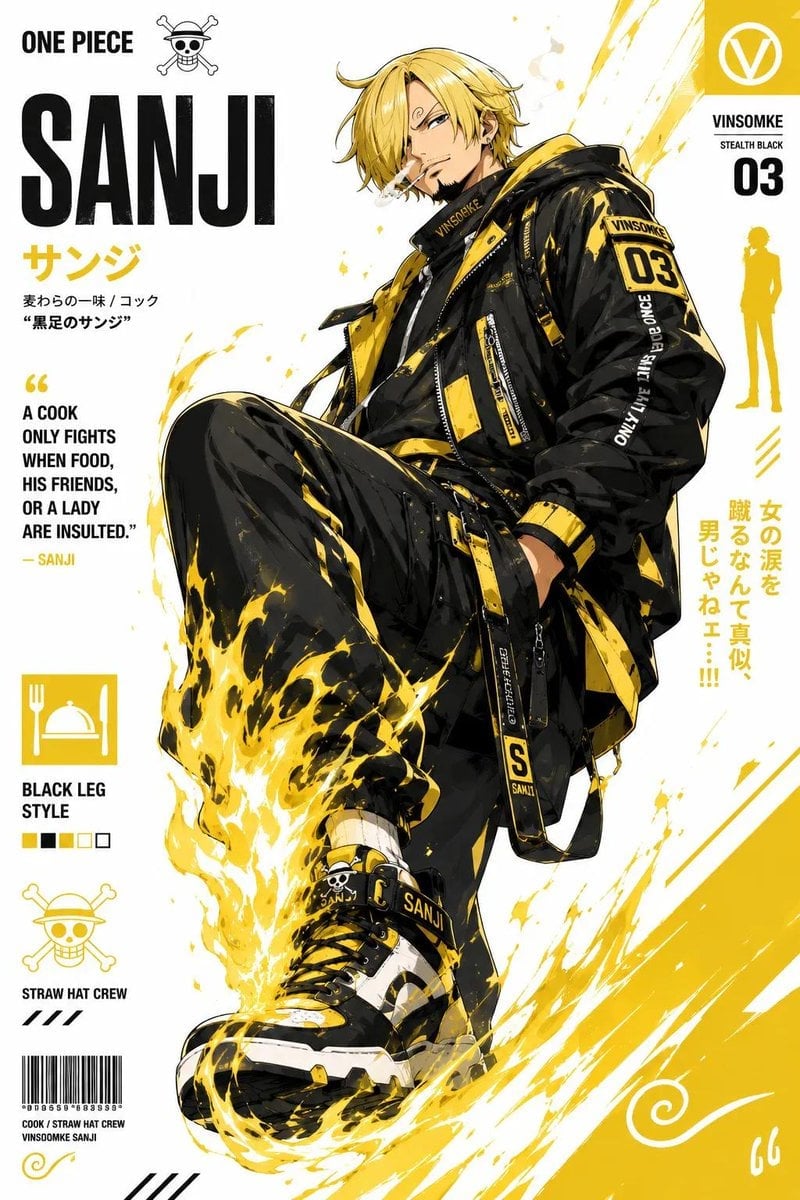
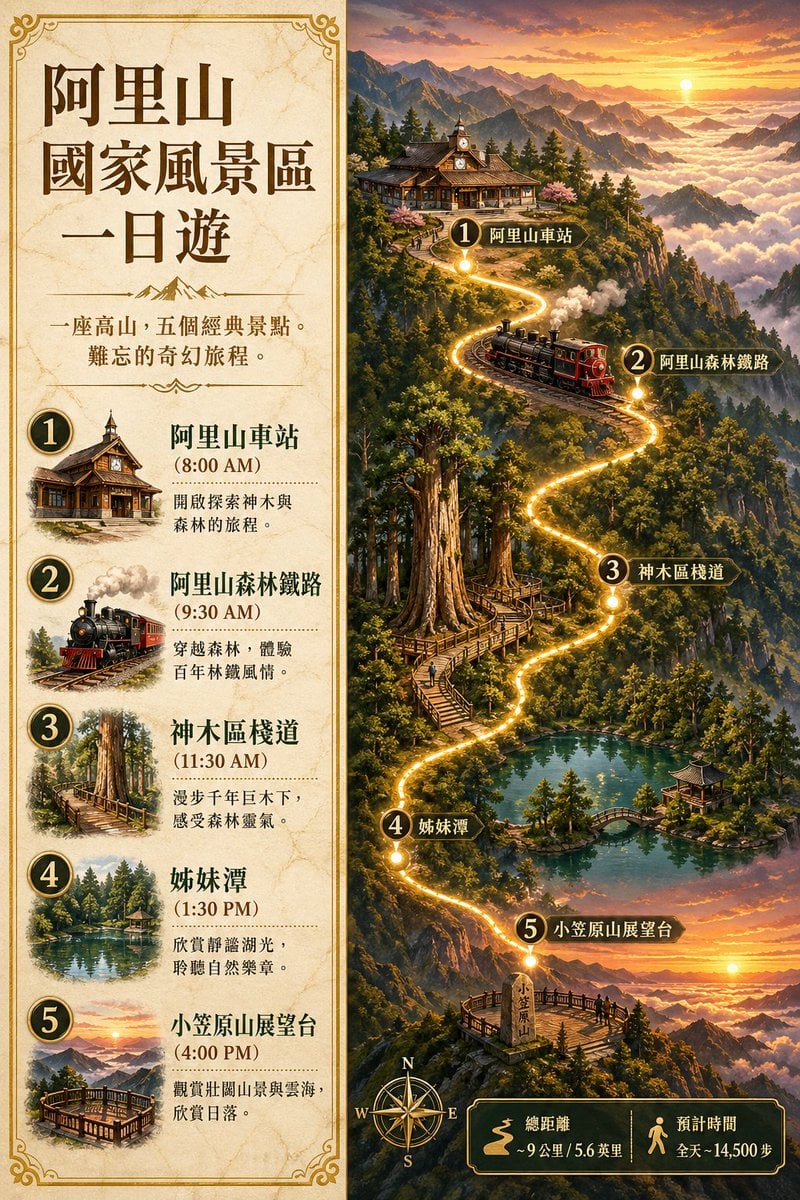
A flat minimalist travel poster for the city of {argument name="city name" default="[City Name]"}, featuring a stylized illustration of {argument name="main subject" default="[Main Subject]"}. Use clean vector shapes with a playful and simplified silhouette. Bold sans-serif text at the top spells the city name, with a smaller subheading beneath. Apply a {argument name="color palette" default="[Color Palette]"} color palette consisting of 2–4 saturated, high-contrast or pastel tones. Use a solid color background and avoid gradients or shadows. Poster design should evoke modern wanderlust and pop art poster vibes. Image ratio is 2:3.
Choose the primary action to open PicX Studio with the available template settings. Review the model and format, personalize the creative direction, and generate when ready.
Yes. You can change the subject, setting, lighting, mood, format, and available model controls before creating your image.
This template is free to open and customize. Generation usage is shown in PicX Studio before you create.
Start with GPT Image 2, which is the model associated with this template. You can compare another compatible model for a different finish.
Follow a topic to a crawlable collection of related PicX Studio templates.