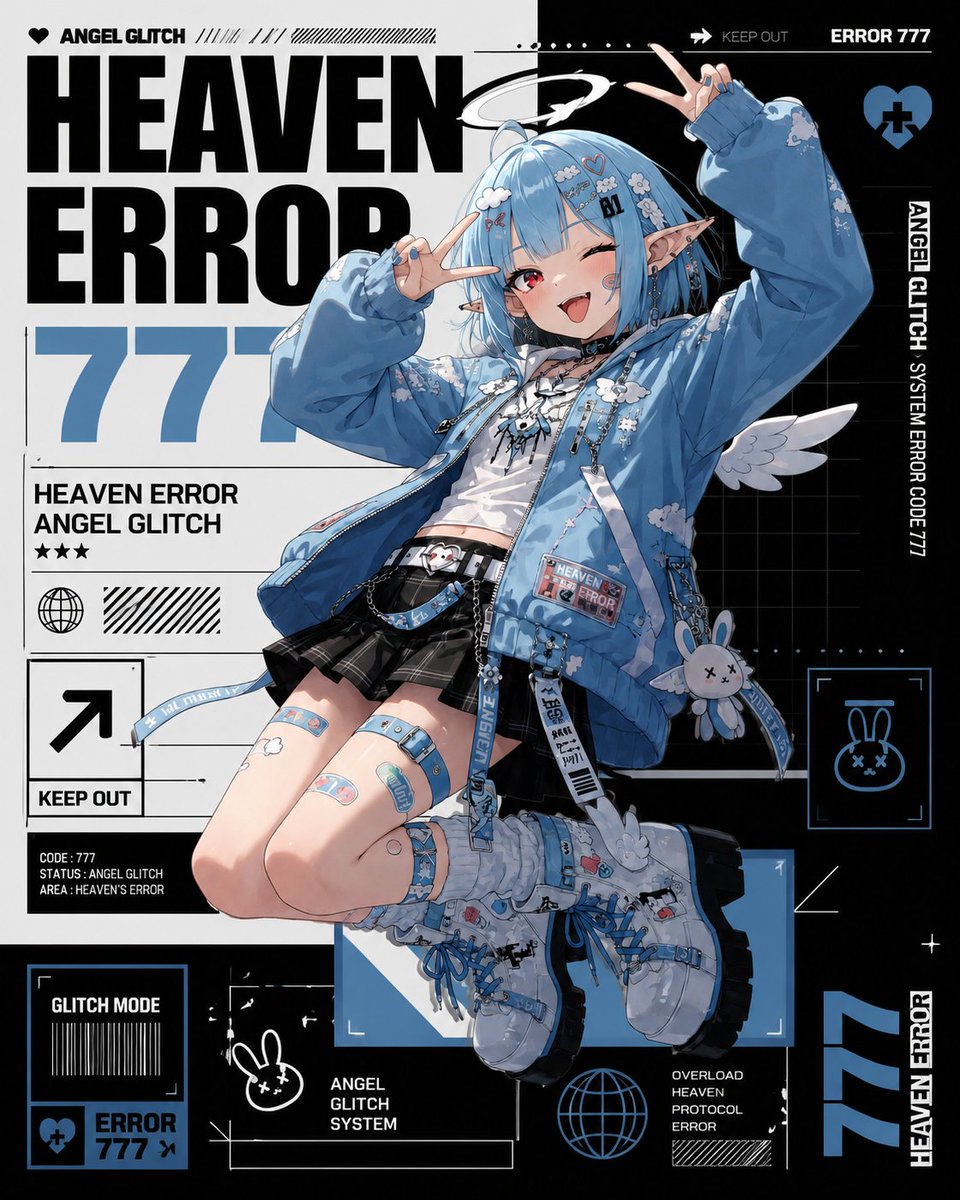
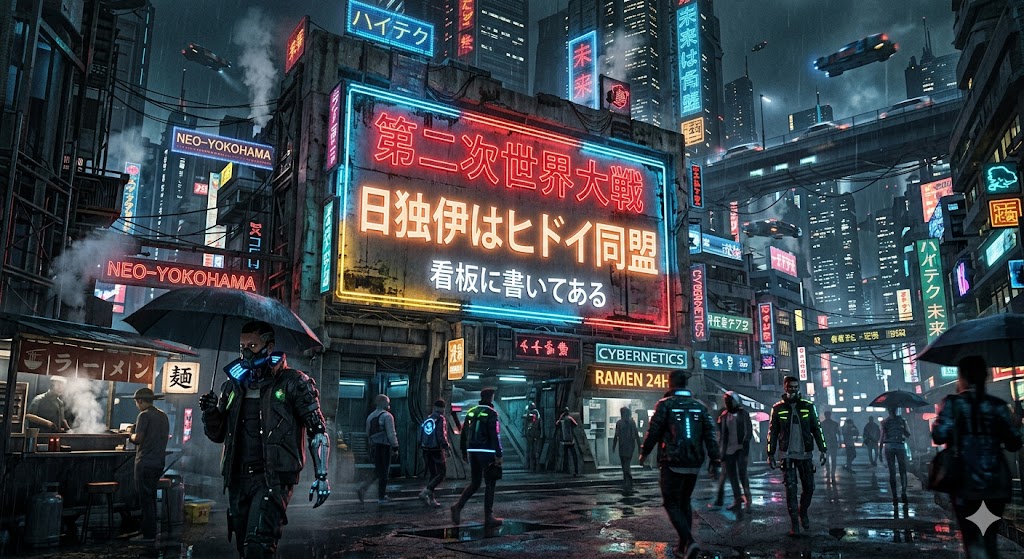
How do I use the Retro Source Engine 3D Game Style template?
Choose the primary action to open PicX Studio with the available template settings. Review the model and format, personalize the creative direction, and generate when ready.
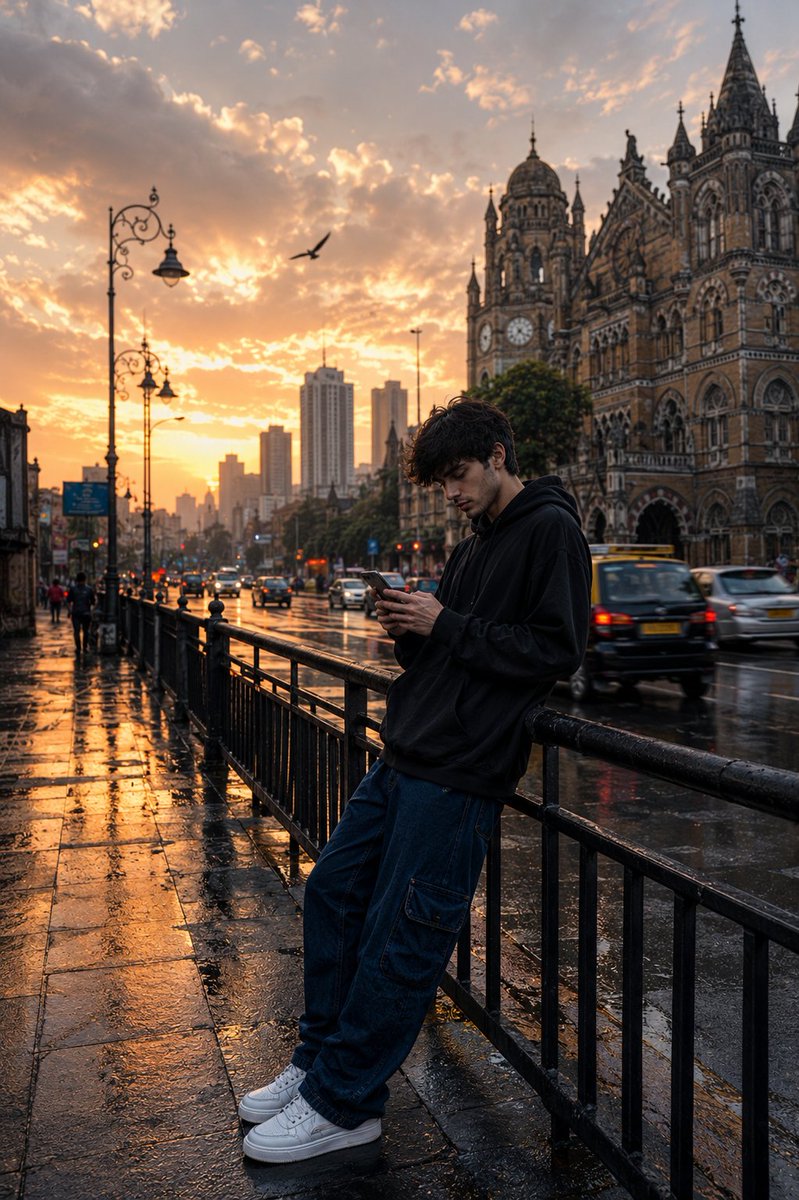
A prompt that transforms real photos into early 2000s Source Engine 3D game screenshots, capturing the distinct low-poly and low-res aesthetic of titles like Ha
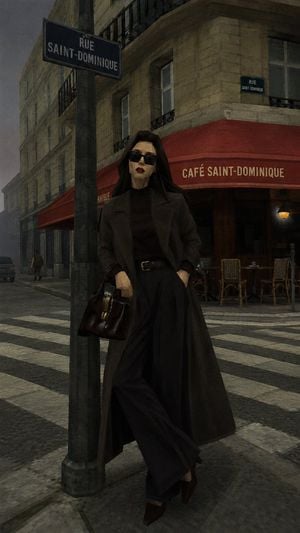
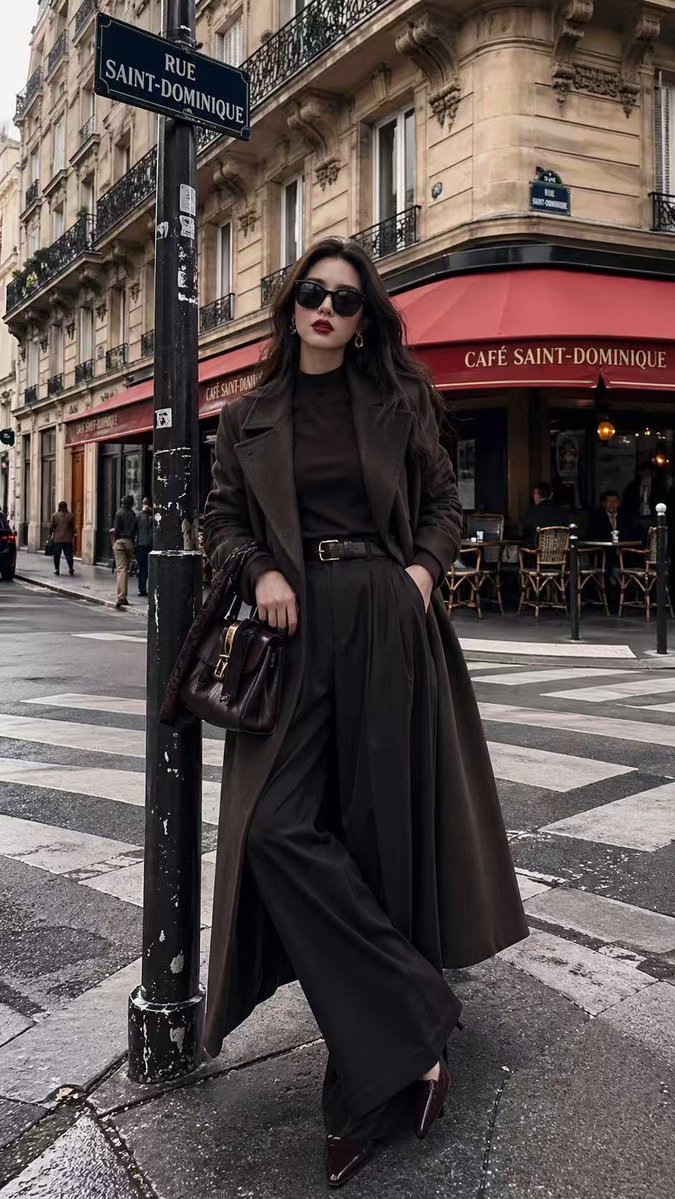
帮我把这张照片重制为{argument name="游戏引擎" default="早期 Source 引擎(起源引擎初代)"}风格的 3D 游戏截图。保留原图的主体、构图、视角和场景布局,但把整个画面重新诠释为{argument name="游戏场景" default="《Half-Life 2》或 Garry’s Mod 早期地图"}中的场景。整体不是简单滤镜,而是像把现实照片“重新建模”成一张老游戏截图。画面角色能清晰的看到低多边面的棱角,角色五官不要出现任何圆润的图形,全部用棱角或多边形代替;画面添加杂色,纹理极细的低像素格子,轻微色差效果渲染。风格要求: 3D建模:所有物体、角色、树木、岩石、建筑都呈现明显的**低多边形(Low-Poly)**建模感,边缘略硬,几何感明显 。模仿《半条命》(Half-Life)或Garry'sMod的早期视觉质感;材质贴图:使用低分辨率(Low-Res)纹理,贴图略糊、略重复、细节有限,带有早期游戏资产的粗糙感 。光影效果:模拟早期引擎特有的混乱、生硬光影、略不自然的光照;
Retro Source Engine 3D Game Style needs input media to work. Open it in the studio and these load alongside the prompt — pick whichever ones your chosen model can take.

Choose the primary action to open PicX Studio with the available template settings. Review the model and format, personalize the creative direction, and generate when ready.
Yes. You can change the subject, setting, lighting, mood, format, and available model controls before creating your image.
This template is free to open and customize. Generation usage is shown in PicX Studio before you create.
Start with GPT Image 2, which is the model associated with this template. You can compare another compatible model for a different finish.
Follow a topic to a crawlable collection of related PicX Studio templates.