
Watermelon Commercial Poster Design
A high-saturation vector illustration prompt for a commercial watermelon poster, featuring vintage screen-printing textures and playful typography.
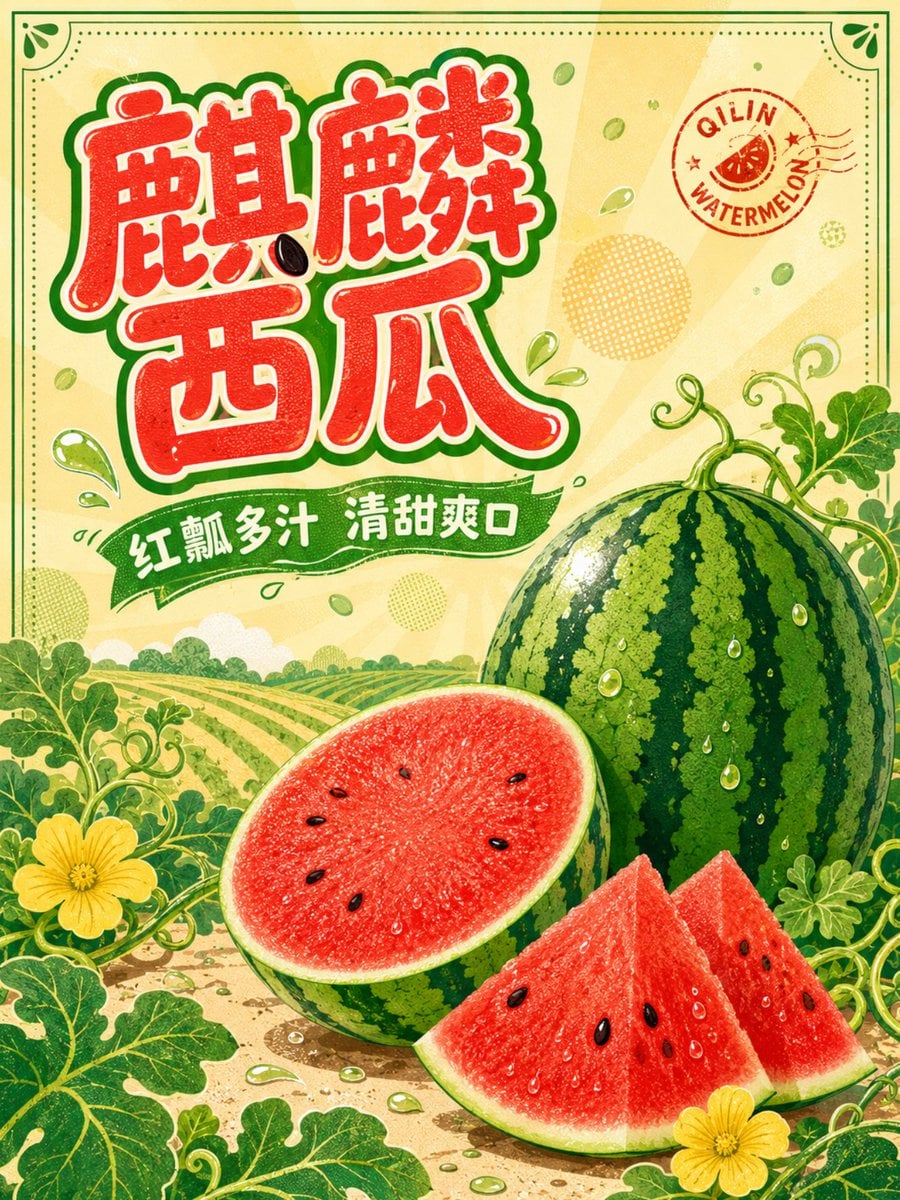
- Prompt included
- Model and format preset
- Free template
The prompt behind this image
Copy the exact prompt behind Watermelon Commercial Poster Design, or open it in the studio and make it yours.
竖版3:4{argument name="主题" default="麒麟西瓜"}主题商业海报,正视平面设计,{argument name="背景颜色" default="奶油黄色"}满版背景,加入低对比浅橙太阳放射纹与淡绿色瓜籽散点。画面右下放置一颗完整椭圆麒麟西瓜、半切西瓜和两块错落瓜瓣,准确表现深绿色纵向条纹、薄绿瓜皮、鲜红细腻瓜瓤、少量自然黑籽与晶莹汁水;左上使用粗壮圆润、拙趣活泼的手绘字体呈现“{argument name="产品名" default="麒麟西瓜"}”,文字为果肉红填色、奶油白内线、墨绿色外描边,一粒瓜籽与局部笔画巧妙互动但不影响识读;副标题“红瓤多汁 清甜爽口”置于绿色波浪飘带,英文“QILIN WATERMELON”作为弧形小印章。背景增加瓜田垄线、卷曲藤蔓、瓜花、小水滴和半调圆点,前景用放大叶片框住画面边缘。高饱和Q版矢量插画、复古丝网印刷颗粒、清晰平涂层次,保留印刷裁切安全区,禁止黑色背景。
How to use Watermelon Commercial Poster Design in 3 steps
- 1
Open
The prompt is already in the box next to the preview, with the template's model and format selected.
- 2…a portrait of your subject in softgolden-hour light, 85mm…
Personalize
Edit the subject and creative details for your destination.
- 3Generate
Generate
Press Generate — your image is created in PicX Studio, so you can compare it with the original and refine one variable at a time.
More like this
Templates with the same subject, style or setup. Open one to see its prompt.

Japan Travel Brochure Poster

Cartoon TV Show Poster Pack

Trendy Cafe Drink Promo Poster

Urban Fashion Editorial Collage Streetwear Poster

Premium Fashion Editorial Cover Layout System

Polo Ralph Lauren Luxury American Heritage Fashion Campaign

Monochrome Halftone Editorial Fashion Poster

Retro Mirror Luxury Fashion Campaign Poster

Luxury Fashion Campaign Typography Poster System

Premium Fashion Editorial Campaign Poster System

Ultra-Stylized High-Fashion Streetwear Poster

Urban Fashion Editorial Collage Poster
Make it yours
Watermelon Commercial Poster Design works as-is. These are the safest ways to change it without losing the look.
Change one field
Copy a single group, rewrite it, and generate again so you can see what that field is doing.
Keep the frame, change the subject
Hold the composition and light of Watermelon Commercial Poster Design, then swap wardrobe, props or the person for a new take.
| If the result… | Why | Fix |
|---|---|---|
| The result drifts from the preview | Too many fields changed at once. | Reuse Watermelon Commercial Poster Design as-is first, then change one group — subject, light, or setting. |
| The model over-stylizes the scene | The prose prompt leaves finish and camera underspecified. | Add one camera or lighting sentence and stay on GPT Image 2. |
More GPT Image 2 templates
Other prompts made for GPT Image 2.

Six VTuber Japanese Logo Sheet

Realistic Portrait of Woman and Deer

The Vista Modular Condo Poster

AI Model Routing Comparison Infographic

2.5D Anime Art Board

Isometric Productivity Desk Scene

New York Double Exposure Poster

Four-Panel AI Landscape Comparison

Japanese Tatami Lifestyle Magazine Cover

NESCAFÉ Coffee Map Poster
More image prompts
Fresh picks from across the catalog.
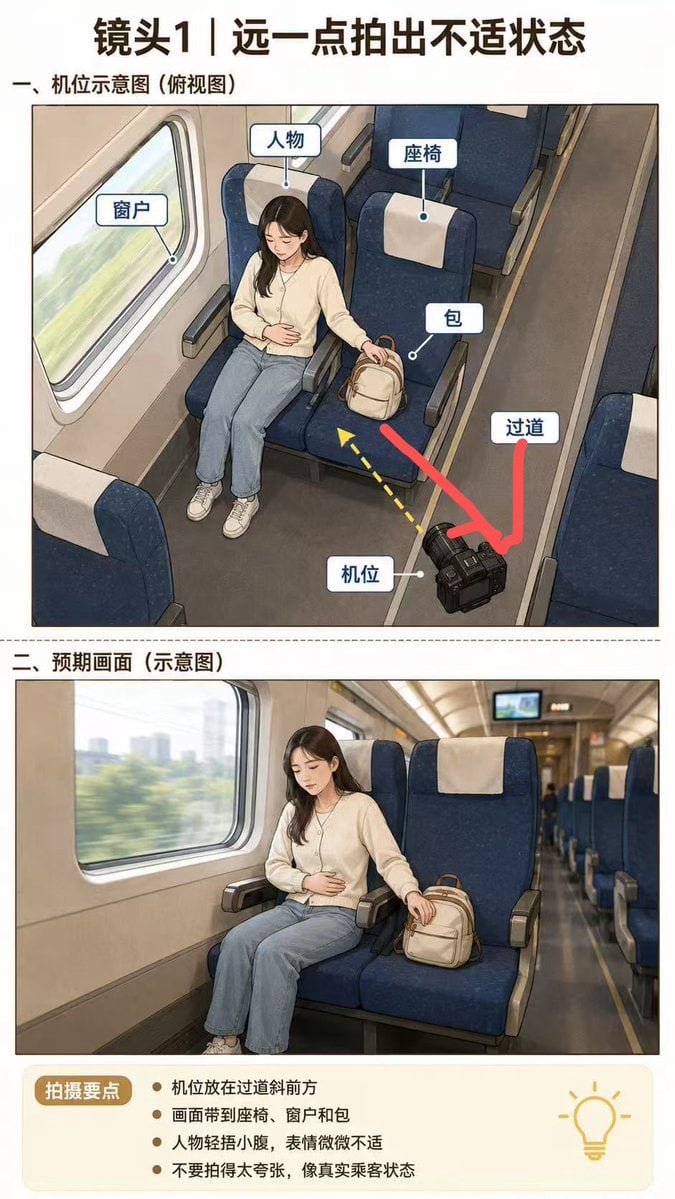
High-Speed Train Filming Storyboard
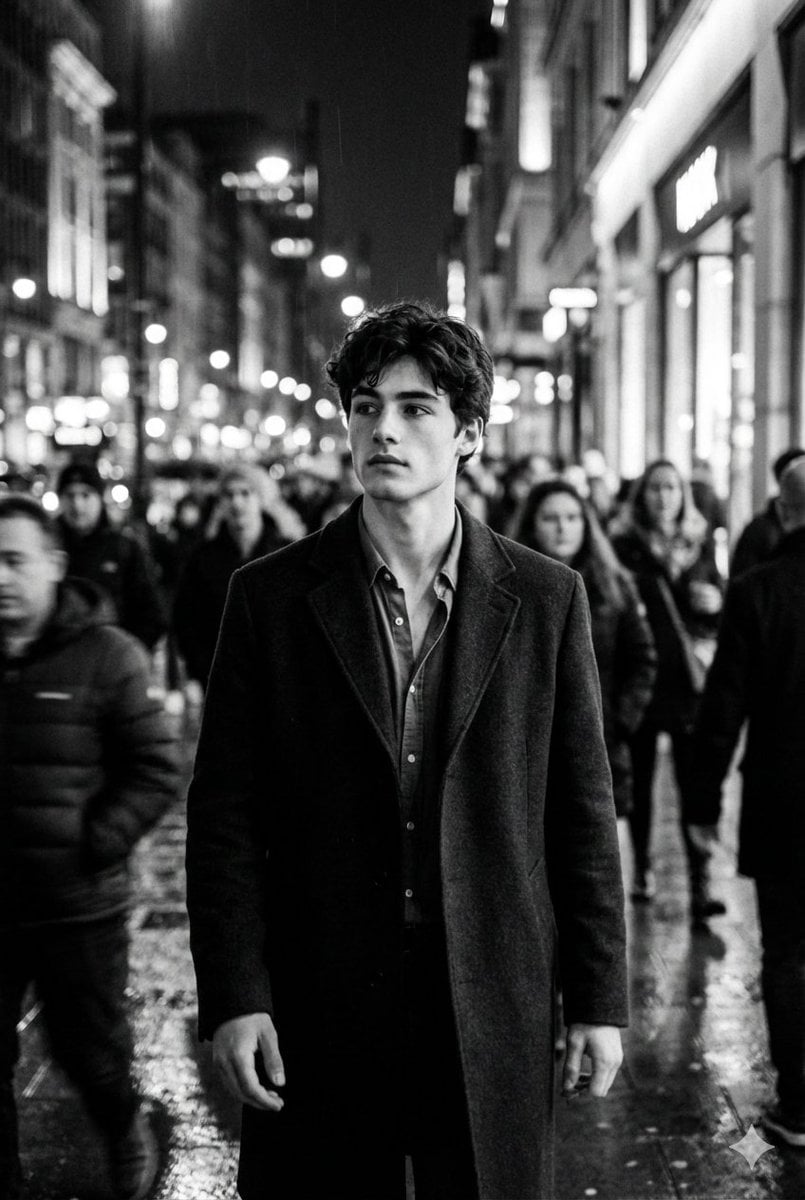
Black and White Cinematic Motion Portrait
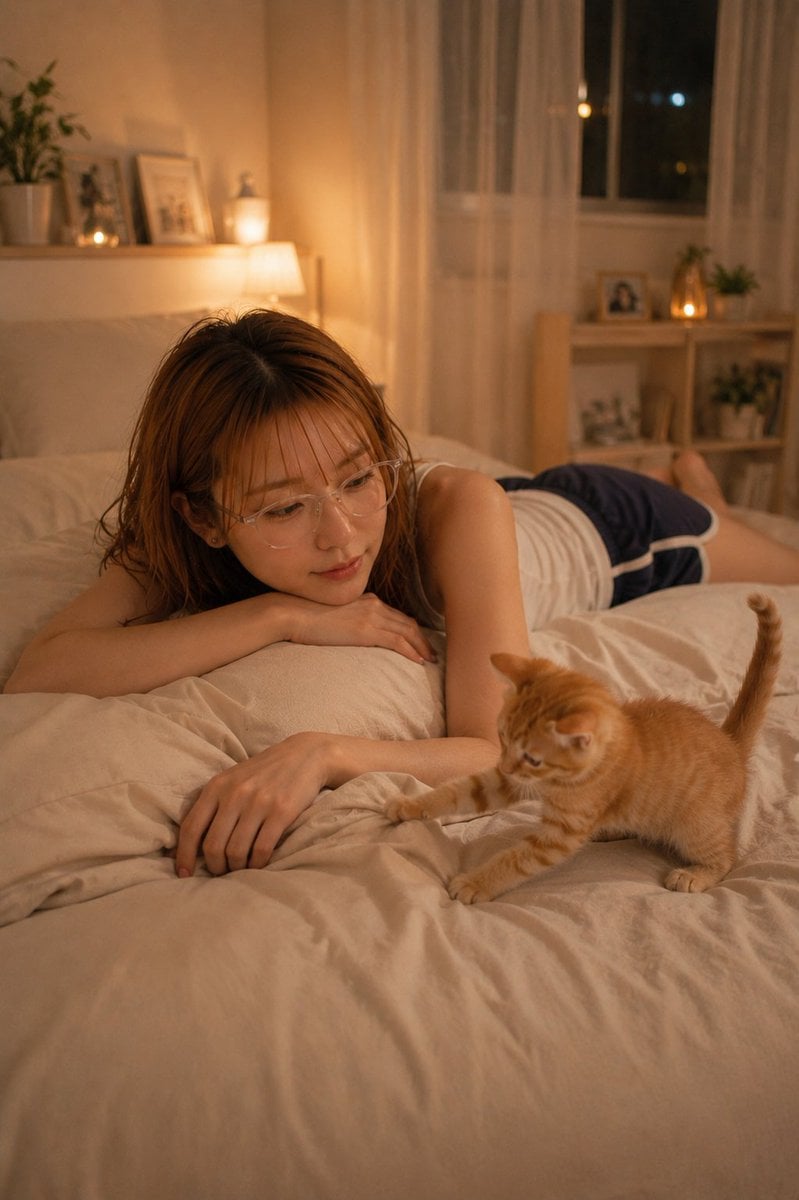
Cozy Night Bedroom With Kitten
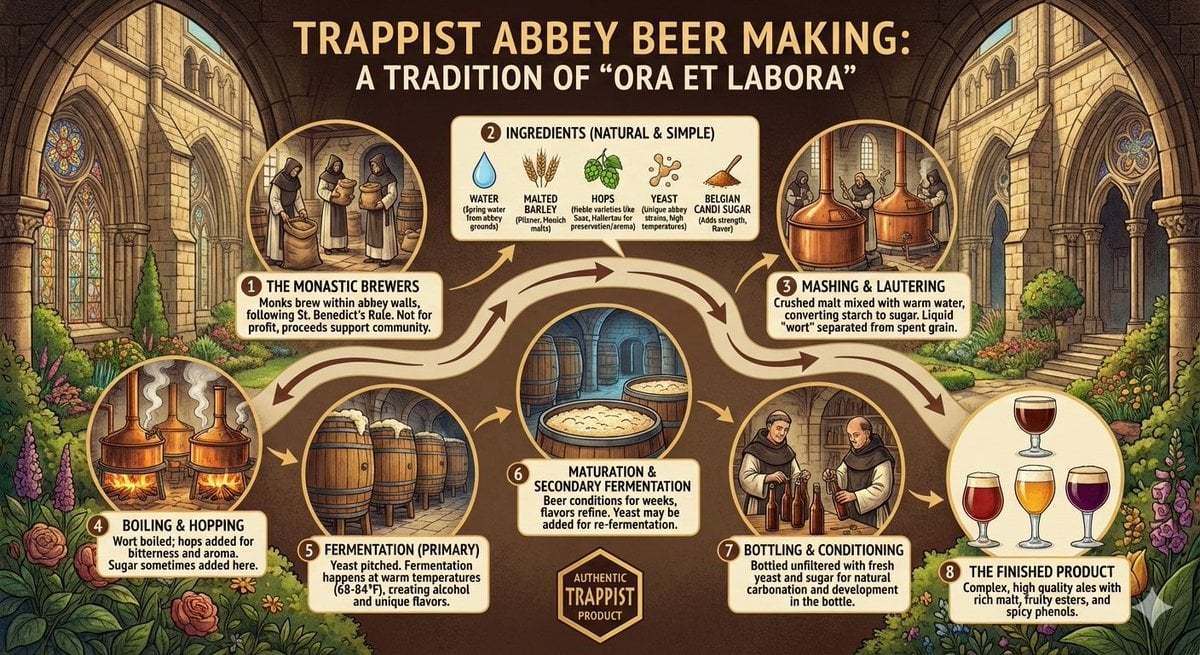
Infographic on Trappist Abbey Beer Making
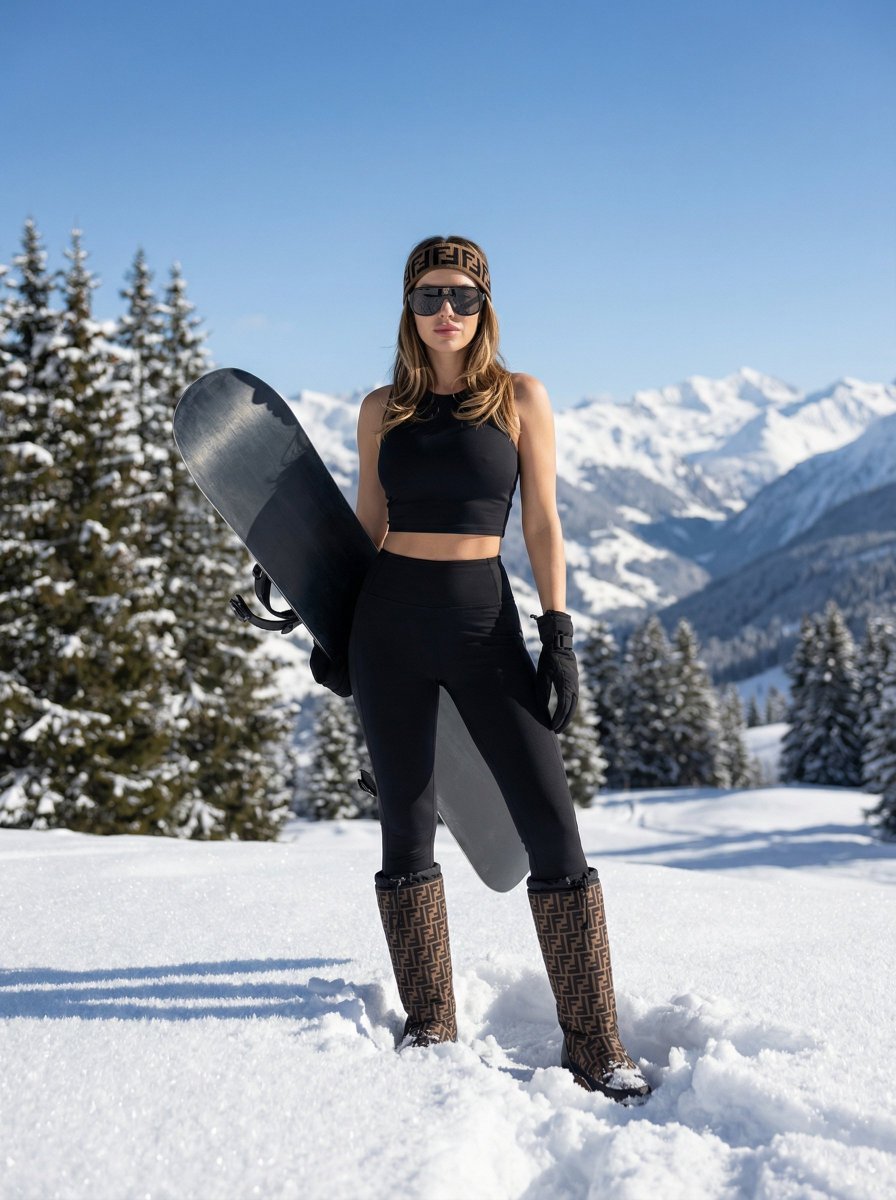
High-End Sporty Fashion Editorial Skiing
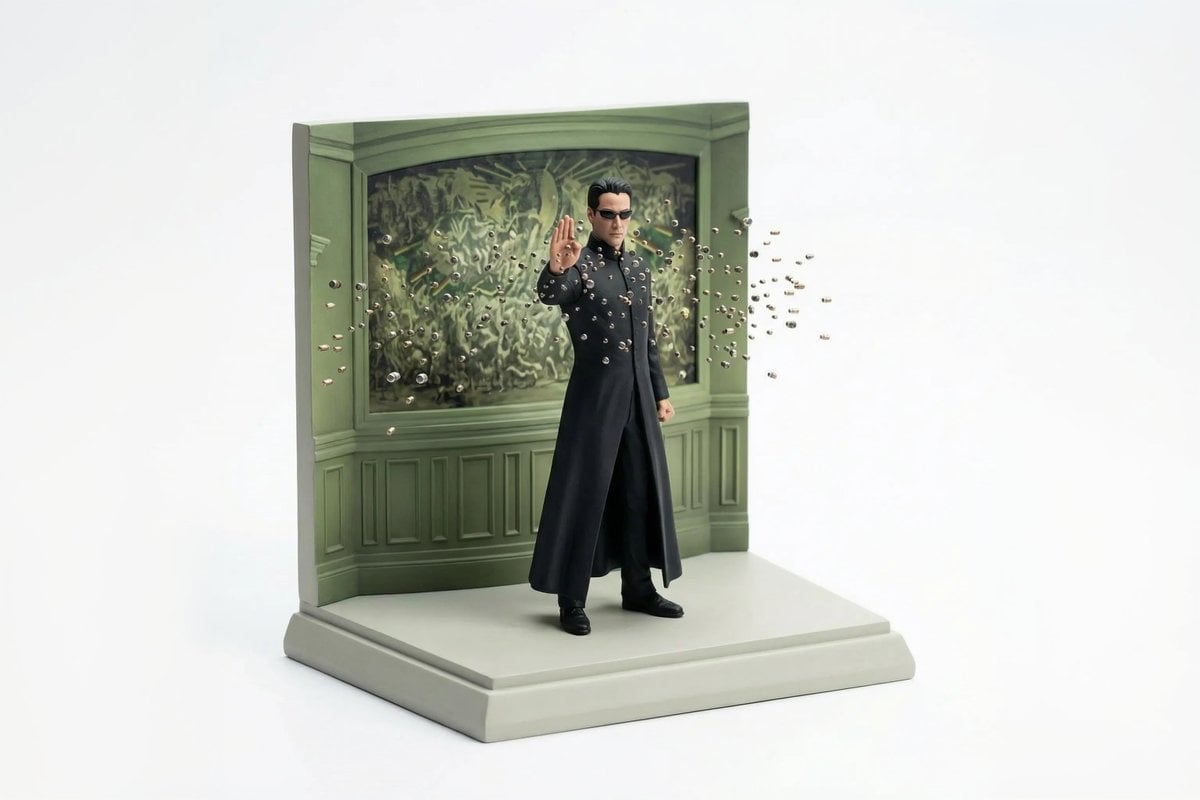
Miniature Diorama Reconstruction from a Reference Scene
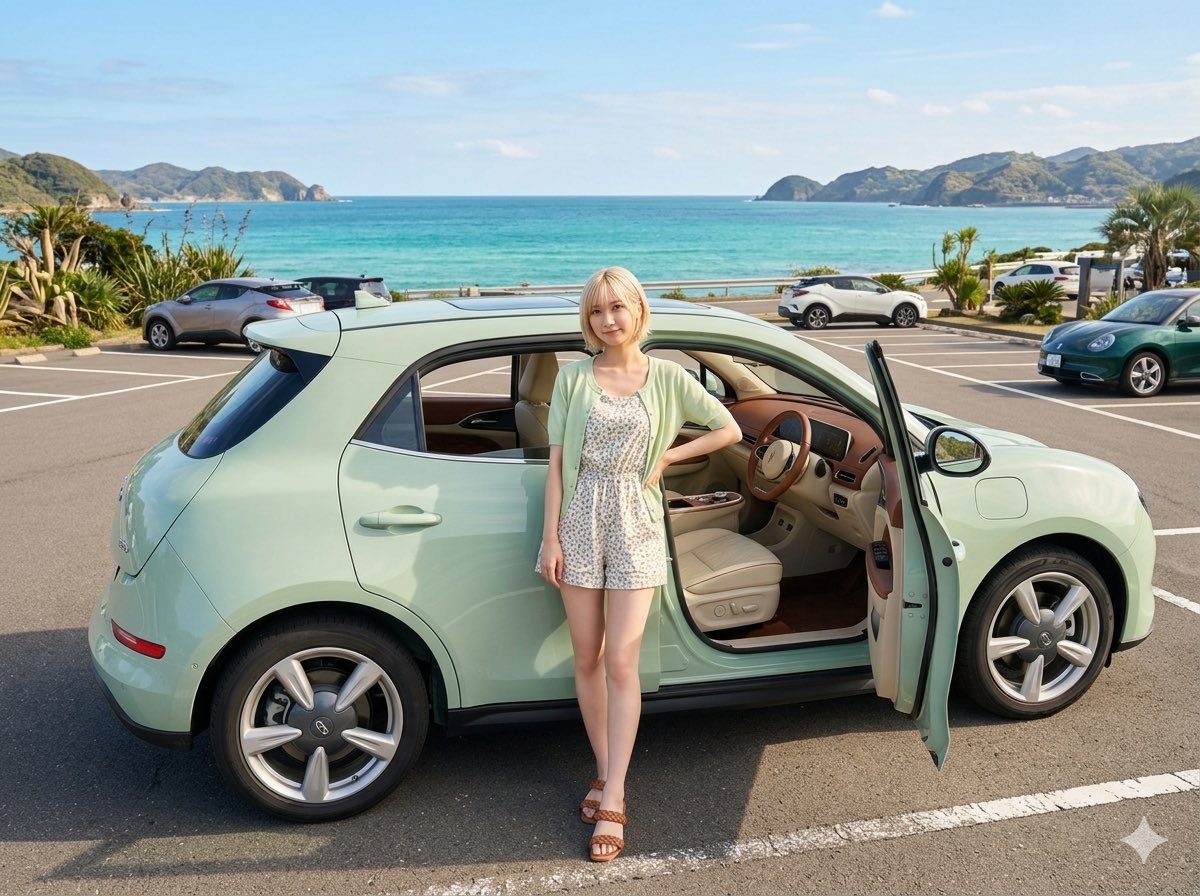
Mint Green Coastal Car Portrait
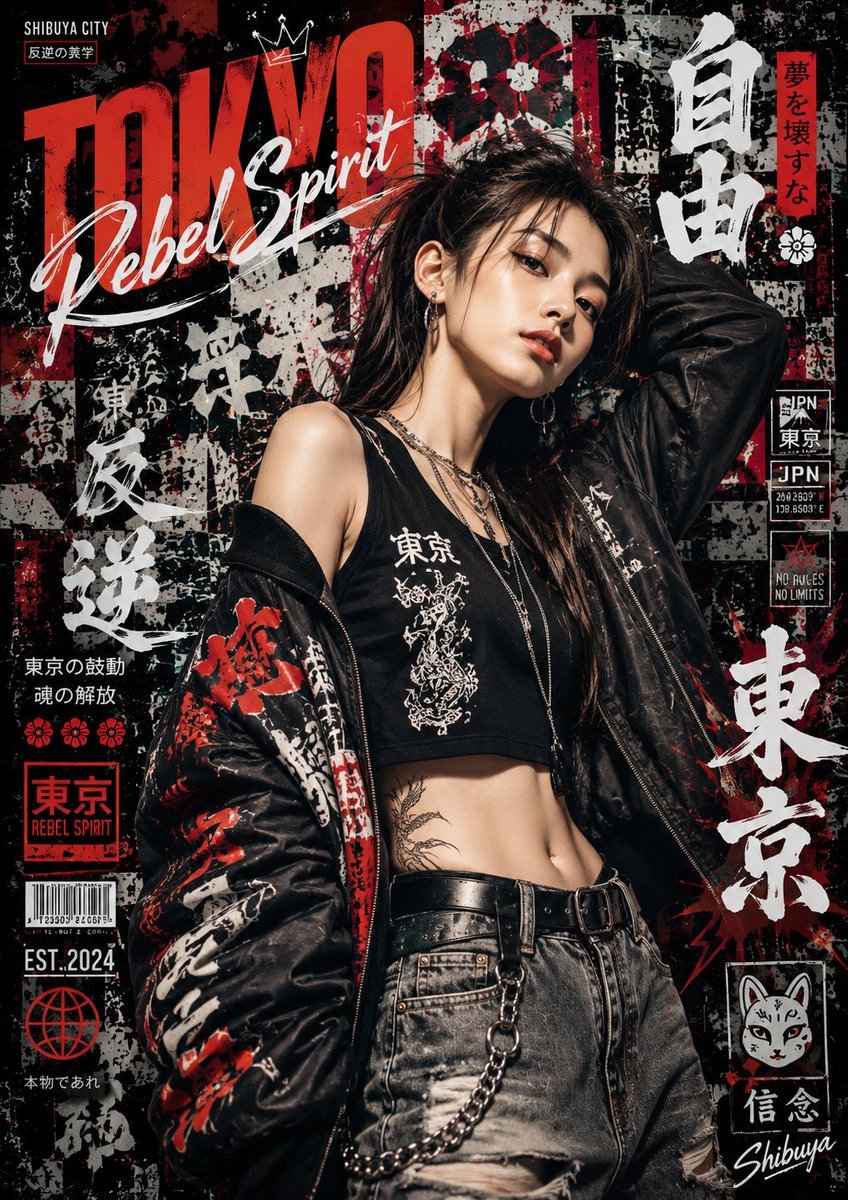
Japanese Graffiti Street Art Poster

Ultra Detailed Shonen Anime Warrior
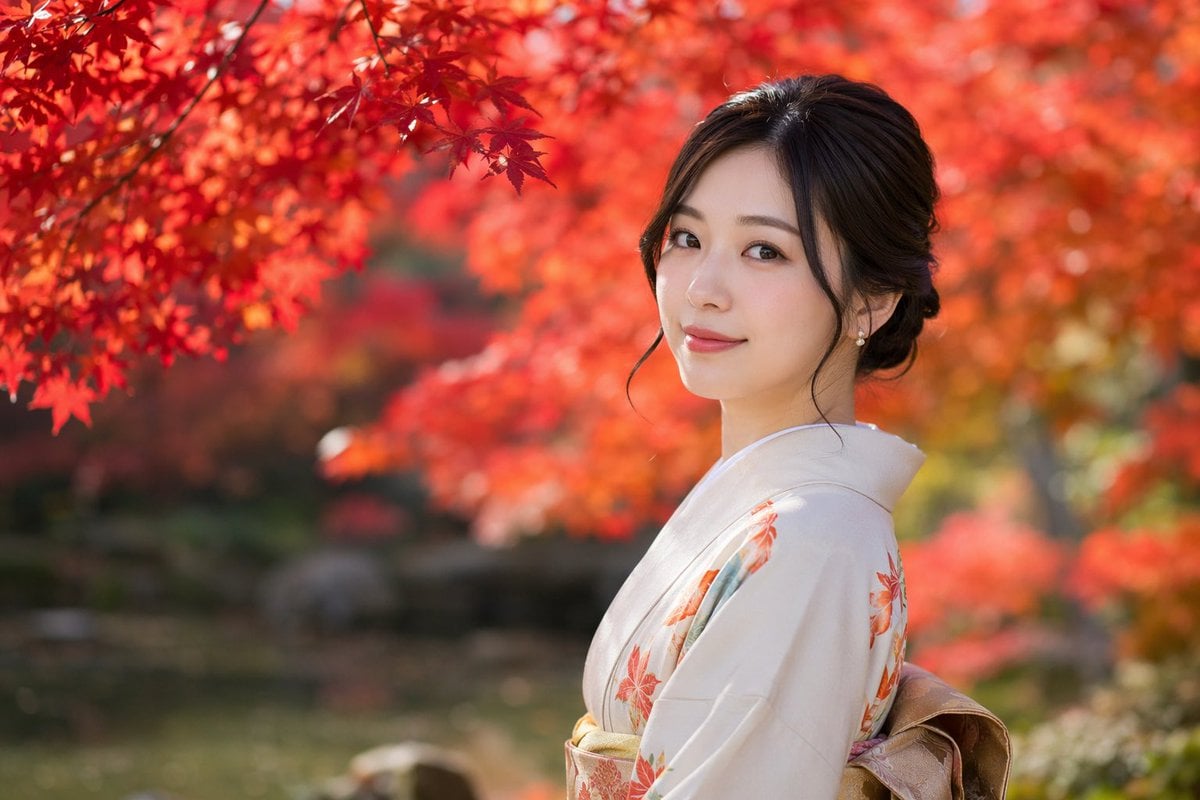
Photorealistic Autumn Kimono Portrait
Browse template categories
Watermelon Commercial Poster Design questions
How do I use the Watermelon Commercial Poster Design template?
Add your photo if the template asks for one, edit the prompt if you like — the template's model and format are already selected — and press Generate. Your version opens in PicX Studio.
Can I customize the Watermelon Commercial Poster Design template?
Yes. You can change the subject, setting, lighting, mood, format, and available model controls before creating your image.
Is the Watermelon Commercial Poster Design template free?
Opening and editing this template is free. Generating uses credits, shown on the Generate button when you are signed in.
Which AI model should I use?
Start with GPT Image 2, which is the model associated with this template. You can compare another compatible model for a different finish.
Looking for something else? Browse all templates.

Your photo, any look
Thousands of ready templates for every top image and video model, from one credit balance.