
双手举起做轻松俏皮手势 不过度卖萌
{ "project_settings": { "task_type": "九宫格新年祝福肖像(男生版)", "aspect_ratio": "1:1", "grid_layout": "3x3", "batch_size": 1 }, "overall_style": { "整体风格": "极简新年祝福风", "视觉基调": "干净、温和、克制的节日感", "背景": "纯色白墙面,无装饰", "光线"…
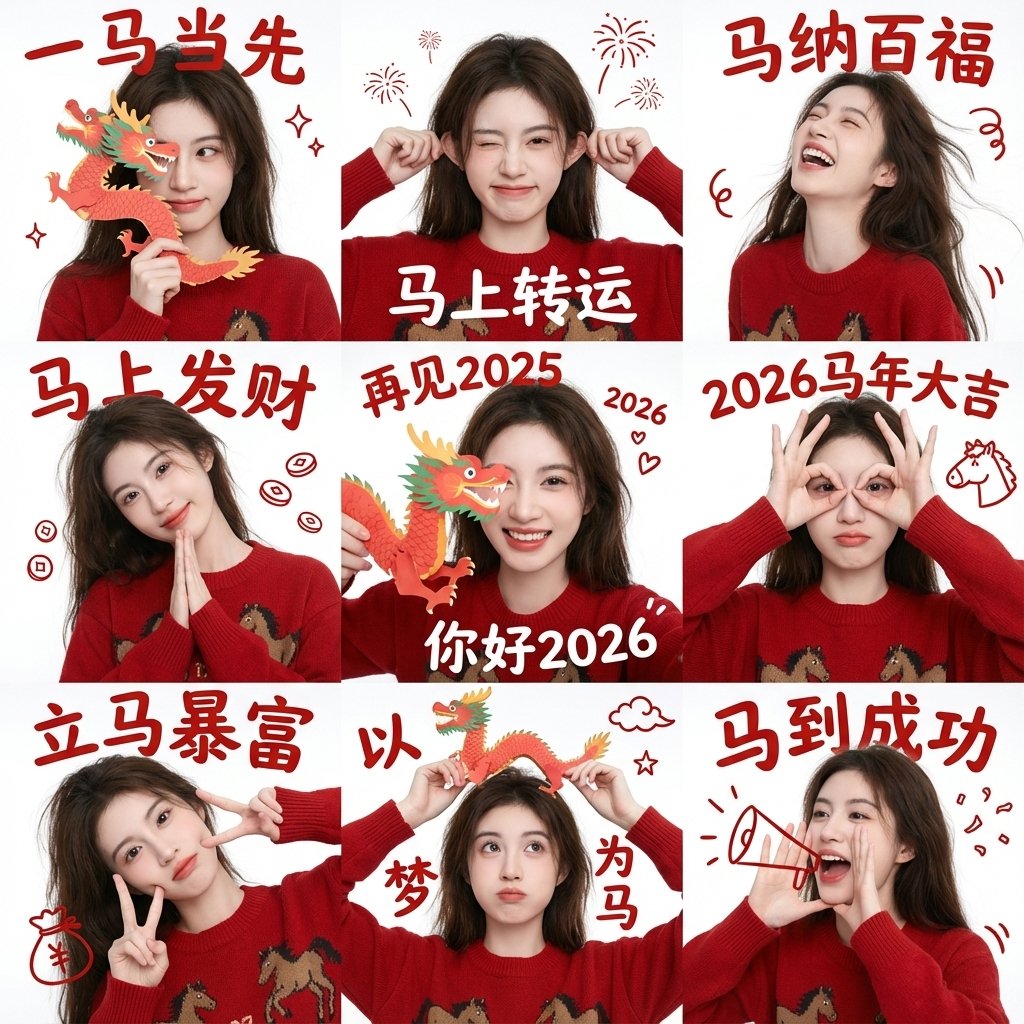
- Prompt included
- Model and format preset
- Free template
The prompt behind this image
Copy the exact prompt behind 双手举起做轻松俏皮手势 不过度卖萌, or open it in the studio and make it yours.
- Project Settings › Task Type
- 九宫格新年祝福肖像(男生版)
- Project Settings › Aspect Ratio
- 1:1
- Project Settings › Grid Layout
- 3x3
- Project Settings › Batch Size
- 1
- Overall Style › 整体风格
- 极简新年祝福风
- Overall Style › 视觉基调
- 干净、温和、克制的节日感
- Overall Style › 背景
- 纯色白墙面,无装饰
- Overall Style › 光线
- 自然柔光,均匀无强阴影
- Overall Style › 色彩重点
- 中国红(服装 + 文字)
- Subject Base › 人物一致性
- 九宫格内为同一位人物
- Subject Base › 人物类型
- 亚洲男性
- Subject Base › 性别气质
- 干净、阳光、自然,不油腻
- Subject Base › 发型
- 黑色短发,自然蓬松,简洁利落
- Subject Base › 服装
- 红色针织毛衣或卫衣,简洁无图案
- Subject Base › 妆容
- 无明显妆感,真实自然肤质
- Subject Base › 表情气质
- 开心,克制的微笑,不夸张
- Pose Variations › Grid 1
- 食指竖于嘴前,轻松安静手势
- Pose Variations › Grid 2
- 单手比 V 手势靠近脸部
- Pose Variations › Grid 3
- 单手做 OK 或三指手势
- Pose Variations › Grid 4
- 双手举起做轻松俏皮手势(不过度卖萌)
- Pose Variations › Grid 5
- 单手张开遮住半边脸
- Pose Variations › Grid 6
- 单手做电话手势靠近脸侧
- Pose Variations › Grid 7
- 单手轻点脸颊或下巴
- Pose Variations › Grid 8
- 单手托下巴,轻微思考姿势
Raw JSON
{
  "project_settings": {
    "task_type": "九宫格新年祝福肖像(男生版)",
    "aspect_ratio": "1:1",
    "grid_layout": "3x3",
    "batch_size": 1
  },

  "overall_style": {
    "整体风格": "极简新年祝福风",
    "视觉基调": "干净、温和、克制的节日感",
    "背景": "纯色白墙面,无装饰",
    "光线": "自然柔光,均匀无强阴影",
    "色彩重点": "中国红(服装 + 文字)"
  },

  "subject_base": {
    "人物一致性": "九宫格内为同一位人物",
    "人物类型": "亚洲男性",
    "性别气质": "干净、阳光、自然,不油腻",
    "发型": "黑色短发,自然蓬松,简洁利落",
    "服装": "红色针织毛衣或卫衣,简洁无图案",
    "妆容": "无明显妆感,真实自然肤质",
    "表情气质": "开心,克制的微笑,不夸张"
  },

  "pose_variations": {
    "grid_1": "食指竖于嘴前,轻松安静手势",
    "grid_2": "单手比 V 手势靠近脸部",
    "grid_3": "单手做 OK 或三指手势",
    "grid_4": "双手举起做轻松俏皮手势(不过度卖萌)",
    "grid_5": "单手张开遮住半边脸",
    "grid_6": "单手做电话手势靠近脸侧",
    "grid_7": "单手轻点脸颊或下巴",
    "grid_8": "单手托下巴,轻微思考姿势",
    "grid_9": "双手指向脸部或克制比心变体"
  },

  "text_overlays": {
    "字体风格": "传统中文新年书法字体",
    "文字颜色": "中国红",
    "年份颜色": "深蓝色",
    "文字位置": "每一格顶部居中",
    "文字结构": "四字祝福语 + 年份"
  },

  "text_content": [
    { "position": "grid_1", "text": "一帆风顺", "year": "2026" },
    { "position": "grid_2", "text": "双喜临门", "year": "2026" },
    { "position": "grid_3", "text": "三阳开泰", "year": "2026" },
    { "position": "grid_4", "text": "四季发财", "year": "2026" },
    { "position": "grid_5", "text": "五福临门", "year": "2026" },
    { "position": "grid_6", "text": "六六大顺", "year": "2026" },
    { "position": "grid_7", "text": "七星高照", "year": "2026" },
    { "position": "grid_8", "text": "八方来财", "year": "2026" },
    { "position": "grid_9", "text": "九九同心", "year": "2026" }
  ],

  "constraints": {
    "禁止项": [
      "不改变人物身份",
      "不夸张表情",
      "不女性化姿态",
      "不使用复杂背景",
      "不添加节日道具",
      "不风格化面部"
    ],
    "一致性要求": [
      "人物脸型五官保持完全一致",
      "服装颜色与材质一致",
      "拍摄角度与距离基本一致"
    ]
  },

  "use_cases": [
    "男生新年纪念照",
    "个人春节祝福九宫格",
    "社交平台头像矩阵",
    "品牌新年男生模板"
  ]
}How to use 双手举起做轻松俏皮手势 不过度卖萌 in 3 steps
- 1
Open
The prompt is already in the box next to the preview, with the template's model and format selected.
- 2…a portrait of your subject in softgolden-hour light, 85mm…
Personalize
Edit the subject and creative details for your destination.
- 3Generate
Generate
Press Generate — your image is created in PicX Studio, so you can compare it with the original and refine one variable at a time.
More like this
Templates with the same subject, style or setup. Open one to see its prompt.
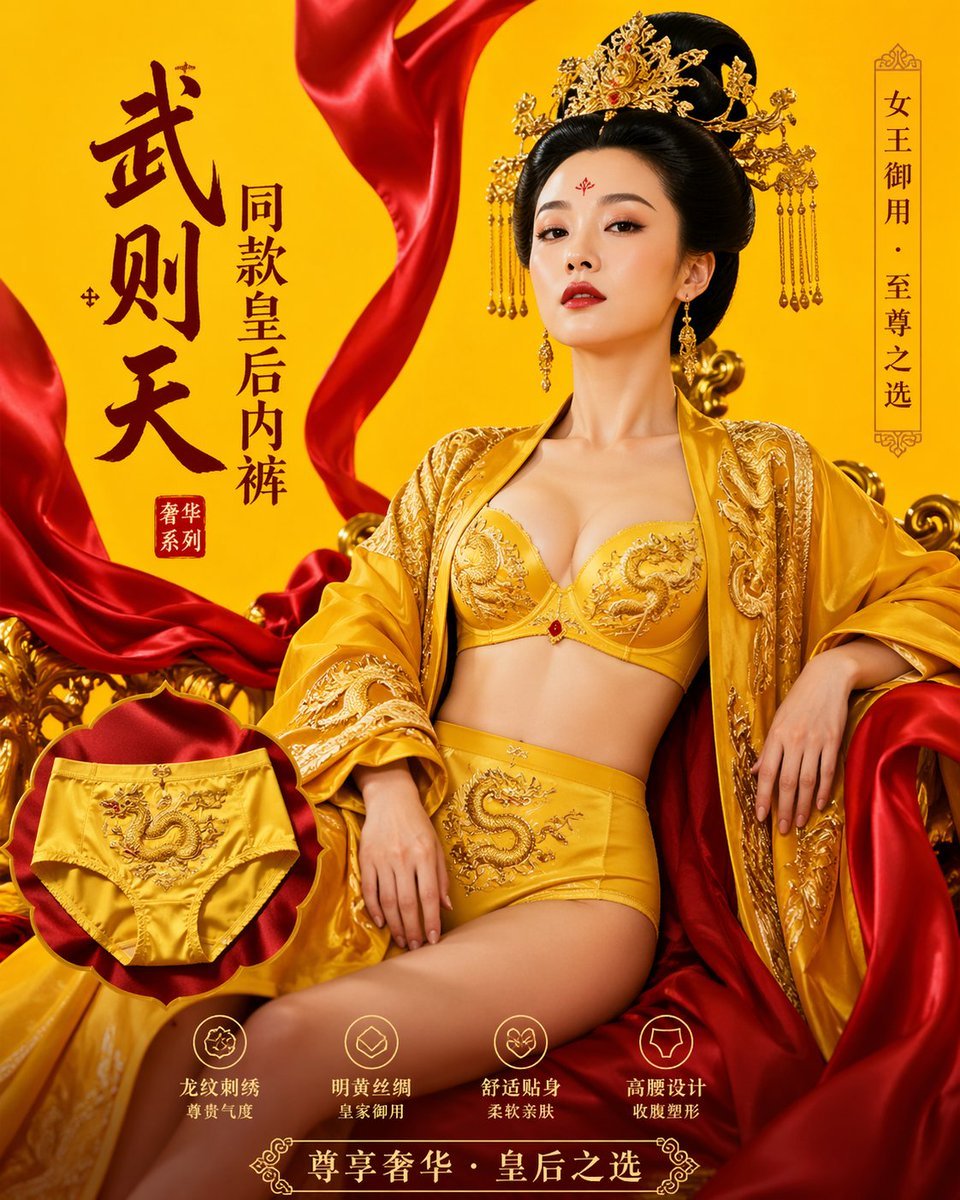
武则天同款皇后内衣广告大片,明黄底色龙纹刺绣,大红丝绸飘带衬托
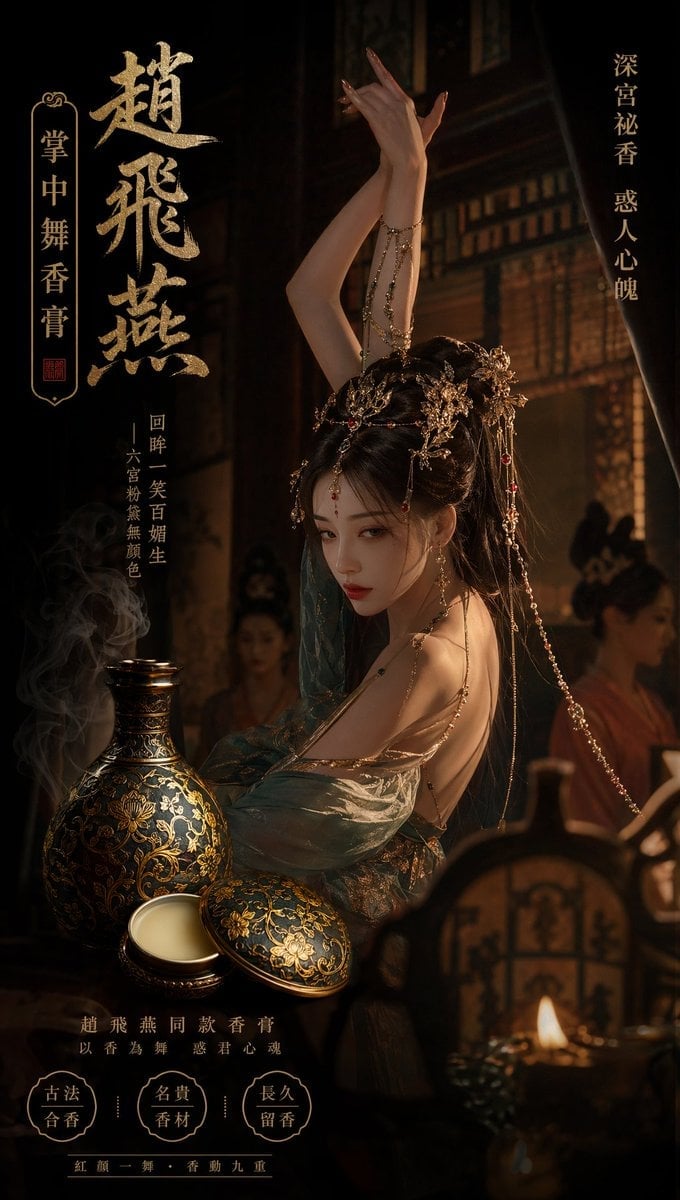
赵飞燕同款掌中舞香膏广告,错金缠枝莲铜瓶,冷艳诡谲深宫氛围感,竖屏9 16
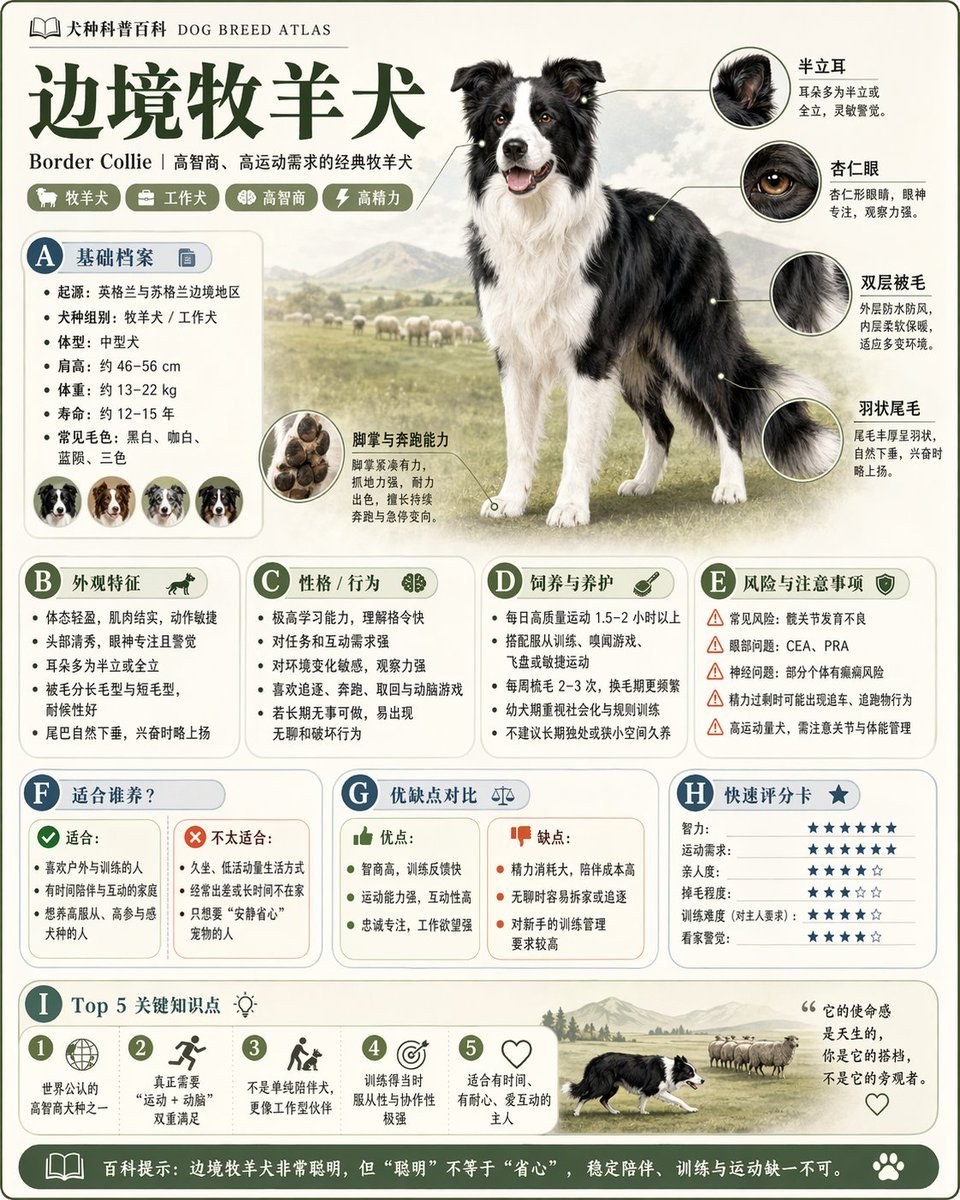
请根据 主题 生成一张高质量竖版 科普百科图
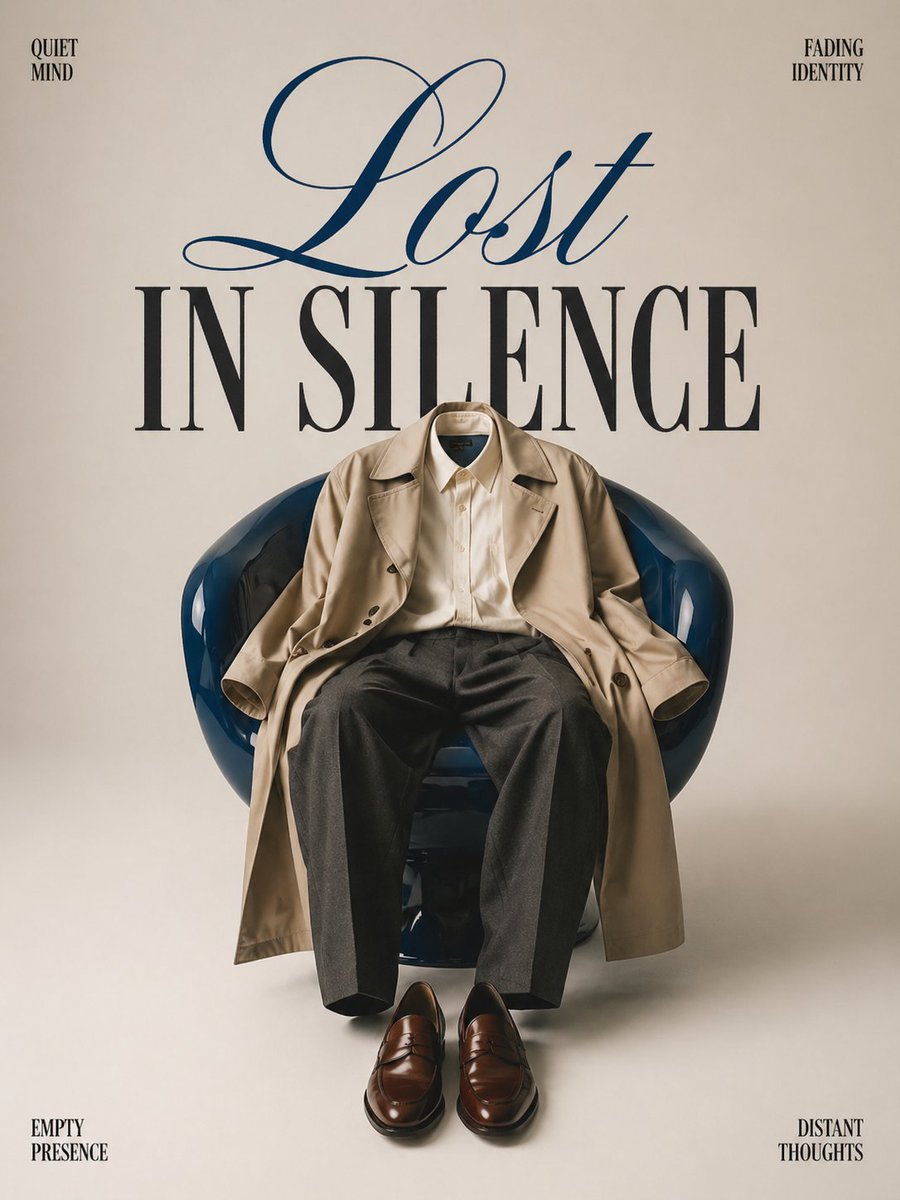
Minimalist conceptual fashion editorial poster, studio shot on a clean
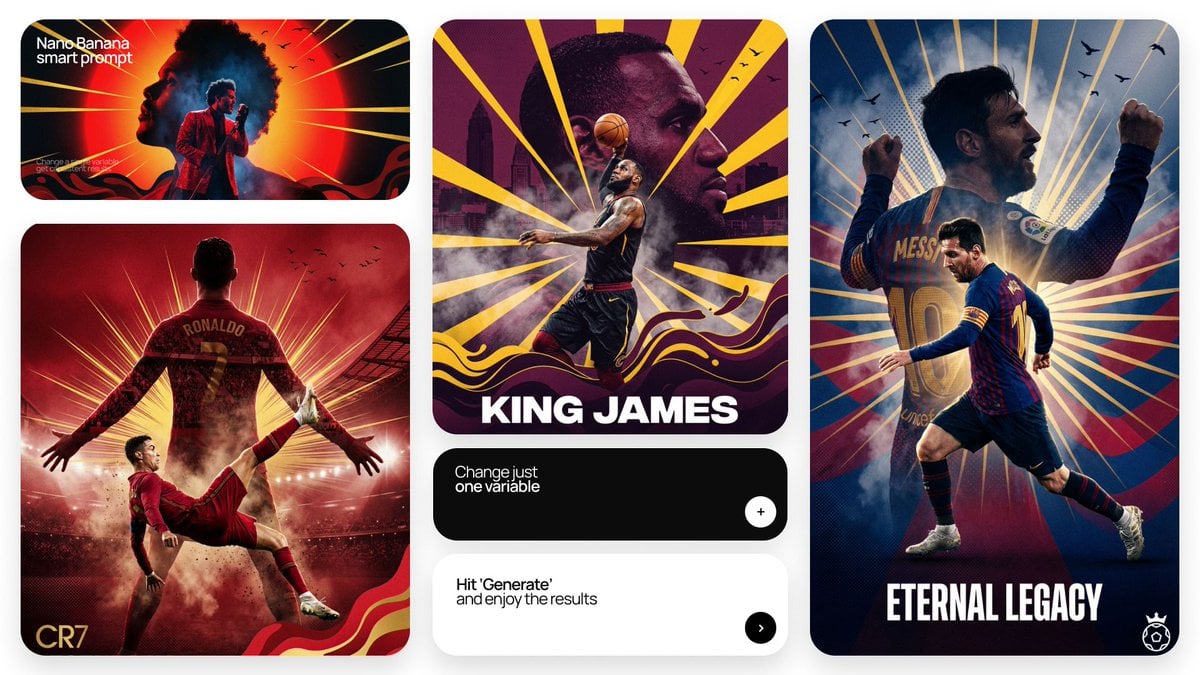
Act as a Senior Art Director
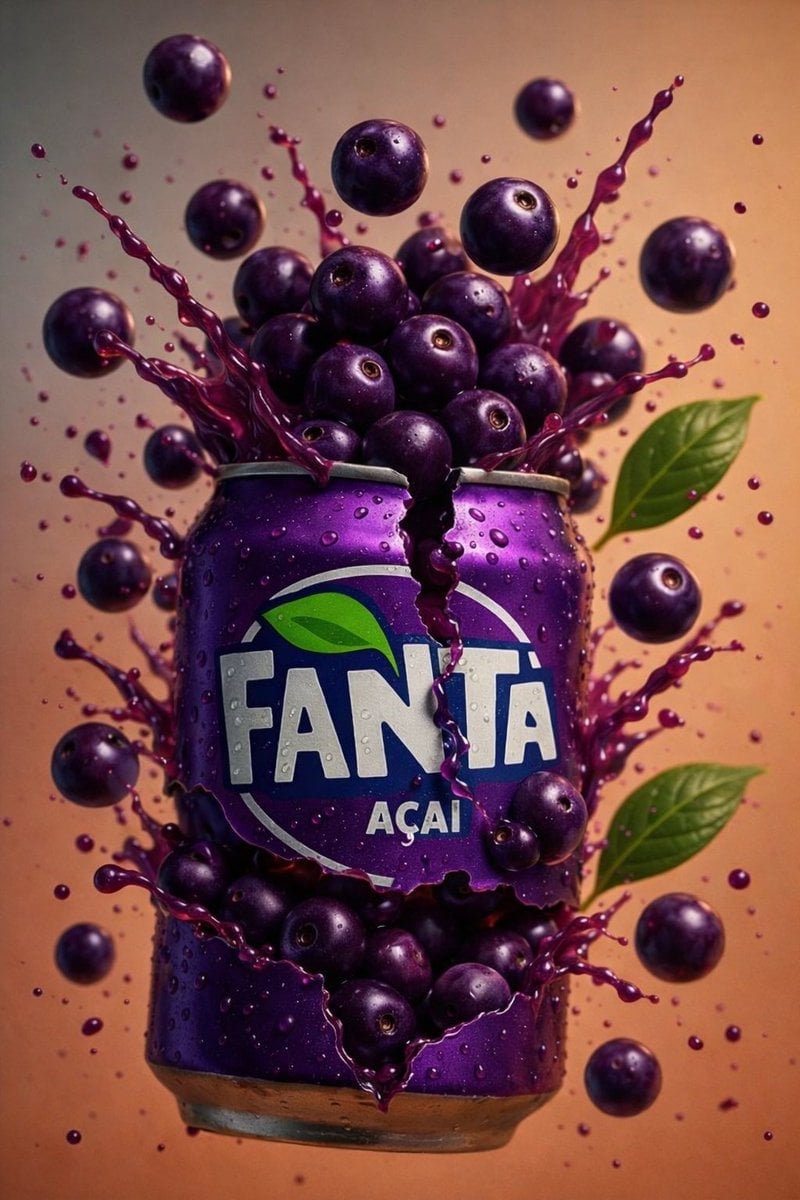
Multiple dark purple berries erupting from inside the can
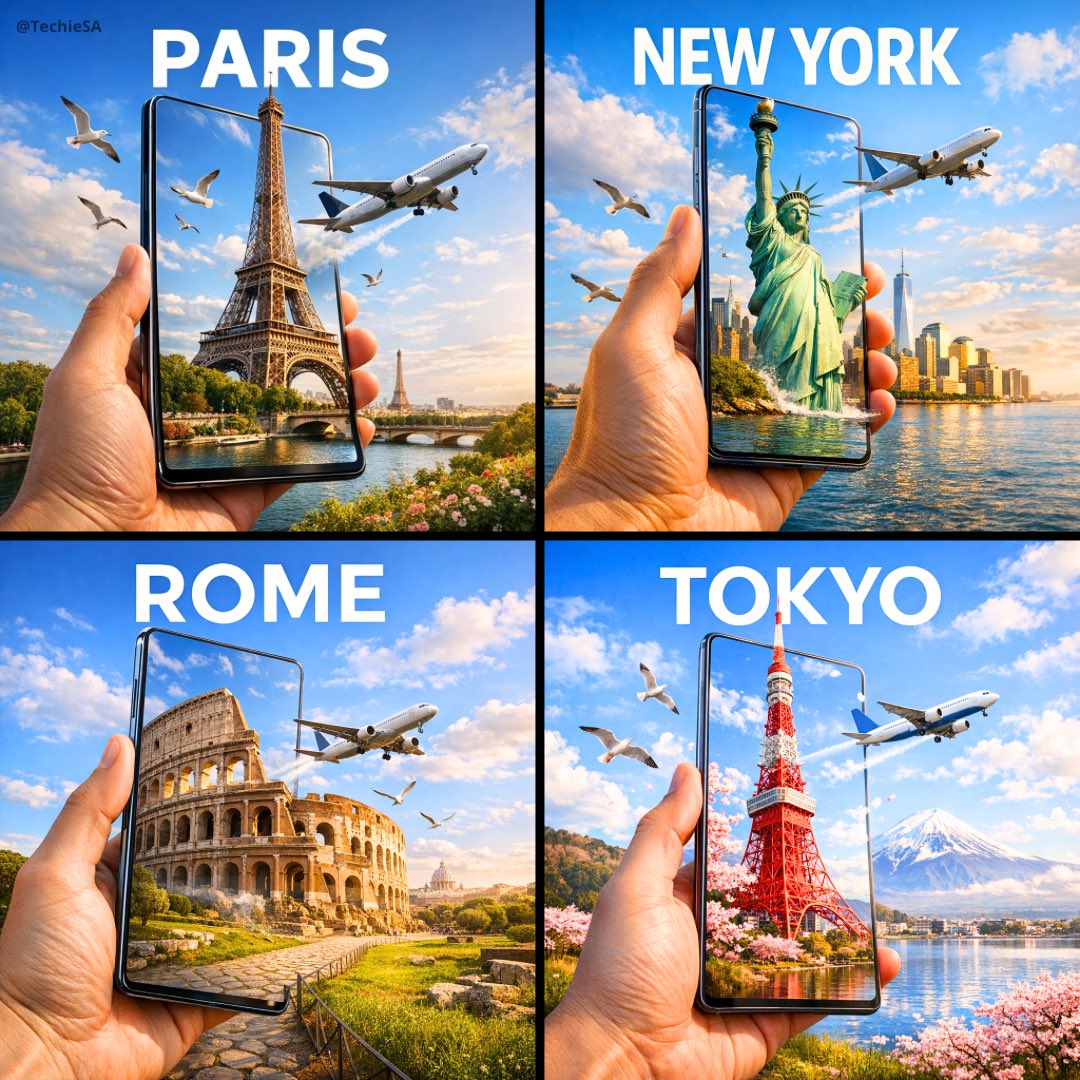
Travel Ad Phone Portal 3D Effect
Music Album Cover Abstract Liquid Mercury
Dual Car Typography Poster Series

Pixar Style Ensemble Movie Poster
Sci-Fi AI Battle Movie Poster
Sports Tribute Photo Mosaic Poster
Make it yours
双手举起做轻松俏皮手势 不过度卖萌 works as-is. These are the safest ways to change it without losing the look.
Swap the setting
Keep the rest of the prompt and replace the location block. The current setting is “九宫格新年祝福肖像(男生版)”.
Change one field
Copy a single group, rewrite it, and generate again so you can see what that field is doing.
Keep the frame, change the subject
Hold the composition and light of 双手举起做轻松俏皮手势 不过度卖萌, then swap wardrobe, props or the person for a new take.
| If the result… | Why | Fix |
|---|---|---|
| The result drifts from the preview | Too many fields changed at once. | Reuse 双手举起做轻松俏皮手势 不过度卖萌 as-is first, then change one group — subject, light, or setting. |
| Nano Banana 2 ignores part of the JSON | Some models flatten or skip nested keys. | Keep the same values and paste them as a short paragraph instead. |
More Nano Banana 2 templates
Other prompts made for Nano Banana 2.
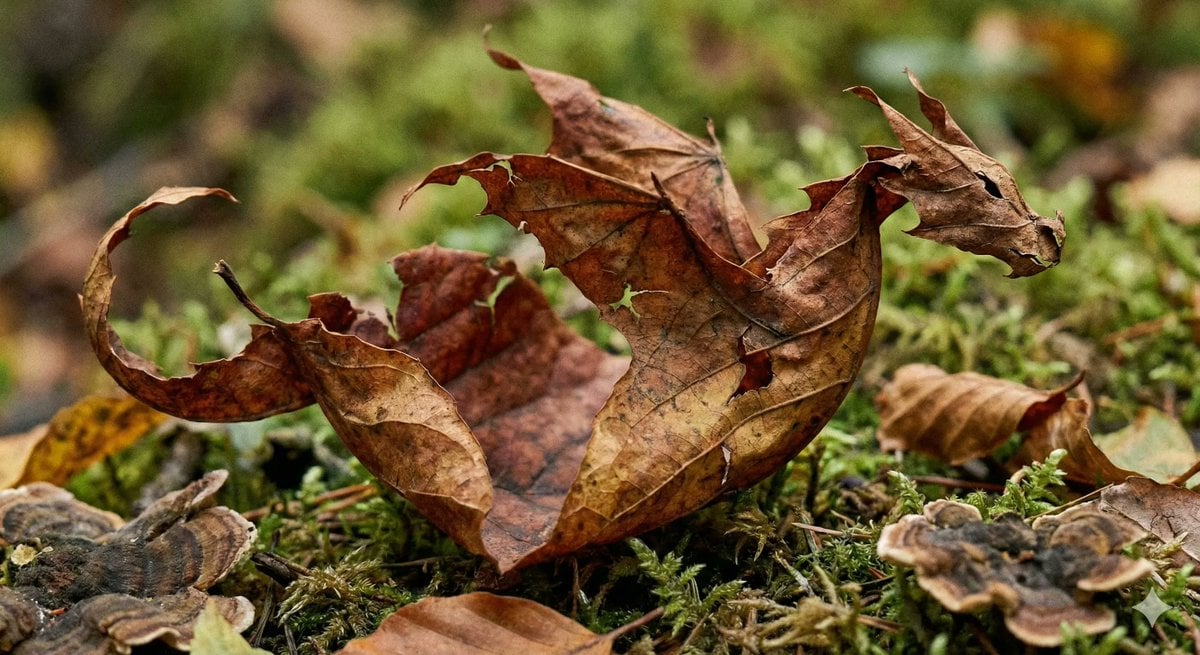
Photorealistic Leaf Shaped Like a Dragon
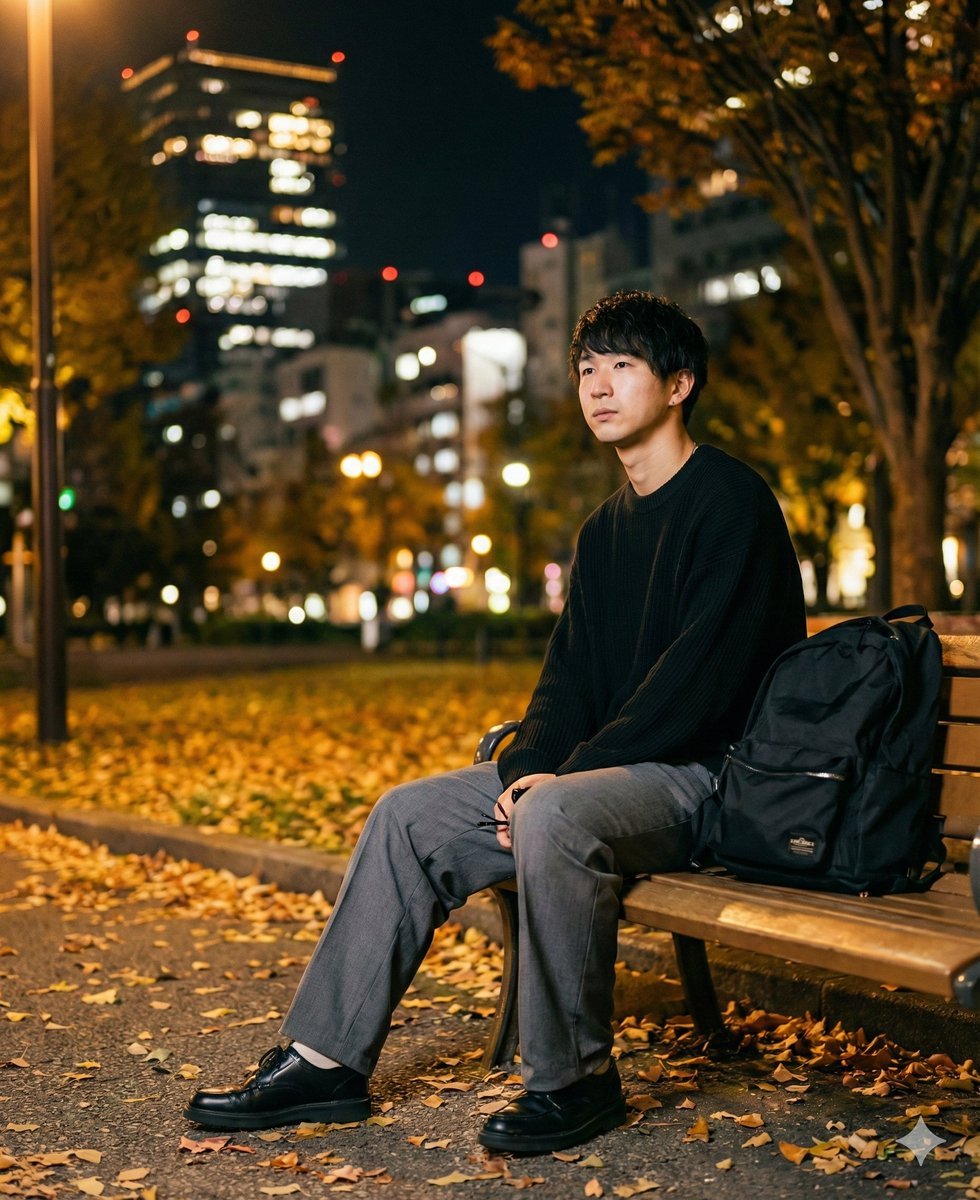
K-Pop Idol Portrait Grid for Rapid Selection
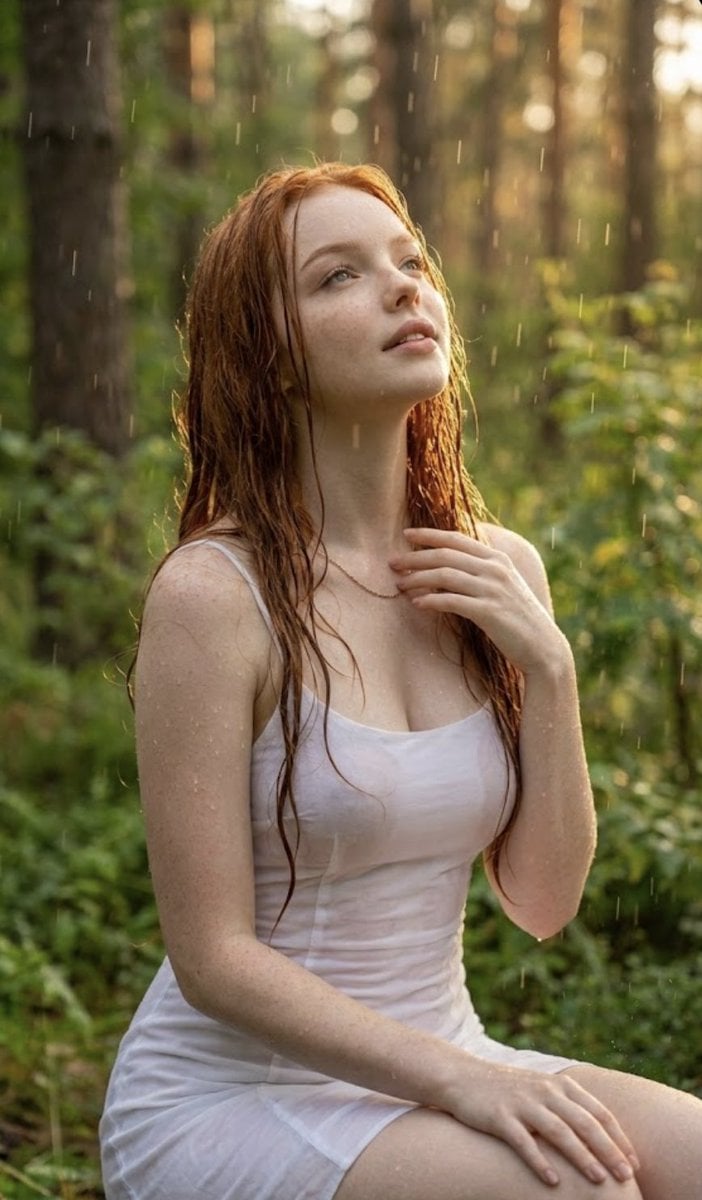
Poetic Rain Forest Portrait During Golden Hour
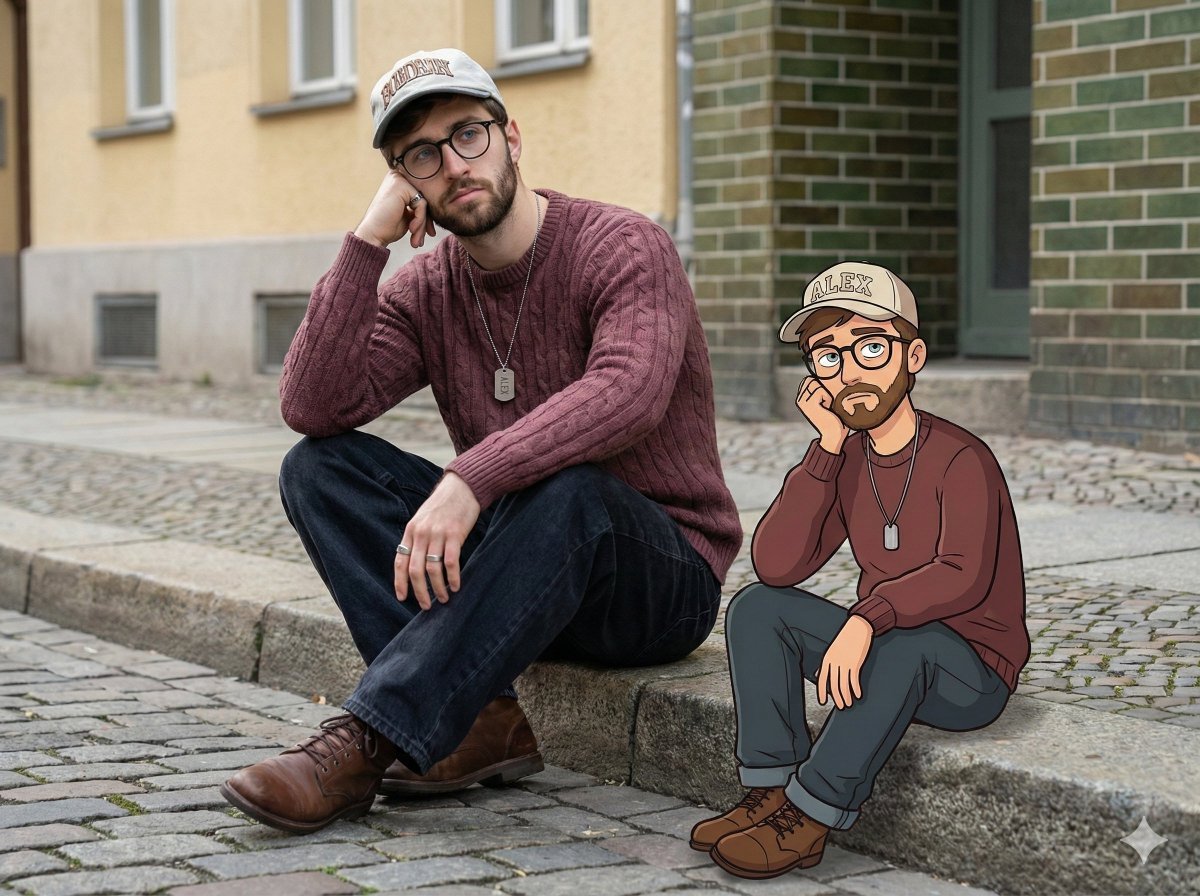
Urban Street Portrait with Cartoon Inner Self Duo
Candid Nighttime Photo with Cat Prompt
High-Concept 3D Diorama Generation Prompt
Cinematic Futuristic Studio Portrait Template
Skincare Editorial Photography Collage Prompt
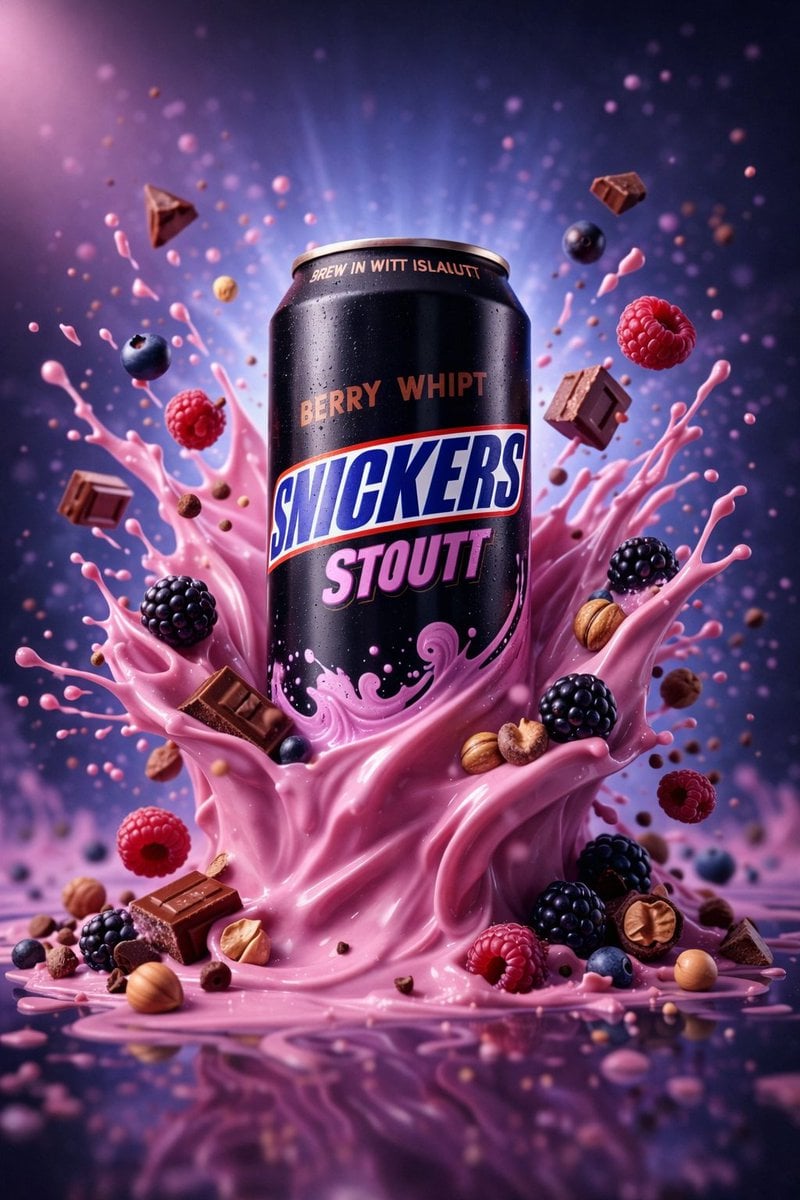
Hyper-Realistic Commercial Product Photography (Splash Effect)
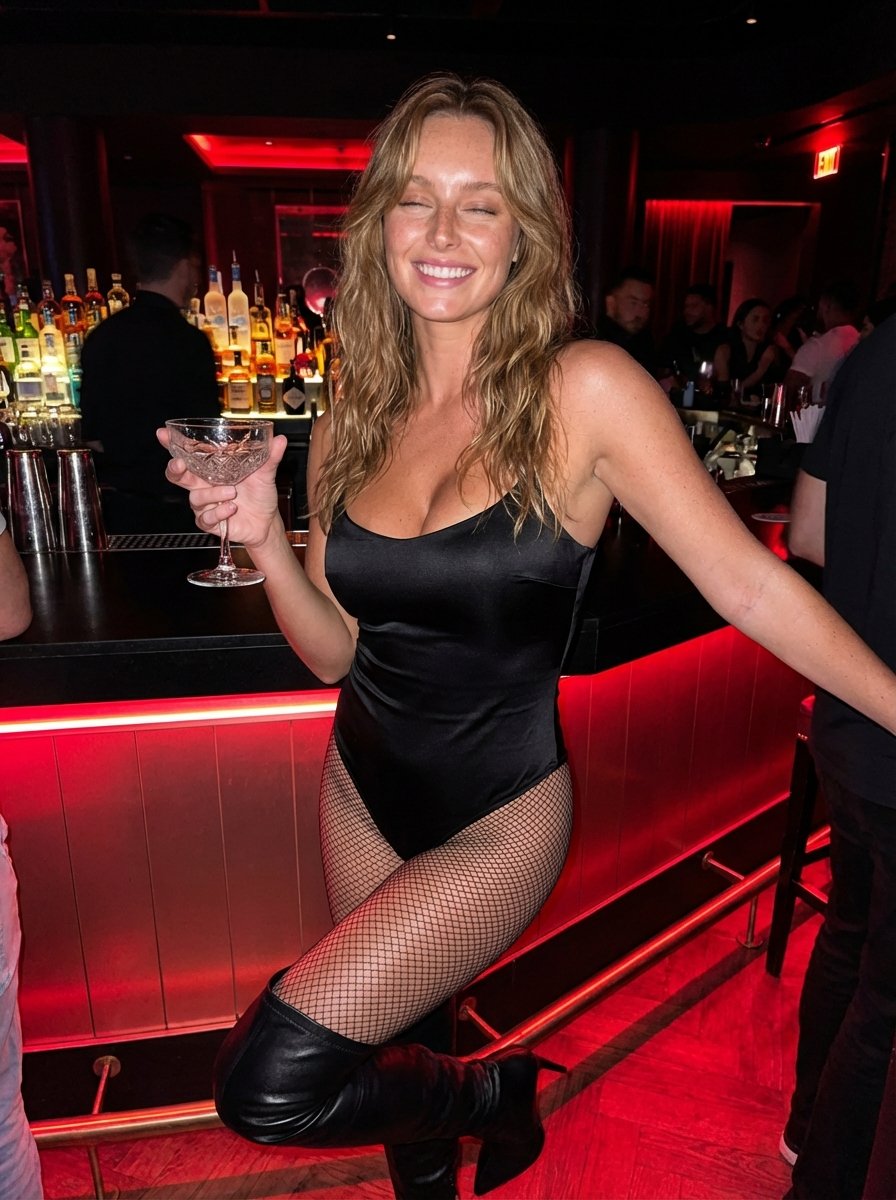
Hyper-Realistic Nightclub Portrait Prompt
More image prompts
Fresh picks from across the catalog.
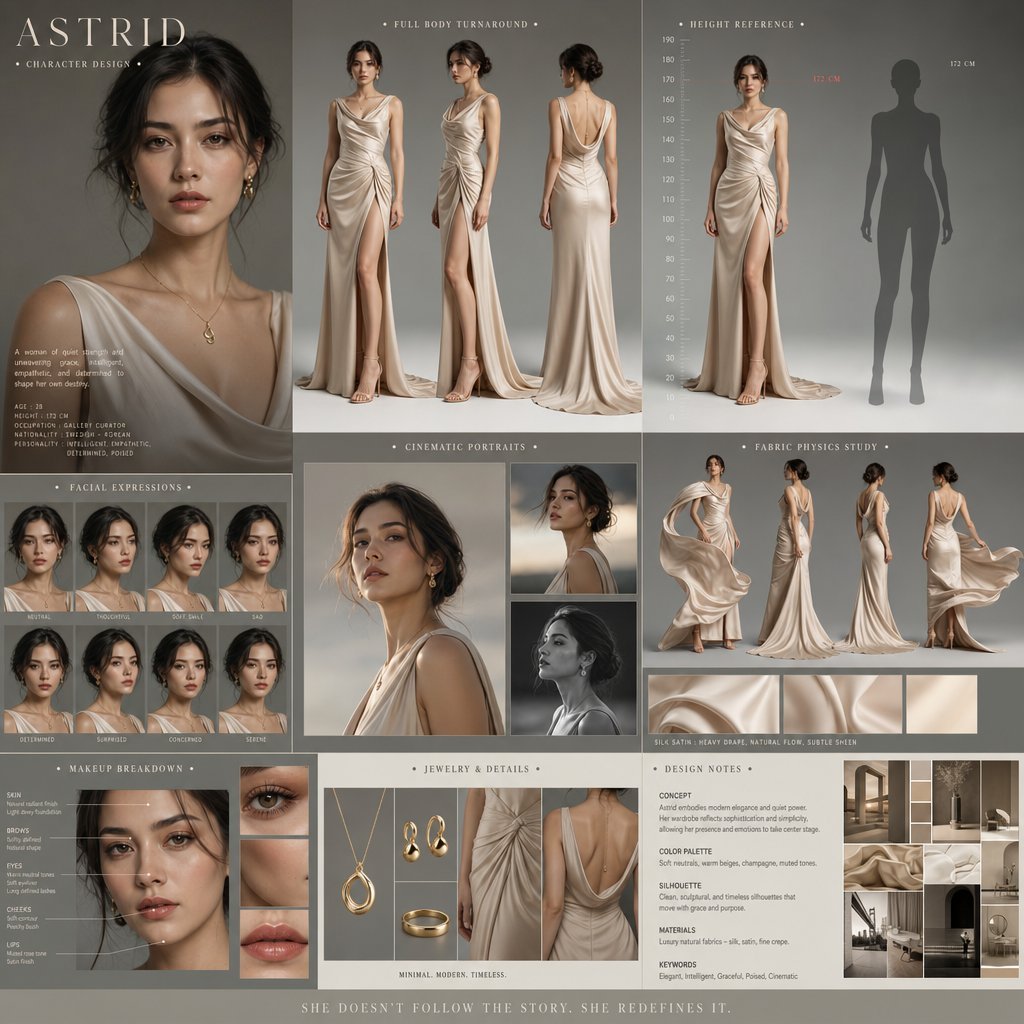
Cinematic Character Design Board
Nano Banana Pro brand hero image (another duplicate)
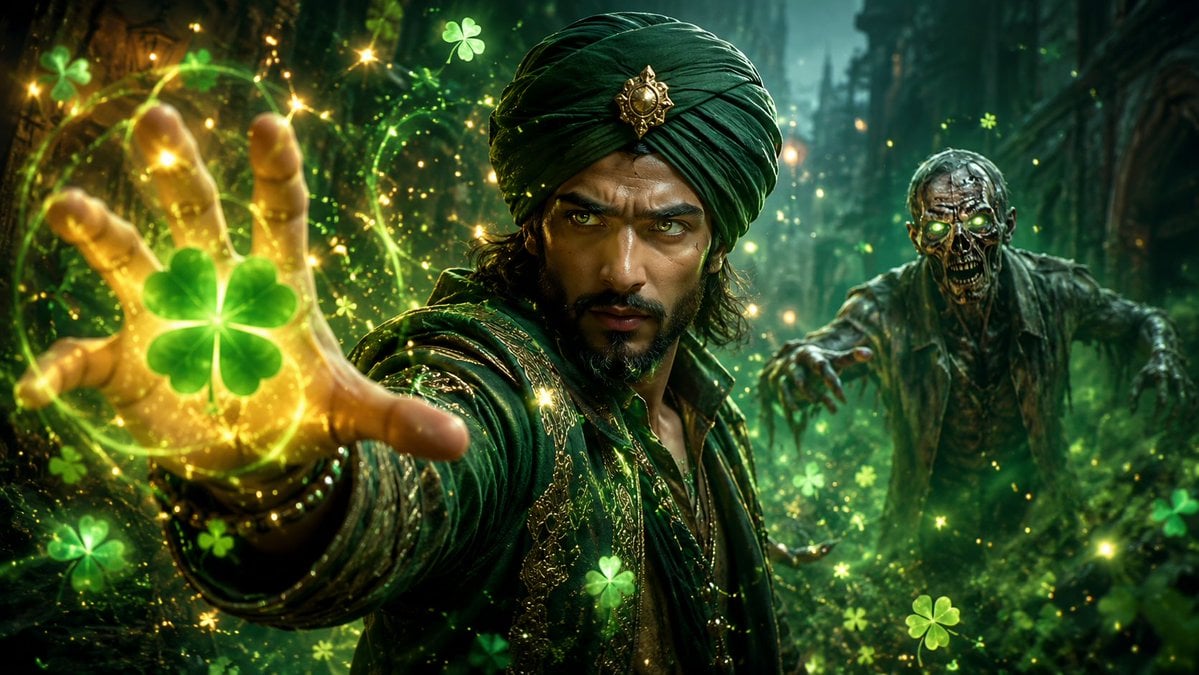
Emoji-Based Creative Image Generation
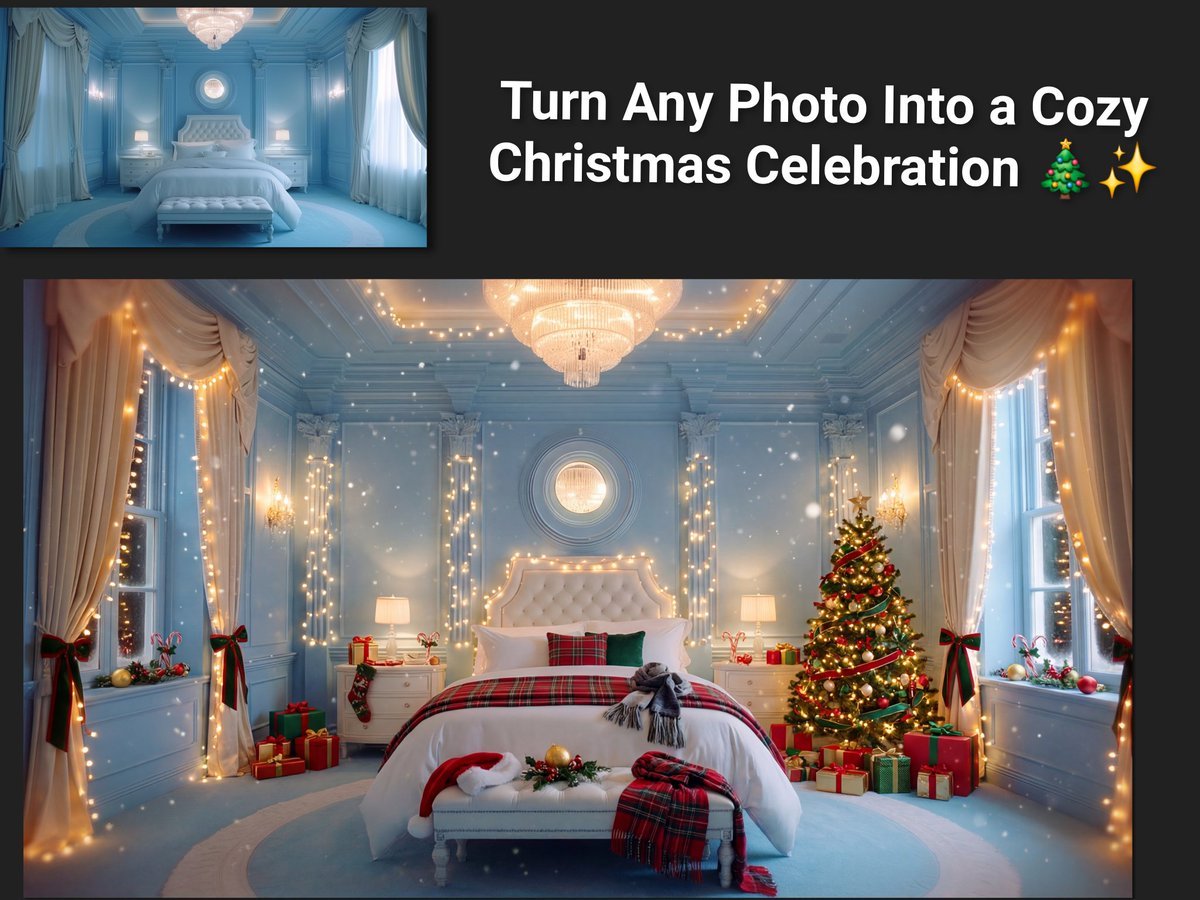
Image Transformation to Cozy Christmas Scene
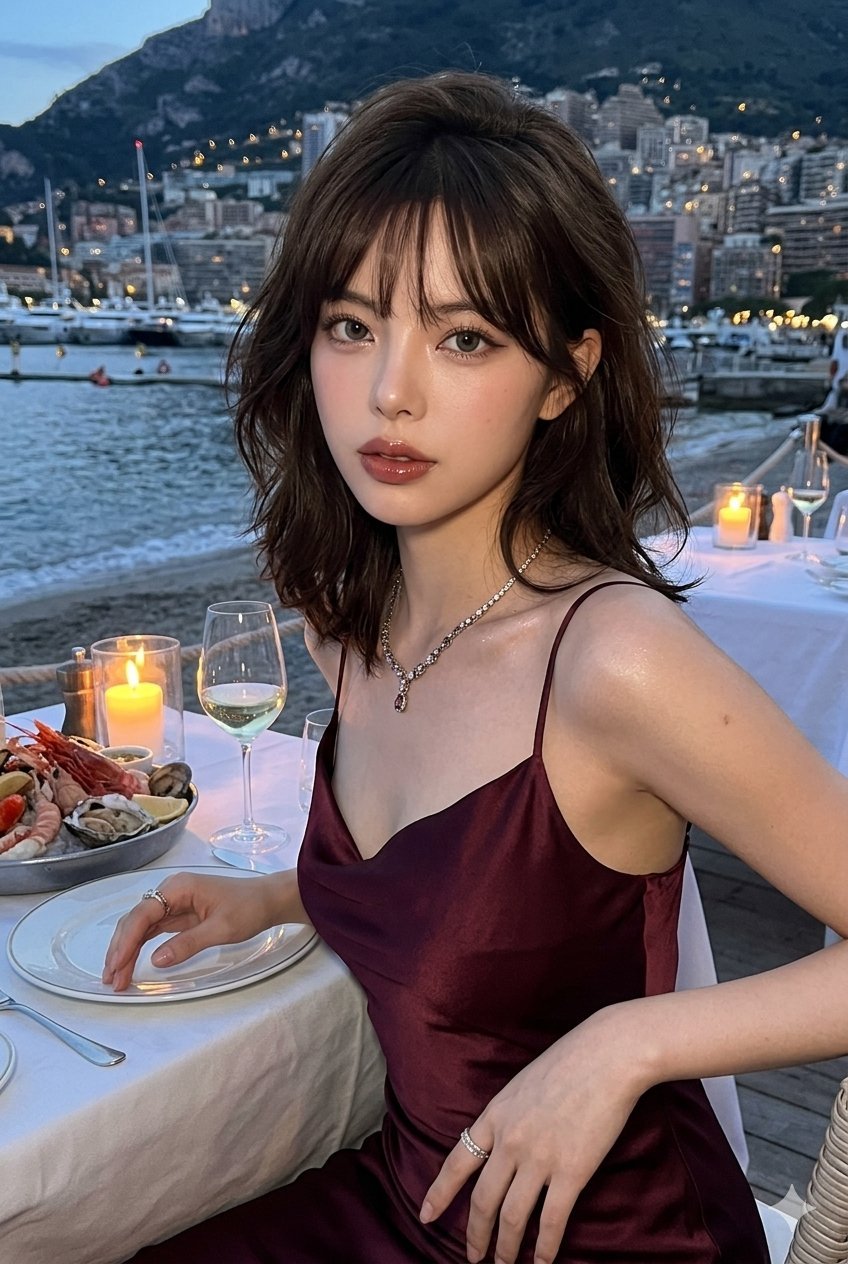
Gemini Nano Banana Ultra Realistic Eveni
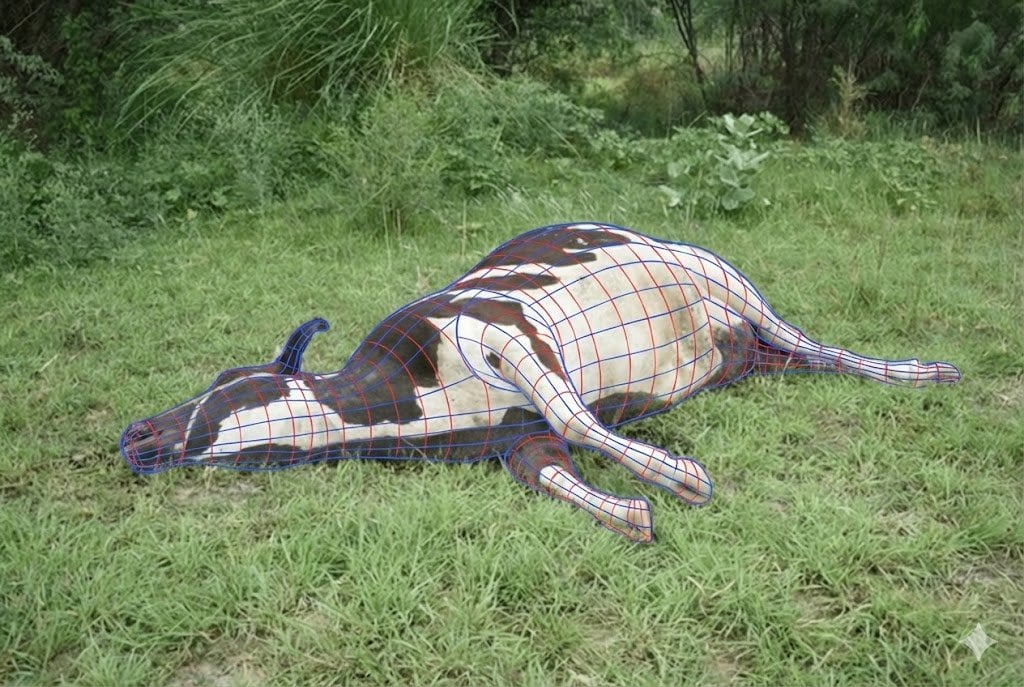
Wireframe Grid Overlay Prompt
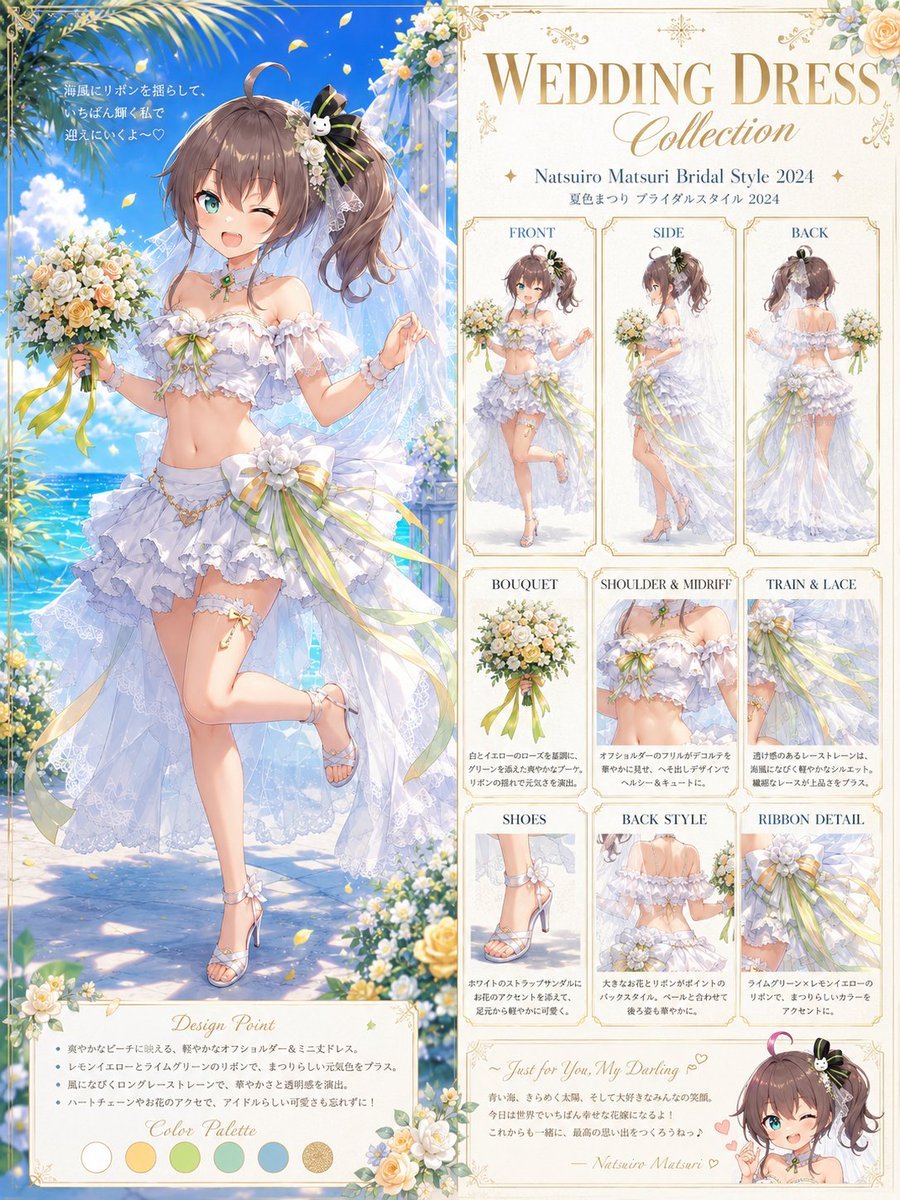
Anime Bridal Dress Collection Sheet
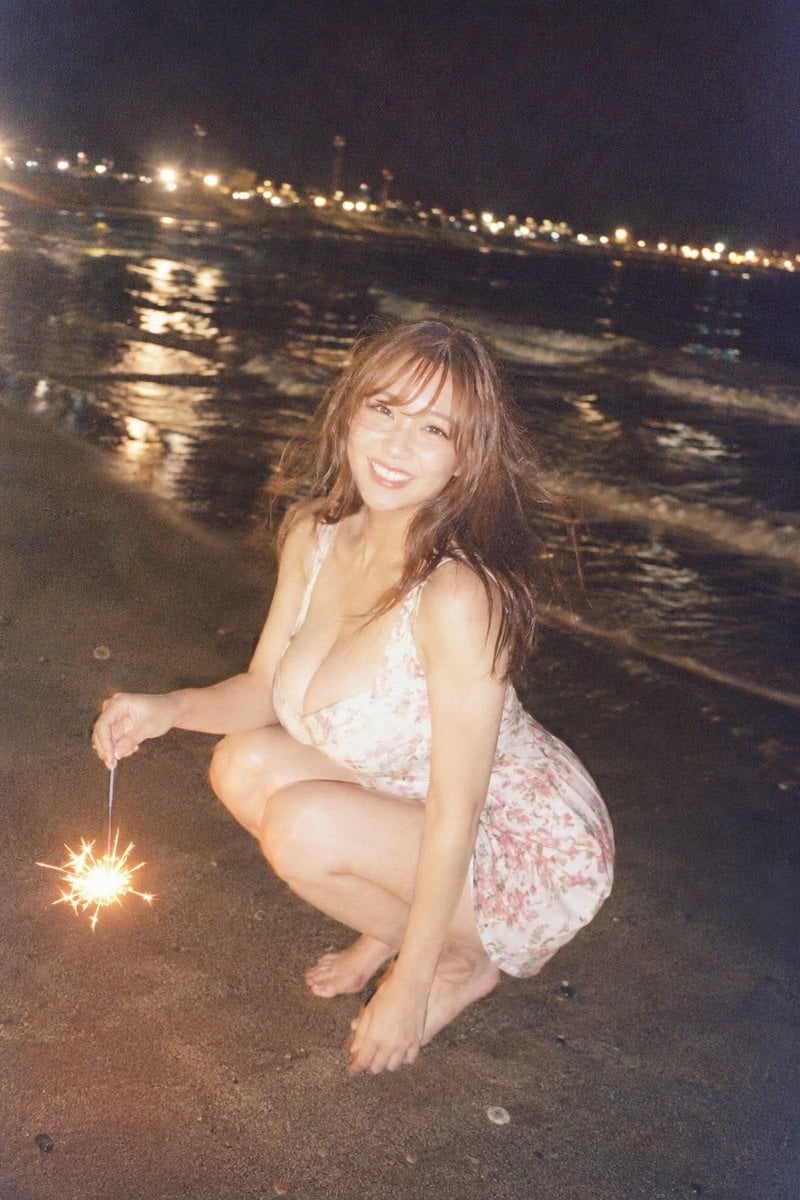
Night Beach Sparkler Snapshot
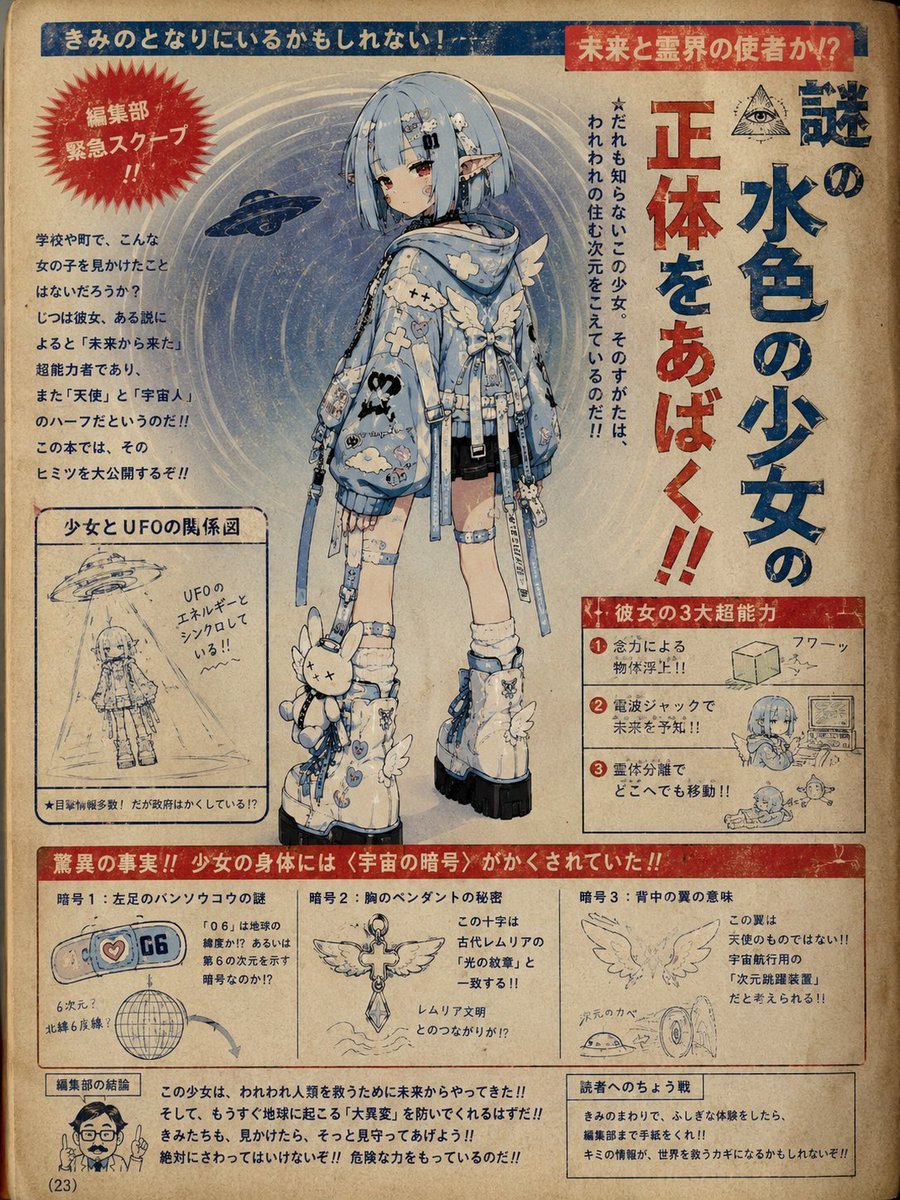
1970s Occult Children's Book Page
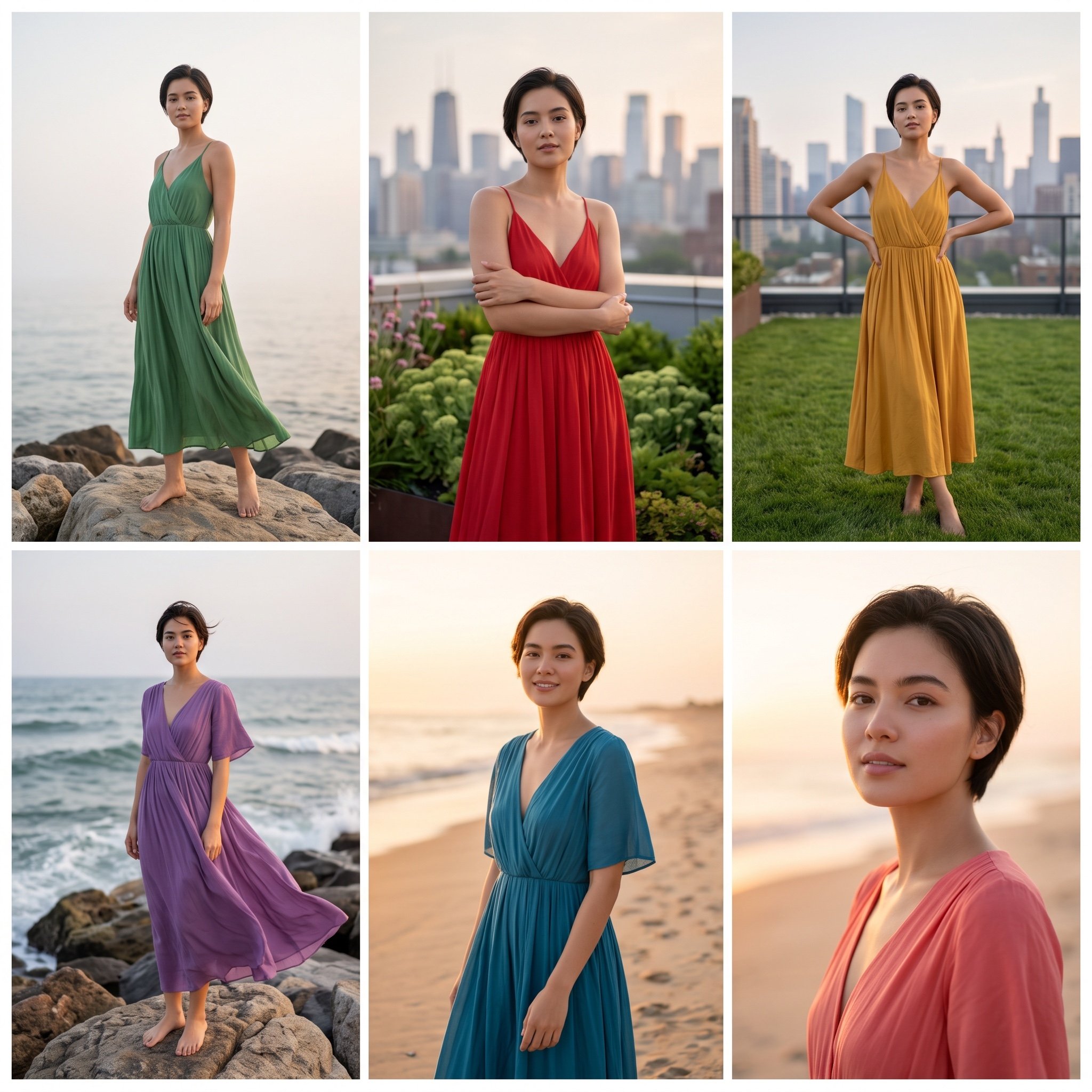
3x2 Collage of Woman in Flowing Dresses
Browse template categories
双手举起做轻松俏皮手势 不过度卖萌 questions
How do I use the 双手举起做轻松俏皮手势 不过度卖萌 template?
Add your photo if the template asks for one, edit the prompt if you like — the template's model and format are already selected — and press Generate. Your version opens in PicX Studio.
Can I customize the 双手举起做轻松俏皮手势 不过度卖萌 template?
Yes. You can change the subject, setting, lighting, mood, format, and available model controls before creating your image.
Is the 双手举起做轻松俏皮手势 不过度卖萌 template free?
Opening and editing this template is free. Generating uses credits, shown on the Generate button when you are signed in.
Which AI model should I use?
Start with Nano Banana 2, which is the model associated with this template. You can compare another compatible model for a different finish.
Looking for something else? Browse all templates.

Your photo, any look
Thousands of ready templates for every top image and video model, from one credit balance.