
Titanic Sinking BTS Smartphone Footage
A realistic behind-the-scenes prompt for recreating smartphone footage of a practical-effects shoot for the Titanic sinking.
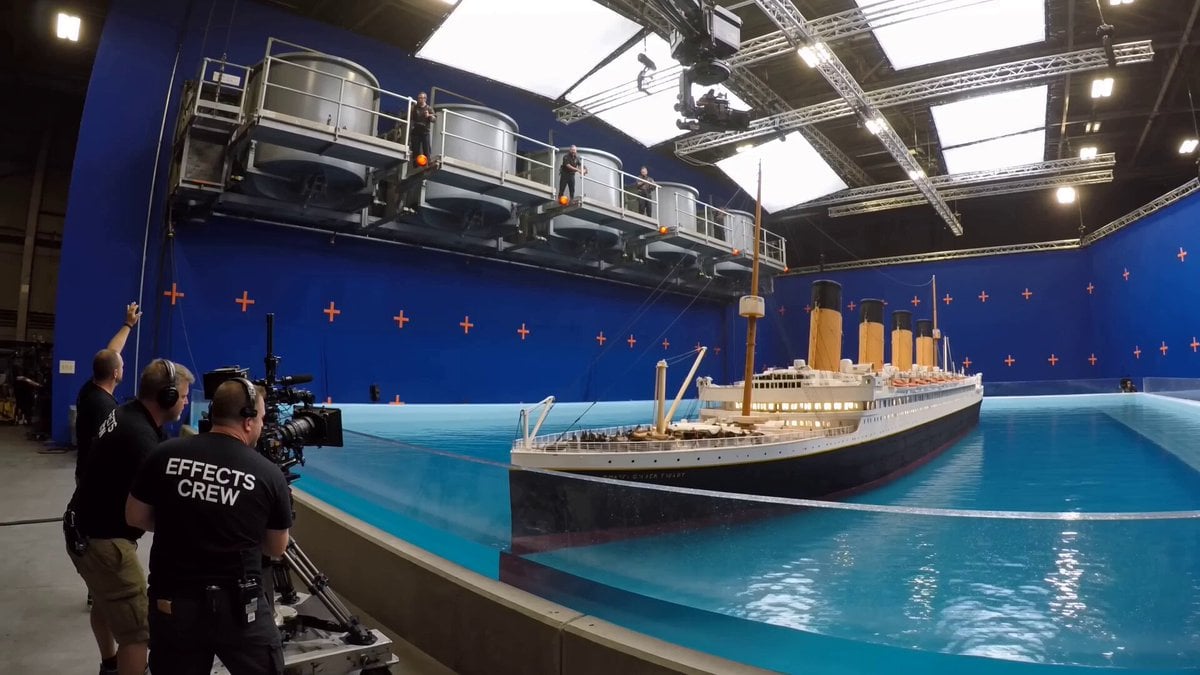
- Prompt included
- Model and format preset
- Free template
The prompt behind this video
Copy the exact prompt behind Titanic Sinking BTS Smartphone Footage, or open it in the studio and make it yours.
Behind-the-scenes phone footage from inside a large practical-effects soundstage, shot vertically on a handheld modern smartphone. >> Scene context: a film crew is shooting the sinking of a miniature RMS Titanic. A gigantic practical ocean tank set, dressed as the North Atlantic, contains a 1:24 scale Titanic complete with illuminated portholes, four funnels, lifeboats, deck railings, rigging, cargo cranes, and miniature passengers. Above the tank, a scaffold gantry carries a row of huge dump tanks loaded with practical seawater; two techs stand on the gantry at the release levers. >> First frame: already loaded and ready — the ship and ocean tank fill mid-ground screen-right, dump tanks looming above the set; in the foreground screen-left, within 1 meter of the phone, three crew in black EFFECTS CREW t-shirts stand behind a low containment wall, one on a cinema camera on rails, another on a headset with a hand raised. A huge blue chroma-key wall with orange cross markers rises behind the horizon. A technocrane hangs above the set. >> Action and physics: a shout of “Action!” — the dump tank gates bang open in sequence and a massive surge of real water crashes across the ocean set with real weight and turbulence, the first wave breaking over the bow before racing along the decks, tearing away lifeboats, snapping miniature railings flat, then slamming into the ship: lower decks disappear beneath the waterline, the bow plunging under the surface, the stern rising higher under the hydraulic gimbal, funnels collapsing one after another as the rigging whips, the hull splitting apart at midships before the stern slides beneath the churn; the water bursts over the containment lip and a fine spray cloud rolls across the stage floor, whiting out the frame as the crew shield their faces and stumble back. >> Camera: operator standing then backing away, phone in one hand at chest height, fast handheld pan following the action from bow to stern, framing loose and reactive, hard jolt as the spray cloud hits, autofocus hunting through the whiteout, water droplets clinging to the lens in the final beat, 84° wide diagonal FOV, camera about 2 meters from the containment wall. >> Lighting: overhead LED soft panel grid as primary source, top-front on the camera side, bright daylight-balanced, exposure locked for the reflective water so foreground crew read darker; the spray cloud glows backlit under the panels. >> Audio: on-set ambient — a loud “Action!”, the metallic clang of dump tank gates, the dense roar of cascading water, snapping miniature steel, the groan of the hull breaking apart, crew shouting off-camera: “Hold your marks! Keep rolling! Camera two, stay on the stern!” >> Realistic amateur smartphone capture, natural handheld shake and rolling shutter, real practical effects, documentary behind-the-scenes footage, no cinematic composition, no film grain, no artificial mot
How to use Titanic Sinking BTS Smartphone Footage in 3 steps
- 1
Open
The prompt is already in the box next to the preview, with the template's model and format selected.
- 2…a portrait of your subject in softgolden-hour light, 85mm…
Personalize
Edit the subject and creative details for your destination.
- 3Generate
Generate
Press Generate — your video is created in PicX Studio, so you can compare it with the original and refine one variable at a time.
More like this
Templates with the same subject, style or setup. Open one to see its prompt.
Smartphone Travel Vlog Tokyo Trip Identity Preserved

Fashion GRWM Smartphone Vlog

Nostalgic Early 2000s Handheld Home Footage

Authentic Smartphone Lifestyle Vlog
Kyoto Smartphone Vlog Simulation
Urban Lifestyle Smartphone Photography
Gym Bathroom Found-Footage Horror

Smartphone Selfie Vlog Market Tour
Late-Night Gym Found-Footage Horror
Rooftop Hangout Smartphone Video
Mumbai Tsunami Emergency Smartphone Vlog
Tokyo Morning Coffee Smartphone Vlog
Make it yours
Titanic Sinking BTS Smartphone Footage works as-is. These are the safest ways to change it without losing the look.
Change one field
Copy a single group, rewrite it, and generate again so you can see what that field is doing.
Keep the frame, change the subject
Hold the composition and light of Titanic Sinking BTS Smartphone Footage, then swap wardrobe, props or the person for a new take.
| If the result… | Why | Fix |
|---|---|---|
| The result drifts from the preview | Too many fields changed at once. | Reuse Titanic Sinking BTS Smartphone Footage as-is first, then change one group — subject, light, or setting. |
| The model over-stylizes the scene | The prose prompt leaves finish and camera underspecified. | Add one camera or lighting sentence and stay on Seedance 2.0. |
More Seedance 2.0 templates
Other prompts made for Seedance 2.0.

Comical Martial Arts Punch Scene

Maglev Train Action Sequence

Martial Arts Fight Sequence

Wuxia Protection and Trust Script

Vintage Korean Arcade MiniDV Vlog

Mercedes 190 SL Luxury Ad

Rainy Night Supernatural Reverse Comedy Video Script

Amazon Civilization Discovery

Futuristic South Asian City Transformation

Cozy Luxury Cafe Commercial
More video prompts
Fresh picks from across the catalog.
Office Boardroom Tension with Twist

Creamy Chicken Pasta Cooking Vlog

Pure Hand-Drawn 2D Cartoon Witch Flight Prompt for Seedance 2.0
Urban Freestyle Dance Script
Hero Entrance Effect Multi-Shot Prompt

Origami Football Match Narrative
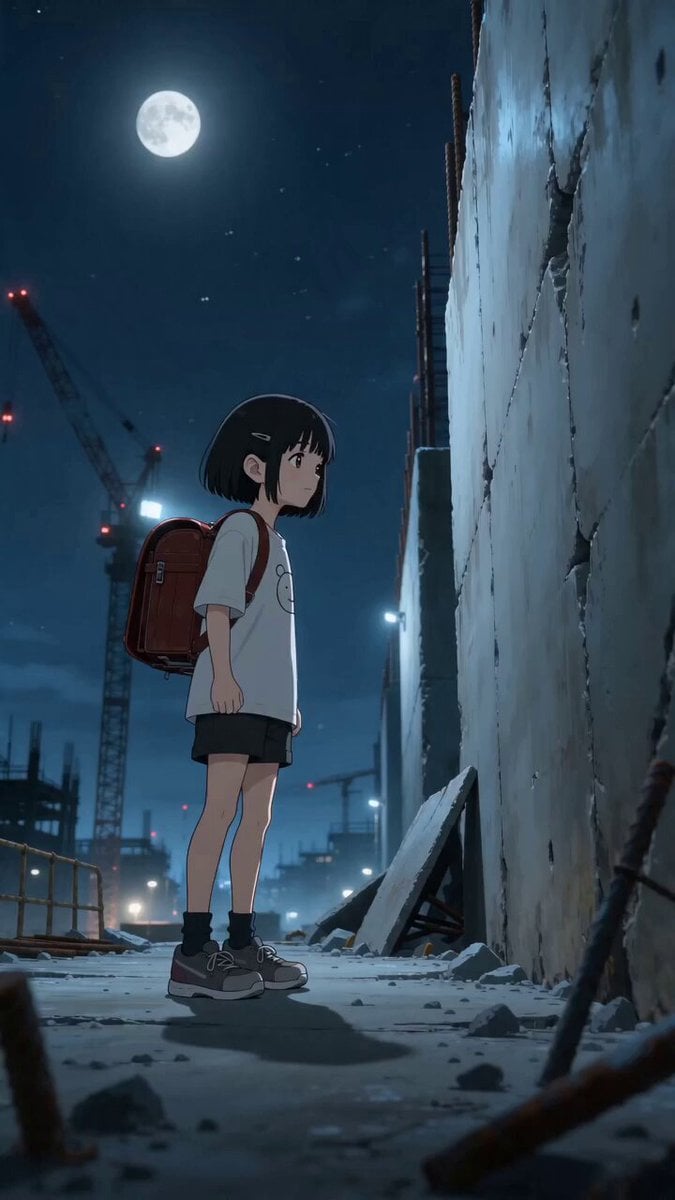
High-Octane Wall-Running Anime Animation
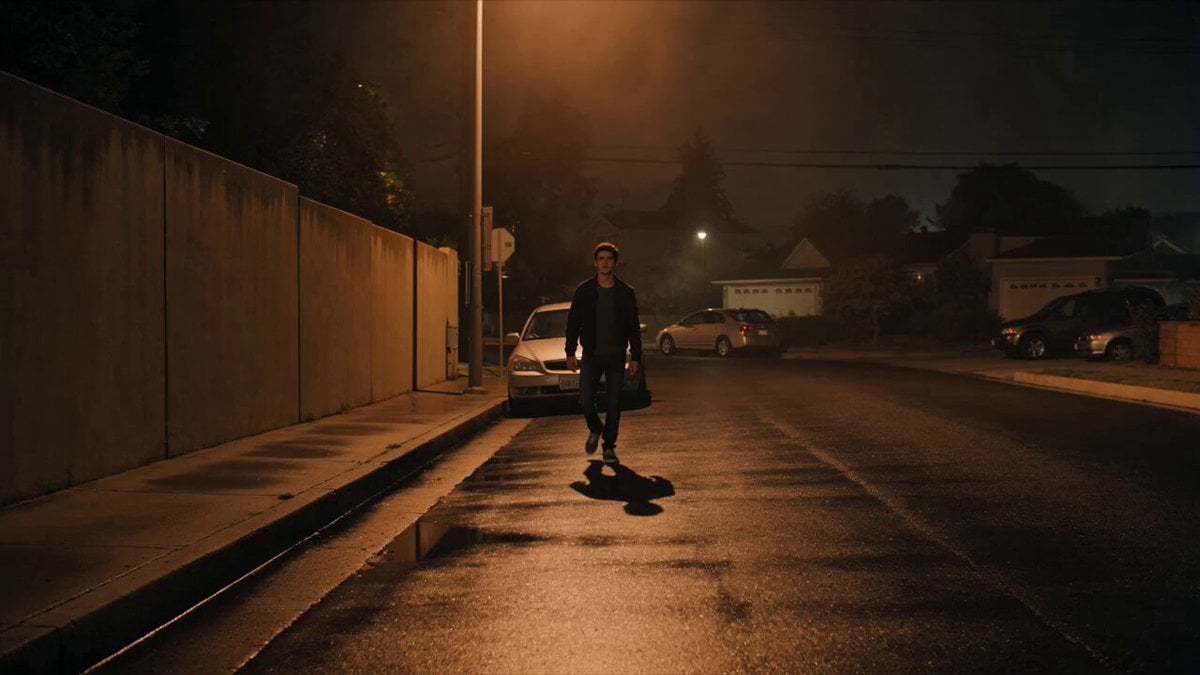
Cinematic Shadow Horror Scene
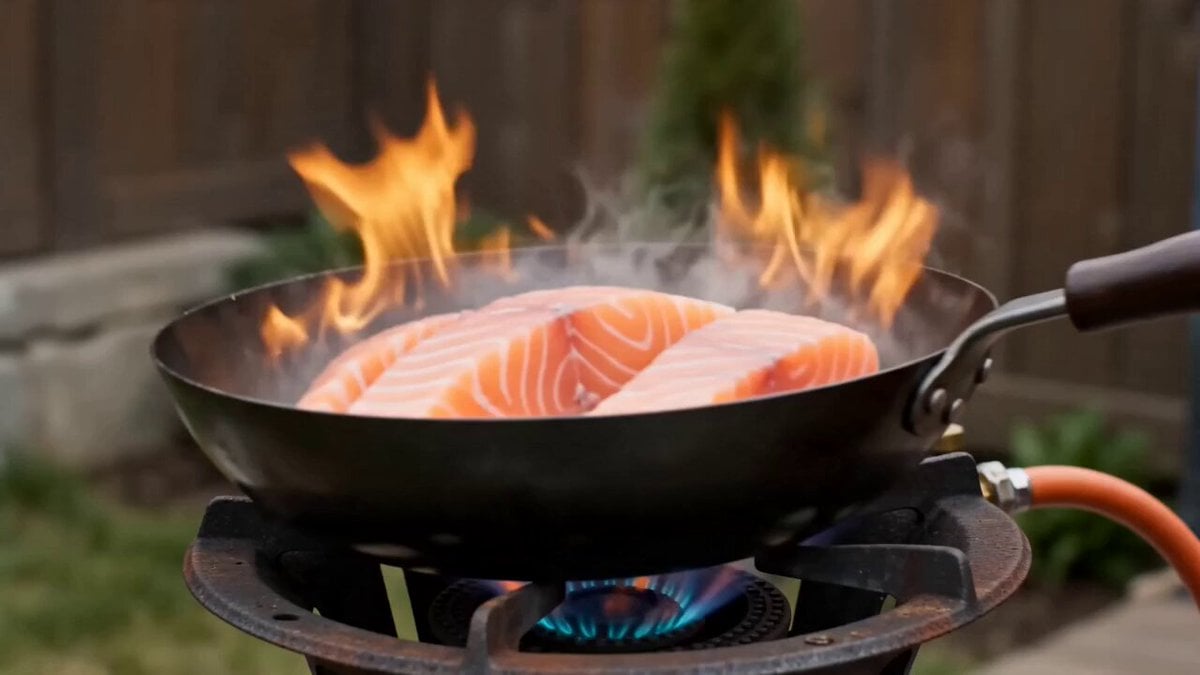
Shaw Brothers Style Cinematic Cat Drama
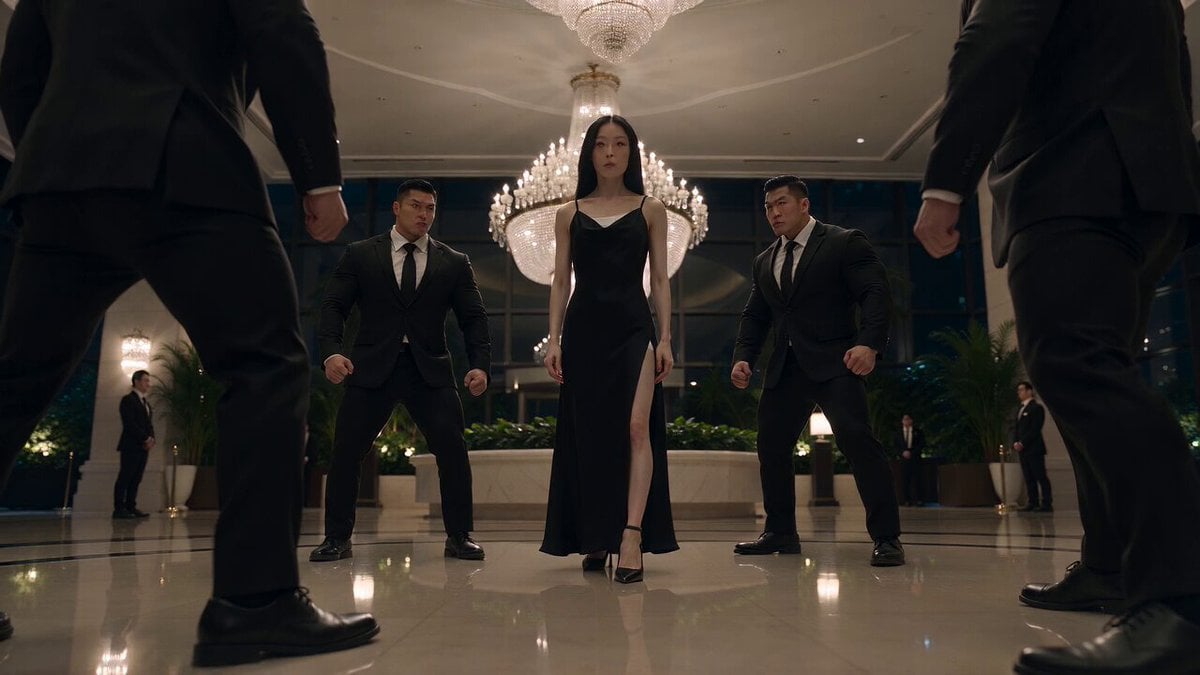
Cinematic Korean Action Stunt Sequence
Browse template categories
Titanic Sinking BTS Smartphone Footage questions
How do I use the Titanic Sinking BTS Smartphone Footage template?
Add your photo if the template asks for one, edit the prompt if you like — the template's model and format are already selected — and press Generate. Your version opens in PicX Studio.
Can I customize the Titanic Sinking BTS Smartphone Footage template?
Yes. You can change the subject, setting, lighting, mood, format, and available model controls before creating your video.
Is the Titanic Sinking BTS Smartphone Footage template free?
Opening and editing this template is free. Generating uses credits, shown on the Generate button when you are signed in.
Which AI model should I use?
Start with Seedance 2.0, which is the model associated with this template. You can compare another compatible model for a different finish.
Looking for something else? Browse all templates.

Your photo, any look
Thousands of ready templates for every top image and video model, from one credit balance.