
Character Consistency Reference Chart
A technical prompt for creating a visual reference board to lock character identity across multiple angles, expressions, and details.
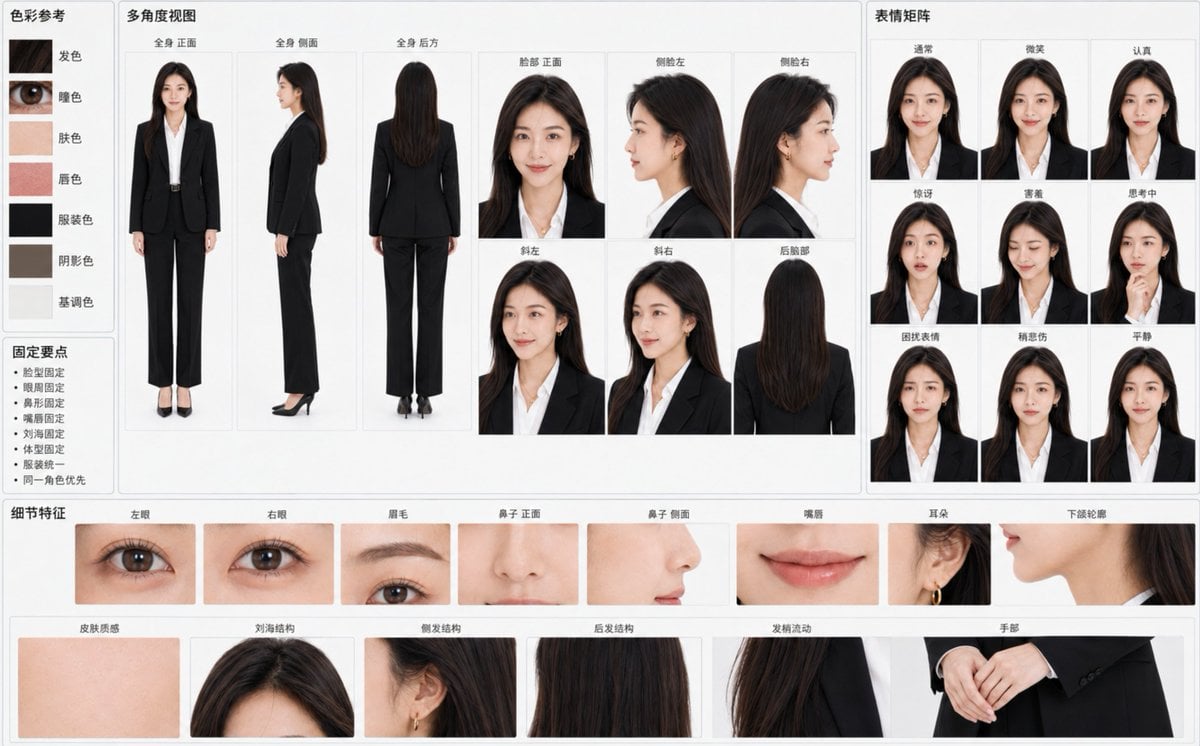
- Prompt included
- Model and format preset
- Free template
The prompt behind this image
Copy the exact prompt behind Character Consistency Reference Chart, or open it in the studio and make it yours.
根据附带角色原图创建一张“{argument name="图表标题" default="角色身份固定参考图表"}”,横向 {argument name="比例" default="16:10"},{argument name="背景色" default="浅灰白背景"},专业视觉资料板布局。首要目标是让所有面板一眼看出是完全相同的角色,而不是多个相似人物。 将参考图中的角色身份视为不可更改的硬性约束。严格锁定: - 脸部宽高比例、颧骨、脸颊、下颌和下巴 - 眼睛轮廓、眼距、眼睑结构和视线气质 - 眉毛弧度、粗细、颜色和眉眼距离 - 鼻梁、鼻尖、鼻翼以及侧脸鼻形 - 上下唇厚度、唇峰、嘴角和自然唇色 - 肤色、毛孔、血色和自然皮肤凹凸 - 发际线、分线、刘海、侧发、后发长度和发丝流向 - 年龄印象、骨架、肩宽、四肢长度和整体体型 - 原图服装、原始画风、光线质感和整体氛围 画面中央用较大面板展示: - 全身 正面 - 全身 侧面 - 全身 后方 - 脸部 正面 - 侧脸左 - 侧脸右 - 斜左 - 斜右 - 后脑部 每个角度保持完全一致的头骨结构、五官相对位置、头发体积和身体比例。侧脸必须准确延续正面的鼻梁、嘴唇、下巴和额头结构,禁止生成不同人物式侧脸。 右侧配置小型表情矩阵: - 通常 - 微笑 - 认真 - 惊讶 - 害羞 - 思考中 - 困扰表情 - 稍悲伤 - 平静 保持相同瞳孔、眼睛基础尺寸、鼻形、唇形和脸型。笑容自然克制,不改变角色年龄或气质。 下部配置精细身份锚点: - 左眼 - 右眼 - 眉毛 - 鼻子 正面 - 鼻子 侧面 - 嘴唇 - 耳朵 - 下颌轮廓 - 皮肤质感 - 刘海结构 - 侧发结构 - 后发结构 - 发梢流动 - 手部 左侧加入 5—7 个准确色样:发色、瞳色、肤色、唇色、服装色、阴影色、基调色。加入极简“固定要点”:脸型固定、眼周固定、鼻形固定、嘴唇固定、刘海固定、体型固定、服装统一、同一角色优先。 背景干净,柔和均匀光线,无电影式灯光、强烈景深或装饰元素。实写角色保留自然毛孔、汗毛和微小肤色差异;非实写角色严格保持原图线条、色块、阴影和材质,不得擅自转换风格。 所有标签仅使用清晰简体中文,字号适中,不覆盖人物。若版面空间不足,优先保留身份锚点和主要角度,减少重复面板,不得通过缩小文字或牺牲角色一致性强行塞满。
How to use Character Consistency Reference Chart in 3 steps
- 1Upload ImagePNG, JPG or paste
Add your photo
Upload the photo the template builds on. The prompt, model and format are already set.
- 2…a portrait of your subject in softgolden-hour light, 85mm…
Personalize
Edit the subject and creative details for your destination.
- 3Generate
Generate
Press Generate — your image is created in PicX Studio, so you can compare it with the original and refine one variable at a time.
More like this
Templates with the same subject, style or setup. Open one to see its prompt.

Dancer Character - Four View Reference Sheet

Movement Sheet - Dance Reference (Seedance 2.0)
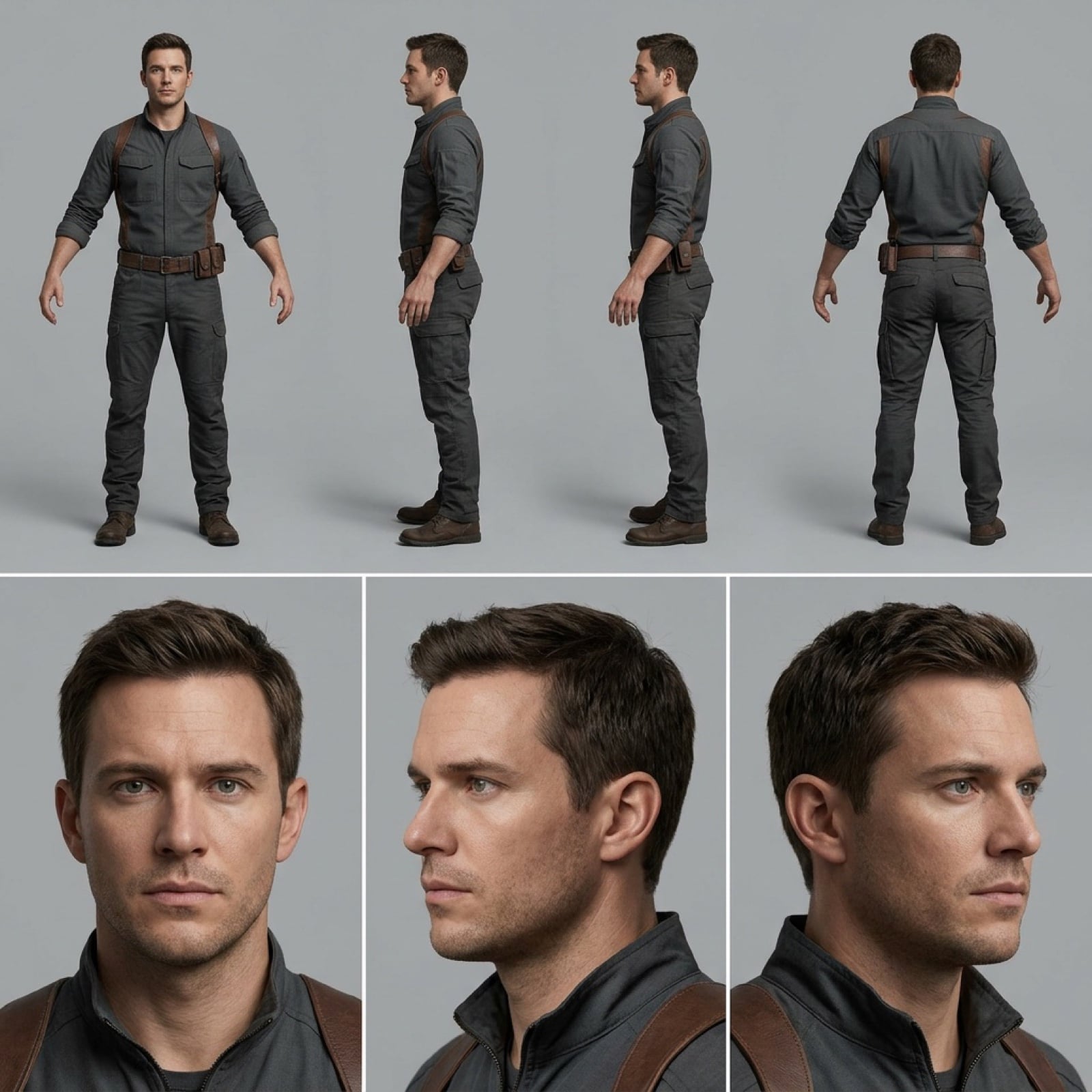
Character Reference Sheet for Consistency
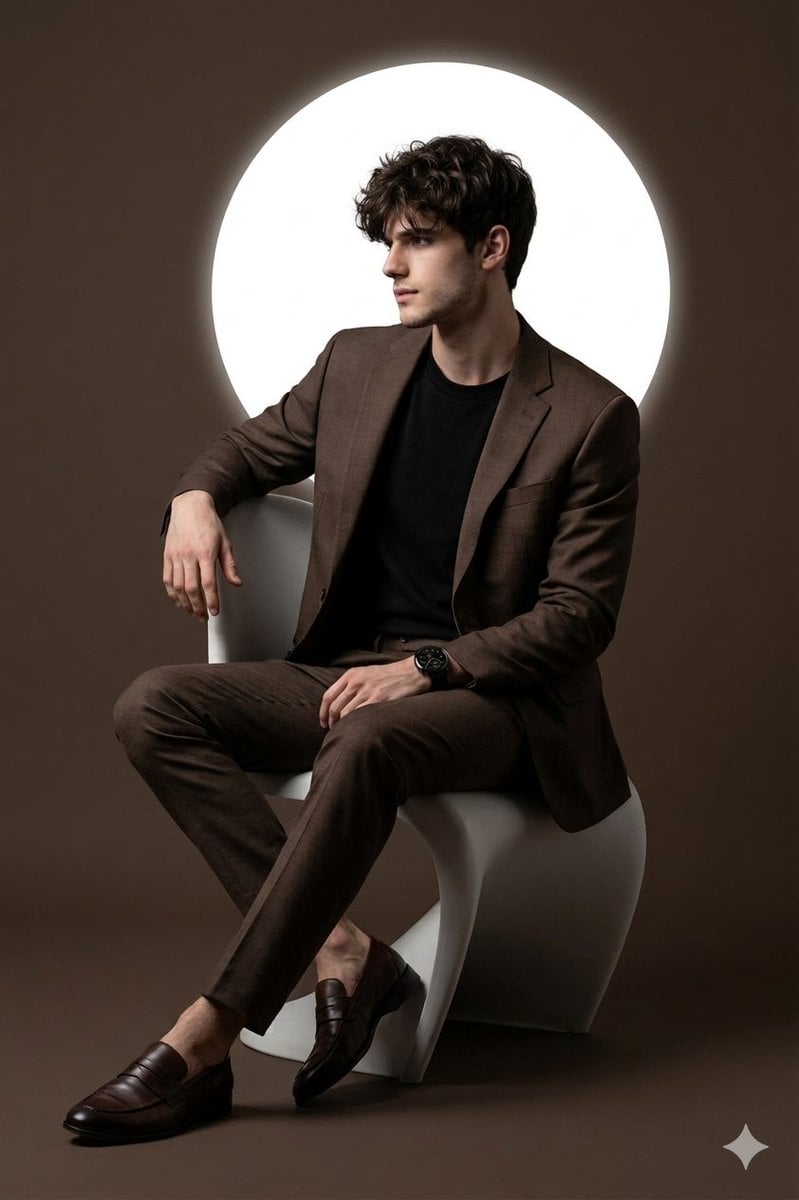
Cinematic Studio Portrait with Reference Photo Consistency
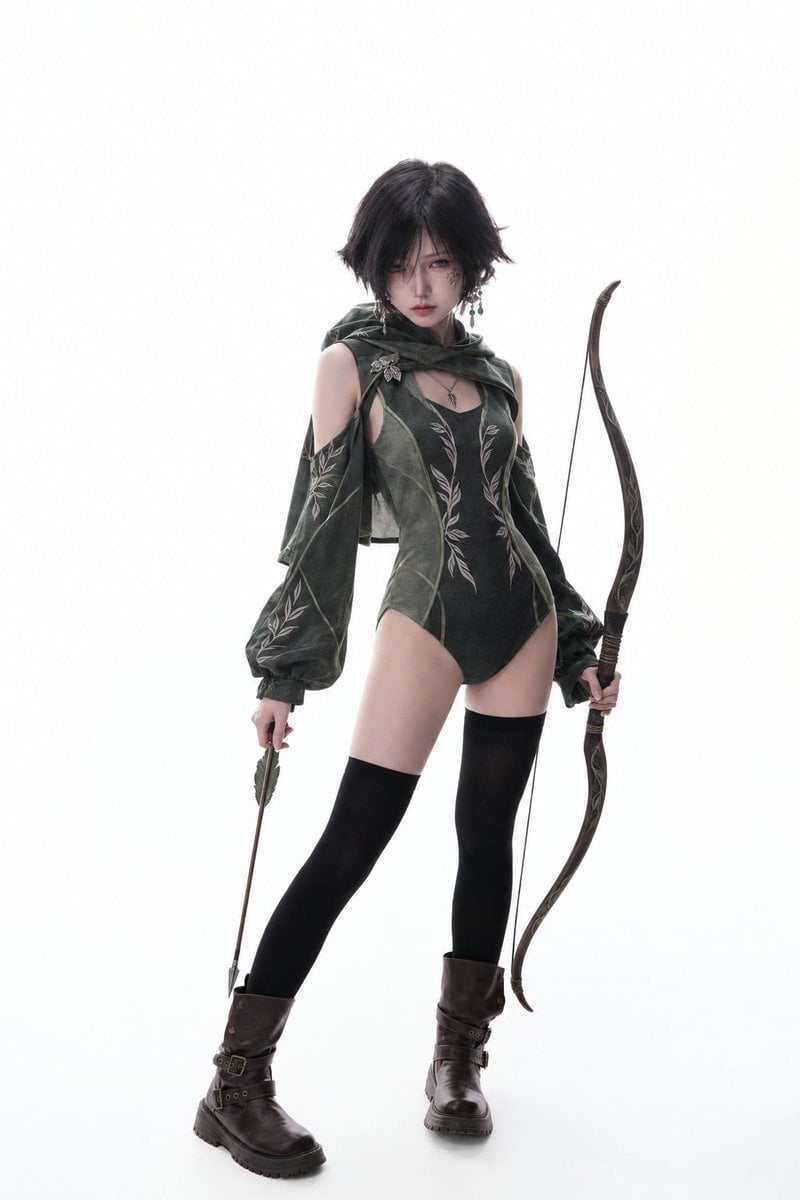
Photography Scheme Reference Guide

Nano Banana Pro Identity Lock — Composition + Face Reference

Clean, minimalist fashion infographic from an uploaded reference photo
Editorial Beauty Portrait for Consistency

Neon Studio Identity Consistency Portrait
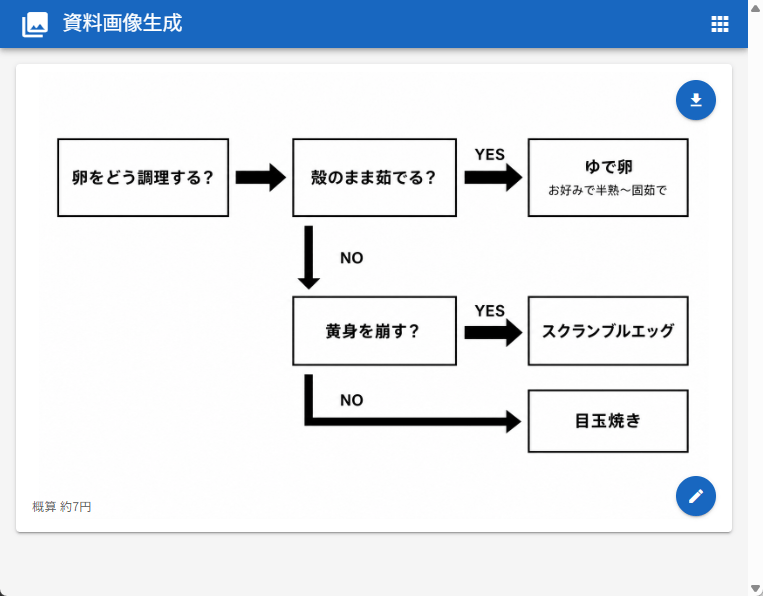
Japanese Egg Cooking Flowchart UI

Gray Studio Character Reference Sheet

Anime Character Sheet Reference Prompt
Make it yours
Character Consistency Reference Chart works as-is. These are the safest ways to change it without losing the look.
Change one field
Copy a single group, rewrite it, and generate again so you can see what that field is doing.
Keep the frame, change the subject
Hold the composition and light of Character Consistency Reference Chart, then swap wardrobe, props or the person for a new take.
| If the result… | Why | Fix |
|---|---|---|
| The result drifts from the preview | Too many fields changed at once. | Reuse Character Consistency Reference Chart as-is first, then change one group — subject, light, or setting. |
| The model over-stylizes the scene | The prose prompt leaves finish and camera underspecified. | Add one camera or lighting sentence and stay on GPT Image 2. |
More GPT Image 2 templates
Other prompts made for GPT Image 2.

Six VTuber Japanese Logo Sheet

Realistic Portrait of Woman and Deer

The Vista Modular Condo Poster

AI Model Routing Comparison Infographic

2.5D Anime Art Board

Isometric Productivity Desk Scene

New York Double Exposure Poster

Four-Panel AI Landscape Comparison

Japanese Tatami Lifestyle Magazine Cover

NESCAFÉ Coffee Map Poster
More image prompts
Fresh picks from across the catalog.
Crimson Gown in Flooded Venice
Moonlit Forest Guardian Diptych
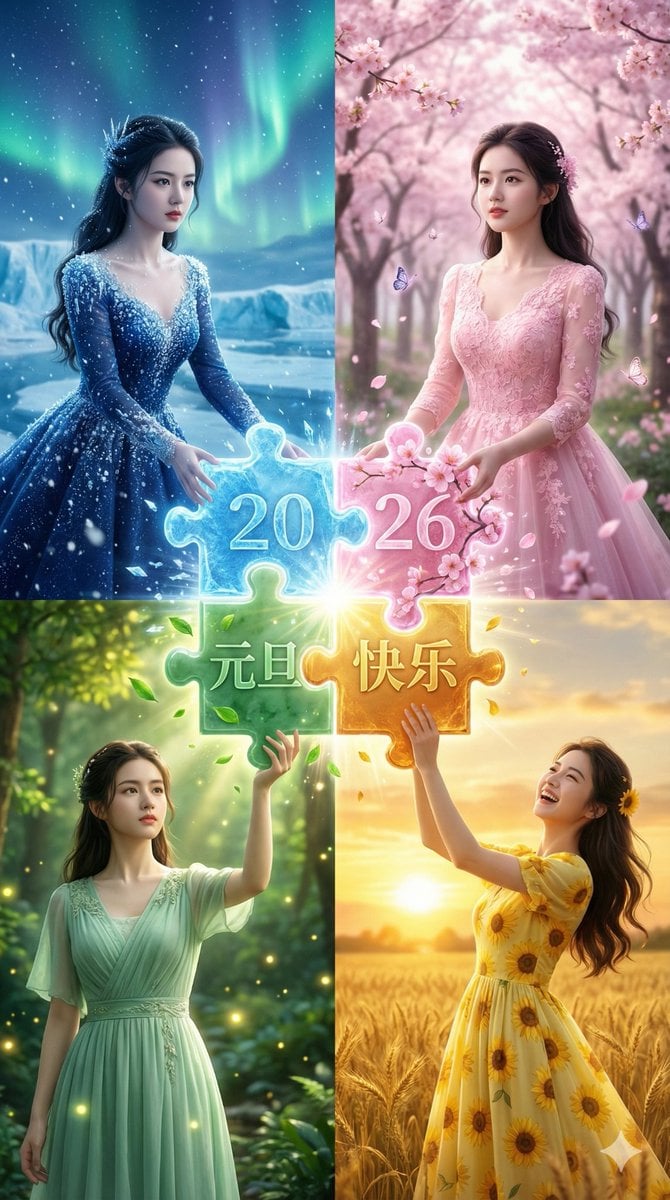
Four Seasons Puzzle for 2026 New Year Greeting

Out the Window meme comic prompt
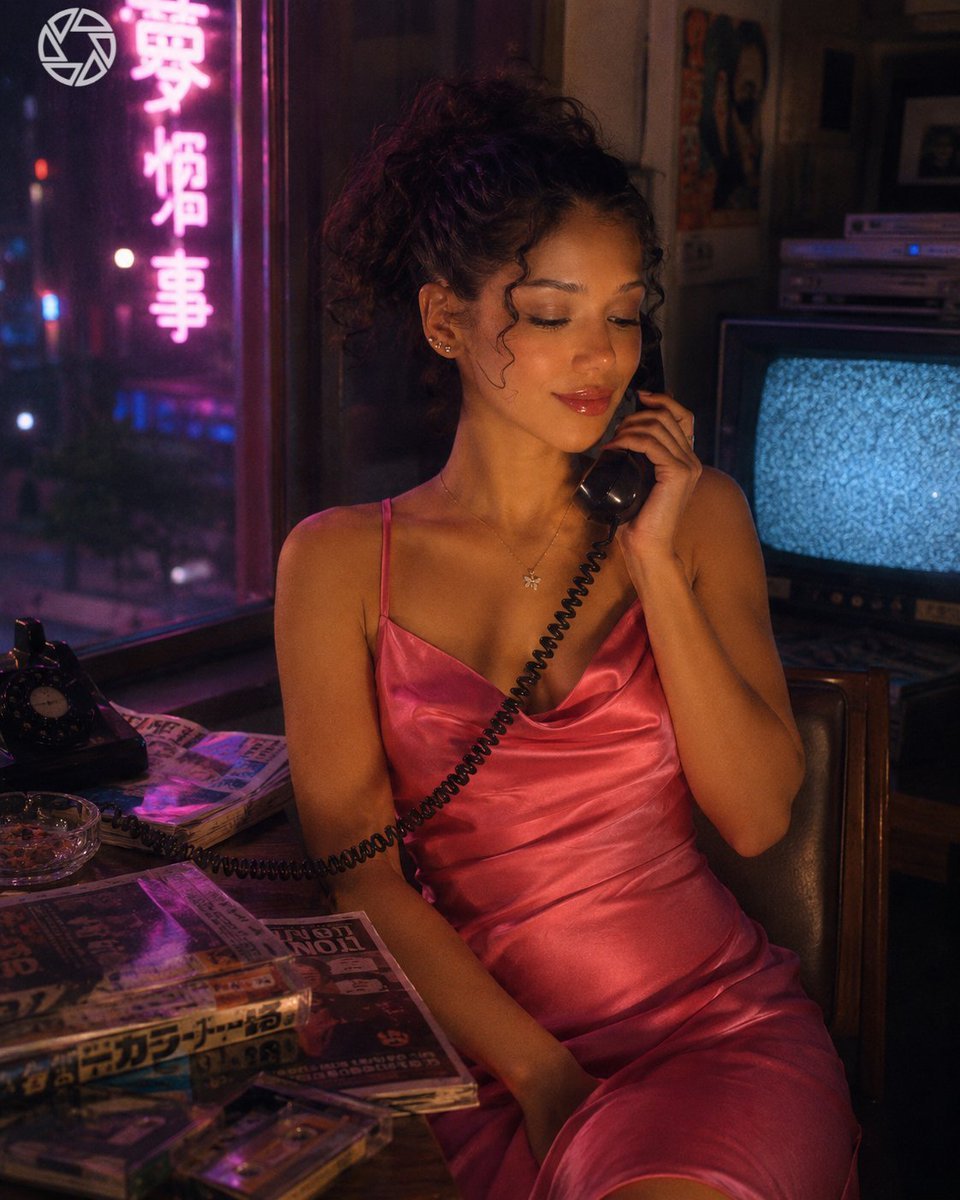
Retro Neon Night Phone Portrait
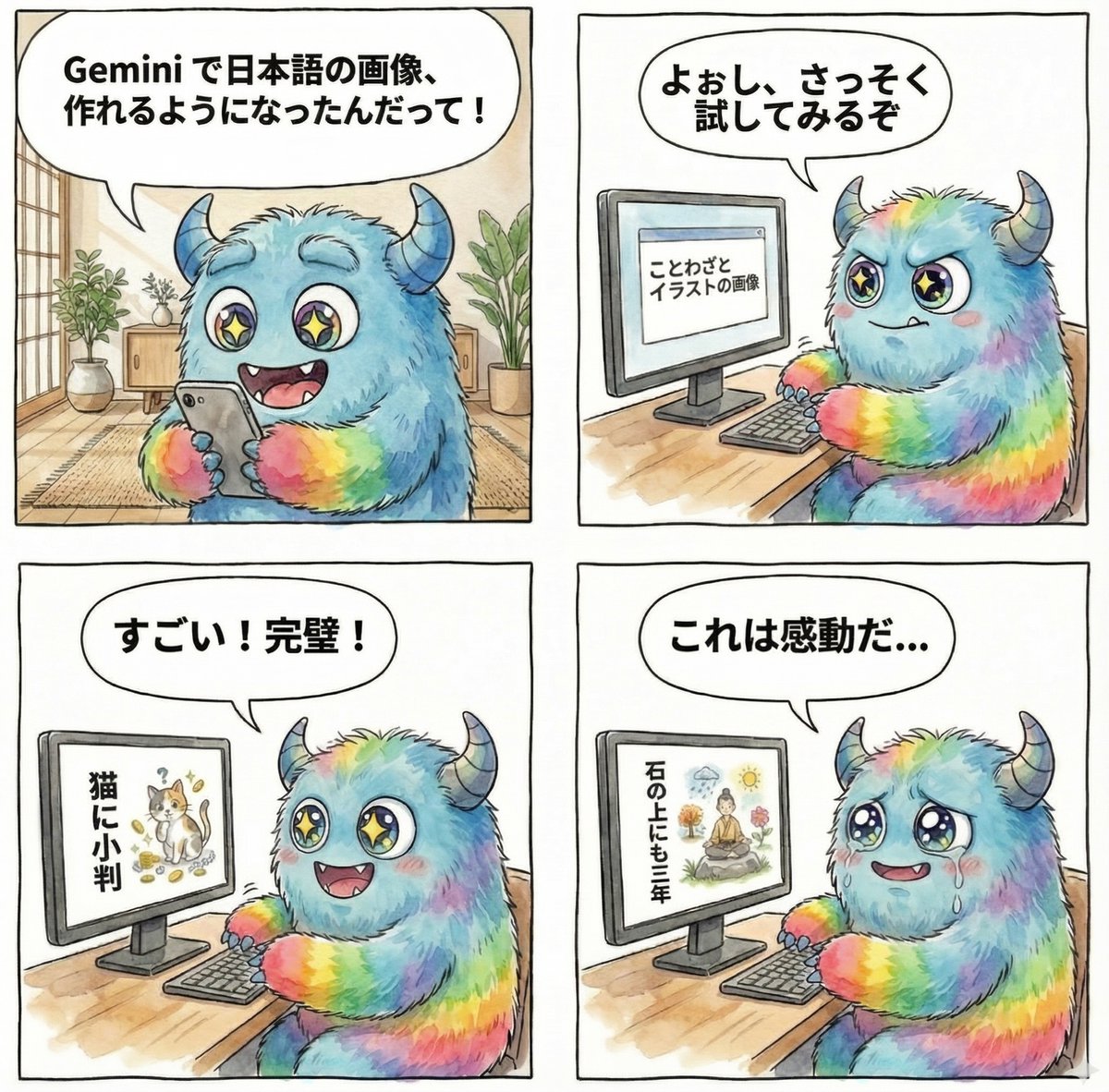
panel manga about Gemini generating Japanese text images
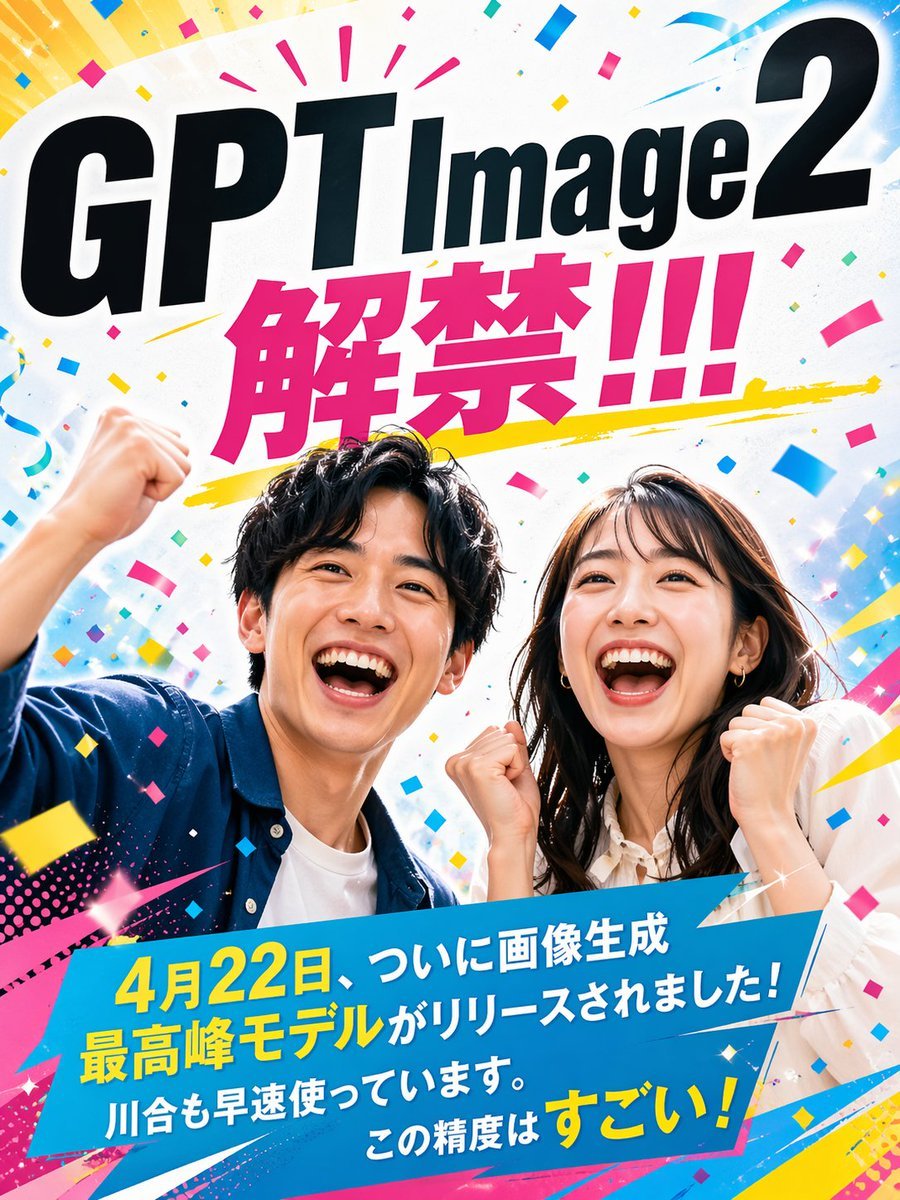
Modern Ad Layout Design

Vintage Monochrome Illustration Prompt

Cozy Knit Industrial Design Prompt
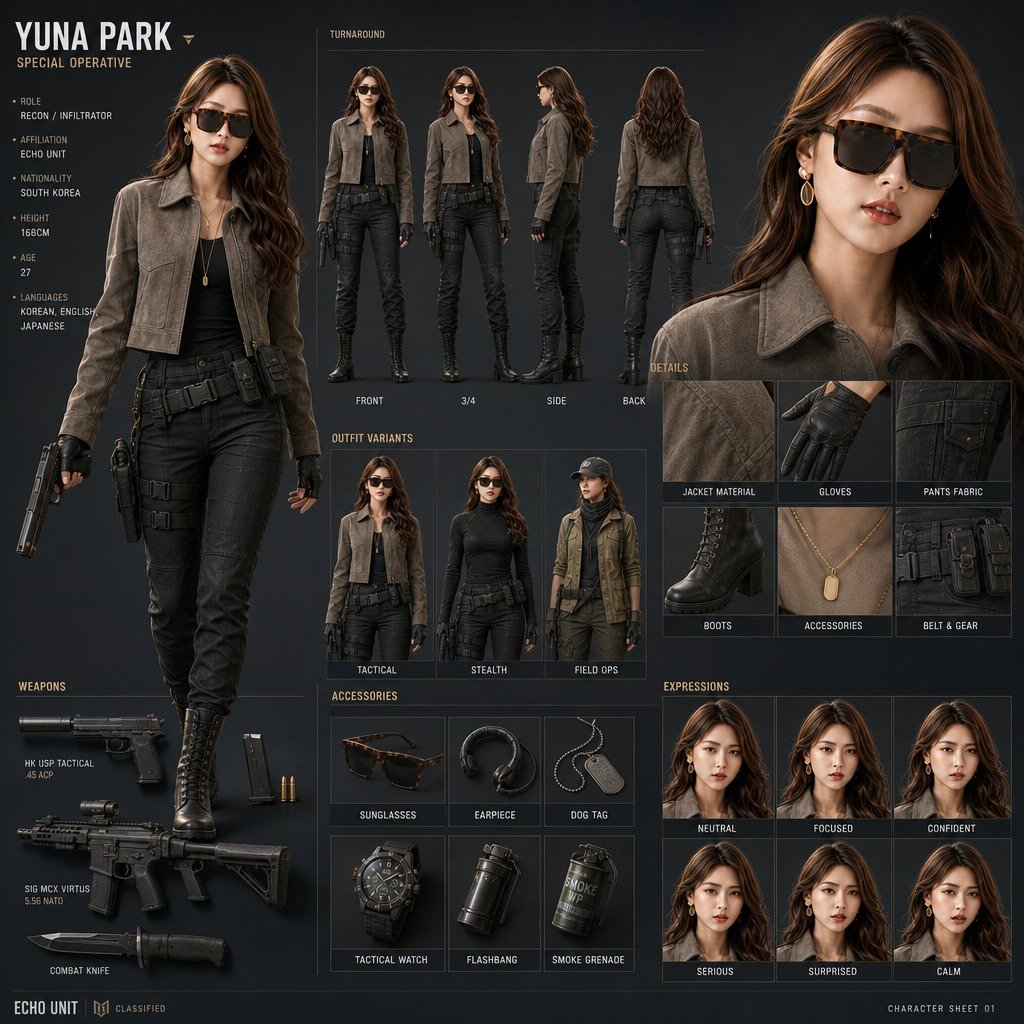
Yuna Park Tactical Character Sheet
Browse template categories
Character Consistency Reference Chart questions
How do I use the Character Consistency Reference Chart template?
Add your photo if the template asks for one, edit the prompt if you like — the template's model and format are already selected — and press Generate. Your version opens in PicX Studio.
Can I customize the Character Consistency Reference Chart template?
Yes. You can change the subject, setting, lighting, mood, format, and available model controls before creating your image.
Is the Character Consistency Reference Chart template free?
Opening and editing this template is free. Generating uses credits, shown on the Generate button when you are signed in.
Which AI model should I use?
Start with GPT Image 2, which is the model associated with this template. You can compare another compatible model for a different finish.
Looking for something else? Browse all templates.

Your photo, any look
Thousands of ready templates for every top image and video model, from one credit balance.