
Cinematic Double Exposure Studio Portrait
Generates an elegant fashion-style studio portrait with a full-body woman and a large translucent background portrait in fog.
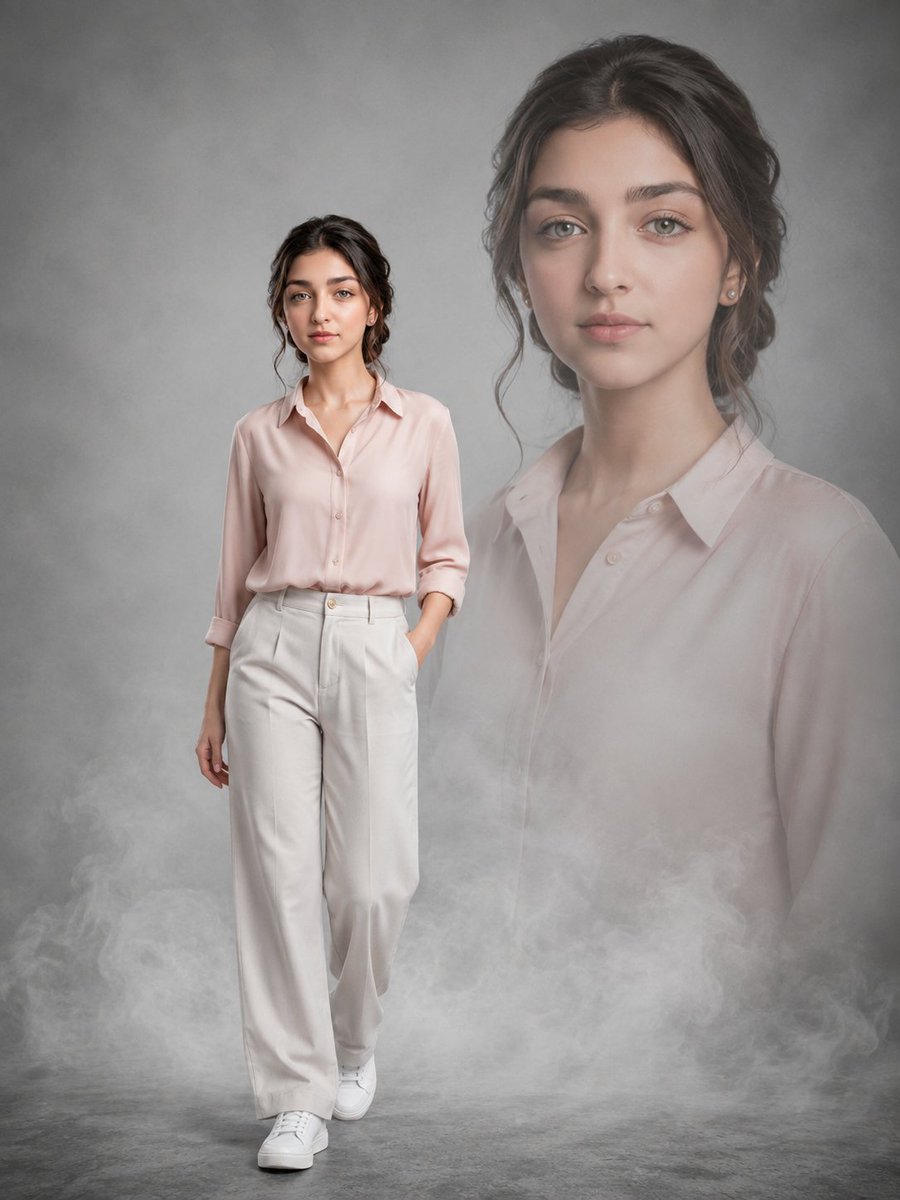
- Prompt included
- Model and format preset
- Free template
The prompt behind this image
Copy the exact prompt behind Cinematic Double Exposure Studio Portrait, or open it in the studio and make it yours.
Create a polished cinematic studio portrait composite of {argument name="character name" default="a young woman"} with exactly 2 visible layers of the same person: one full-body foreground figure and one oversized translucent background portrait. The foreground figure stands slightly left of center, walking calmly toward the camera with a relaxed neutral expression, one hand in her trouser pocket and the other arm hanging naturally. She has {argument name="hair color" default="dark brown"} loosely pinned-back wavy hair with soft face-framing strands, fair skin, light hazel-green eyes, natural makeup, small stud earrings, and a poised elegant presence. She wears a pale blush-pink satin button-up blouse with the sleeves casually rolled to the forearms, high-waisted wide-leg ivory trousers, and clean white sneakers. Behind her on the right side, add a large semi-transparent bust portrait of the same woman from chest up, softly faded into the mist, facing forward with the same gentle expression and matching blouse, occupying most of the upper-right background. Use a gray textured studio backdrop and gray concrete floor, with low drifting white fog concentrated along the bottom third of the image and partially veiling the lower background portrait. Lighting should be soft, cinematic, and diffused, with gentle highlights on the face and clothing, subtle shadows under the feet, muted pastel tones, realistic skin texture, shallow depth of field, and a refined editorial fashion-photography look. Vertical portrait composition, 3:4 aspect ratio, no text, no watermark, no extra people, no props, and keep the composition clean and atmospheric.
How to use Cinematic Double Exposure Studio Portrait in 3 steps
- 1Upload ImagePNG, JPG or paste
Add your photo
Upload the photo the template builds on. The prompt, model and format are already set.
- 2…a portrait of your subject in softgolden-hour light, 85mm…
Personalize
Edit the subject and creative details for your destination.
- 3Generate
Generate
Press Generate — your image is created in PicX Studio, so you can compare it with the original and refine one variable at a time.
More like this
Templates with the same subject, style or setup. Open one to see its prompt.

80s Couple Studio Portrait

1985 Studio Portrait

Gpt Image 2 Fashion Portrait
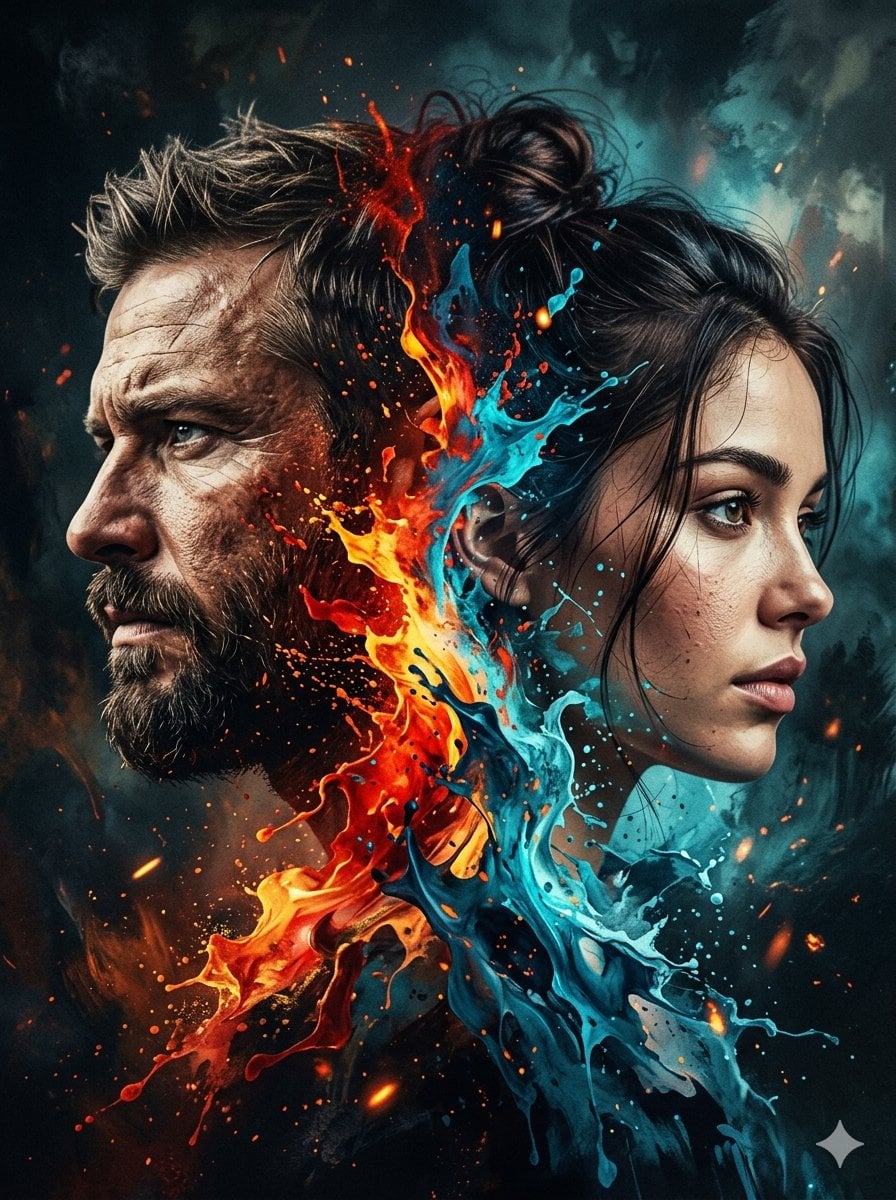
Dynamic Double-Exposure Artistic Portrait
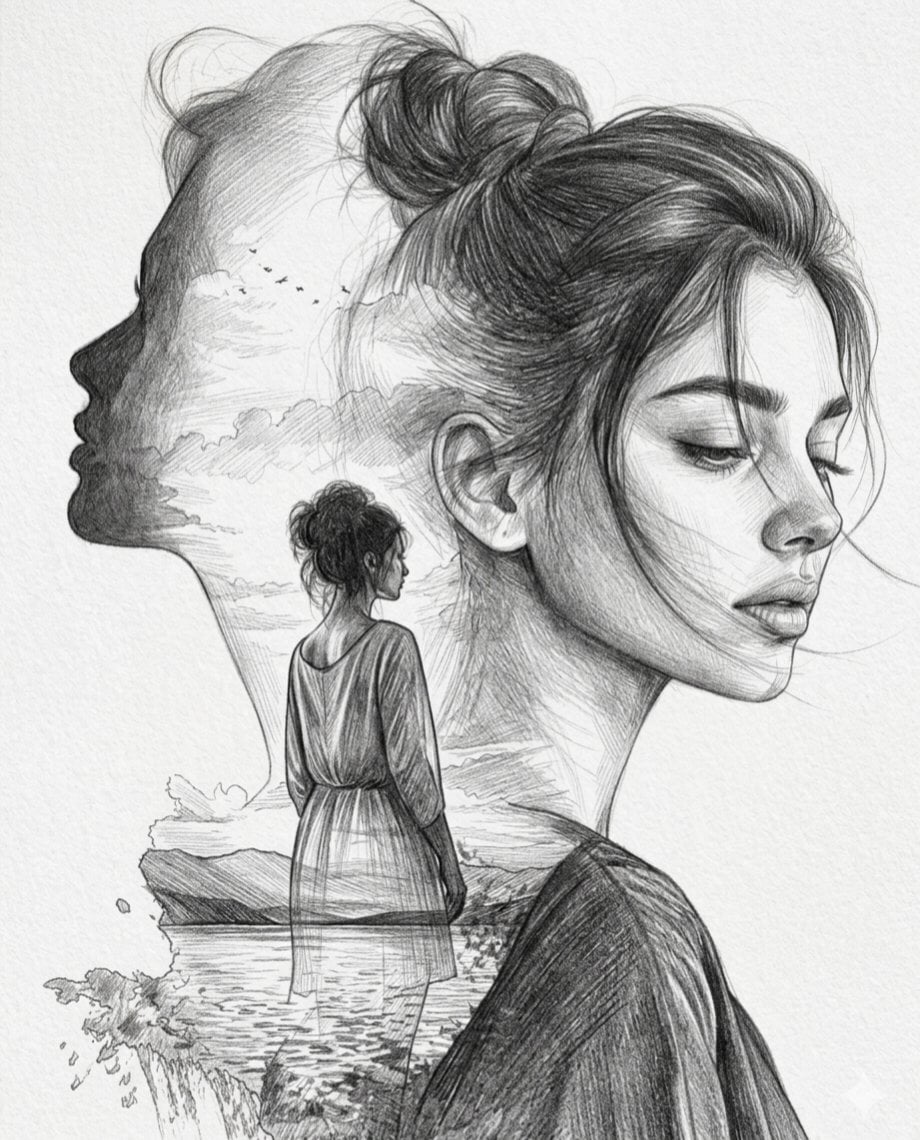
Double Exposure Pencil Sketch Portrait
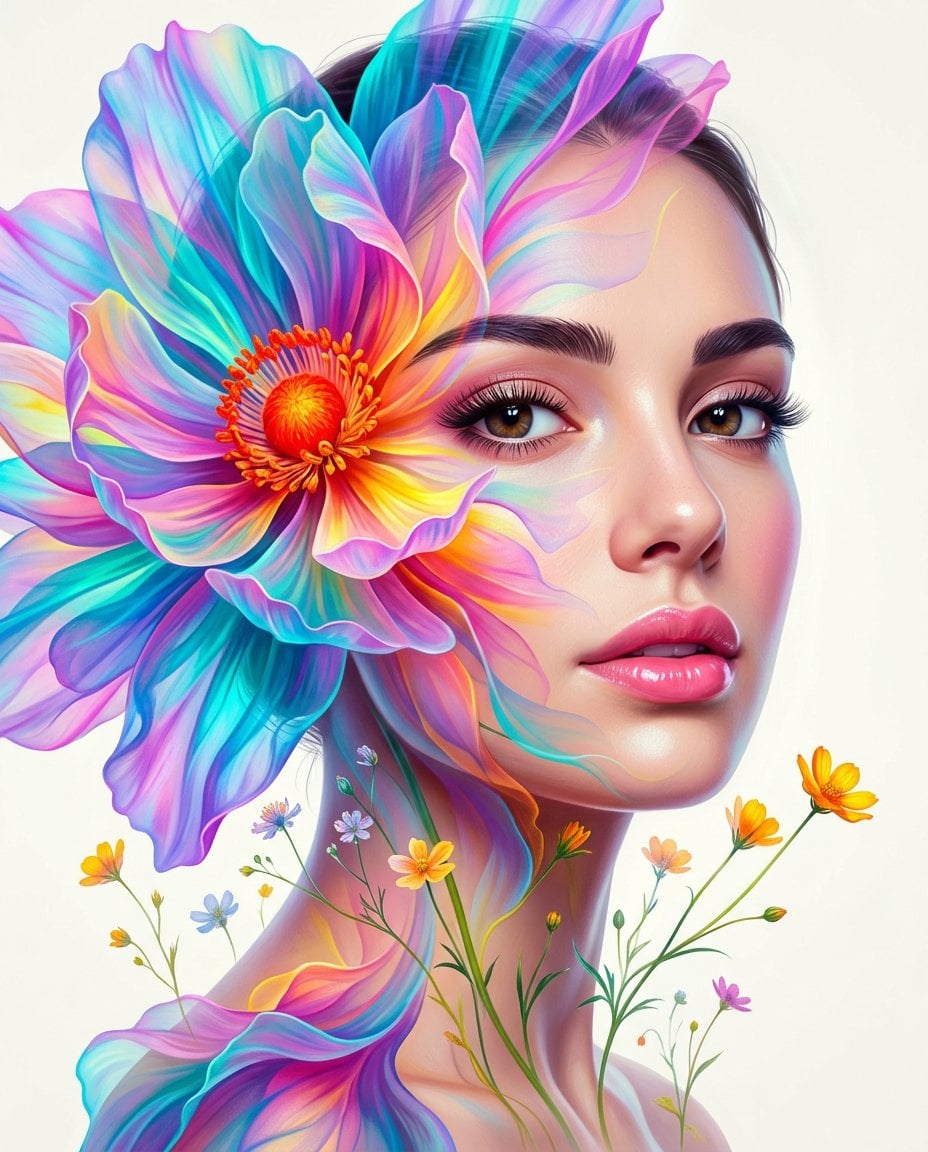
Surreal Double-Exposure Floral Portrait
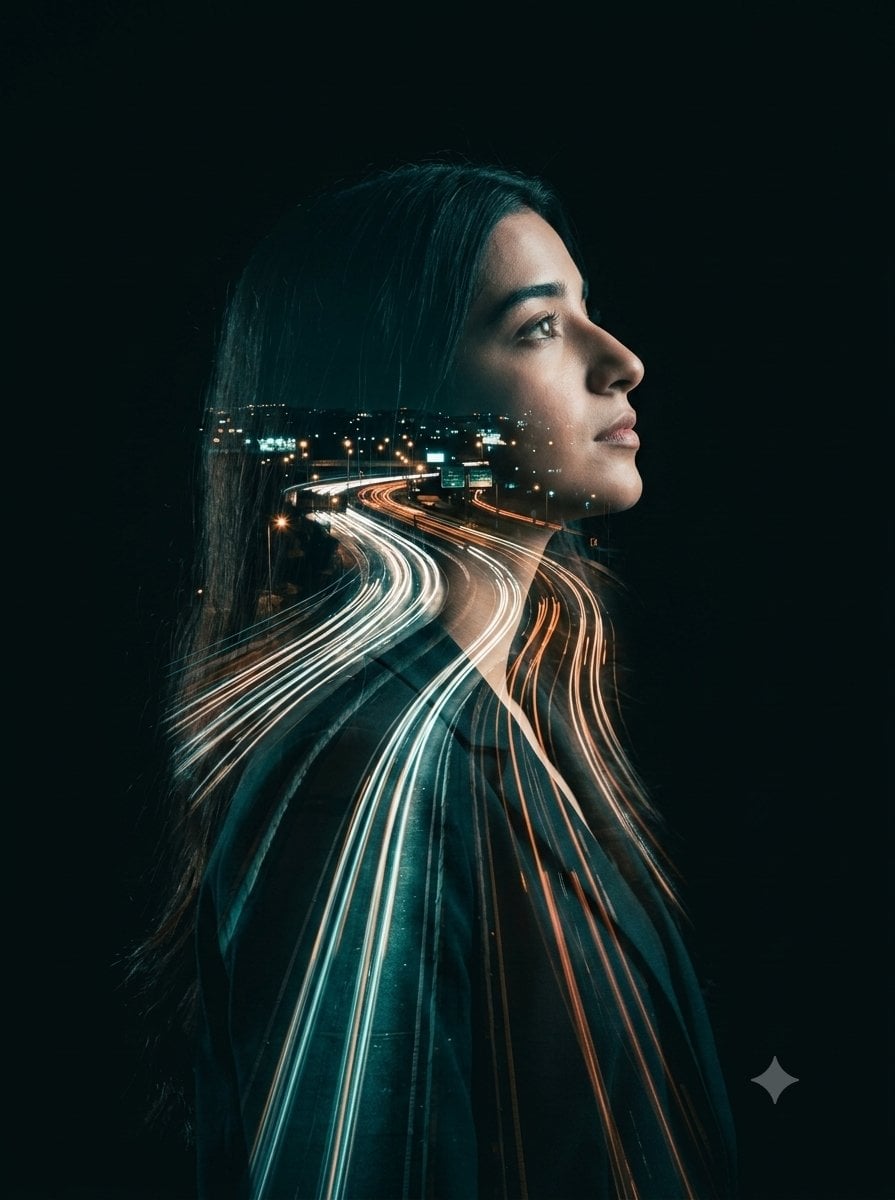
Double-Exposure Highway Portrait
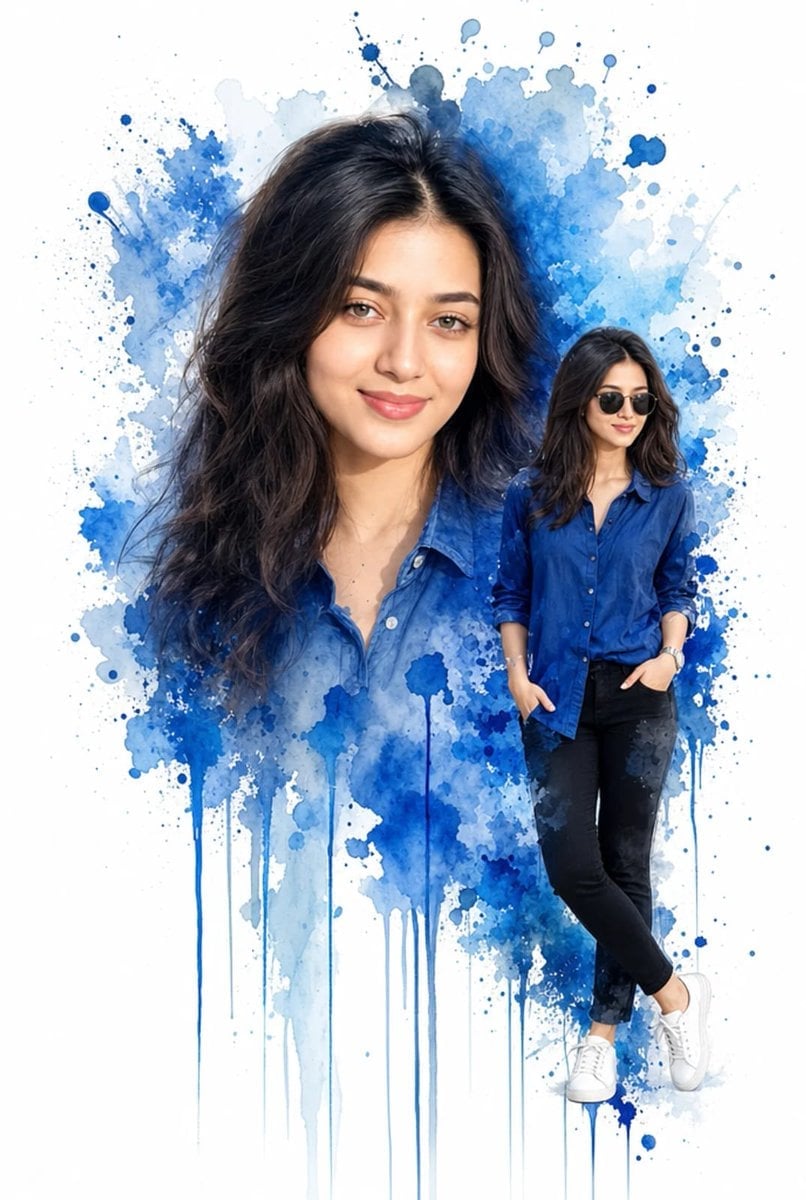
Double Exposure Watercolor Portrait Art
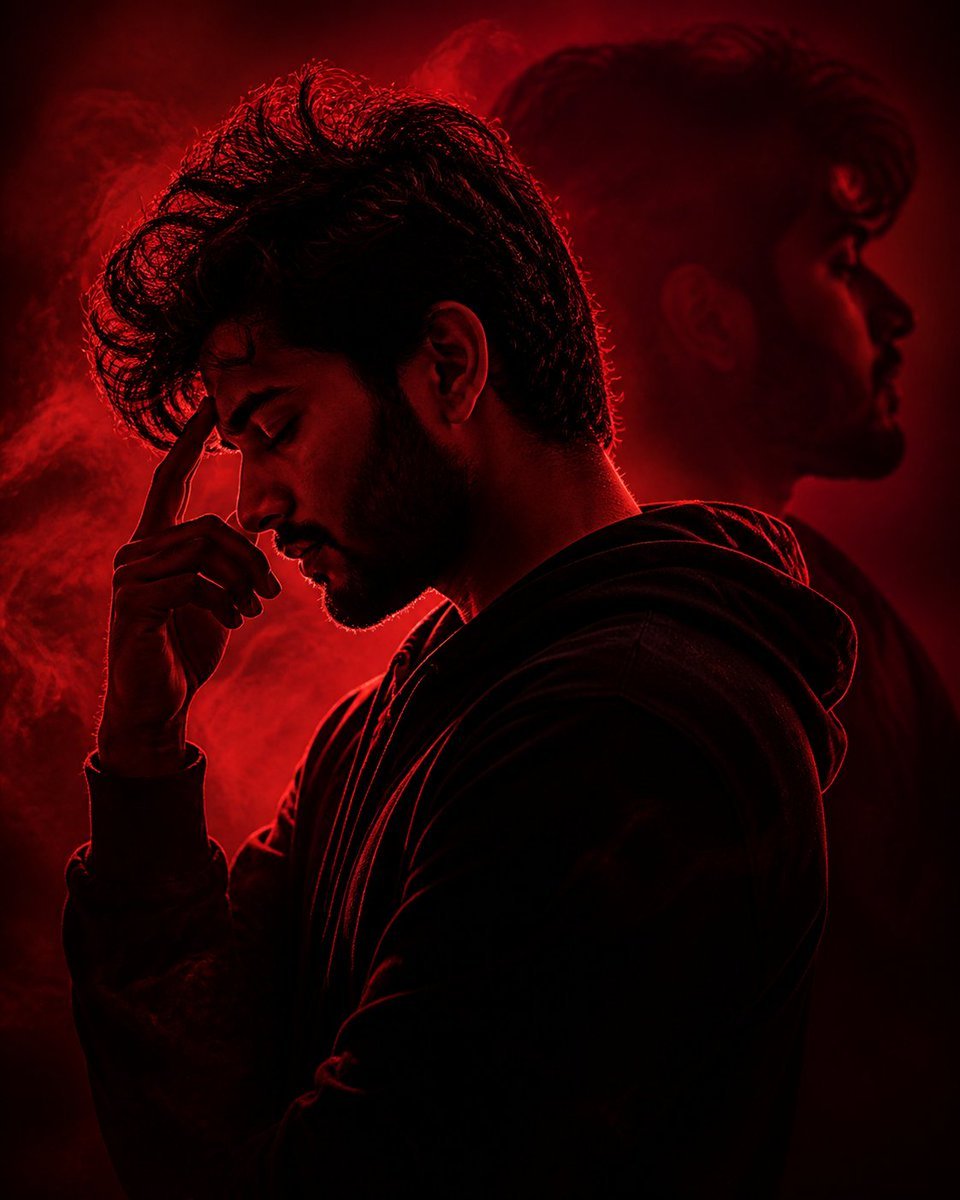
Crimson Moody Double Exposure Portrait
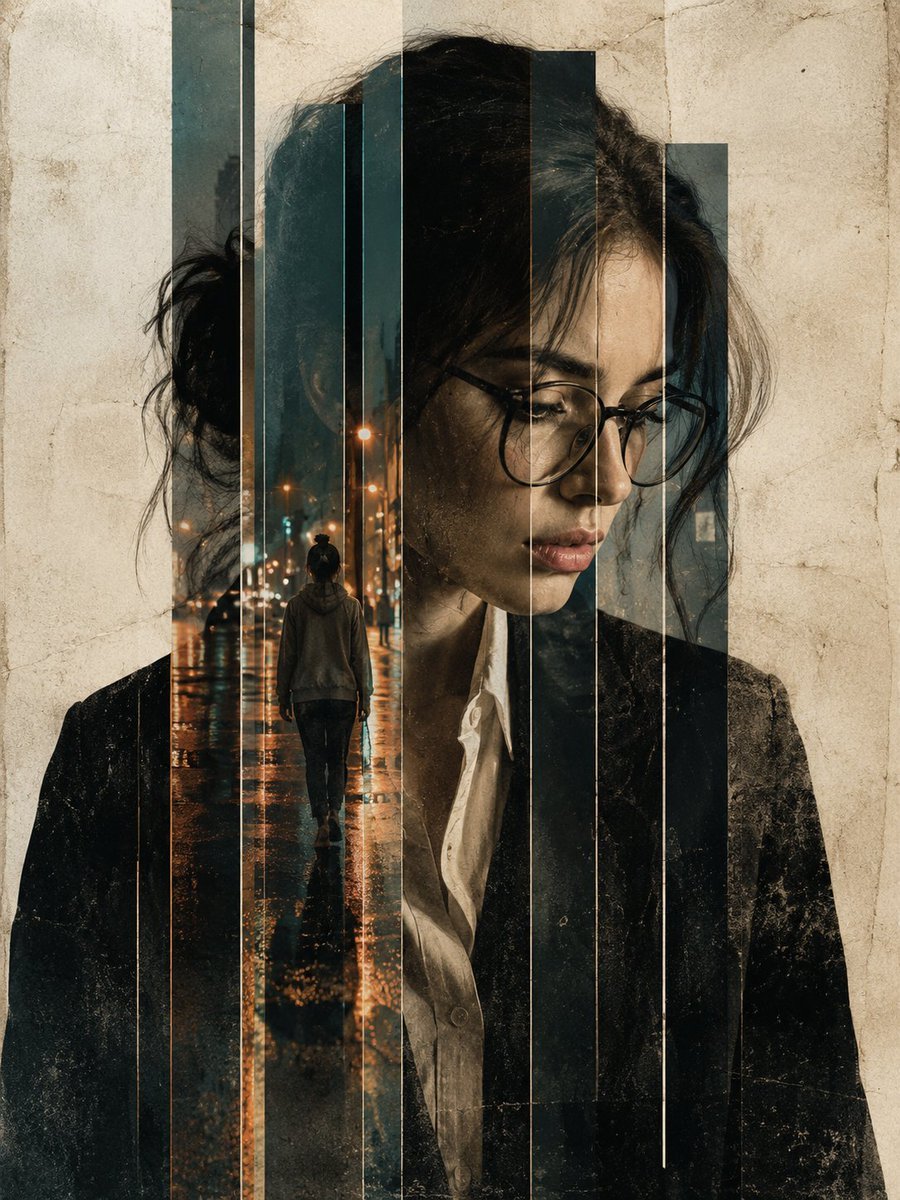
Double Exposure Editorial Portrait
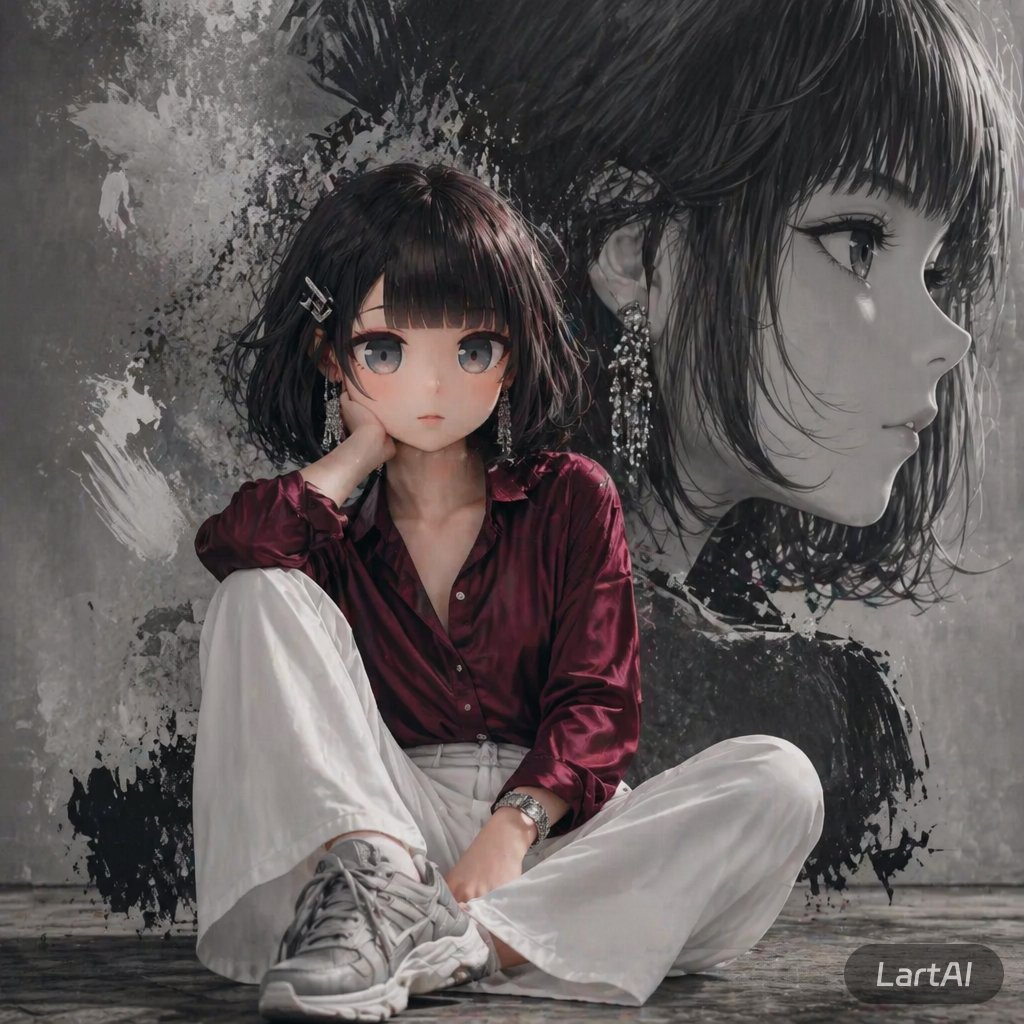
Double Exposure High-Fashion Portrait
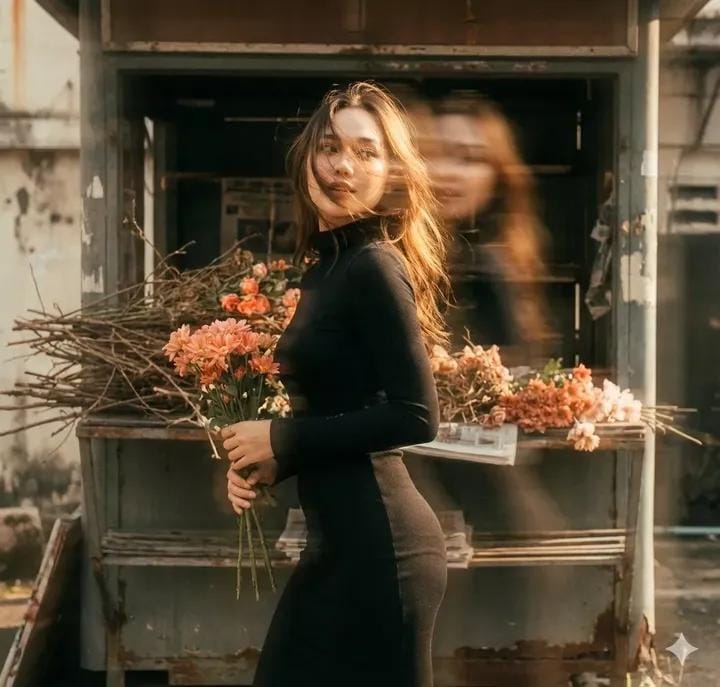
Vintage Film Double-Exposure Portrait
Make it yours
Cinematic Double Exposure Studio Portrait works as-is. These are the safest ways to change it without losing the look.
Change one field
Copy a single group, rewrite it, and generate again so you can see what that field is doing.
Keep the frame, change the subject
Hold the composition and light of Cinematic Double Exposure Studio Portrait, then swap wardrobe, props or the person for a new take.
| If the result… | Why | Fix |
|---|---|---|
| The result drifts from the preview | Too many fields changed at once. | Reuse Cinematic Double Exposure Studio Portrait as-is first, then change one group — subject, light, or setting. |
| The model over-stylizes the scene | The prose prompt leaves finish and camera underspecified. | Add one camera or lighting sentence and stay on GPT Image 2. |
More GPT Image 2 templates
Other prompts made for GPT Image 2.

Six VTuber Japanese Logo Sheet

Realistic Portrait of Woman and Deer

The Vista Modular Condo Poster

AI Model Routing Comparison Infographic

2.5D Anime Art Board

Isometric Productivity Desk Scene

Four-Panel AI Landscape Comparison

Japanese Tatami Lifestyle Magazine Cover

NESCAFÉ Coffee Map Poster

Brutalist Cogito Chinese Typography Poster
More image prompts
Fresh picks from across the catalog.
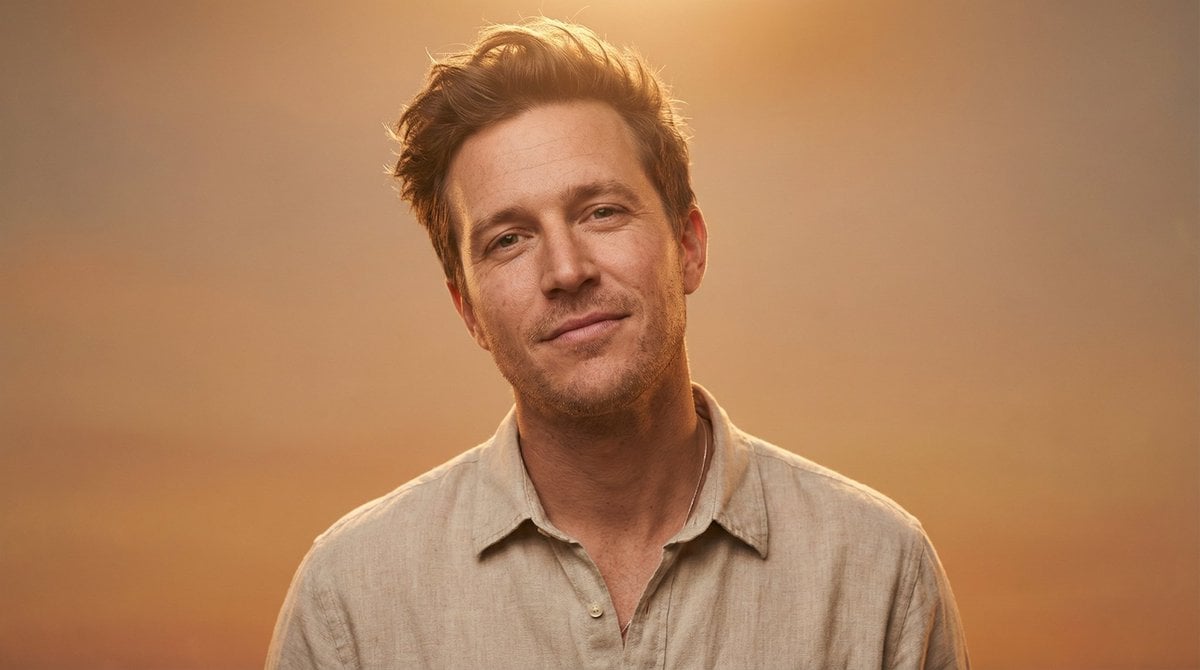
Ultra-Realistic Editorial Portrait
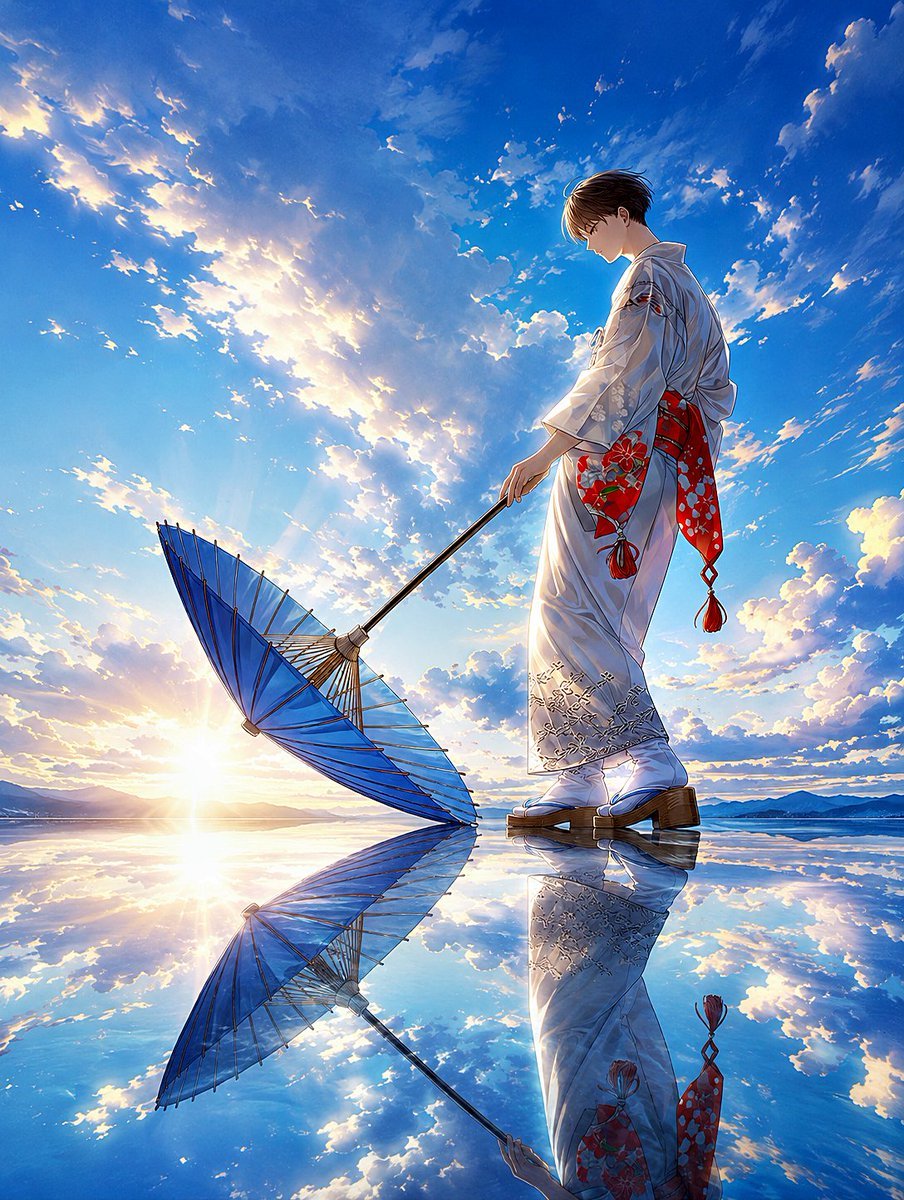
Kimono Figure with Blue Umbrella

Anime Silhouette Narrative Poster
DUMBO Bridge Desktop Wallpaper

Four-Panel Manga Creation Prompt (Version 2 with Formatting)
Morning Window Hotel Portrait
Candid Mirror Selfie with Exaggerated Figure and Cluttered Room
Lo-Fi Candid Portrait with Direct Flash (Early 2000s Aesthetic)
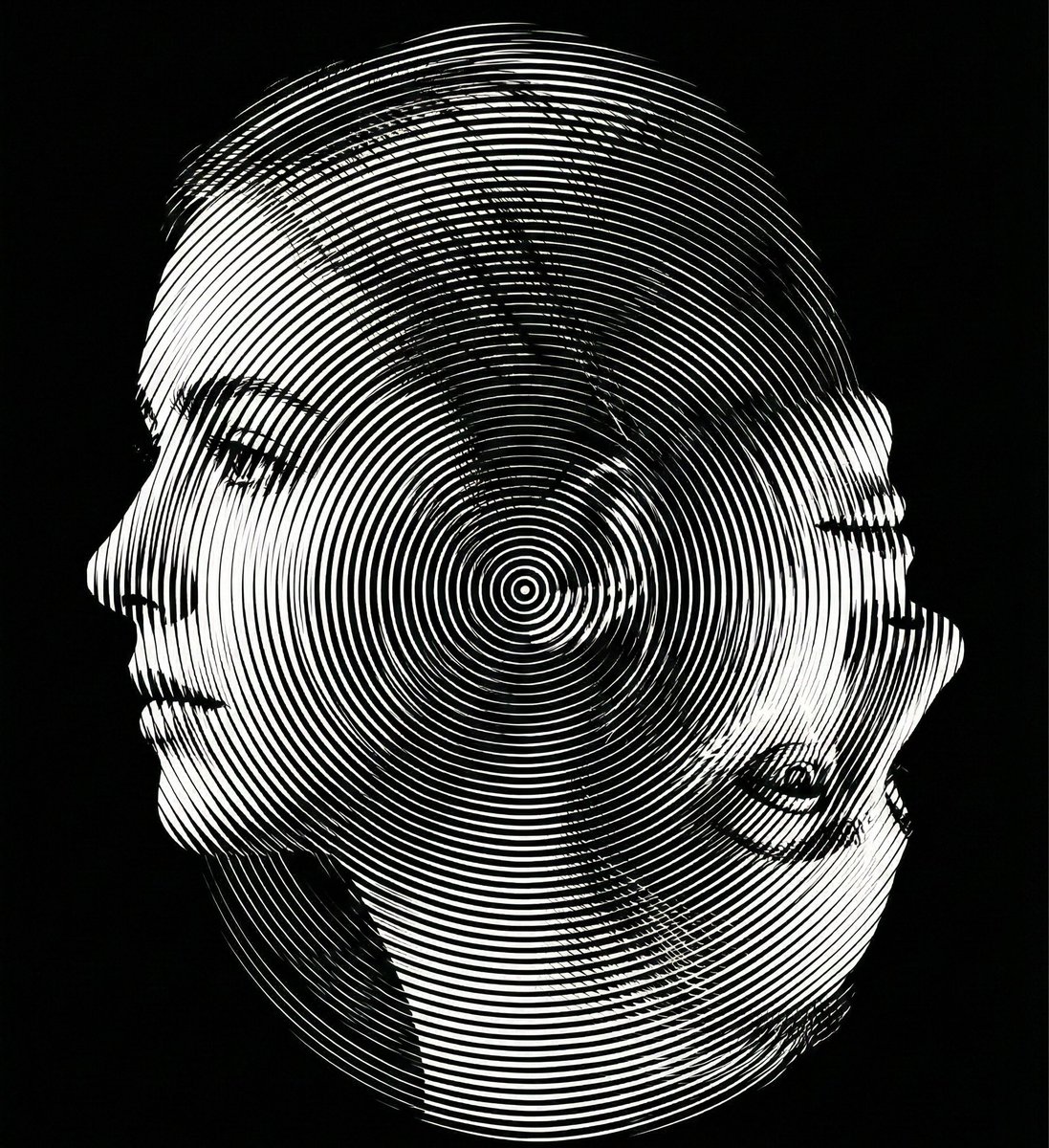
Dual-Orientation Optical Illusion Portrait
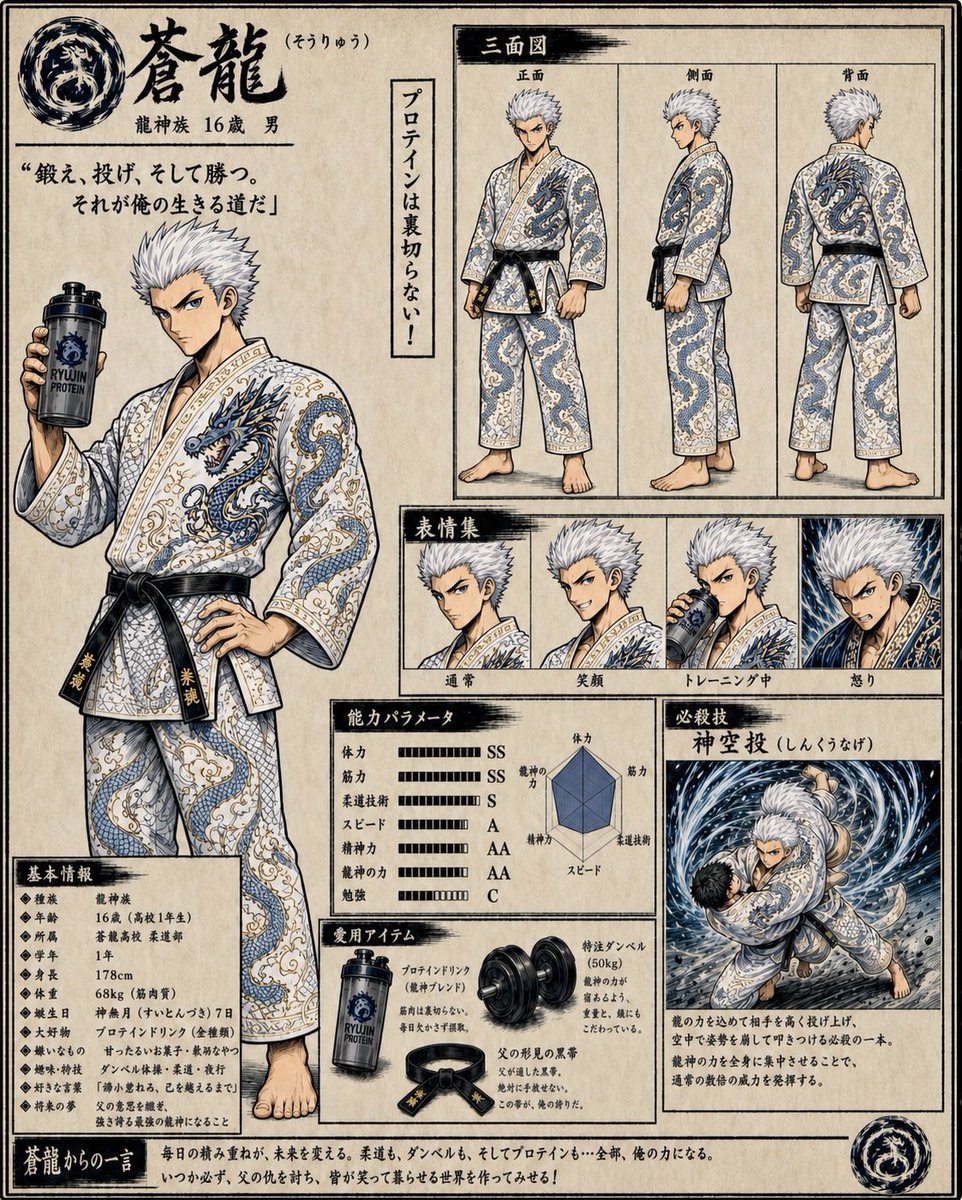
Fantasy Judo Anime Character Sheet
Browse template categories
Cinematic Double Exposure Studio Portrait questions
How do I use the Cinematic Double Exposure Studio Portrait template?
Add your photo if the template asks for one, edit the prompt if you like — the template's model and format are already selected — and press Generate. Your version opens in PicX Studio.
Can I customize the Cinematic Double Exposure Studio Portrait template?
Yes. You can change the subject, setting, lighting, mood, format, and available model controls before creating your image.
Is the Cinematic Double Exposure Studio Portrait template free?
Opening and editing this template is free. Generating uses credits, shown on the Generate button when you are signed in.
Which AI model should I use?
Start with GPT Image 2, which is the model associated with this template. You can compare another compatible model for a different finish.
Looking for something else? Browse all templates.

Your photo, any look
Thousands of ready templates for every top image and video model, from one credit balance.