
Black and White Studio Fashion Portrait
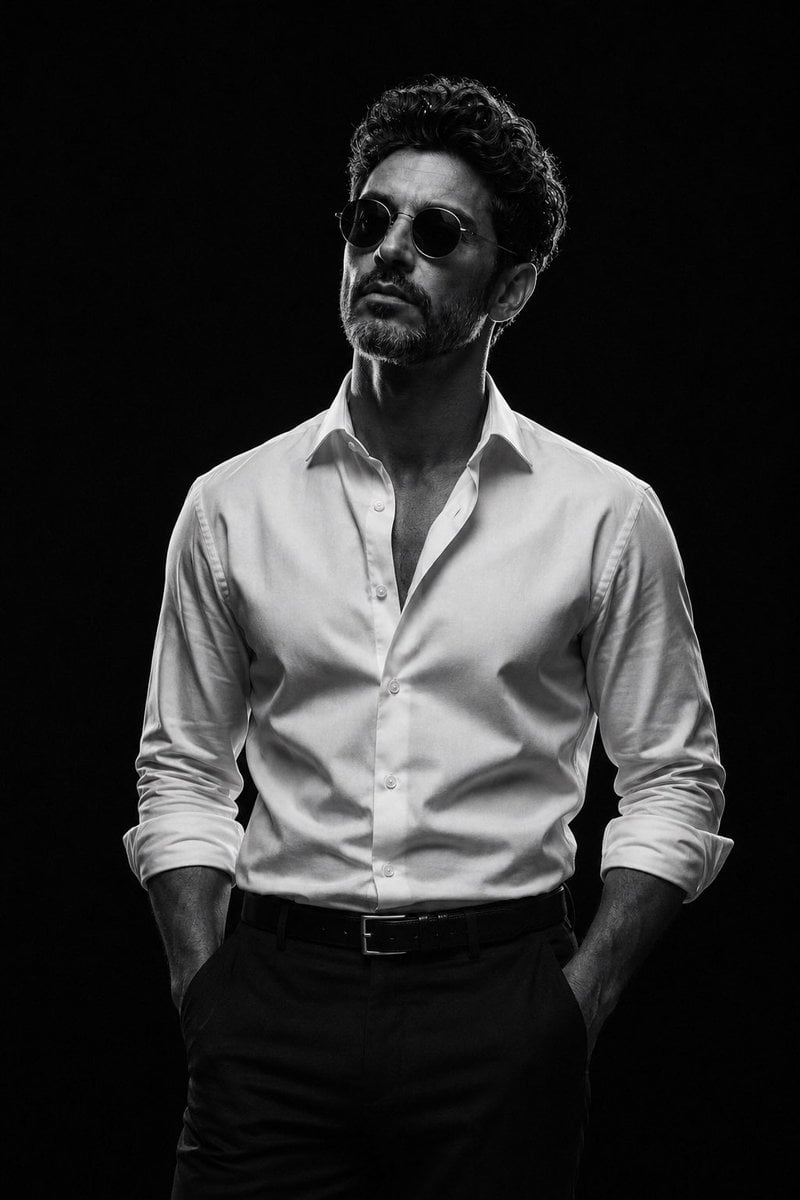
A high-contrast, editorial-style monochrome portrait prompt for a man in a professional studio setting, emphasizing fabric texture and cinematic lighting.
- Prompt included
- Model and format preset
- Free template
The prompt behind this image
Copy the exact prompt behind Black and White Studio Fashion Portrait, or open it in the studio and make it yours.
Dramatic ultra-photorealistic black-and-white studio fashion portrait of an {argument name="subject" default="adult man"}, photographed as a premium editorial campaign with a full-frame professional camera. Three-quarter body composition, framed from approximately mid-thigh upward. He stands naturally with confident posture, both hands casually tucked into his trouser pockets, shoulders relaxed, chest subtly open, chin slightly lifted, head turned a little away from the camera. His expression is calm, self-assured, serious, and composed. He wears round vintage-style sunglasses with realistic dark lenses and thin frames, a perfectly tailored {argument name="shirt type" default="crisp white dress shirt"} with the top two or three buttons undone, collar naturally open, sleeves casually rolled to the forearms, shirt neatly tucked into high-quality dark tailored trousers with a simple leather belt and understated metal buckle. Clothing should show authentic fabric texture, natural wrinkles, realistic stitching, subtle folds around the elbows and waist, and physically accurate draping. Pure seamless black studio background with no visible environment, props, texture, or distractions. Extremely controlled low-key cinematic lighting: one strong directional side light positioned approximately 45 degrees to the subject, creating sculpted bright highlights across the white shirt while allowing the opposite side of the face and body to fall naturally into deep partial shadow. Subtle soft reflected fill only where physically plausible. Strong chiaroscuro, rich blacks, luminous white highlights, smooth tonal transitions, realistic skin texture, natural pores and fine facial detail, subtle facial hair detail, accurate anatomy, realistic hands and fingers. High-contrast monochrome photography with a refined filmic tonal range, deep blacks without crushed facial detail, clean highlights without excessive clipping, subtle natural film grain, realistic lens rendering, gentle background separation, and authentic photographic imperfections. Sharp focus on the face, sunglasses, and shirt collar with a gradual shallow depth of field toward the lower body. Sophisticated luxury fashion editorial aesthetic, timeless cinematic mood, restrained and elegant rather than theatrical. Photorealistic skin, physically accurate lighting, realistic shadows, true-to-life proportions, natural posture, premium studio photography, high dynamic range, fine micro-contrast, detailed fabric texture, realistic optical characteristics, {argument name="lens" default="85mm"} portrait lens look, approximately f/2.8, full-frame camera, high-resolution RAW photography, professionally retouched but not artificially smoothed, no CGI appearance.
How to use Black and White Studio Fashion Portrait in 3 steps
- 1
Open
The prompt is already in the box next to the preview, with the template's model and format selected.
- 2…a portrait of your subject in softgolden-hour light, 85mm…
Personalize
Edit the subject and creative details for your destination.
- 3Generate
Generate
Press Generate — your image is created in PicX Studio, so you can compare it with the original and refine one variable at a time.
More like this
Templates with the same subject, style or setup. Open one to see its prompt.

80s Couple Studio Portrait

1985 Studio Portrait

Nano Banana 2 High Fashion Sports Campai

Couture Fashion Editorial Woman and Drag

Ive Yujin Fashion Portrait in Blue

Nano Banana 2 Editorial Fashion Portrait

Caution Tape Fashion — Industrial Editorial
Black and White Studio Portrait
Black and White Male Studio Portrait
Cinematic Black and White Studio Portrait
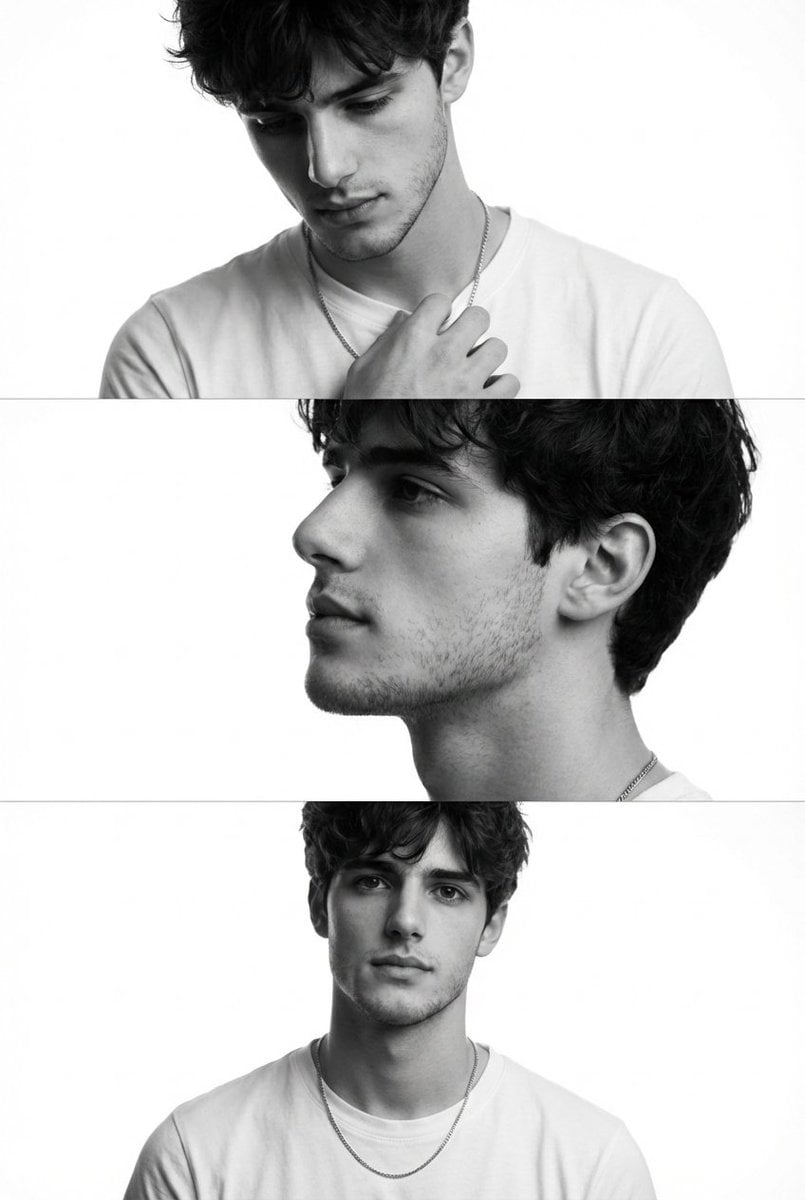
Black and White Fashion Editorial Triptych

Minimalist Studio Fashion Portrait Grid
Make it yours
Black and White Studio Fashion Portrait works as-is. These are the safest ways to change it without losing the look.
Change one field
Copy a single group, rewrite it, and generate again so you can see what that field is doing.
Keep the frame, change the subject
Hold the composition and light of Black and White Studio Fashion Portrait, then swap wardrobe, props or the person for a new take.
| If the result… | Why | Fix |
|---|---|---|
| The result drifts from the preview | Too many fields changed at once. | Reuse Black and White Studio Fashion Portrait as-is first, then change one group — subject, light, or setting. |
| The model over-stylizes the scene | The prose prompt leaves finish and camera underspecified. | Add one camera or lighting sentence and stay on GPT Image 2. |
More GPT Image 2 templates
Other prompts made for GPT Image 2.

Six VTuber Japanese Logo Sheet

Realistic Portrait of Woman and Deer

The Vista Modular Condo Poster

AI Model Routing Comparison Infographic

2.5D Anime Art Board

Isometric Productivity Desk Scene

New York Double Exposure Poster

Four-Panel AI Landscape Comparison

Japanese Tatami Lifestyle Magazine Cover

NESCAFÉ Coffee Map Poster
More image prompts
Fresh picks from across the catalog.
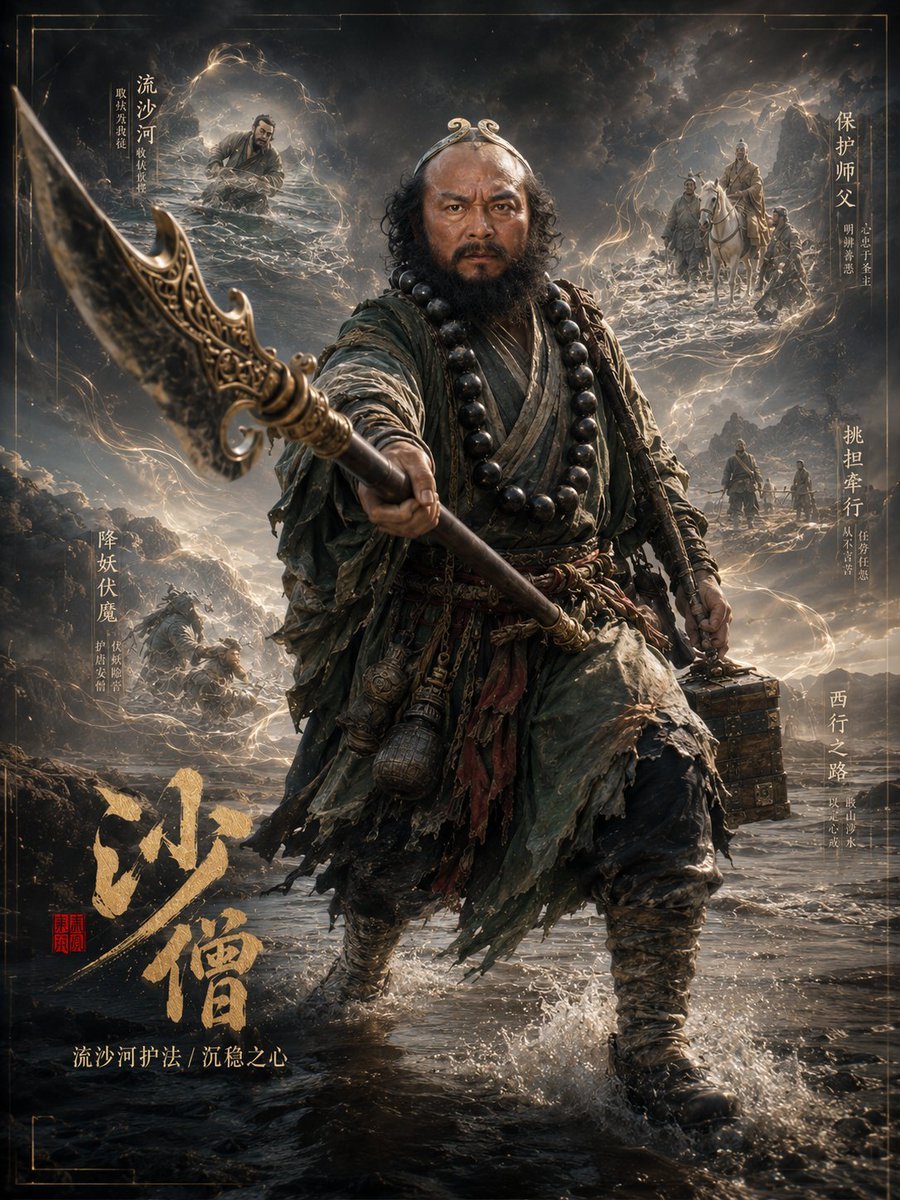
Dark Fantasy Sha Seng Character Poster
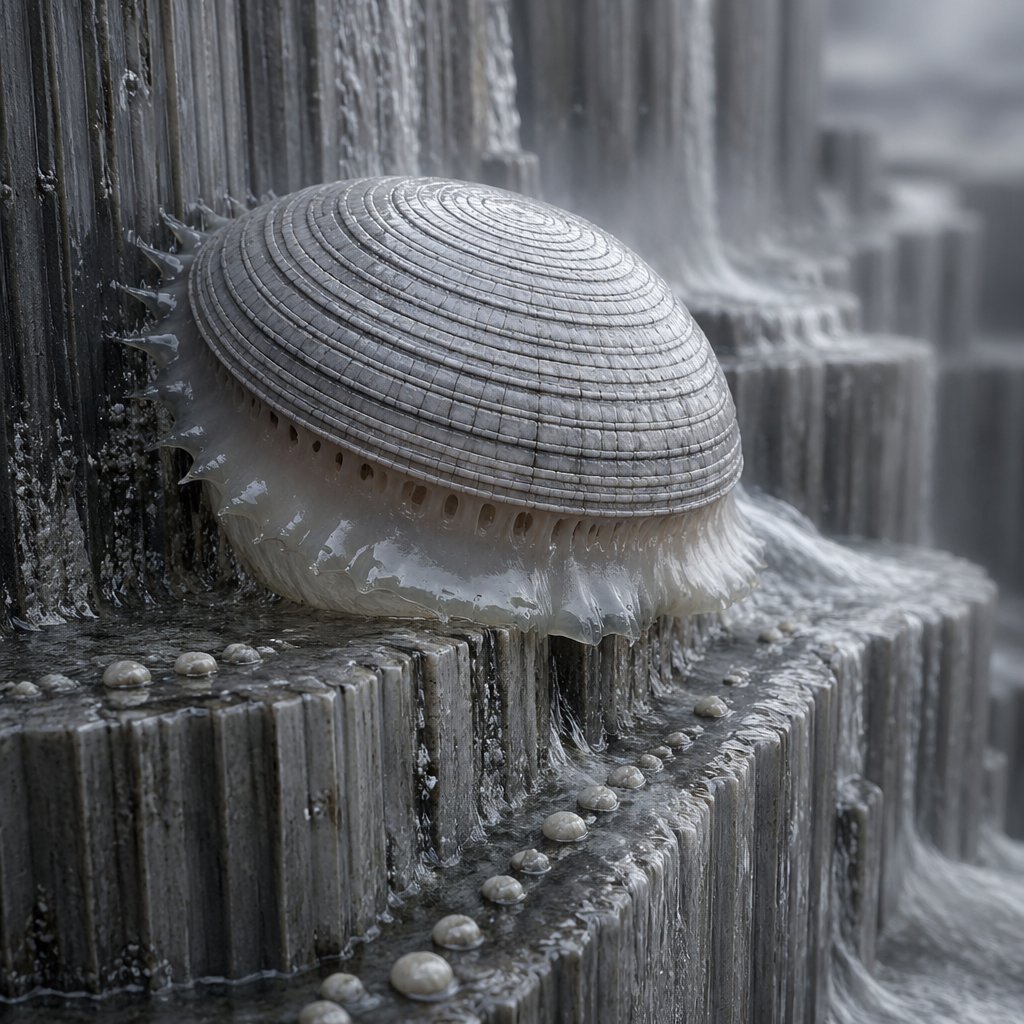
Macro Shell Jelly on Wet Basalt
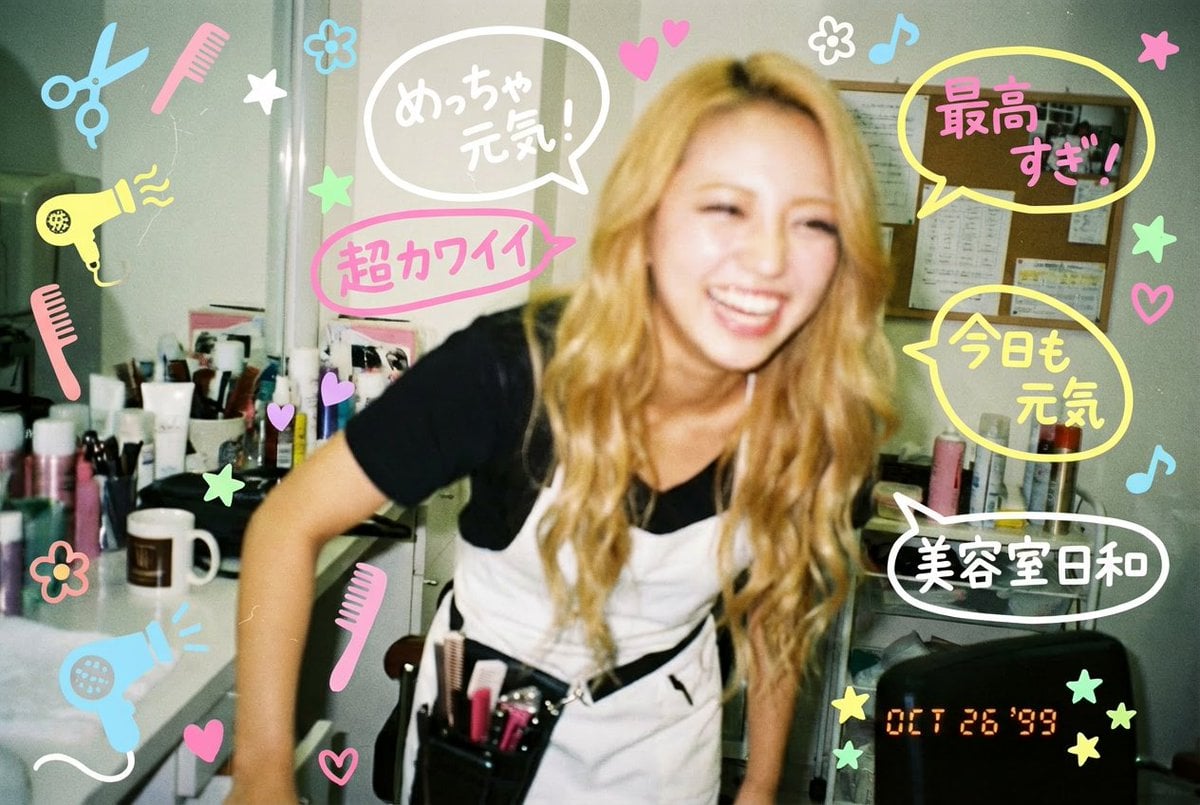
Y2K-style handwritten gal postcard overlay prompt
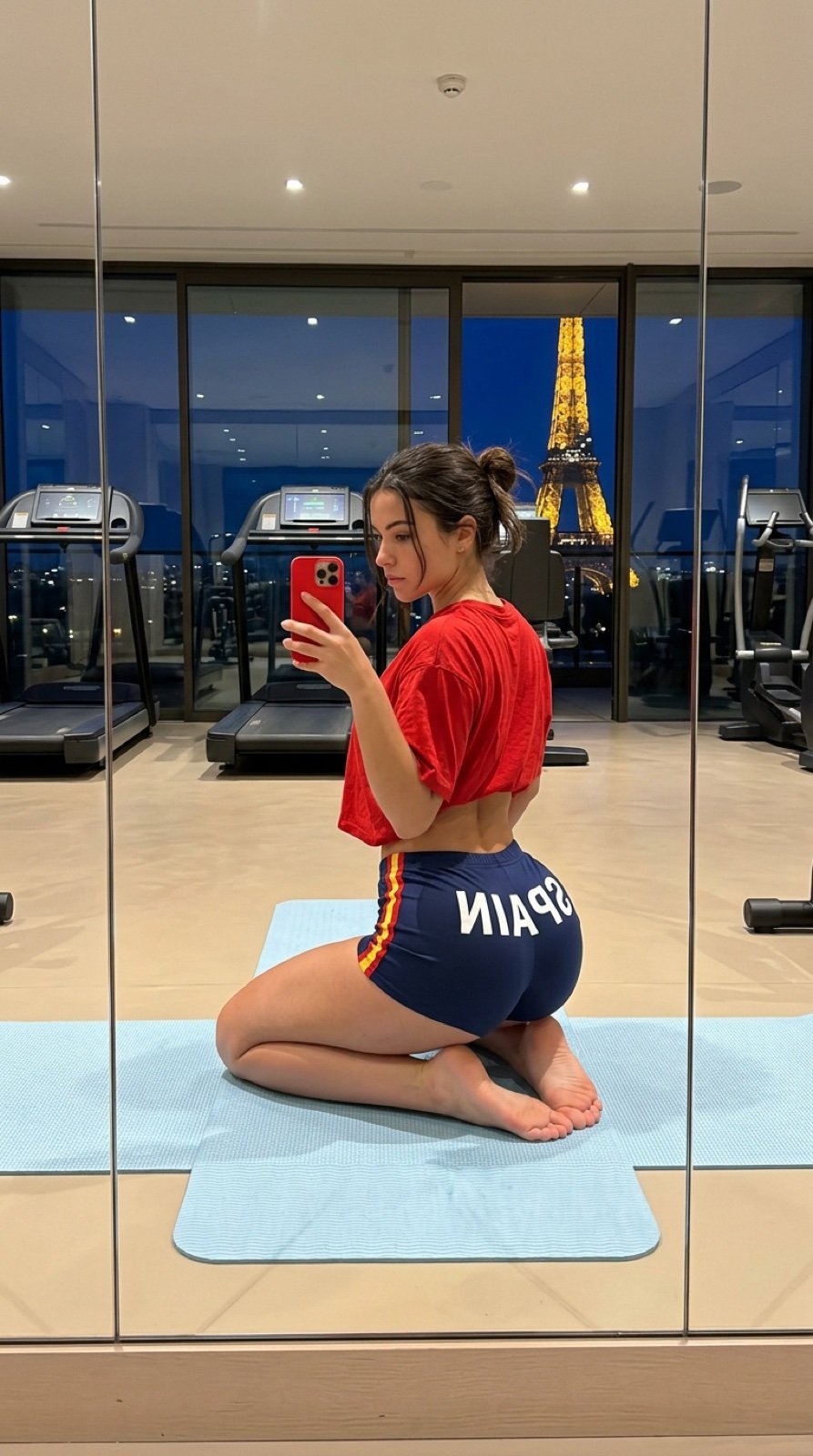
Gym Mirror Selfie with Eiffel Tower View
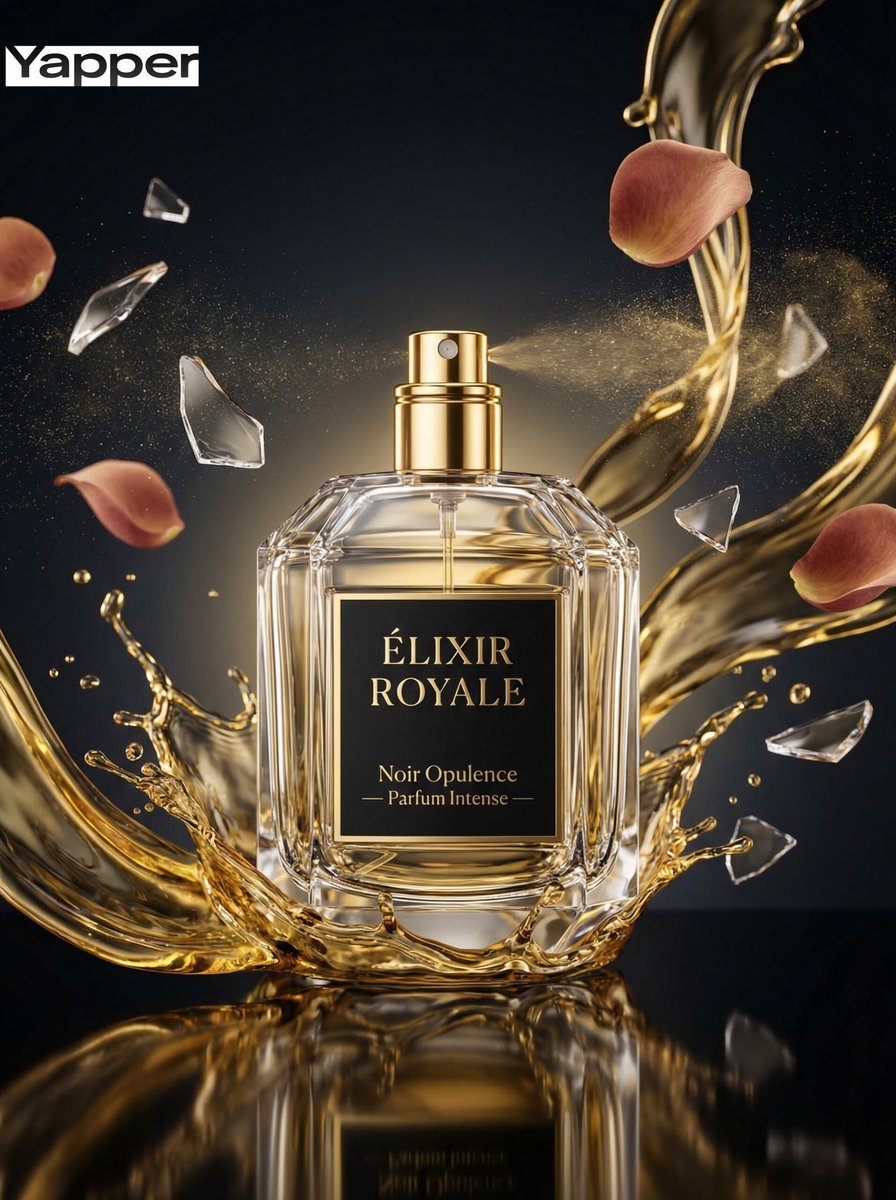
Luxury Perfume Commercial Photography Prompt
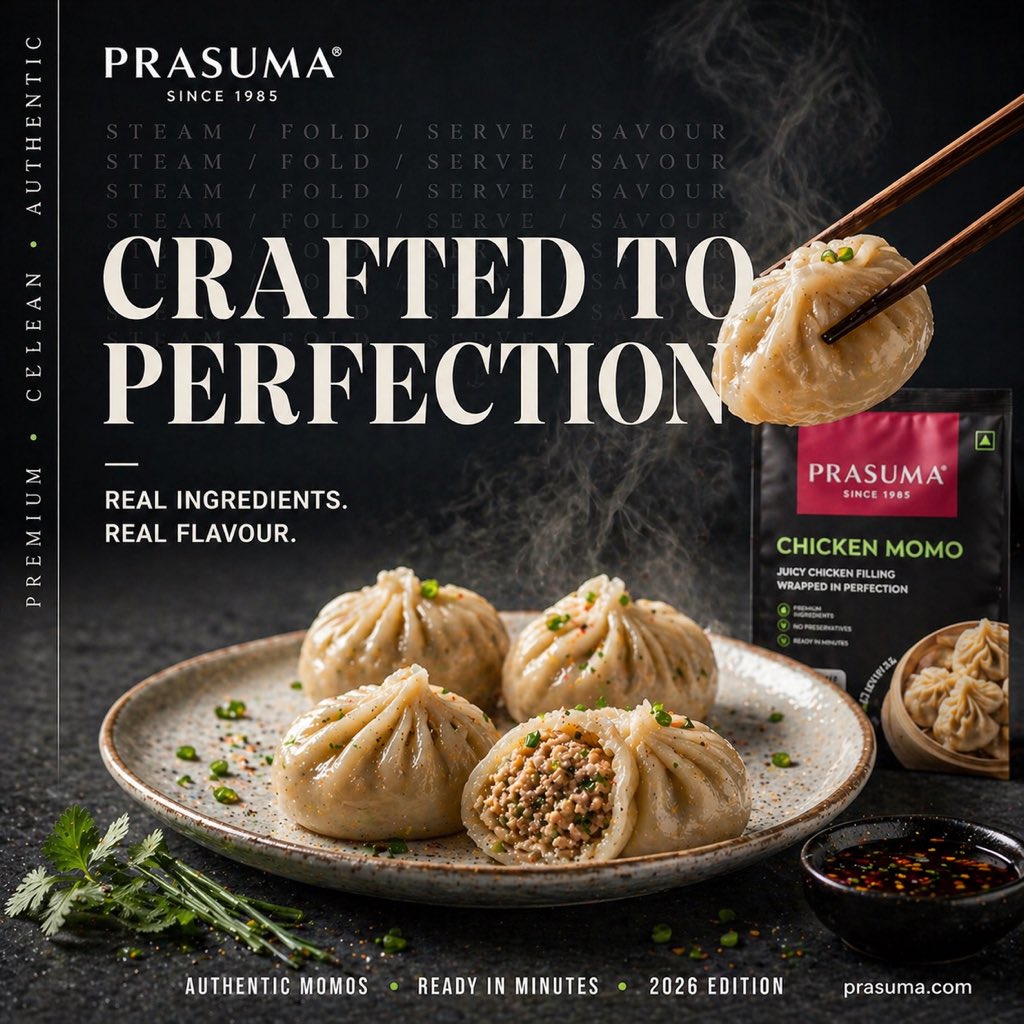
Cinematic Premium Momo Ad Poster
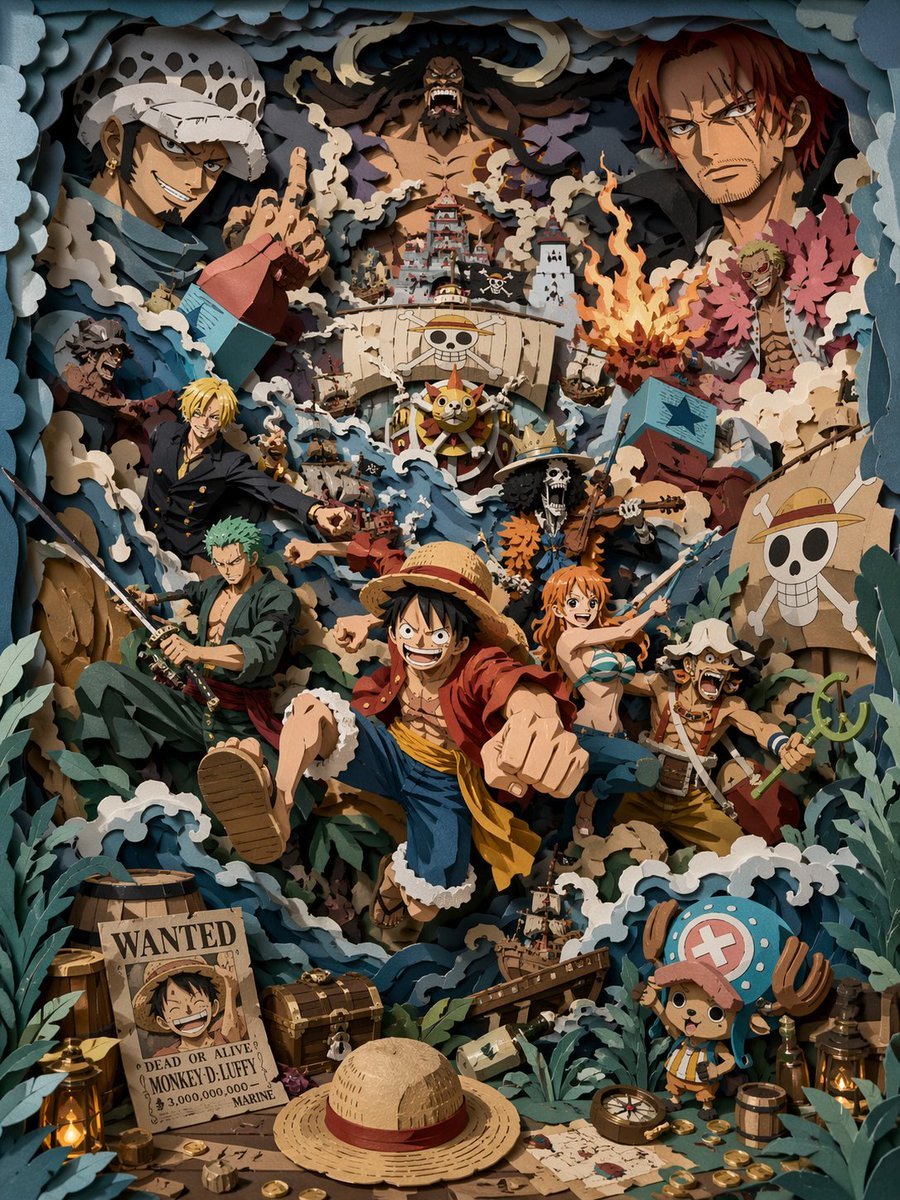
3D Papercut Pirate Scene
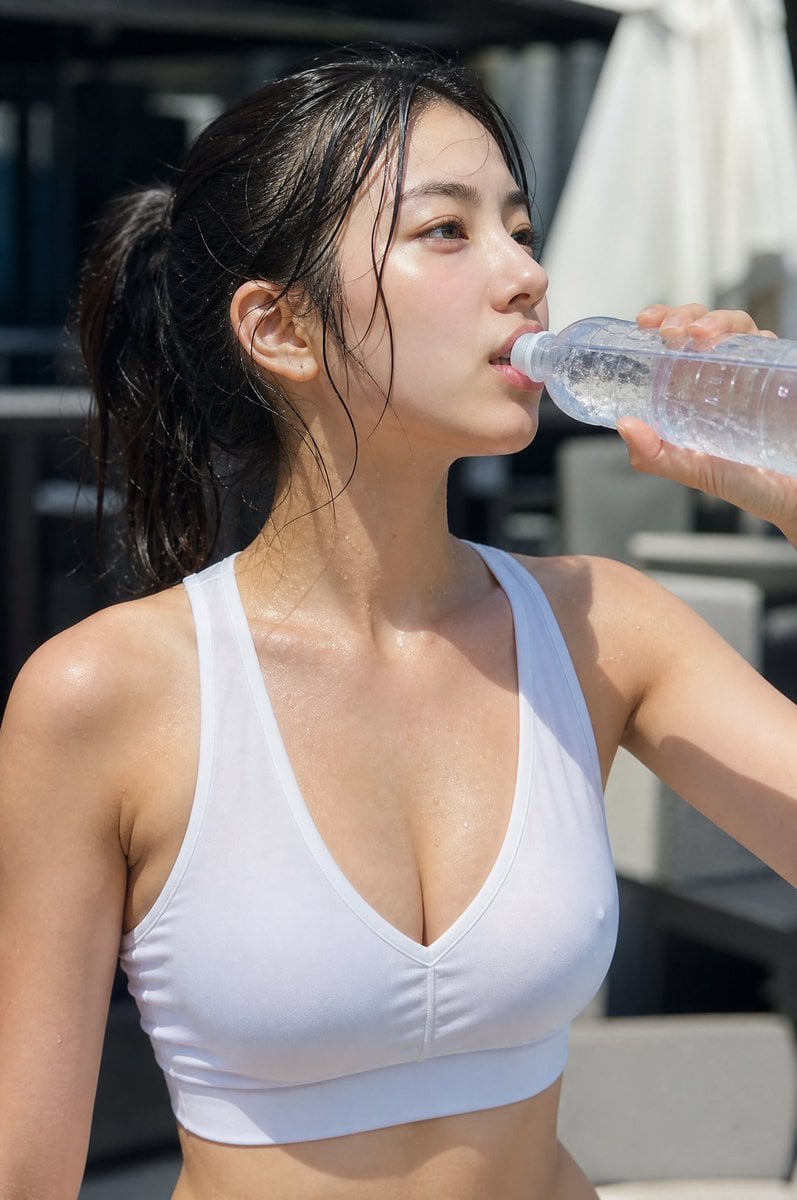
Minimalist Athletic Fashion Close-up
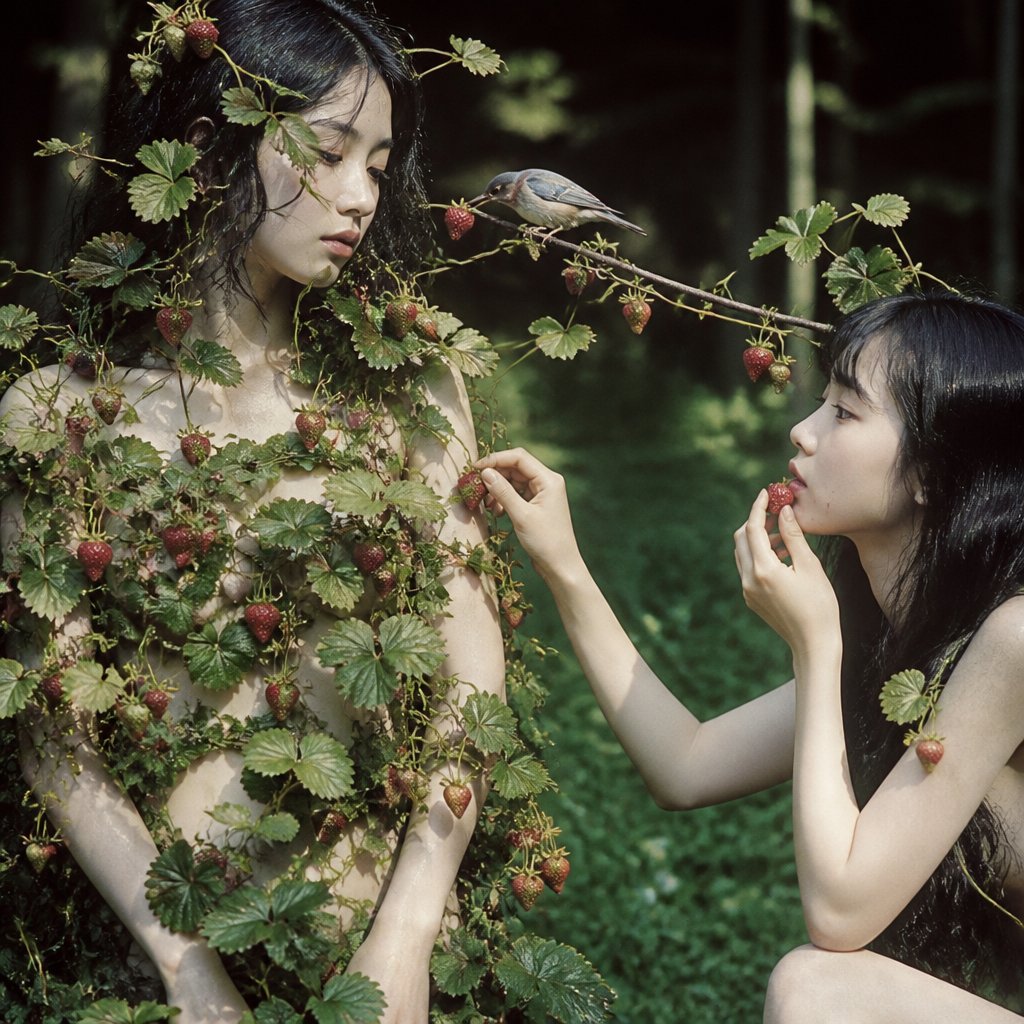
Surreal Strawberry Picking Forest
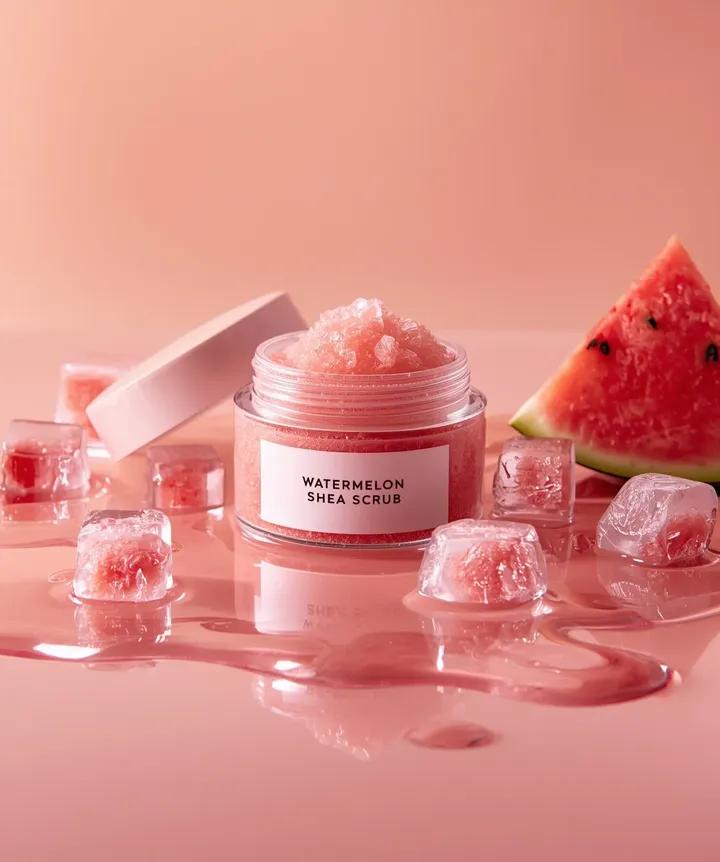
Hyper-photorealistic cosmetic skincare jar product shot with watermelon and ice cubes
Browse template categories
Black and White Studio Fashion Portrait questions
How do I use the Black and White Studio Fashion Portrait template?
Add your photo if the template asks for one, edit the prompt if you like — the template's model and format are already selected — and press Generate. Your version opens in PicX Studio.
Can I customize the Black and White Studio Fashion Portrait template?
Yes. You can change the subject, setting, lighting, mood, format, and available model controls before creating your image.
Is the Black and White Studio Fashion Portrait template free?
Opening and editing this template is free. Generating uses credits, shown on the Generate button when you are signed in.
Which AI model should I use?
Start with GPT Image 2, which is the model associated with this template. You can compare another compatible model for a different finish.
Looking for something else? Browse all templates.

Your photo, any look
Thousands of ready templates for every top image and video model, from one credit balance.