
Coastal Photo to Pastel Pixel Art
Generates a side-by-side coastal photo and soft pastel pixel-art reconstruction for aesthetic before/after image studies.
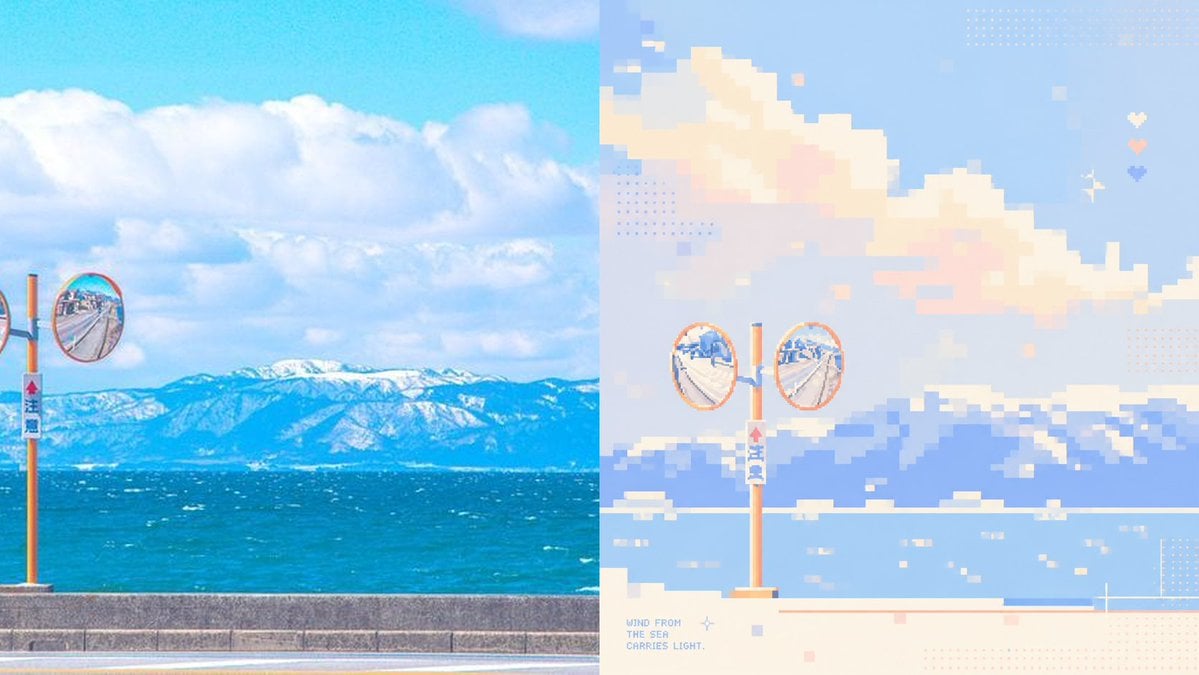
- Prompt included
- Model and format preset
- Free template
The prompt behind this image
Copy the exact prompt behind Coastal Photo to Pastel Pixel Art, or open it in the studio and make it yours.
Using the provided reference image as a layout and style guide, create a clean before/after comparison showing a real coastal photo transformed into soft healing-color pixel art. Change the subject to {argument name="scene subject" default="a sunny seaside road with orange roadside convex traffic mirrors, blue ocean, and snowy mountains in the distance"}. Layout: use exactly 2 vertical panels side by side — the left panel is the realistic photo source, and the right panel is the pixel-art reconstruction. Keep the split at the center with no border. Left panel: make it a bright, saturated real-photo coastal landscape with blue sky, large white clouds, turquoise sea, distant snow-covered mountains, a low concrete seawall, and orange roadside mirror poles. Include 2 visible convex mirrors: 1 full round mirror near the left-center edge and 1 partial cropped round mirror at the far left edge. Right panel: reinterpret the left panel as low-resolution pixel art with large square blocks, pastel blue, cream, peach, lavender, and mint tones, airy negative space, and a calm therapeutic palette. Include exactly 2 full circular convex mirrors on one orange pole near the lower center-left, with the ocean, mountains, clouds, seawall, and small water highlights simplified into pixel blocks. Add decorative pixel details only on the right panel: dotted halftone squares, tiny pastel square accents, a small sparkle/star icon, and exactly 3 small heart icons stacked vertically near the upper-right area. Add small pixel text at the lower-left of the right panel reading {argument name="caption text" default="WIND FROM\nTHE SEA\nCARRIES LIGHT."}. Use a wide horizontal canvas, crisp pixel edges on the right, bright daylight, no people, no watermark.
Reference images included
Coastal Photo to Pastel Pixel Art needs input media to work. They load alongside the prompt when you open it in the studio.
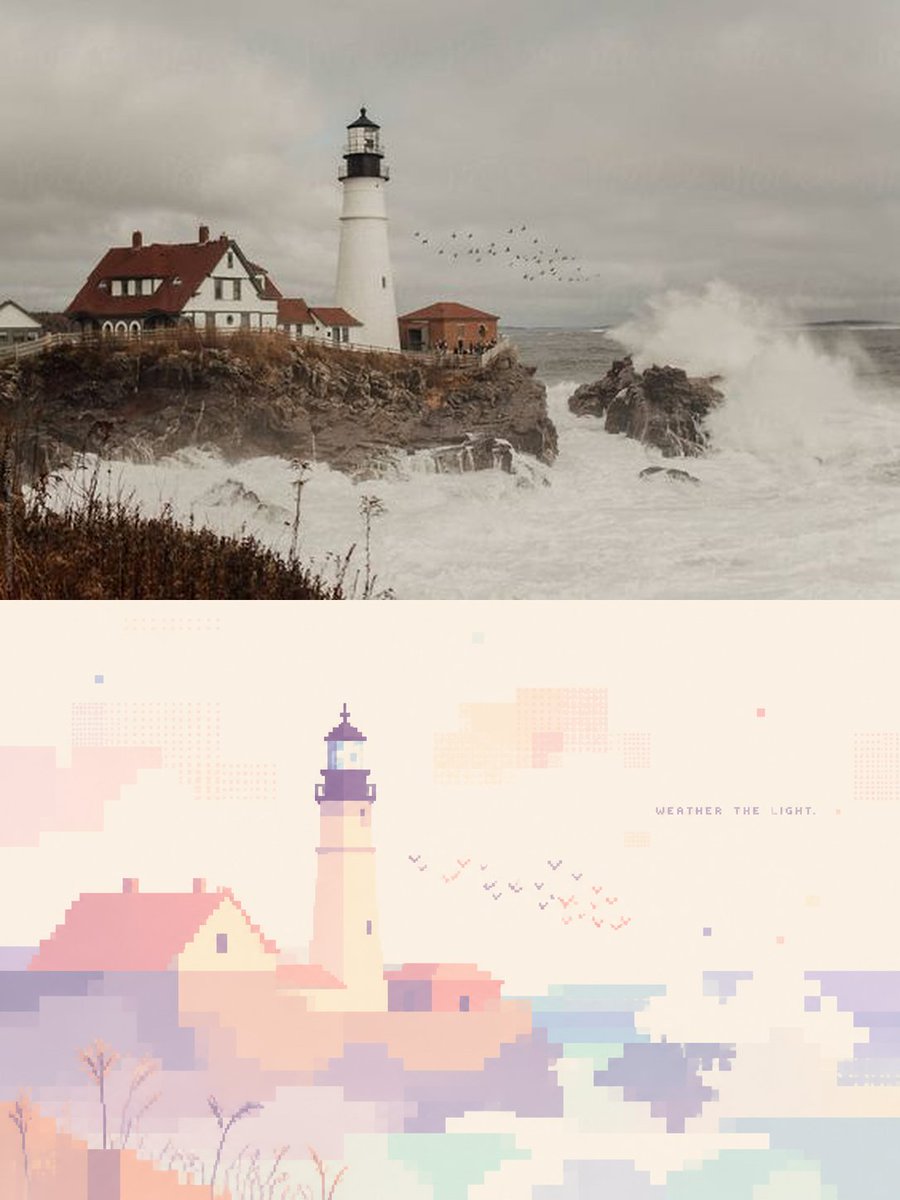
How to use Coastal Photo to Pastel Pixel Art in 3 steps
- 1Upload ImagePNG, JPG or paste
Add your photo
Upload the photo the template builds on. The prompt, model and format are already set.
- 2…a portrait of your subject in softgolden-hour light, 85mm…
Personalize
Edit the subject and creative details for your destination.
- 3Generate
Generate
Press Generate — your image is created in PicX Studio, so you can compare it with the original and refine one variable at a time.
More like this
Templates with the same subject, style or setup. Open one to see its prompt.

Eid al-Adha Cute Chaos — Fisheye Selfie with Farm Selfie, Mosque & Animals

Cute Layered Paper Cut Chibi Girl

Layered Paper Cut Illustration Template

Pixel Limited Finale Fireworks

Pixel Limited Garden Maze

Pixel Limited Rooftop Concert

Pixel Limited Bicycle Coast

Pixel Limited Castle Gate

Pixel Limited Kitchen Chaos

Pixel Limited Carnival Ride

Pixel Limited Rainy Bus Stop

Pixel Limited Space Dock
Make it yours
Coastal Photo to Pastel Pixel Art works as-is. These are the safest ways to change it without losing the look.
Change one field
Copy a single group, rewrite it, and generate again so you can see what that field is doing.
Keep the frame, change the subject
Hold the composition and light of Coastal Photo to Pastel Pixel Art, then swap wardrobe, props or the person for a new take.
| If the result… | Why | Fix |
|---|---|---|
| The result drifts from the preview | Too many fields changed at once. | Reuse Coastal Photo to Pastel Pixel Art as-is first, then change one group — subject, light, or setting. |
| The model over-stylizes the scene | The prose prompt leaves finish and camera underspecified. | Add one camera or lighting sentence and stay on GPT Image 2. |
More GPT Image 2 templates
Other prompts made for GPT Image 2.

Six VTuber Japanese Logo Sheet

Realistic Portrait of Woman and Deer

The Vista Modular Condo Poster

AI Model Routing Comparison Infographic

2.5D Anime Art Board

Isometric Productivity Desk Scene

New York Double Exposure Poster

Four-Panel AI Landscape Comparison

Japanese Tatami Lifestyle Magazine Cover

NESCAFÉ Coffee Map Poster
More image prompts
Fresh picks from across the catalog.

Panel Japanese Advertising Concept Grid
Inflatable Surreal Product Poster
Cinematic Lifestyle Portrait in Dubai with Bokeh
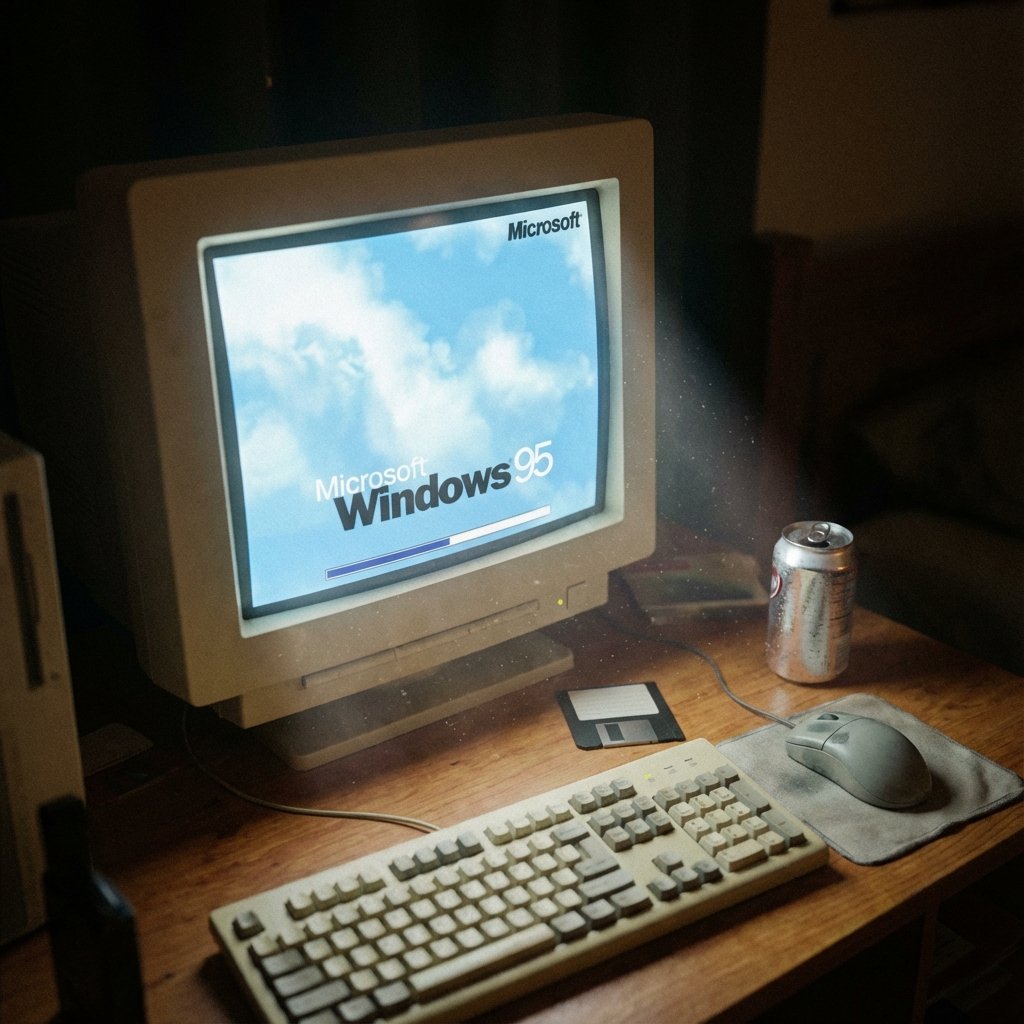
1995 CRT Monitor Candid Documentary Photo
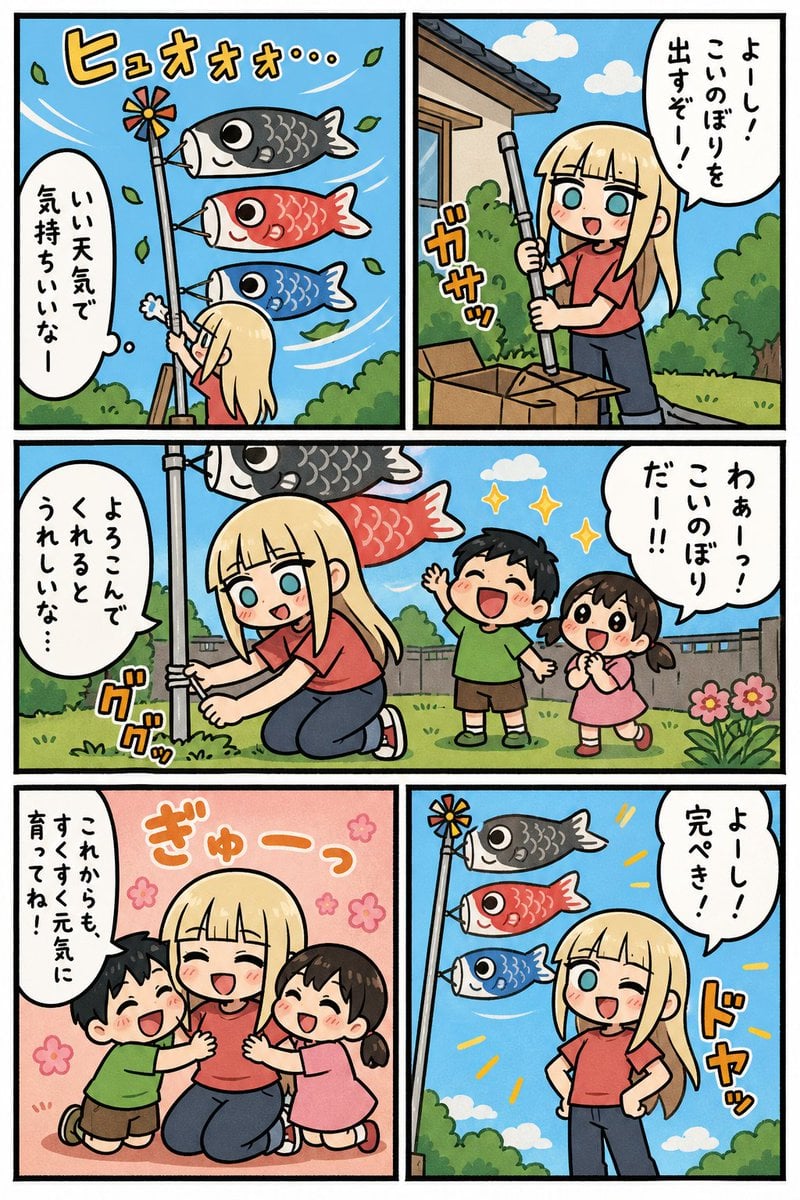
Koinobori Family Manga Page
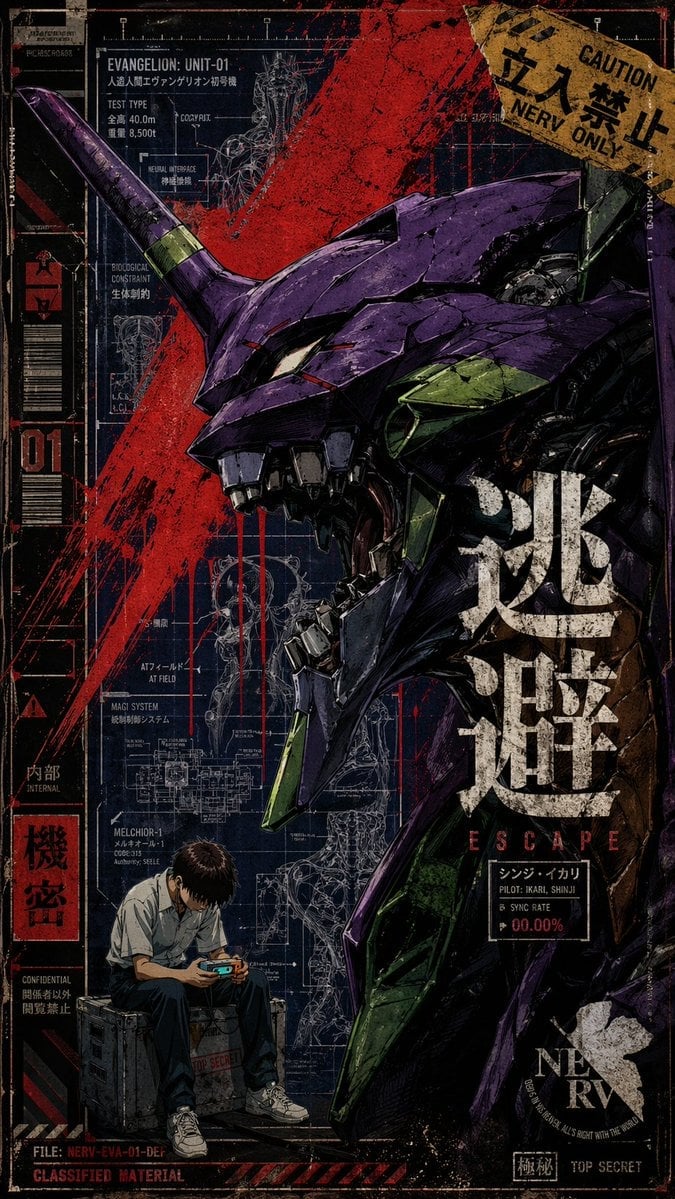
Gritty Evangelion Unit-01 Poster
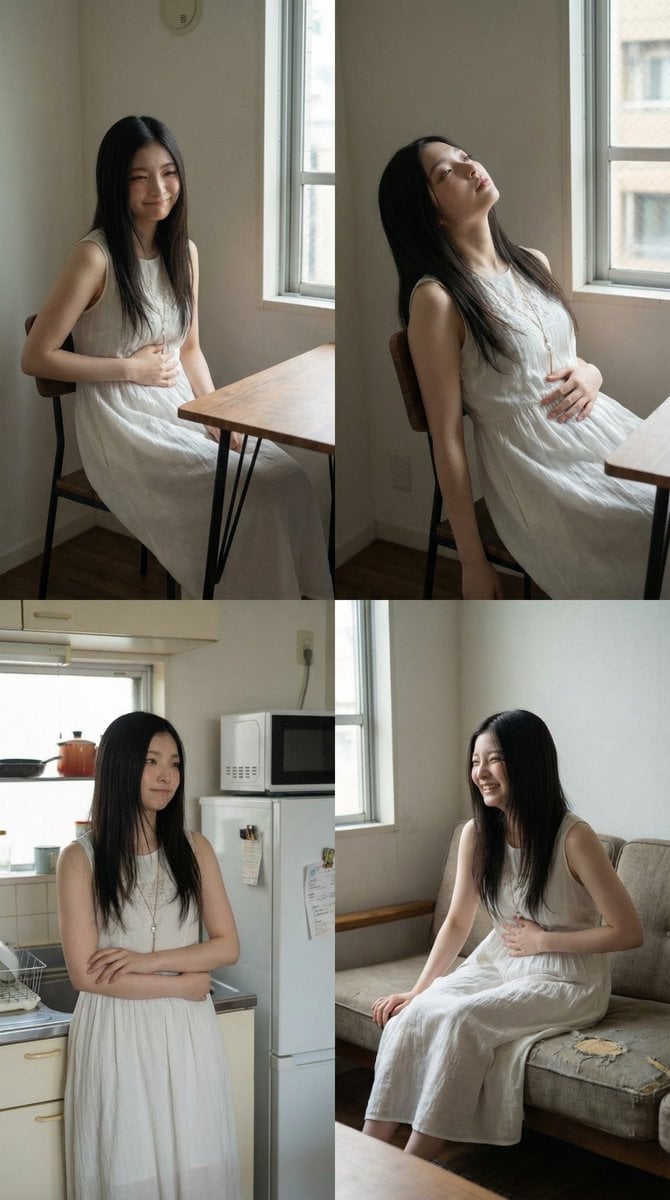
2x2 Grid Character Consistency Prompt (JSON)
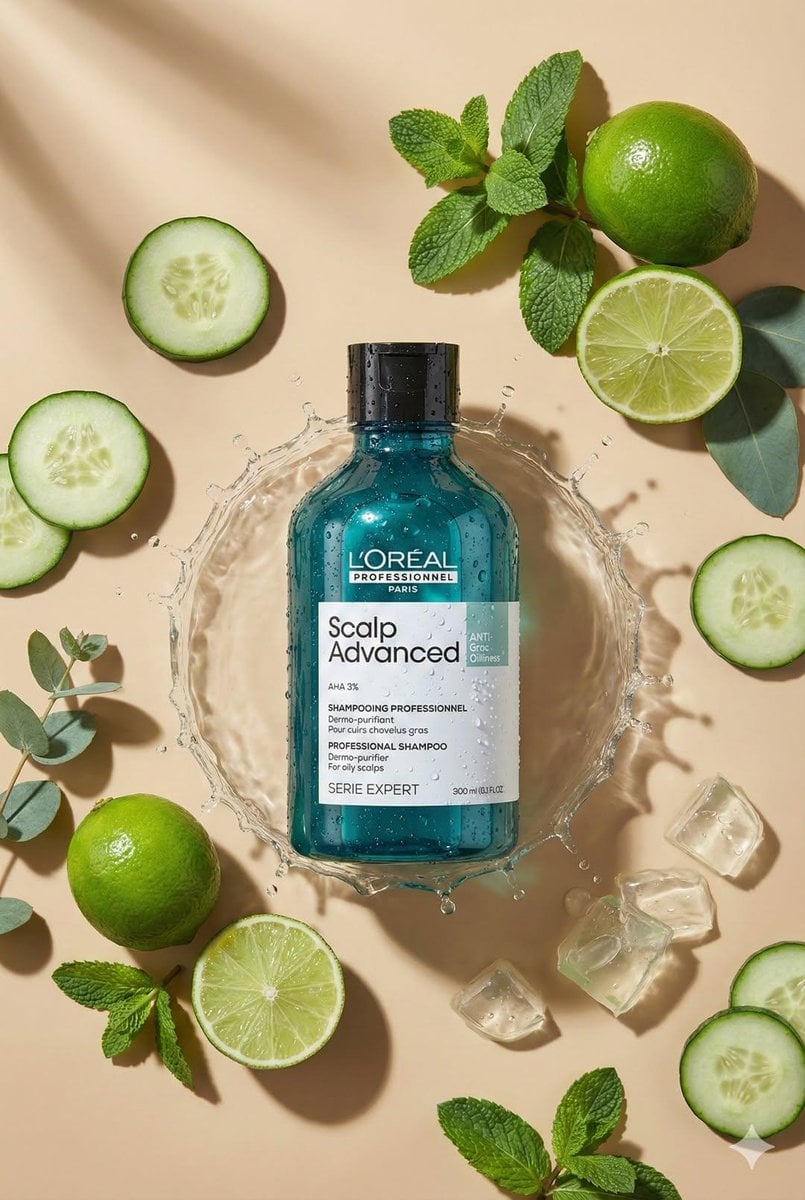
Top-Down Flat Lay Product Photo Generation Prompt
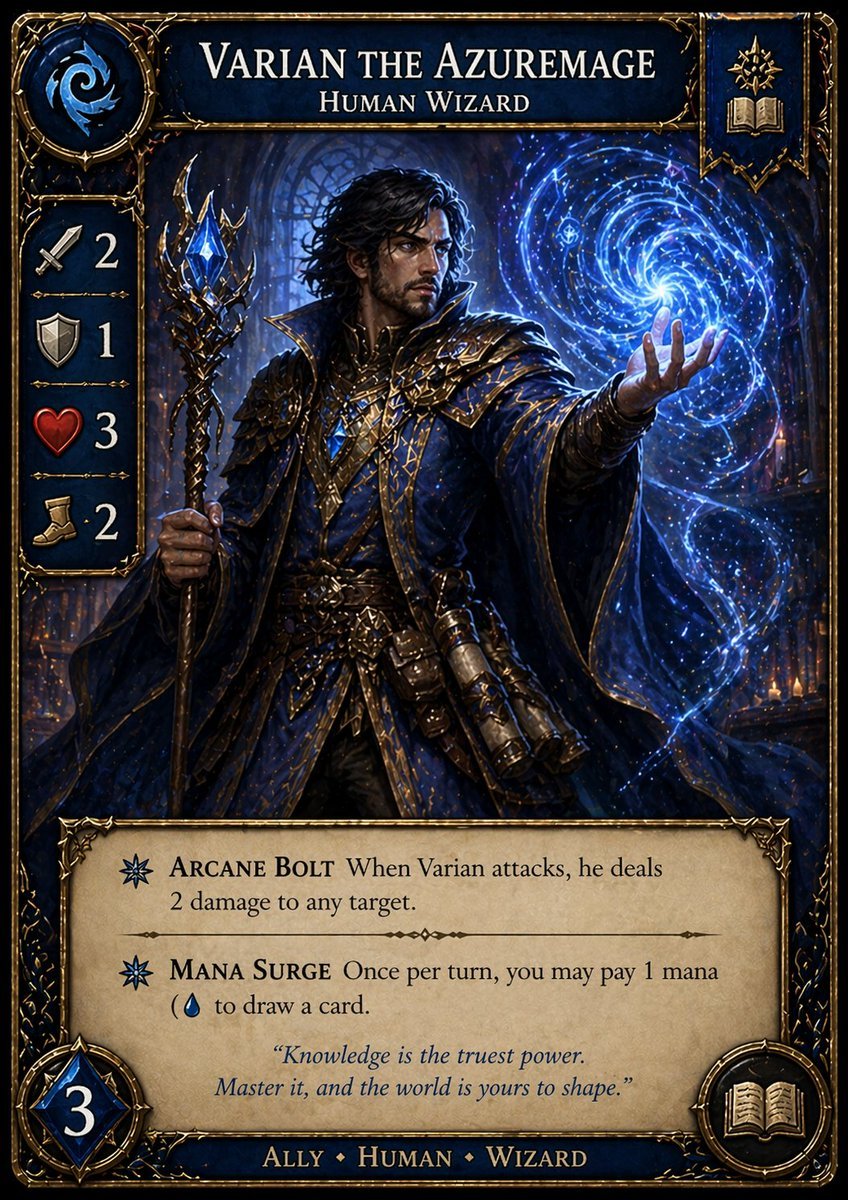
Fantasy Wizard Trading Card
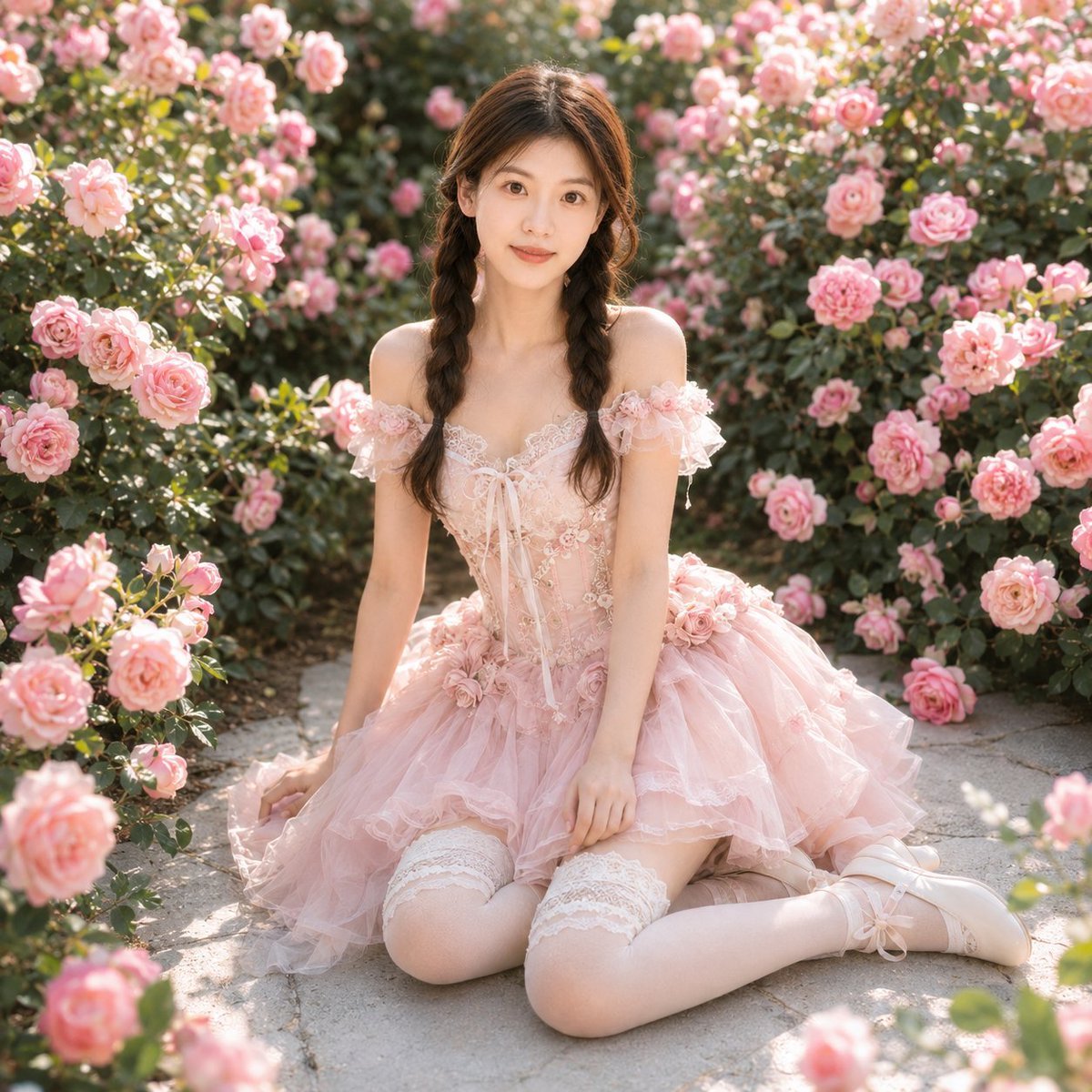
Identity-Based Rose Garden Portrait
Browse template categories
Coastal Photo to Pastel Pixel Art questions
How do I use the Coastal Photo to Pastel Pixel Art template?
Add your photo if the template asks for one, edit the prompt if you like — the template's model and format are already selected — and press Generate. Your version opens in PicX Studio.
Can I customize the Coastal Photo to Pastel Pixel Art template?
Yes. You can change the subject, setting, lighting, mood, format, and available model controls before creating your image.
Is the Coastal Photo to Pastel Pixel Art template free?
Opening and editing this template is free. Generating uses credits, shown on the Generate button when you are signed in.
Which AI model should I use?
Start with GPT Image 2, which is the model associated with this template. You can compare another compatible model for a different finish.
Looking for something else? Browse all templates.

Your photo, any look
Thousands of ready templates for every top image and video model, from one credit balance.