
Vintage Editorial Identity Transformation
A complex prompt for transforming a real person's photo into a vintage editorial illustration with engraved textures while preserving their exact facial identity.
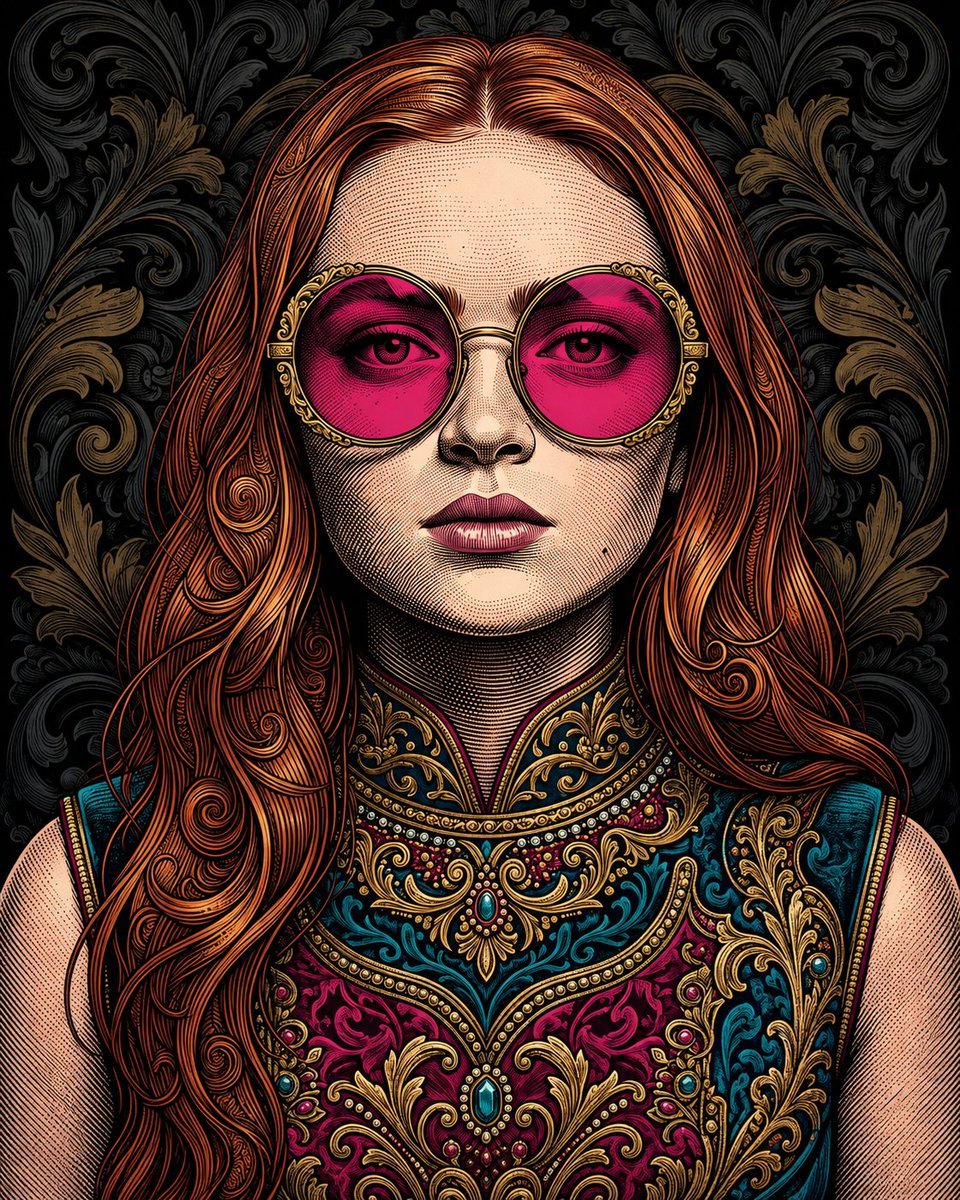
- Prompt included
- Model and format preset
- Free template
The prompt behind this image
Copy the exact prompt behind Vintage Editorial Identity Transformation, or open it in the studio and make it yours.
Use the uploaded photo as the ONLY identity reference for the person. Transform the person in the reference photo into a highly detailed, premium stylized illustrated portrait matching the visual style of the target artwork. IMPORTANT — IDENTITY: Preserve the person’s recognizable facial identity from the uploaded reference photo: face shape, eyes, eyebrows, nose, lips, skin tone, facial proportions, and overall likeness. The result must clearly resemble the person in the uploaded reference. ART STYLE: Create a sophisticated vintage editorial illustration with an intricate hand-drawn engraved / comic-book / etching aesthetic. Use: - extremely detailed black ink linework - fine cross-hatching and stippling - engraved illustration textures - carefully layered colored-ink shading - {argument name="hair color" default="rich copper/red"} tones in the hair - ornate decorative details - elegant vintage poster artwork - highly detailed facial rendering - artistic but recognizable facial features PORTRAIT: Create a centered close-up portrait of the person from approximately the chest/shoulders upward. Give the character a confident, calm, sophisticated expression. Add {argument name="eyewear" default="oversized round sunglasses"} with ornate gold frames and vivid magenta/pink lenses, matching the reference artwork’s distinctive look. Hair should be beautifully illustrated with detailed flowing strands and decorative engraved curves, while still being based on the hairstyle and appearance of the uploaded reference person. CLOTHING: Dress the character in an {argument name="clothing style" default="elaborate ornate vintage garment"} with rich teal, deep magenta, blue and gold decorative embroidery, intricate floral motifs, filigree patterns, and jewel-like ornamental details. BACKGROUND: Use a dark black/dark charcoal decorative damask background filled with intricate swirling floral and ornamental patterns in subtle black, gray and muted gold tones. COMPOSITION: Symmetrical centered portrait. Head and shoulders dominate the frame. Strong graphic poster composition. Highly detailed artwork extending throughout the entire image. No small reference-photo inset. TEXT: Add the person’s full name in very large bold uppercase typography across the upper background, partially positioned behind the head. The name must be automatically based on the person/reference provided. If the person’s name cannot be determined, leave the name area clean rather than inventing a name. Do NOT add unrelated words, logos, watermarks, or random text. FINAL LOOK: The final image should look like a professionally designed luxury vintage illustrated poster — NOT a photograph and NOT a simple cartoon. It should combine recognizable facial identity from the uploaded reference photo with the exact overall visual language of the provided example: ornate vintage engraving, colorful ink illustration, dramatic oversized sunglasses, elaborate clothing, d
Reference images included
Vintage Editorial Identity Transformation needs input media to work. They load alongside the prompt when you open it in the studio.
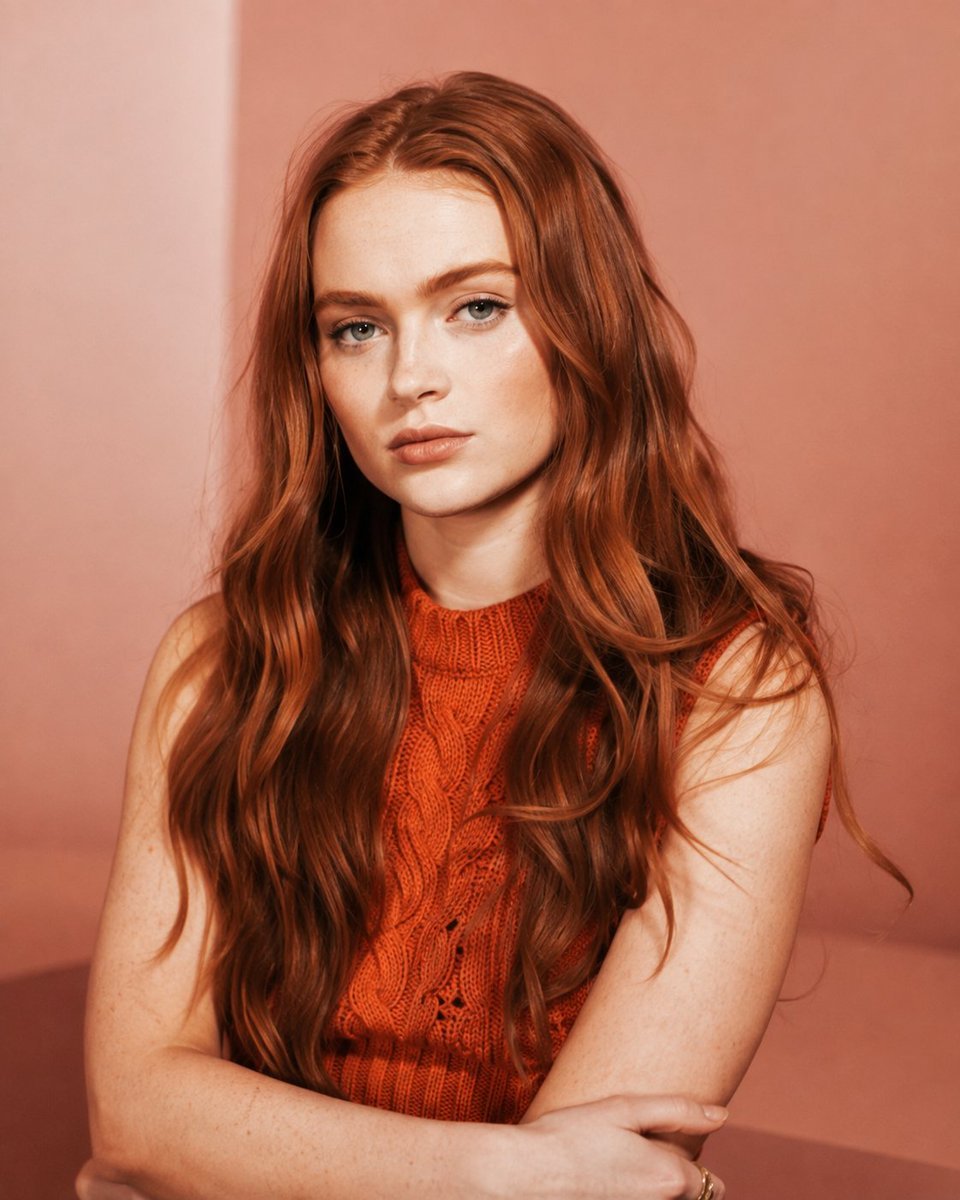
How to use Vintage Editorial Identity Transformation in 3 steps
- 1Upload ImagePNG, JPG or paste
Add your photo
Upload the photo the template builds on. The prompt, model and format are already set.
- 2…a portrait of your subject in softgolden-hour light, 85mm…
Personalize
Edit the subject and creative details for your destination.
- 3Generate
Generate
Press Generate — your image is created in PicX Studio, so you can compare it with the original and refine one variable at a time.
More like this
Templates with the same subject, style or setup. Open one to see its prompt.












Make it yours
Vintage Editorial Identity Transformation works as-is. These are the safest ways to change it without losing the look.
Change one field
Copy a single group, rewrite it, and generate again so you can see what that field is doing.
Keep the frame, change the subject
Hold the composition and light of Vintage Editorial Identity Transformation, then swap wardrobe, props or the person for a new take.
| If the result… | Why | Fix |
|---|---|---|
| The result drifts from the preview | Too many fields changed at once. | Reuse Vintage Editorial Identity Transformation as-is first, then change one group — subject, light, or setting. |
| The model over-stylizes the scene | The prose prompt leaves finish and camera underspecified. | Add one camera or lighting sentence and stay on GPT Image 2. |
More GPT Image 2 templates
Other prompts made for GPT Image 2.

Six VTuber Japanese Logo Sheet

Realistic Portrait of Woman and Deer

The Vista Modular Condo Poster

AI Model Routing Comparison Infographic

2.5D Anime Art Board

Isometric Productivity Desk Scene

New York Double Exposure Poster

Four-Panel AI Landscape Comparison

Japanese Tatami Lifestyle Magazine Cover

NESCAFÉ Coffee Map Poster
More image prompts
Fresh picks from across the catalog.
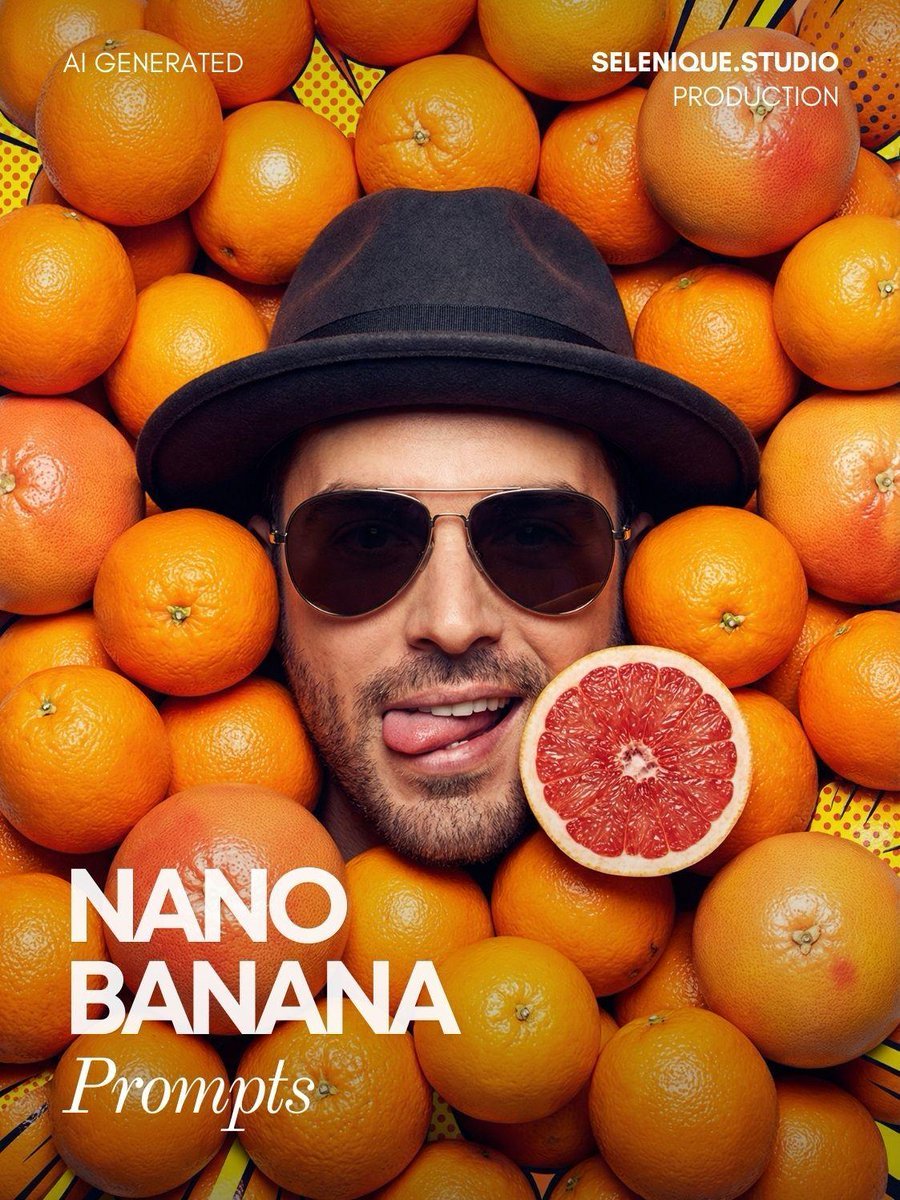
Surreal Pop-Art Citrus Editorial Portrait
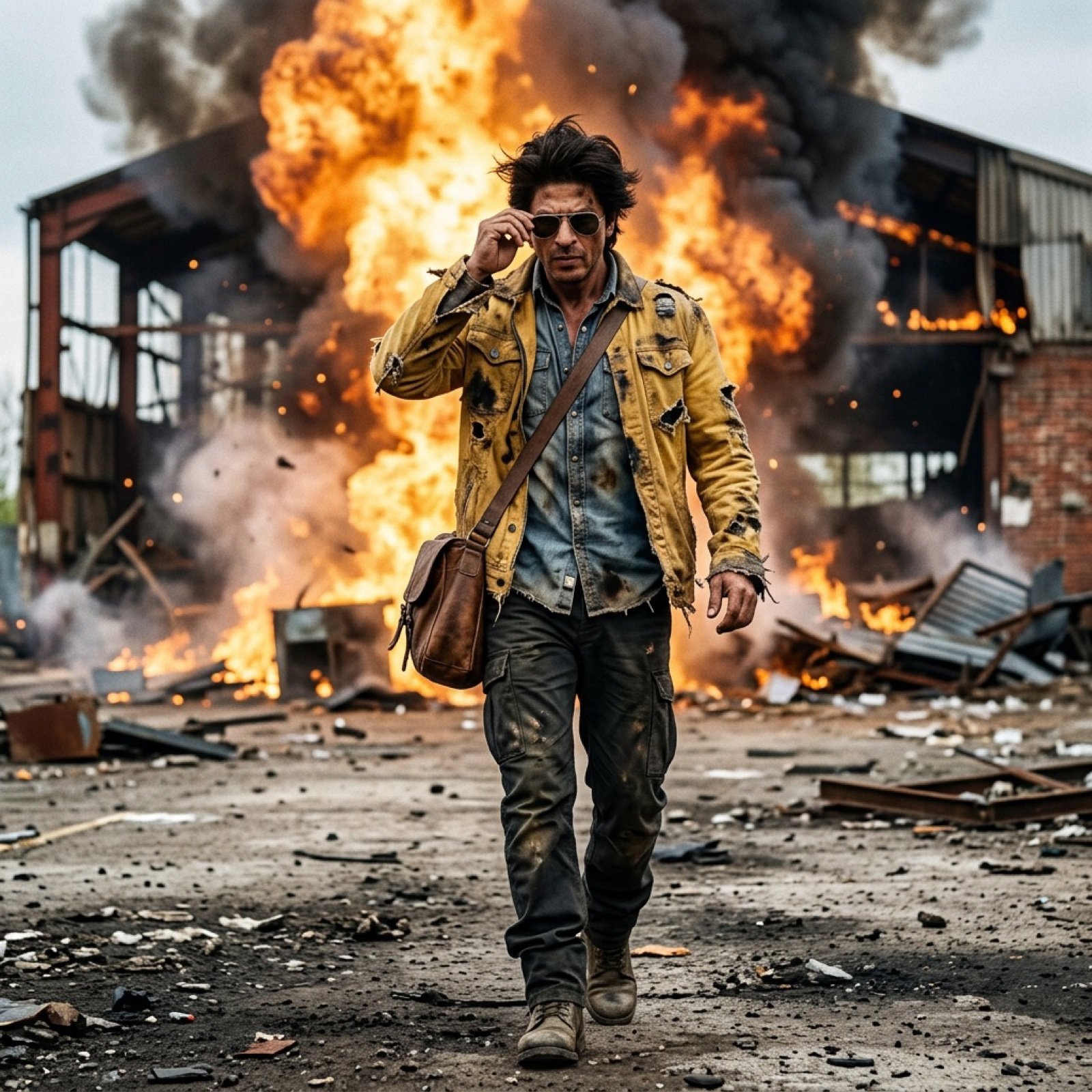
SRK Alpha Pose Walk Away from Explosion Prompt
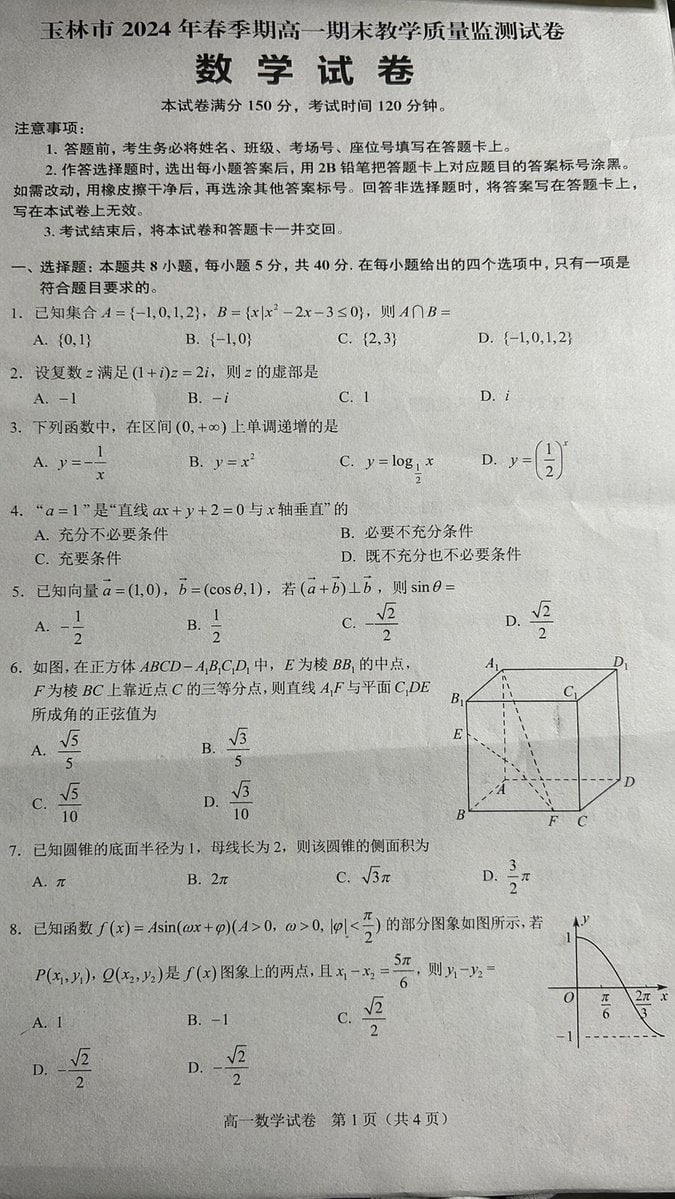
Photorealistic Chinese Math Exam Paper
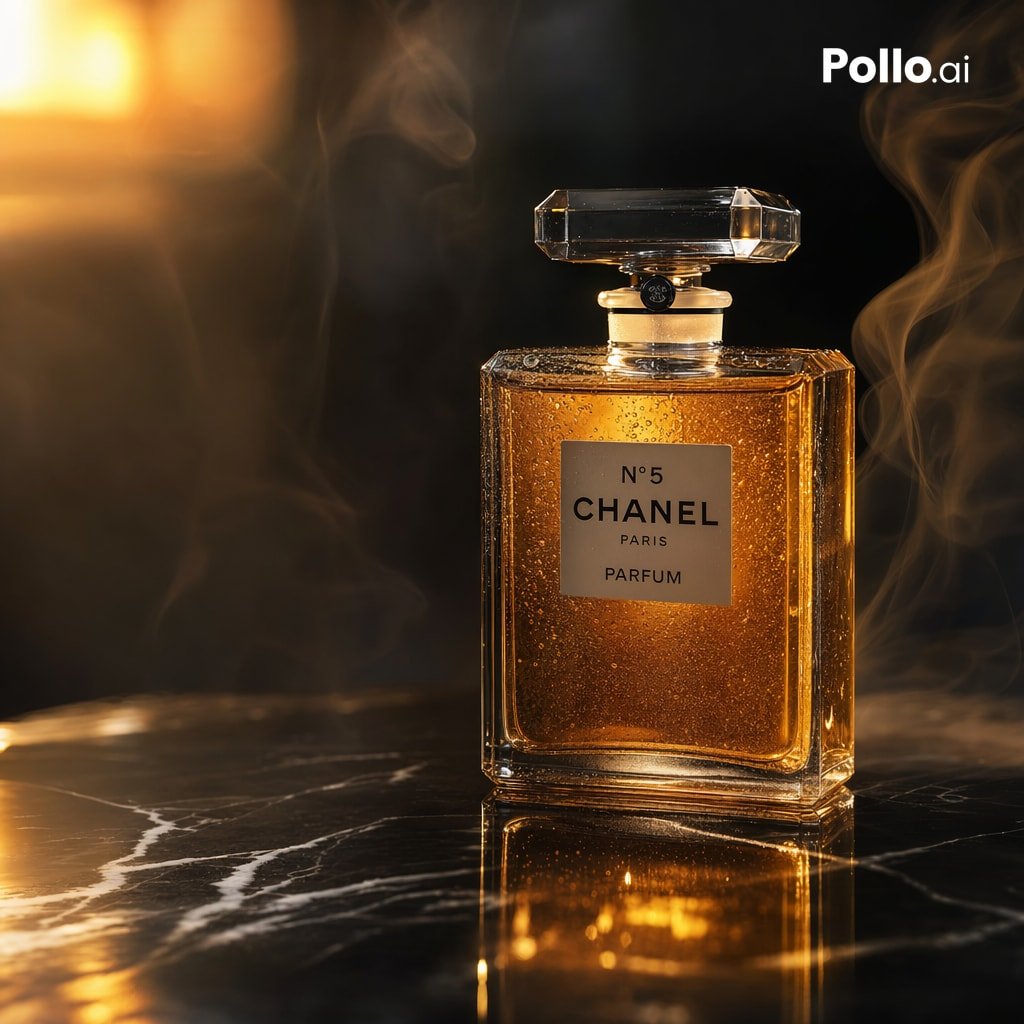
Gpt2 E Commerce Main Image Luxury Amber Perfume Ad
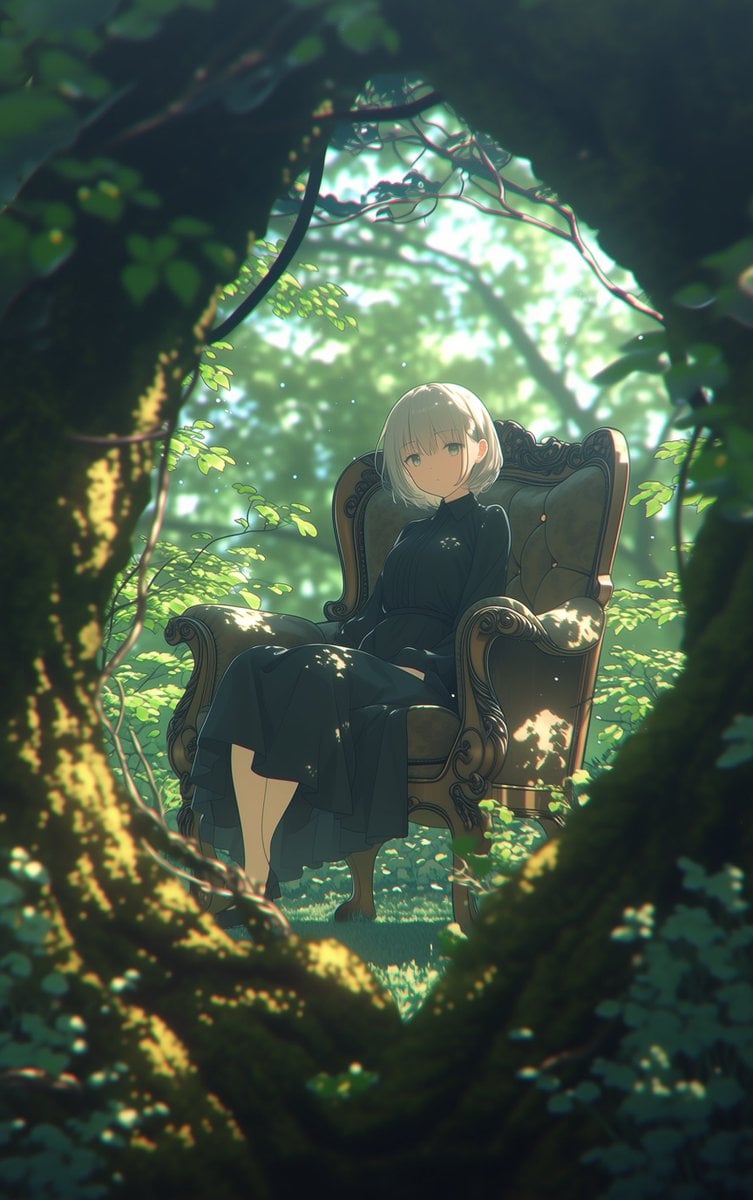
Line Art Correction Prompt for Nano Banana Pro
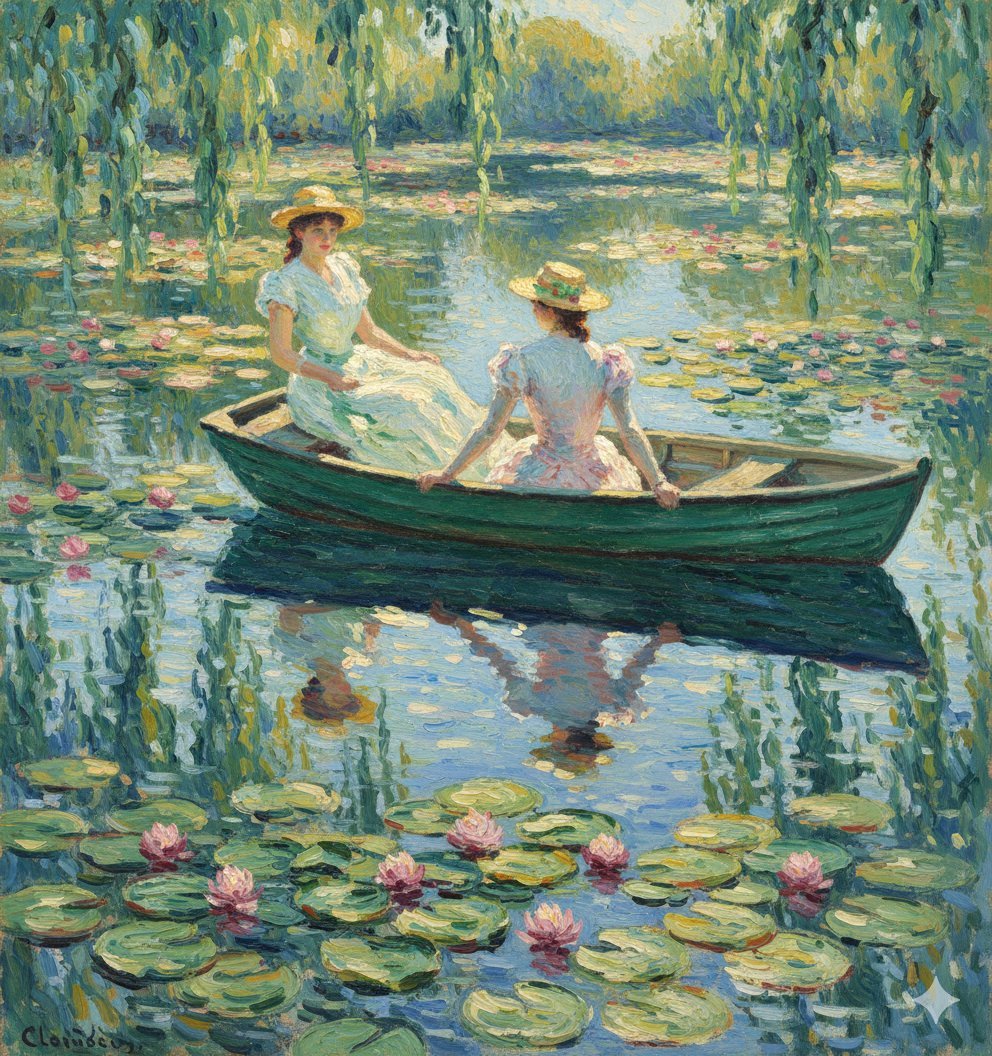
Monet Style Boat Ride Image Generation
Nano Banana Pro Image Generation Prompt
untitled
Four-Panel Manga: The Darkness of SNS (Part 1)
Music-Themed Tokusatsu Kaijin
Browse template categories
Vintage Editorial Identity Transformation questions
How do I use the Vintage Editorial Identity Transformation template?
Add your photo if the template asks for one, edit the prompt if you like — the template's model and format are already selected — and press Generate. Your version opens in PicX Studio.
Can I customize the Vintage Editorial Identity Transformation template?
Yes. You can change the subject, setting, lighting, mood, format, and available model controls before creating your image.
Is the Vintage Editorial Identity Transformation template free?
Opening and editing this template is free. Generating uses credits, shown on the Generate button when you are signed in.
Which AI model should I use?
Start with GPT Image 2, which is the model associated with this template. You can compare another compatible model for a different finish.
Looking for something else? Browse all templates.

Your photo, any look
Thousands of ready templates for every top image and video model, from one credit balance.