
Casual Japanese Campus Snapshot
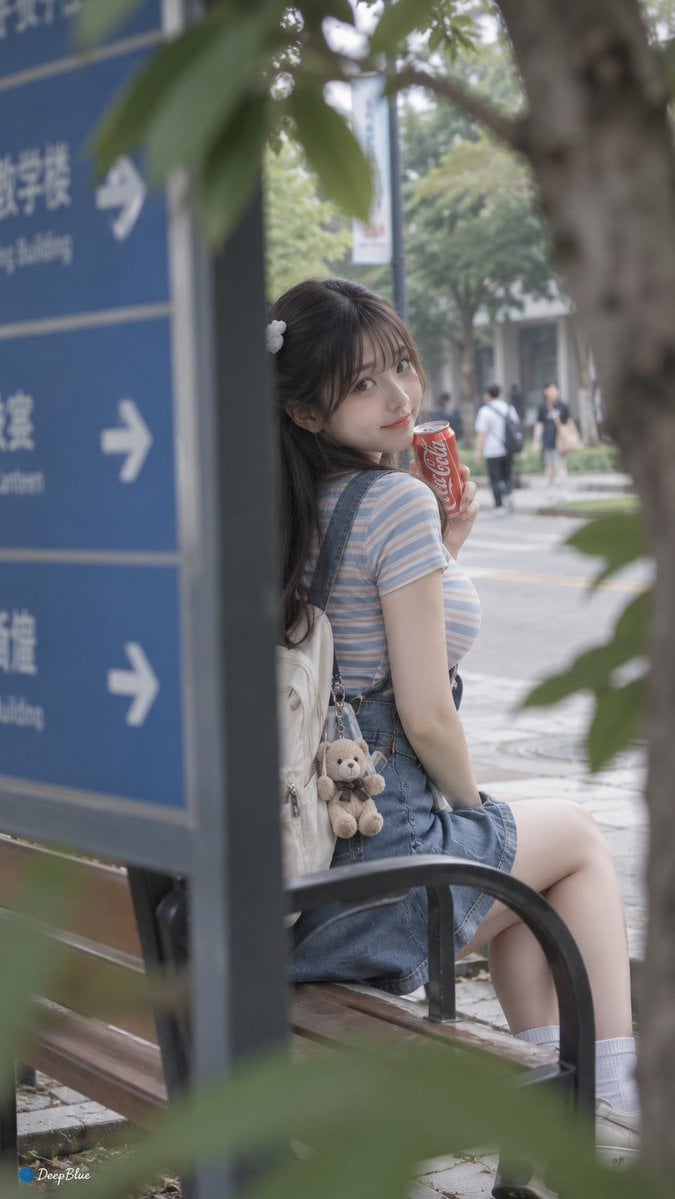
A nostalgic, low-saturation campus snapshot prompt featuring a young woman in a striped T-shirt and suspender skirt, using a roadside sign as a foreground frame.
- Prompt included
- Model and format preset
- Free template
The prompt behind this image
Copy the exact prompt behind Casual Japanese Campus Snapshot, or open it in the studio and make it yours.
日常快照风格,非精心构图或打光,校道长椅旁,{argument name="服装" default="条纹T恤配背带裙"},小熊挂饰在背包上,易拉罐可口可乐在手;从道路指示牌后侧拍,牌边与树叶形成双层前景框景,轻微焦外;阴天自然光,低对比、低饱和,面料纹理与小饰物清晰,青春可爱。60mm,f/2.8,1/400s,ISO 200,WB 5400K;局部锐化仅饰物与眼周,肤色自然白皙,服装面料纹理可见,日系低饱和。略带运动模糊,整体平庸日常,甜美可爱风。
How to use Casual Japanese Campus Snapshot in 3 steps
- 1
Open
The prompt is already in the box next to the preview, with the template's model and format selected.
- 2…a portrait of your subject in softgolden-hour light, 85mm…
Personalize
Edit the subject and creative details for your destination.
- 3Generate
Generate
Press Generate — your image is created in PicX Studio, so you can compare it with the original and refine one variable at a time.
More like this
Templates with the same subject, style or setup. Open one to see its prompt.
Candid Japanese Campus Friends

Minecraft Japanese Research Lab Exploration

Japanese Architectural Concrete Studio Fashion Campaign

Japanese Minimalist Concrete Studio Fashion Editorial

Blue Backdrop Luxury Fashion Portrait Campaign

Nostalgic Digicam Café Afternoon Portrait

Japanese Film Reflection Idol

Consistent Series Character Street Snapshot
Late Night Fridge Candid Snapshot

Six VTuber Japanese Logo Sheet
Rainy Campus Portrait Collage
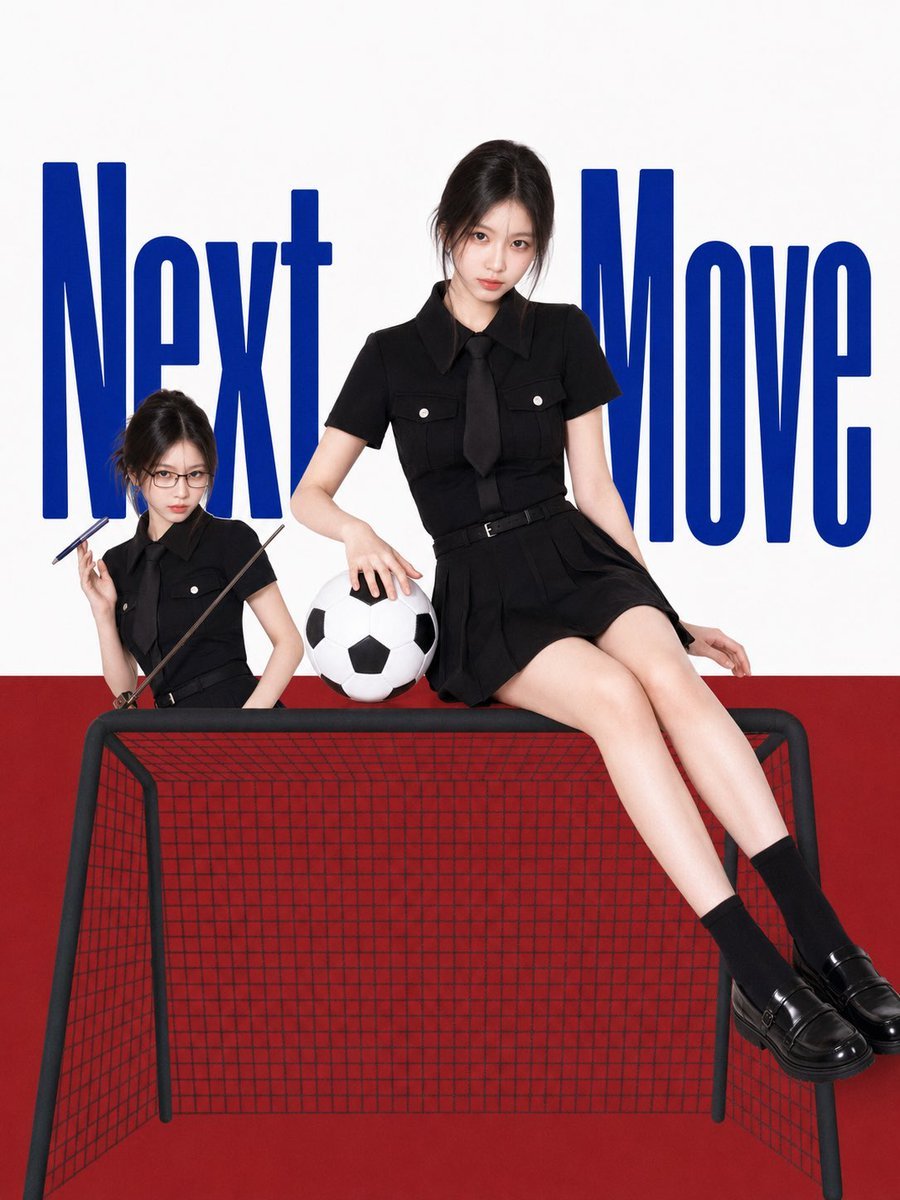
Next Move Campus Soccer Poster
Make it yours
Casual Japanese Campus Snapshot works as-is. These are the safest ways to change it without losing the look.
Change one field
Copy a single group, rewrite it, and generate again so you can see what that field is doing.
Keep the frame, change the subject
Hold the composition and light of Casual Japanese Campus Snapshot, then swap wardrobe, props or the person for a new take.
| If the result… | Why | Fix |
|---|---|---|
| The result drifts from the preview | Too many fields changed at once. | Reuse Casual Japanese Campus Snapshot as-is first, then change one group — subject, light, or setting. |
| The model over-stylizes the scene | The prose prompt leaves finish and camera underspecified. | Add one camera or lighting sentence and stay on GPT Image 2. |
More GPT Image 2 templates
Other prompts made for GPT Image 2.

Realistic Portrait of Woman and Deer

The Vista Modular Condo Poster

AI Model Routing Comparison Infographic

2.5D Anime Art Board

Isometric Productivity Desk Scene

New York Double Exposure Poster

Four-Panel AI Landscape Comparison

NESCAFÉ Coffee Map Poster

Brutalist Cogito Chinese Typography Poster

Cinematic Luxury Terrace Portrait
More image prompts
Fresh picks from across the catalog.
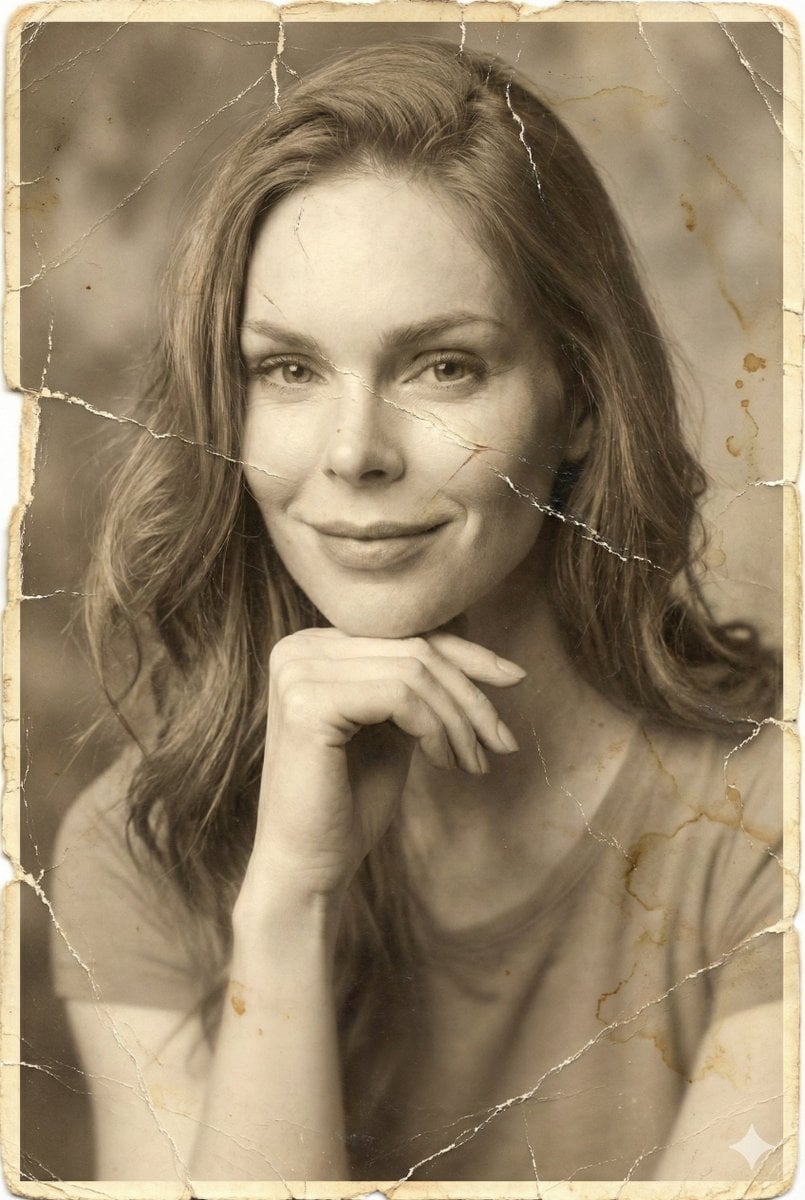
Vintage Photo Restoration Prompt
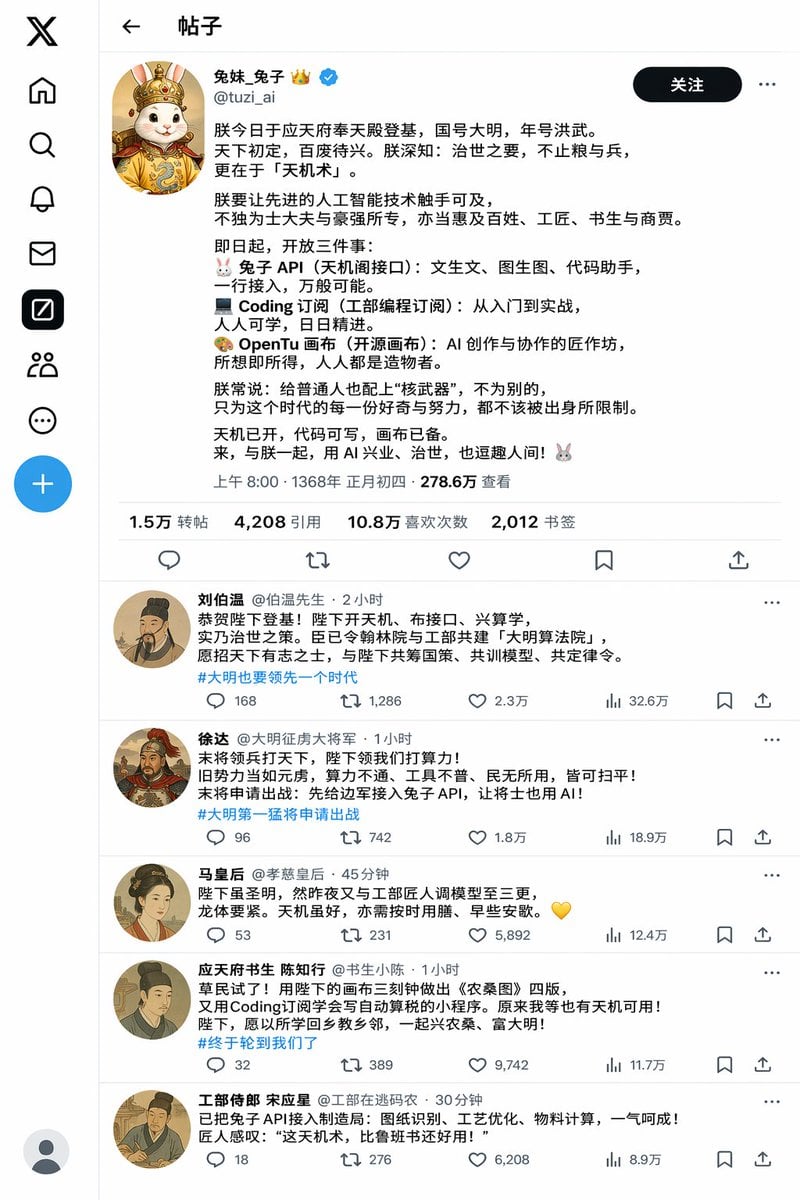
Historical Rabbit King Social Media Page

Two Ages Studio Portrait
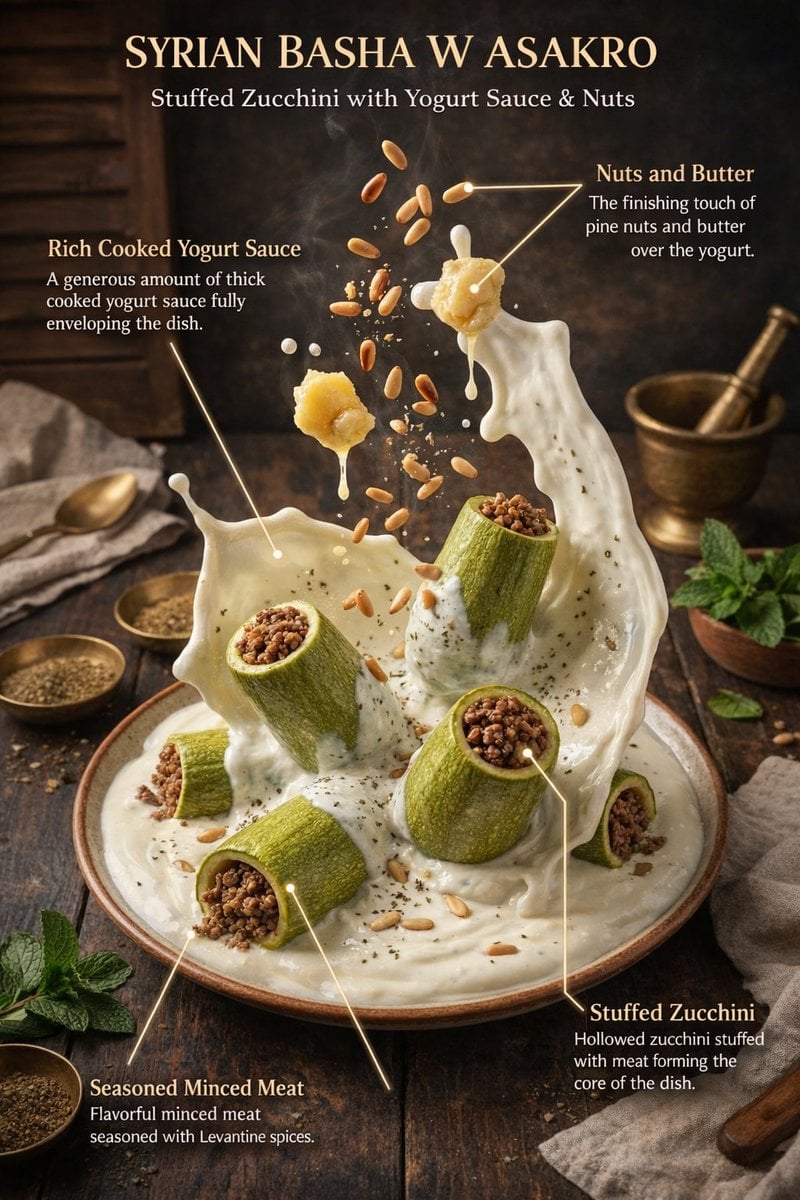
Hyper-Realistic Exploded Food Infographic Prompt
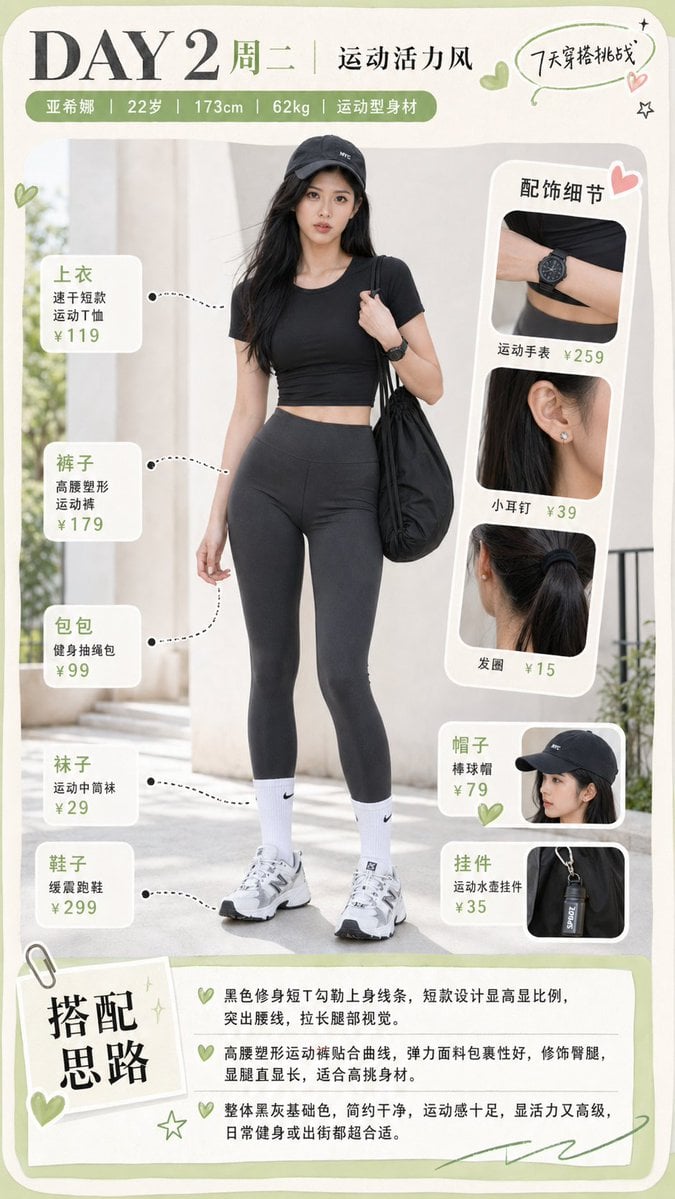
Sporty Outfit Breakdown Poster
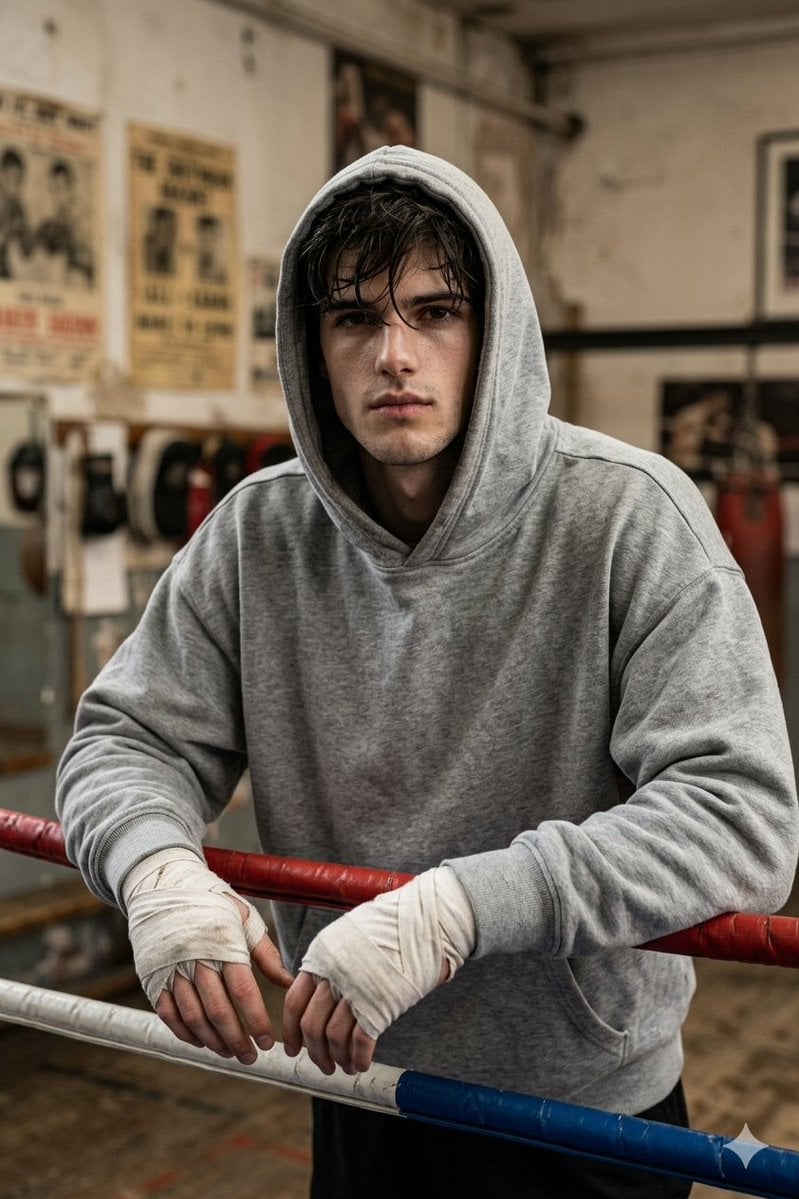
Gritty Boxer in Vintage Gym
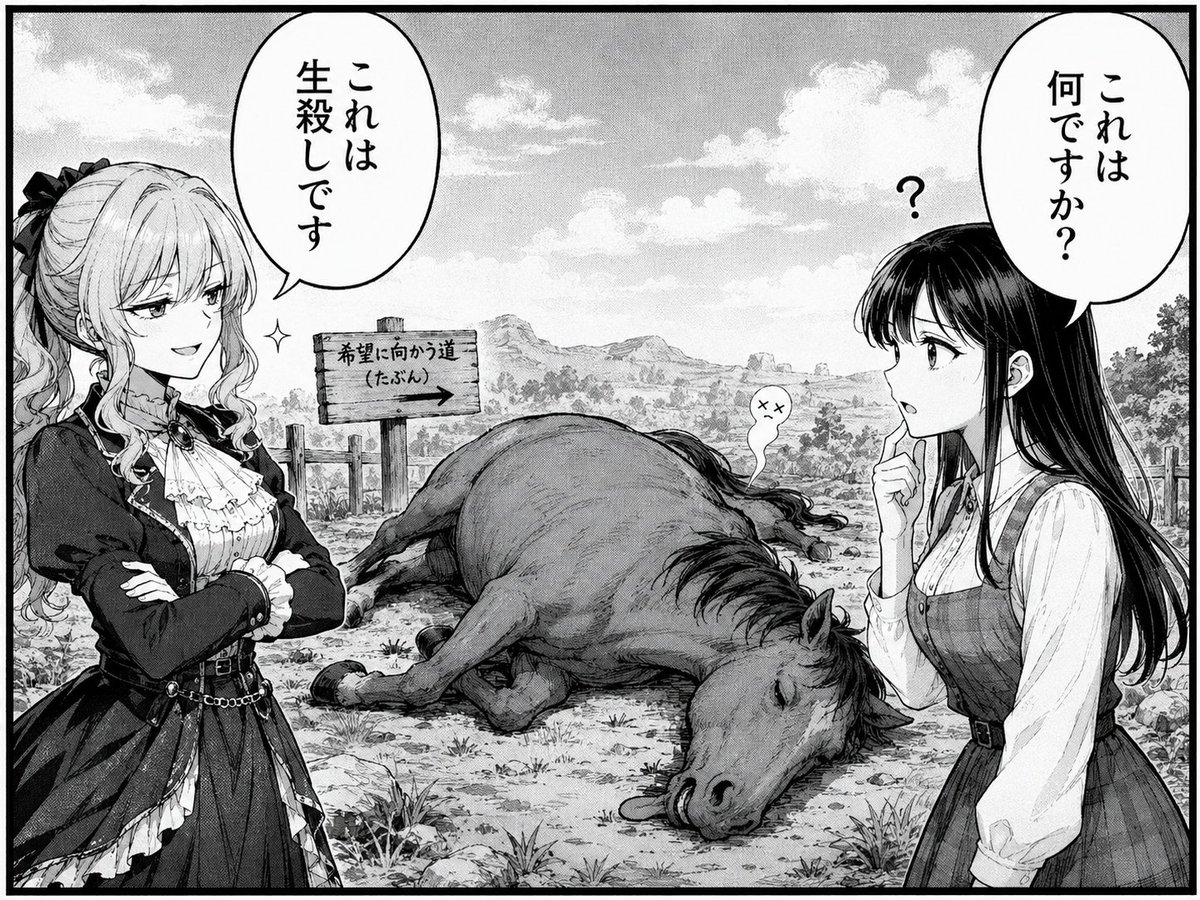
Comedic Manga Roadside Horse Scene
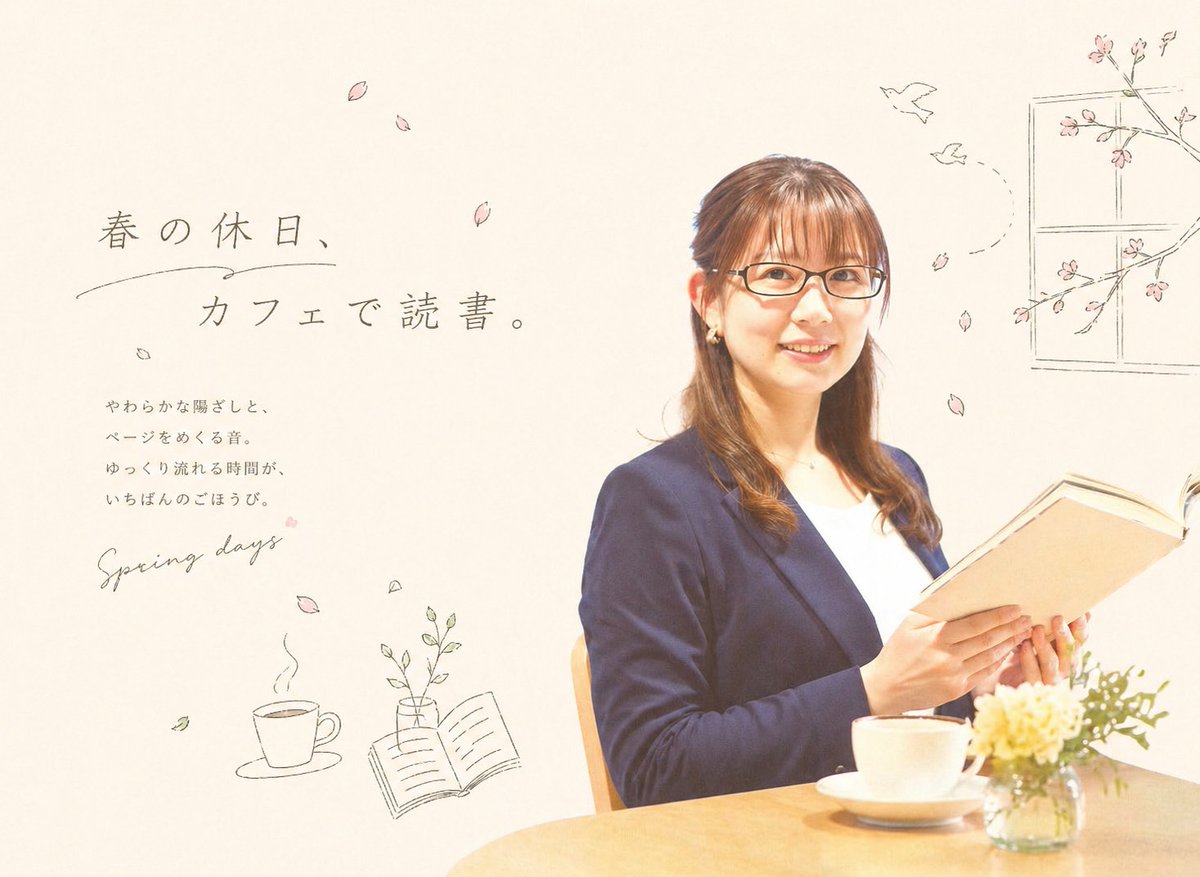
Spring Cafe Reading Editorial

Skincare Product Key Visual Generator
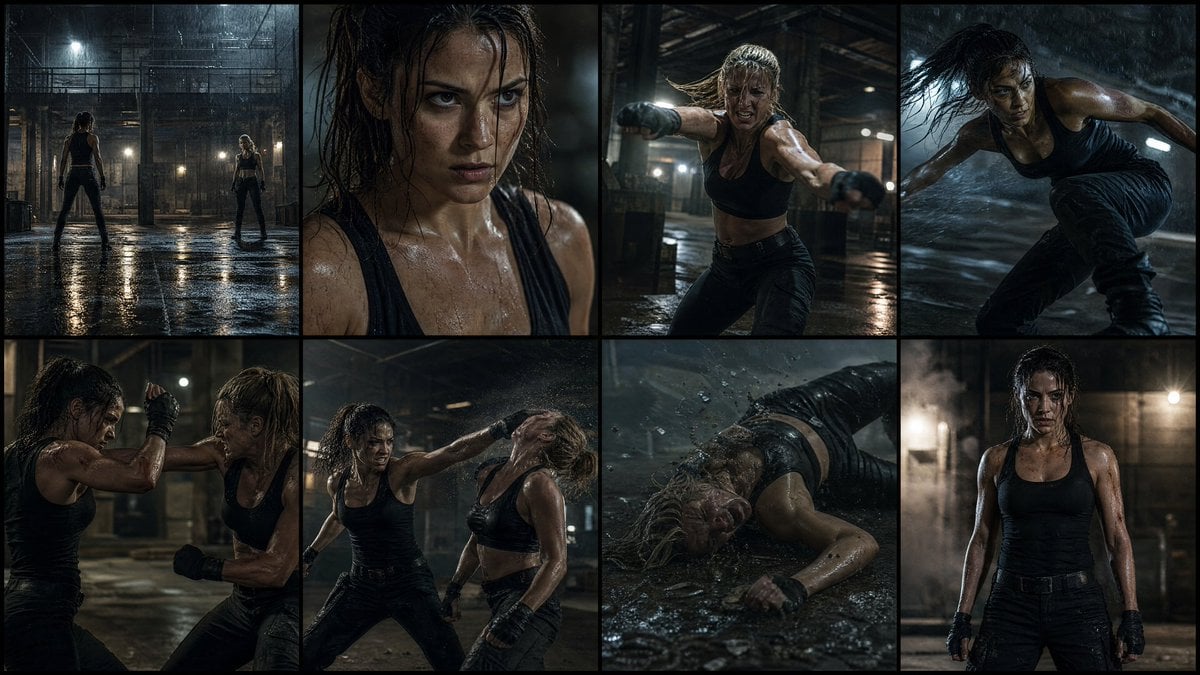
Cinematic Action Movie Storyboard
Browse template categories
Casual Japanese Campus Snapshot questions
How do I use the Casual Japanese Campus Snapshot template?
Add your photo if the template asks for one, edit the prompt if you like — the template's model and format are already selected — and press Generate. Your version opens in PicX Studio.
Can I customize the Casual Japanese Campus Snapshot template?
Yes. You can change the subject, setting, lighting, mood, format, and available model controls before creating your image.
Is the Casual Japanese Campus Snapshot template free?
Opening and editing this template is free. Generating uses credits, shown on the Generate button when you are signed in.
Which AI model should I use?
Start with GPT Image 2, which is the model associated with this template. You can compare another compatible model for a different finish.
Looking for something else? Browse all templates.

Your photo, any look
Thousands of ready templates for every top image and video model, from one credit balance.