
Business Street Style Portrait
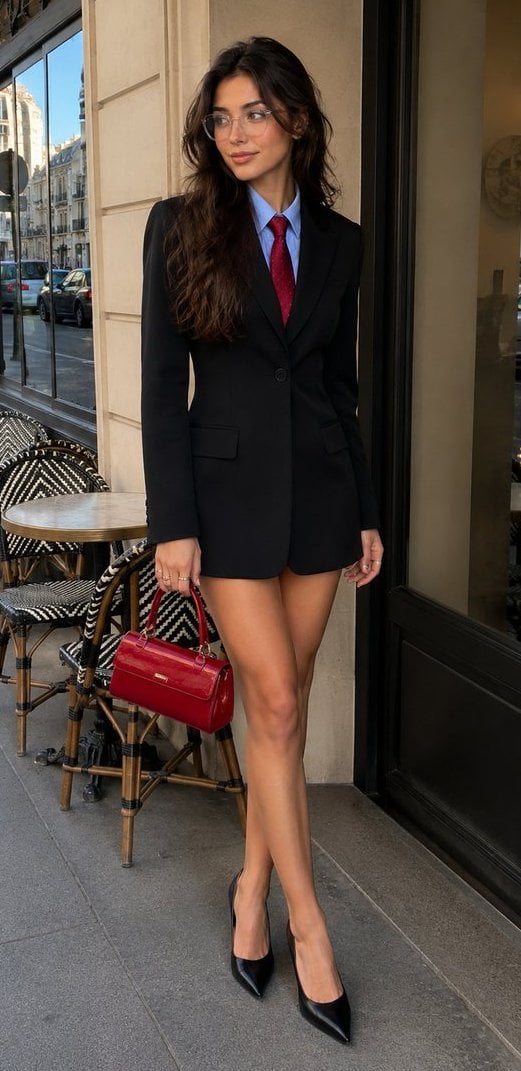
A sophisticated prompt for preserving user likeness in an urban café setting, featuring a blazer mini-dress and professional smartphone photography aesthetics.
- Prompt included
- Model and format preset
- Free template
The prompt behind this image
Copy the exact prompt behind Business Street Style Portrait, or open it in the studio and make it yours.
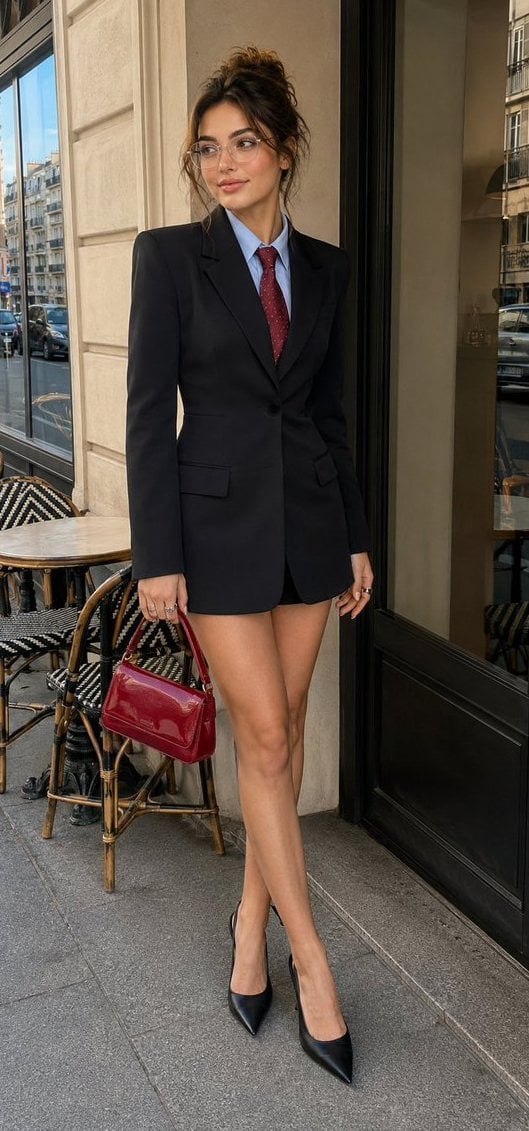
Create a maximally photorealistic vertical photo, using my {argument name="reference source" default="uploaded photo"} only to accurately preserve my appearance, facial features, and natural proportions. Preserve my exact eye and hair color! 100% likeness. The photo is taken with the {argument name="camera" default="main camera of an iPhone 17 Pro Max"}, with a natural smartphone perspective and realistic detail. The girl is standing full-length at the {argument name="location" default="entrance of a stylish urban café"}. The frame shows her completely, from head to toe. She stands in a relaxed pose, with her body slightly turned to the side and looking away rather than directly at the camera. One hand is lowered and holding a small glossy red handbag, while the other hangs naturally by her side. She wears several delicate rings on her fingers. She is wearing a striking fitted black blazer mini-dress with long sleeves and structured shoulders. Under the blazer is a light blue collared shirt, neatly buttoned, paired with a red tie featuring a subtle decorative pattern. The overall look feels like expensive, modern business street style. Long, thick, voluminous hair with soft, natural waves, loosely styled over one side. She wears stylish transparent glasses with a thin frame. Makeup is polished and expressive: wide, groomed eyebrows with visible individual hairs, defined eyeliner, long eyelashes, soft contouring, emphasized cheekbones, and a natural flush. Full lips with a defined lip-pencil outline and a subtle glossy finish. Skin must look extremely realistic, with natural texture, visible micro-relief, and a healthy natural glow. The face should look alive and genuinely human, with no doll-like appearance, plastic skin, or excessive retouching. Location: the outdoor terrace of a modern café, featuring a light-colored façade, large windows, and a glass door. Nearby are small round café tables and woven chairs with a decorative black-and-white pattern. In the background, a real urban street with cars and buildings is visible. Natural daylight, soft realistic shadows, no studio lighting, and no heavy background blur. Photorealism, natural anatomy, realistic fabric, hair and skin, natural color rendering, authentic iPhone photography aesthetic. Do not alter my appearance. Do not add any text, lettering, logos, or watermarks. Do not specify the hair color, tattoos, or moles.
Reference images included
Business Street Style Portrait needs input media to work. They load alongside the prompt when you open it in the studio.
How to use Business Street Style Portrait in 3 steps
- 1Upload ImagePNG, JPG or paste
Add your photo
Upload the photo the template builds on. The prompt, model and format are already set.
- 2…a portrait of your subject in softgolden-hour light, 85mm…
Personalize
Edit the subject and creative details for your destination.
- 3Generate
Generate
Press Generate — your image is created in PicX Studio, so you can compare it with the original and refine one variable at a time.
More like this
Templates with the same subject, style or setup. Open one to see its prompt.












Make it yours
Business Street Style Portrait works as-is. These are the safest ways to change it without losing the look.
Change one field
Copy a single group, rewrite it, and generate again so you can see what that field is doing.
Keep the frame, change the subject
Hold the composition and light of Business Street Style Portrait, then swap wardrobe, props or the person for a new take.
| If the result… | Why | Fix |
|---|---|---|
| The result drifts from the preview | Too many fields changed at once. | Reuse Business Street Style Portrait as-is first, then change one group — subject, light, or setting. |
| The model over-stylizes the scene | The prose prompt leaves finish and camera underspecified. | Add one camera or lighting sentence and stay on GPT Image 2. |
More GPT Image 2 templates
Other prompts made for GPT Image 2.

Six VTuber Japanese Logo Sheet

Realistic Portrait of Woman and Deer

The Vista Modular Condo Poster

AI Model Routing Comparison Infographic

2.5D Anime Art Board

Isometric Productivity Desk Scene

New York Double Exposure Poster

Four-Panel AI Landscape Comparison

Japanese Tatami Lifestyle Magazine Cover

NESCAFÉ Coffee Map Poster
More image prompts
Fresh picks from across the catalog.
Lisbon Travel Poster
Nine-Style Hairstyle Try-On Collage
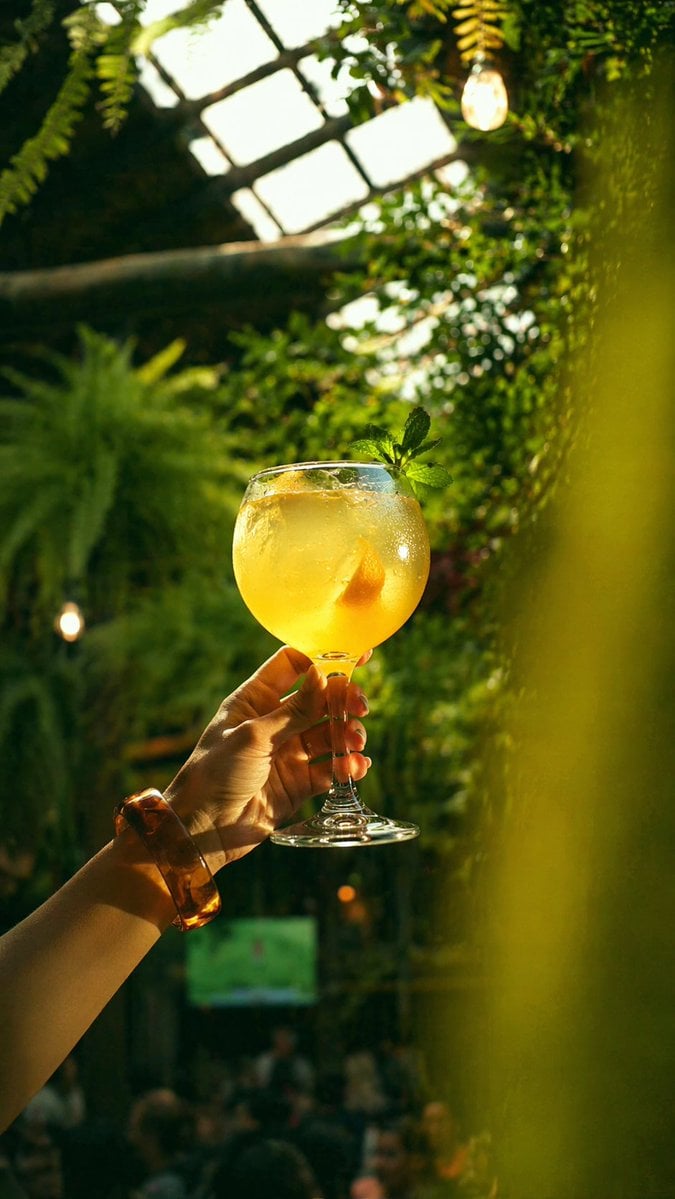
Gpt2 Social Media Post Golden Cocktail in Greenhouse Bar

Cute Japanese Hamster Infographic
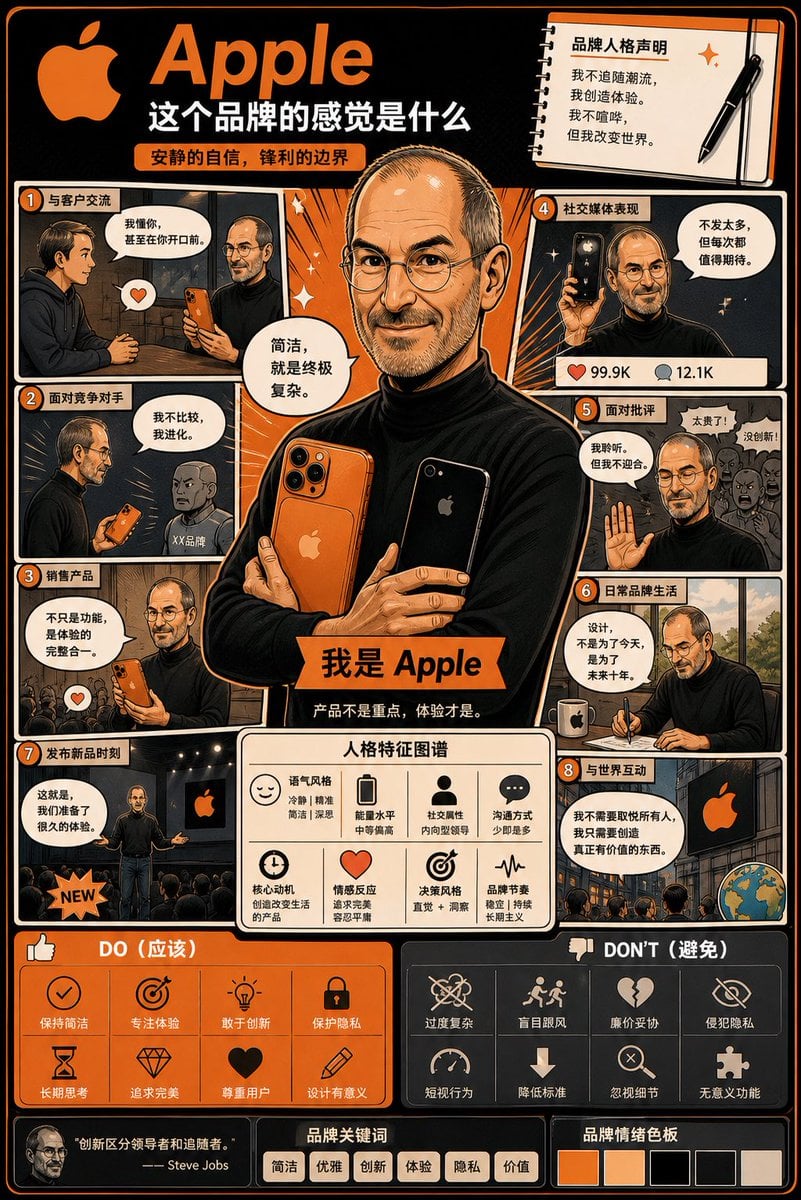
Manga Style Brand Identity Infographic
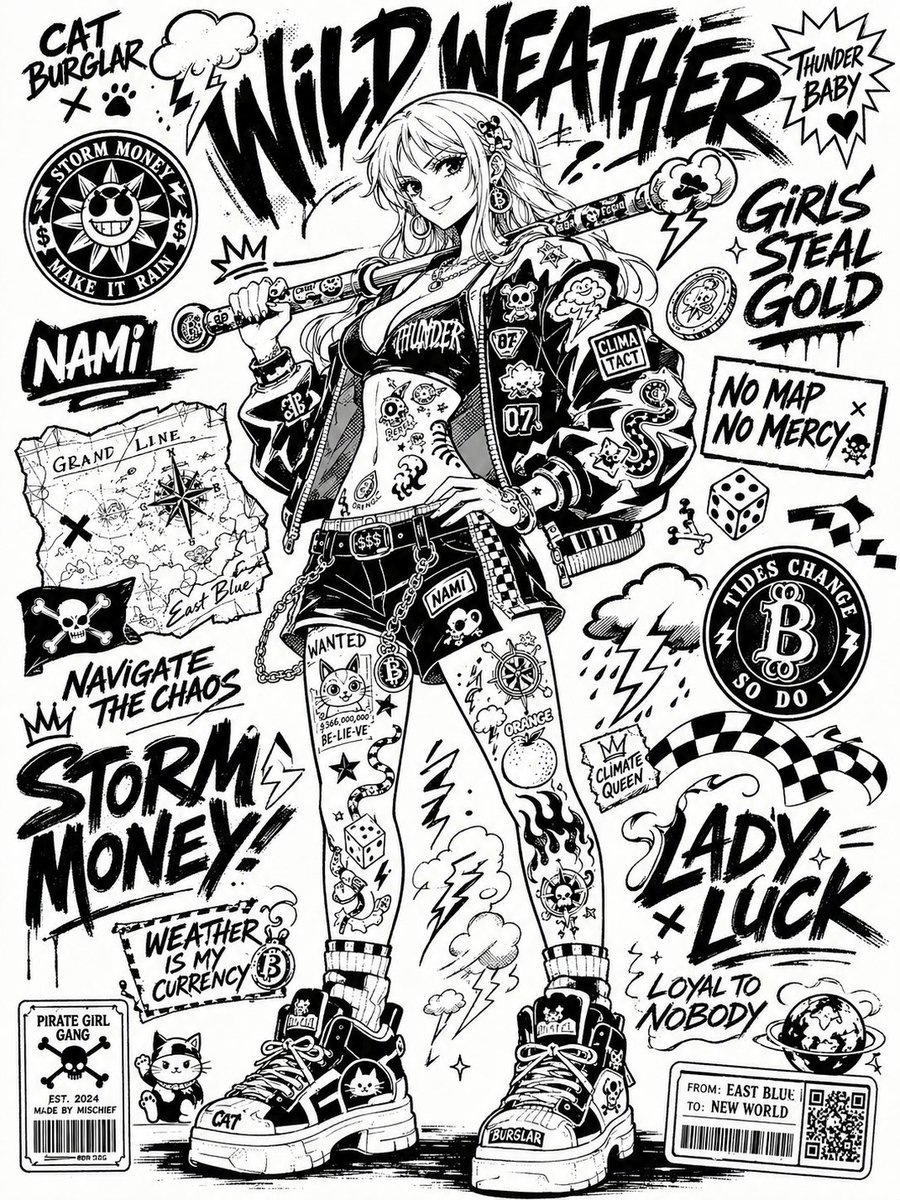
Black and White Sticker Bomb Street Poster
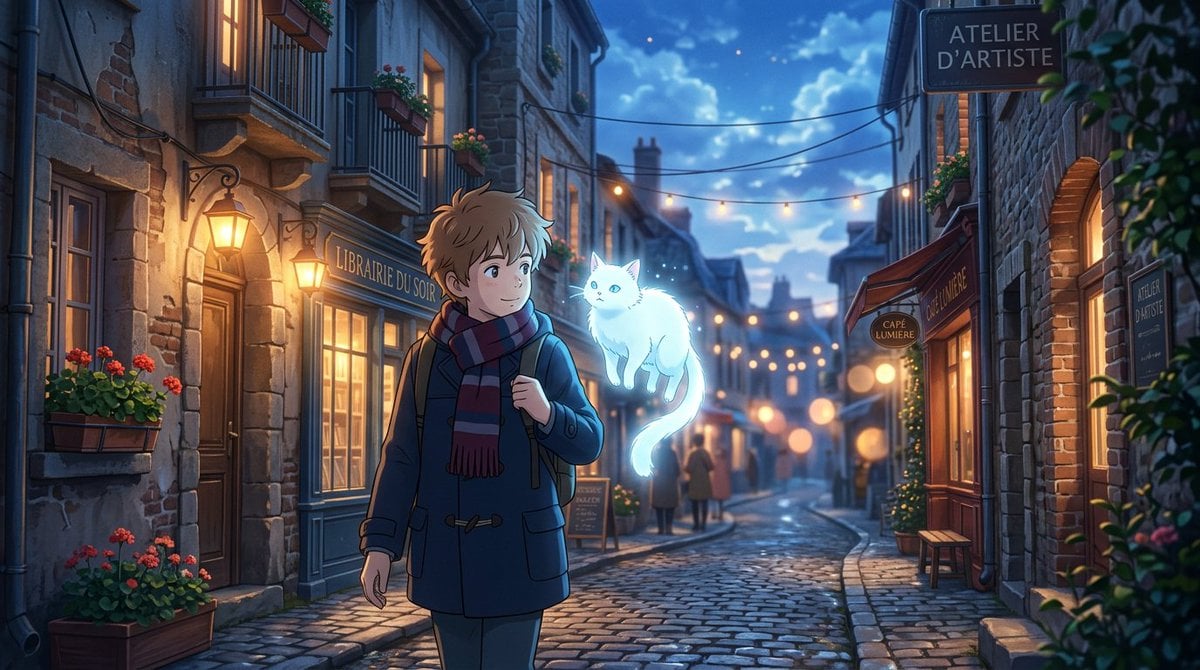
Makoto Shinkai Inspired Anime Cinematic Scene
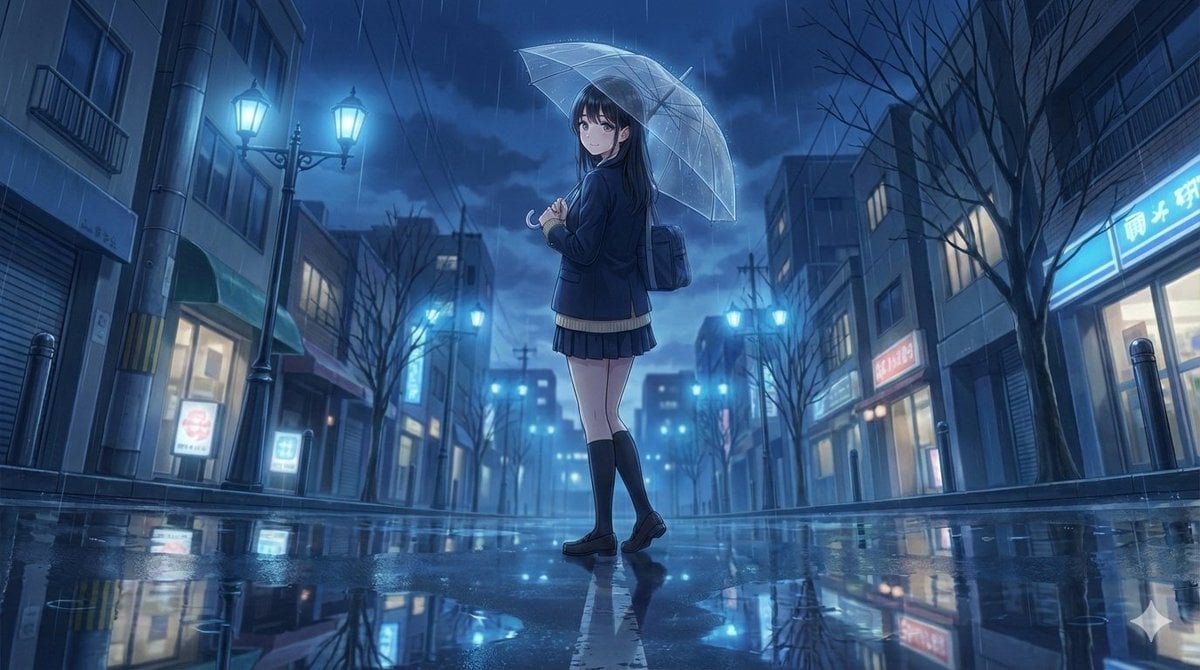
4K Anime Illustration of Girl in Rain
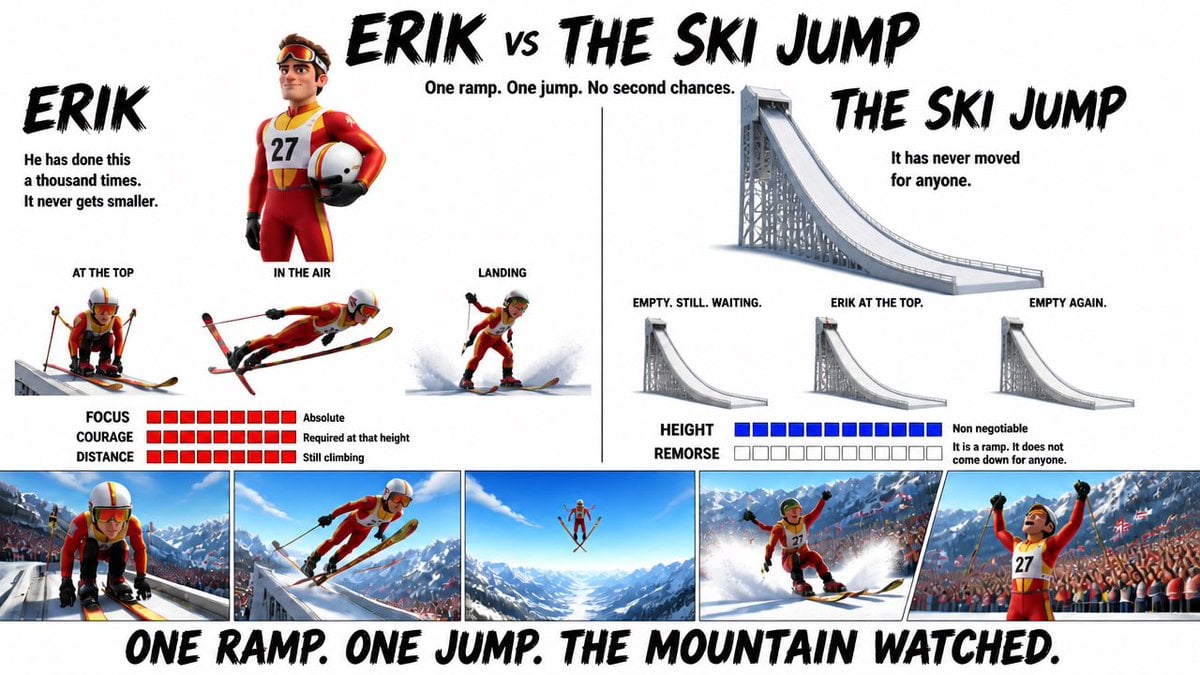
Pixar Style Character Design Sheet
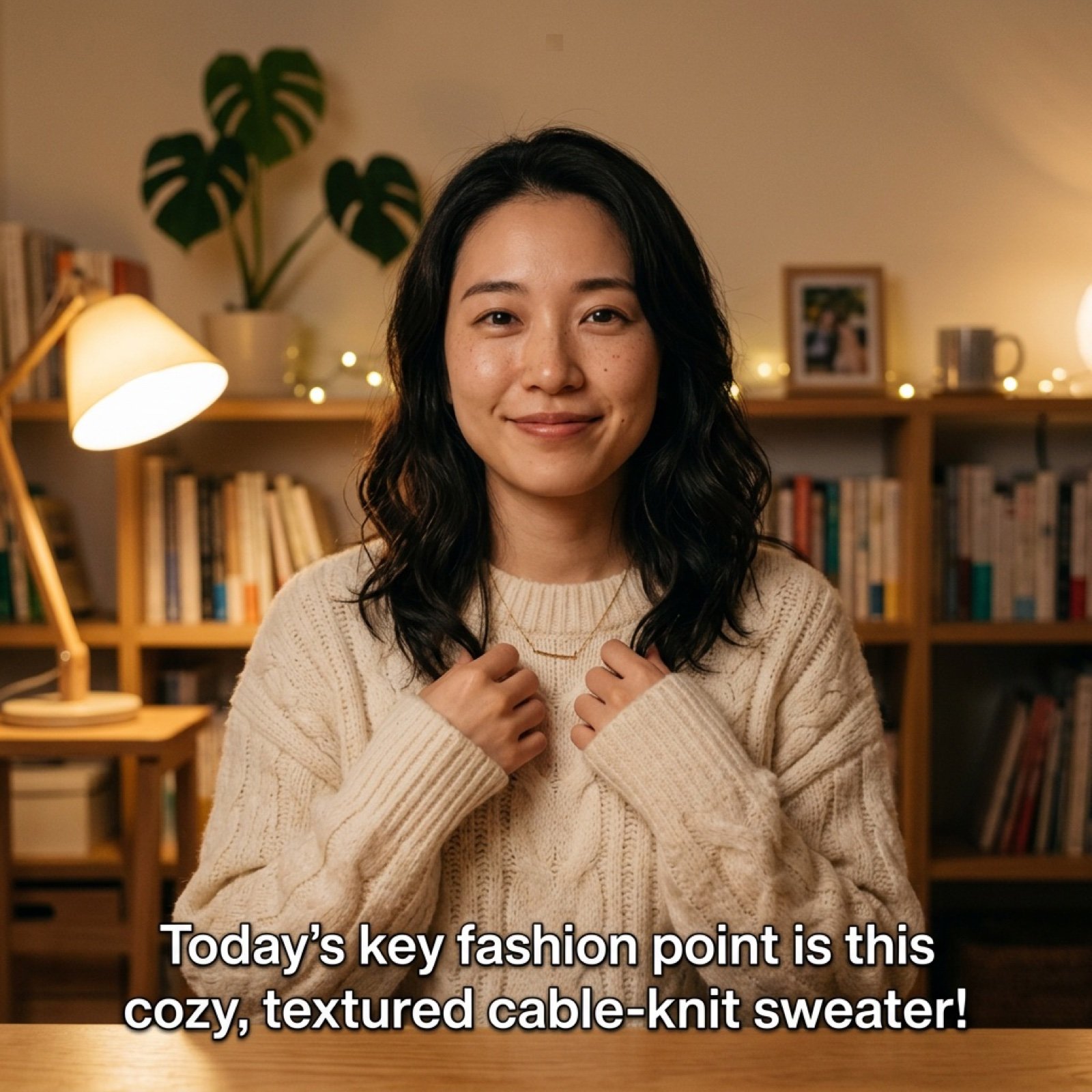
Detailed Prompt for UGC Style Fashion Vlog Video Generation
Browse template categories
Business Street Style Portrait questions
How do I use the Business Street Style Portrait template?
Add your photo if the template asks for one, edit the prompt if you like — the template's model and format are already selected — and press Generate. Your version opens in PicX Studio.
Can I customize the Business Street Style Portrait template?
Yes. You can change the subject, setting, lighting, mood, format, and available model controls before creating your image.
Is the Business Street Style Portrait template free?
Opening and editing this template is free. Generating uses credits, shown on the Generate button when you are signed in.
Which AI model should I use?
Start with GPT Image 2, which is the model associated with this template. You can compare another compatible model for a different finish.
Looking for something else? Browse all templates.

Your photo, any look
Thousands of ready templates for every top image and video model, from one credit balance.