
Industrial Heritage Open Day Poster
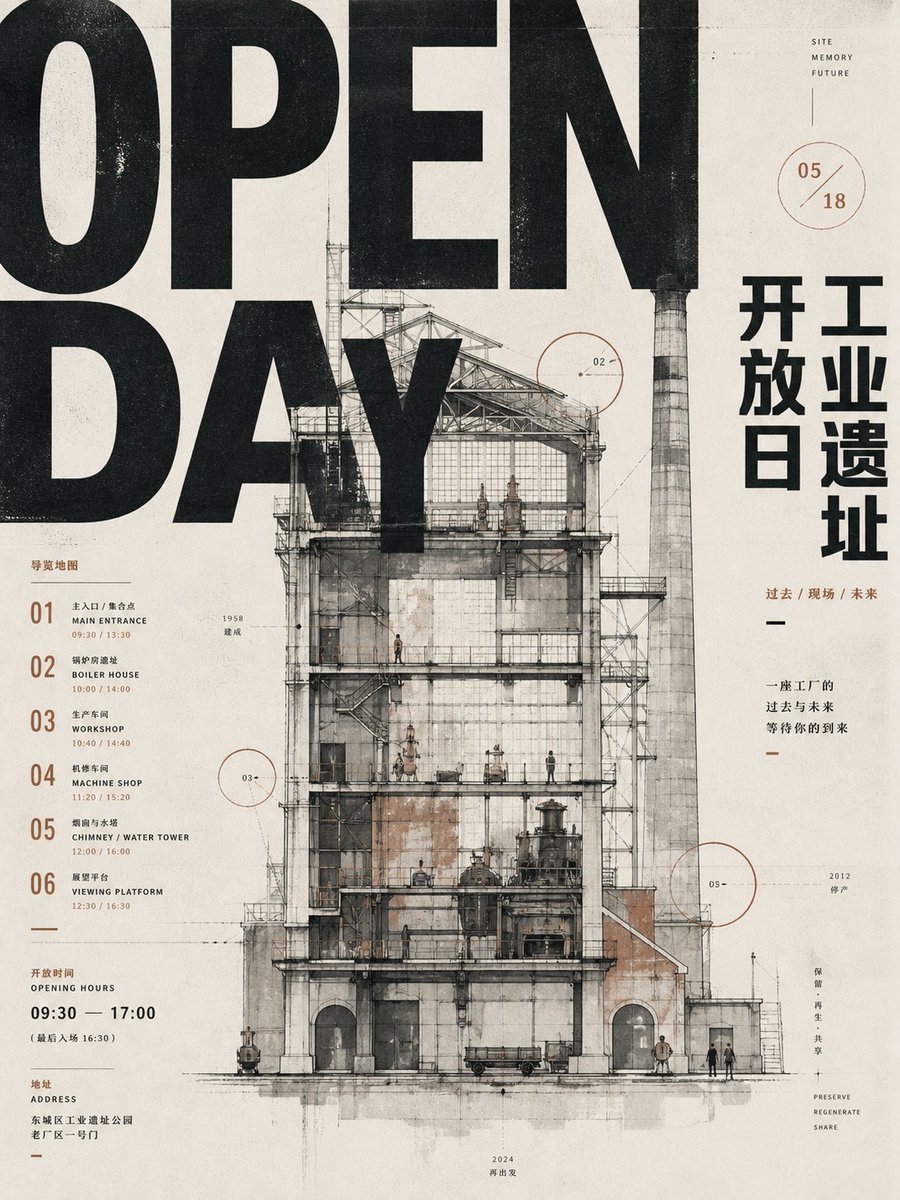
A detailed prompt for generating a distressed industrial-site open day poster with giant typography, Chinese layout text, and an architectural factory cutaway.
- Prompt included
- Model and format preset
- Free template
The prompt behind this image
Copy the exact prompt behind Industrial Heritage Open Day Poster, or open it in the studio and make it yours.
Goal: Create a vertical industrial heritage opening-day poster for {argument name="event name" default="OPEN DAY"}, combining oversized brutal typography, Chinese museum-poster text, architectural cross-section drawing, ink stains, and aged printed-paper texture. Canvas: Portrait 3:4 poster, off-white warm paper background with visible grain, scratches, speckles, faint fold lines, light gray smudges, and subtle letterpress/risograph misregistration. Use a restrained palette of black, charcoal gray, faded beige, rust brown, and thin red-brown annotation lines. Layout: Dominant typography fills the upper and left side: huge cropped black condensed sans-serif letters reading “OPEN” across the top and “DAY” beneath it, so large that the words are partially cut off by the canvas edges and overlap the architecture. Center the composition on a detailed old factory building elevation/cutaway, occupying most of the lower two-thirds. Place a tall chimney on the right side of the building, rising into the upper area. Keep the right margin for vertical Chinese title text and small annotations. Keep the left margin for a numbered guide list and opening-hour details. Main subject: A ruined industrial site rendered as a precise architectural ink-and-watercolor section drawing. Show a tall multi-level factory frame with exposed steel trusses, scaffolding, platforms, staircases, old brick and concrete walls, large rectangular windows, arched ground-floor openings, pipes, tanks, small machinery, rail-cart-like objects, and tiny human figures for scale. Add a very tall cylindrical striped smokestack/chimney to the right, weathered and gray. The building should feel like an open industrial relic being preserved and regenerated, with transparent cutaway floors and visible internal structure. Text content: Include exactly 6 numbered guide entries on the left, each with a large two-digit number and bilingual-style small labels: 01 Main Entrance, 02 Boiler House, 03 Workshop, 04 Machine Shop, 05 Chimney / Water Tower, 06 Viewing Platform. Include small time ranges next to entries, such as 09:30 / 13:30, 10:00 / 14:00, 10:40 / 14:40, 11:20 / 15:20, 12:00 / 16:00, 12:30 / 16:30. Add an opening-hours block reading “OPENING HOURS 09:30 — 17:00” with smaller Chinese text beneath. Add an address block with small Chinese text. On the right side, add large vertical Chinese characters for {argument name="Chinese title" default="开工 开放日 工业遗址"}, arranged in three stacked columns. Add a small caption reading “过去 / 现场 / 未来” and a short Chinese slogan below it. Add tiny English words near the upper right: “SITE / MEMORY / FUTURE”. Near the lower right add tiny stacked words: “PRESERVE / REGENERATE / SHARE”. Annotations: Include exactly 3 thin red-brown circular callout graphics labeled 02, 03, and 05 positioned around the building; also include one separate circular date mark near the upper right reading {argument name="date mark" default="05 / 18"}. Add delicate leader lines, small tick marks, microscopic labels, and a few year notes such as 1958, 2012, and 2024. Visual style: Industrial design poster, architectural blueprint meets ink-wash illustration, archival museum print, worn offset printing, black distressed typography, gridded but asymmetrical Swiss poster composition, subtle rust stains and ink bleeds. The typography should look bold, printed, slightly rough, and physically integrated with the paper. Keep all elements flat and poster-like, not photorealistic. Constraints: Use exactly one main factory building, exactly one tall chimney, exactly 6 guide-list items, exactly 3 numbered architectural callout circles plus 1 date circle. Avoid bright colors, glossy effects, modern glass architecture, extra logos, QR codes, or watermarks.
How to use Industrial Heritage Open Day Poster in 3 steps
- 1Upload ImagePNG, JPG or paste
Add your photo
Upload the photo the template builds on. The prompt, model and format are already set.
- 2…a portrait of your subject in softgolden-hour light, 85mm…
Personalize
Edit the subject and creative details for your destination.
- 3Generate
Generate
Press Generate — your image is created in PicX Studio, so you can compare it with the original and refine one variable at a time.
More like this
Templates with the same subject, style or setup. Open one to see its prompt.

Polo Ralph Lauren Luxury American Heritage Fashion Campaign

Leather Bound Atlas Open

Japan Travel Brochure Poster
Luxury 3D Engraved Birthday Poster
Luxury Oriental Mansion Opening Poster

Nice Day Anime Poster
Luxury Number 3 Birthday Poster
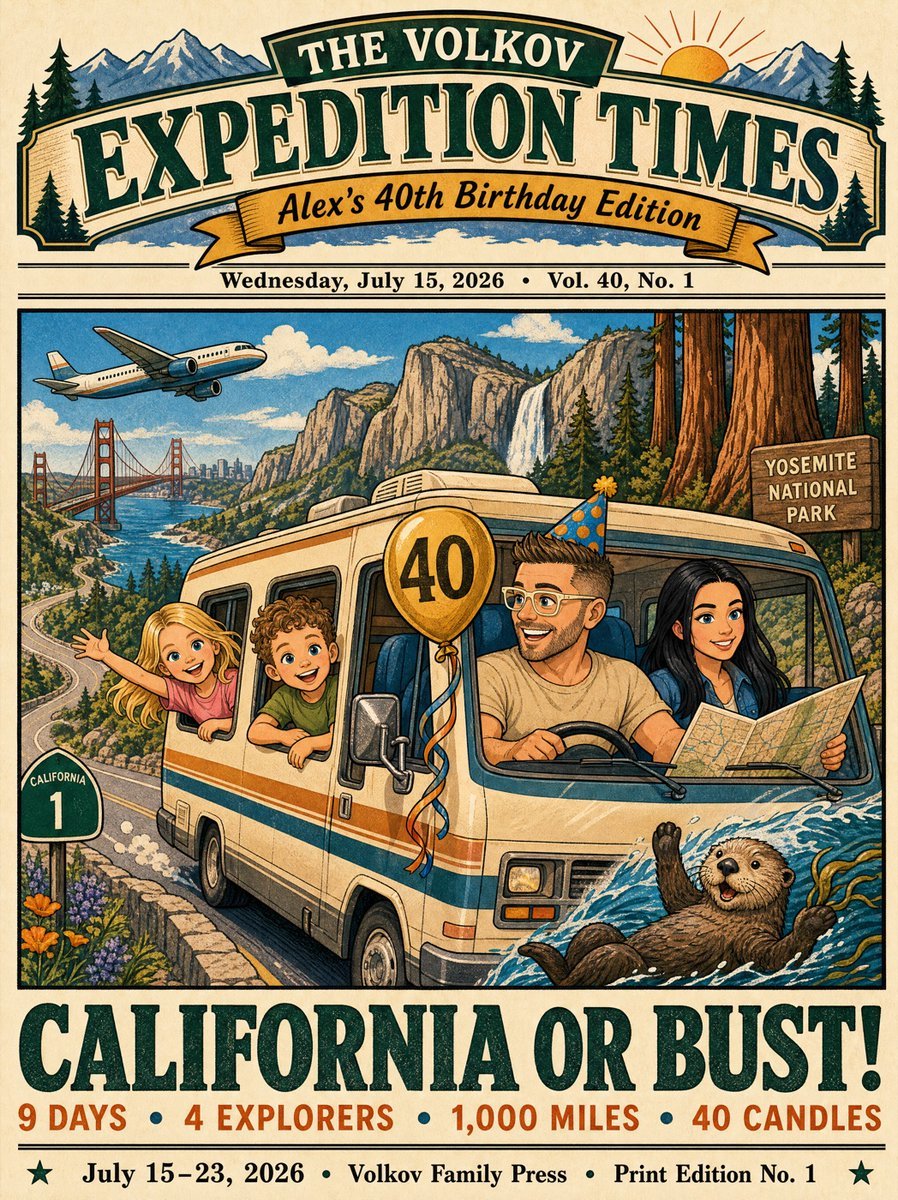
Vintage California Road Trip Birthday Poster
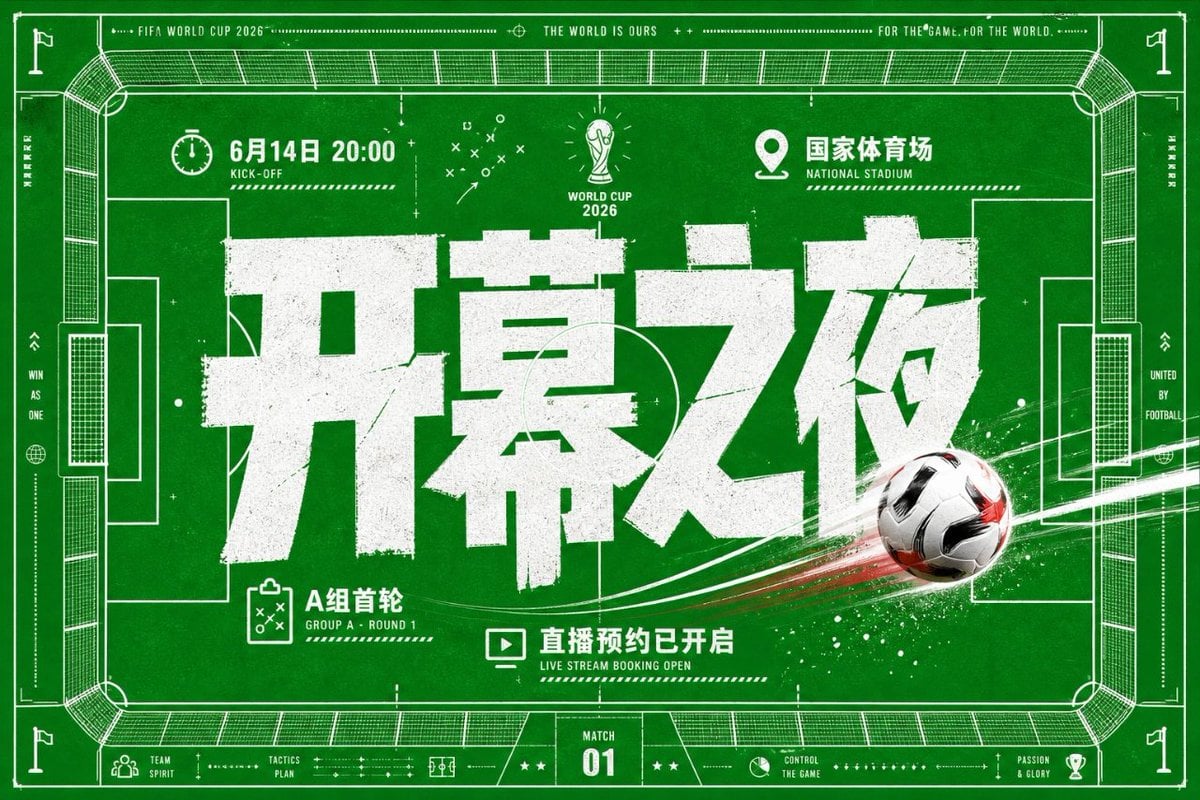
World Cup Opening Night Poster

Sealing Wax Letter Desk

Ballroom Floor Reflections

Vintage Camera Leather Case
Make it yours
Industrial Heritage Open Day Poster works as-is. These are the safest ways to change it without losing the look.
Change one field
Copy a single group, rewrite it, and generate again so you can see what that field is doing.
Keep the frame, change the subject
Hold the composition and light of Industrial Heritage Open Day Poster, then swap wardrobe, props or the person for a new take.
| If the result… | Why | Fix |
|---|---|---|
| The result drifts from the preview | Too many fields changed at once. | Reuse Industrial Heritage Open Day Poster as-is first, then change one group — subject, light, or setting. |
| The model over-stylizes the scene | The prose prompt leaves finish and camera underspecified. | Add one camera or lighting sentence and stay on GPT Image 2. |
More GPT Image 2 templates
Other prompts made for GPT Image 2.

Six VTuber Japanese Logo Sheet

Realistic Portrait of Woman and Deer

The Vista Modular Condo Poster

AI Model Routing Comparison Infographic

2.5D Anime Art Board

Isometric Productivity Desk Scene

New York Double Exposure Poster

Four-Panel AI Landscape Comparison

Japanese Tatami Lifestyle Magazine Cover

NESCAFÉ Coffee Map Poster
More image prompts
Fresh picks from across the catalog.

World Cup Tunnel Champion
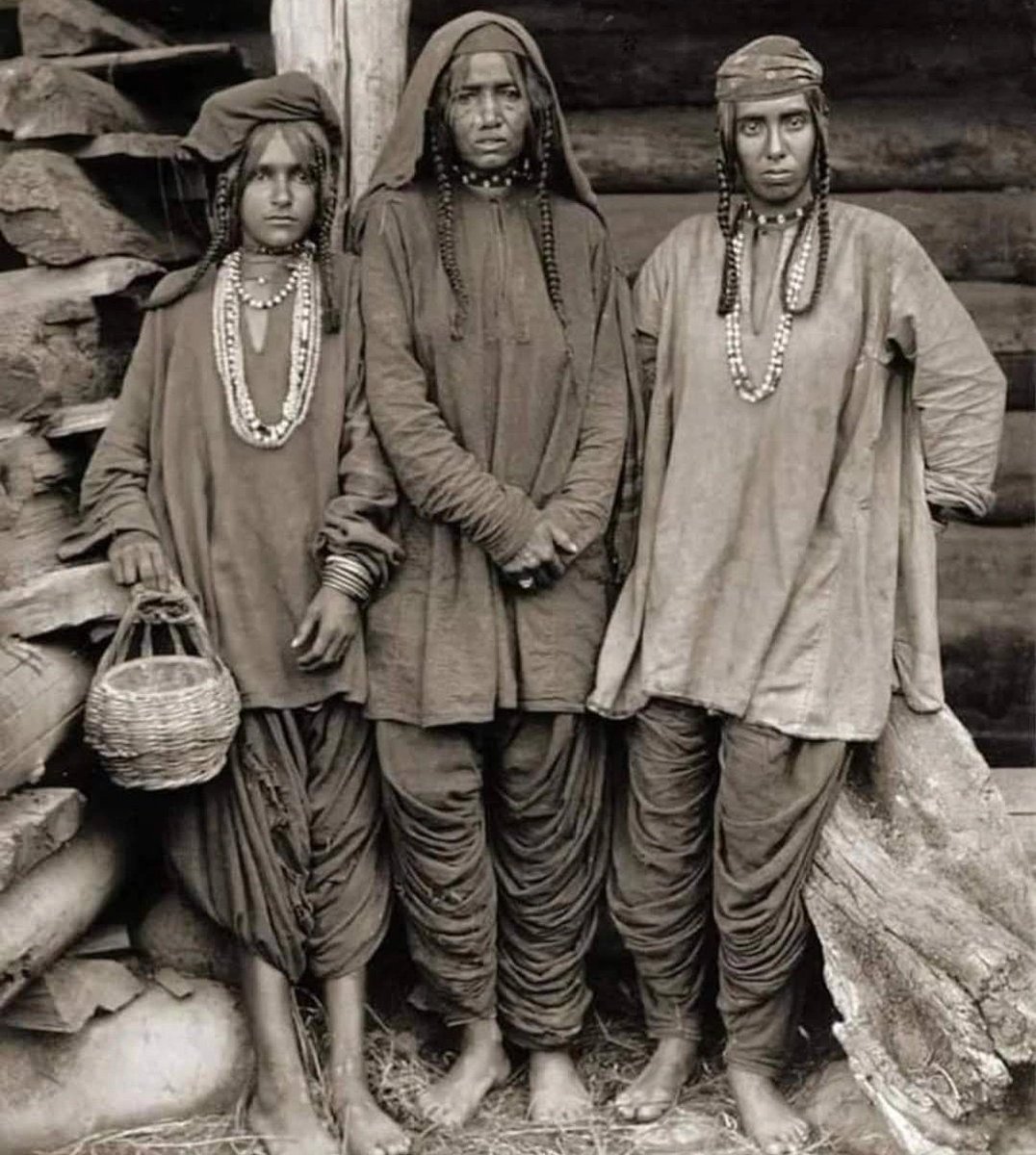
Old Photo Restoration and Enhancement

Milky Pastel Chibi Music Camera Twins
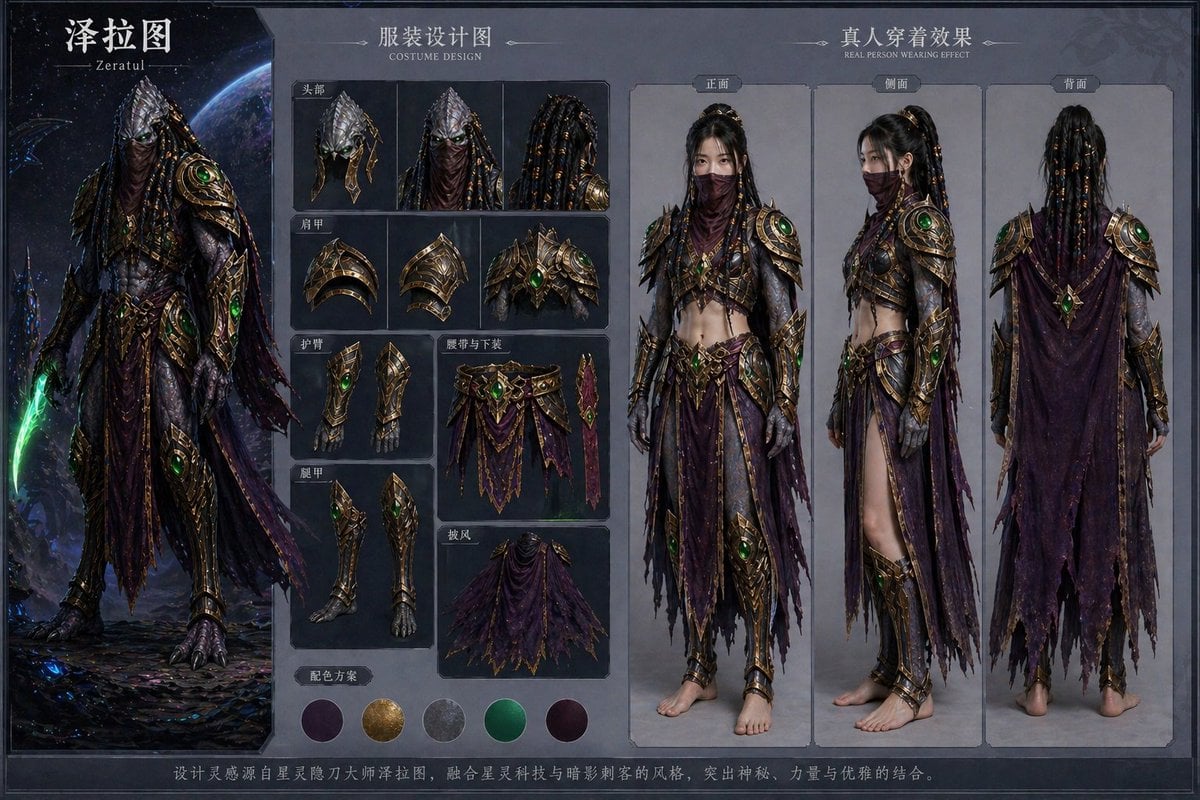
Character Costume Design Transfer

Face Preservation Selfie Prompt for Nano Banana Pro

Hyper-Realistic Street Style Portrait Prompt

Steampunk Chibi Witch Sticker Illustration

Green Armored Dual-Sword Warrior
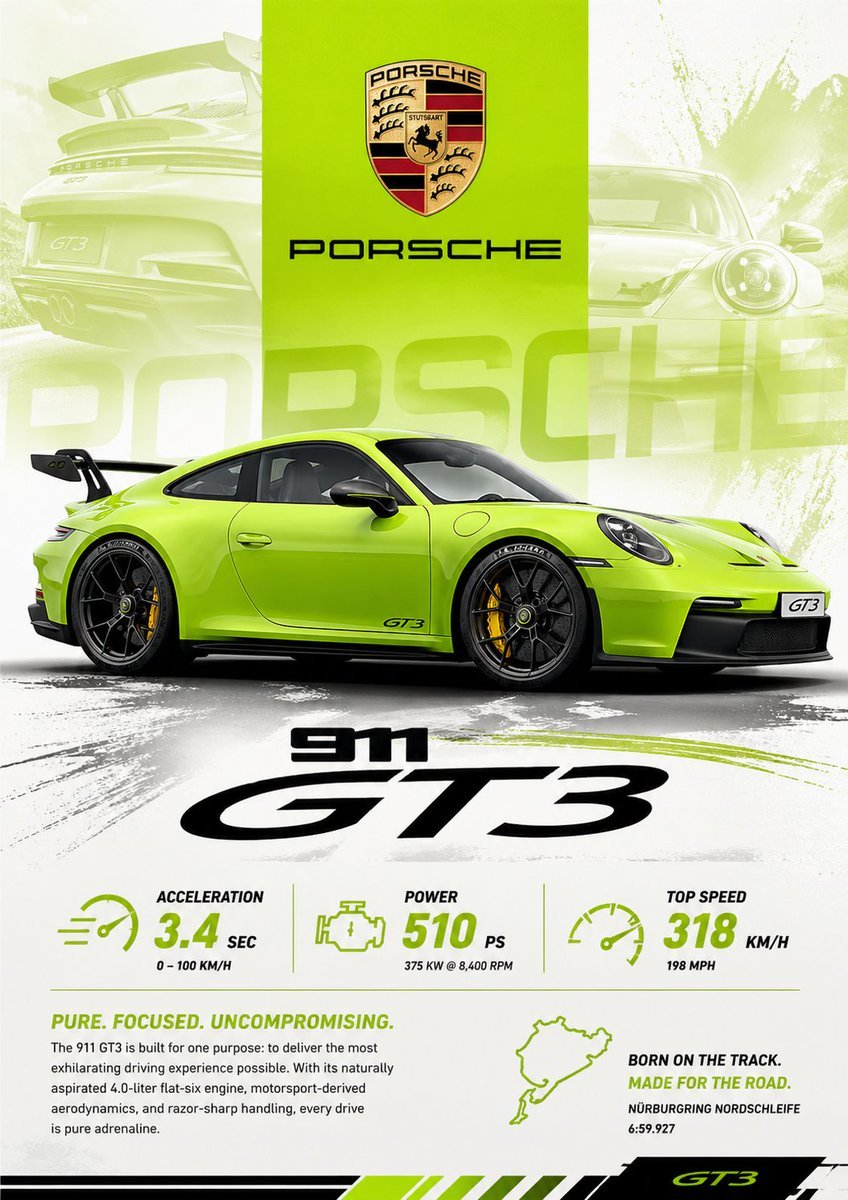
Vibrant Automotive Poster Design

Retro Japanese Anime Wallpaper
Browse template categories
Industrial Heritage Open Day Poster questions
How do I use the Industrial Heritage Open Day Poster template?
Add your photo if the template asks for one, edit the prompt if you like — the template's model and format are already selected — and press Generate. Your version opens in PicX Studio.
Can I customize the Industrial Heritage Open Day Poster template?
Yes. You can change the subject, setting, lighting, mood, format, and available model controls before creating your image.
Is the Industrial Heritage Open Day Poster template free?
Opening and editing this template is free. Generating uses credits, shown on the Generate button when you are signed in.
Which AI model should I use?
Start with GPT Image 2, which is the model associated with this template. You can compare another compatible model for a different finish.
Looking for something else? Browse all templates.

Your photo, any look
Thousands of ready templates for every top image and video model, from one credit balance.