
Cat Photo to Geometric Poster
Creates a split composition with a realistic funny cat-at-laptop photo above and a clean Bauhaus-style geometric poster version below.
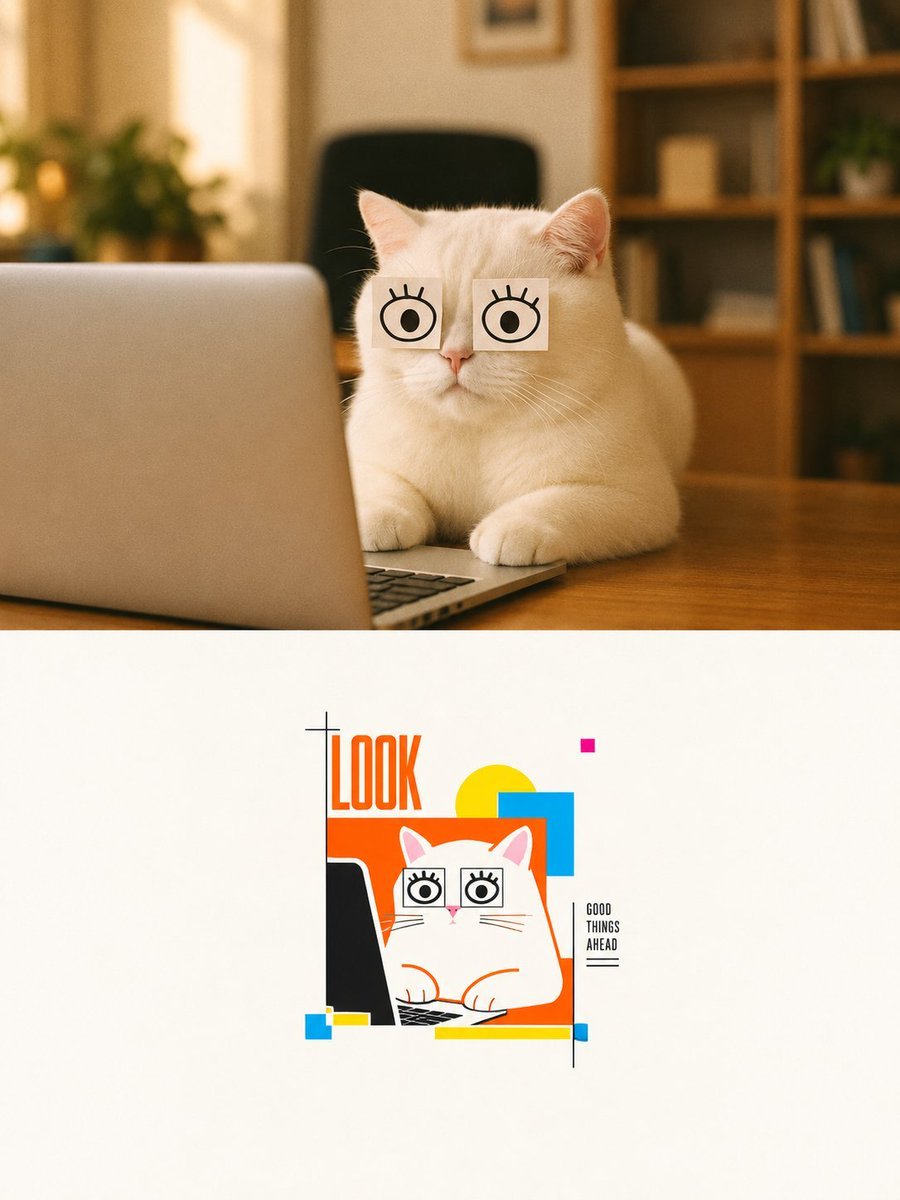
- Prompt included
- Model and format preset
- Free template
The prompt behind this image
Copy the exact prompt behind Cat Photo to Geometric Poster, or open it in the studio and make it yours.
Goal: Create a vertical two-panel design that transforms a cozy realistic cat photo into a minimalist geometric poster illustration. Canvas: Portrait 3:4 composition, 900 x 1200 style, split horizontally into exactly 2 panels. The top panel occupies about 52% of the height and is a warm realistic photograph; the bottom panel occupies about 48% and is an off-white gallery-poster illustration area. Top panel: Show one fluffy white cat sitting at a wooden desk in a warm home office. The cat faces forward behind one open silver laptop positioned on the left foreground, with the keyboard barely visible at the bottom edge. The cat has exactly 2 square white paper notes taped over its eyes, each note drawn with one simple black cartoon eye and short eyelashes, giving a funny wide-eyed look. Background is softly blurred with exactly 1 black office chair centered behind the cat, 1 leafy plant on the left, and 1 wooden bookshelf on the right with indistinct books and decor. Lighting is golden, soft, shallow depth of field, cozy indoor ambience, realistic fur detail. Bottom panel: On a clean off-white background, place a small centered vector poster illustration inspired by the top photo. The illustration contains exactly 1 white cartoon cat, exactly 1 black laptop silhouette on the left, exactly 2 square cartoon-eye notes over the cat's eyes, and the cat's paws on the keyboard. Use crisp orange outlines and flat graphic shapes. Add the large vertical headline text {argument name="headline text" default="LOOK"} in tall condensed orange letters at the upper left of the illustration. Add a small stacked caption on the right reading {argument name="side caption" default="GOOD THINGS AHEAD"}, with a thin black vertical line beside it and a short underline beneath it. Geometric elements in the bottom poster: Include exactly 8 abstract color-block accents: 1 large orange rectangle behind the cat, 1 yellow circle behind the top right of the cat, 1 cyan-blue square overlapping the yellow circle, 1 tiny magenta square above, 1 small cyan square at the lower left, 1 small yellow horizontal rectangle beside it, 1 long yellow horizontal bar along the bottom, and 1 tiny blue rectangle at the lower right end of that bar. Add a minimal black plus-sign registration mark near the headline. Visual style: Top panel should be realistic warm photography; bottom panel should be clean Bauhaus-inspired geometric poster art with orange, yellow, cyan, magenta, black, and white. Keep generous negative space in the bottom panel, sharp vector edges, playful editorial design, no extra animals, no extra text, no watermark.
How to use Cat Photo to Geometric Poster in 3 steps
- 1Upload ImagePNG, JPG or paste
Add your photo
Upload the photo the template builds on. The prompt, model and format are already set.
- 2…a portrait of your subject in softgolden-hour light, 85mm…
Personalize
Edit the subject and creative details for your destination.
- 3Generate
Generate
Press Generate — your image is created in PicX Studio, so you can compare it with the original and refine one variable at a time.
More like this
Templates with the same subject, style or setup. Open one to see its prompt.

Japan Travel Brochure Poster

Surreal Cat Astronaut — Humanoid Face Freefall

Cartoon TV Show Poster Pack

Trendy Cafe Drink Promo Poster

Urban Fashion Editorial Collage Streetwear Poster

Premium Fashion Editorial Cover Layout System

Polo Ralph Lauren Luxury American Heritage Fashion Campaign

Monochrome Halftone Editorial Fashion Poster

Retro Mirror Luxury Fashion Campaign Poster

Luxury Fashion Campaign Typography Poster System

Geometric Color-Block Beauty Editorial Portrait

Premium Fashion Editorial Campaign Poster System
Make it yours
Cat Photo to Geometric Poster works as-is. These are the safest ways to change it without losing the look.
Change one field
Copy a single group, rewrite it, and generate again so you can see what that field is doing.
Keep the frame, change the subject
Hold the composition and light of Cat Photo to Geometric Poster, then swap wardrobe, props or the person for a new take.
| If the result… | Why | Fix |
|---|---|---|
| The result drifts from the preview | Too many fields changed at once. | Reuse Cat Photo to Geometric Poster as-is first, then change one group — subject, light, or setting. |
| The model over-stylizes the scene | The prose prompt leaves finish and camera underspecified. | Add one camera or lighting sentence and stay on GPT Image 2. |
More GPT Image 2 templates
Other prompts made for GPT Image 2.

Six VTuber Japanese Logo Sheet

Realistic Portrait of Woman and Deer

The Vista Modular Condo Poster

AI Model Routing Comparison Infographic

2.5D Anime Art Board

Isometric Productivity Desk Scene

New York Double Exposure Poster

Four-Panel AI Landscape Comparison

Japanese Tatami Lifestyle Magazine Cover

NESCAFÉ Coffee Map Poster
More image prompts
Fresh picks from across the catalog.
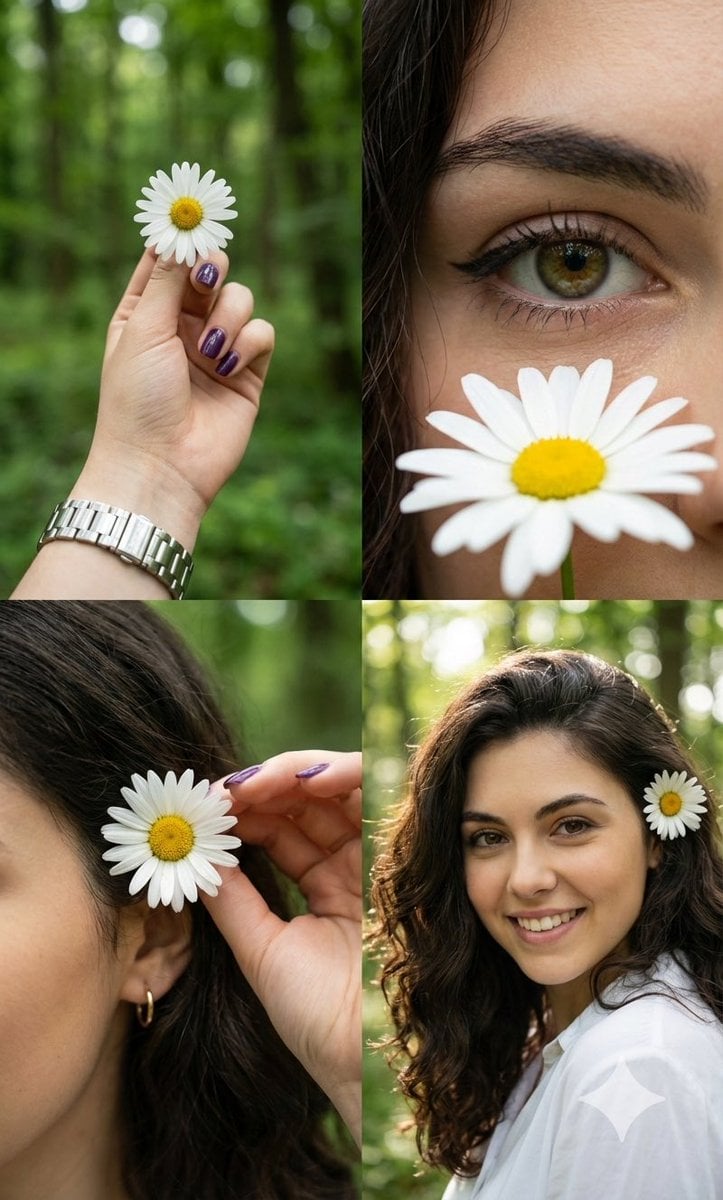
Photorealistic Daisy Collage
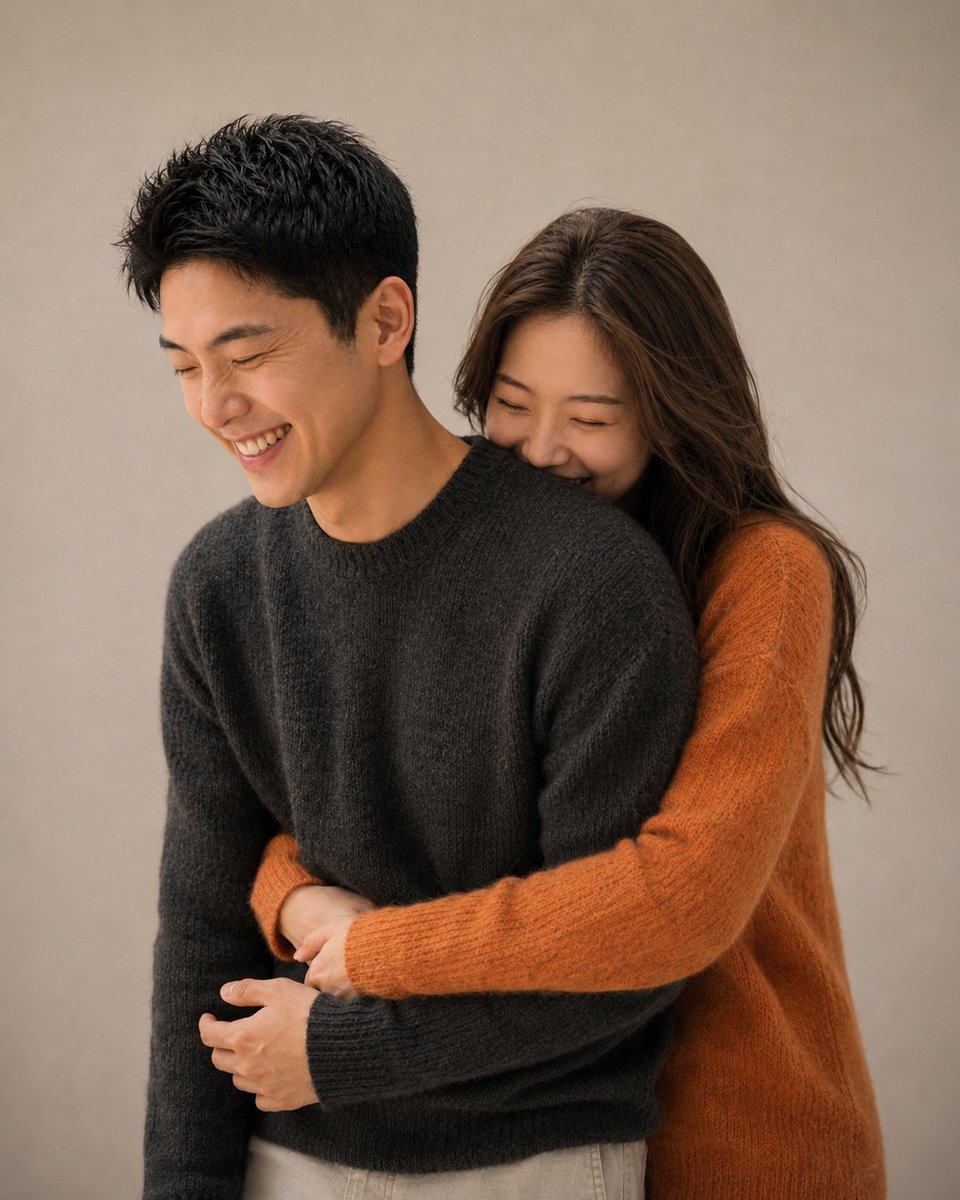
Korean Magazine Couple Portrait
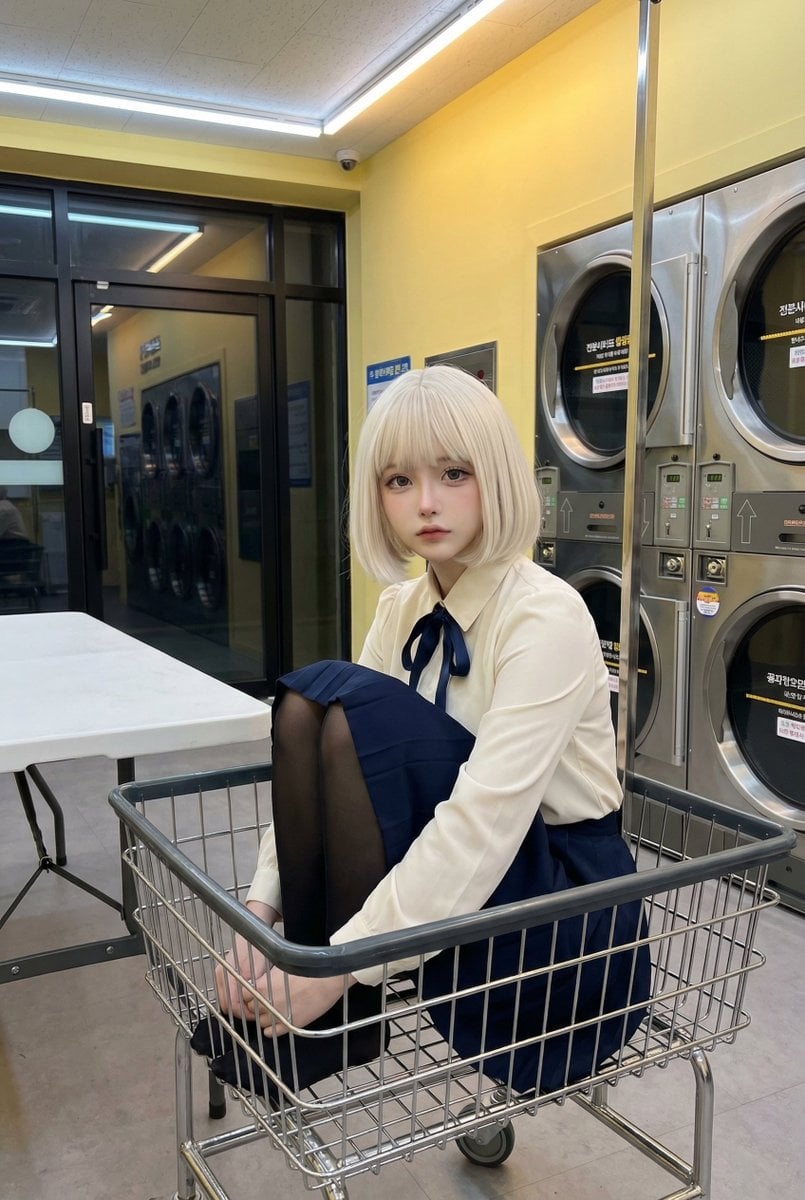
Cosplay Model in Laundry Cart Portrait
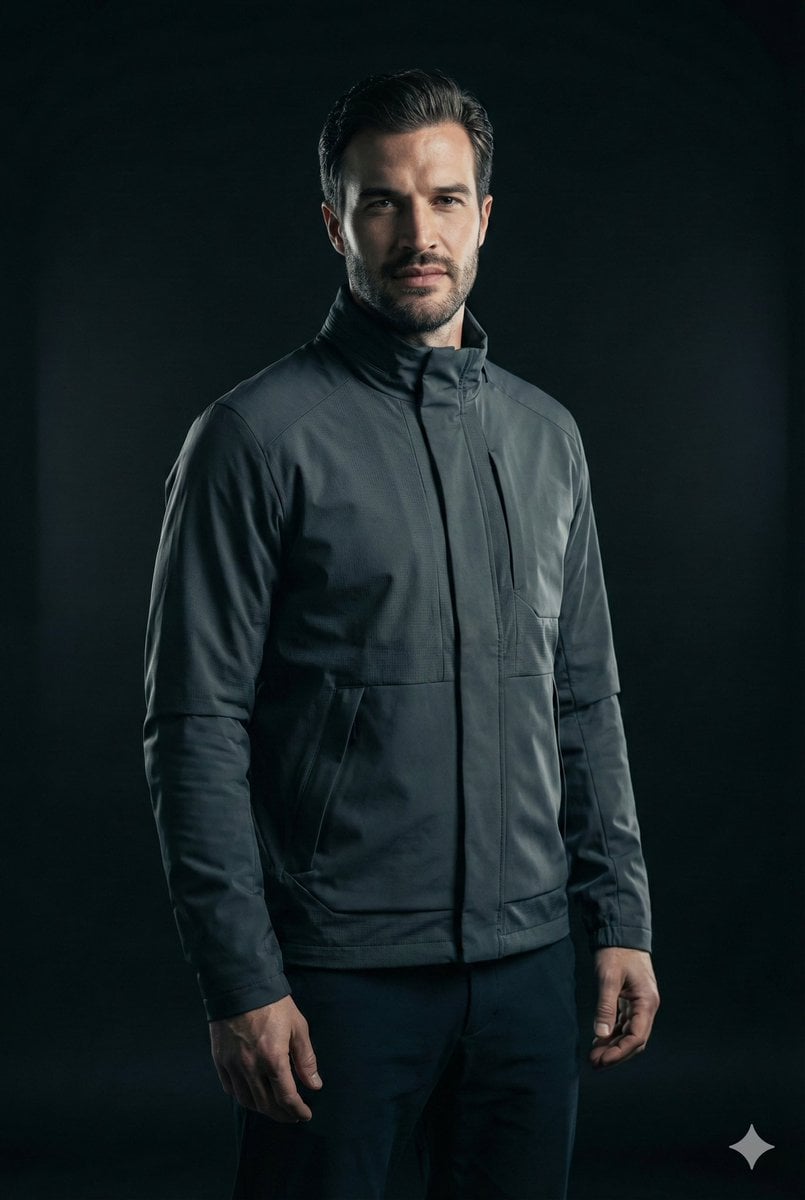
Ultra-Realistic Futuristic Cinematic Portrait
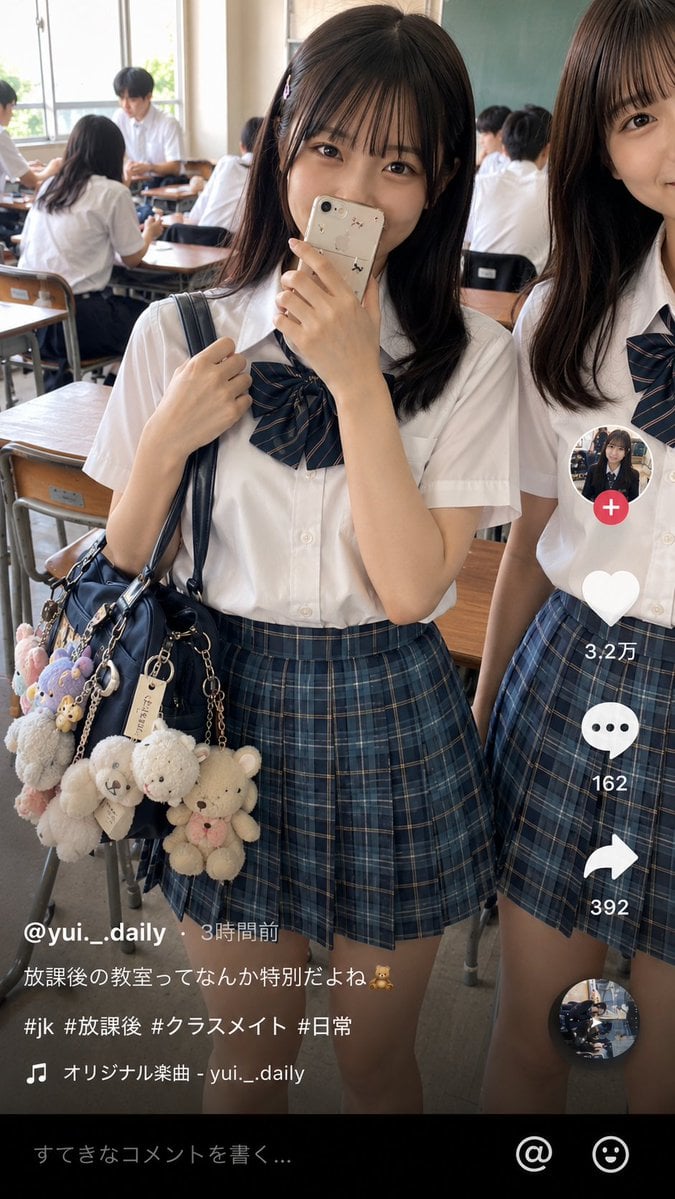
Japanese Classroom Short Video Screenshot
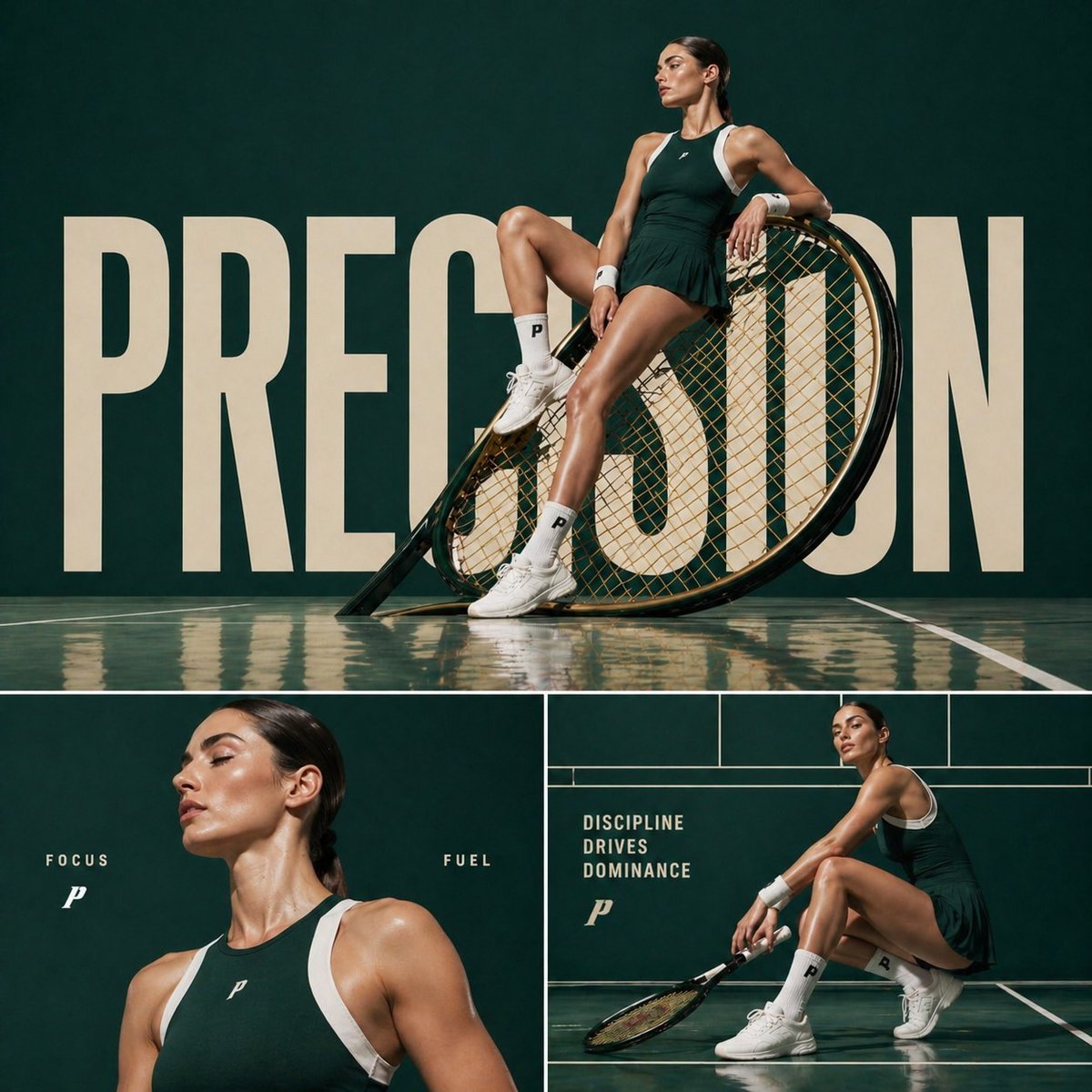
Cinematic sports fashion collage prompt

Hyper-realistic Fashion Editorial with 3D Brand Logo
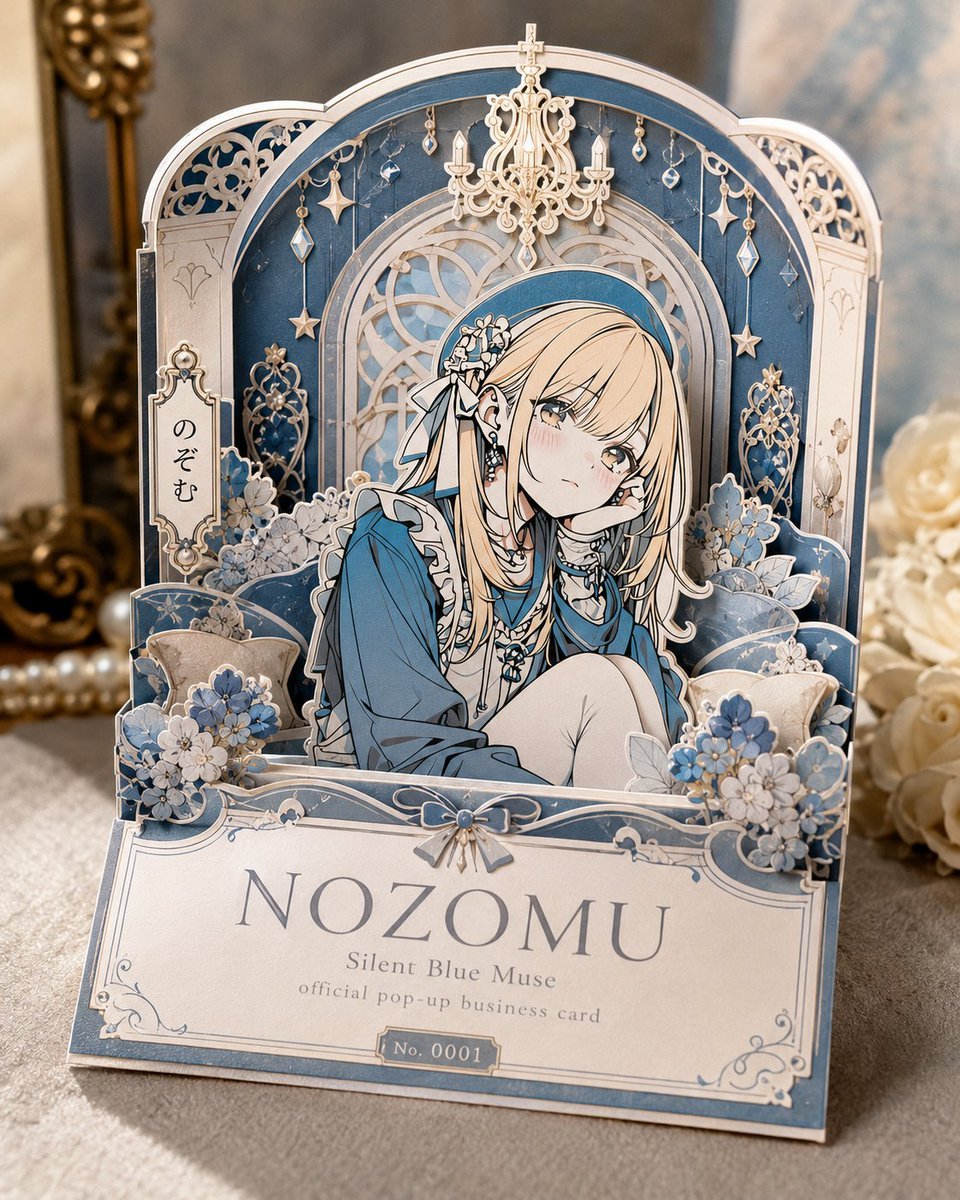
Anime Pop-Up Business Card
3D Screen Burst Fashion Ad
Realistic East Asian Portrait
Browse template categories
Cat Photo to Geometric Poster questions
How do I use the Cat Photo to Geometric Poster template?
Add your photo if the template asks for one, edit the prompt if you like — the template's model and format are already selected — and press Generate. Your version opens in PicX Studio.
Can I customize the Cat Photo to Geometric Poster template?
Yes. You can change the subject, setting, lighting, mood, format, and available model controls before creating your image.
Is the Cat Photo to Geometric Poster template free?
Opening and editing this template is free. Generating uses credits, shown on the Generate button when you are signed in.
Which AI model should I use?
Start with GPT Image 2, which is the model associated with this template. You can compare another compatible model for a different finish.
Looking for something else? Browse all templates.

Your photo, any look
Thousands of ready templates for every top image and video model, from one credit balance.