
Minimalist Street Doodle Illustration
Converts a real-life street scene into a whimsical, minimalist doodle illustration while maintaining the original composition and environment.
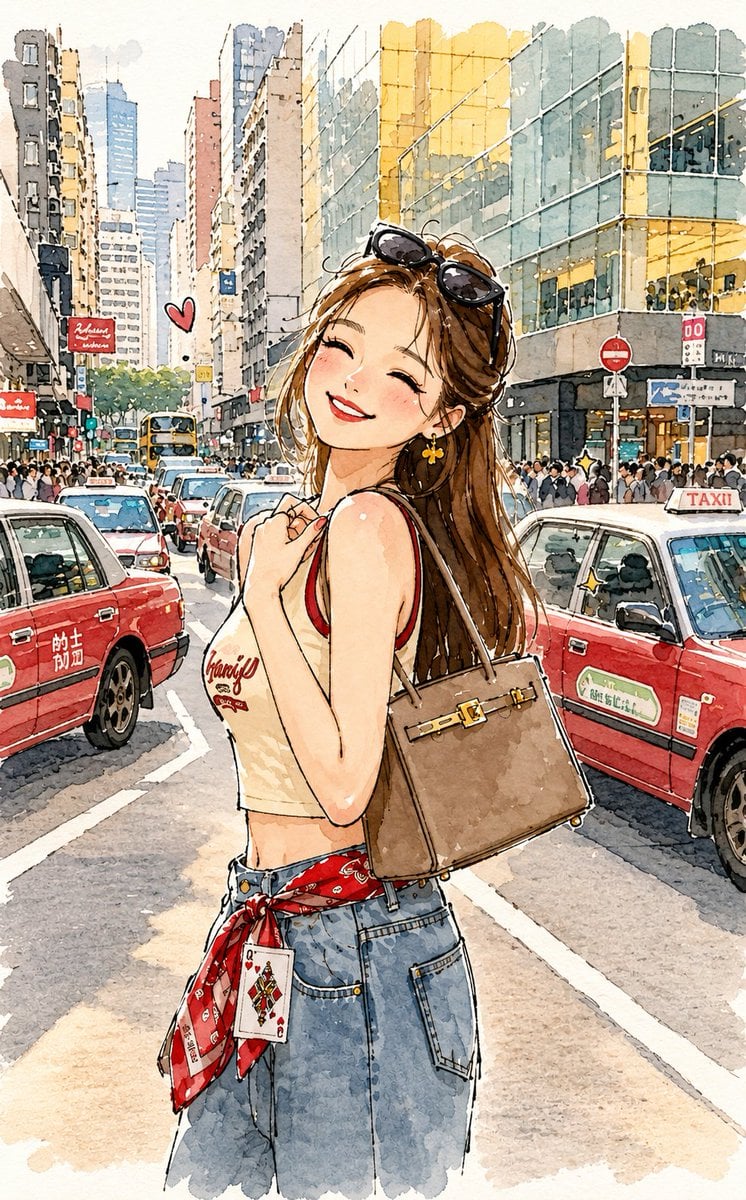
- Prompt included
- Model and format preset
- Free template
The prompt behind this image
Copy the exact prompt behind Minimalist Street Doodle Illustration, or open it in the studio and make it yours.
Transform the reference image into a {argument name="illustration style" default="charming minimalist doodle illustration"} while keeping the original white-grounded background and the complete street environment recognizable. Preserve the original subject, pose, outfit, handbag, red taxis, buildings, road, and overall composition, but simplify everything into cute, playful, childlike forms. Use {argument name="pen type" default="loose brush-pen"} outlines with naturally uneven, slightly wobbly hand-drawn strokes and tiny imperfections. Keep the white/light background visible around the illustrated elements, with the city scene softly simplified rather than removed. Add subtle watercolor-ink textures, {argument name="accent type" default="minimal pastel washes"}, expressive cartoon-like features, and a clean sketchbook aesthetic. The final artwork should feel airy, adorable, whimsical, handmade, and effortlessly hand-sketched while still retaining the recognizable original setting.
Reference images included
Minimalist Street Doodle Illustration needs input media to work. They load alongside the prompt when you open it in the studio.
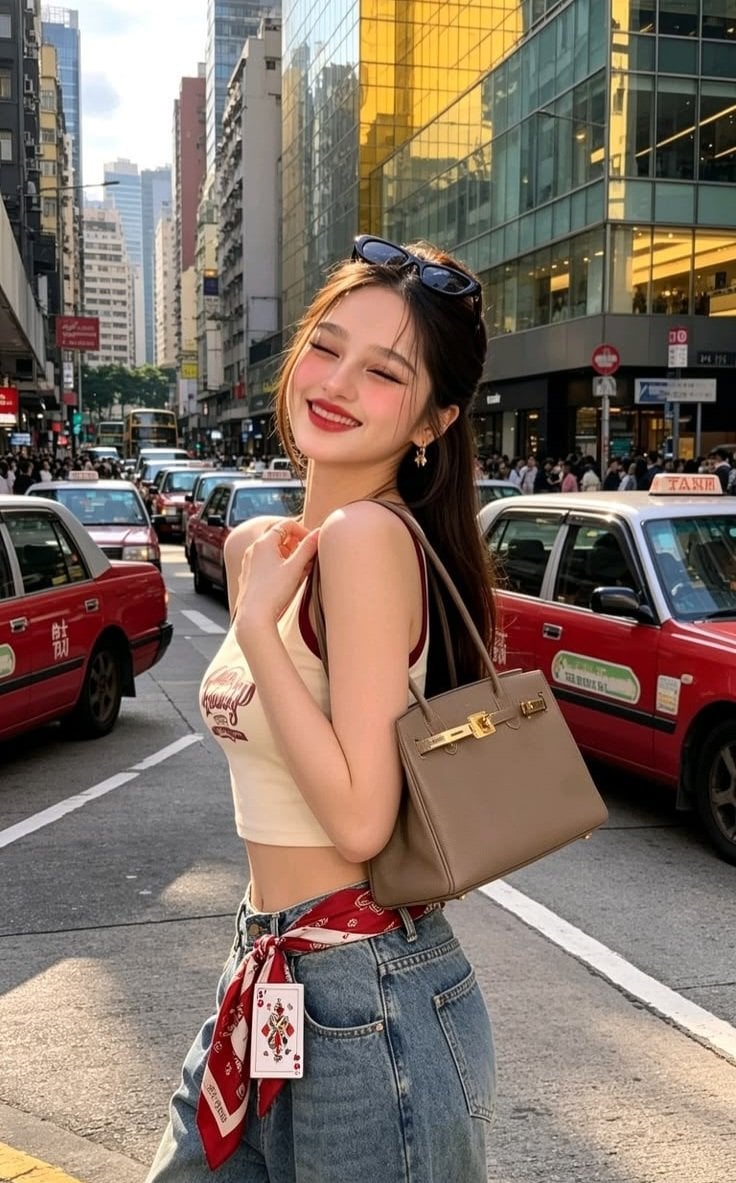
How to use Minimalist Street Doodle Illustration in 3 steps
- 1Upload ImagePNG, JPG or paste
Add your photo
Upload the photo the template builds on. The prompt, model and format are already set.
- 2…a portrait of your subject in softgolden-hour light, 85mm…
Personalize
Edit the subject and creative details for your destination.
- 3Generate
Generate
Press Generate — your image is created in PicX Studio, so you can compare it with the original and refine one variable at a time.
More like this
Templates with the same subject, style or setup. Open one to see its prompt.
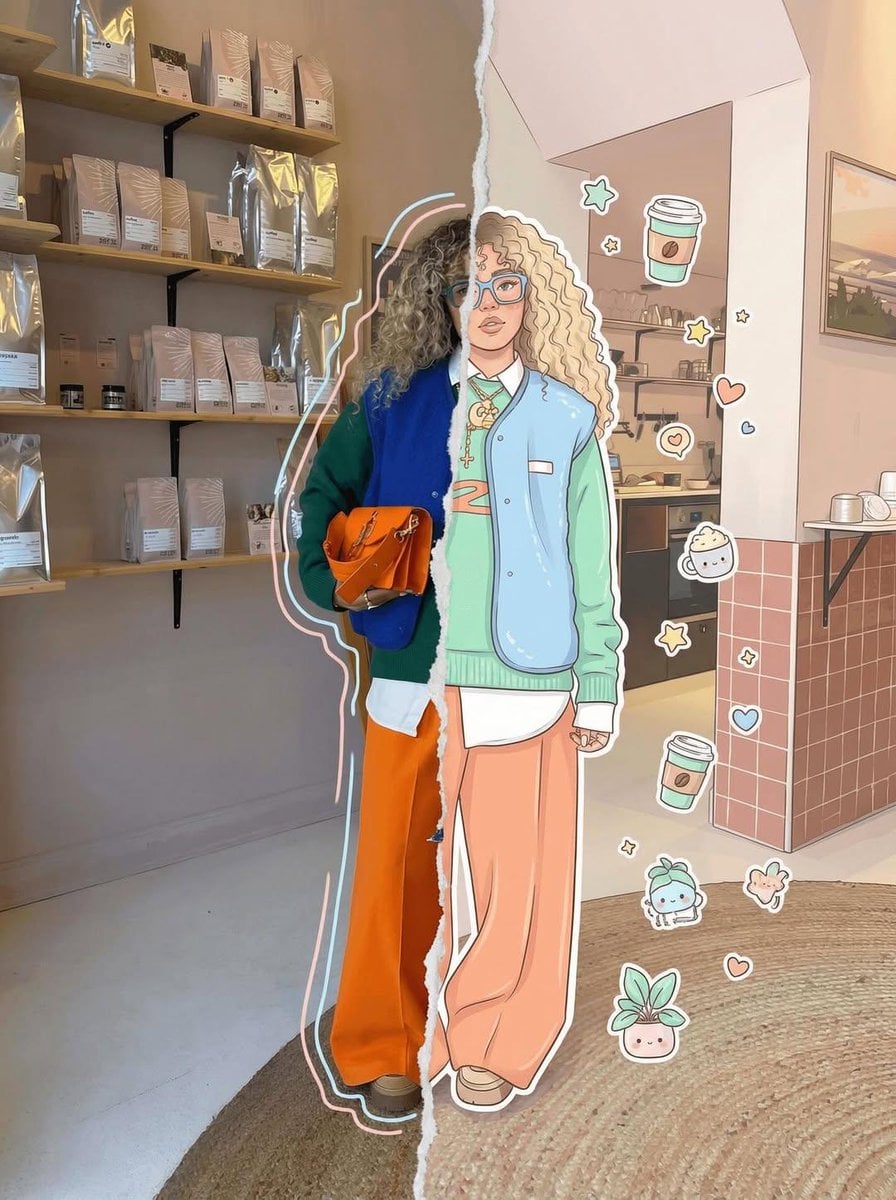
Real Illustration Split Portrait Transition
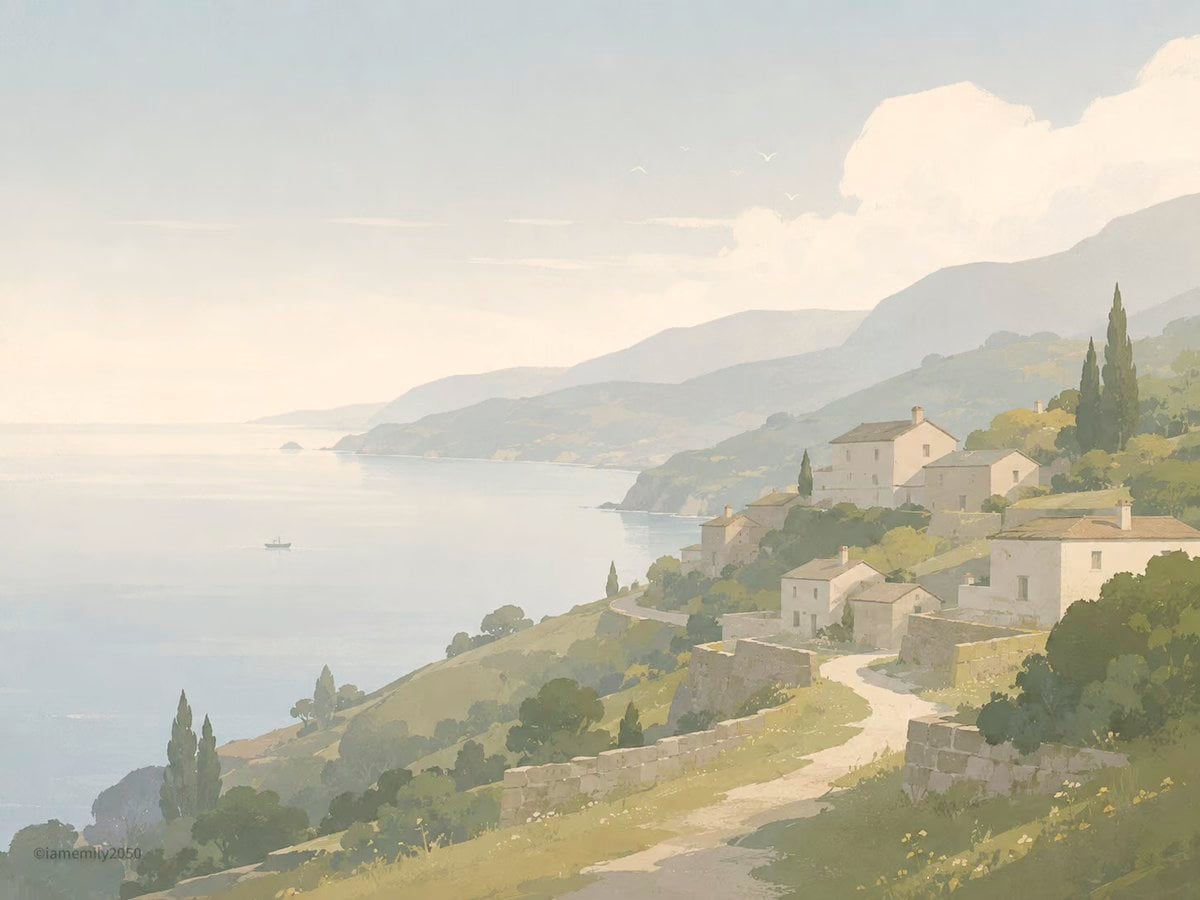
Quiet Minimalist Anime Style Guide
Cyber Noir Dreadlocks Street Portrait
Korean Streetwear Minimalist Campaign Portrait
Quiet Minimalist Anime Style Guide

Two Tickets, One Night

Meet Me When It Rains
Two Hearts. One Scooter.
1986 Street Couple
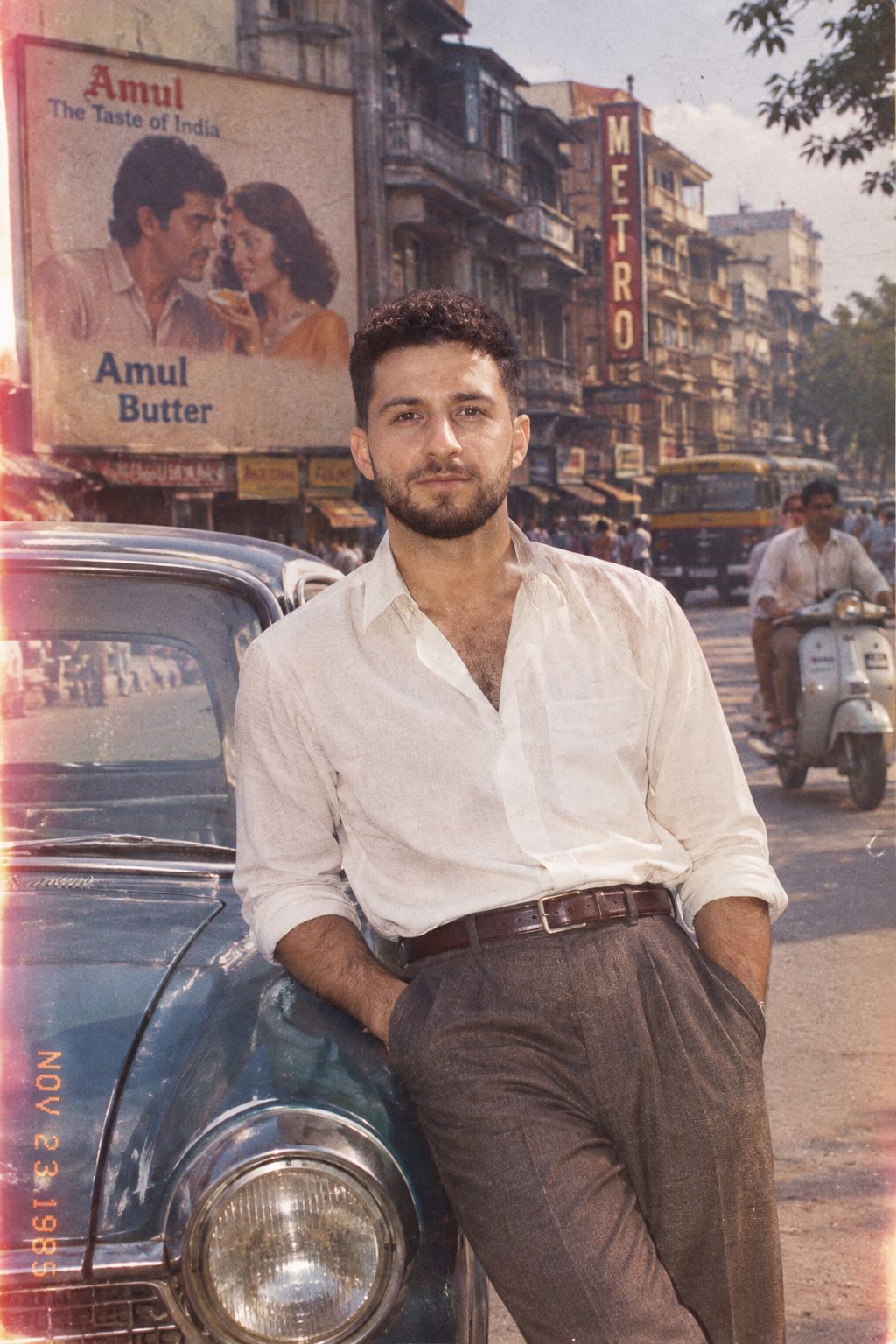
1985 Street Scene
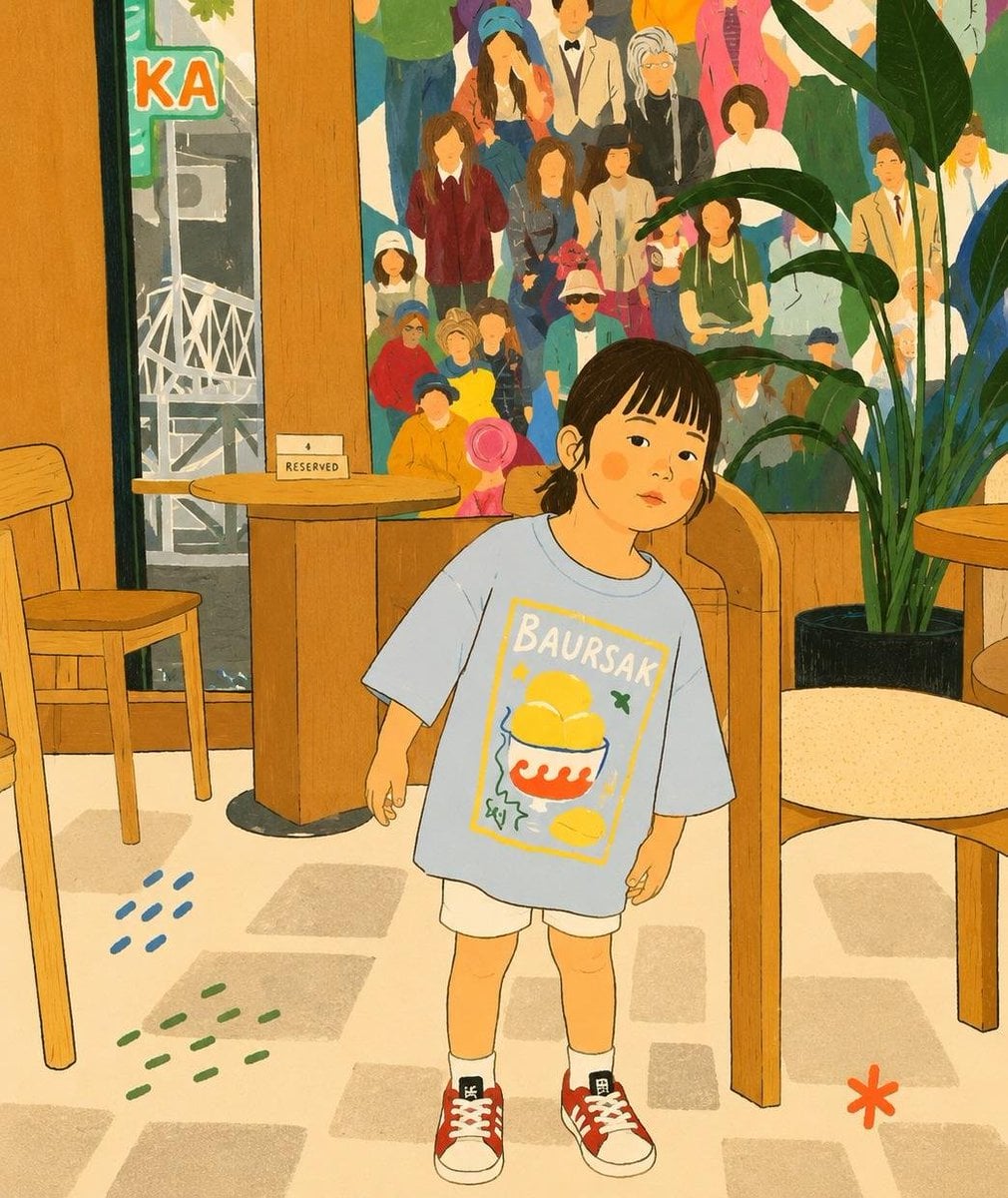
Cozy Storybook Minimalist Illustration
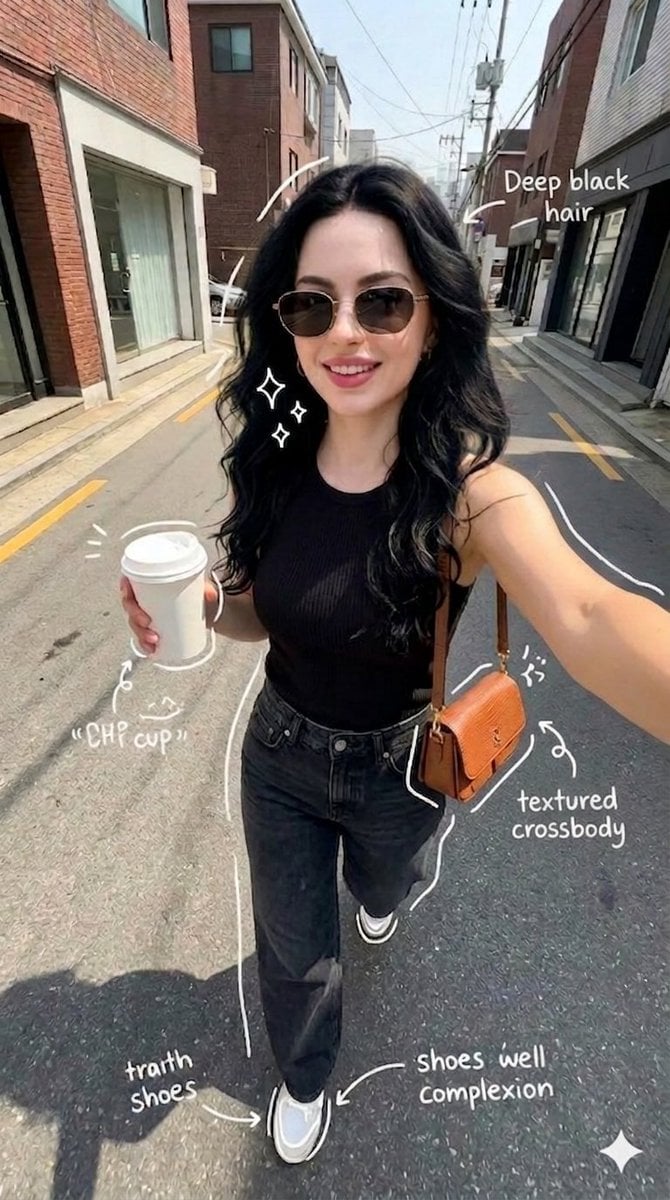
Street Style Selfie with Doodles
Make it yours
Minimalist Street Doodle Illustration works as-is. These are the safest ways to change it without losing the look.
Change one field
Copy a single group, rewrite it, and generate again so you can see what that field is doing.
Keep the frame, change the subject
Hold the composition and light of Minimalist Street Doodle Illustration, then swap wardrobe, props or the person for a new take.
| If the result… | Why | Fix |
|---|---|---|
| The result drifts from the preview | Too many fields changed at once. | Reuse Minimalist Street Doodle Illustration as-is first, then change one group — subject, light, or setting. |
| The model over-stylizes the scene | The prose prompt leaves finish and camera underspecified. | Add one camera or lighting sentence and stay on GPT Image 2. |
More GPT Image 2 templates
Other prompts made for GPT Image 2.

Six VTuber Japanese Logo Sheet

Realistic Portrait of Woman and Deer

The Vista Modular Condo Poster

AI Model Routing Comparison Infographic

2.5D Anime Art Board

Isometric Productivity Desk Scene

New York Double Exposure Poster

Four-Panel AI Landscape Comparison

Japanese Tatami Lifestyle Magazine Cover

NESCAFÉ Coffee Map Poster
More image prompts
Fresh picks from across the catalog.
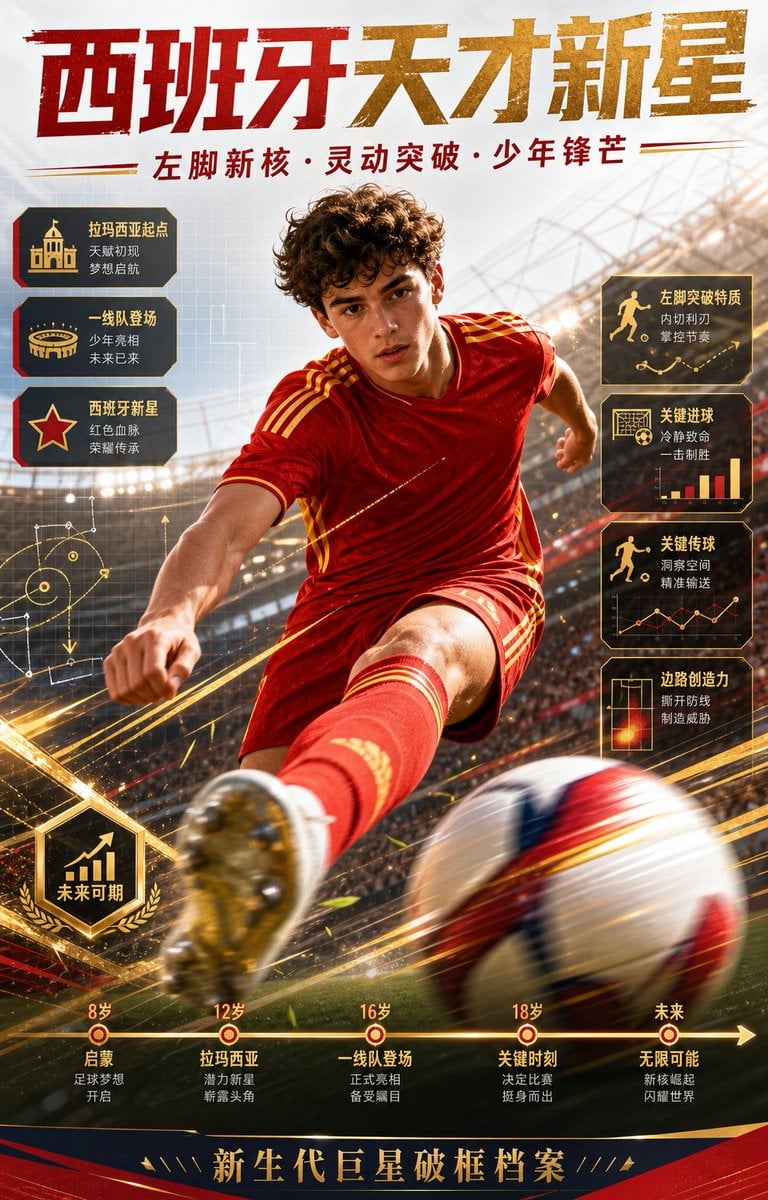
Spanish Football Prodigy Poster
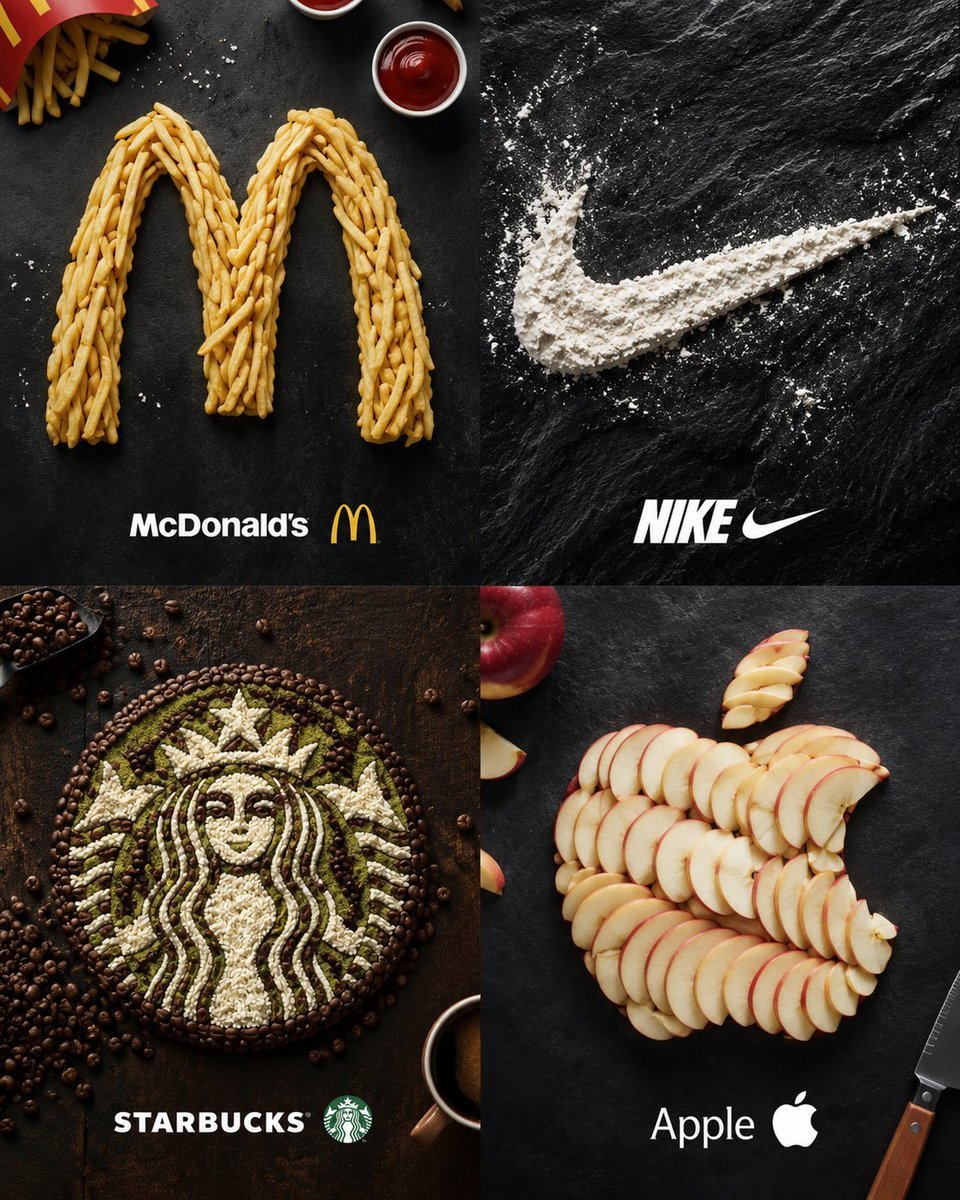
Food Ingredient Brand Logo Transformation
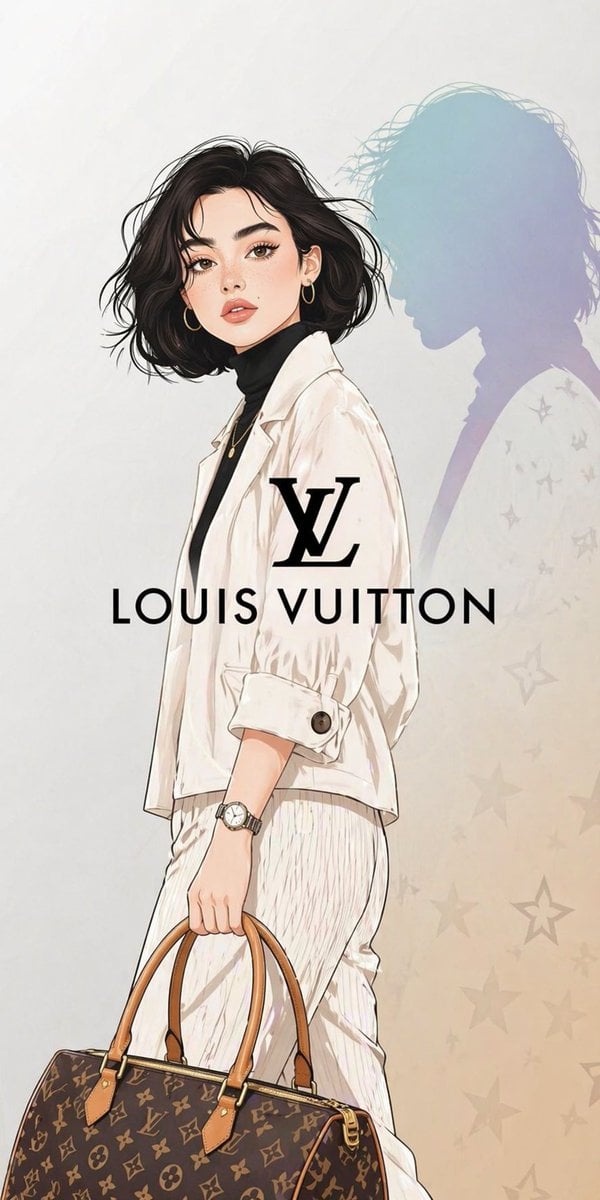
Luxury Fashion Illustration
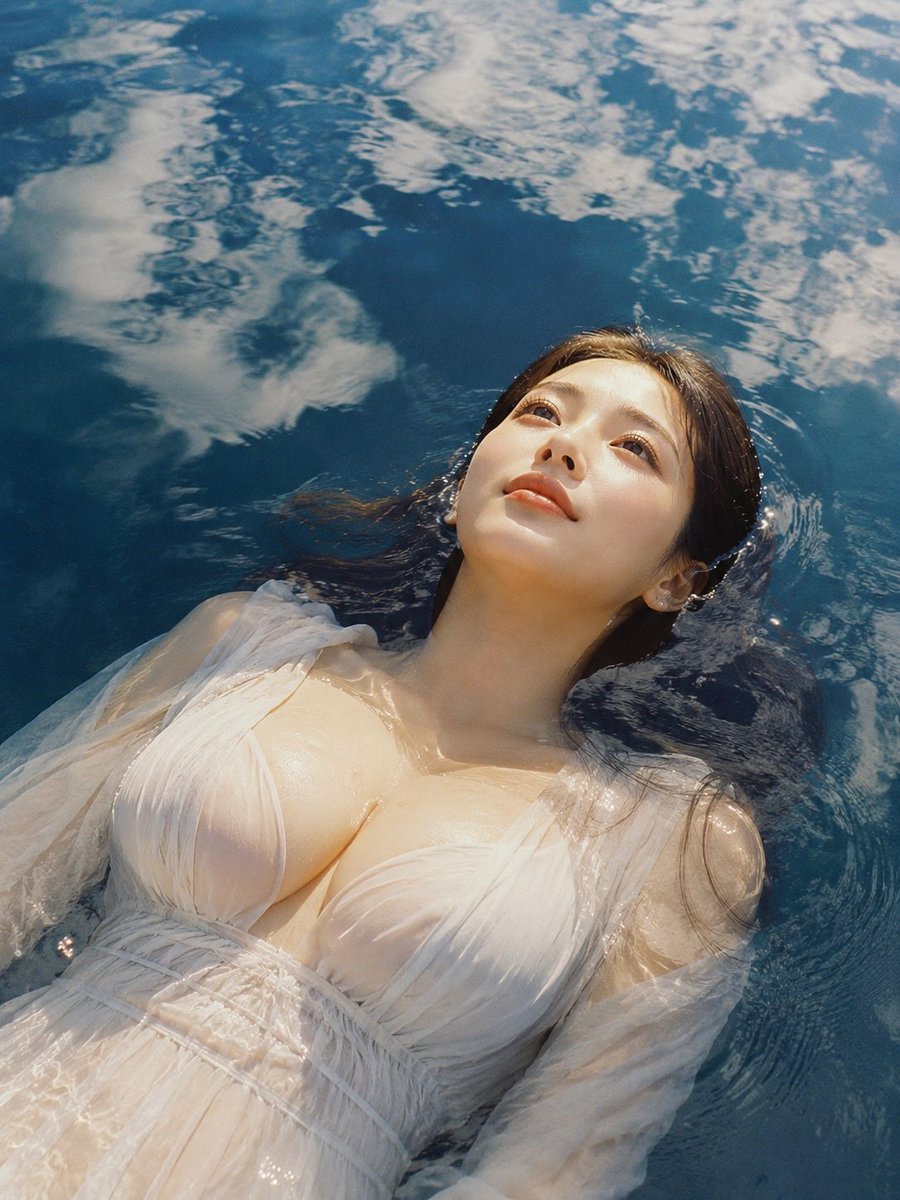
Woman Floating in Reflective Water
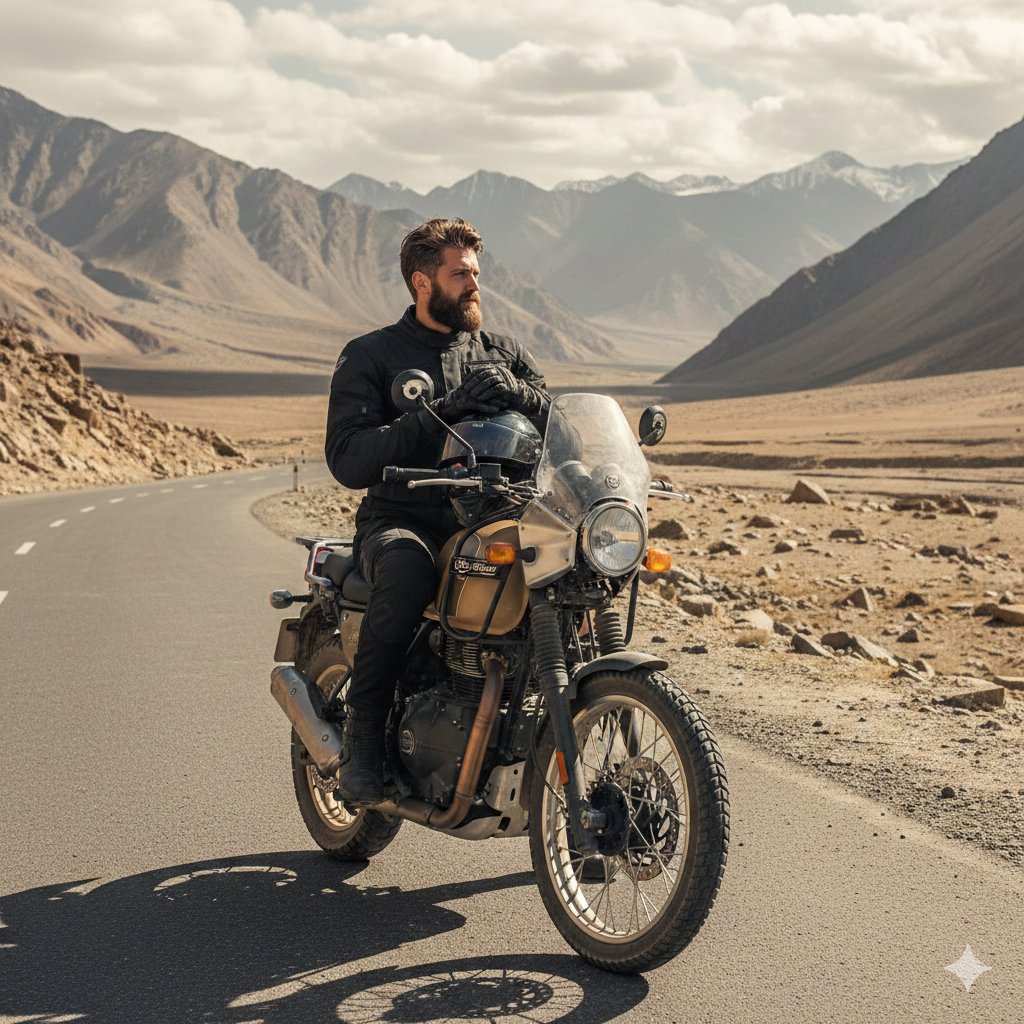
Himalayan Motorcycle Travel Photography
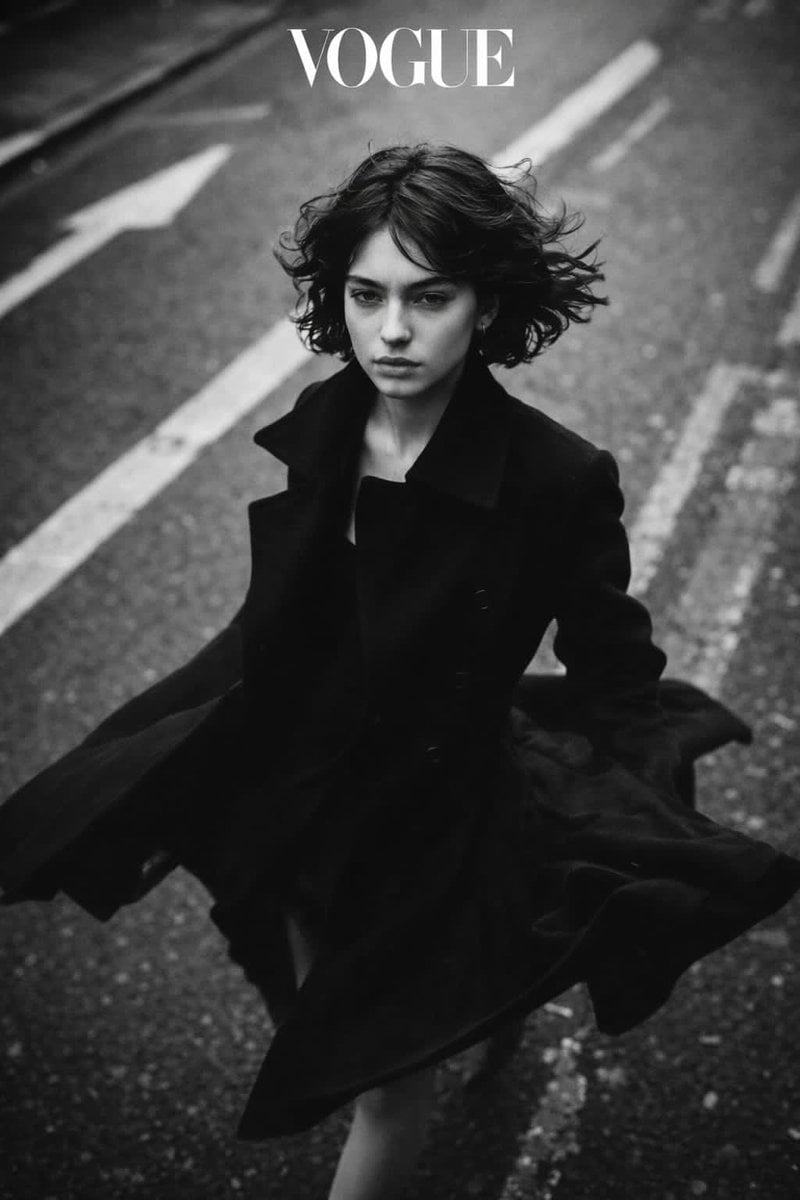
Black and White Vogue Fashion Shoot with Motion Blur
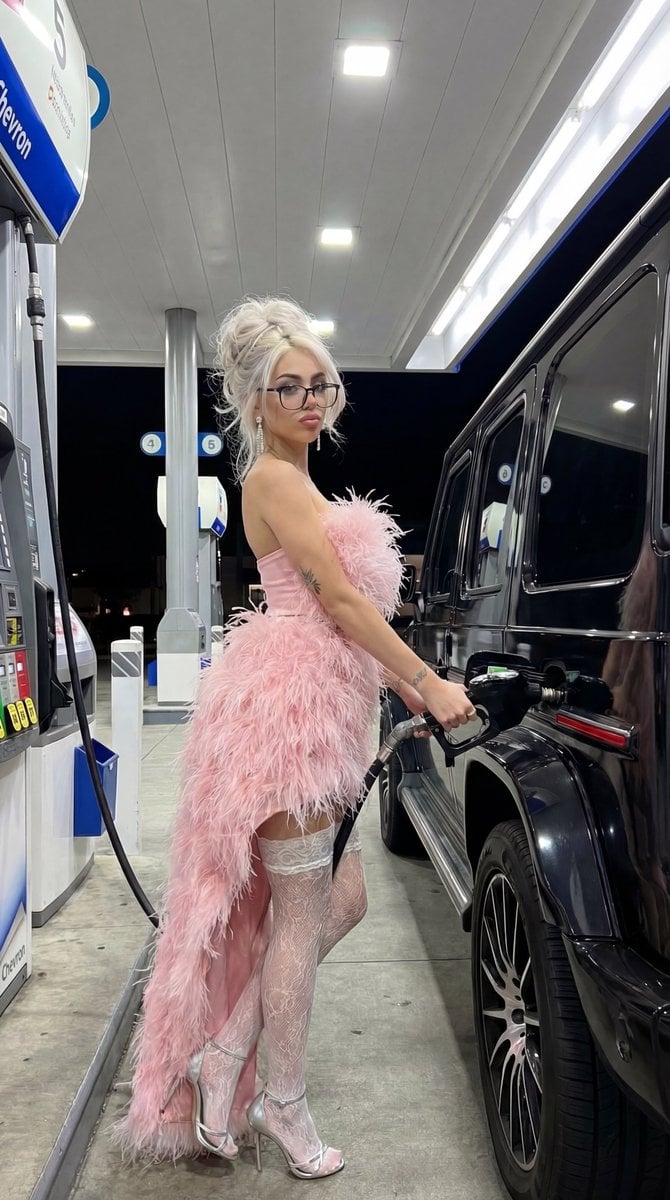
Campy High-Fashion Editorial at a Gas Station
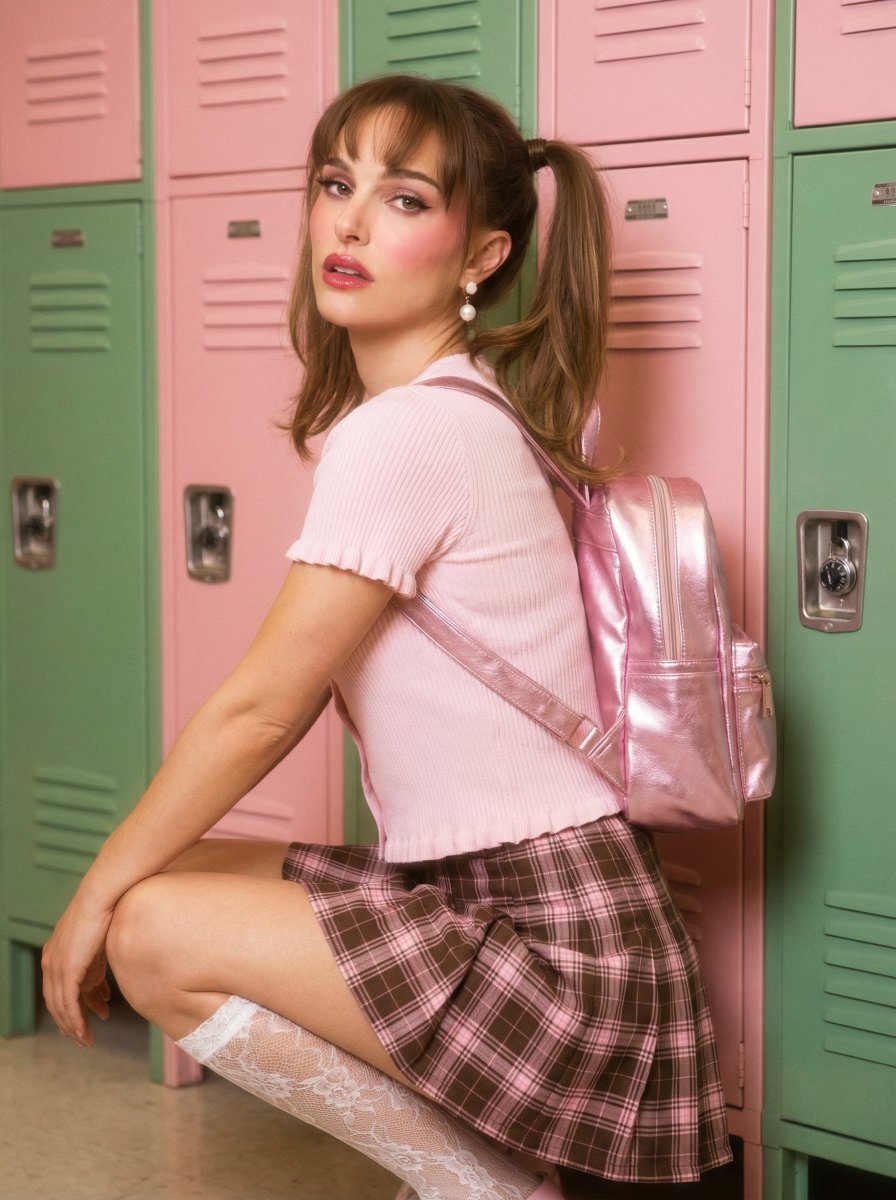
Natalie Portman School Locker Prompt
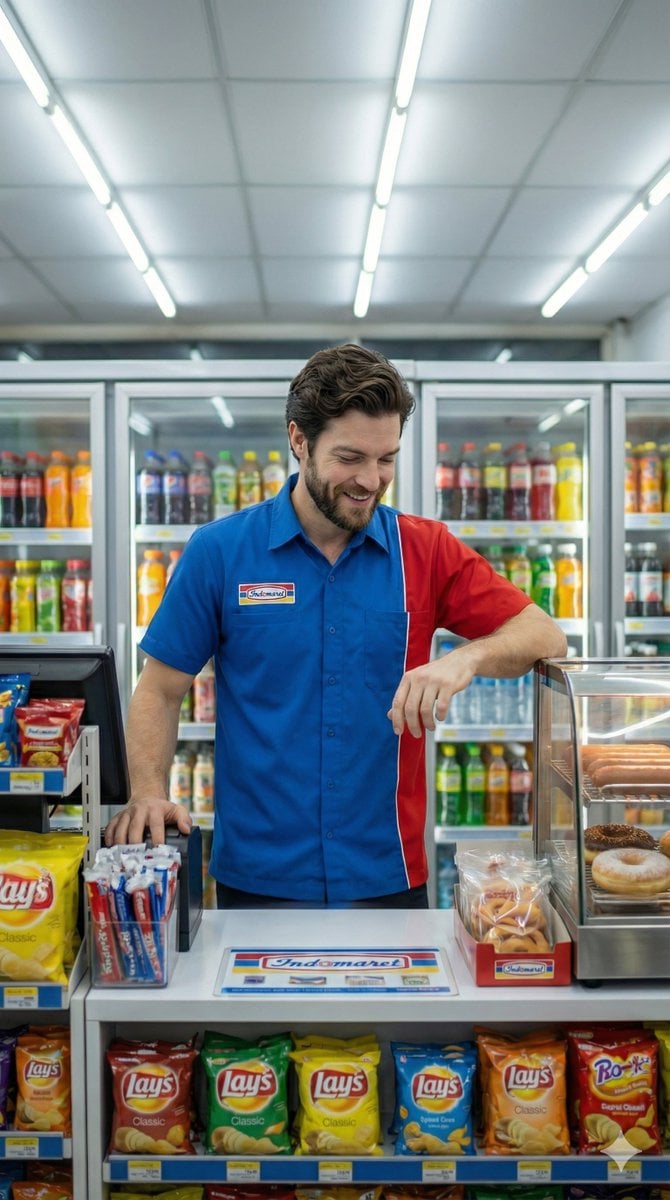
Photorealistic Convenience Store Clerk Cinematic Shot
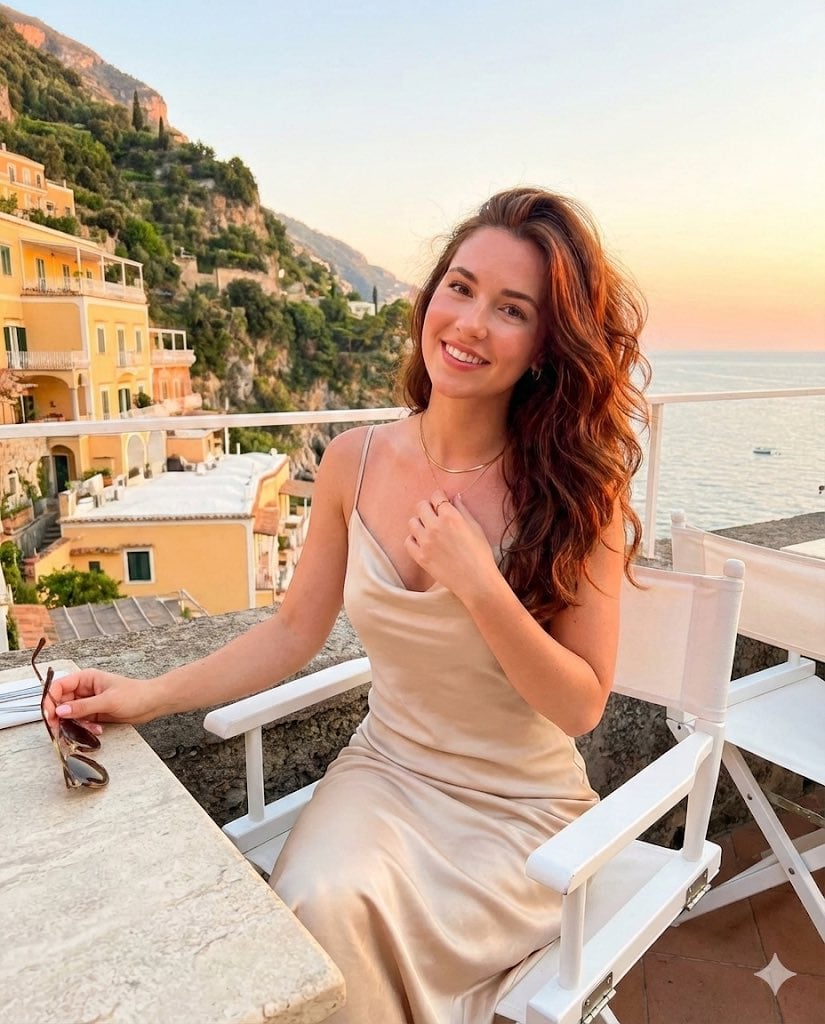
Golden Hour Positano Terrace Lifestyle Shot
Browse template categories
Minimalist Street Doodle Illustration questions
How do I use the Minimalist Street Doodle Illustration template?
Add your photo if the template asks for one, edit the prompt if you like — the template's model and format are already selected — and press Generate. Your version opens in PicX Studio.
Can I customize the Minimalist Street Doodle Illustration template?
Yes. You can change the subject, setting, lighting, mood, format, and available model controls before creating your image.
Is the Minimalist Street Doodle Illustration template free?
Opening and editing this template is free. Generating uses credits, shown on the Generate button when you are signed in.
Which AI model should I use?
Start with GPT Image 2, which is the model associated with this template. You can compare another compatible model for a different finish.
Looking for something else? Browse all templates.

Your photo, any look
Thousands of ready templates for every top image and video model, from one credit balance.