
Bakery Promotional Flyer
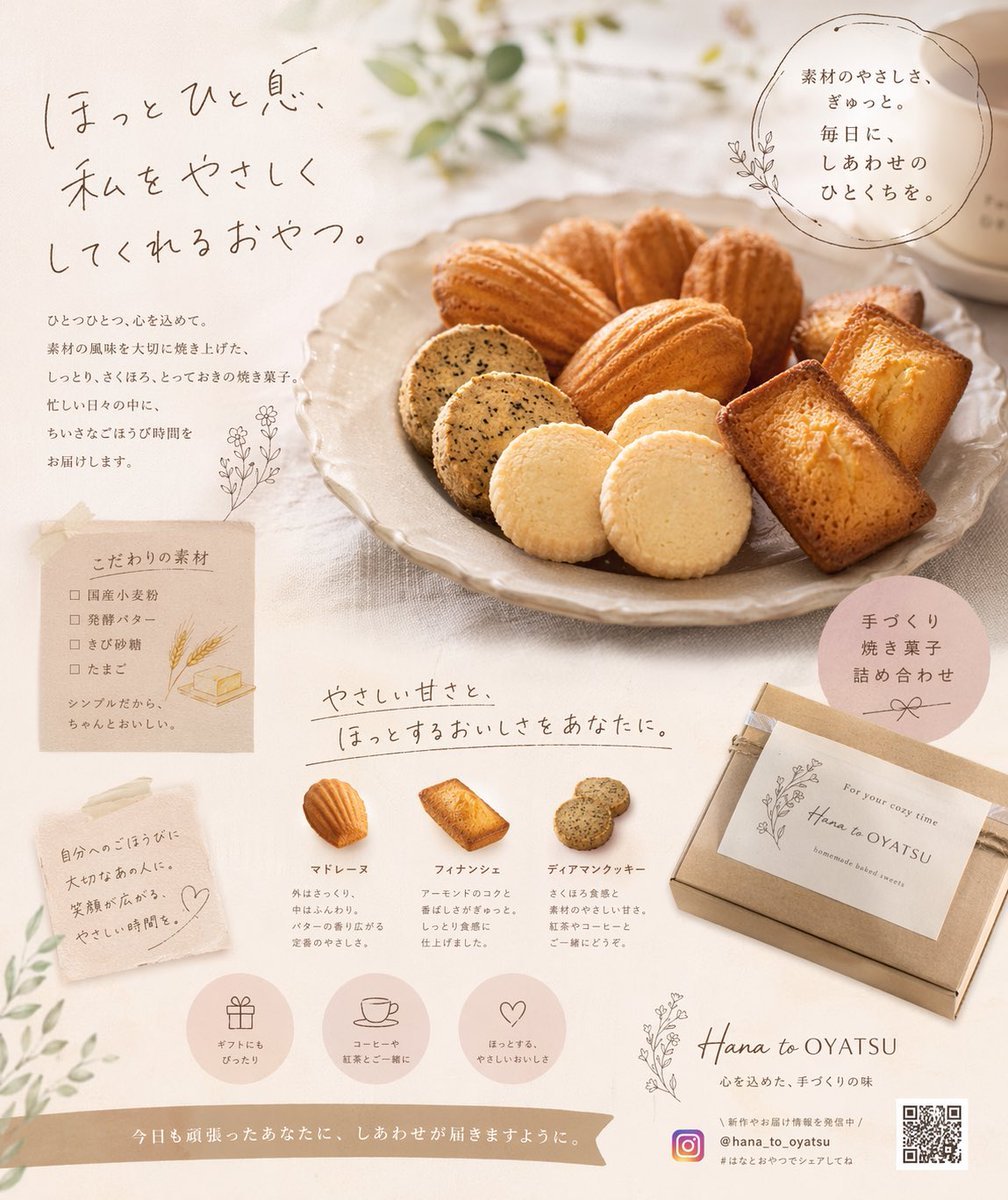
A structured JSON prompt for generating a warm, scrapbook-style promotional flyer for a bakery, featuring product lineups, ingredient lists, and cozy branding.
- Prompt included
- Model and format preset
- Free template
The prompt behind this image
Copy the exact prompt behind Bakery Promotional Flyer, or open it in the studio and make it yours.
- Type
- promotional flyer for baked goods
- Style
- warm, cozy, natural, beige and pastel tones, scrapbook aesthetic with torn paper elements and delicate line art floral illustrations
- Brand › Name
- {argument name="brand name" default="Hana to OYATSU"}
- Brand › Social Handle
- @hana_to_oyatsu
- Layout › Top Section › Main Copy
- {argument name="main catchphrase" default="ほっとひといき、私をやさしくしてくれるおやつ。"}
- Layout › Top Section › Sub Copy
- Paragraph about carefully baked sweets for relaxing moments
- Layout › Top Section › Top Right Badge
- Circular text badge about gentle ingredients and daily happiness
- Layout › Top Section › Main Image
- Large ceramic plate filled with an assortment of baked goods including madeleines, financiers, and sesame cookies, styled with soft natural lighting and a blurred background with a teacup and greenery
- Layout › Middle Left Section › Ingredients Note › Background
- Torn paper scrap taped to the background
- Layout › Middle Left Section › Ingredients Note › Title
- Carefully selected ingredients
- Layout › Middle Left Section › Ingredients Note › Count
- 4
- Layout › Middle Left Section › Ingredients Note › Items
- Domestic wheat flour, Cultured butter, Cane sugar, Eggs
- Layout › Middle Left Section › Ingredients Note › Illustrations
- Small line art of wheat stalks and a block of butter
- Layout › Middle Left Section › Message Note › Background
- Torn paper scrap
- Layout › Middle Left Section › Message Note › Text
- Message about rewarding oneself or gifting to a loved one
- Layout › Middle Left Section › Message Note › Illustration
- Small hand-drawn heart
- Layout › Middle Center Section › Section Title
- Gentle sweetness and comforting taste for you
- Layout › Middle Center Section › Product Lineup › Count
- 3
- Layout › Middle Center Section › Product Lineup › Items › 0 › Name
- {argument name="product 1 name" default="マドレーヌ"}
- Layout › Middle Center Section › Product Lineup › Items › 0 › Image
- Single madeleine
- Layout › Middle Center Section › Product Lineup › Items › 0 › Description
- Crispy outside, fluffy inside with butter aroma
- Layout › Middle Center Section › Product Lineup › Items › 1 › Name
- {argument name="product 2 name" default="フィナンシェ"}
- Layout › Middle Center Section › Product Lineup › Items › 1 › Image
- Single rectangular financier
- Layout › Middle Center Section › Product Lineup › Items › 1 › Description
- Rich almond flavor and moist texture
Raw JSON
{
  "type": "promotional flyer for baked goods",
  "style": "warm, cozy, natural, beige and pastel tones, scrapbook aesthetic with torn paper elements and delicate line art floral illustrations",
  "brand": {
    "name": "{argument name=\"brand name\" default=\"Hana to OYATSU\"}",
    "social_handle": "@hana_to_oyatsu"
  },
  "layout": {
    "top_section": {
      "main_copy": "{argument name=\"main catchphrase\" default=\"ほっとひといき、私をやさしくしてくれるおやつ。\"}",
      "sub_copy": "Paragraph about carefully baked sweets for relaxing moments",
      "top_right_badge": "Circular text badge about gentle ingredients and daily happiness",
      "main_image": "Large ceramic plate filled with an assortment of baked goods including madeleines, financiers, and sesame cookies, styled with soft natural lighting and a blurred background with a teacup and greenery"
    },
    "middle_left_section": {
      "ingredients_note": {
        "background": "Torn paper scrap taped to the background",
        "title": "Carefully selected ingredients",
        "count": 4,
        "items": ["Domestic wheat flour", "Cultured butter", "Cane sugar", "Eggs"],
        "illustrations": "Small line art of wheat stalks and a block of butter"
      },
      "message_note": {
        "background": "Torn paper scrap",
        "text": "Message about rewarding oneself or gifting to a loved one",
        "illustration": "Small hand-drawn heart"
      }
    },
    "middle_center_section": {
      "section_title": "Gentle sweetness and comforting taste for you",
      "product_lineup": {
        "count": 3,
        "items": [
          {
            "name": "{argument name=\"product 1 name\" default=\"マドレーヌ\"}",
            "image": "Single madeleine",
            "description": "Crispy outside, fluffy inside with butter aroma"
          },
          {
            "name": "{argument name=\"product 2 name\" default=\"フィナンシェ\"}",
            "image": "Single rectangular financier",
            "description": "Rich almond flavor and moist texture"
          },
          {
            "name": "{argument name=\"product 3 name\" default=\"ディアマンクッキー\"}",
            "image": "Two round sesame cookies",
            "description": "Crumbly texture and gentle sweetness, perfect with tea or coffee"
          }
        ]
      }
    },
    "middle_right_section": {
      "badge": "Pink circular badge with text 'Handmade baked sweets assortment' and a bow illustration",
      "packaging_image": "Kraft paper gift box tied with a ribbon and a white label reading 'For your cozy time Hana to OYATSU homemade baked sweets' with botanical line art"
    },
    "bottom_section": {
      "feature_icons": {
        "count": 3,
        "items": [
          { "icon": "Gift box", "text": "Perfect for gifts" },
          { "icon": "Coffee cup", "text": "Enjoy with coffee or tea" },
          { "icon": "Heart", "text": "Comforting, gentle taste" }
        ]
      },
      "footer": {
        "banner_text": "Wishing happiness reaches you who worked hard today.",
        "brand_info": "Hana to OYATSU logo, subtitle 'Heartfelt, handmade taste'",
        "contact_info": "Instagram logo, handle, hashtag, and a QR code"
      }
    }
  }
}How to use Bakery Promotional Flyer in 3 steps
- 1Upload ImagePNG, JPG or paste
Add your photo
Upload the photo the template builds on. The prompt, model and format are already set.
- 2…a portrait of your subject in softgolden-hour light, 85mm…
Personalize
Edit the subject and creative details for your destination.
- 3Generate
Generate
Press Generate — your image is created in PicX Studio, so you can compare it with the original and refine one variable at a time.
More like this
Templates with the same subject, style or setup. Open one to see its prompt.
Japanese Supermarket Promotional Flyer

Cartoon TV Show Poster Pack
Medical Program Promotional Flyer
Modern Milk Tea Promotional Flyer
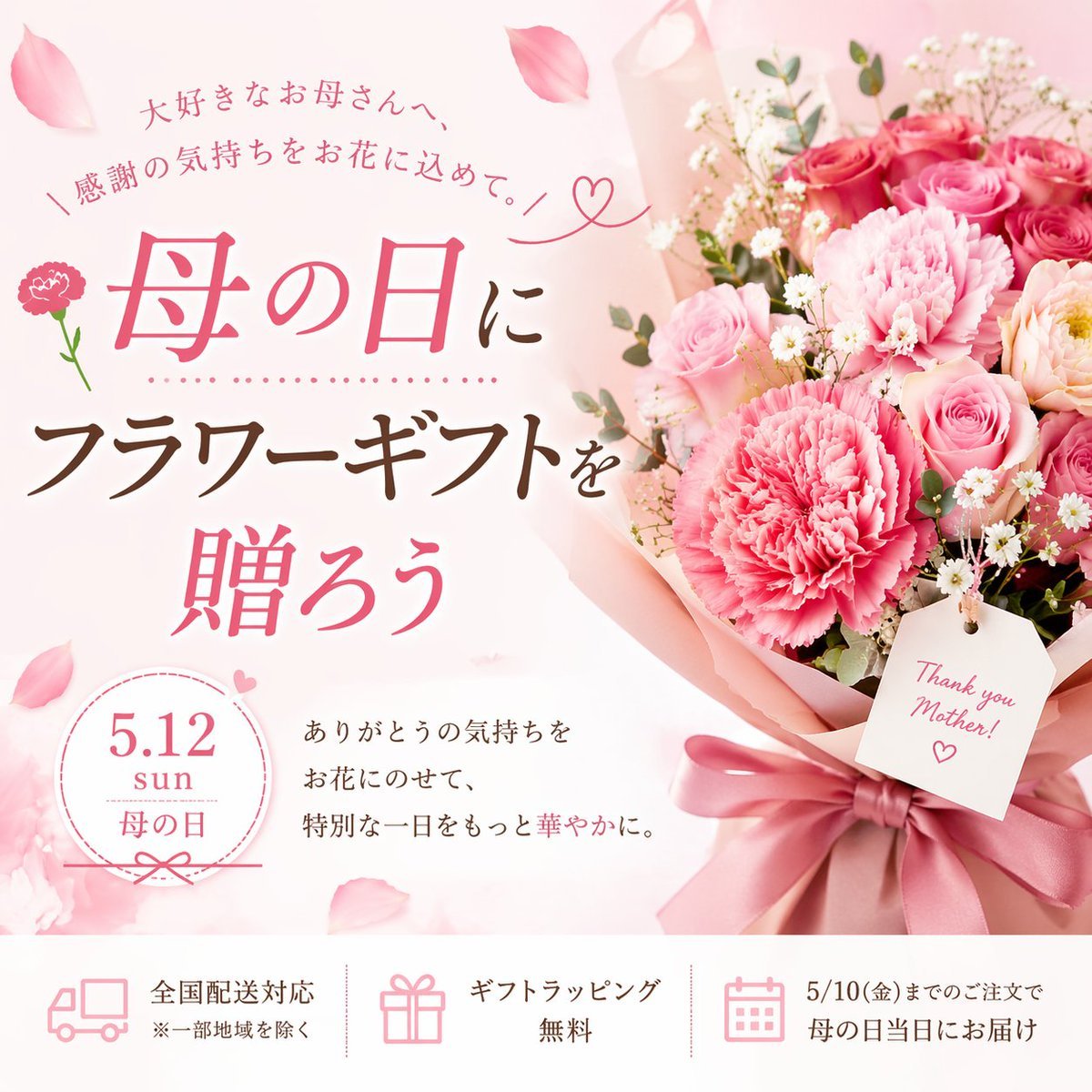
Mother's Day Flower Gift Promotional Banner
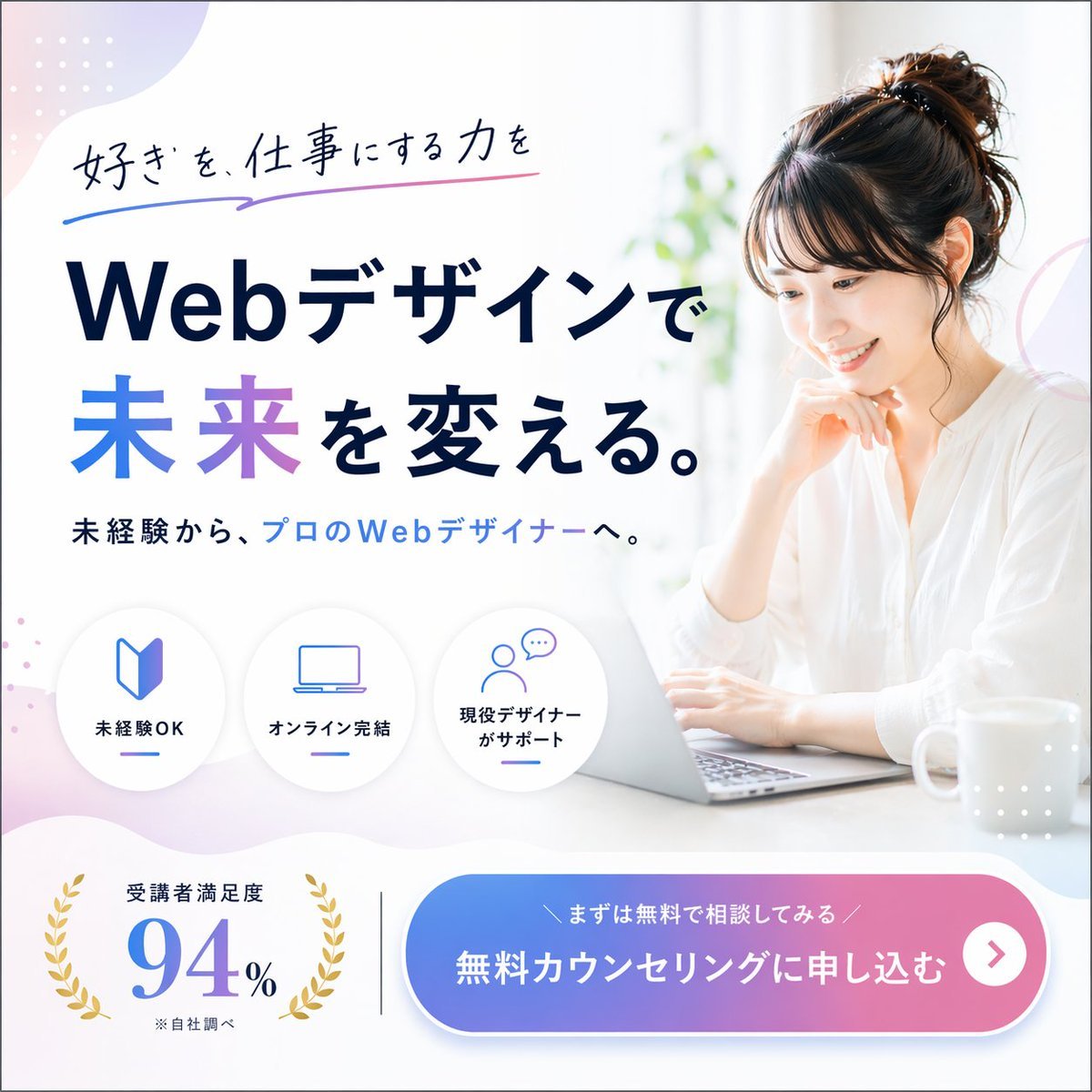
Web Design Course Promotional Banner
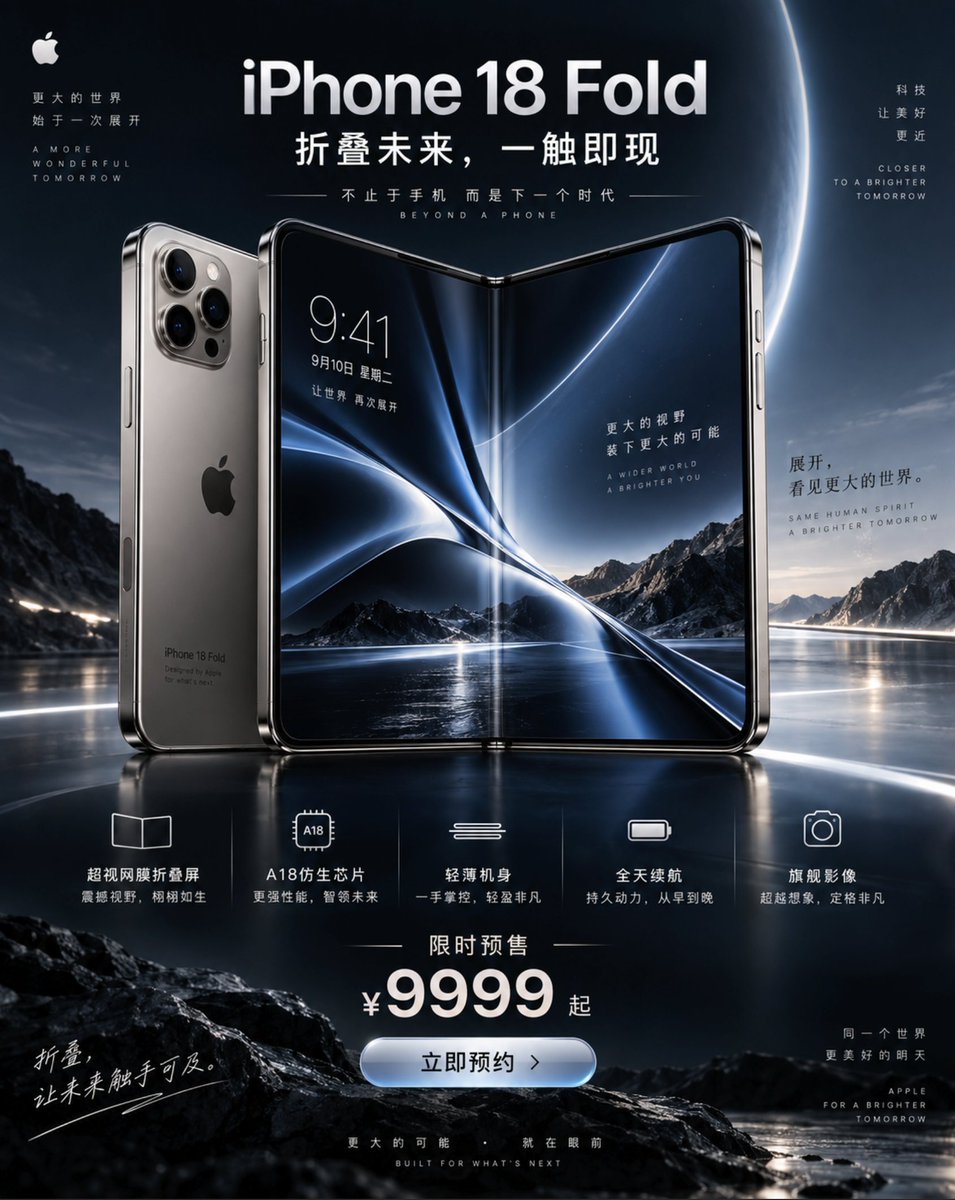
iPhone 18 Promotional Poster
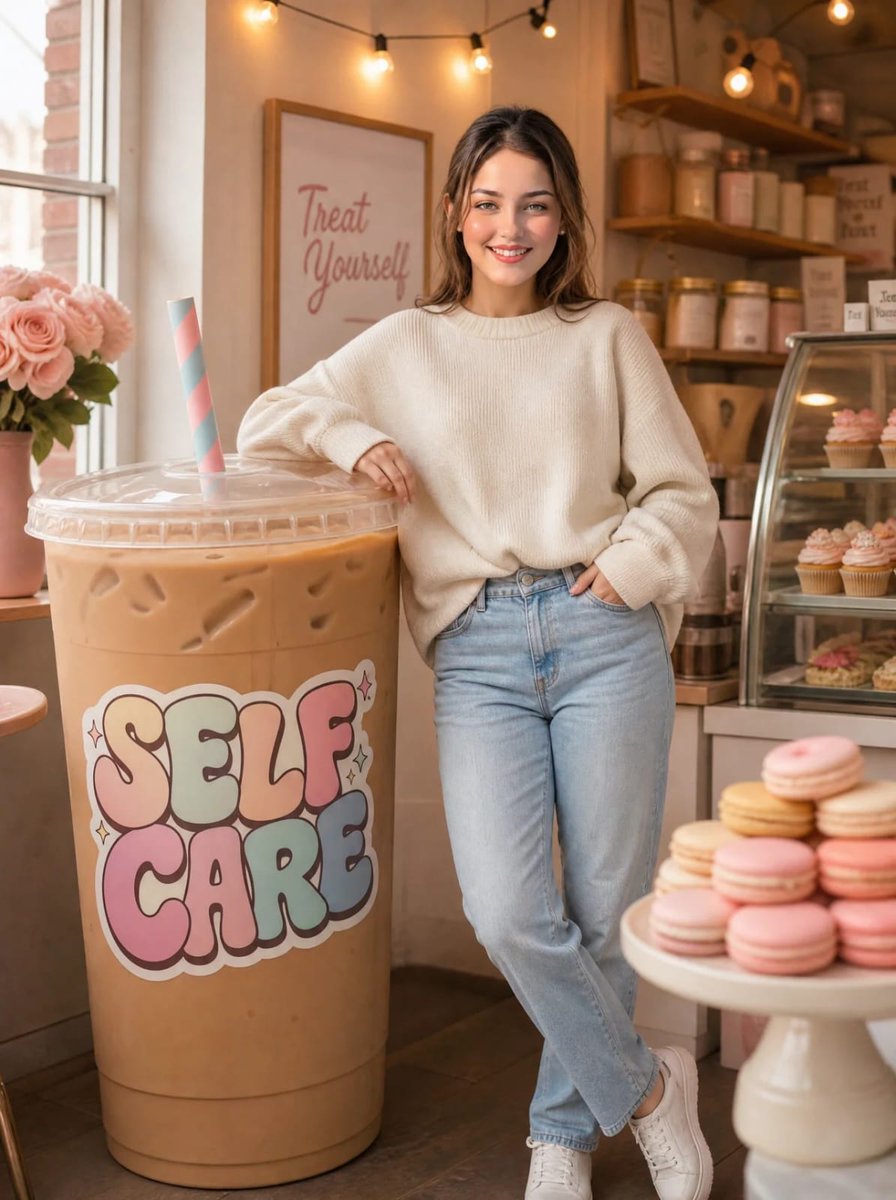
Cozy Bakery Giant Coffee Scene
Purple Bakery Illustration Prompt
Black and White Bakery Street Portrait

Airline Crew Promotional Poster

Giant Hamster Bakery Chase
Make it yours
Bakery Promotional Flyer works as-is. These are the safest ways to change it without losing the look.
Swap the setting
Keep the rest of the prompt and replace the location block. The current setting is “Torn paper scrap taped to the background”.
Change one field
Copy a single group, rewrite it, and generate again so you can see what that field is doing.
Keep the frame, change the subject
Hold the composition and light of Bakery Promotional Flyer, then swap wardrobe, props or the person for a new take.
| If the result… | Why | Fix |
|---|---|---|
| The result drifts from the preview | Too many fields changed at once. | Reuse Bakery Promotional Flyer as-is first, then change one group — subject, light, or setting. |
| GPT Image 2 ignores part of the JSON | Some models flatten or skip nested keys. | Keep the same values and paste them as a short paragraph instead. |
More GPT Image 2 templates
Other prompts made for GPT Image 2.

Six VTuber Japanese Logo Sheet

Realistic Portrait of Woman and Deer

The Vista Modular Condo Poster

AI Model Routing Comparison Infographic

2.5D Anime Art Board

Isometric Productivity Desk Scene

New York Double Exposure Poster

Four-Panel AI Landscape Comparison

Japanese Tatami Lifestyle Magazine Cover

NESCAFÉ Coffee Map Poster
More image prompts
Fresh picks from across the catalog.
Stylish Six-Portrait Collage Prompt
Fujifilm Style Home Couple Portraits

Six-Image 90s Zine Fashion Collage
Blue Fantasy Knight Character
Nano Banana Pro Science Prompt Template
Fantasy Anime Knight Movie Poster
Exploded View Infographic Diagram Prompt
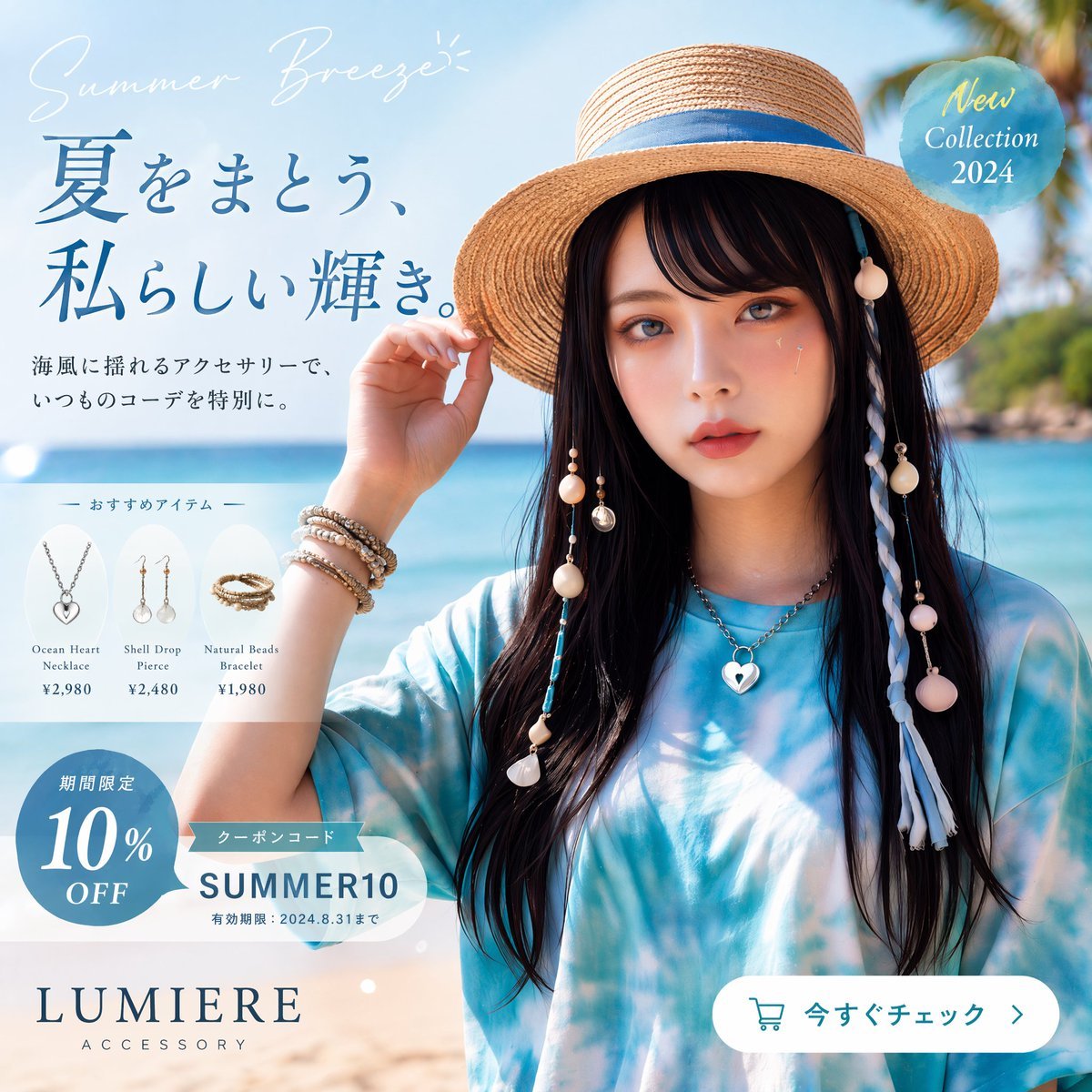
Japanese Summer Accessory Ad Poster
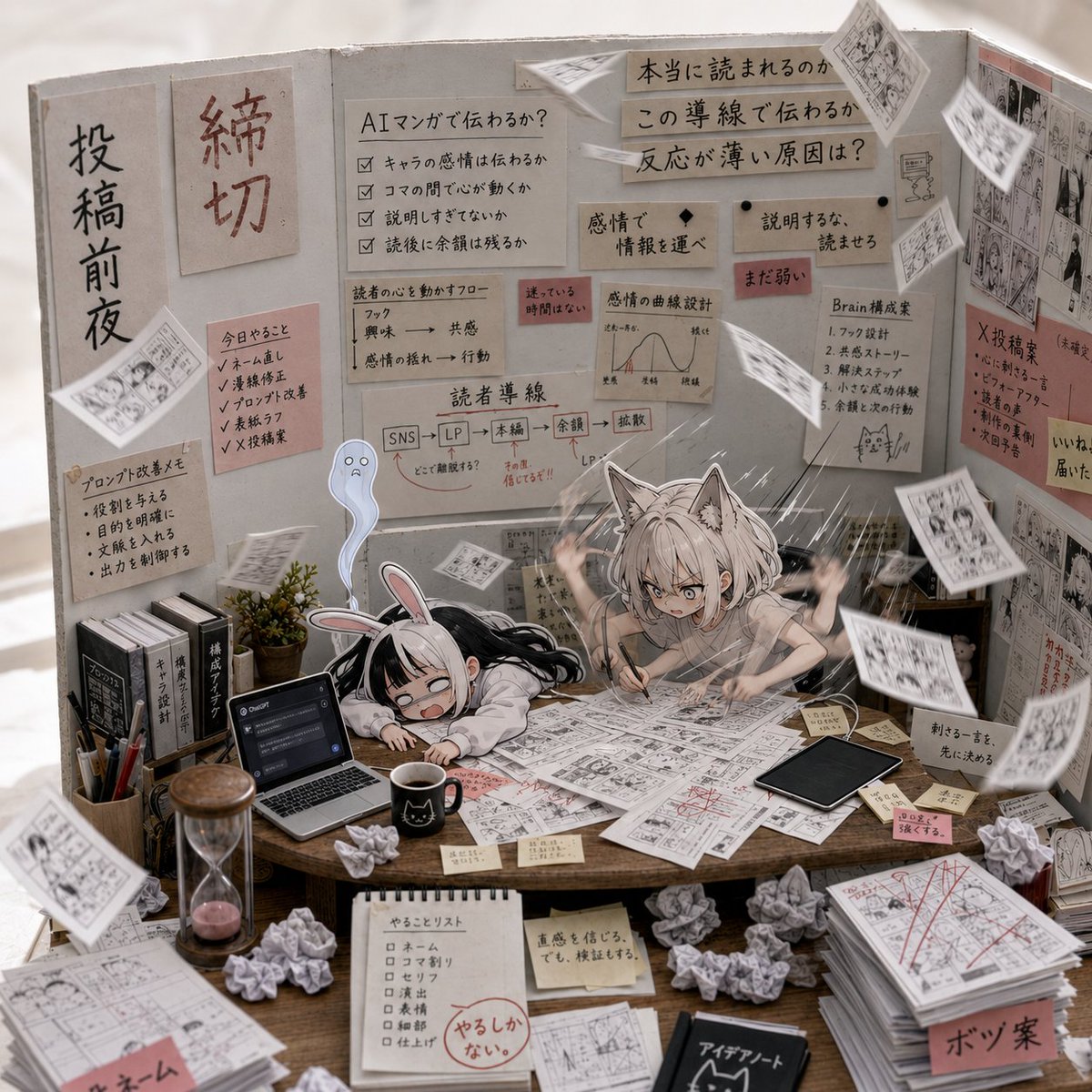
AI Manga Deadline War Room

Realistic AI Face Generation Prompt for Gemini
Browse template categories
Bakery Promotional Flyer questions
How do I use the Bakery Promotional Flyer template?
Add your photo if the template asks for one, edit the prompt if you like — the template's model and format are already selected — and press Generate. Your version opens in PicX Studio.
Can I customize the Bakery Promotional Flyer template?
Yes. You can change the subject, setting, lighting, mood, format, and available model controls before creating your image.
Is the Bakery Promotional Flyer template free?
Opening and editing this template is free. Generating uses credits, shown on the Generate button when you are signed in.
Which AI model should I use?
Start with GPT Image 2, which is the model associated with this template. You can compare another compatible model for a different finish.
Looking for something else? Browse all templates.

Your photo, any look
Thousands of ready templates for every top image and video model, from one credit balance.