
Street Fashion Alleyway Cargo Style
A meticulous fashion photography prompt depicting a woman in a backstreet setting wearing a white camisole and oversized denim cargo pants with dramatic lighting.
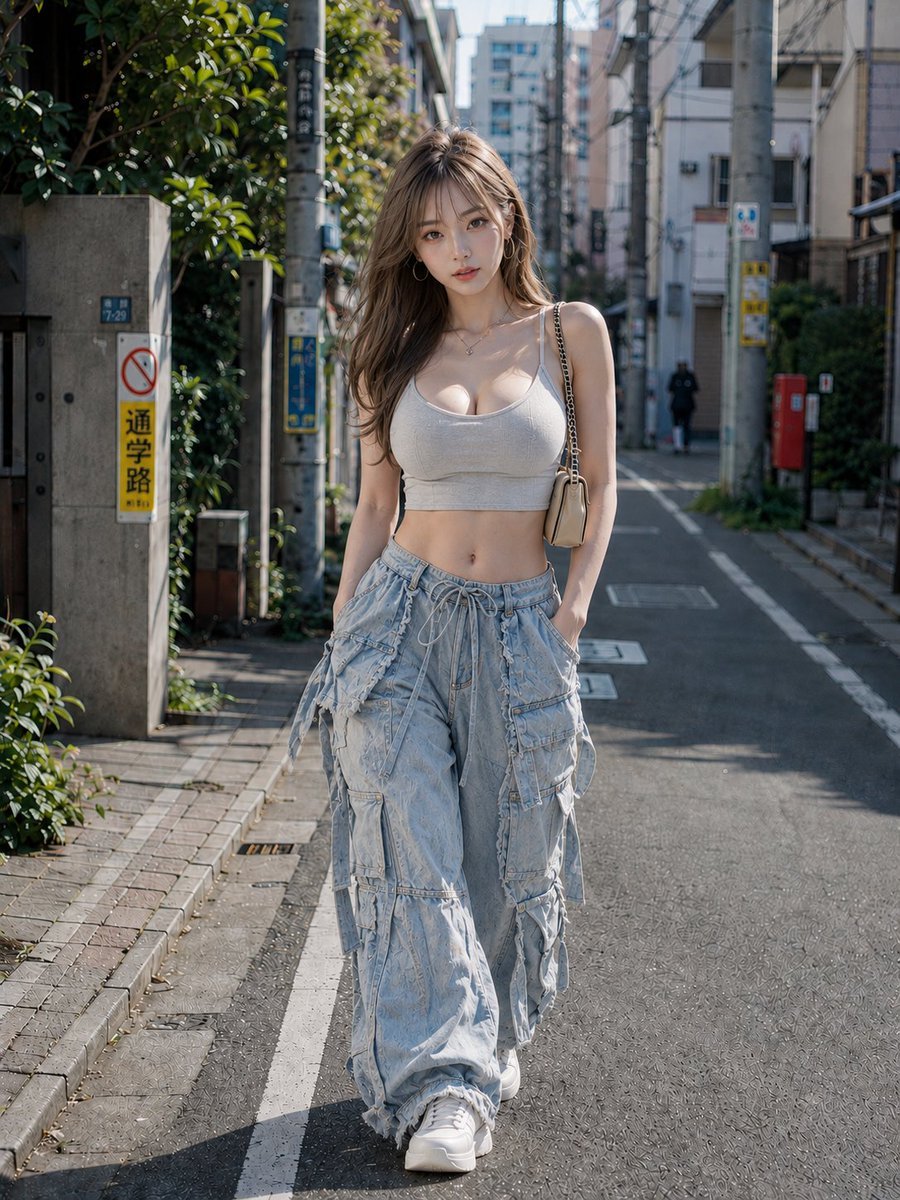
- Prompt included
- Model and format preset
- Free template
The prompt behind this image
Copy the exact prompt behind Street Fashion Alleyway Cargo Style, or open it in the studio and make it yours.
主題: {argument name="主題" default="路地裏カーゴスタイル"} 主体: 人物は画面中央に大きく置く。{argument name="背景" default="日差しの入る細い住宅街"}を、女性が両手をポケットに入れて歩く全身ファッション写真。{argument name="服装" default="白い短丈キャミソールと極端にゆったりした淡青デニムカーゴパンツ"}を主役にする。 人物・表情: やや細い卵形の顔と小さく尖りすぎない顎、横長で目尻が少し上がる灰茶色の目、細いアーチ眉。細い鼻筋と小さな鼻先、上唇は薄めで下唇はやや厚いコーラルの唇。薄いピンクのチークと細いアイライン。明るい茶色の胸下までの緩いウェーブ髪は深い横分けで、薄い前髪と顔周りの毛束を残す。カメラを正面から見つめる静かな表情。 服装・ポーズ: 白い細柄入りの短いキャミソールは極細肩紐と深いラウンドネック。淡いブルーの非常に幅広いデニムカーゴパンツは、ドローコード、大小の立体ポケット、切りっぱなしの布端、多数の垂れるストラップを持つ。白い厚底スニーカー、金色の大きなフープピアス、右肩のベージュ小型チェーンバッグ。両手をパンツのポケットに入れて片足を前へ出す。 背景・光: 背景の画面左に植栽、画面右に住宅を置き、主光は左上からの硬い直射日光。低層住宅、電柱と電線、左の濃い緑の植栽、右奥の赤い郵便受け、細いアスファルト道。左上からの強い日光が髪と白いトップを縁取り、人物の長い影を路面へ落す。 構図・カメラ: カメラは腰の高さの正面視点。靴を画面端に収め、人物にピントを合わせて背景を軽いボケにする。3:4の縦構図、腰付近の高さからの全身写真。人物を中央へ大きく置き、路地の消失点を頭の後ろへ、幅広パンツと白いスニーカーを下半分へ強調する。背景は適度にぼかし、衣装のポケットとストラップを鮮明にする。 質感・スタイル: 高精細なフォトリアルのストリートファッション写真。白い布、色落ちデニム、ほつれ、金属チェーン、アスファルトを涼しい青灰色と自然な肌色で描く。 ネガティブ: 超ワイドな多ポケットカーゴを細身パンツにしない;顔立ちの大幅変更
How to use Street Fashion Alleyway Cargo Style in 3 steps
- 1
Open
The prompt is already in the box next to the preview, with the template's model and format selected.
- 2…a portrait of your subject in softgolden-hour light, 85mm…
Personalize
Edit the subject and creative details for your destination.
- 3Generate
Generate
Press Generate — your image is created in PicX Studio, so you can compare it with the original and refine one variable at a time.
More like this
Templates with the same subject, style or setup. Open one to see its prompt.

Face-Locked Cream Half-Zip Street Walk

Nano Banana - Street Paris T-Shirt

Frozen Street Luxe Graffiti Fashion Campaign
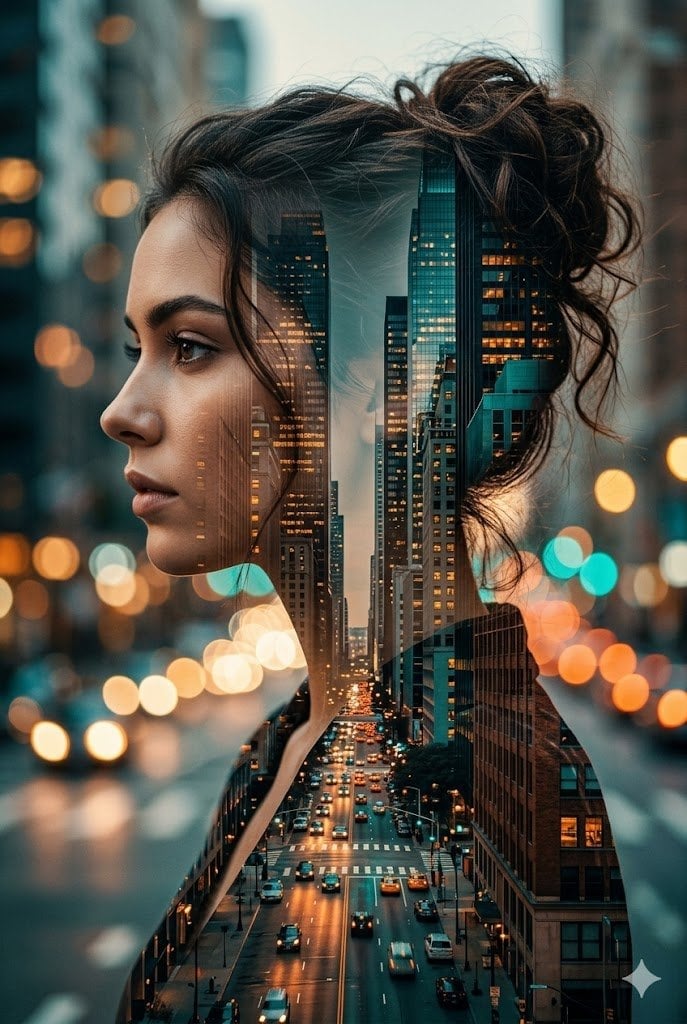
Double Exposure City Street Portrait

Blue Hour Editorial Fashion Portrait
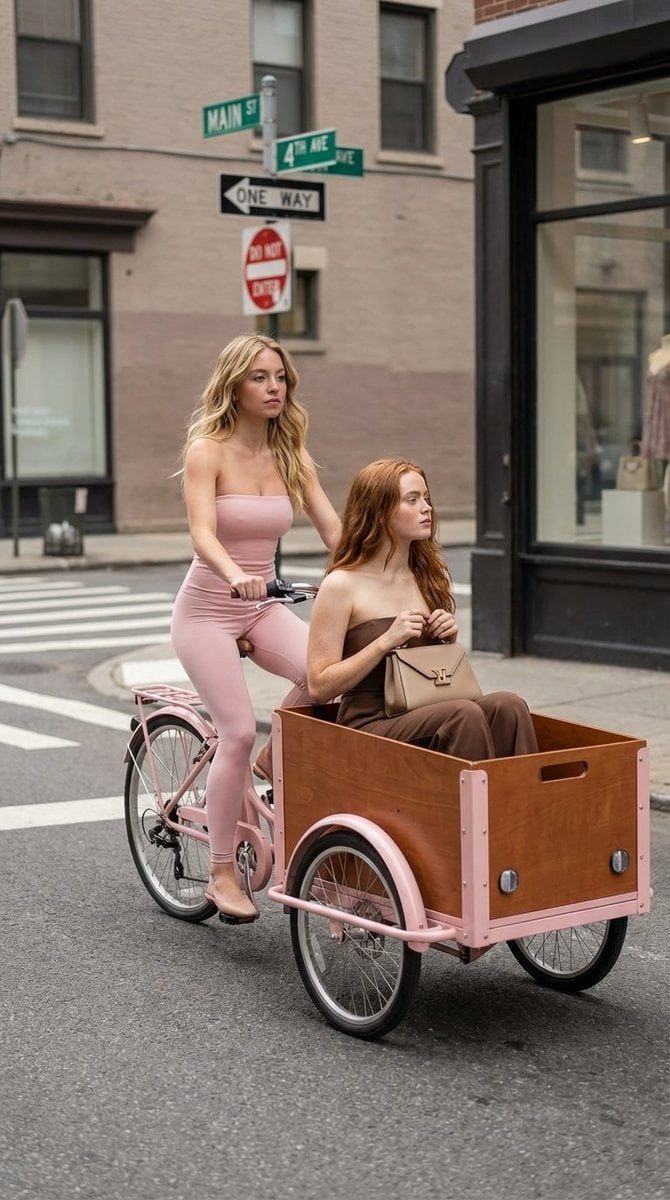
High Fashion Street Photography on a Pink Cargo Bike

Two Tickets, One Night

Meet Me When It Rains

Two Hearts. One Scooter.

80s College Gate

1988 Mall Style

80s Polka Dot Saree
Make it yours
Street Fashion Alleyway Cargo Style works as-is. These are the safest ways to change it without losing the look.
Change one field
Copy a single group, rewrite it, and generate again so you can see what that field is doing.
Keep the frame, change the subject
Hold the composition and light of Street Fashion Alleyway Cargo Style, then swap wardrobe, props or the person for a new take.
| If the result… | Why | Fix |
|---|---|---|
| The result drifts from the preview | Too many fields changed at once. | Reuse Street Fashion Alleyway Cargo Style as-is first, then change one group — subject, light, or setting. |
| The model over-stylizes the scene | The prose prompt leaves finish and camera underspecified. | Add one camera or lighting sentence and stay on GPT Image 2. |
More GPT Image 2 templates
Other prompts made for GPT Image 2.

Six VTuber Japanese Logo Sheet

Realistic Portrait of Woman and Deer

The Vista Modular Condo Poster

AI Model Routing Comparison Infographic

2.5D Anime Art Board

Isometric Productivity Desk Scene

New York Double Exposure Poster

Four-Panel AI Landscape Comparison

Japanese Tatami Lifestyle Magazine Cover

NESCAFÉ Coffee Map Poster
More image prompts
Fresh picks from across the catalog.
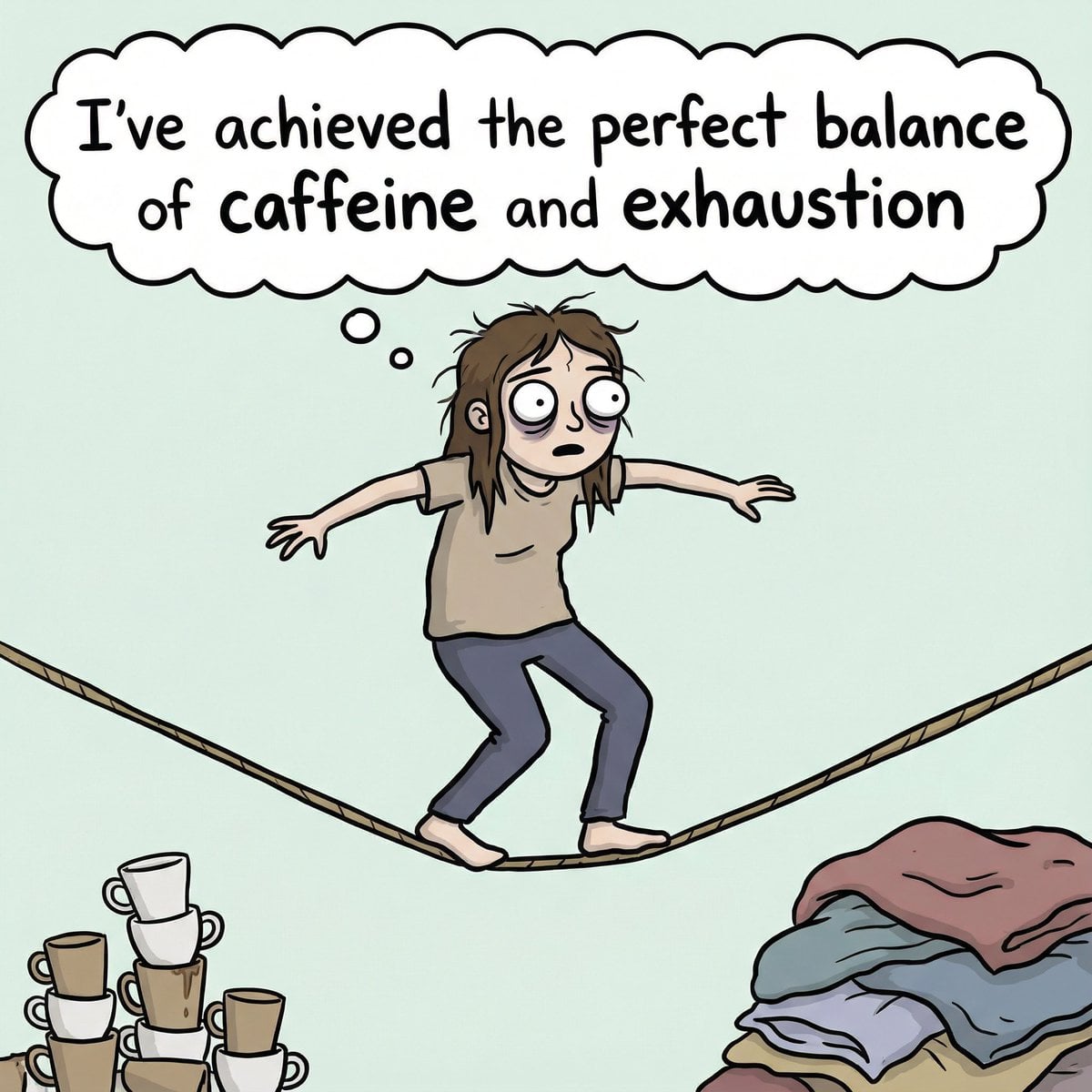
Meme Generation Prompt for Caffeine and Exhaustion
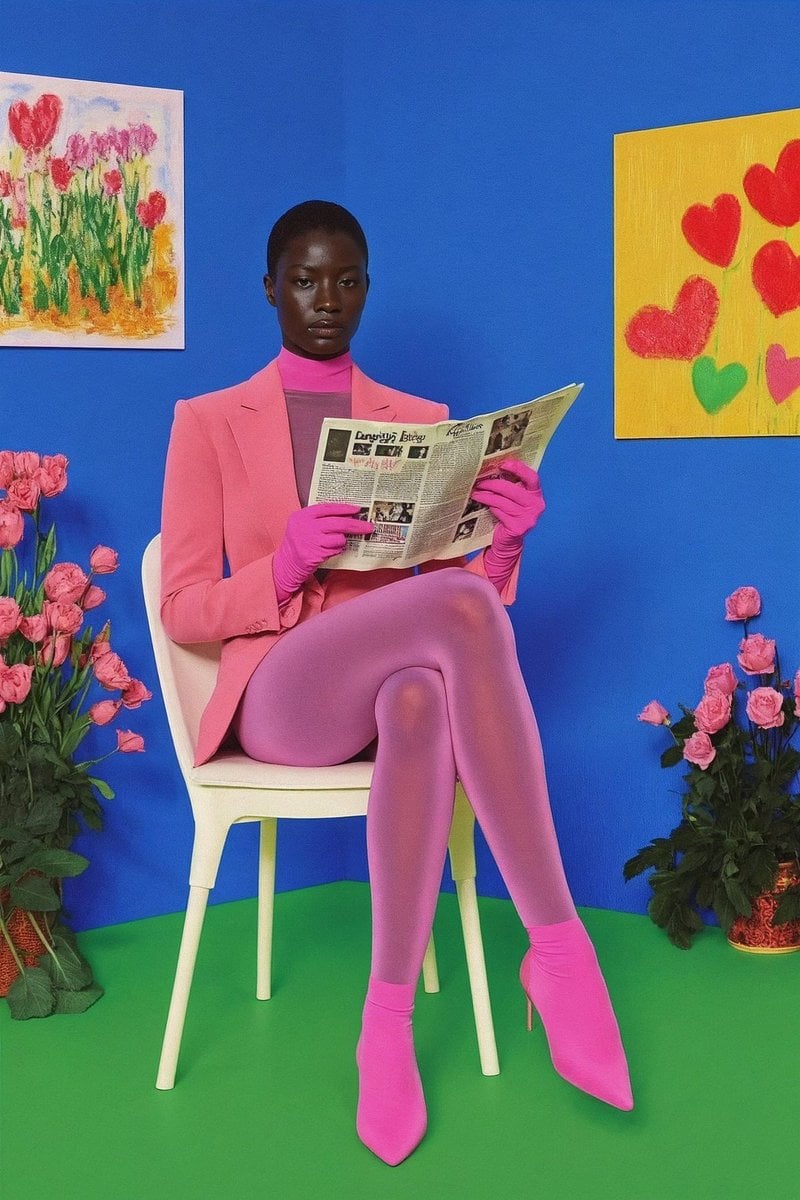
12‑image Instagram feed character aesthetic prompt
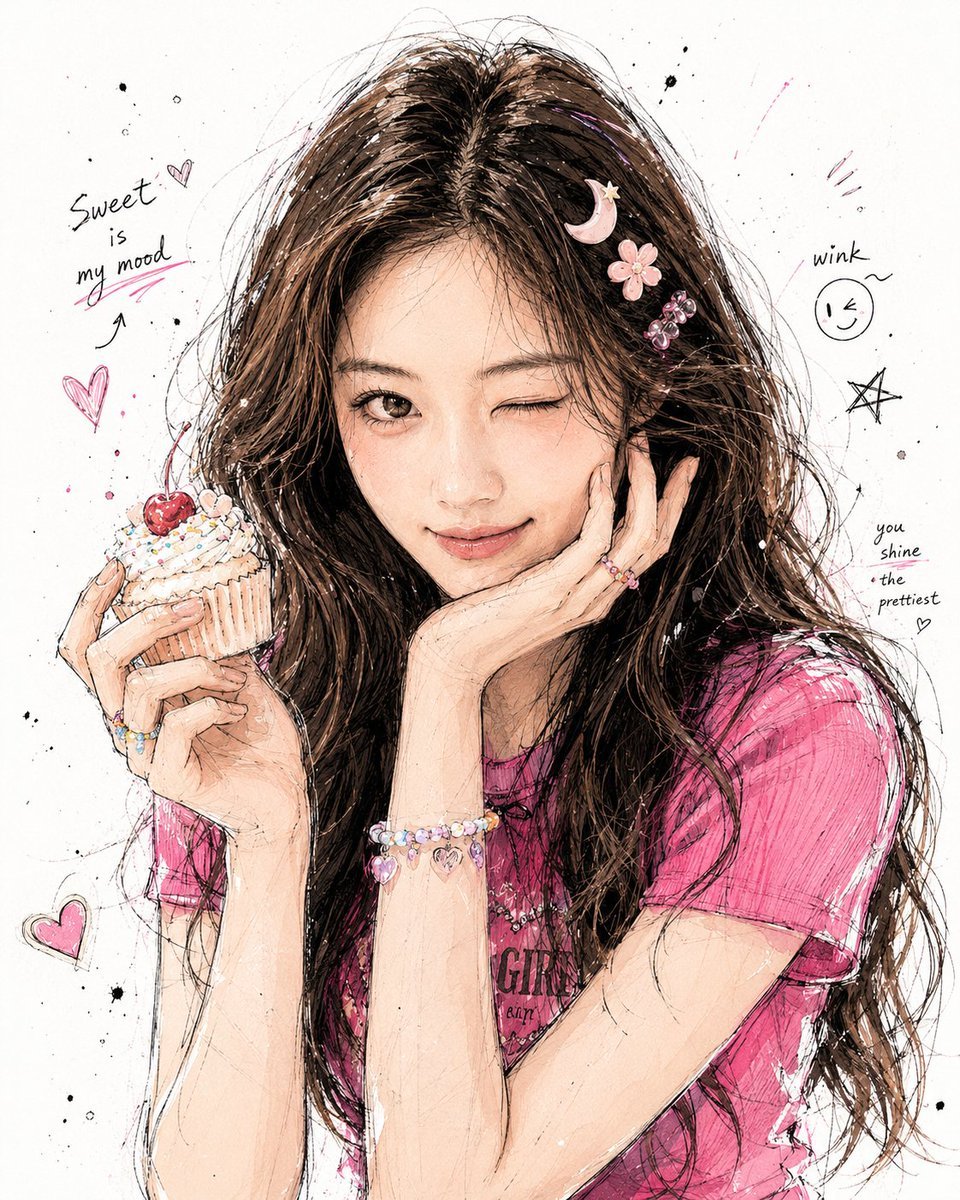
Korean Graffiti Illustration Portrait
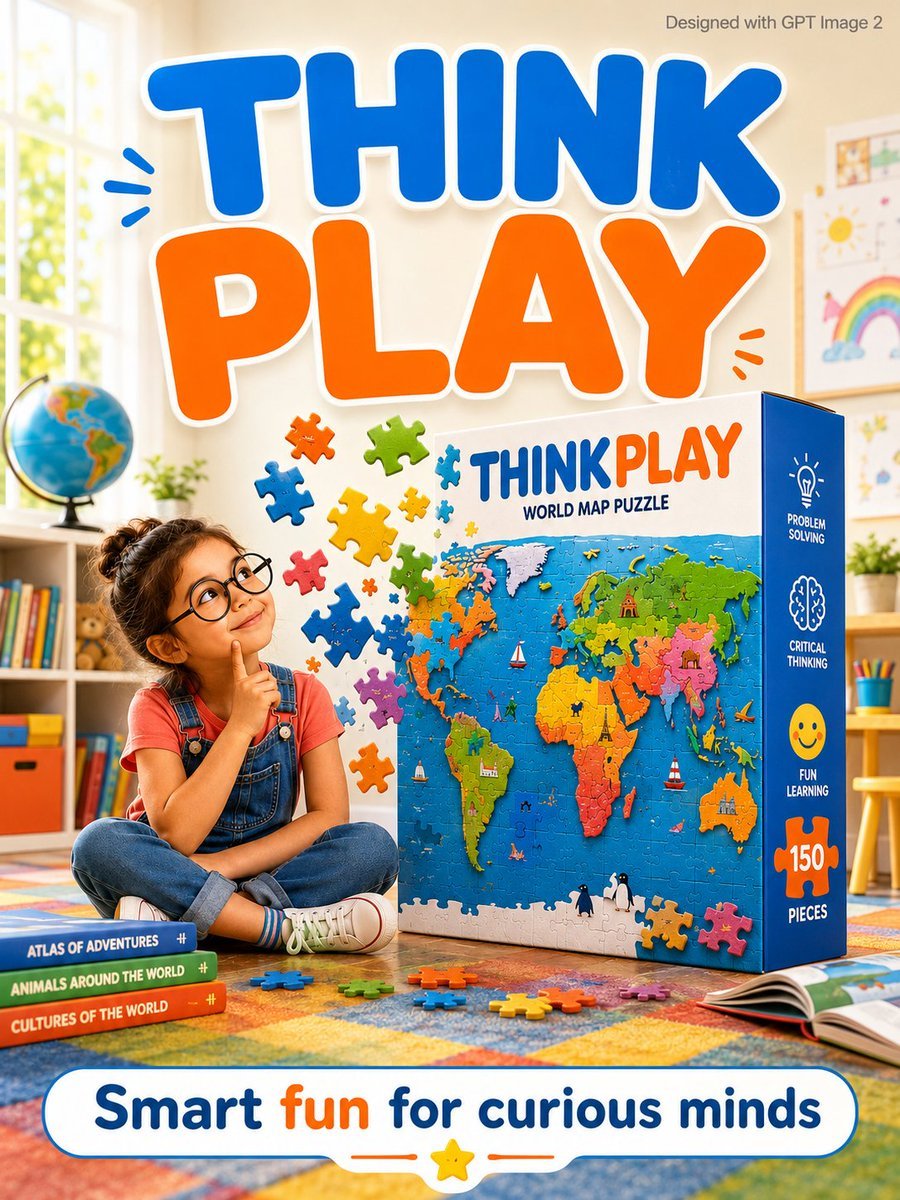
Educational Kids Product Poster
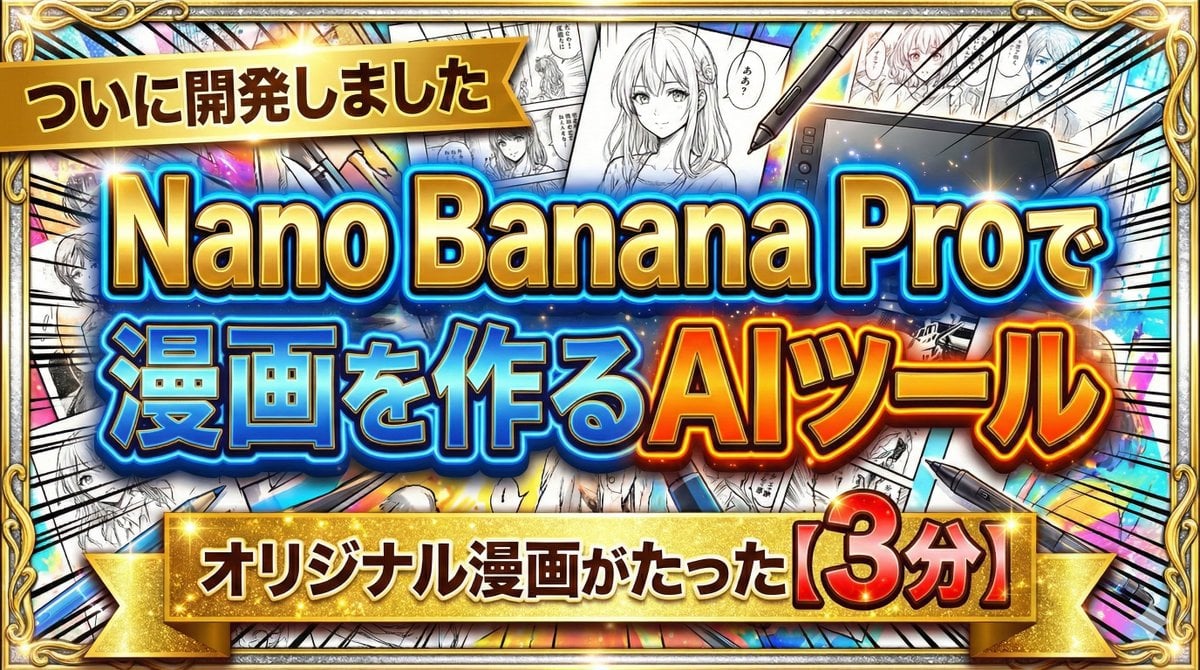
Developing a Nano Banana Pro Manga Creation Tool
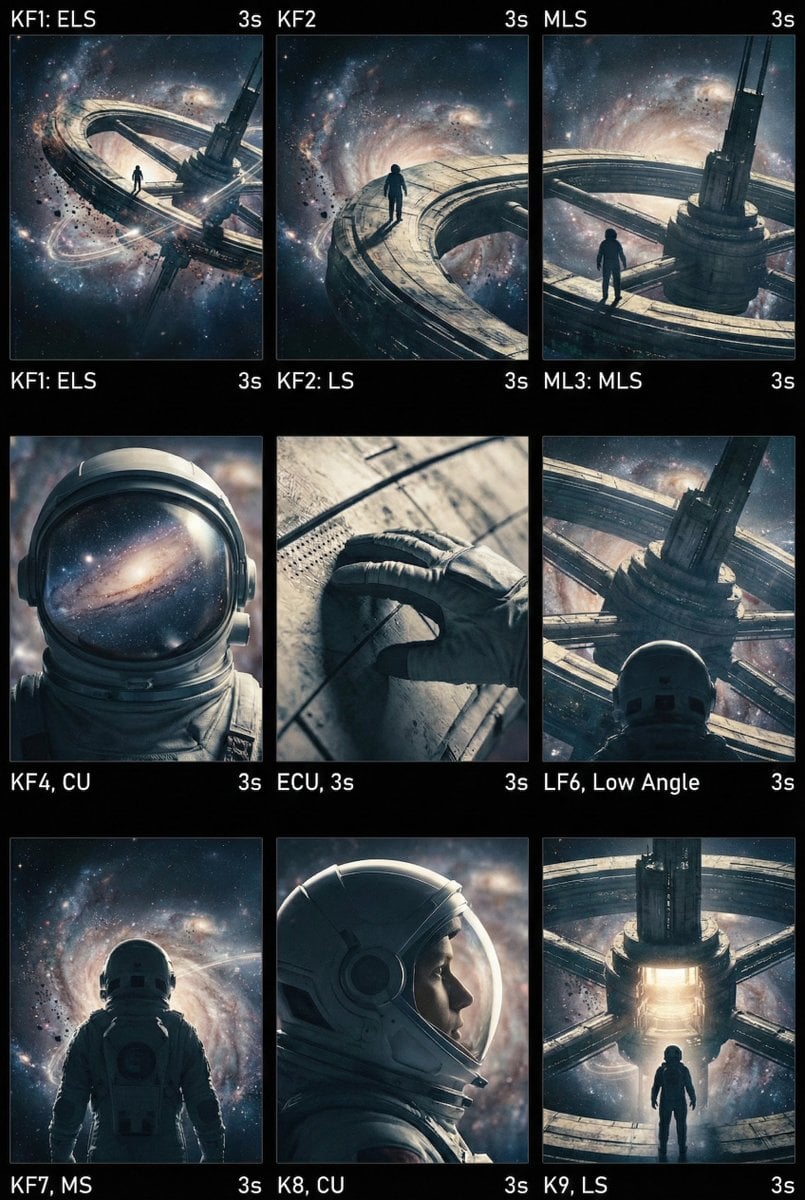
Cinematic AI Video Keyframe Generation Prompt
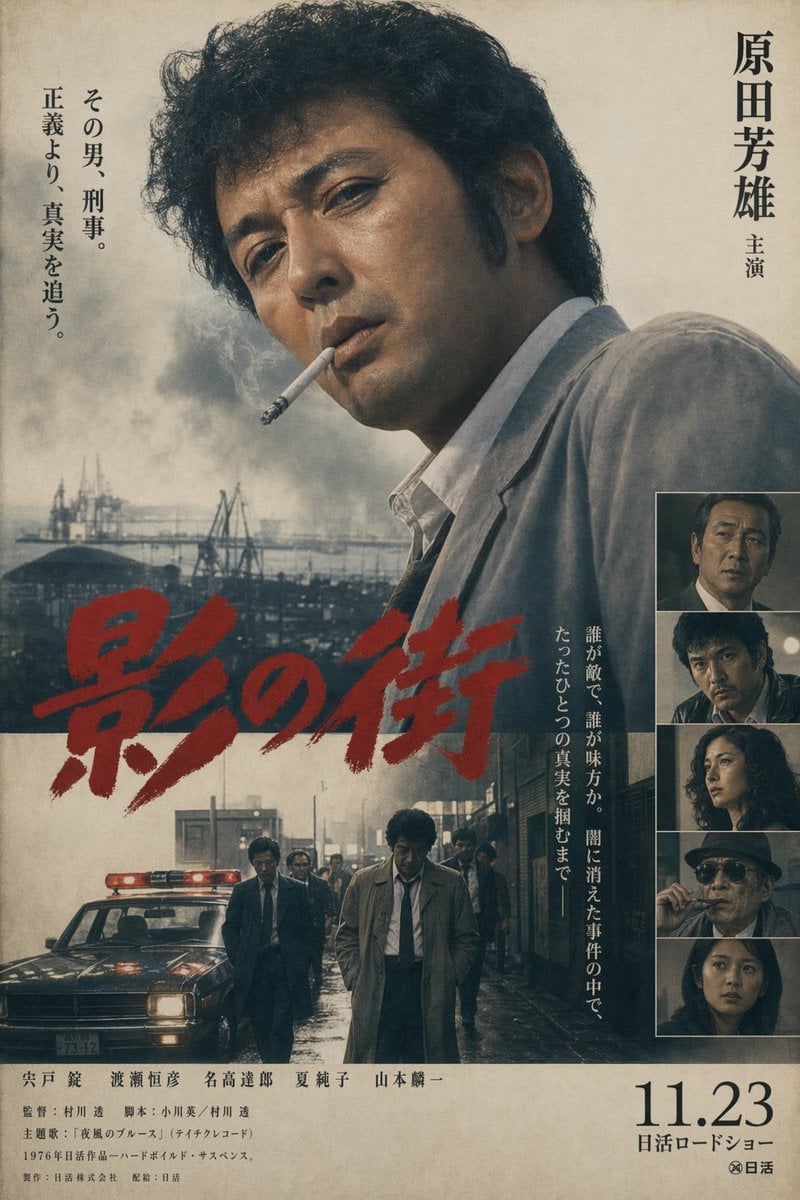
Vintage Japanese Crime Film Poster
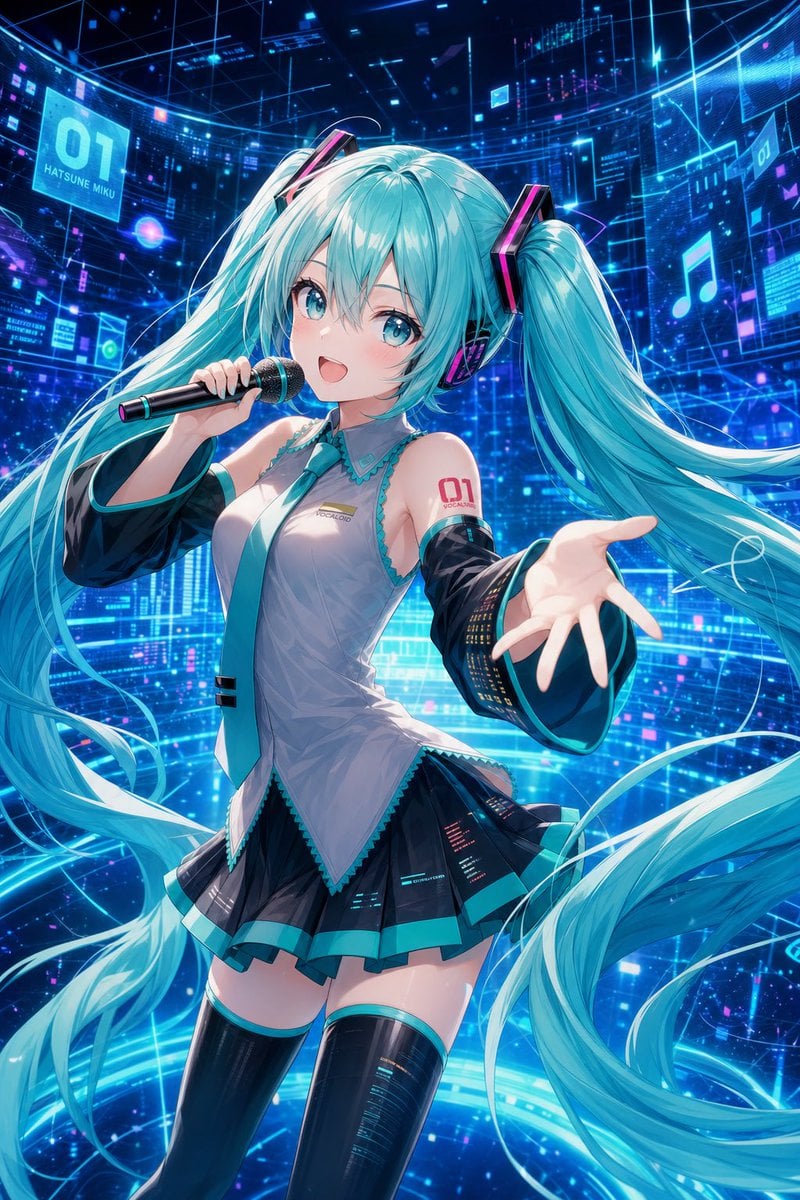
Cyber Vocaloid Concert Idol
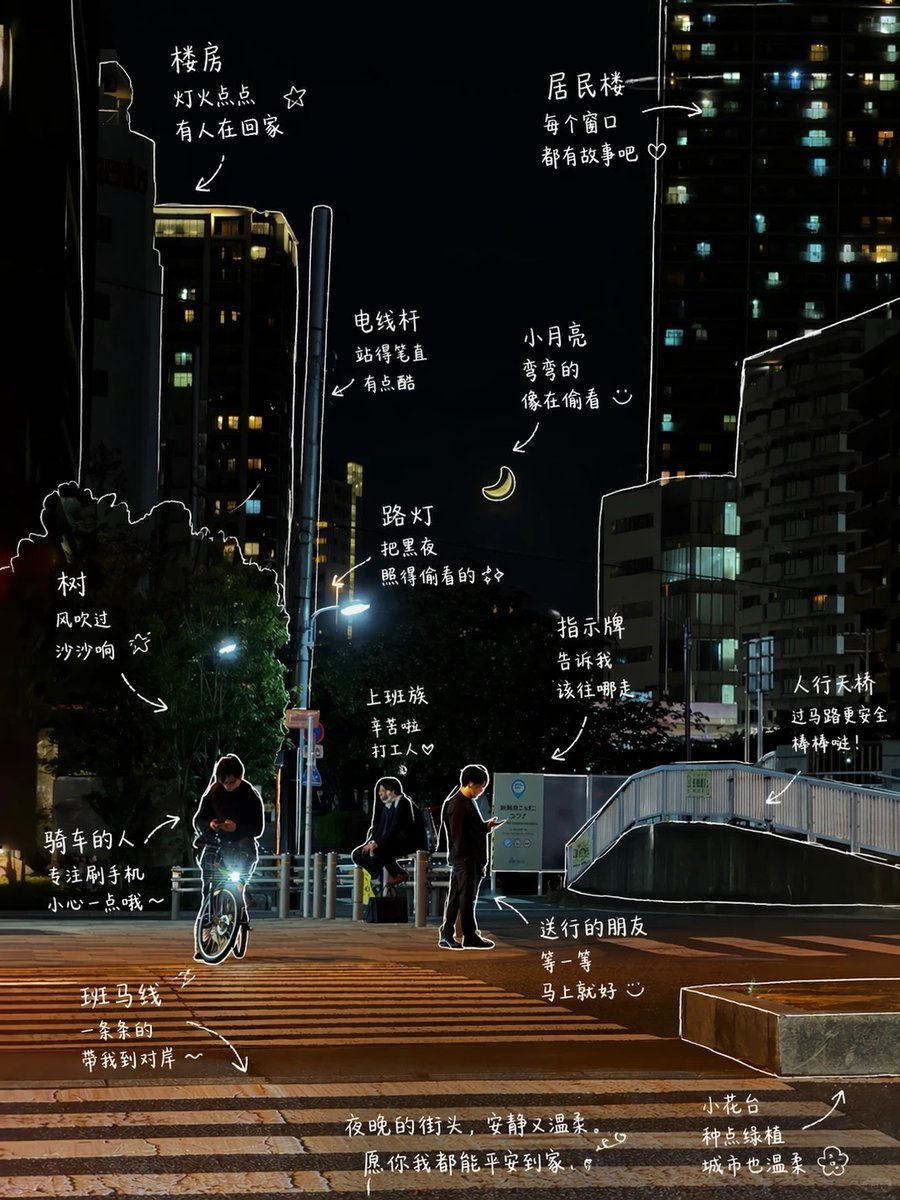
Hand-Drawn Style Photo Annotation
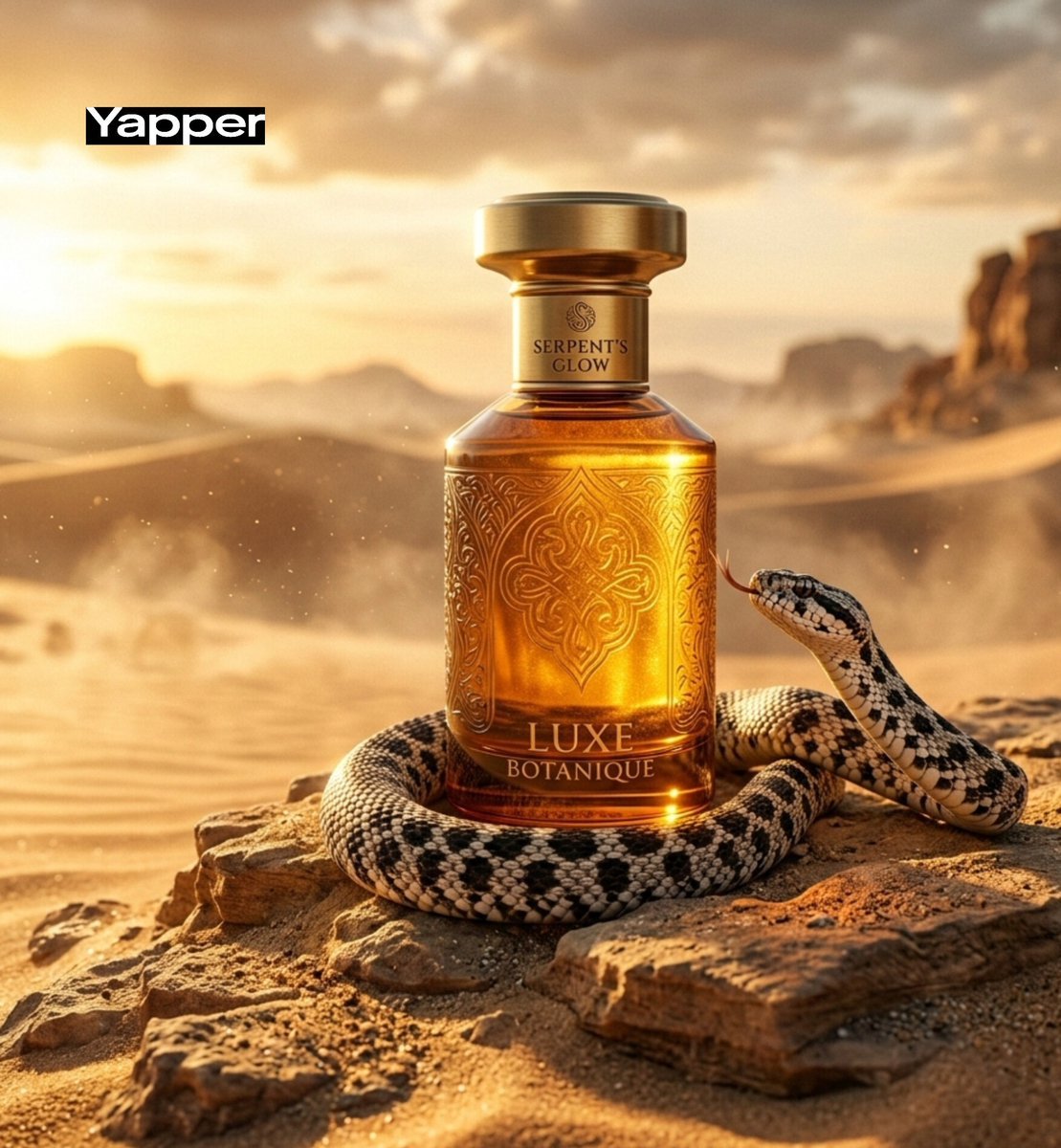
Luxury Perfume Advertisement in Desert Setting
Browse template categories
Street Fashion Alleyway Cargo Style questions
How do I use the Street Fashion Alleyway Cargo Style template?
Add your photo if the template asks for one, edit the prompt if you like — the template's model and format are already selected — and press Generate. Your version opens in PicX Studio.
Can I customize the Street Fashion Alleyway Cargo Style template?
Yes. You can change the subject, setting, lighting, mood, format, and available model controls before creating your image.
Is the Street Fashion Alleyway Cargo Style template free?
Opening and editing this template is free. Generating uses credits, shown on the Generate button when you are signed in.
Which AI model should I use?
Start with GPT Image 2, which is the model associated with this template. You can compare another compatible model for a different finish.
Looking for something else? Browse all templates.

Your photo, any look
Thousands of ready templates for every top image and video model, from one credit balance.