
Typographic Fashion Portrait
Generates a high-contrast editorial portrait of a woman made from dense text, grunge ink splatters, and motivational typography.
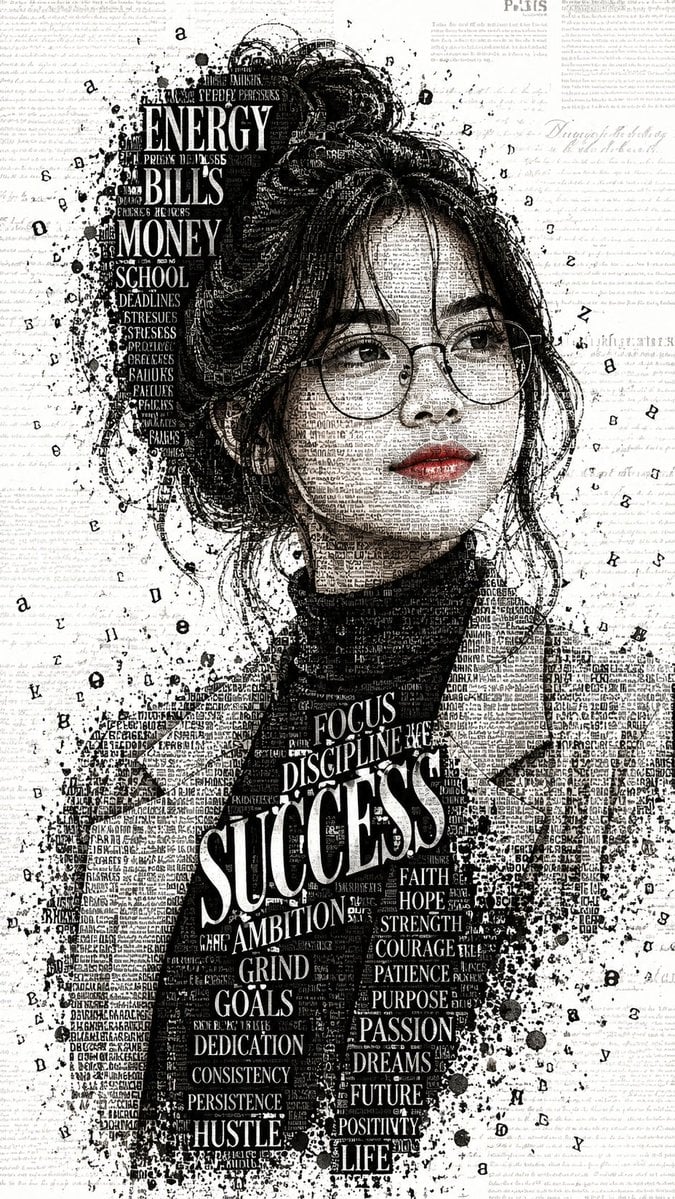
- Prompt included
- Model and format preset
- Free template
The prompt behind this image
Copy the exact prompt behind Typographic Fashion Portrait, or open it in the studio and make it yours.
Create a striking high-contrast black-and-white typographic fashion portrait designed as an intricate editorial text-mosaic artwork, with one selective color accent. Vertical 9:16 canvas. Show {argument name="character description" default="a young woman with pale skin, round wire-frame glasses, full red lips, and dark messy hair in a high bun with loose strands"} from roughly mid-torso upward, facing forward in a graceful fashion pose with a calm, confident expression. She wears {argument name="outfit" default="a dark turtleneck under a textured oversized coat"}. Build her face, hair, neck, coat, and clothing shadows from dense layers of tiny black typography, newspaper fragments, handwritten script, typewriter letters, and microtext, creating realistic facial structure and fabric texture through text density rather than smooth shading. Keep the image mostly monochrome: off-white paper background, black ink portrait, grey text texture, and only the lips in muted glossy red. Add black ink splatters, distressed grunge speckles, scattered floating letters, and torn editorial typography around the figure. Place a bold vertical cluster of large white words embedded in the dark hair area on the upper left, containing exactly 10 visible labels: ENERGY, BILLS, MONEY, SCHOOL, DEADLINES, STRESSES, PROJECTS, OBLIGATIONS, FAILURES, FEARS. On the chest and scarf area, place a strong motivational word collage with exactly 22 visible labels: SUCCESS as the largest central word, plus FOCUS, DISCIPLINE, AMBITION, GRIND, GOALS, DEDICATION, CONSISTENCY, PERSISTENCE, HUSTLE, FAITH, HOPE, STRENGTH, COURAGE, PATIENCE, PURPOSE, PASSION, DREAMS, FUTURE, POSITIVITY, LIFE, and {argument name="extra small word" default="CHANGE"}. Use dramatic magazine-cover typography with mixed serif capitals, varied font sizes, warped perspective, and tightly packed micro-letters. Background should resemble an aged manuscript page filled with faint cursive writing and faded editorial text blocks, including subtle hints of newspaper headings such as {argument name="background city word" default="PARIS"}. Preserve a handmade ink-and-paper look with high detail, gritty edges, asymmetrical splatter distribution, and no clean digital gradients. Avoid additional people, avoid bright colors except the red lips, and do not add a logo or watermark.
How to use Typographic Fashion Portrait in 3 steps
- 1Upload ImagePNG, JPG or paste
Add your photo
Upload the photo the template builds on. The prompt, model and format are already set.
- 2…a portrait of your subject in softgolden-hour light, 85mm…
Personalize
Edit the subject and creative details for your destination.
- 3Generate
Generate
Press Generate — your image is created in PicX Studio, so you can compare it with the original and refine one variable at a time.
More like this
Templates with the same subject, style or setup. Open one to see its prompt.

Nano Banana 2 High Fashion Sports Campai

Couture Fashion Editorial Woman and Drag

Ive Yujin Fashion Portrait in Blue

Nano Banana 2 Editorial Fashion Portrait

Caution Tape Fashion — Industrial Editorial

Miniature Self Portrait Collage

Found Photograph: Us, 1970

80s Couple Studio Portrait

80s College Gate

1988 Mall Style

80s Polka Dot Saree

80s Bollywood Star
Make it yours
Typographic Fashion Portrait works as-is. These are the safest ways to change it without losing the look.
Change one field
Copy a single group, rewrite it, and generate again so you can see what that field is doing.
Keep the frame, change the subject
Hold the composition and light of Typographic Fashion Portrait, then swap wardrobe, props or the person for a new take.
| If the result… | Why | Fix |
|---|---|---|
| The result drifts from the preview | Too many fields changed at once. | Reuse Typographic Fashion Portrait as-is first, then change one group — subject, light, or setting. |
| The model over-stylizes the scene | The prose prompt leaves finish and camera underspecified. | Add one camera or lighting sentence and stay on GPT Image 2. |
More GPT Image 2 templates
Other prompts made for GPT Image 2.

Six VTuber Japanese Logo Sheet

Realistic Portrait of Woman and Deer

The Vista Modular Condo Poster

AI Model Routing Comparison Infographic

2.5D Anime Art Board

Isometric Productivity Desk Scene

New York Double Exposure Poster

Four-Panel AI Landscape Comparison

Japanese Tatami Lifestyle Magazine Cover

NESCAFÉ Coffee Map Poster
More image prompts
Fresh picks from across the catalog.
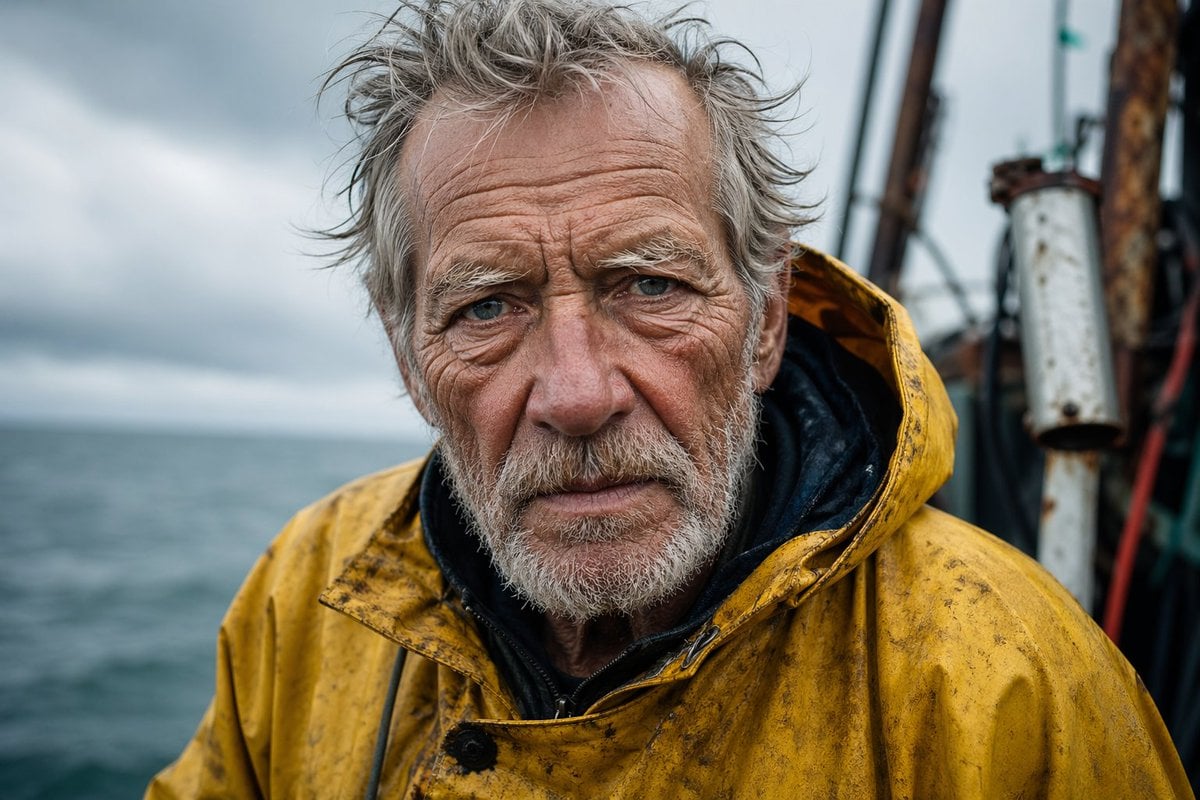
Detailed Elderly Fisherman Portrait
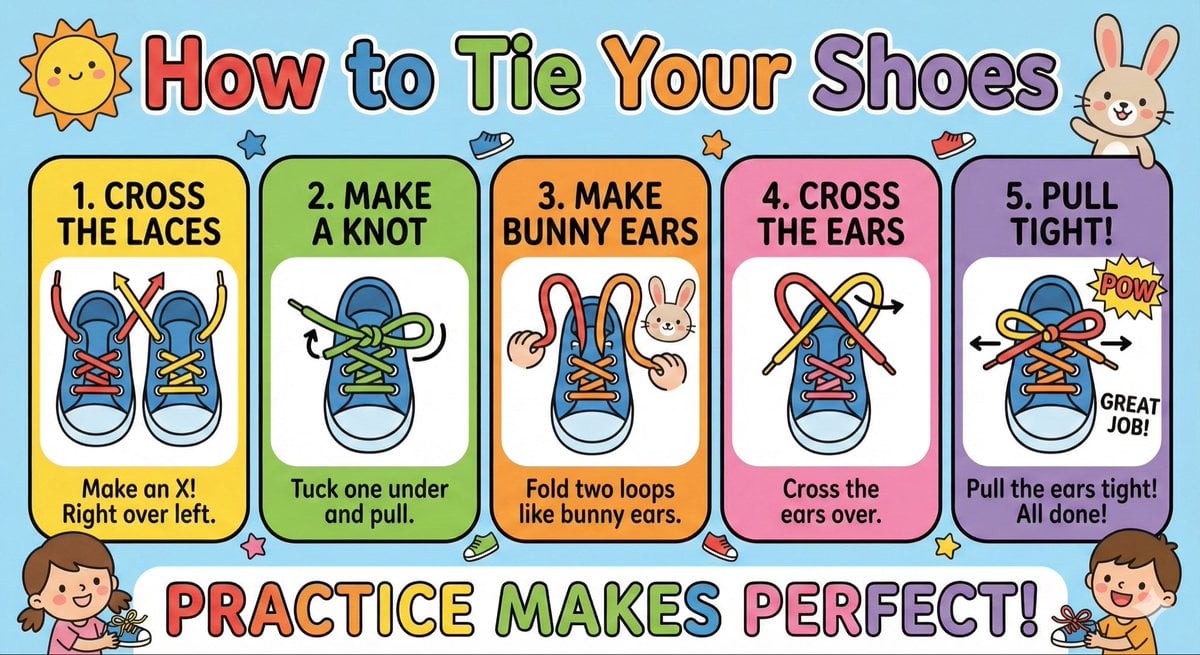
Kids' How-To Poster Prompt
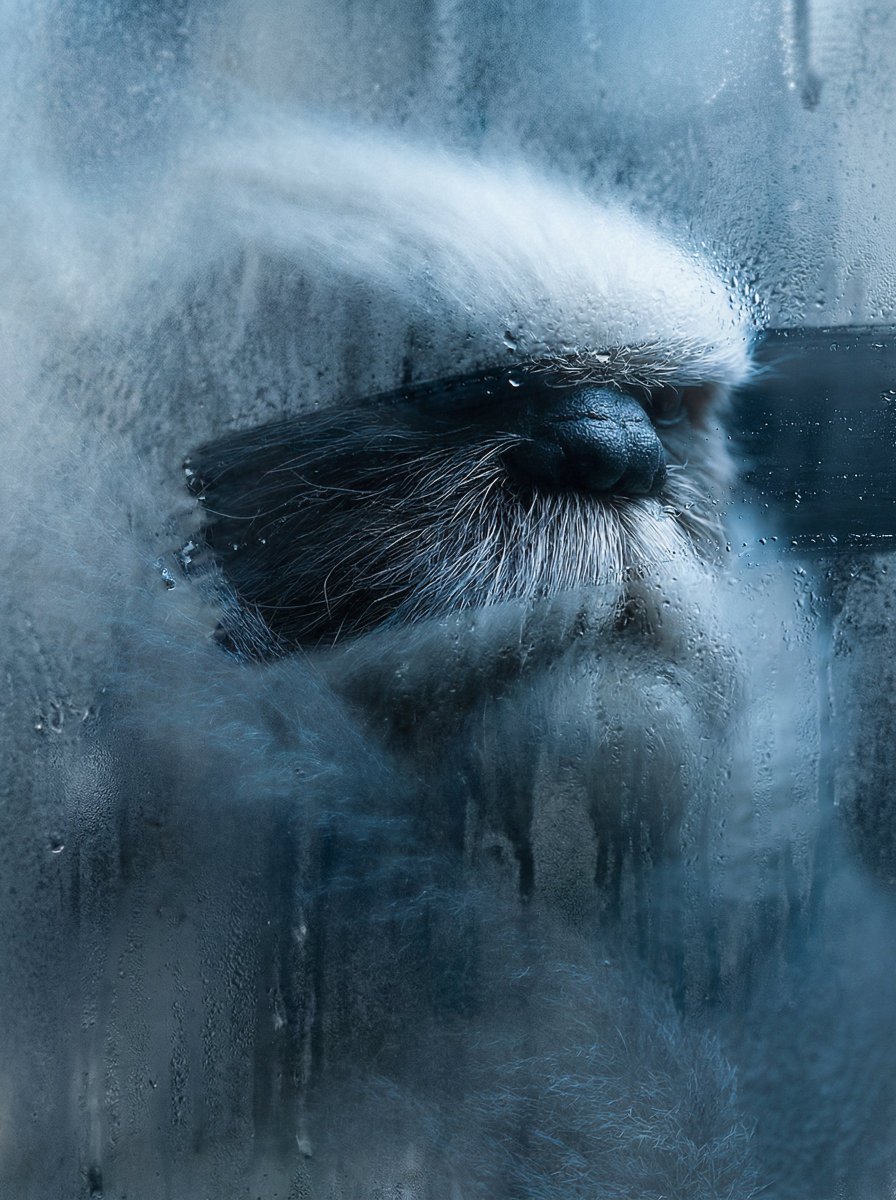
Frosted Glass Effect Prompt
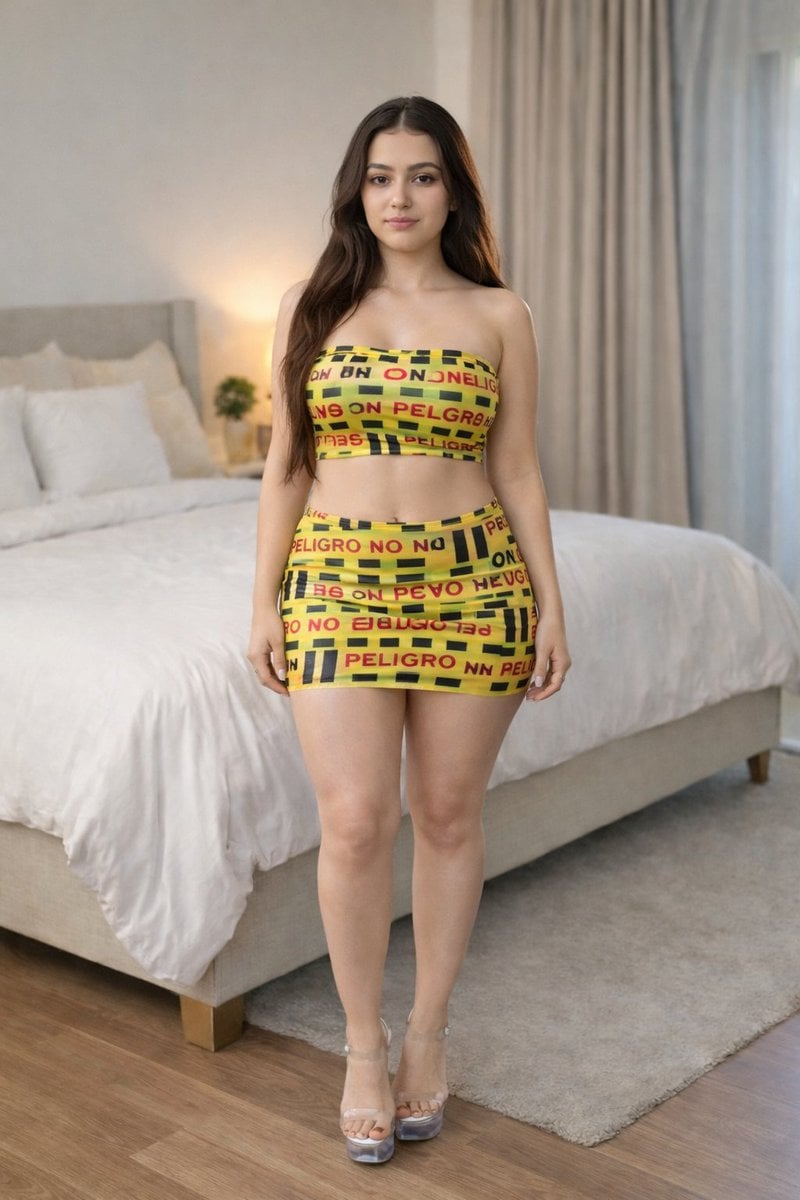
Caution Tape Fashion Photography Prompt
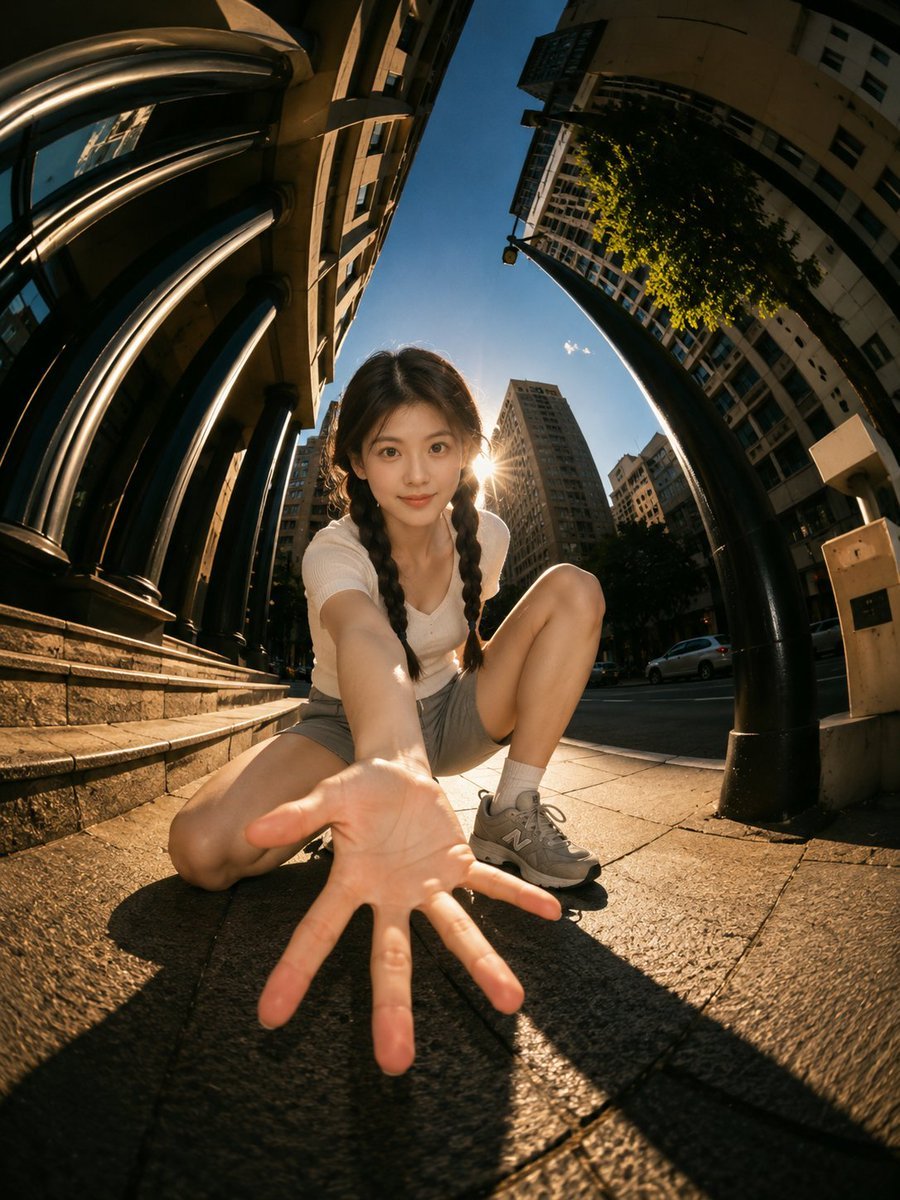
Cinematic Fisheye Urban Portrait
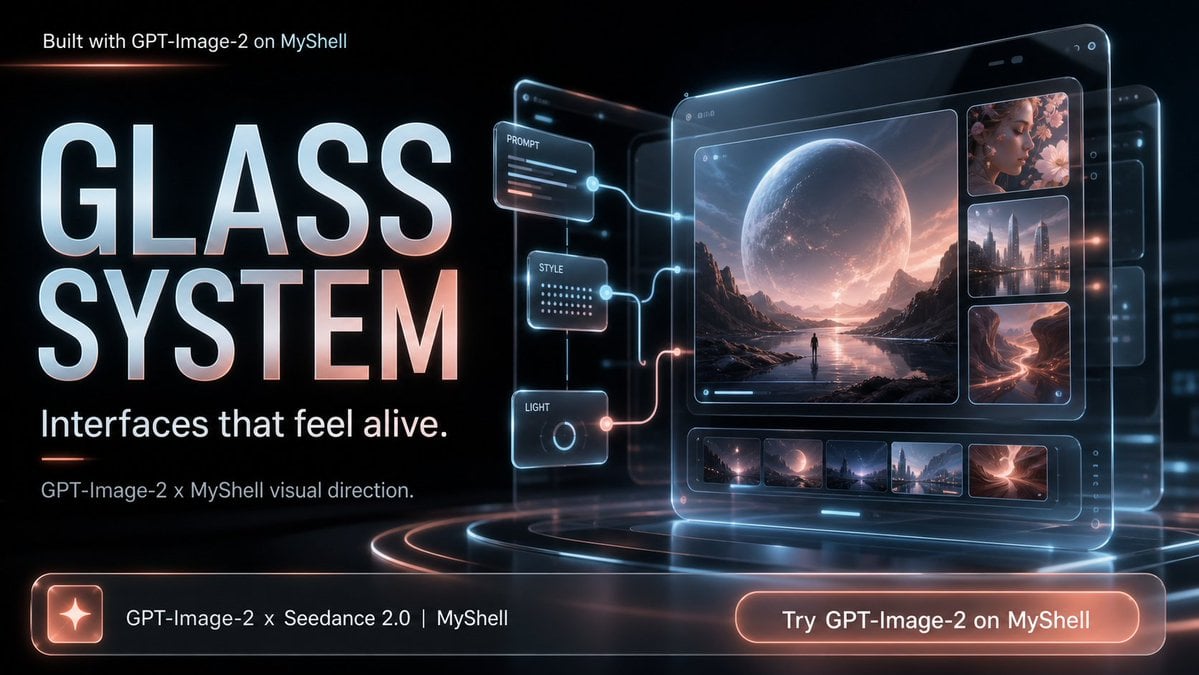
Futuristic Glass UI Product Banner
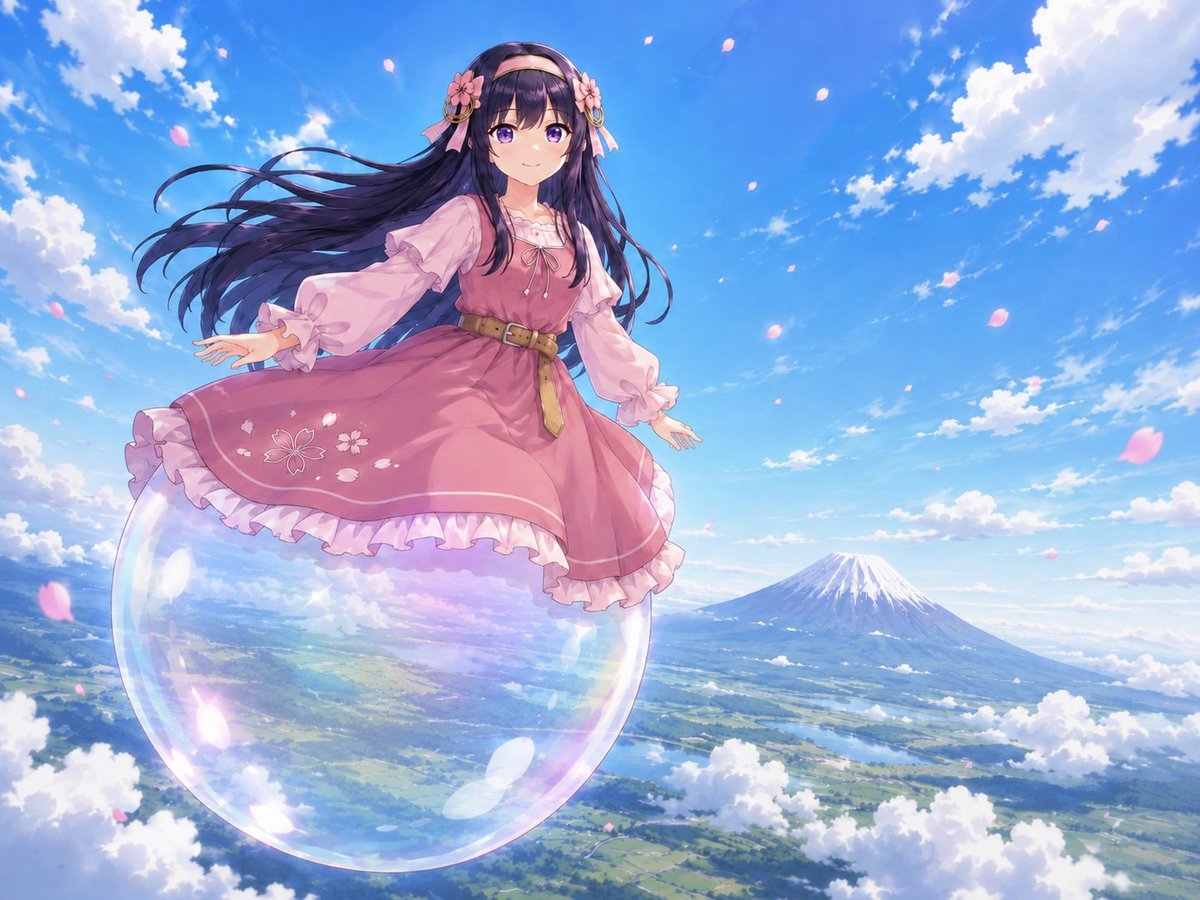
Anime Girl Floating Over Niseko
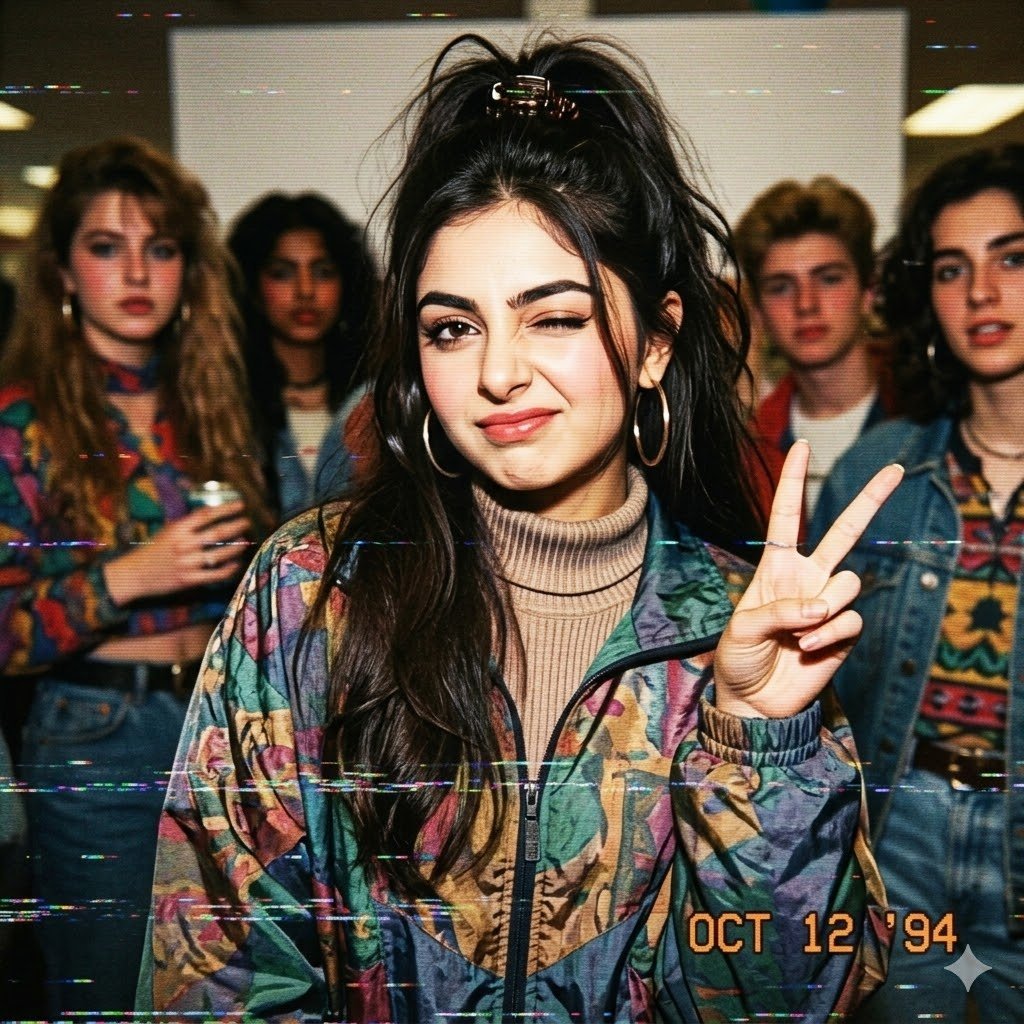
VHS 90s Mall Teen Group Portrait
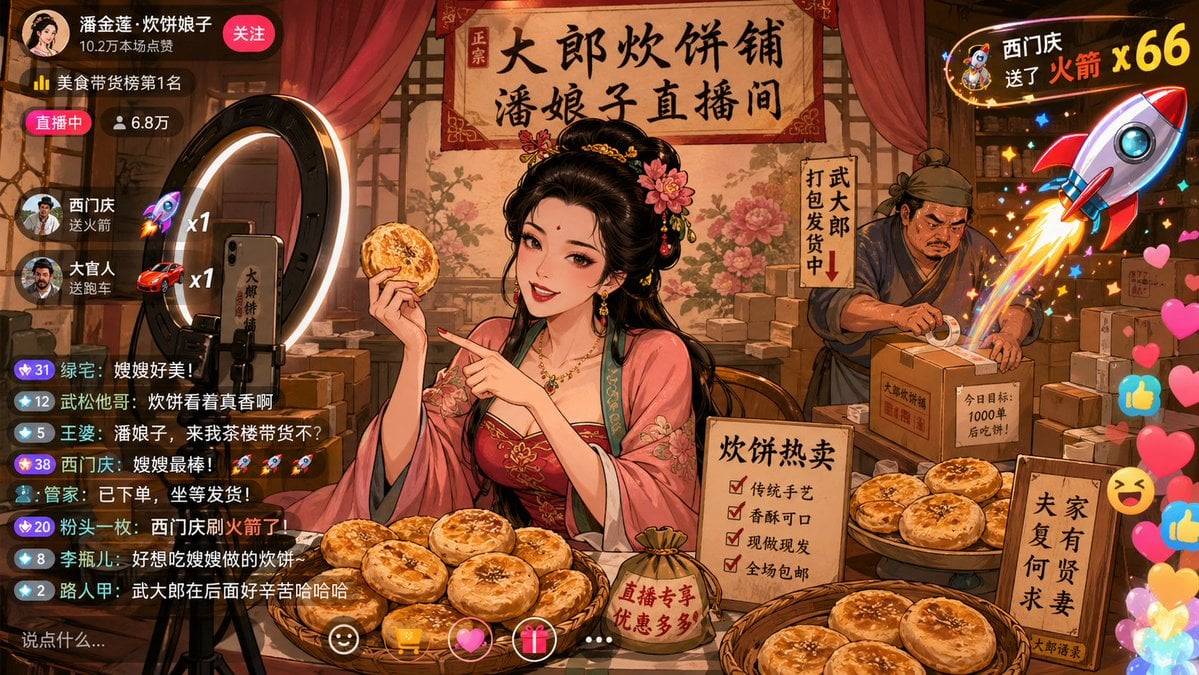
Classical Characters Modern Live-Streaming Prompt
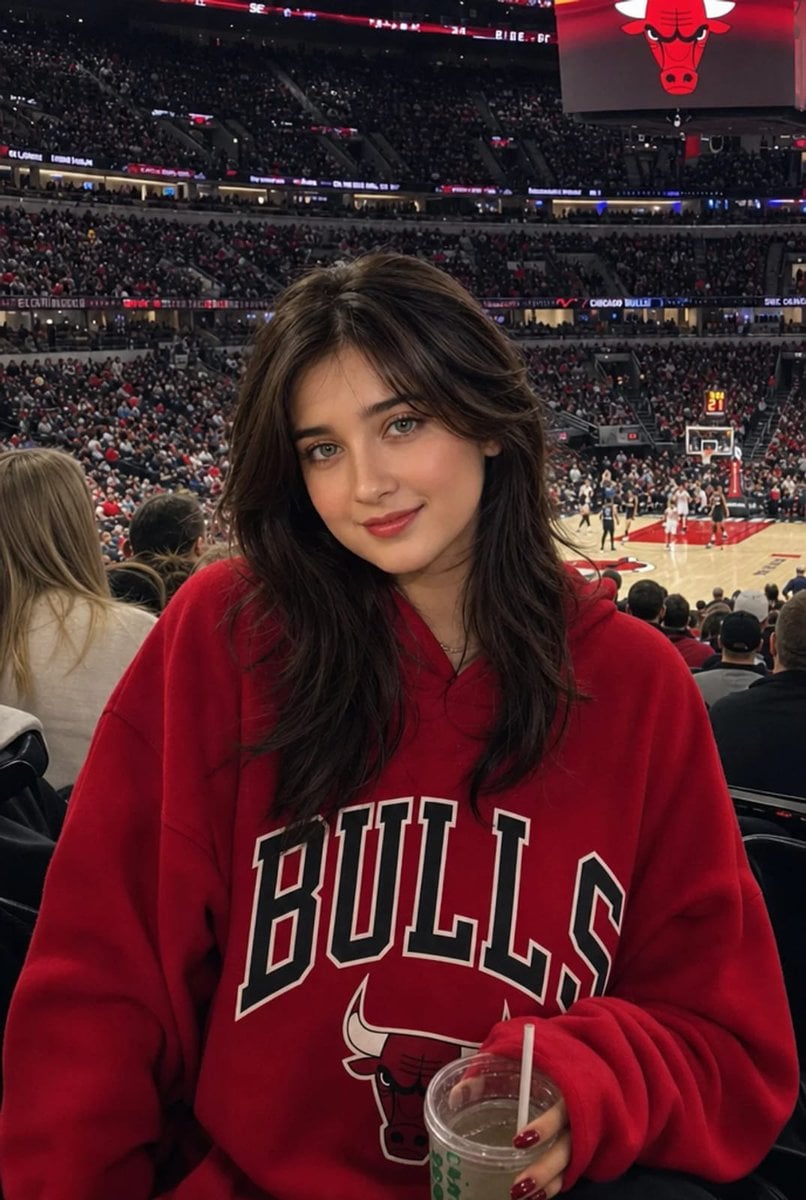
Realistic NBA Fan Portrait
Browse template categories
Typographic Fashion Portrait questions
How do I use the Typographic Fashion Portrait template?
Add your photo if the template asks for one, edit the prompt if you like — the template's model and format are already selected — and press Generate. Your version opens in PicX Studio.
Can I customize the Typographic Fashion Portrait template?
Yes. You can change the subject, setting, lighting, mood, format, and available model controls before creating your image.
Is the Typographic Fashion Portrait template free?
Opening and editing this template is free. Generating uses credits, shown on the Generate button when you are signed in.
Which AI model should I use?
Start with GPT Image 2, which is the model associated with this template. You can compare another compatible model for a different finish.
Looking for something else? Browse all templates.

Your photo, any look
Thousands of ready templates for every top image and video model, from one credit balance.