
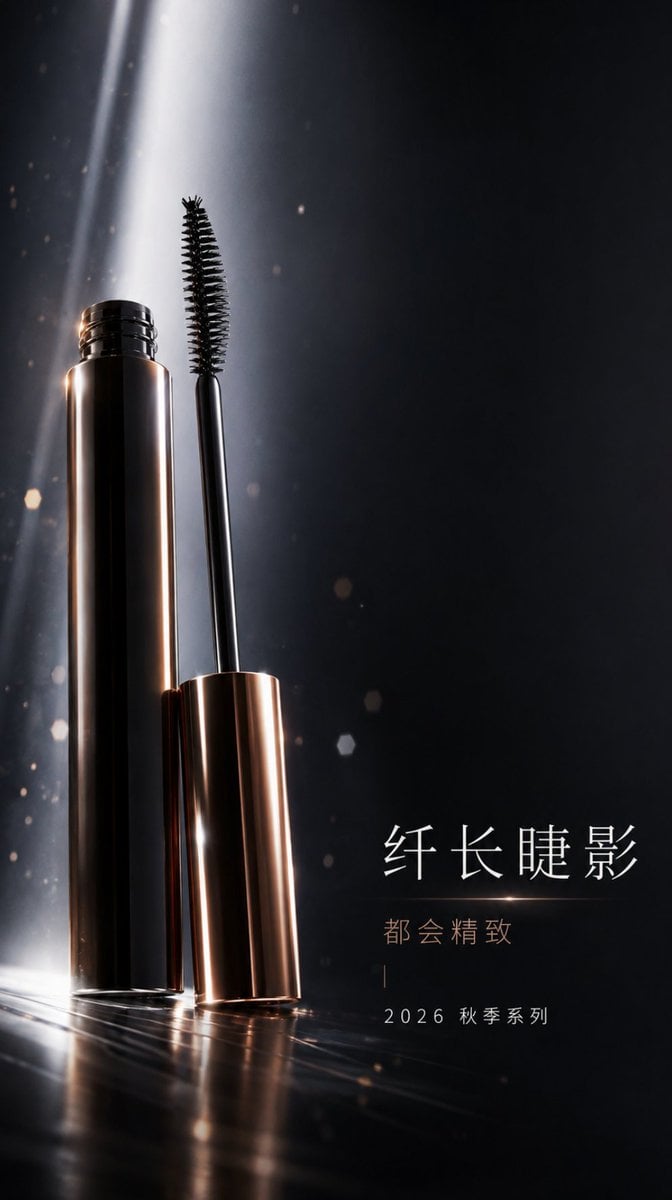
Professional Mascara Brand Key Visual
High-end urban sophisticated brand key visual prompt for mobile splash screens, featuring mascara with futuristic volume lighting and obsidian tones.
- Prompt included
- Model and format preset
- Free template
The prompt behind this image
Copy the exact prompt behind Professional Mascara Brand Key Visual, or open it in the studio and make it yours.
一张可直接用于移动端全屏开屏的9:16 竖版品牌 KV,主题围绕{argument name="主题" default="彩妆唇妆"},主角是{argument name="主角" default="睫毛膏"},整体品牌语言为都会精致,构图采用全屏纵向沉浸,主体偏左,右侧形成大面积横向文案留白,背景是低照度彩妆棚拍空间,加入低密度漂浮颗粒来建立品牌空间层次,重点表现刷头结构与管身高光,使用冷白未来感体积光,让主体轮廓、材质反射和品牌情绪同时成立,配色系统使用{argument name="配色" default="黑曜色 #232427 + 冷白 #F7F6F3 + 金属铜 #A97953"},文字系统采用标题 + slogan + 日期/系列信息,文案安全区放在底部低密度信息区,确保标题、slogan、logo 都有清楚留白,整体要像真正可投放的 brand key visual,不要写成天猫主图,不要做成详情页拼贴,不要堆满参数贴片。
How to use Professional Mascara Brand Key Visual in 3 steps
- 1
Open
The prompt is already in the box next to the preview, with the template's model and format selected.
- 2…a portrait of your subject in softgolden-hour light, 85mm…
Personalize
Edit the subject and creative details for your destination.
- 3Generate
Generate
Press Generate — your image is created in PicX Studio, so you can compare it with the original and refine one variable at a time.
More like this
Templates with the same subject, style or setup. Open one to see its prompt.
Beverage Campaign Key Visual

Anime Classroom Losing Heroines Key Visual

Anime Losing Heroines Classroom Key Visual

Anime School Rom-Com Key Visual
AI Bloom Sisters Anime Key Visual

Luxury Fashion Campaign Typography Poster System

Premium Fashion Editorial Campaign Poster System

Isometric Brand Store Diorama

Moss Logo Minimalist Brand Flat Lay
Dessert Brand Visual Identity Proposal Board
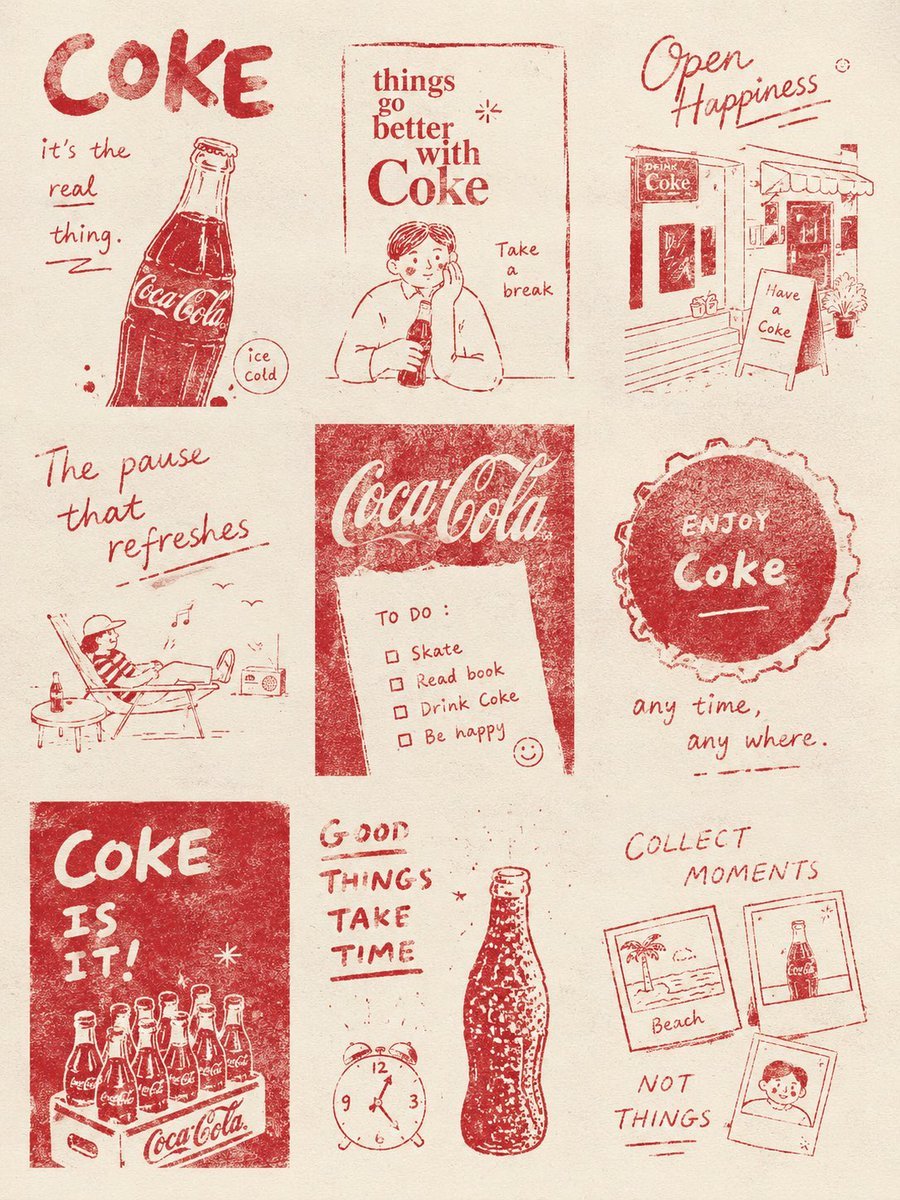
Magazine Collage Brand Visuals
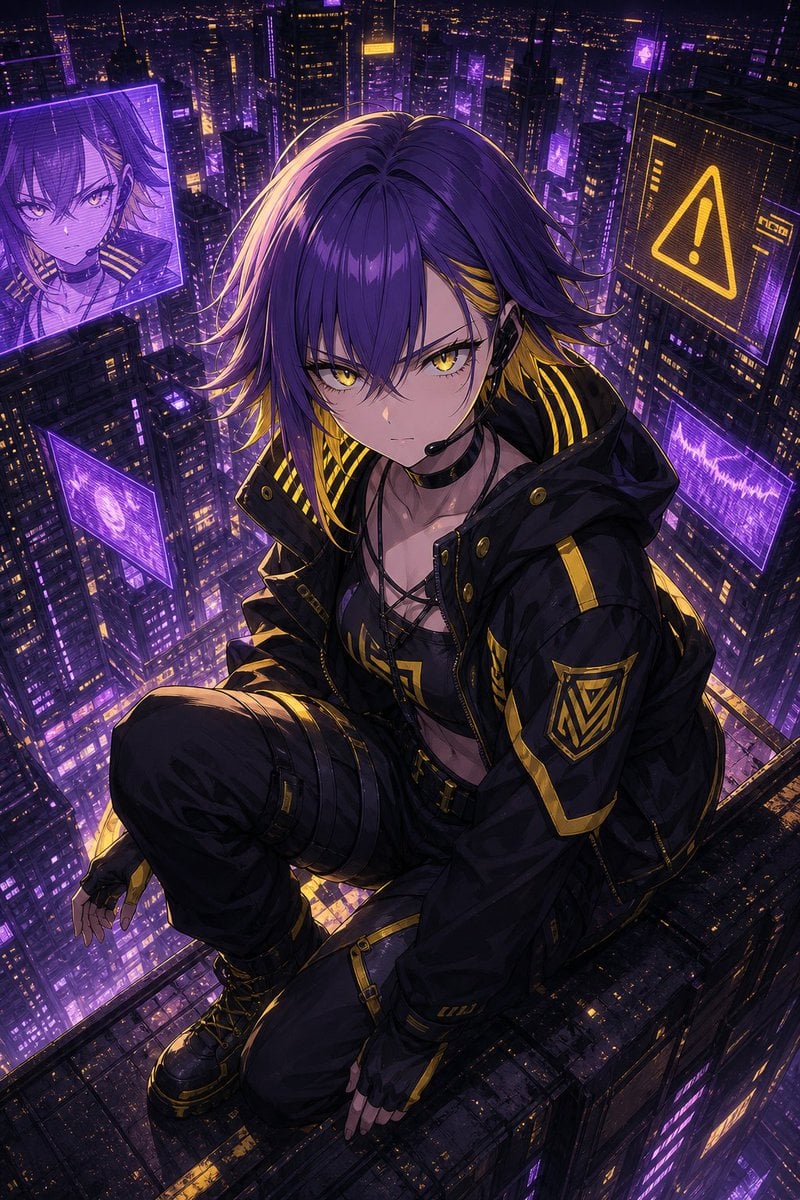
Cyberpunk Anime Rooftop Key Visual
Make it yours
Professional Mascara Brand Key Visual works as-is. These are the safest ways to change it without losing the look.
Change one field
Copy a single group, rewrite it, and generate again so you can see what that field is doing.
Keep the frame, change the subject
Hold the composition and light of Professional Mascara Brand Key Visual, then swap wardrobe, props or the person for a new take.
| If the result… | Why | Fix |
|---|---|---|
| The result drifts from the preview | Too many fields changed at once. | Reuse Professional Mascara Brand Key Visual as-is first, then change one group — subject, light, or setting. |
| The model over-stylizes the scene | The prose prompt leaves finish and camera underspecified. | Add one camera or lighting sentence and stay on GPT Image 2. |
More GPT Image 2 templates
Other prompts made for GPT Image 2.

Six VTuber Japanese Logo Sheet

Realistic Portrait of Woman and Deer

The Vista Modular Condo Poster

AI Model Routing Comparison Infographic

2.5D Anime Art Board

Isometric Productivity Desk Scene

New York Double Exposure Poster

Four-Panel AI Landscape Comparison

Japanese Tatami Lifestyle Magazine Cover

NESCAFÉ Coffee Map Poster
More image prompts
Fresh picks from across the catalog.
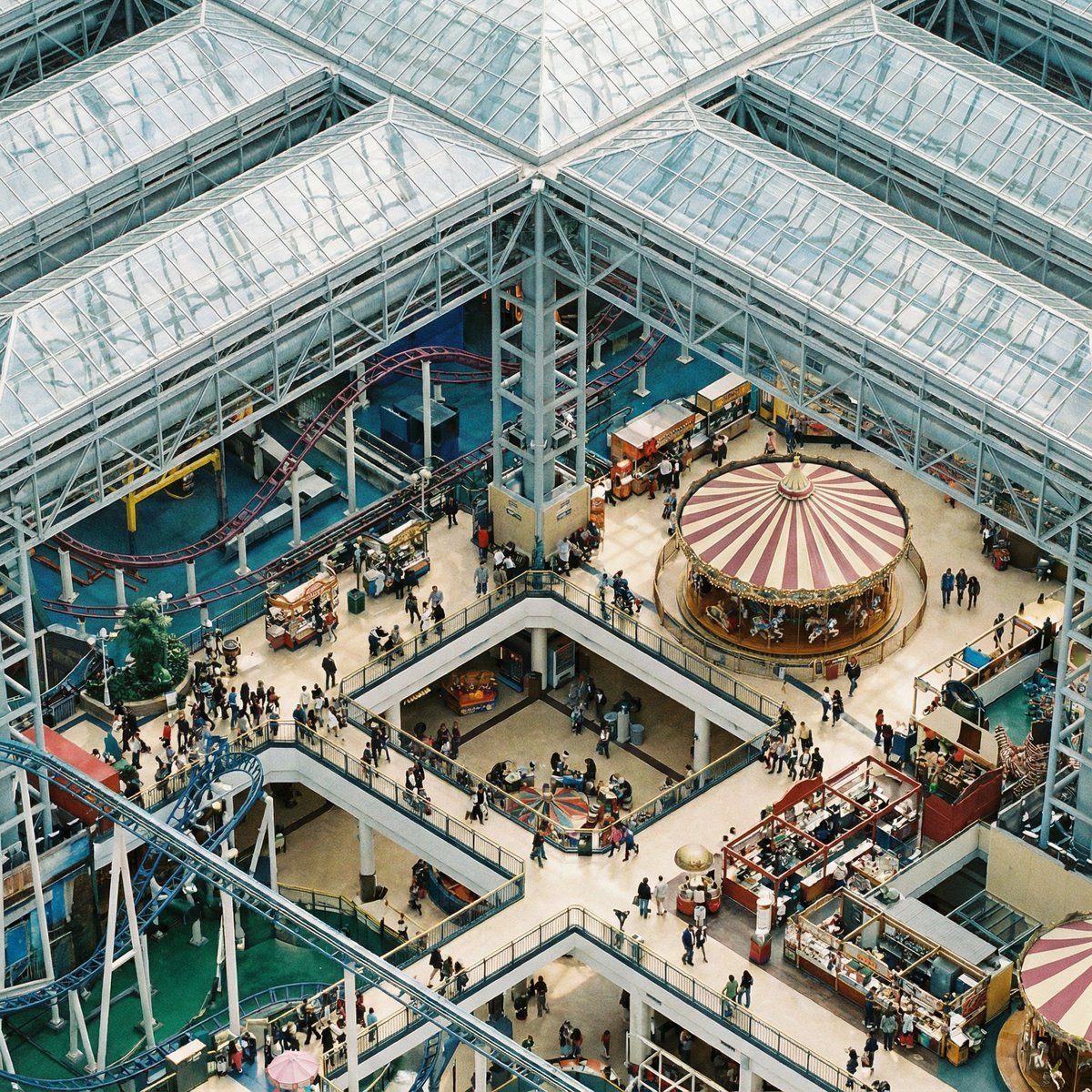
Perfectly Isometric Photo Prompt
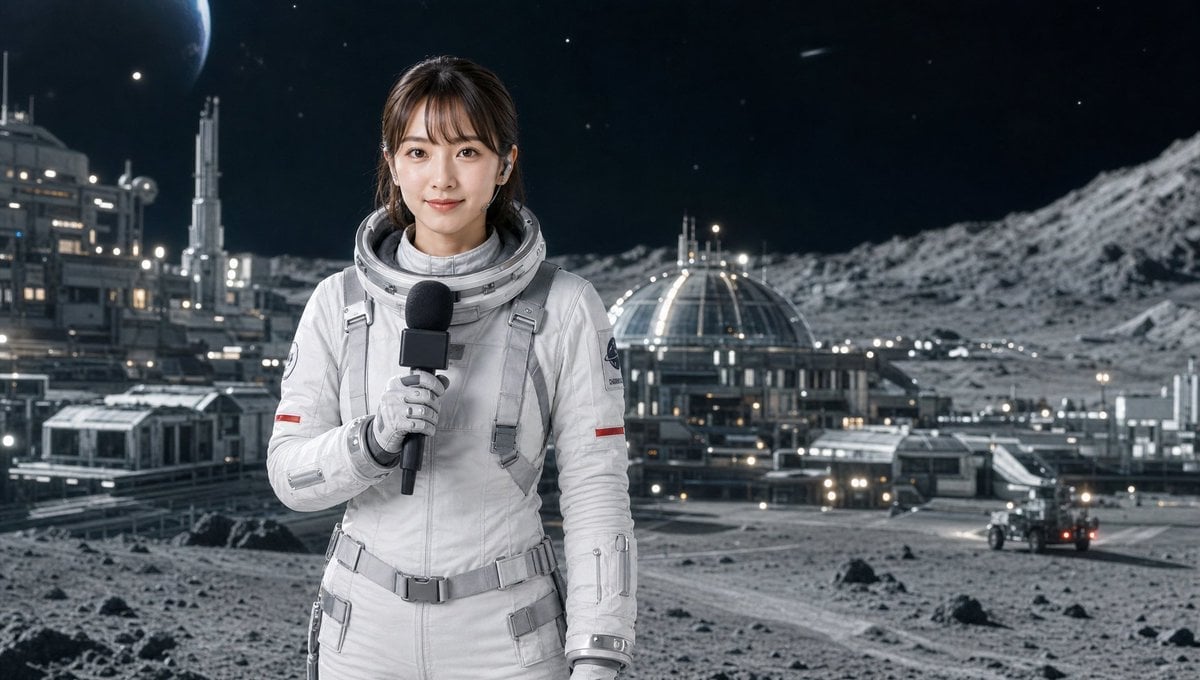
Industrial Humanoid Robot Blueprint

Cinematic Concept Art for Ancient Abandoned Jungle City
Student Hangout Room Transformation
Holi Festival Cinematic Photography Prompt (JSON Format)
Dramatic Cloud Formation Illusion
2000s High School Comedy Scene
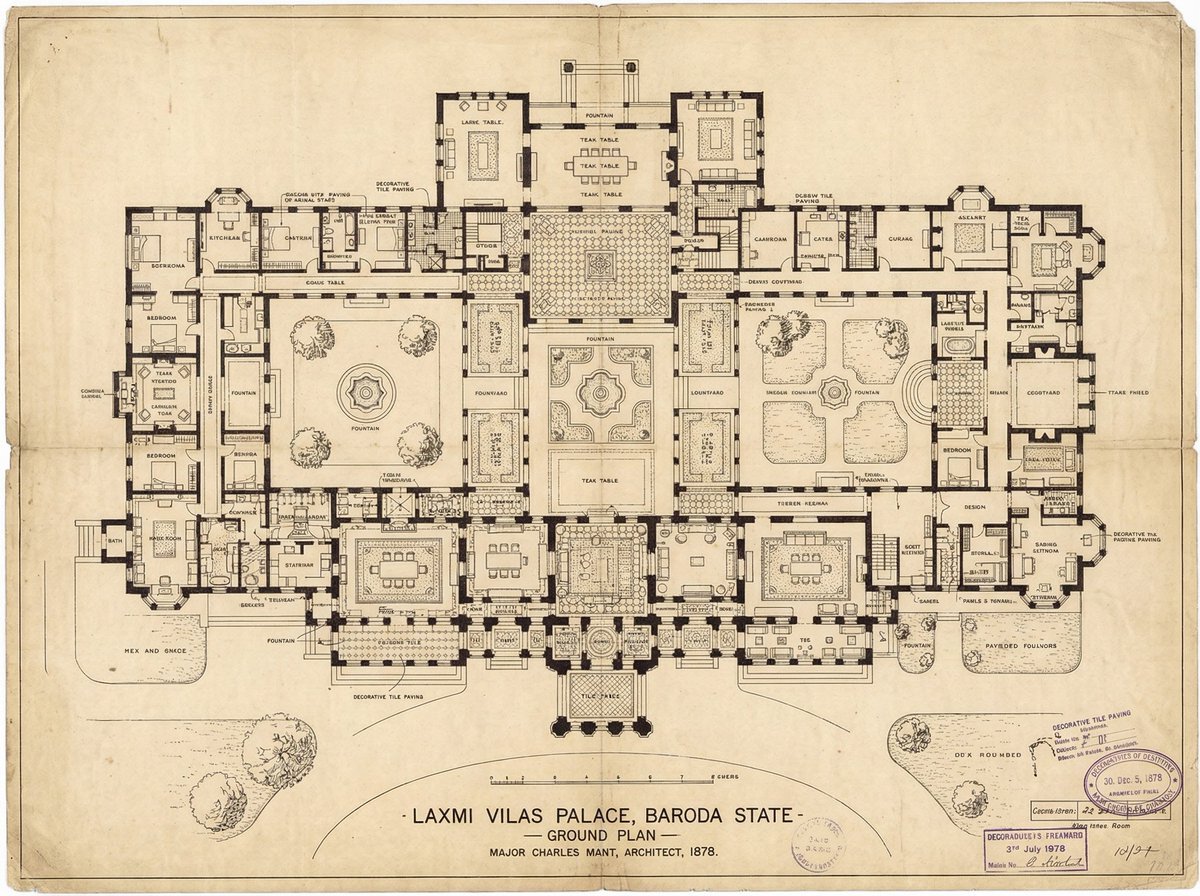
Generate detailed construction plan of Laxmi Vilas Palace from image
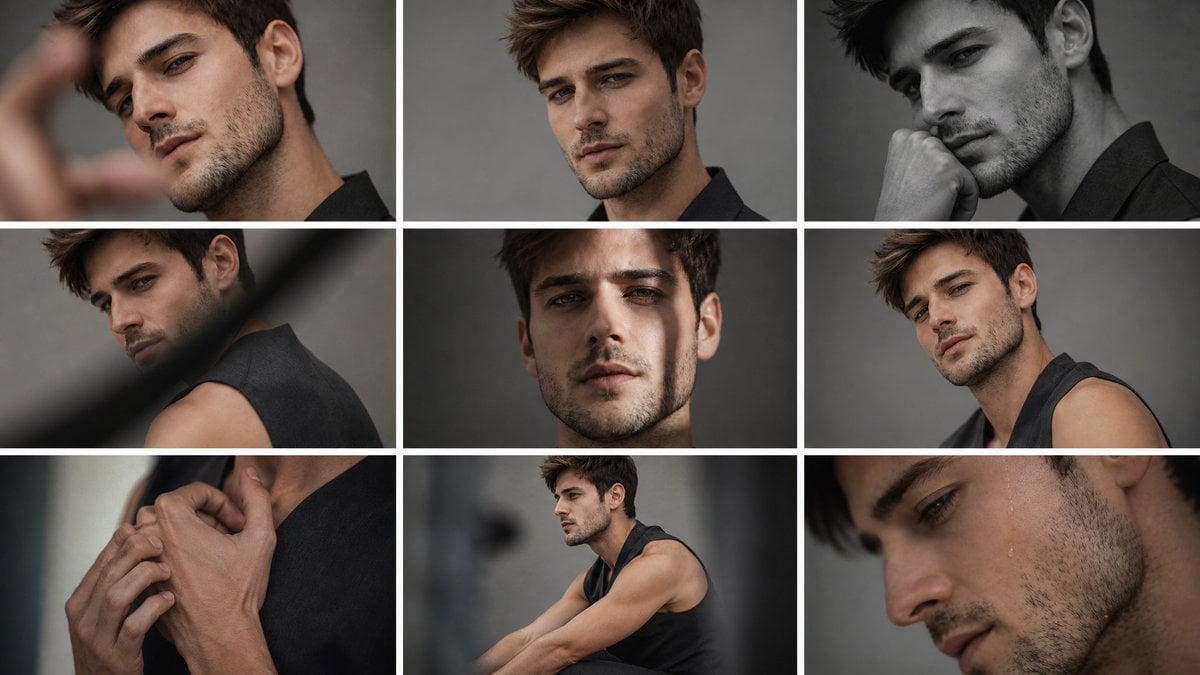
Anonymous Male Editorial Contact Sheet
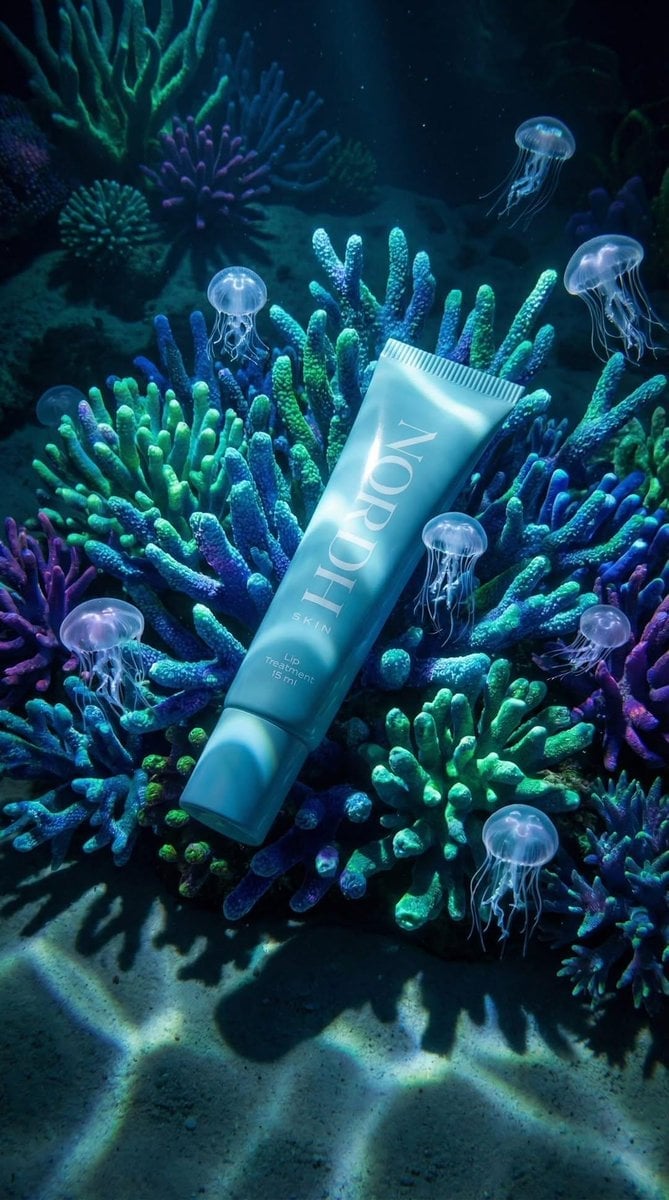
Underwater Luxury Skincare Product Ad
Browse template categories
Professional Mascara Brand Key Visual questions
How do I use the Professional Mascara Brand Key Visual template?
Add your photo if the template asks for one, edit the prompt if you like — the template's model and format are already selected — and press Generate. Your version opens in PicX Studio.
Can I customize the Professional Mascara Brand Key Visual template?
Yes. You can change the subject, setting, lighting, mood, format, and available model controls before creating your image.
Is the Professional Mascara Brand Key Visual template free?
Opening and editing this template is free. Generating uses credits, shown on the Generate button when you are signed in.
Which AI model should I use?
Start with GPT Image 2, which is the model associated with this template. You can compare another compatible model for a different finish.
Looking for something else? Browse all templates.

Your photo, any look
Thousands of ready templates for every top image and video model, from one credit balance.