
Miniature Italy Diorama
A highly detailed, travel-themed miniature diorama of Italy featuring iconic landmarks on a textured background, designed in a nostalgic architectural model style.
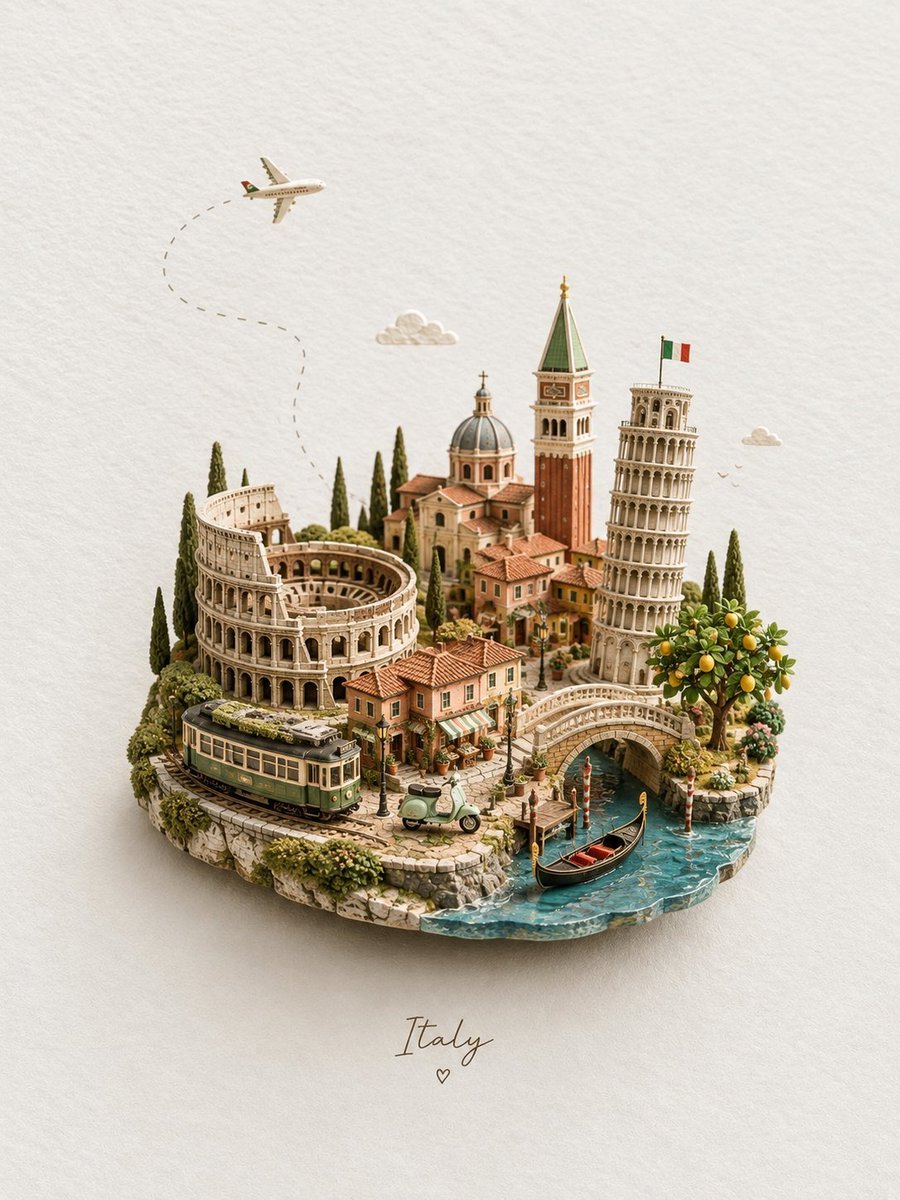
- Prompt included
- Model and format preset
- Free template
The prompt behind this image
Copy the exact prompt behind Miniature Italy Diorama, or open it in the studio and make it yours.
A premium handcrafted miniature diorama of {argument name="location" default="Italy"} arranged as a tiny floating travel island on a warm ivory textured paper background, viewed from a slightly elevated three-quarter perspective. Create a richly detailed {argument name="scene" default="Italian landscape featuring the Colosseum, the Leaning Tower of Pisa, a Venetian bell tower, a beautiful Renaissance-style domed church, charming terracotta-roofed village houses, narrow cobblestone streets, tall Mediterranean cypress trees, olive greenery, flowering plants, and a vibrant lemon tree filled with ripe yellow lemons."} In the foreground, include a vintage green-and-cream Italian tram following miniature railway tracks around the island, a pastel green Vespa parked beside a tiny café, and a graceful stone bridge crossing a turquoise Venetian canal. A classic black gondola with subtle red interior details glides through the water beside traditional striped mooring poles. Above the miniature landscape, a small passenger airplane flies across the open background with a delicate curved dotted flight path trailing behind it. Add a few tiny soft clouds and distant birds for a whimsical travel atmosphere. Use warm Mediterranean colors: terracotta orange, aged limestone beige, olive green, soft cream, muted brick red, pastel peach, and clear turquoise-blue water. Every structure should feel handcrafted from painted resin, wood, ceramic, sculpted foliage, and fine architectural model materials. Soft diffused studio lighting from the upper left, realistic contact shadows beneath the island and buildings, subtle depth of field, crisp micro-detail, realistic miniature photography, collectible architectural model aesthetic, elegant composition, peaceful nostalgic mood, sophisticated travel-poster quality, ultra-detailed photorealism, 8K. Keep generous clean negative space around the miniature island. Center the word “{argument name="text label" default="Italy"}” beneath the island in delicate handwritten calligraphy with a tiny minimalist heart below it. Portrait composition, 3:4 aspect ratio.
How to use Miniature Italy Diorama in 3 steps
- 1
Open
The prompt is already in the box next to the preview, with the template's model and format selected.
- 2…a portrait of your subject in softgolden-hour light, 85mm…
Personalize
Edit the subject and creative details for your destination.
- 3Generate
Generate
Press Generate — your image is created in PicX Studio, so you can compare it with the original and refine one variable at a time.
More like this
Templates with the same subject, style or setup. Open one to see its prompt.

Isometric Brand Store Diorama
Paper Tunnel Book Architecture
Layered Paper Cut Forest Diorama
Soft Handcrafted Paper-Cut Layered Illustration
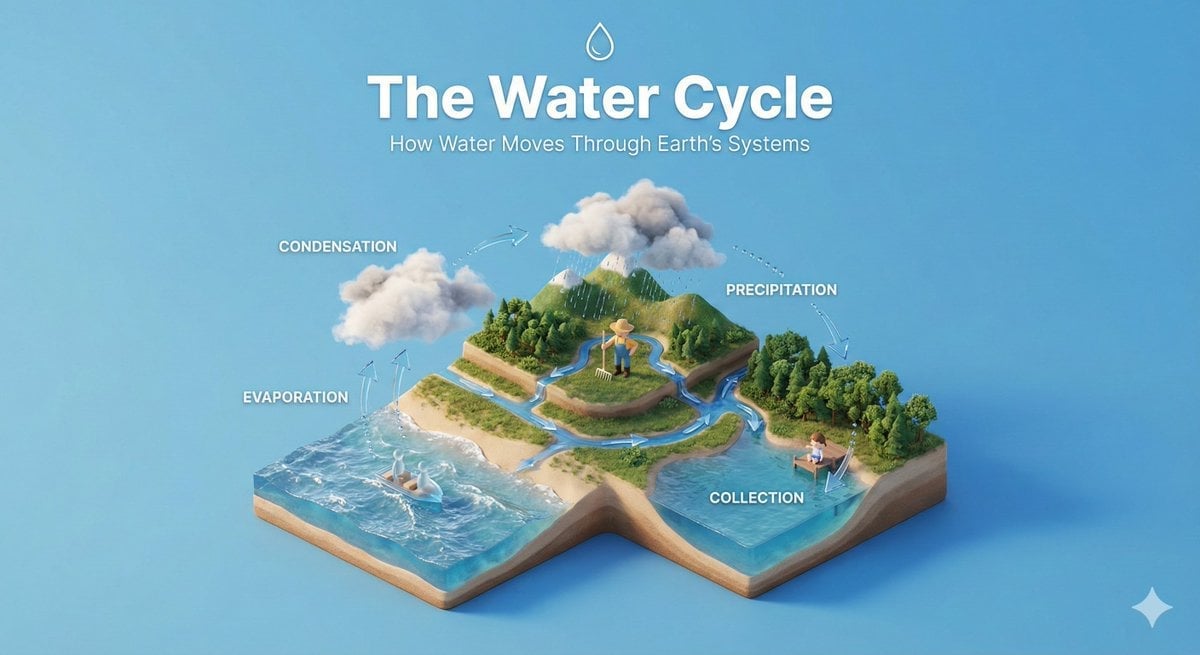
Isometric Process Educational Diorama
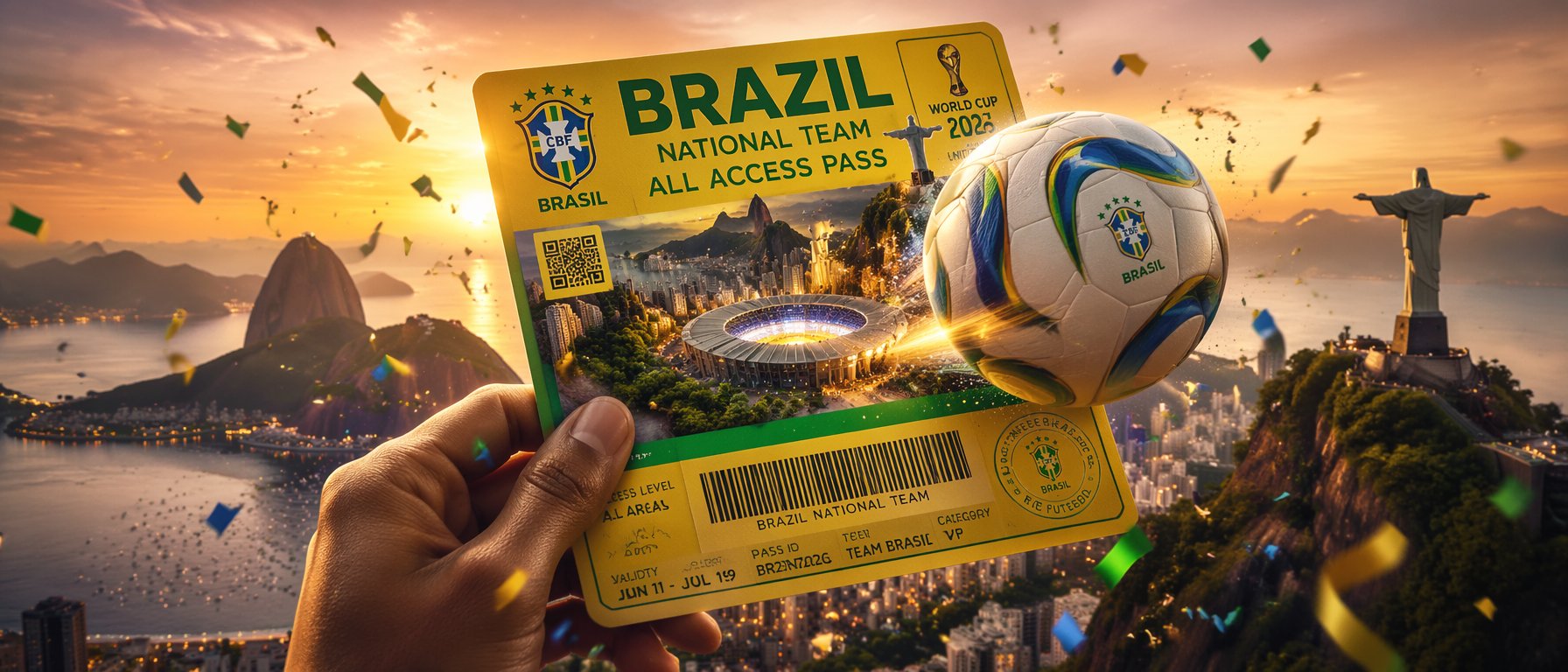
FIFA World Cup — Brazil National Pass Diorama
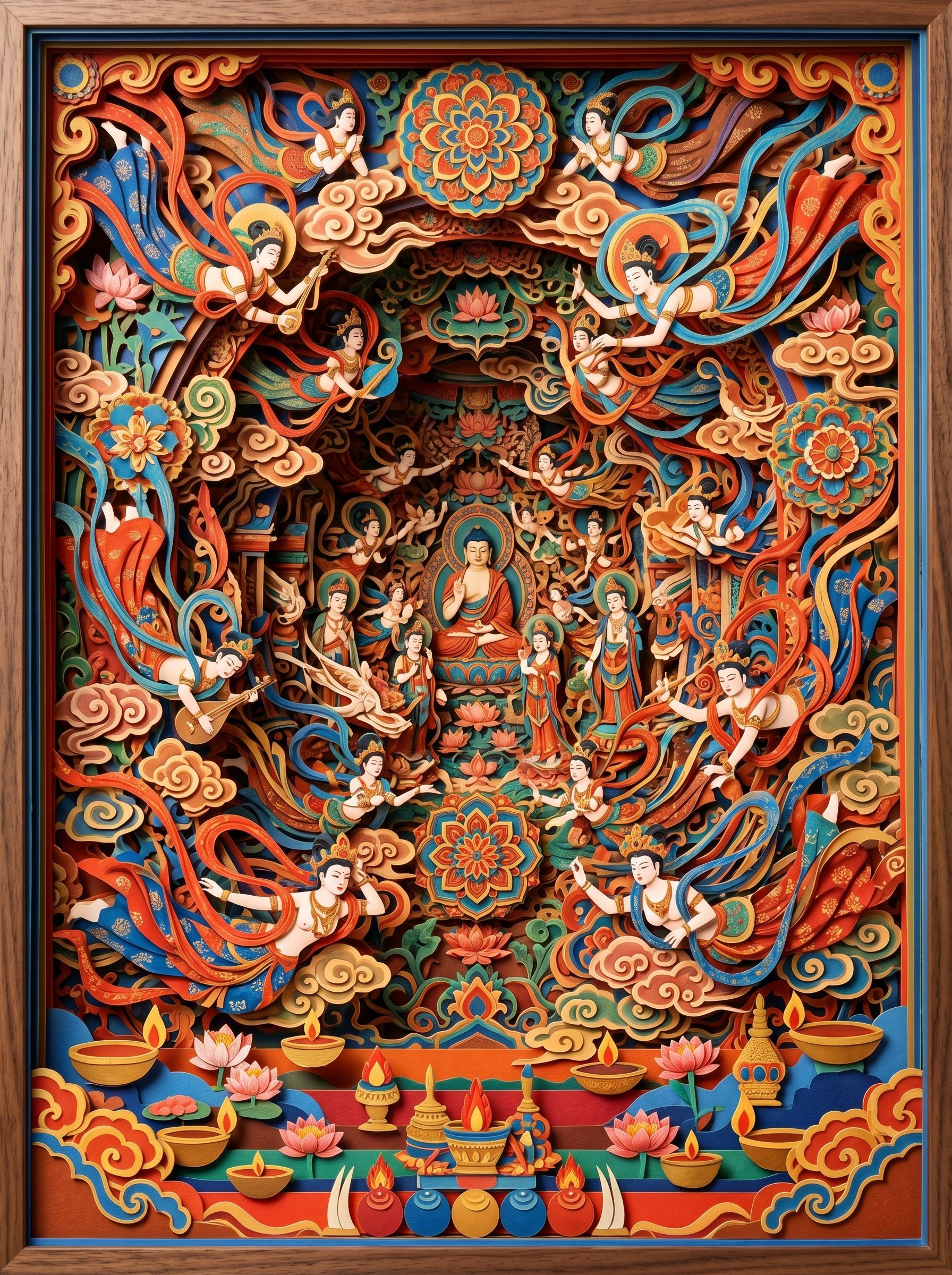
敦煌纸雕飞天 — 3D Layered Paper Cutout

Seedance 2.0 - Old Money Man
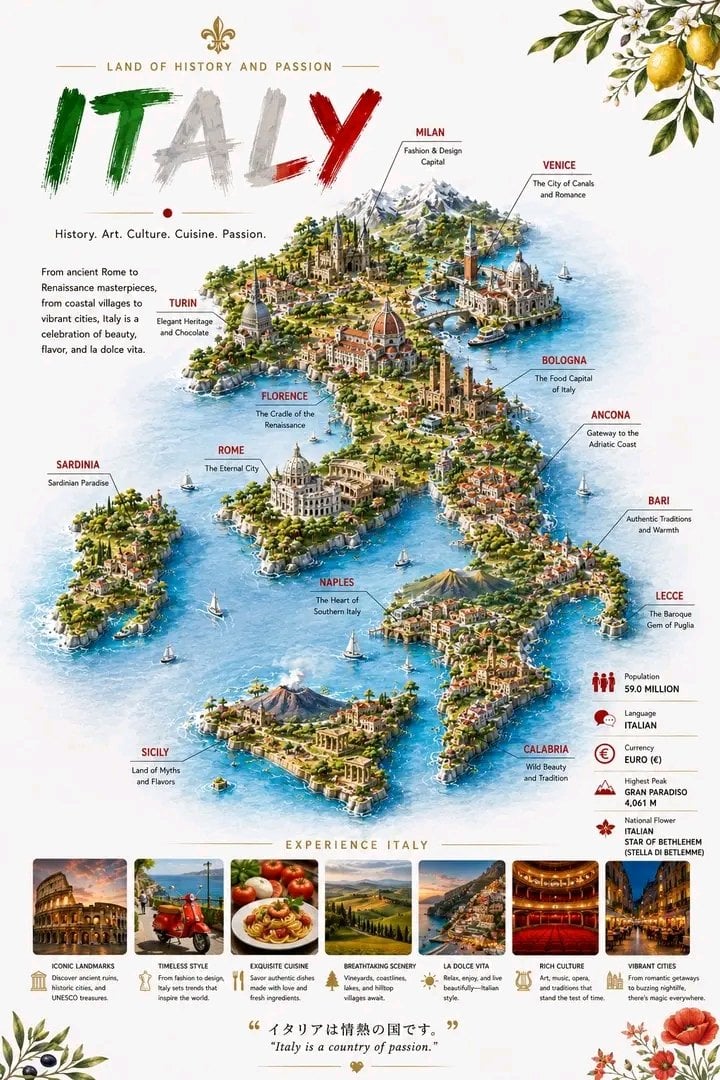
Detailed 3D Travel Infographic Map of Italy
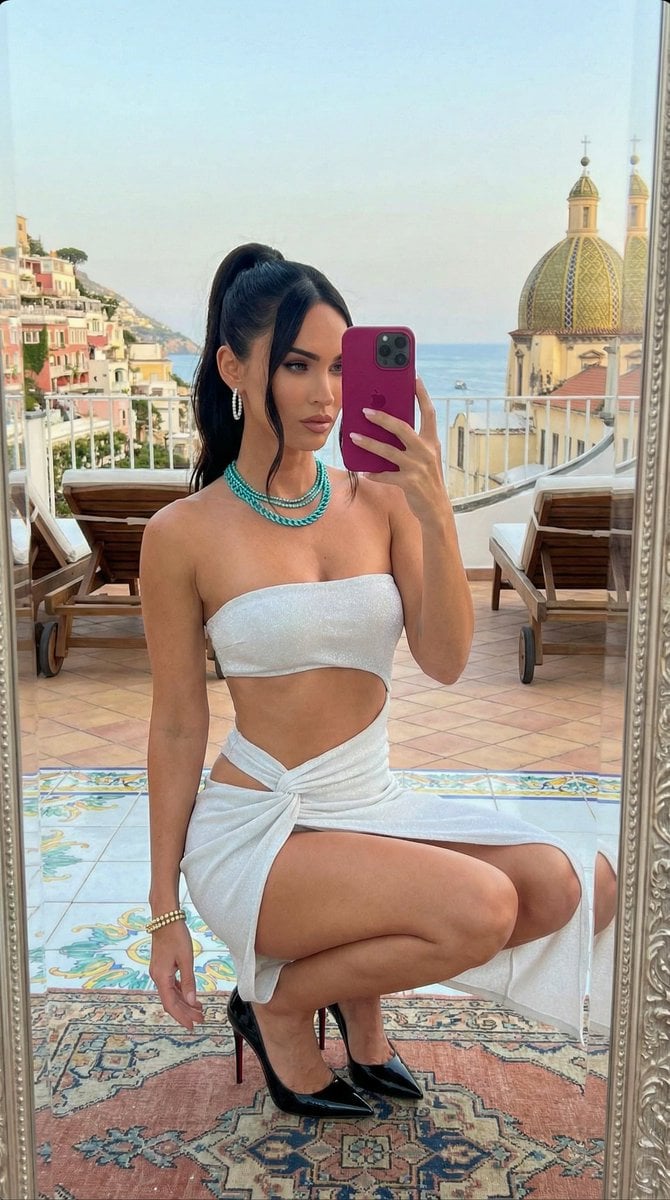
Ultra-Photorealistic Mirror Selfie in Italy Prompt

Miniature Sick Day Diorama
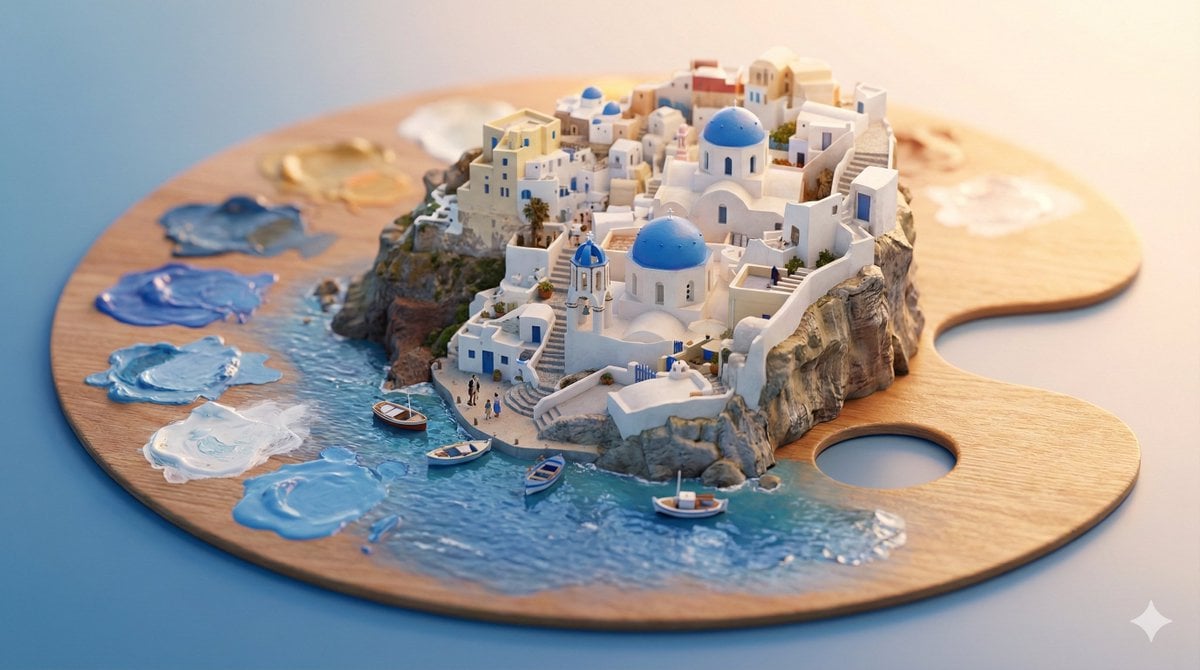
Stylized Miniature 3D Diorama Craft
Make it yours
Miniature Italy Diorama works as-is. These are the safest ways to change it without losing the look.
Change one field
Copy a single group, rewrite it, and generate again so you can see what that field is doing.
Keep the frame, change the subject
Hold the composition and light of Miniature Italy Diorama, then swap wardrobe, props or the person for a new take.
| If the result… | Why | Fix |
|---|---|---|
| The result drifts from the preview | Too many fields changed at once. | Reuse Miniature Italy Diorama as-is first, then change one group — subject, light, or setting. |
| The model over-stylizes the scene | The prose prompt leaves finish and camera underspecified. | Add one camera or lighting sentence and stay on GPT Image 2. |
More GPT Image 2 templates
Other prompts made for GPT Image 2.

Six VTuber Japanese Logo Sheet

Realistic Portrait of Woman and Deer

The Vista Modular Condo Poster

AI Model Routing Comparison Infographic

2.5D Anime Art Board

Isometric Productivity Desk Scene

New York Double Exposure Poster

Four-Panel AI Landscape Comparison

Japanese Tatami Lifestyle Magazine Cover

NESCAFÉ Coffee Map Poster
More image prompts
Fresh picks from across the catalog.

Iridescent Water Phone Wallpaper

Surreal Japanese Tech Style Poster
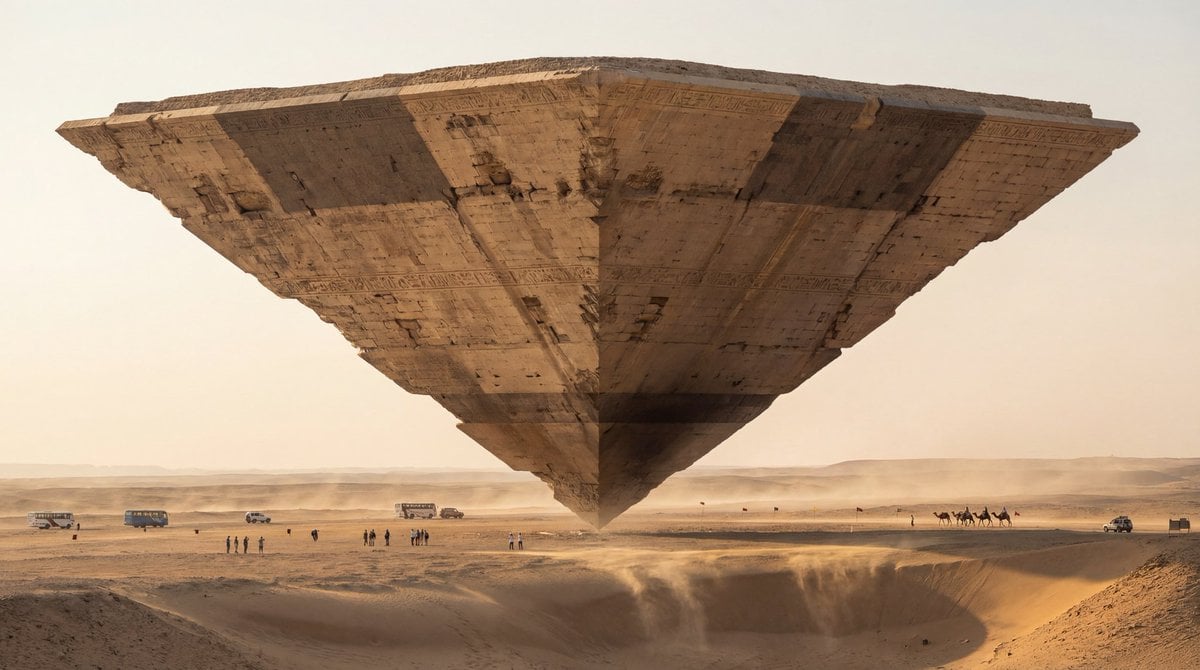
Photorealistic Ultra-Wide Desert Scene with Inverted Pyramid
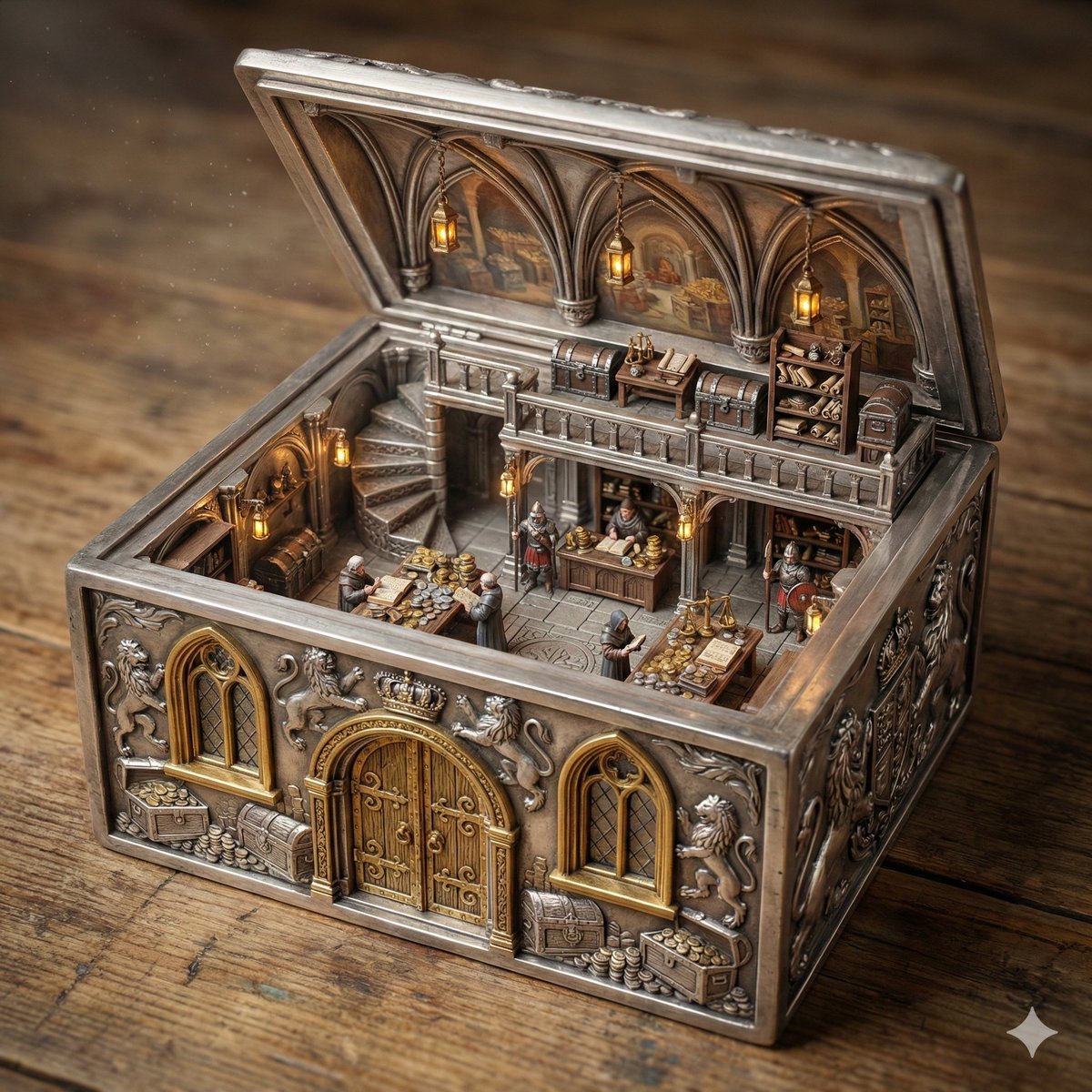
Ornate Box Diorama of a Royal Treasury Counting Room
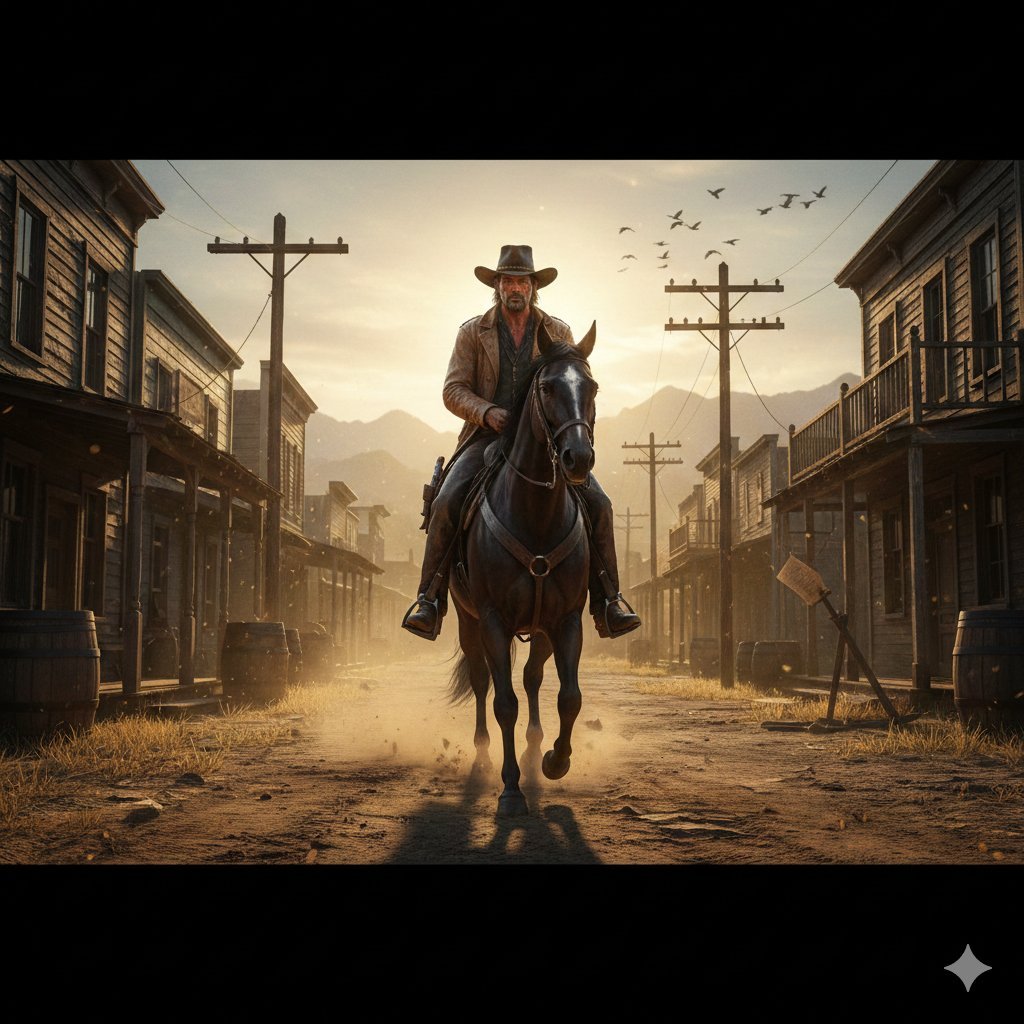
Gritty Western Gunslinger Scene Prompt

High-Quality Image Generation Optimization
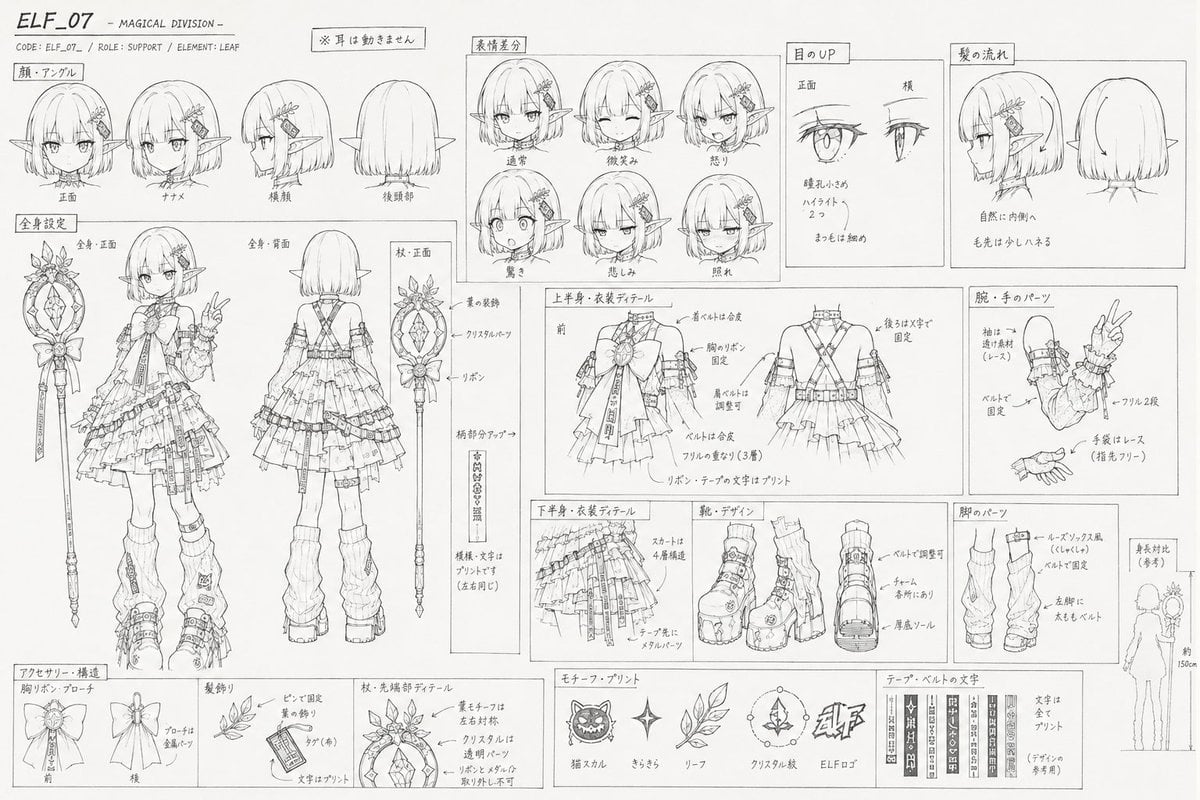
Professional Anime Character Line Art Sheet
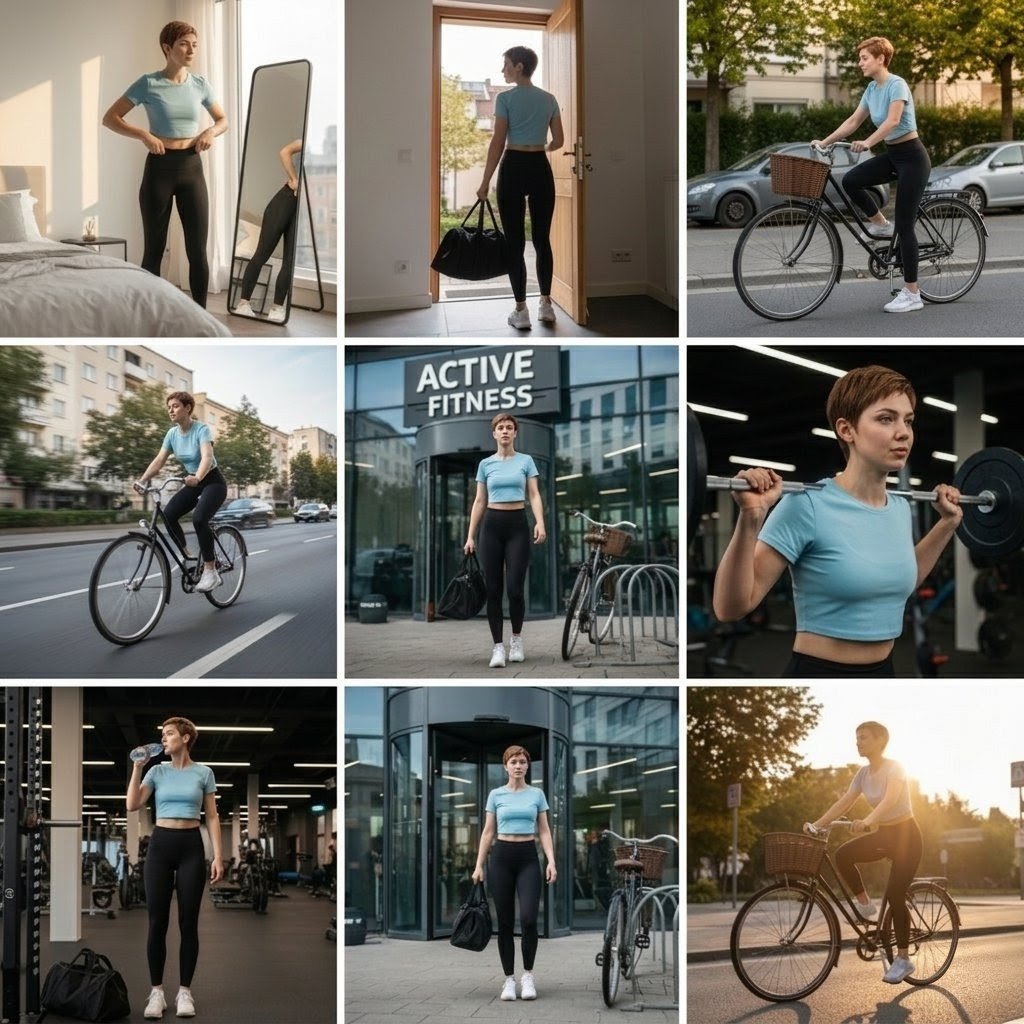
Photo Cinematic Collage for a Gym Girl's Fitness Journey
Seedance - Smooth Vlog
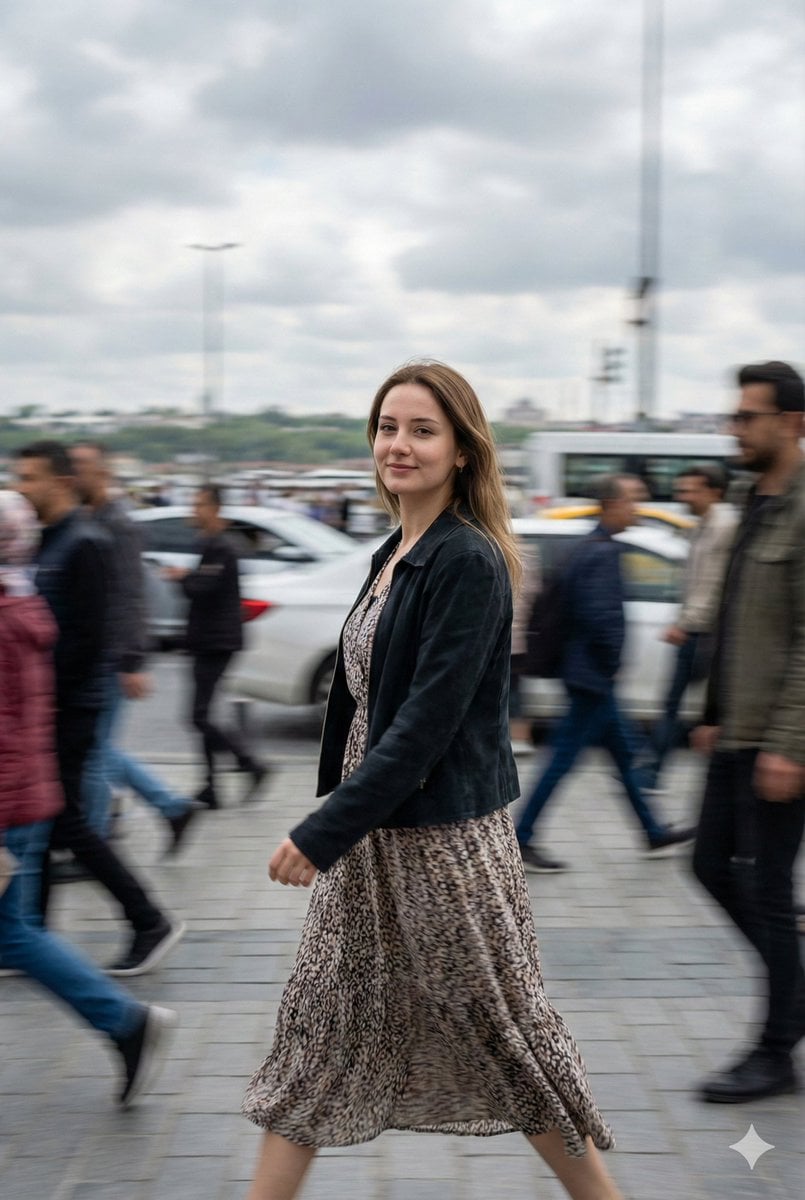
Cinematic Motion Blur Street Portrait Prompt
Browse template categories
Miniature Italy Diorama questions
How do I use the Miniature Italy Diorama template?
Add your photo if the template asks for one, edit the prompt if you like — the template's model and format are already selected — and press Generate. Your version opens in PicX Studio.
Can I customize the Miniature Italy Diorama template?
Yes. You can change the subject, setting, lighting, mood, format, and available model controls before creating your image.
Is the Miniature Italy Diorama template free?
Opening and editing this template is free. Generating uses credits, shown on the Generate button when you are signed in.
Which AI model should I use?
Start with GPT Image 2, which is the model associated with this template. You can compare another compatible model for a different finish.
Looking for something else? Browse all templates.

Your photo, any look
Thousands of ready templates for every top image and video model, from one credit balance.