How do I use the Hyper-Realistic Male Fashion Editorial template?
Choose the primary action to open PicX Studio with the available template settings. Review the model and format, personalize the creative direction, and generate when ready.
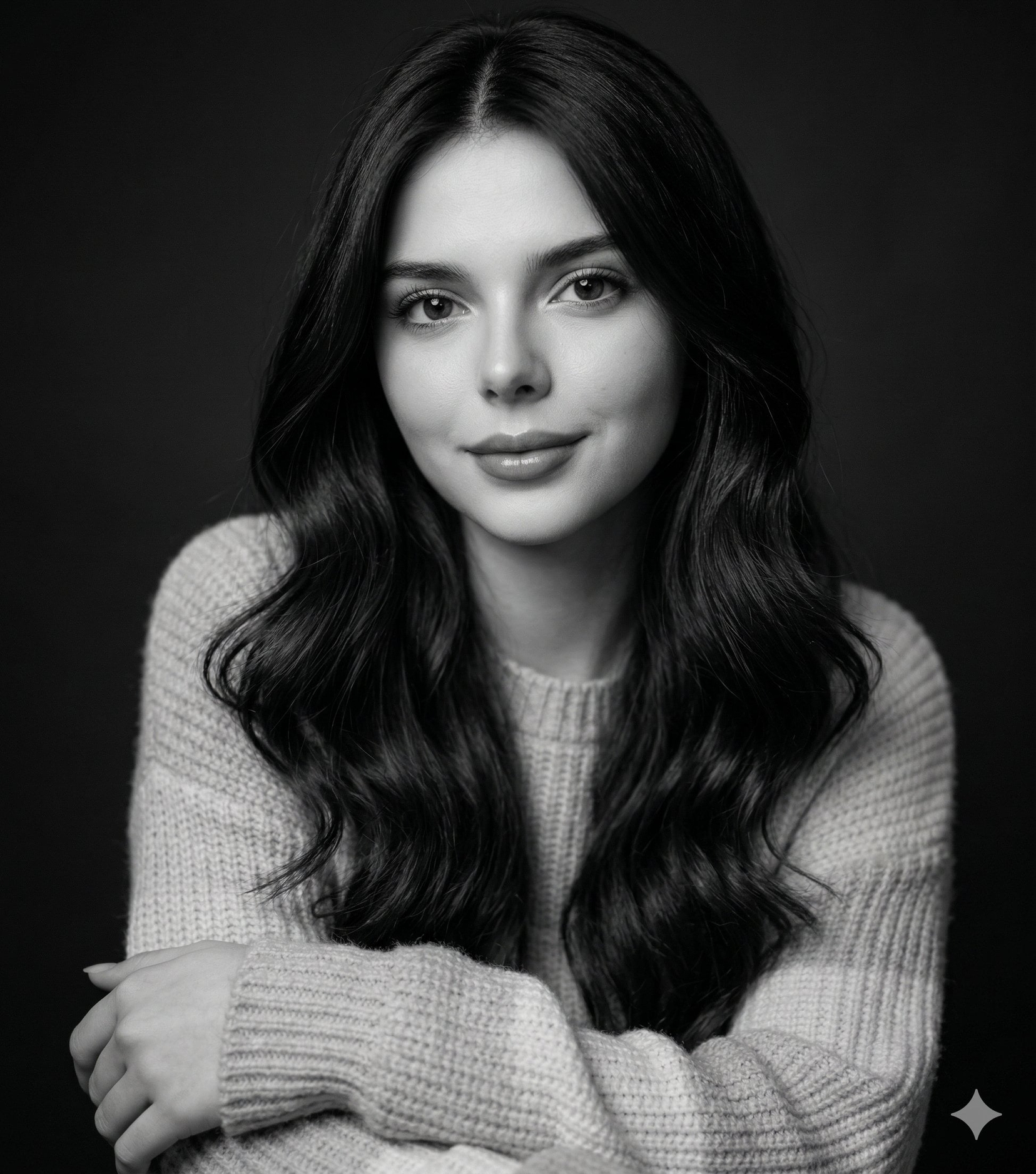
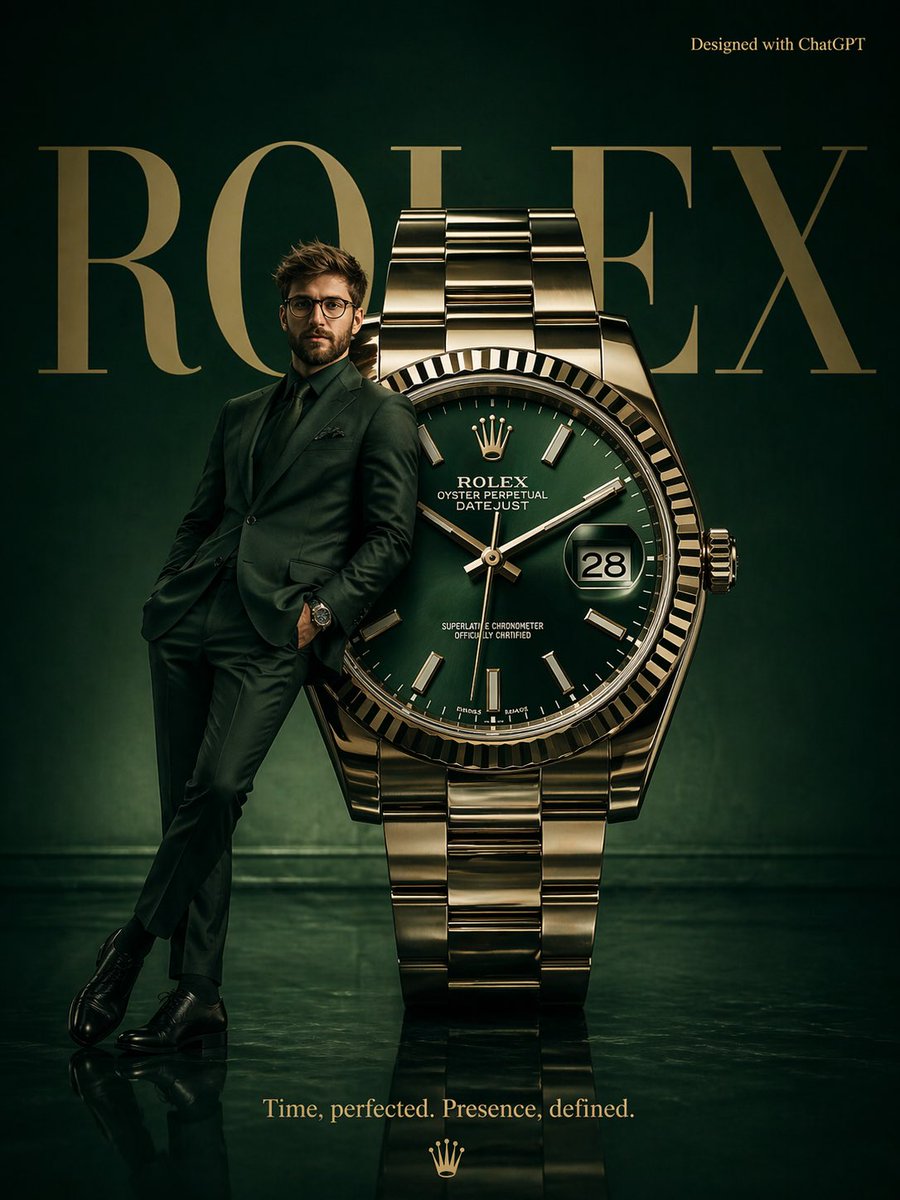
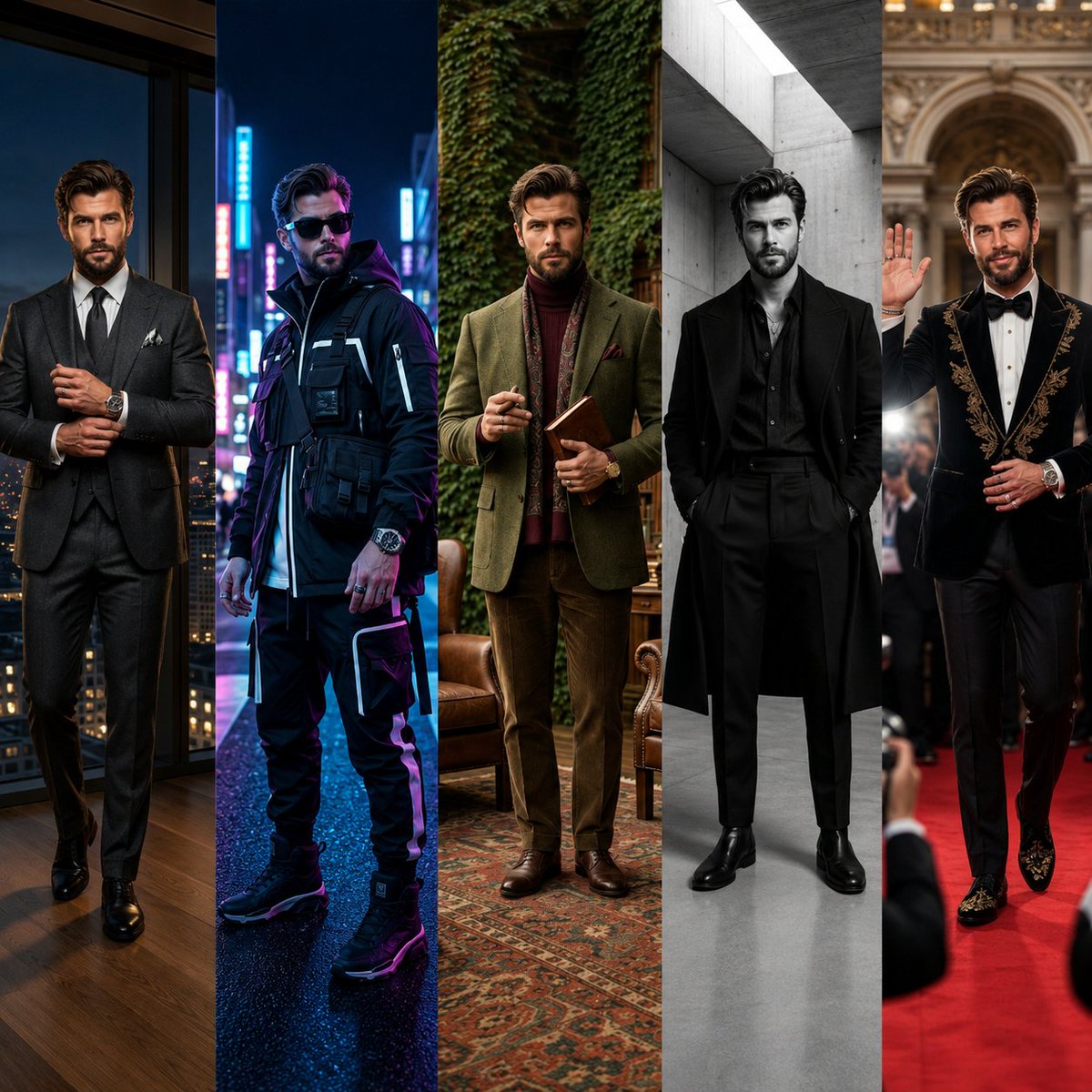
A detailed prompt for creating a cinematic and ultra-realistic fashion magazine-style portrait of a handsome man.
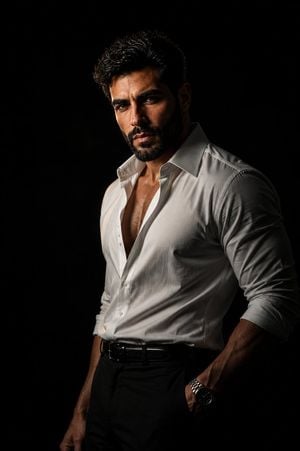
A cinematic, ultra-realistic editorial portrait of a {argument name="subject" default="handsome adult man with tousled dark wavy hair"}, thick neatly trimmed beard, strong jawline, and an intense confident gaze directly at the camera. He is wearing a slightly loose white button-down shirt with the top several buttons undone, sleeves casually rolled up, tucked into tailored black trousers with a black leather belt. A luxury metal wristwatch is visible on his wrist, one hand resting inside his trouser pocket. Dramatic low-key studio lighting from one side creates strong chiaroscuro, illuminating half of his face and shirt while the other side falls into deep shadow. Pure black minimalist background, moody masculine atmosphere, sophisticated luxury fashion editorial aesthetic, high contrast, realistic skin texture, subtle fabric details, natural anatomy, shallow depth of field, 85mm portrait lens, vertical full-body composition, photorealistic, cinematic color grading, extremely detailed, premium fashion magazine photography.
Choose the primary action to open PicX Studio with the available template settings. Review the model and format, personalize the creative direction, and generate when ready.
Yes. You can change the subject, setting, lighting, mood, format, and available model controls before creating your image.
This template is free to open and customize. Generation usage is shown in PicX Studio before you create.
Start with GPT Image 2, which is the model associated with this template. You can compare another compatible model for a different finish.
Follow a topic to a crawlable collection of related PicX Studio templates.