
Voxel Su Shi MBTI Cover
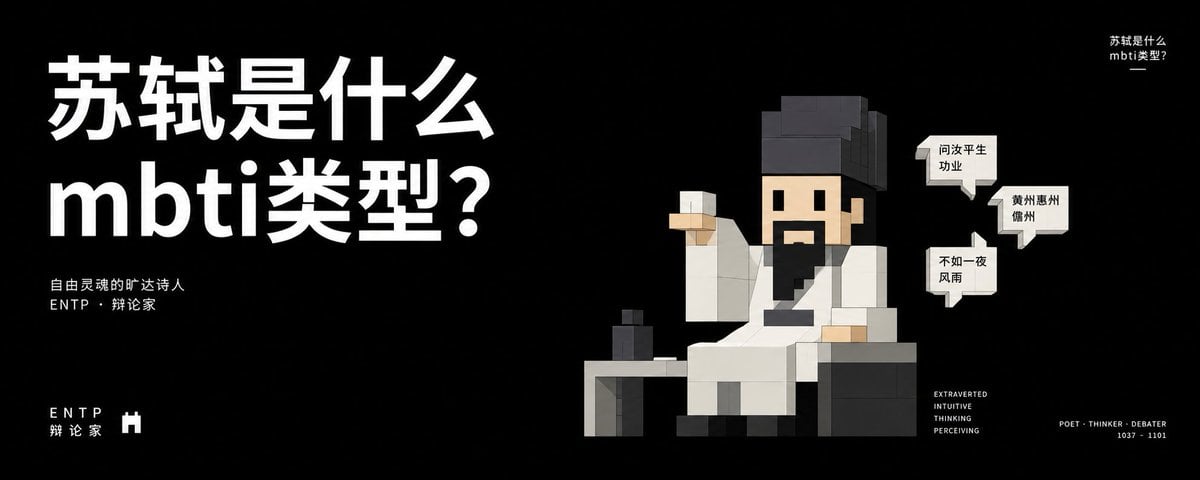
A black minimalist Chinese social-media cover featuring a voxel Su Shi character and ENTP MBTI typography.
- Prompt included
- Model and format preset
- Free template
The prompt behind this image
Copy the exact prompt behind Voxel Su Shi MBTI Cover, or open it in the studio and make it yours.
Goal: Create a wide cinematic social-media cover poster about the MBTI type {argument name="MBTI type" default="ENTP"}, using a premium black minimalist layout and a blocky voxel/LEGO-like character illustration. Canvas: 2.4:1 horizontal banner, approximately 1200 × 500 px. Matte black background with lots of negative space, crisp high-contrast white typography, no border, no watermark. Layout: Left side contains the dominant title, occupying about 40% of the canvas width. Right side contains a seated voxel character. Small supporting text is placed below the title, bottom-left, top-right, and bottom-right. Text content: Main title in huge bold white Chinese sans-serif type, two lines, reading {argument name="headline text" default="苏轼是什么\nmbti类型?"}. Under the title, add two small white lines: {argument name="subtitle text" default="自由灵魂的旷达诗人\nENTP · 辩论家"}. Bottom-left has spaced letters “E N T P” and the Chinese label “辩 论 家”, plus a small white castle/tower icon. Top-right has a tiny repeated title: “苏轼是什么? mbti类型?”. Bottom-right has a compact personality stack: “EXTRAVERTED / INTUITIVE / THINKING / PERCEIVING”, and far right a small caption: “POET · THINKER · DEBATER / 1037 - 1101”. Subject details: On the right, depict {argument name="historical figure" default="Su Shi"} as a square voxel character in ancient Chinese scholar robes. He is seated front-facing in a dark blocky chair behind a simple desk. He has a beige square face, black blocky hair and tall scholar hat, a black mustache and long black beard, simple square eyes and mouth, and wears a white robe with gray shadows and a black diagonal sash. One arm is raised holding a small white cup; the other rests near the desk. On the desk, include exactly 1 small dark ink bottle or cup. Speech bubbles: Add exactly 3 small white comic speech bubbles near the character’s head on the right. The bubble texts are: 1) “问汝平生\n功业”, 2) “黄州惠州\n儋州”, 3) “不如一夜\n风雨”. Keep the bubbles sharp, rectangular with small tails, black Chinese text. Visual style: Ultra-clean editorial cover design, black-and-white palette with beige skin tones, voxel toy-block geometry, subtle gray shading, modern bold typography, high contrast, witty intellectual tone, balanced asymmetry. Keep all elements crisp and legible.
How to use Voxel Su Shi MBTI Cover in 3 steps
- 1Upload ImagePNG, JPG or paste
Add your photo
Upload the photo the template builds on. The prompt, model and format are already set.
- 2…a portrait of your subject in softgolden-hour light, 85mm…
Personalize
Edit the subject and creative details for your destination.
- 3Generate
Generate
Press Generate — your image is created in PicX Studio, so you can compare it with the original and refine one variable at a time.
More like this
Templates with the same subject, style or setup. Open one to see its prompt.
Hyper-Realistic Minecraft Cows Grazing

Hyper-Realistic Minecraft POV Portrait

Minecraft Homage Illustrious Style

Minecraft Voxel Pixel Art Aesthetic System

Minecraft Next-Gen Voxel World Screenshot

Minecraft Japanese Research Lab Exploration

Off Duty Fashion Magazine Cover

Minecraft Fantasy Kingdom Voxel Landscape
Minecraft Voxel Character Village Portrait
Japanese Fashion Cover with Koinobori Dresses
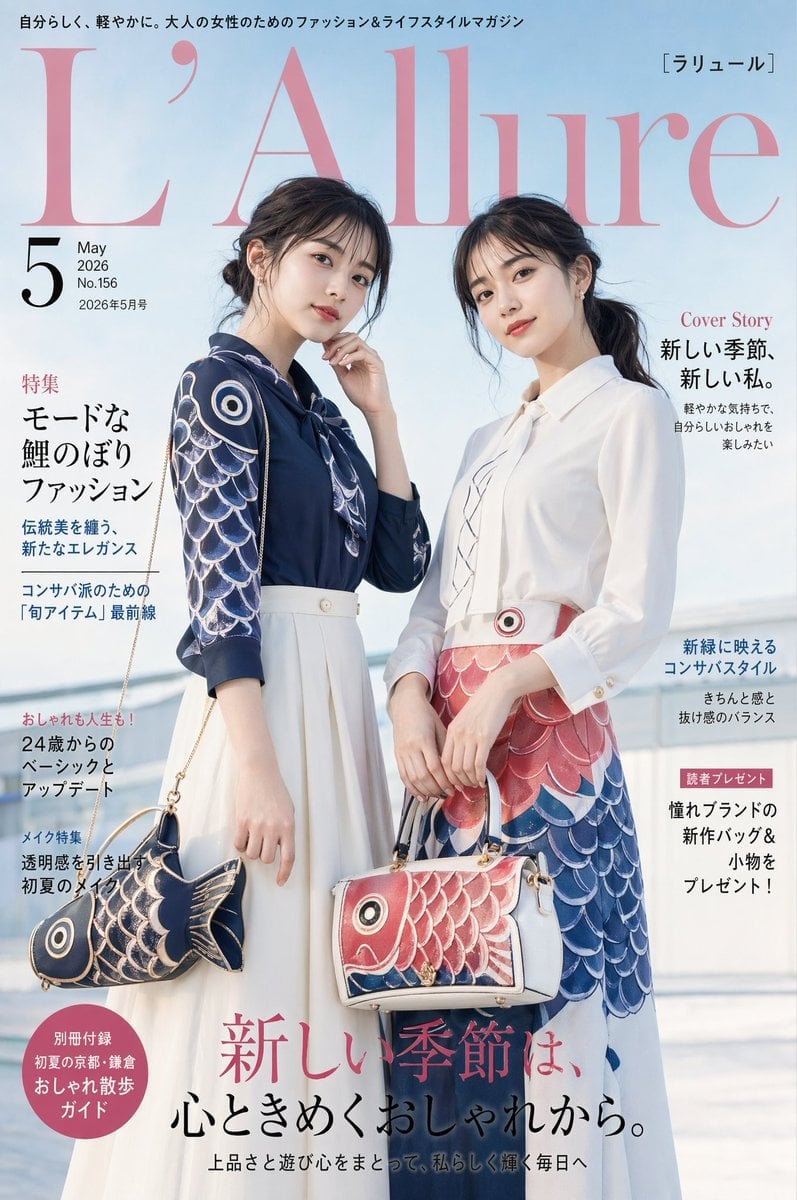
Japanese Koinobori Fashion Magazine Cover
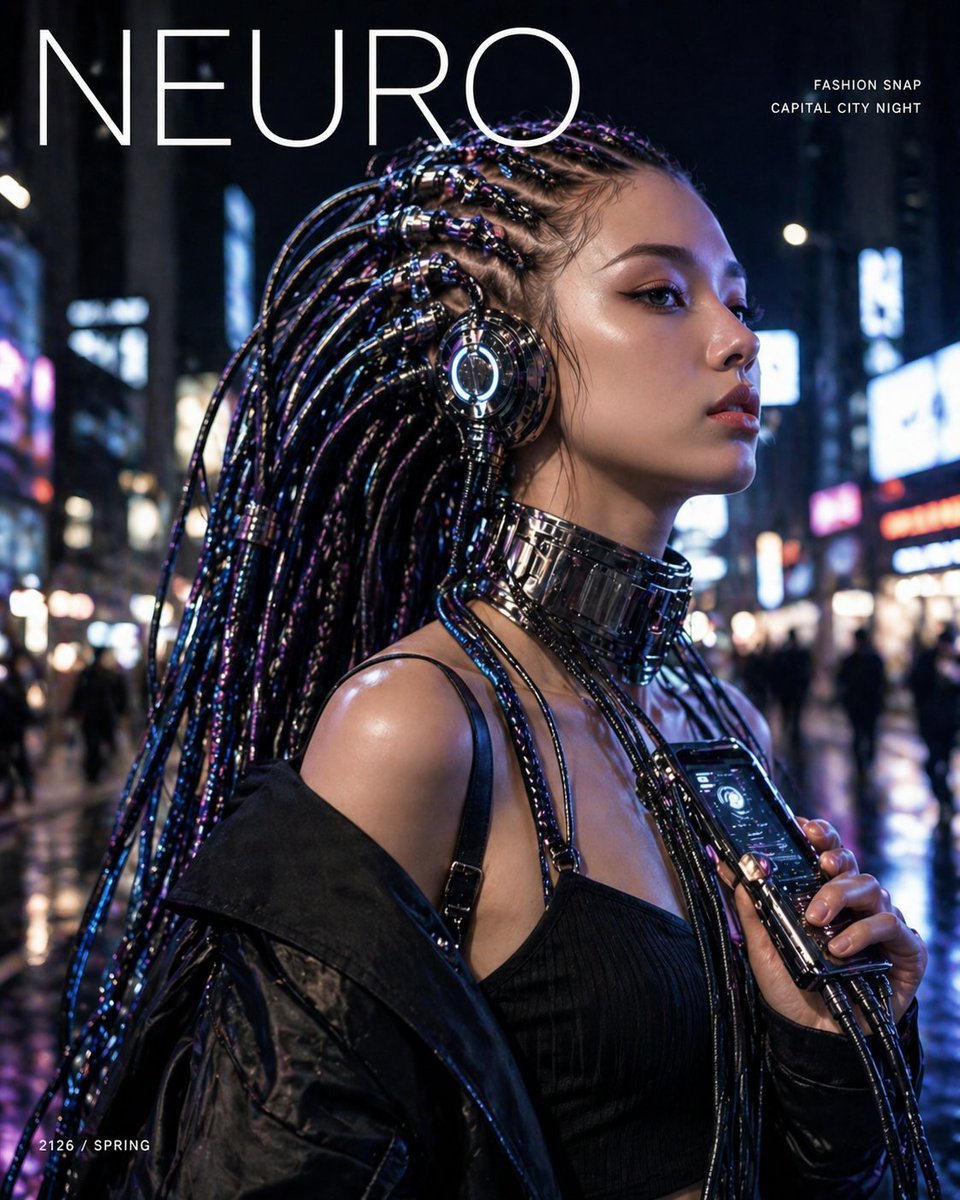
Cyberpunk Fashion Magazine Cover
Make it yours
Voxel Su Shi MBTI Cover works as-is. These are the safest ways to change it without losing the look.
Change one field
Copy a single group, rewrite it, and generate again so you can see what that field is doing.
Keep the frame, change the subject
Hold the composition and light of Voxel Su Shi MBTI Cover, then swap wardrobe, props or the person for a new take.
| If the result… | Why | Fix |
|---|---|---|
| The result drifts from the preview | Too many fields changed at once. | Reuse Voxel Su Shi MBTI Cover as-is first, then change one group — subject, light, or setting. |
| The model over-stylizes the scene | The prose prompt leaves finish and camera underspecified. | Add one camera or lighting sentence and stay on GPT Image 2. |
More GPT Image 2 templates
Other prompts made for GPT Image 2.

Six VTuber Japanese Logo Sheet

Realistic Portrait of Woman and Deer

The Vista Modular Condo Poster

AI Model Routing Comparison Infographic

2.5D Anime Art Board

Isometric Productivity Desk Scene

New York Double Exposure Poster

Four-Panel AI Landscape Comparison

NESCAFÉ Coffee Map Poster

Brutalist Cogito Chinese Typography Poster
More image prompts
Fresh picks from across the catalog.
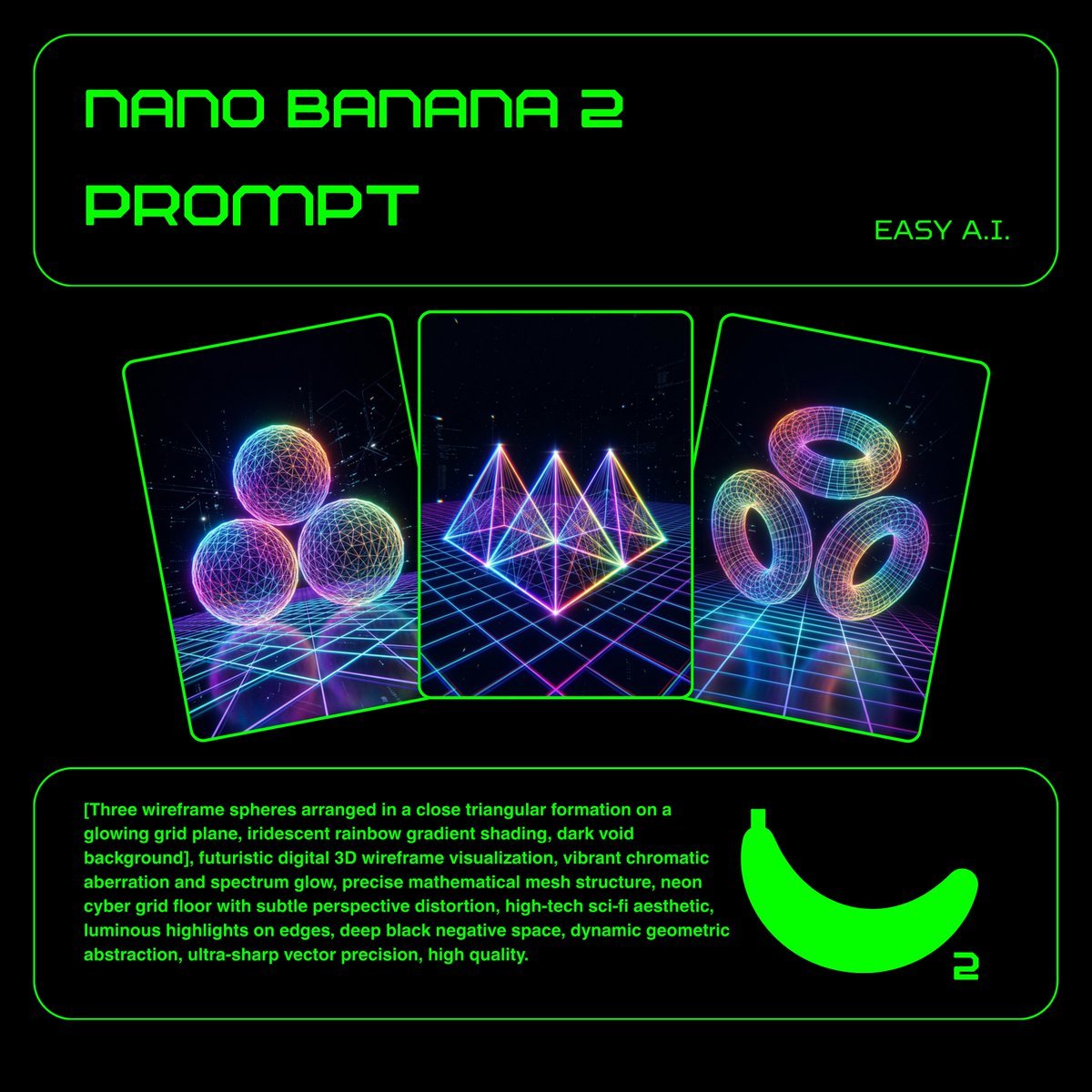
Neon Wireframe 3D Prompt Template
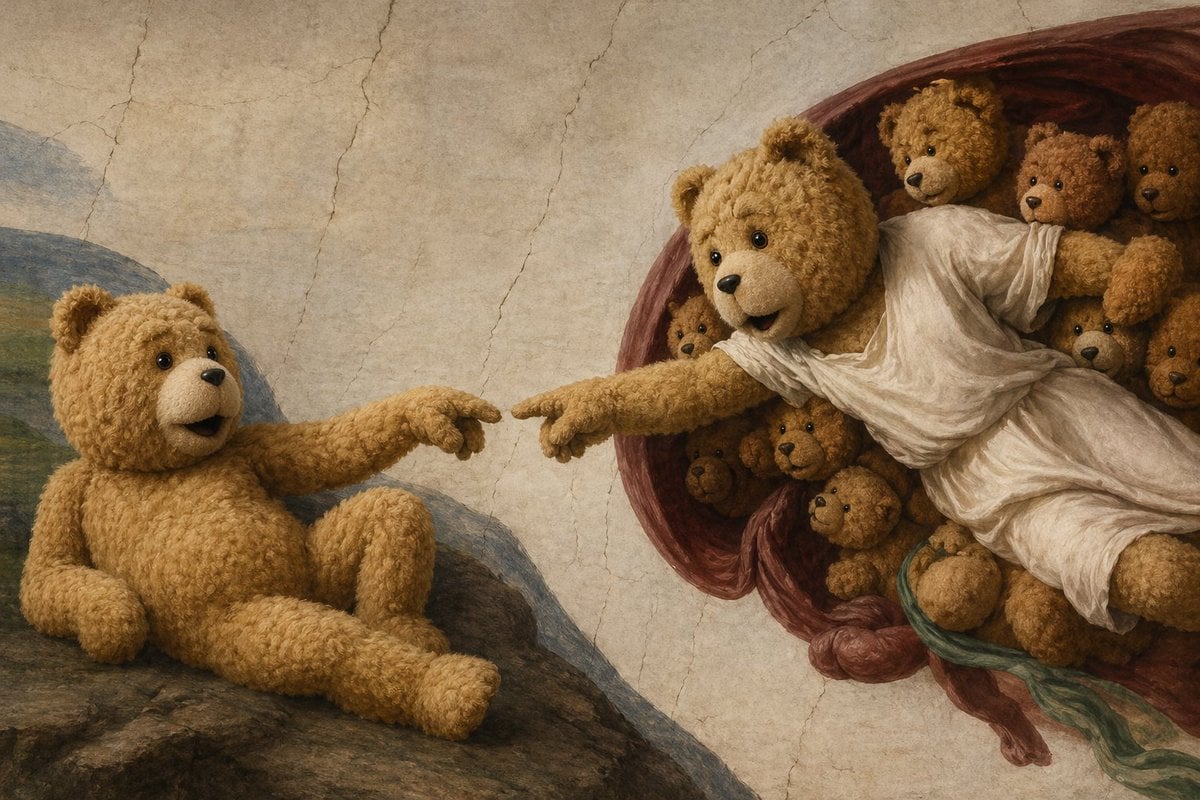
Teddy Bear Creation Fresco
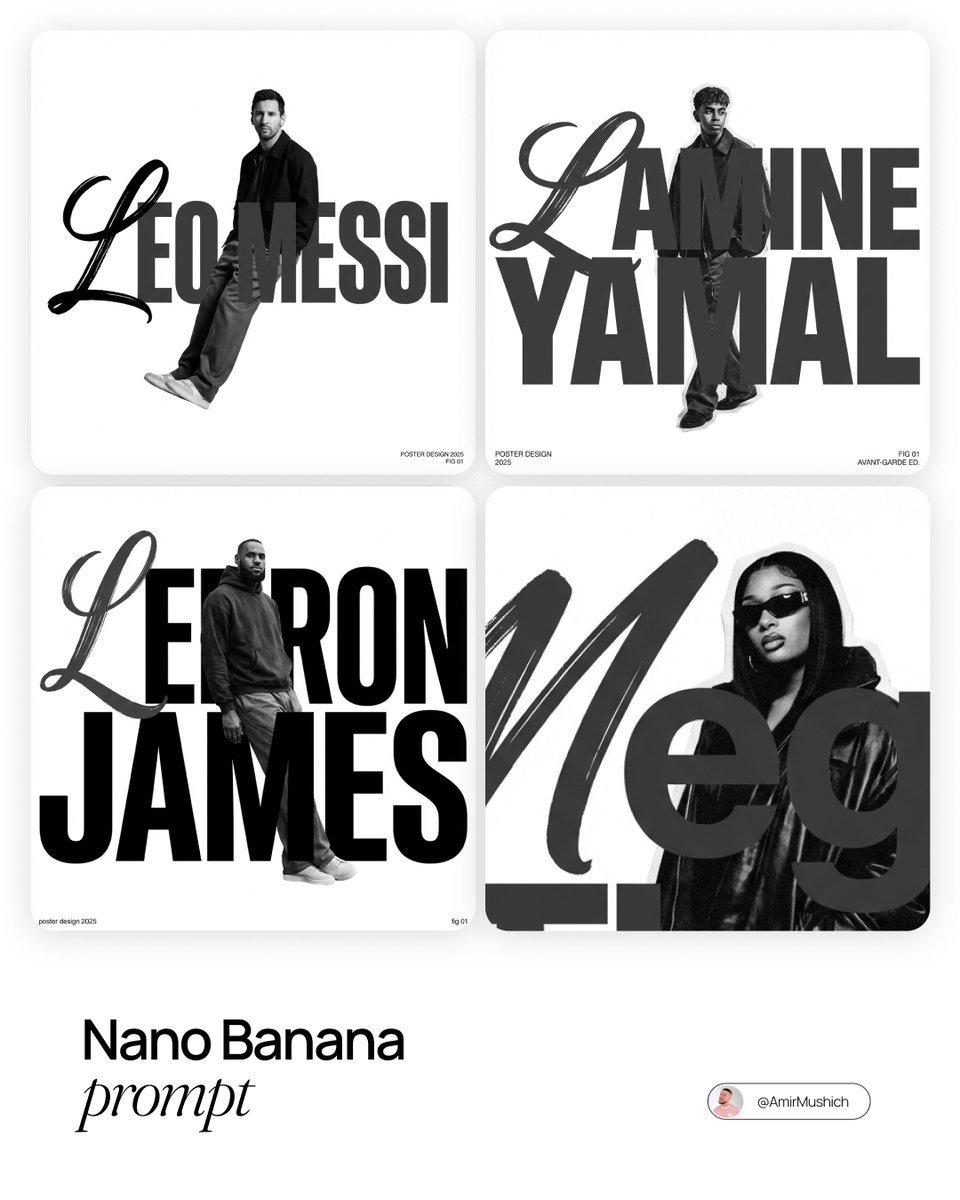
Asymmetric Grid Poster Design Prompt
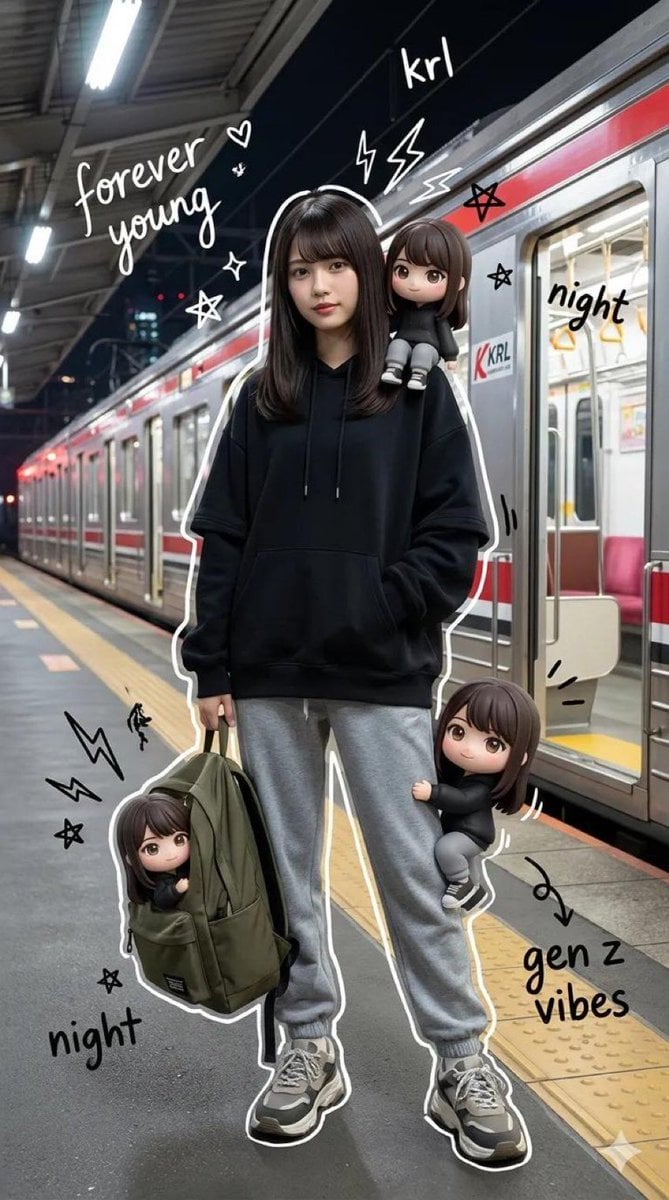
Mixed-Media Portrait of Gen Z Teenager with Chibi Clones
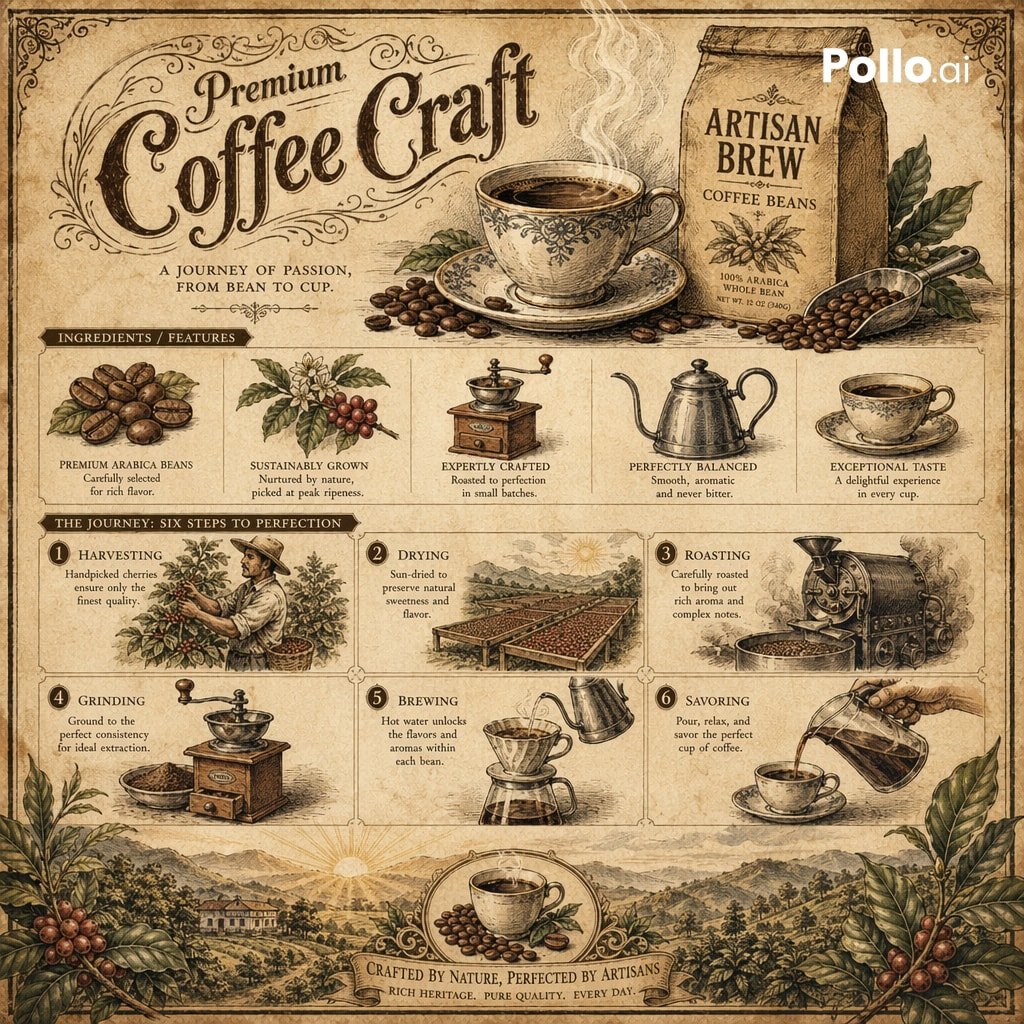
Vintage Botanical Infographic
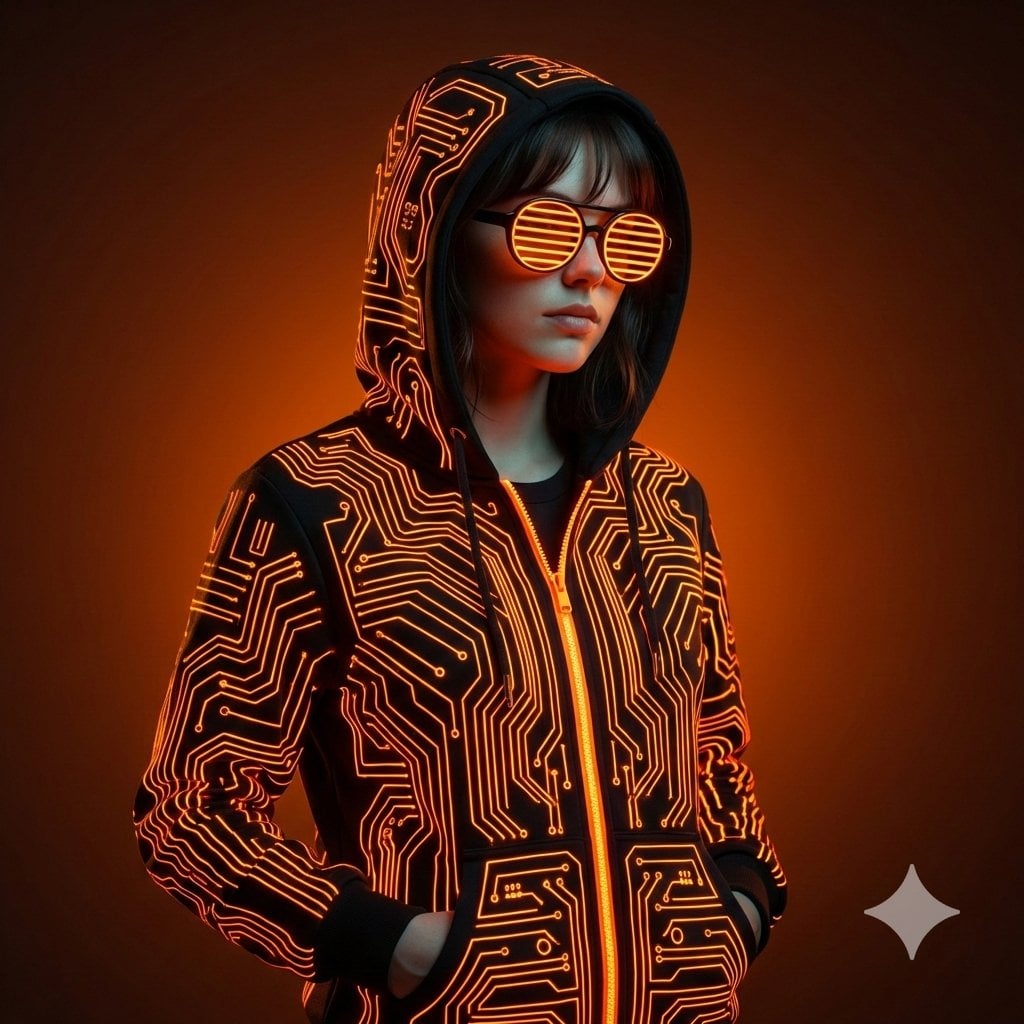
Ultra-Realistic Cyberpunk Studio Portrait
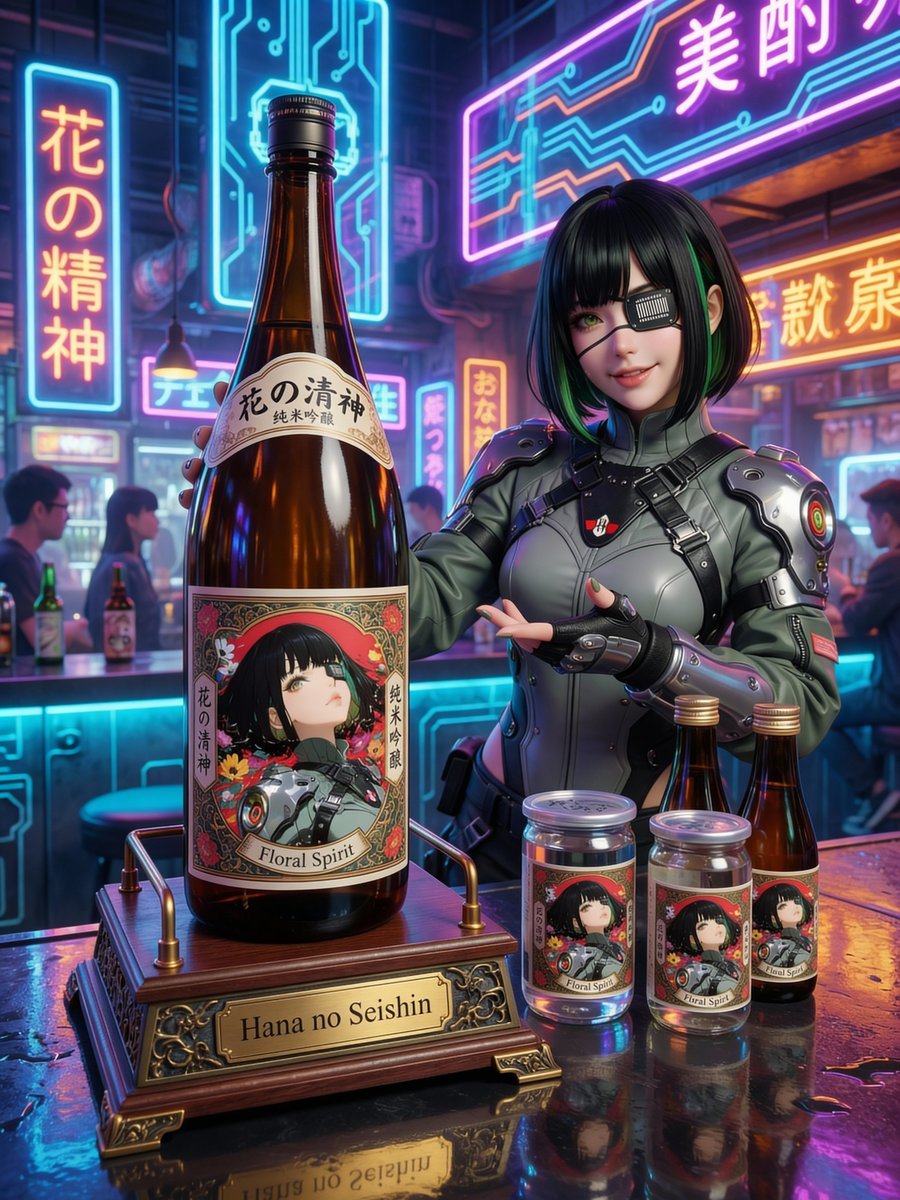
Fictional Sake Brand Bottle Design
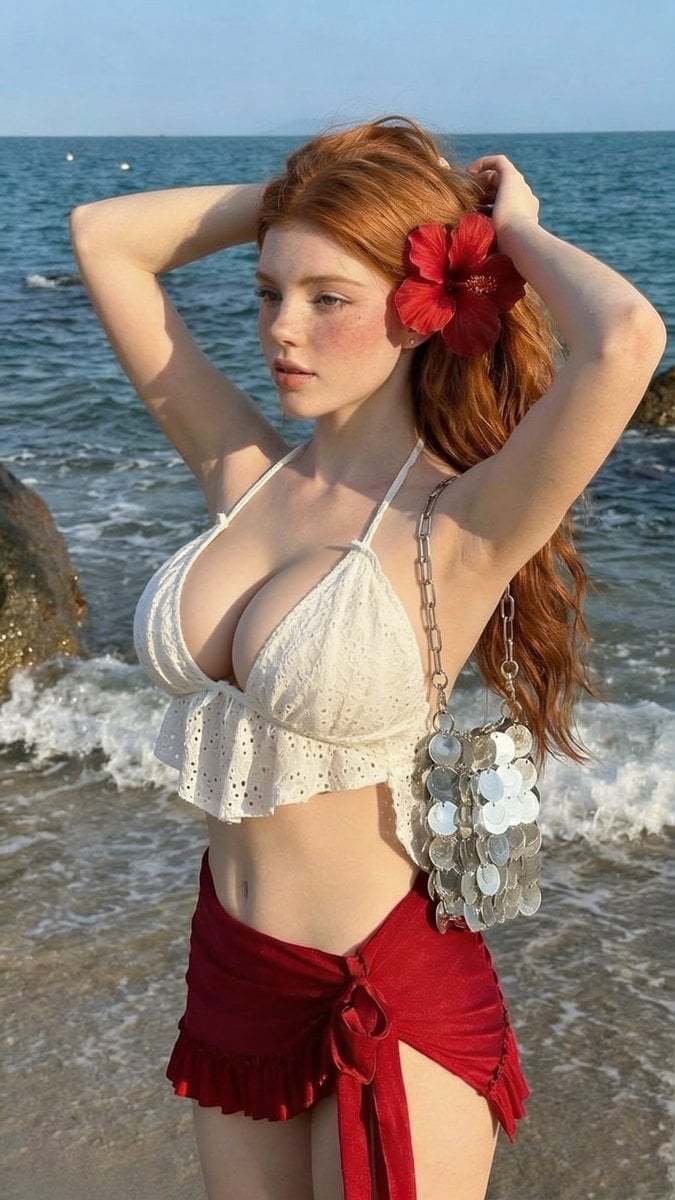
Golden Hour Beach Fashion Portrait
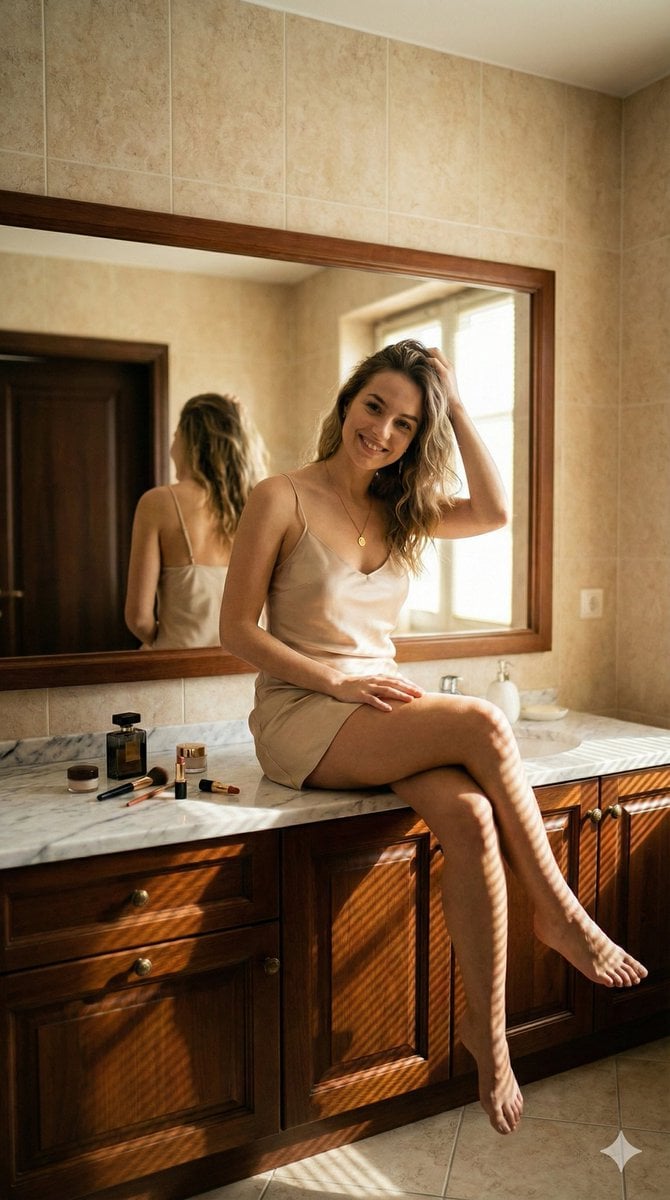
Hyper-Realistic Bathroom Vanity Portrait
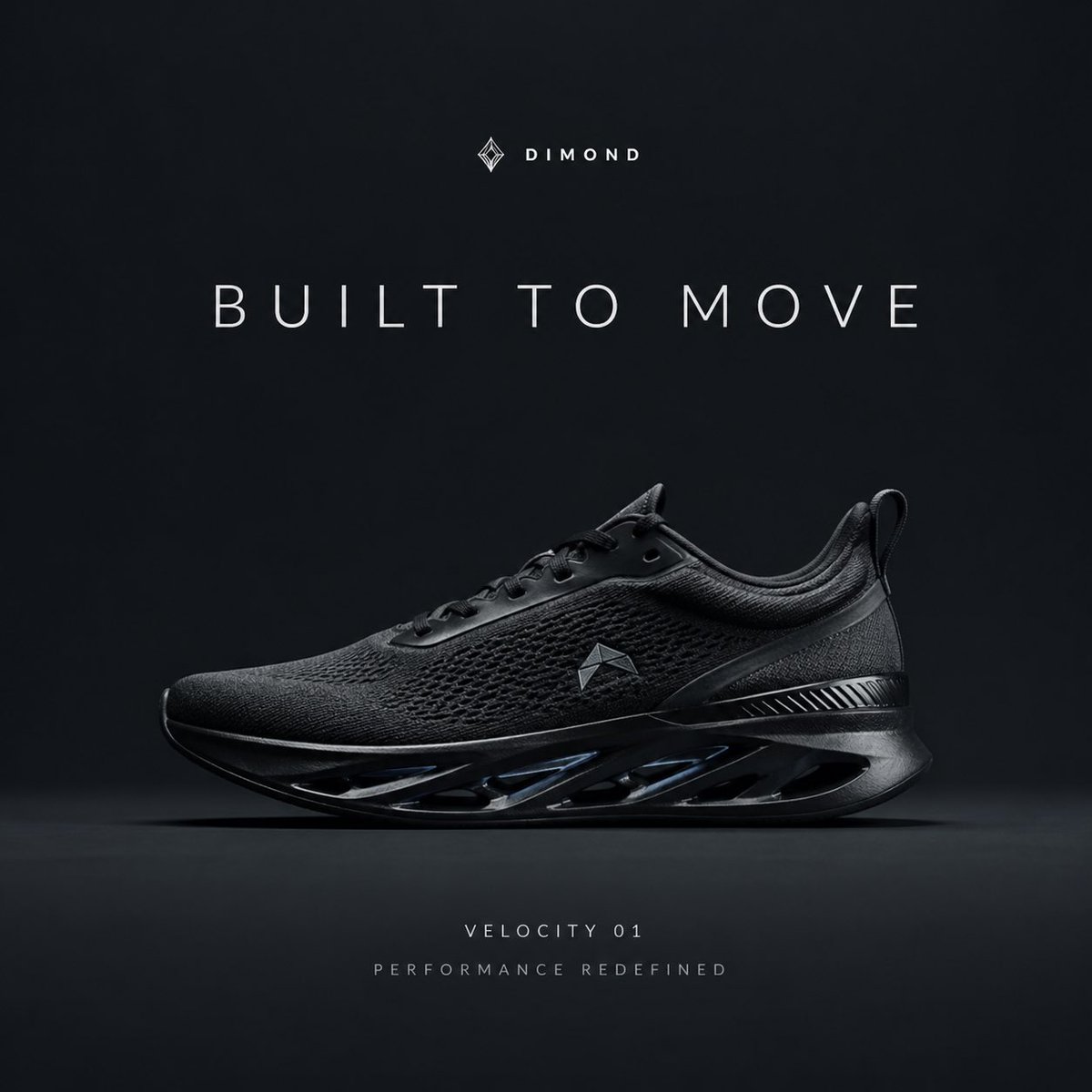
Premium Sportswear Campaign Poster Prompt
Browse template categories
Voxel Su Shi MBTI Cover questions
How do I use the Voxel Su Shi MBTI Cover template?
Add your photo if the template asks for one, edit the prompt if you like — the template's model and format are already selected — and press Generate. Your version opens in PicX Studio.
Can I customize the Voxel Su Shi MBTI Cover template?
Yes. You can change the subject, setting, lighting, mood, format, and available model controls before creating your image.
Is the Voxel Su Shi MBTI Cover template free?
Opening and editing this template is free. Generating uses credits, shown on the Generate button when you are signed in.
Which AI model should I use?
Start with GPT Image 2, which is the model associated with this template. You can compare another compatible model for a different finish.
Looking for something else? Browse all templates.

Your photo, any look
Thousands of ready templates for every top image and video model, from one credit balance.