
Candid Home Office Photo
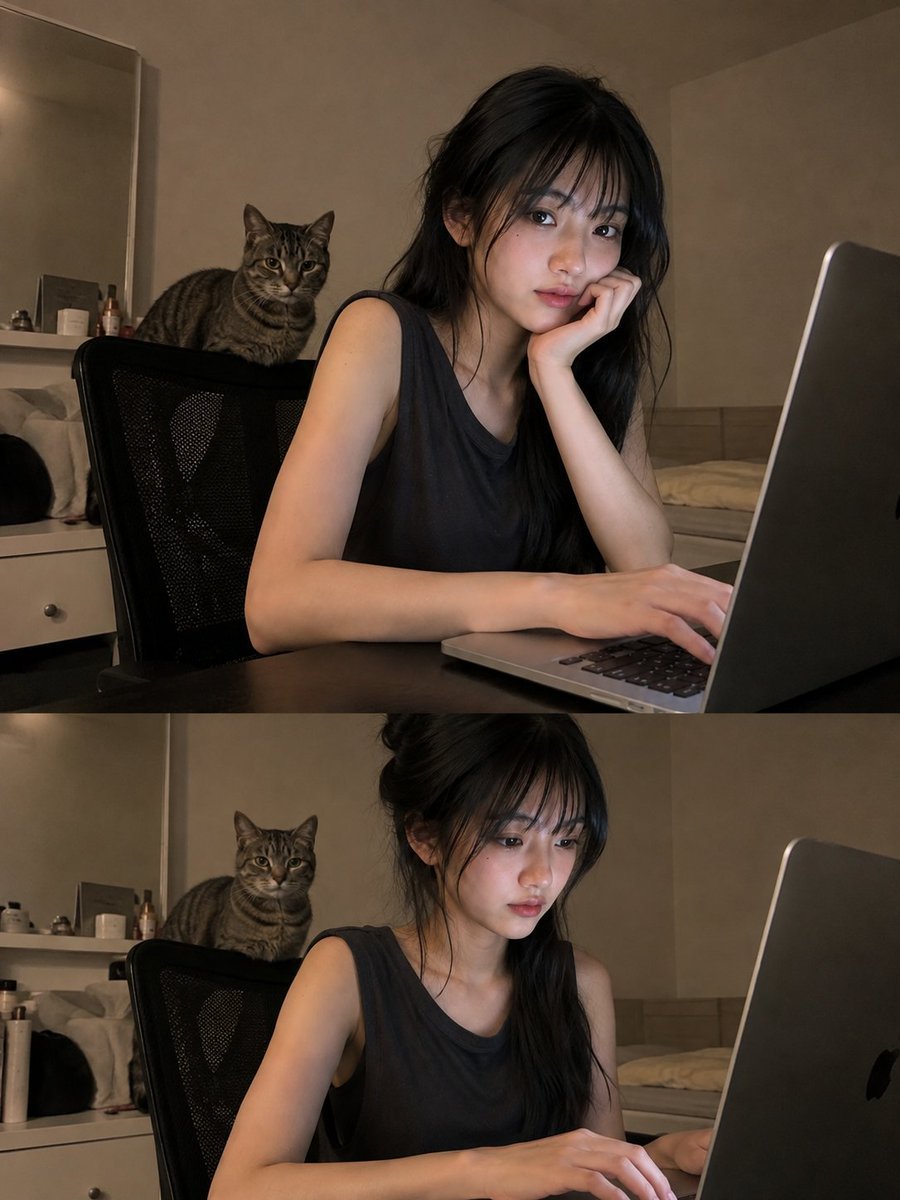
A prompt for GPT Image 2 that generates a realistic, spontaneous phone-style photo of an East Asian woman working at a laptop with a cat.
- Prompt included
- Model and format preset
- Free template
The prompt behind this image
Copy the exact prompt behind Candid Home Office Photo, or open it in the studio and make it yours.
A highly realistic photograph of a young East Asian woman sitting at a desk and working on a laptop in a quiet home environment. She has long, straight, naturally tousled black hair with full soft bangs, loose strands falling around her cheeks and shoulders, realistic fair skin, subtle natural makeup, soft pink lips, and a calm focused expression as she looks toward the laptop screen. She is wearing a simple loose dark sleeveless top. Her body is turned slightly sideways toward the laptop, with one hand resting naturally on the keyboard and the other relaxed near her wrist, creating an authentic candid working pose. A silver laptop is open on the dark desk in front of her, its screen casting a cool soft glow onto her face. Behind her, a gray tabby cat is casually sitting on the back of a black mesh office chair, looking directly toward the camera. The room has plain warm beige walls, minimal furniture, and soft low indoor lighting, with a cozy late-evening atmosphere. The image should look like an ordinary phone photo taken spontaneously from slightly behind and to the side of the laptop, with natural framing, mild smartphone lens distortion, realistic exposure, subtle digital noise, imperfect focus, authentic skin texture, individual hair strands, realistic cat fur, natural shadows, no studio lighting, no cinematic color grading, no beauty filter, no artificial smoothness, highly believable everyday moment, photorealistic, vertical composition.
How to use Candid Home Office Photo in 3 steps
- 1
Open
The prompt is already in the box next to the preview, with the template's model and format selected.
- 2…a portrait of your subject in softgolden-hour light, 85mm…
Personalize
Edit the subject and creative details for your destination.
- 3Generate
Generate
Press Generate — your image is created in PicX Studio, so you can compare it with the original and refine one variable at a time.
More like this
Templates with the same subject, style or setup. Open one to see its prompt.

Sunday Afternoon, 1988

Our Song was on a Cassette

The Date After College

80s College Gate

Teen Girl Alpine Lake Mountain View
Realistic Office Elevator Candid

Cat Photobomb Selfie — 0.5x Wide Angle Café Chaos
Minimalist Home Office Portrait

Cinematic Street Fashion Portrait Motion Blur Crowd

Nostalgic Digicam Café Afternoon Portrait

Neon Night Crosswalk Candid Portrait
Neon Night Crosswalk Candid Portrait
Make it yours
Candid Home Office Photo works as-is. These are the safest ways to change it without losing the look.
Change one field
Copy a single group, rewrite it, and generate again so you can see what that field is doing.
Keep the frame, change the subject
Hold the composition and light of Candid Home Office Photo, then swap wardrobe, props or the person for a new take.
| If the result… | Why | Fix |
|---|---|---|
| The result drifts from the preview | Too many fields changed at once. | Reuse Candid Home Office Photo as-is first, then change one group — subject, light, or setting. |
| The model over-stylizes the scene | The prose prompt leaves finish and camera underspecified. | Add one camera or lighting sentence and stay on GPT Image 2. |
More GPT Image 2 templates
Other prompts made for GPT Image 2.

Six VTuber Japanese Logo Sheet

Realistic Portrait of Woman and Deer

The Vista Modular Condo Poster

AI Model Routing Comparison Infographic

2.5D Anime Art Board

Isometric Productivity Desk Scene

New York Double Exposure Poster

Four-Panel AI Landscape Comparison

Japanese Tatami Lifestyle Magazine Cover

NESCAFÉ Coffee Map Poster
More image prompts
Fresh picks from across the catalog.
Japanese AI Image Result UI
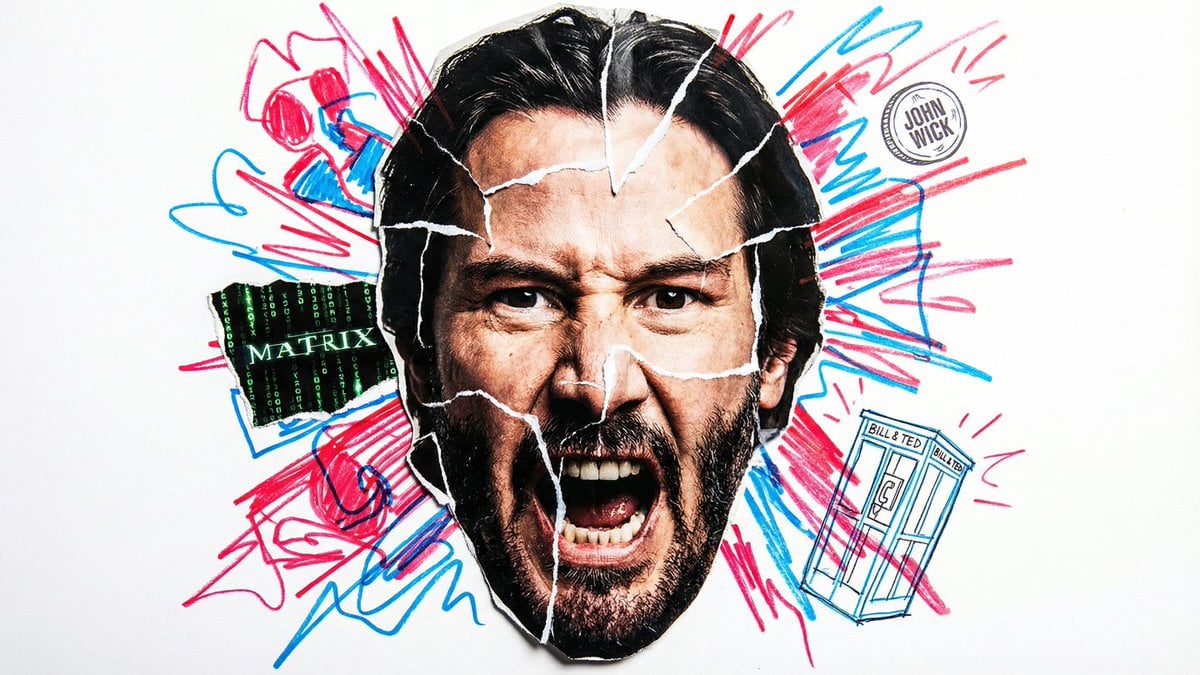
Simple Nano Banana Prompt for Urban Caricature

Hyper-Realistic Bugs Bunny Barber Scene
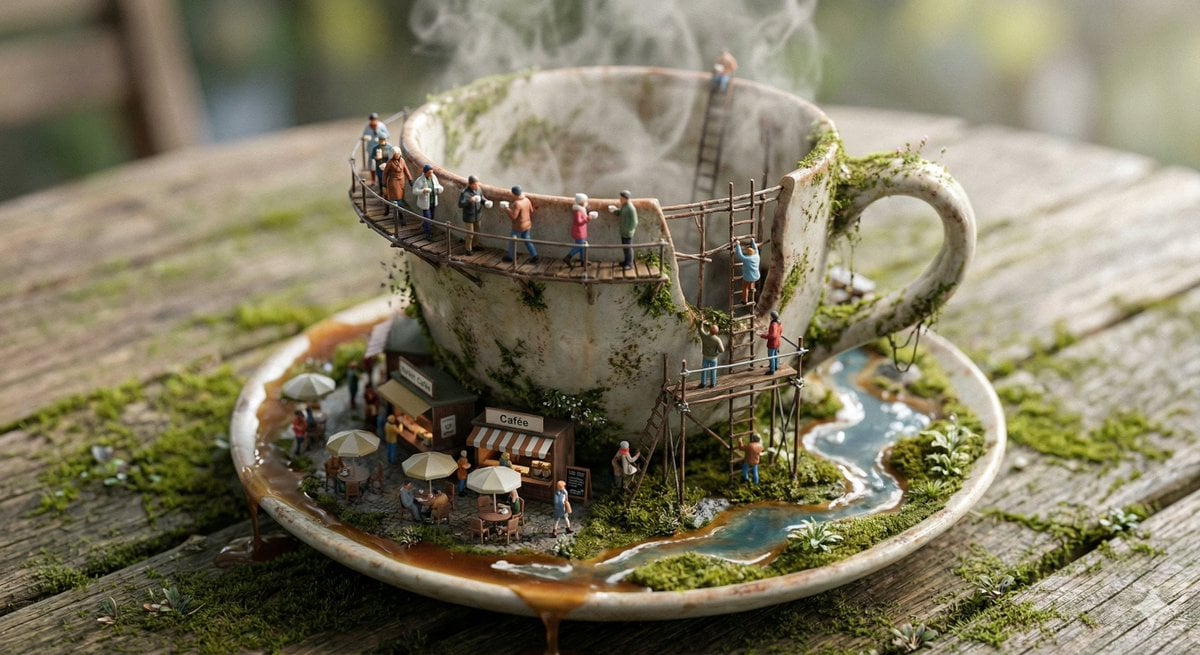
Miniature Ecosystem Diorama Prompt
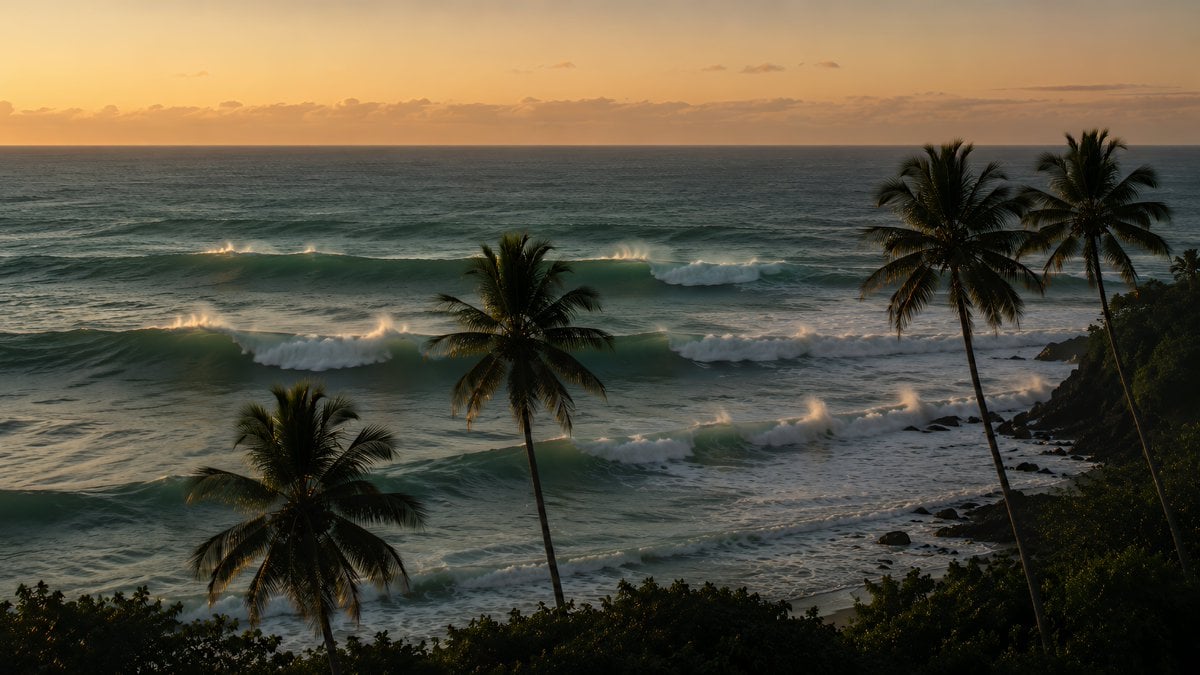
Tropical Sunset Ocean Wallpaper
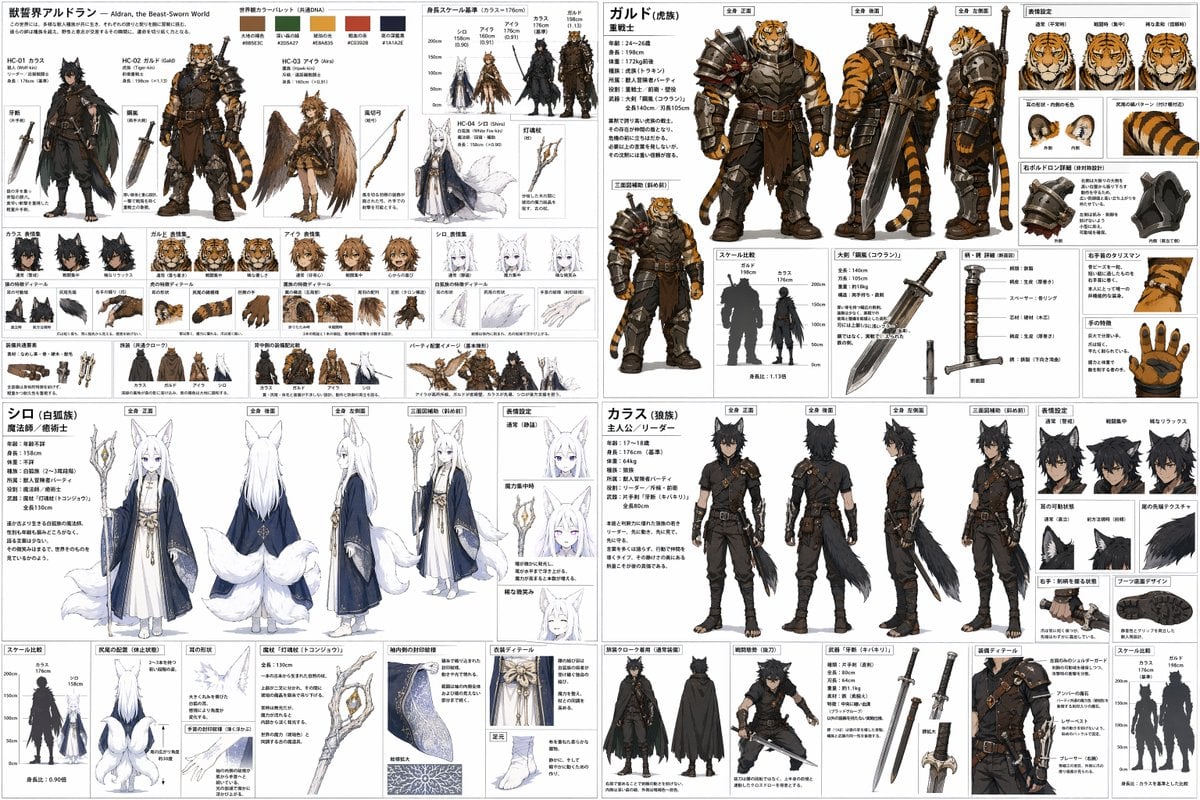
Quadrant RPG Character Design Sheet

Wallpaper Is Generated By Nano Banana Pr
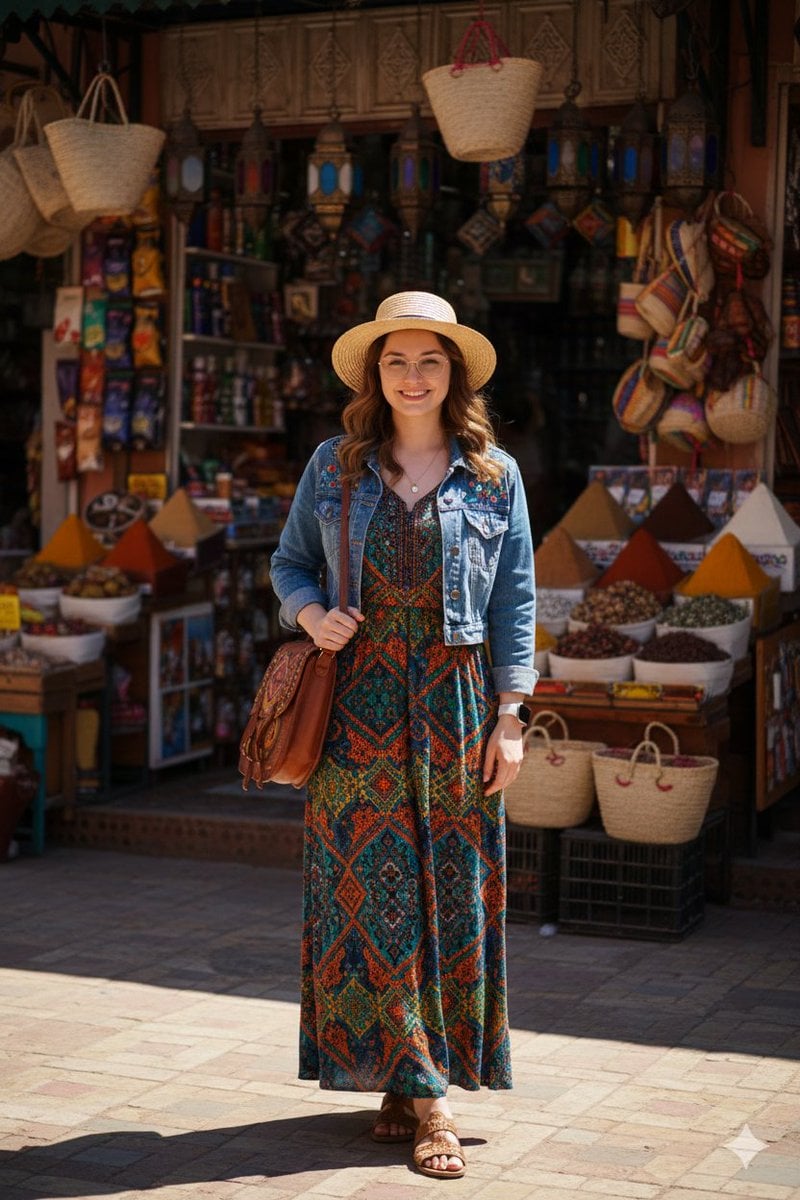
High-Fidelity Moroccan Souk Portrait

Studio Headshot from Reference
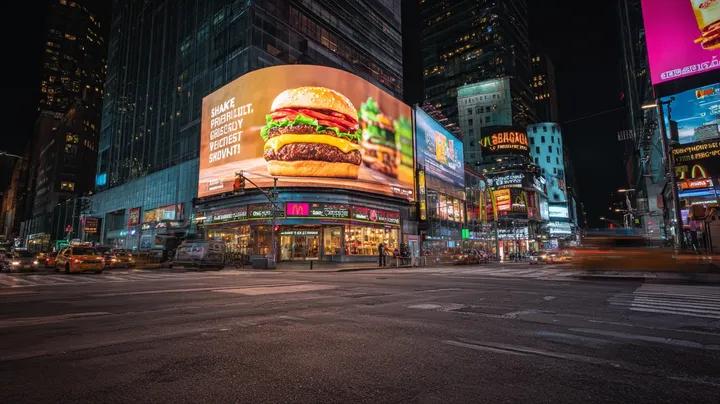
Cyber-Urban Night Cityscape with Hyper-Realistic Billboard Ad
Browse template categories
Candid Home Office Photo questions
How do I use the Candid Home Office Photo template?
Add your photo if the template asks for one, edit the prompt if you like — the template's model and format are already selected — and press Generate. Your version opens in PicX Studio.
Can I customize the Candid Home Office Photo template?
Yes. You can change the subject, setting, lighting, mood, format, and available model controls before creating your image.
Is the Candid Home Office Photo template free?
Opening and editing this template is free. Generating uses credits, shown on the Generate button when you are signed in.
Which AI model should I use?
Start with GPT Image 2, which is the model associated with this template. You can compare another compatible model for a different finish.
Looking for something else? Browse all templates.

Your photo, any look
Thousands of ready templates for every top image and video model, from one credit balance.