
Elegant Anime Naval Girl Portrait
Generates a polished close-up anime portrait of a cheerful silver-haired naval-uniform girl for character art or fan-art style illustration.
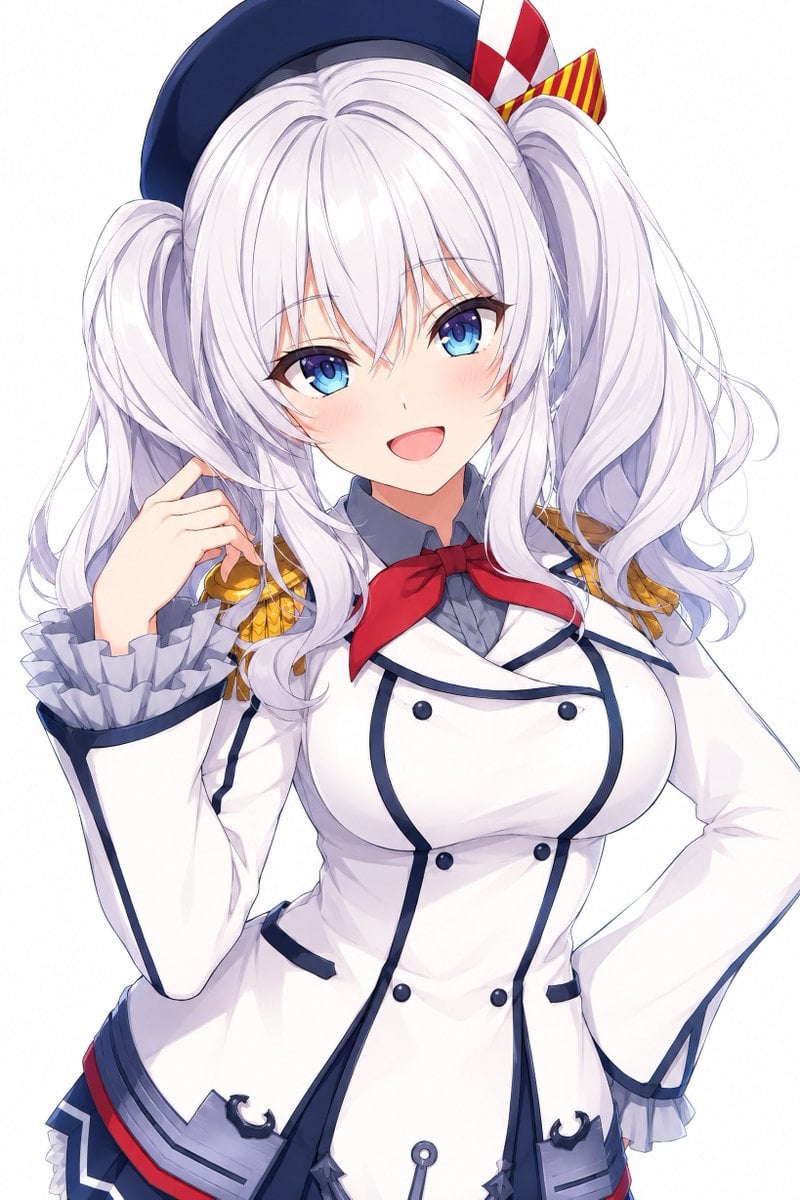
- Prompt included
- Model and format preset
- Free template
The prompt behind this image
Copy the exact prompt behind Elegant Anime Naval Girl Portrait, or open it in the studio and make it yours.
Create a high-quality polished anime portrait of {argument name="character name" default="Kashima from Kantai Collection"}, shown from upper thighs to head on a clean pure white background, centered and slightly tilted with a cheerful, elegant pose. She is a young woman with {argument name="hair color" default="very pale silver-white"} long voluminous twin-tail hair, soft loose curls, airy layered bangs partly covering her forehead, and bright {argument name="eye color" default="blue"} eyes with glossy highlights. Her expression is sweet and inviting: open smiling mouth, faint blush on both cheeks, relaxed eyebrows, and direct eye contact. She wears a navy sailor-style beret tilted back on her head, decorated on the right side with exactly 2 visible ribbon ornaments: 1 red-and-white checkered vertical ribbon and 1 red-and-yellow striped bow. Her outfit is an ornate white naval academy uniform with dark navy piping, a gray high collar shirt, a red neck ribbon tied at the throat, gold shoulder epaulettes on both shoulders, flared cuffs with gray ruffles, and a fitted double-breasted jacket. Include exactly 6 visible dark round front buttons on the jacket, 2 small dark pocket trims near the waist, 2 anchor-like navy decorations near the lower front hem, and a gray pleated skirt edge with navy and red trim partly visible at the bottom. Pose details: her left hand is raised beside her hair with delicate fingers near the shoulder, while her right hand rests confidently on her hip. Use crisp clean line art, luminous cel-shaded anime rendering, soft gradients, delicate hair strands, subtle fabric folds, refined highlights, and a bright minimal studio look. Keep the composition vertical, close-up, cute, elegant, and highly detailed, with no text, no watermark, and no background objects.
How to use Elegant Anime Naval Girl Portrait in 3 steps
- 1Upload ImagePNG, JPG or paste
Add your photo
Upload the photo the template builds on. The prompt, model and format are already set.
- 2…a portrait of your subject in softgolden-hour light, 85mm…
Personalize
Edit the subject and creative details for your destination.
- 3Generate
Generate
Press Generate — your image is created in PicX Studio, so you can compare it with the original and refine one variable at a time.
More like this
Templates with the same subject, style or setup. Open one to see its prompt.

Found Photograph: Us, 1970

80s Couple Studio Portrait

80s Bollywood Star

80s Golden Hour Cinema

Me in 1985

1985 Studio Portrait

Hyper-Realistic Minecraft POV Portrait

Teen Girl Alpine Lake Mountain View

Framed Quilling Anime Girl
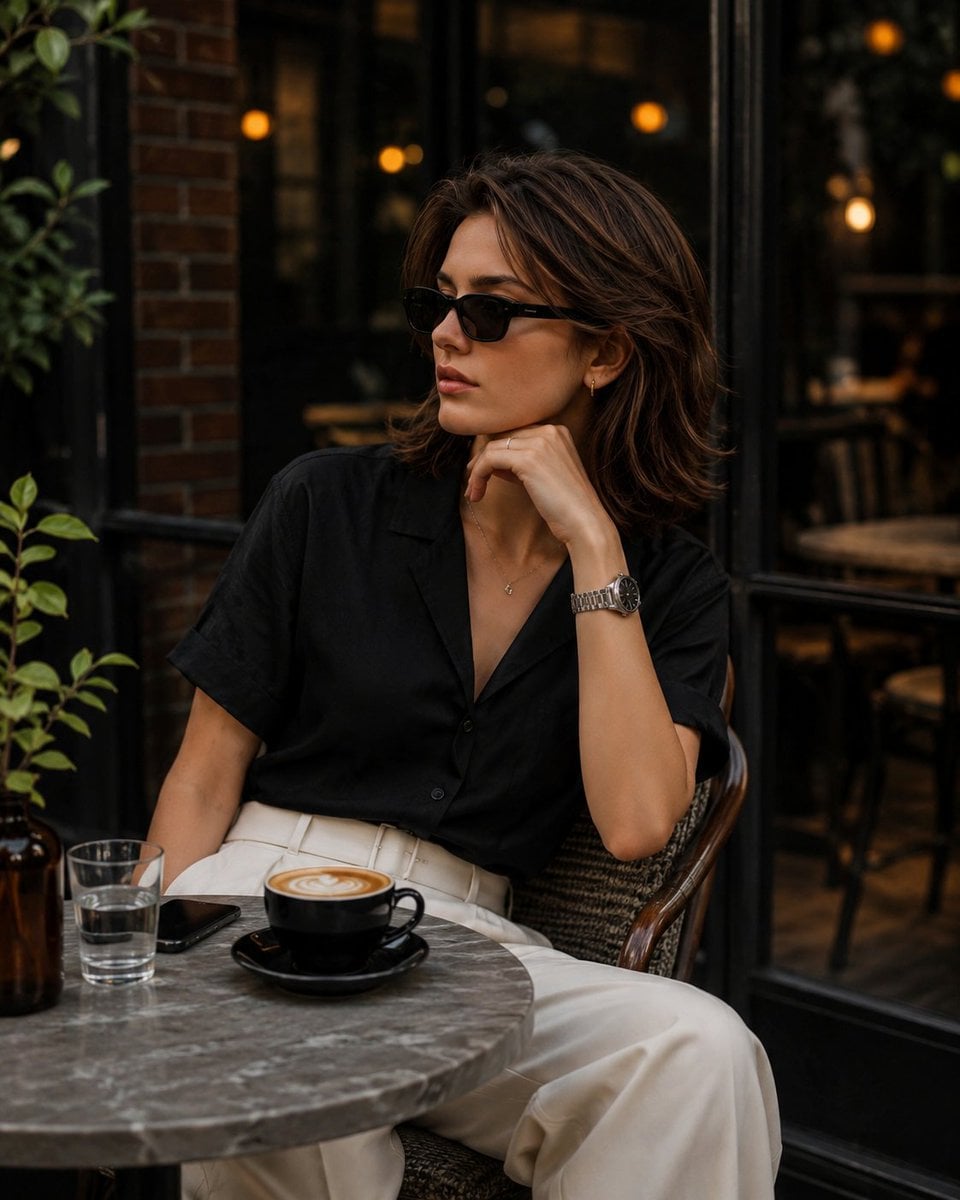
Elegant European Cafe Lifestyle Portrait

Anime Lantern Girl Character Sheet

Anime Girl Generation Grid
Make it yours
Elegant Anime Naval Girl Portrait works as-is. These are the safest ways to change it without losing the look.
Change one field
Copy a single group, rewrite it, and generate again so you can see what that field is doing.
Keep the frame, change the subject
Hold the composition and light of Elegant Anime Naval Girl Portrait, then swap wardrobe, props or the person for a new take.
| If the result… | Why | Fix |
|---|---|---|
| The result drifts from the preview | Too many fields changed at once. | Reuse Elegant Anime Naval Girl Portrait as-is first, then change one group — subject, light, or setting. |
| The model over-stylizes the scene | The prose prompt leaves finish and camera underspecified. | Add one camera or lighting sentence and stay on GPT Image 2. |
More GPT Image 2 templates
Other prompts made for GPT Image 2.

Six VTuber Japanese Logo Sheet

Realistic Portrait of Woman and Deer

The Vista Modular Condo Poster

AI Model Routing Comparison Infographic

2.5D Anime Art Board

Isometric Productivity Desk Scene

New York Double Exposure Poster

Four-Panel AI Landscape Comparison

Japanese Tatami Lifestyle Magazine Cover

NESCAFÉ Coffee Map Poster
More image prompts
Fresh picks from across the catalog.
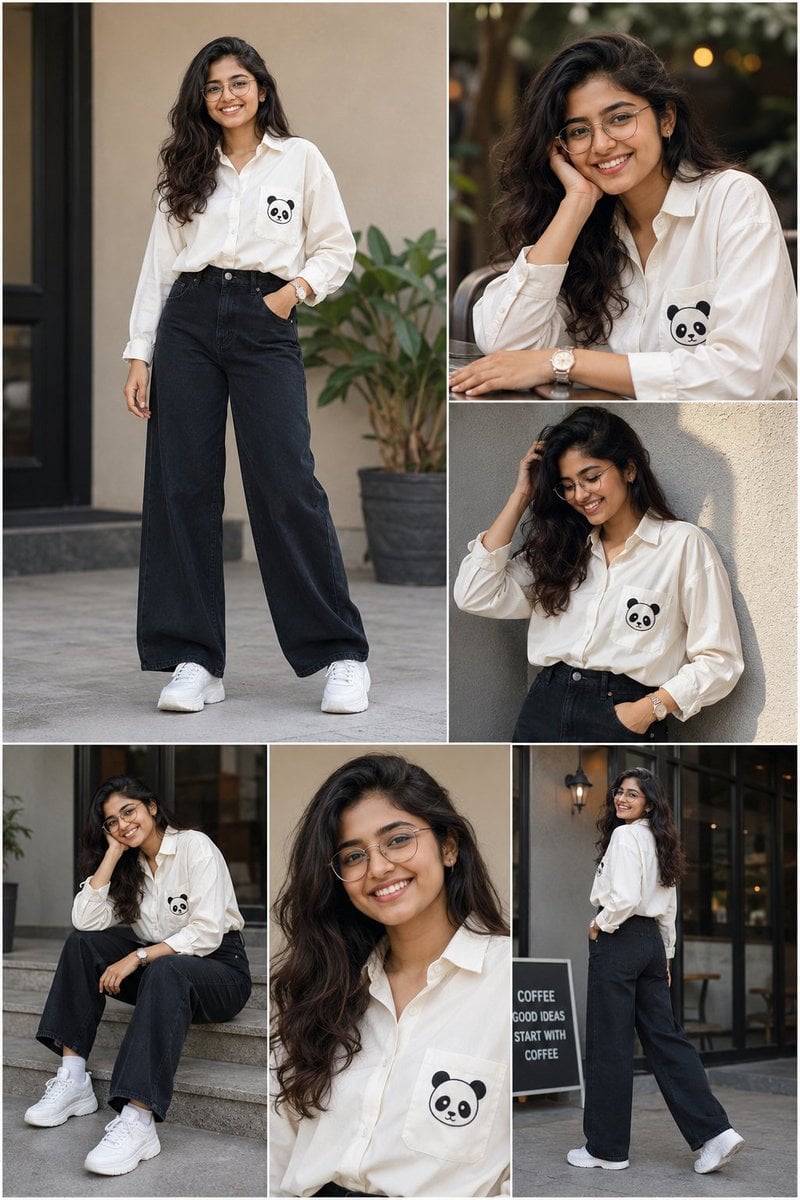
Fashion Portrait Collage
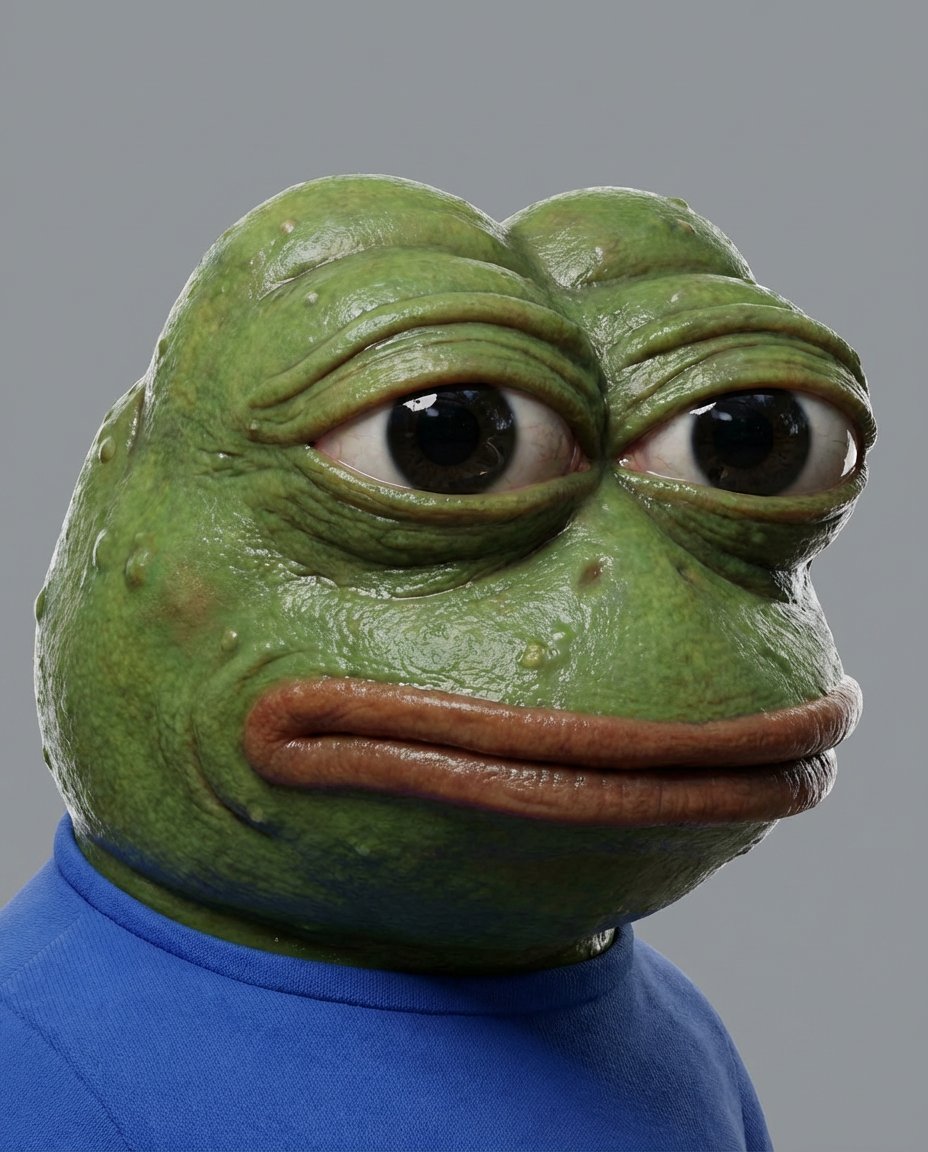
Meme to Ultra-Realistic Image Prompt
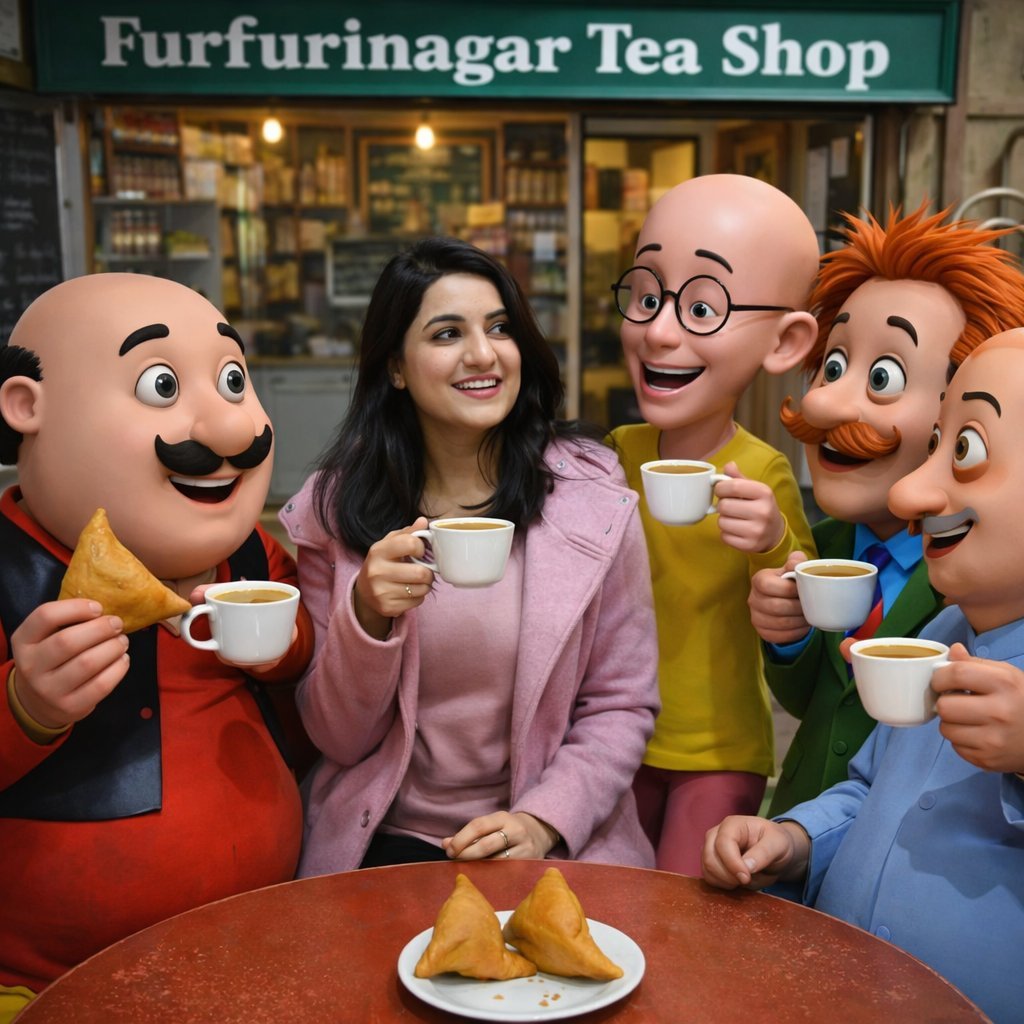
Motu Patlu Tea Shop Scene with Custom Face
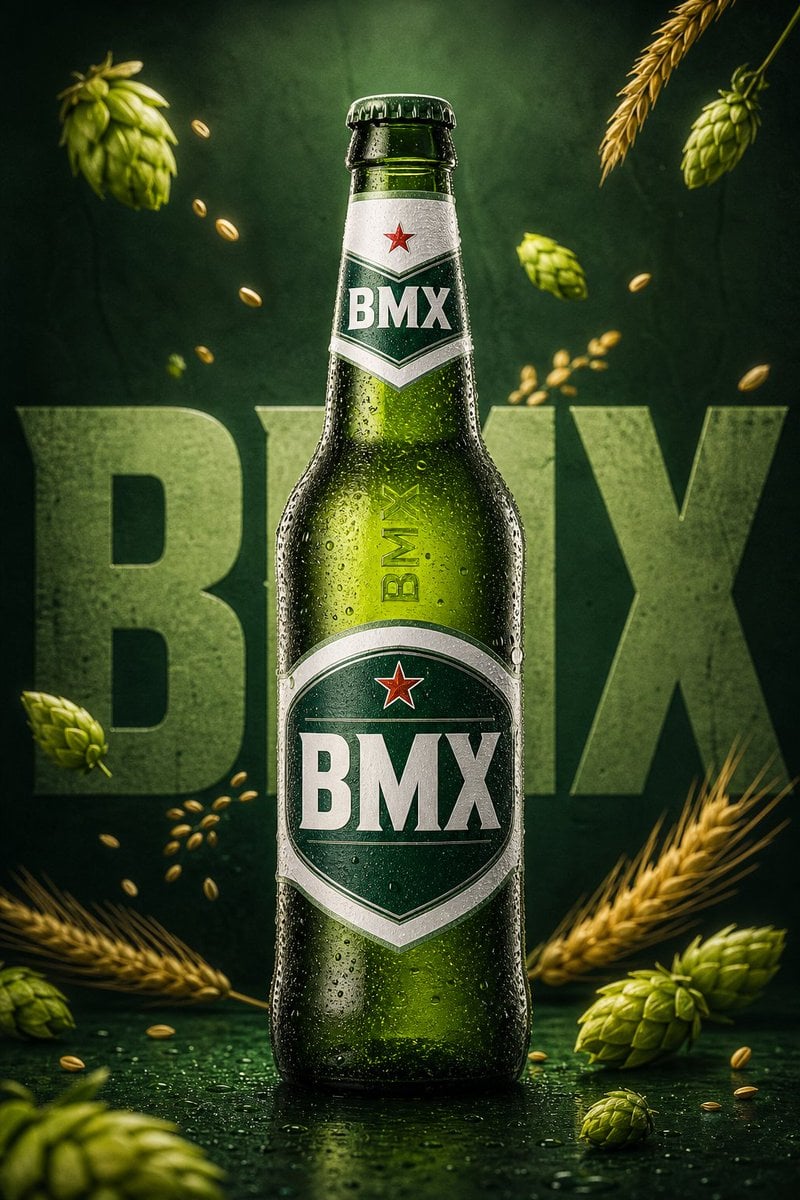
Premium Beverage Commercial Poster
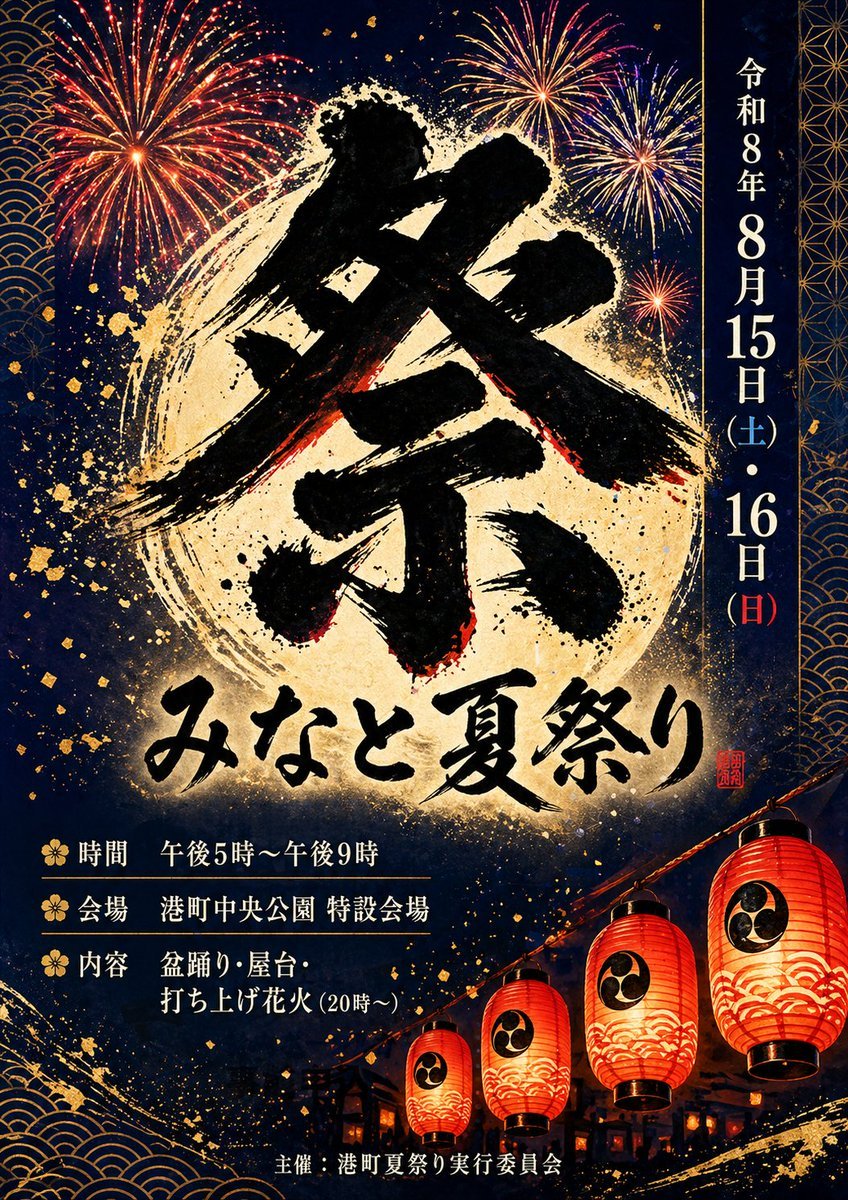
Japanese Summer Festival Poster
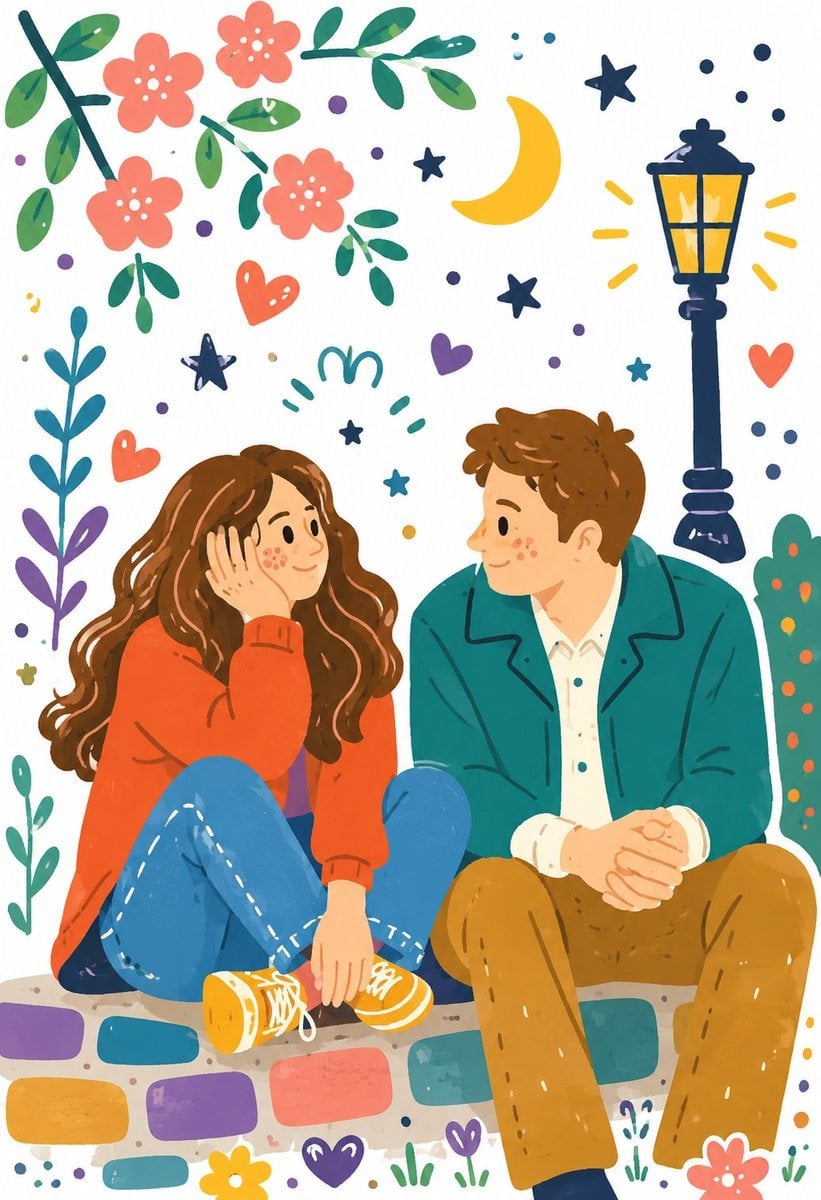
Decorative Folk Illustration Style
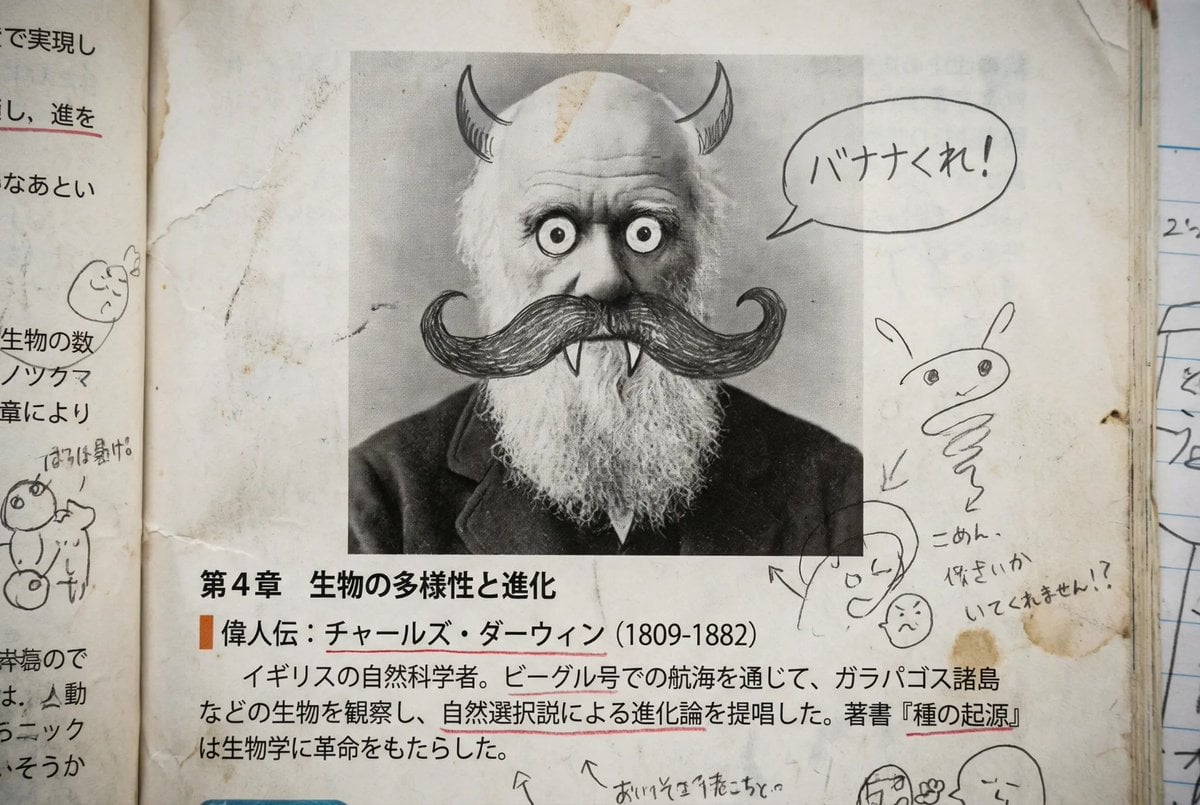
Middle schooler doodles on history textbook pages
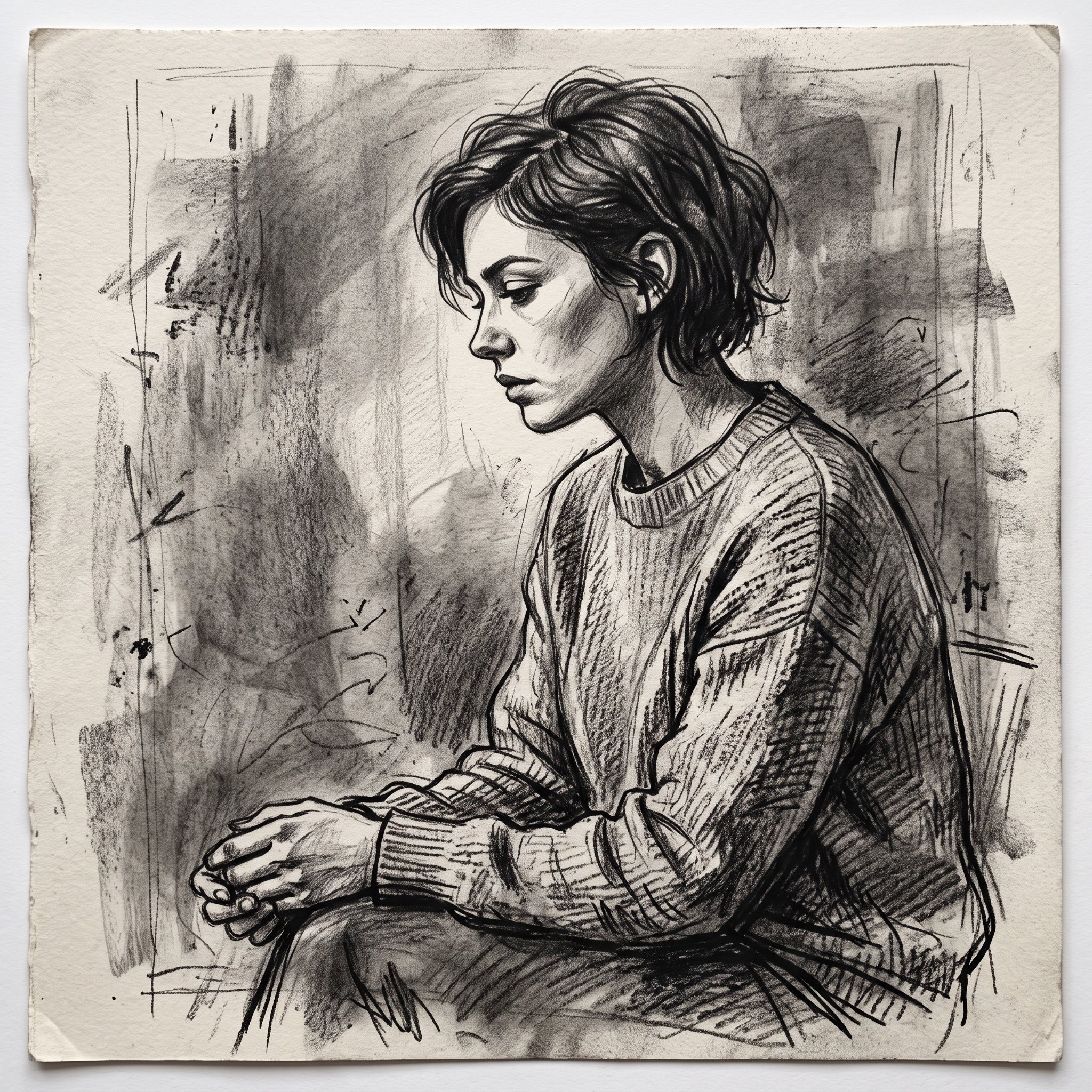
Charcoal Sketch Image Generation Prompt

Gpt2 Infographic Edu Visual Vintage Claude Shannon Infographic Poster
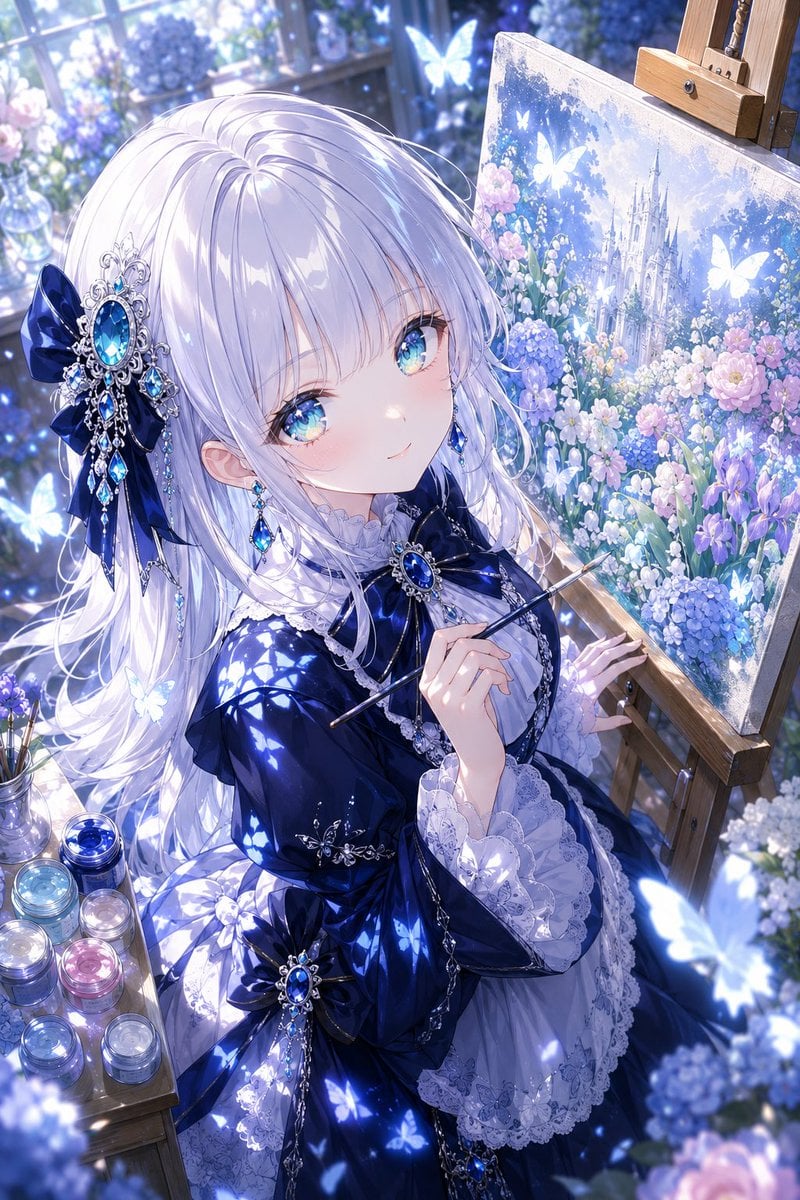
Anime Fantasy Painter in Blue Atelier
Browse template categories
Elegant Anime Naval Girl Portrait questions
How do I use the Elegant Anime Naval Girl Portrait template?
Add your photo if the template asks for one, edit the prompt if you like — the template's model and format are already selected — and press Generate. Your version opens in PicX Studio.
Can I customize the Elegant Anime Naval Girl Portrait template?
Yes. You can change the subject, setting, lighting, mood, format, and available model controls before creating your image.
Is the Elegant Anime Naval Girl Portrait template free?
Opening and editing this template is free. Generating uses credits, shown on the Generate button when you are signed in.
Which AI model should I use?
Start with GPT Image 2, which is the model associated with this template. You can compare another compatible model for a different finish.
Looking for something else? Browse all templates.

Your photo, any look
Thousands of ready templates for every top image and video model, from one credit balance.