
Abstract High-Fashion Mixed-Media Poster
A sophisticated prompt combining high-fashion editorial photography with contemporary abstract expressionism and gold accents.
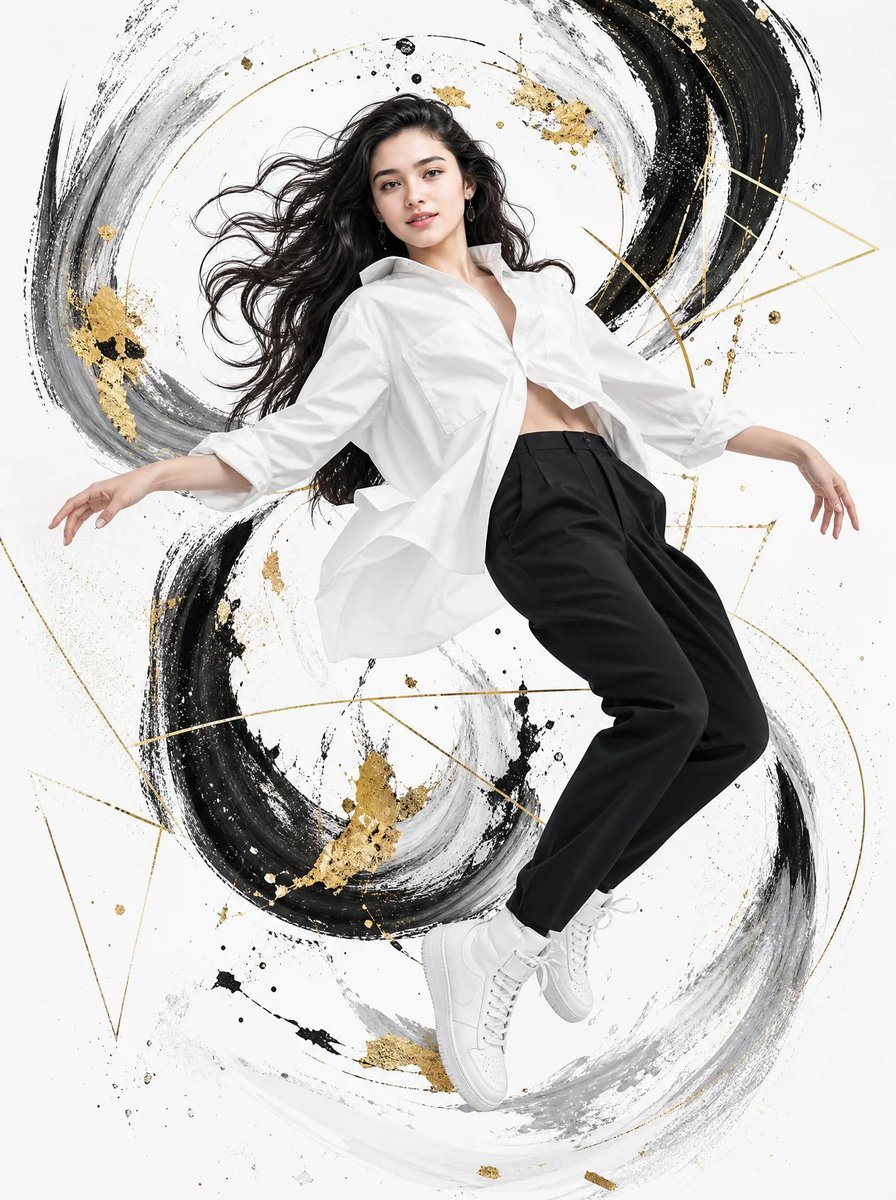
- Prompt included
- Model and format preset
- Free template
The prompt behind this image
Copy the exact prompt behind Abstract High-Fashion Mixed-Media Poster, or open it in the studio and make it yours.
Create a high-fashion editorial fashion poster featuring a {argument name="subject" default="young female model"} captured in a {argument name="pose" default="dynamic, weightless mid-air pose"}, leaning diagonally backward with both arms extended naturally to the sides. She has long, thick, tousled dark wavy hair flowing naturally with the movement, elegant feminine facial features, defined cheekbones, a refined jawline, subtle natural makeup, and a confident yet introspective expression, looking slightly toward the side. She wears an {argument name="outfit" default="oversized, partially unbuttoned white dress shirt"} with naturally flowing fabric and realistic folds, styled in a sophisticated high-fashion manner, paired with relaxed black tailored trousers and clean white high-top sneakers. Capture the entire body from head to shoes with elegant elongated proportions, graceful feminine posture, and realistic anatomy. The female model is surrounded by an expressive abstract mixed-media paint composition: dramatic sweeping strokes of black, charcoal gray, soft gray, and white, forming circular and spiral brush movements around her body. Add metallic gold paint splashes, scattered gold fragments, thin geometric golden arcs, triangles, lines, and delicate splatters integrated into the artwork. Use a pure white minimalist background, creating strong contrast between the monochrome clothing, dark brushwork, and metallic gold accents. The paint should appear energetic and hand-painted, with visible brush textures, dry-brush marks, ink splatters, fluid strokes, and layered artistic imperfections. Composition: vertical luxury fashion campaign poster, full-body female subject centered, dynamic diagonal movement, generous white negative space, artwork flowing organically from top to bottom around the figure, sophisticated luxury editorial aesthetic. Lighting: soft studio lighting, subtle directional highlights on the face and clothing, realistic skin texture, natural shadows, crisp fabric detail, refined high-end fashion photography. Style: luxury fashion editorial + contemporary abstract expressionism + mixed-media magazine artwork, sophisticated black/white/gold palette, premium commercial campaign, photorealistic female model integrated seamlessly into painterly artwork, ultra-detailed, sharp focus, high-end retouching, 8K quality, clean composition, cinematic elegance. Aspect ratio: 4:5 or 2:3 vertical.
How to use Abstract High-Fashion Mixed-Media Poster in 3 steps
- 1
Open
The prompt is already in the box next to the preview, with the template's model and format selected.
- 2…a portrait of your subject in softgolden-hour light, 85mm…
Personalize
Edit the subject and creative details for your destination.
- 3Generate
Generate
Press Generate — your image is created in PicX Studio, so you can compare it with the original and refine one variable at a time.
More like this
Templates with the same subject, style or setup. Open one to see its prompt.
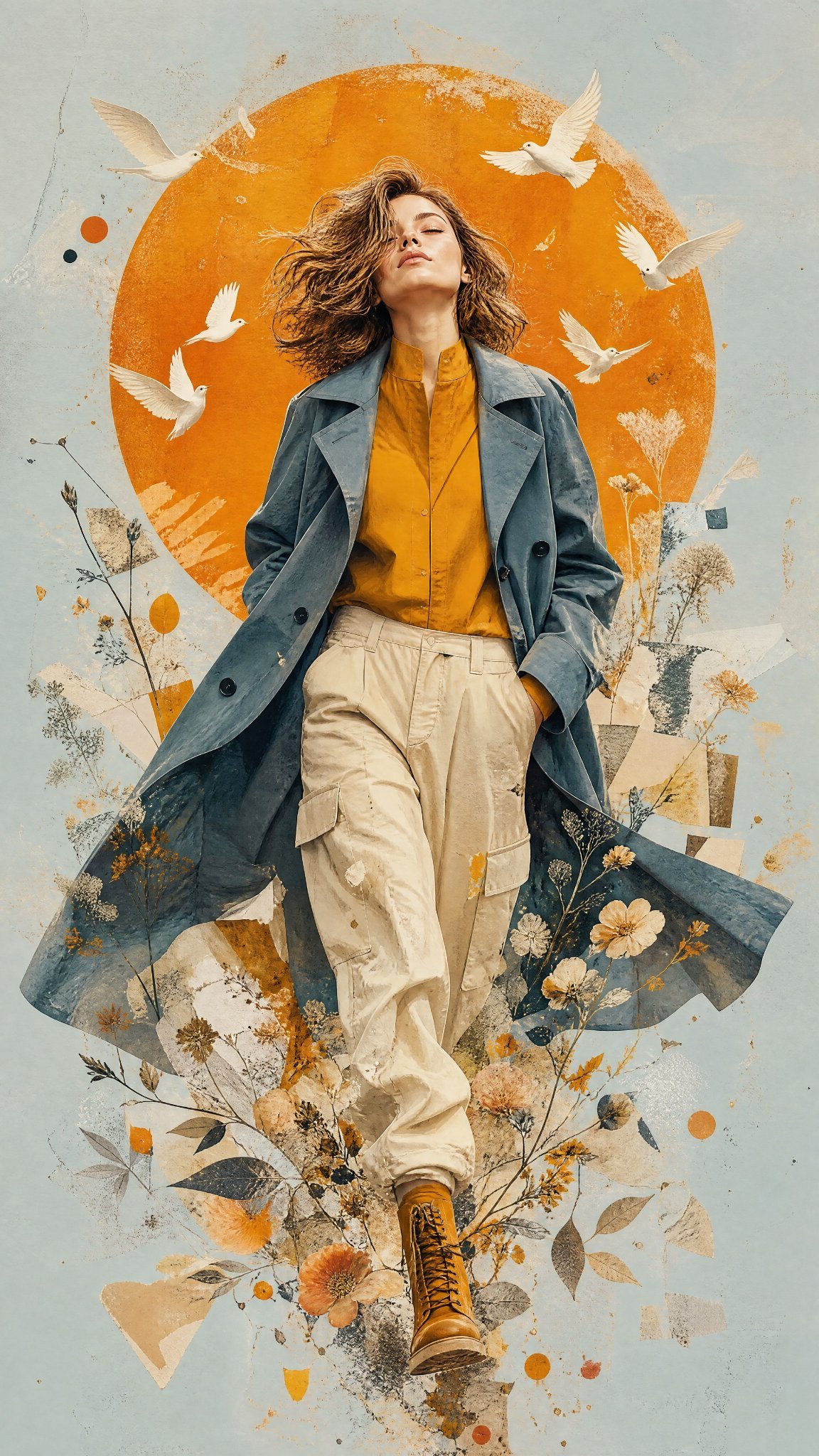
Mixed Media Editorial Woman Illustration
Mixed Media Fashion Film - Seedance 2.0
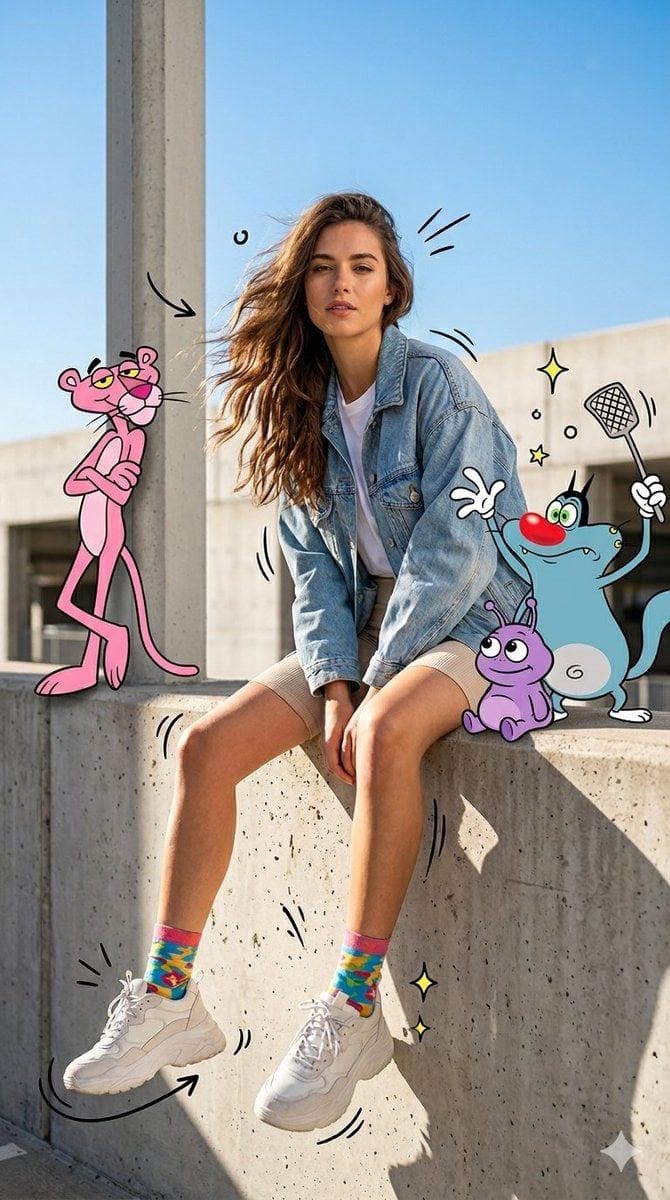
Mixed Media Urban Fashion Editorial
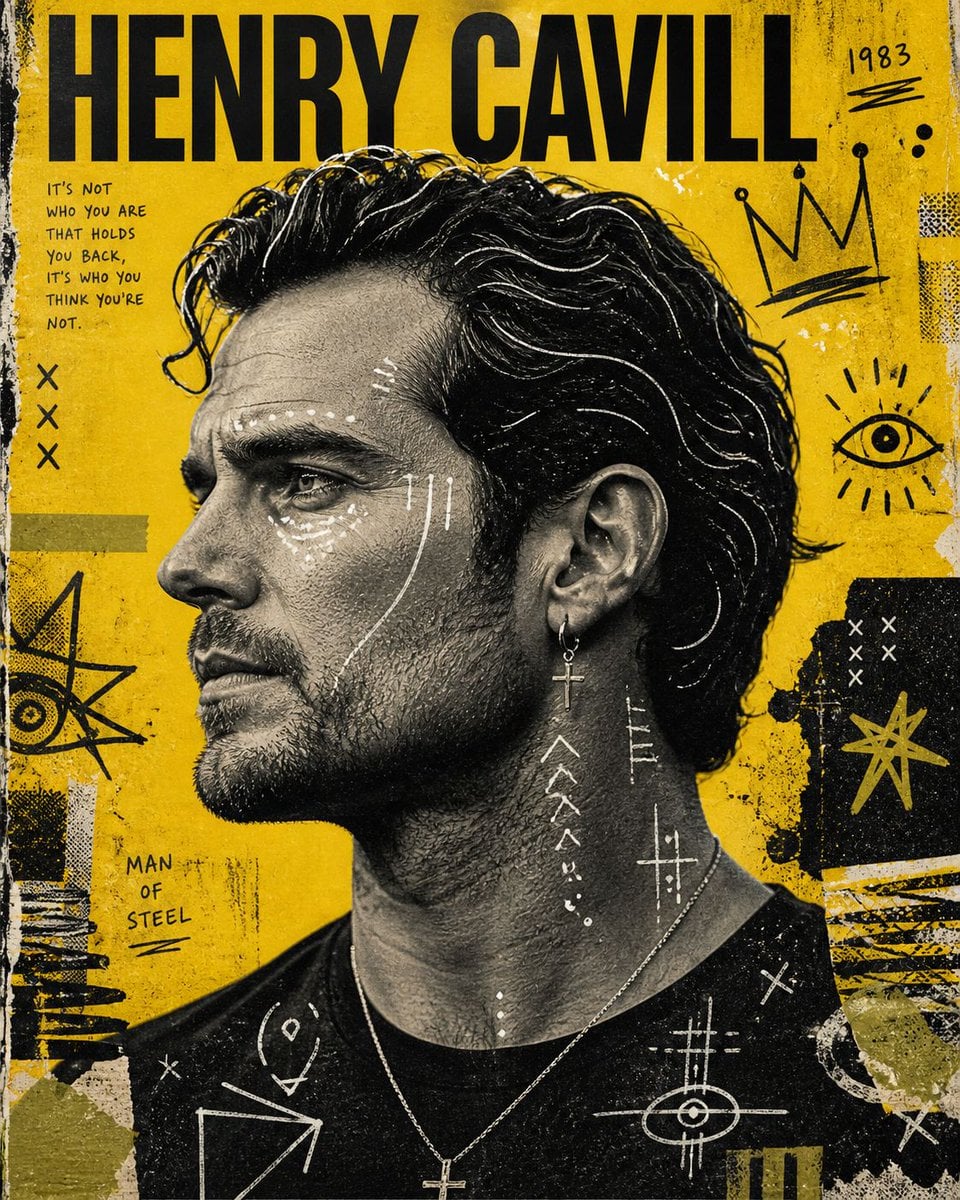
Raw Mixed-Media Street Art Poster
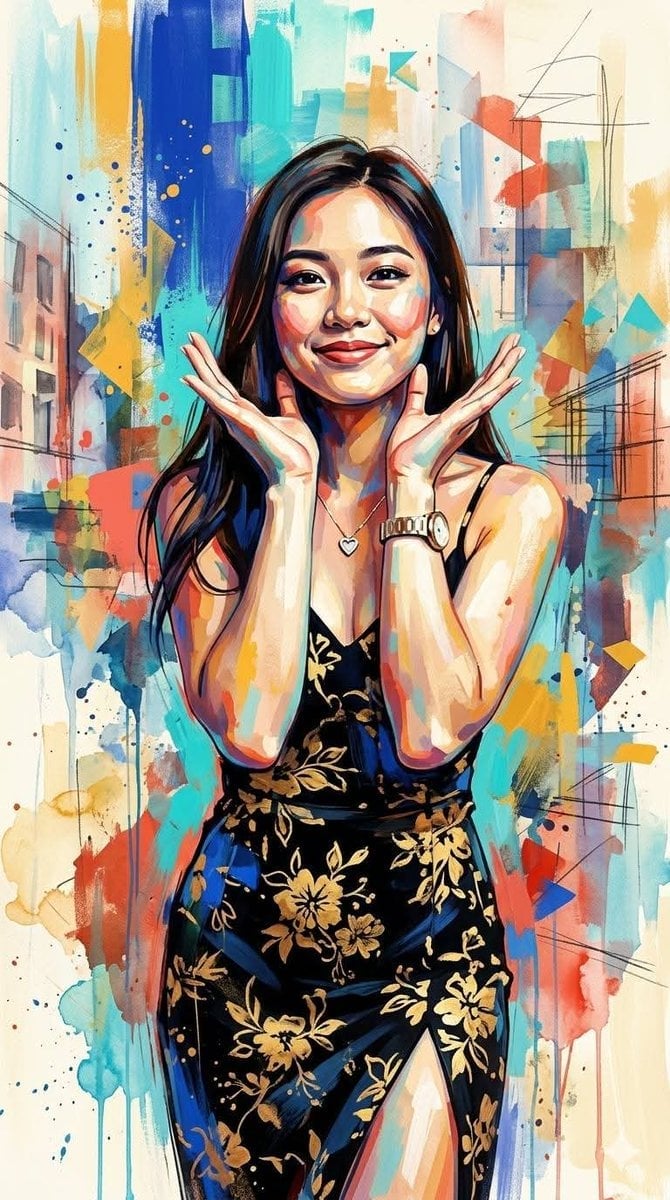
Contemporary Mixed-Media Abstract Portrait
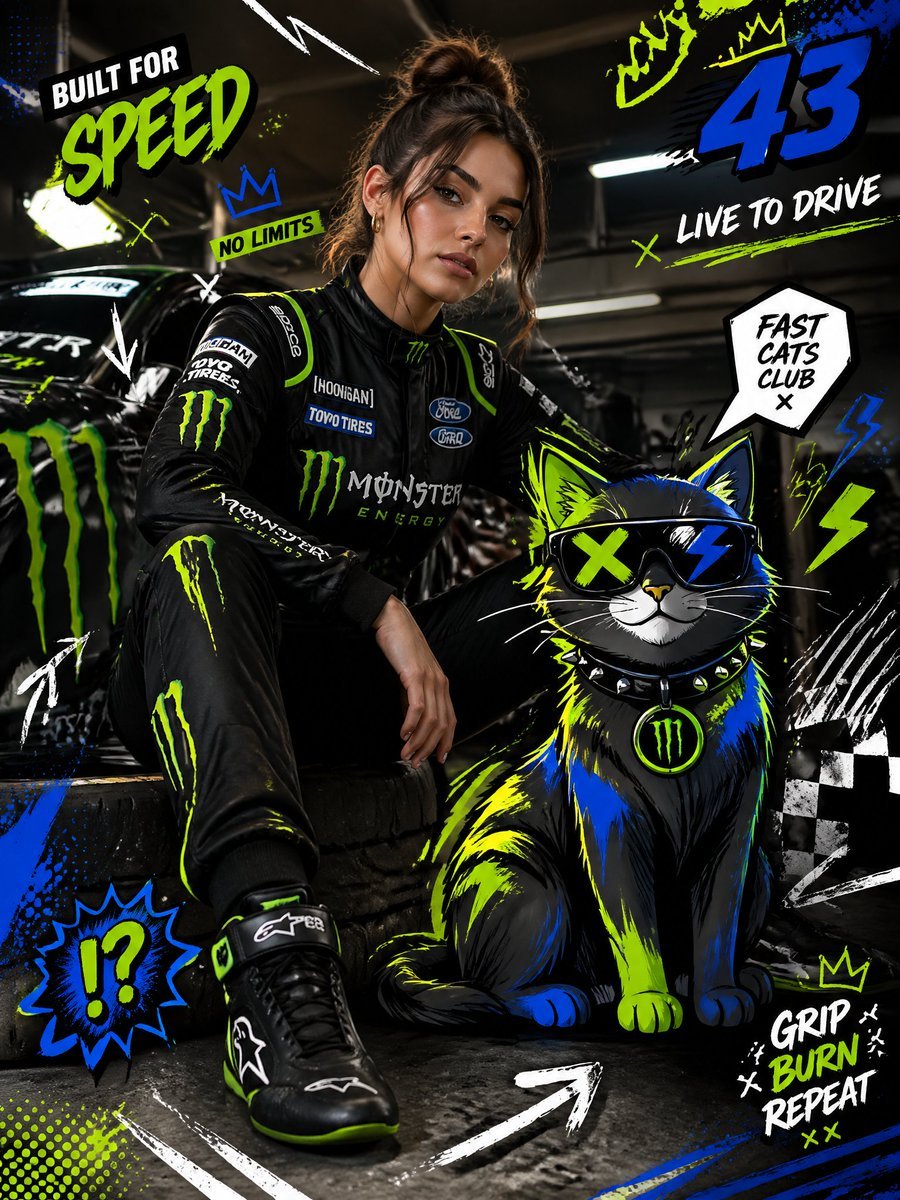
Mixed-Media Fashion Editorial and Cartoon Fusion
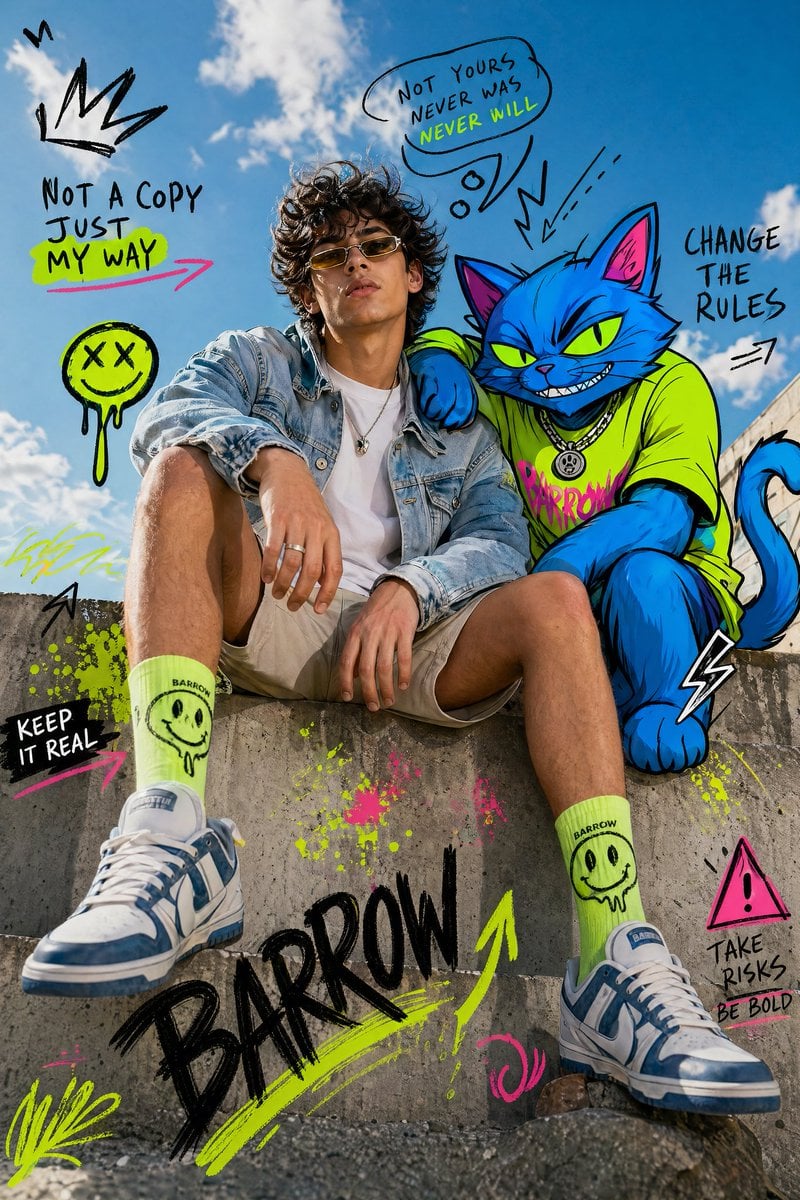
Mixed-Media Fashion Editorial with Neon Cartoon Interaction
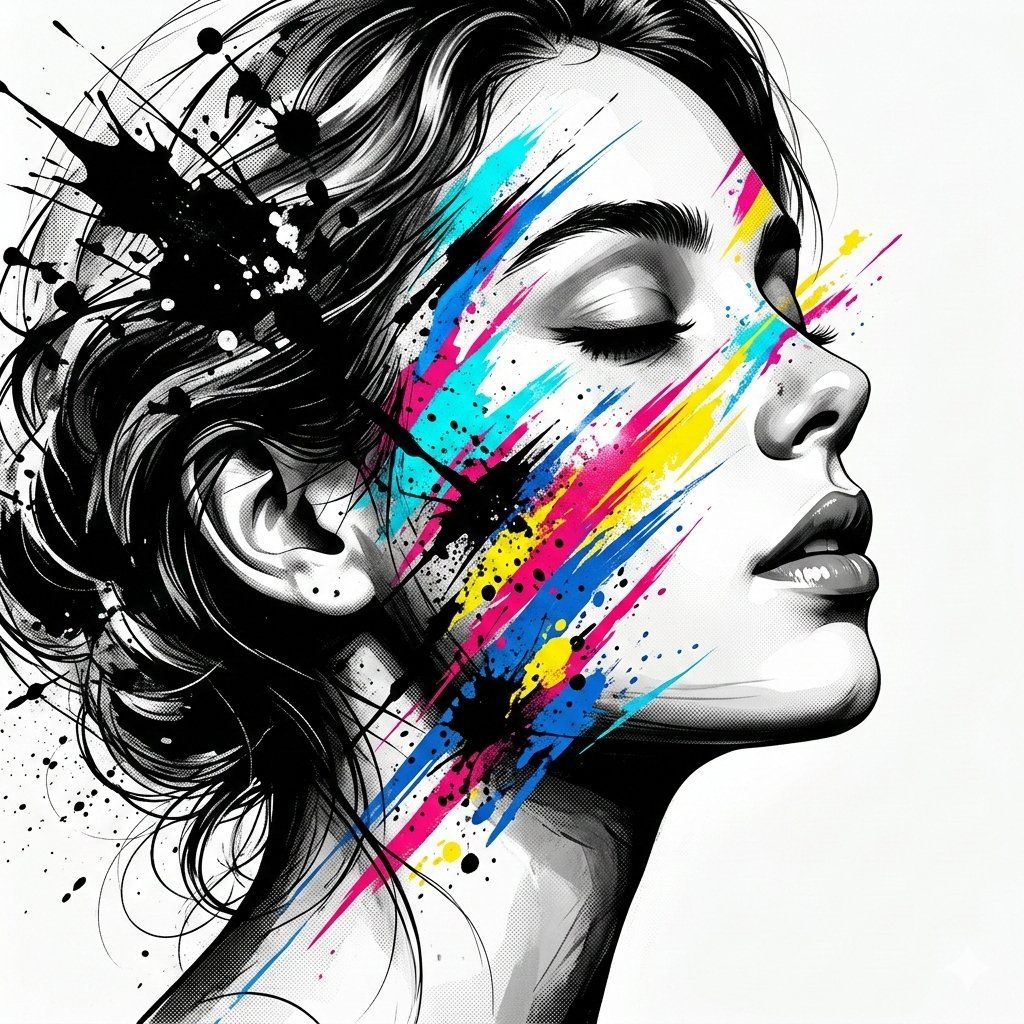
High-Contrast Abstract Mixed Media Portrait Prompt
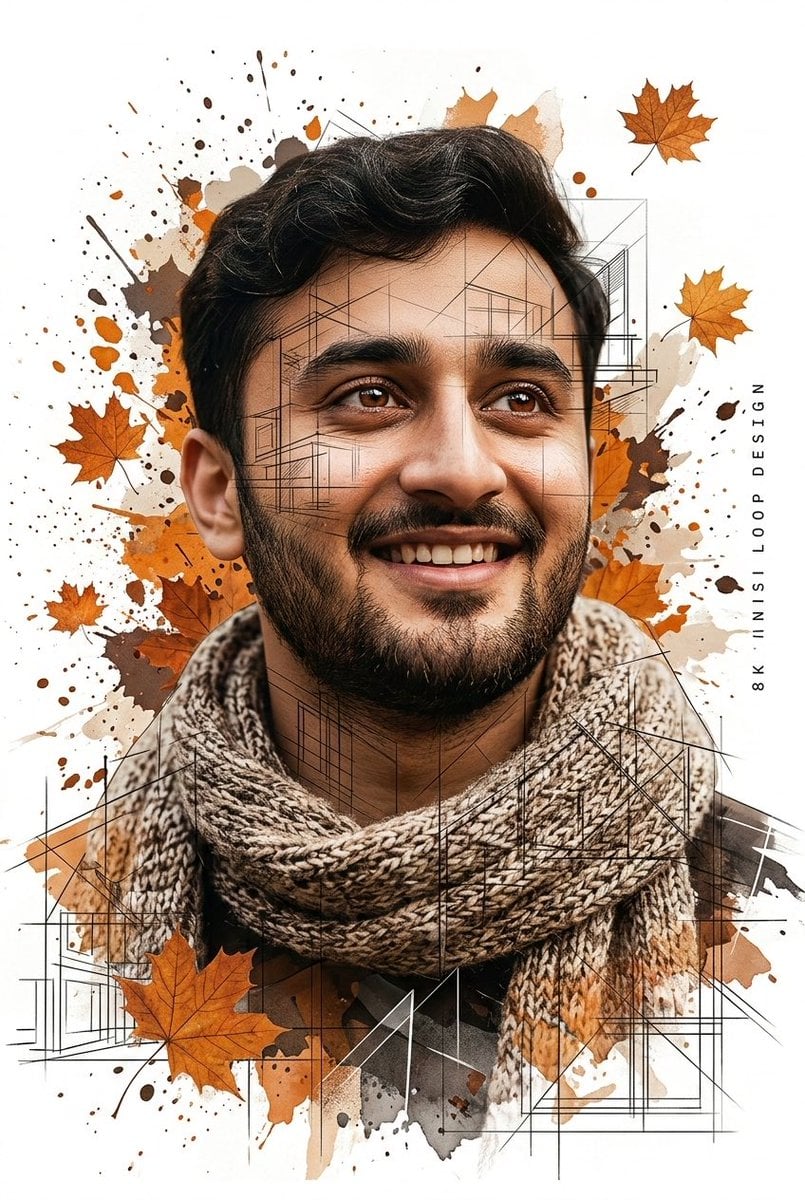
Gentle Autumn Mood Mixed-Media Portrait Poster Prompt

Gpt2 Social Media Post Cinematic Chicken Momos Ad Poster

Gpt2 Social Media Post Bmw Performance Social Poster
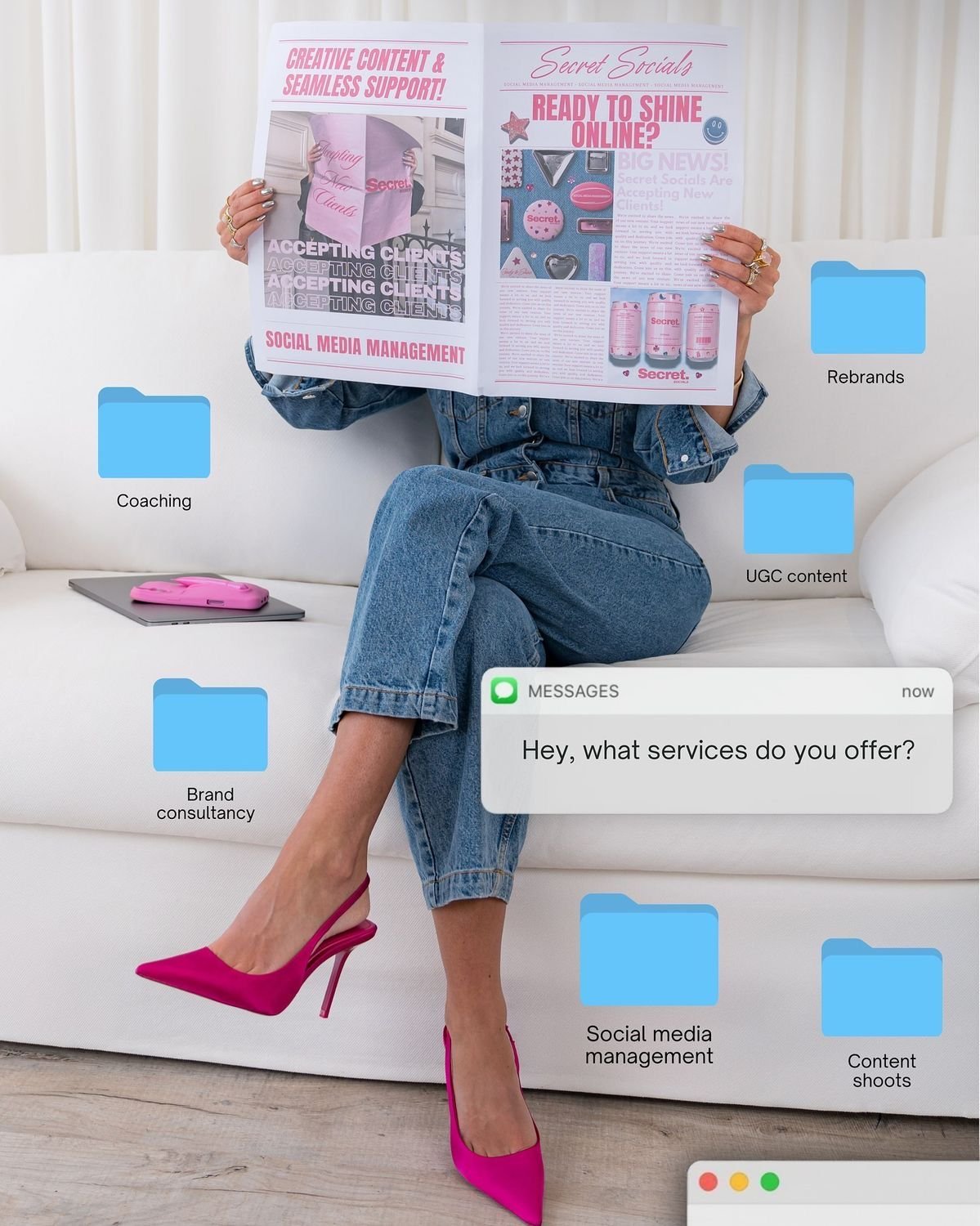
Social Media Manager Desktop Case Study
Make it yours
Abstract High-Fashion Mixed-Media Poster works as-is. These are the safest ways to change it without losing the look.
Change one field
Copy a single group, rewrite it, and generate again so you can see what that field is doing.
Keep the frame, change the subject
Hold the composition and light of Abstract High-Fashion Mixed-Media Poster, then swap wardrobe, props or the person for a new take.
| If the result… | Why | Fix |
|---|---|---|
| The result drifts from the preview | Too many fields changed at once. | Reuse Abstract High-Fashion Mixed-Media Poster as-is first, then change one group — subject, light, or setting. |
| The model over-stylizes the scene | The prose prompt leaves finish and camera underspecified. | Add one camera or lighting sentence and stay on GPT Image 2. |
More GPT Image 2 templates
Other prompts made for GPT Image 2.

Six VTuber Japanese Logo Sheet

Realistic Portrait of Woman and Deer

The Vista Modular Condo Poster

AI Model Routing Comparison Infographic

2.5D Anime Art Board

Isometric Productivity Desk Scene

New York Double Exposure Poster

Four-Panel AI Landscape Comparison

Japanese Tatami Lifestyle Magazine Cover

NESCAFÉ Coffee Map Poster
More image prompts
Fresh picks from across the catalog.
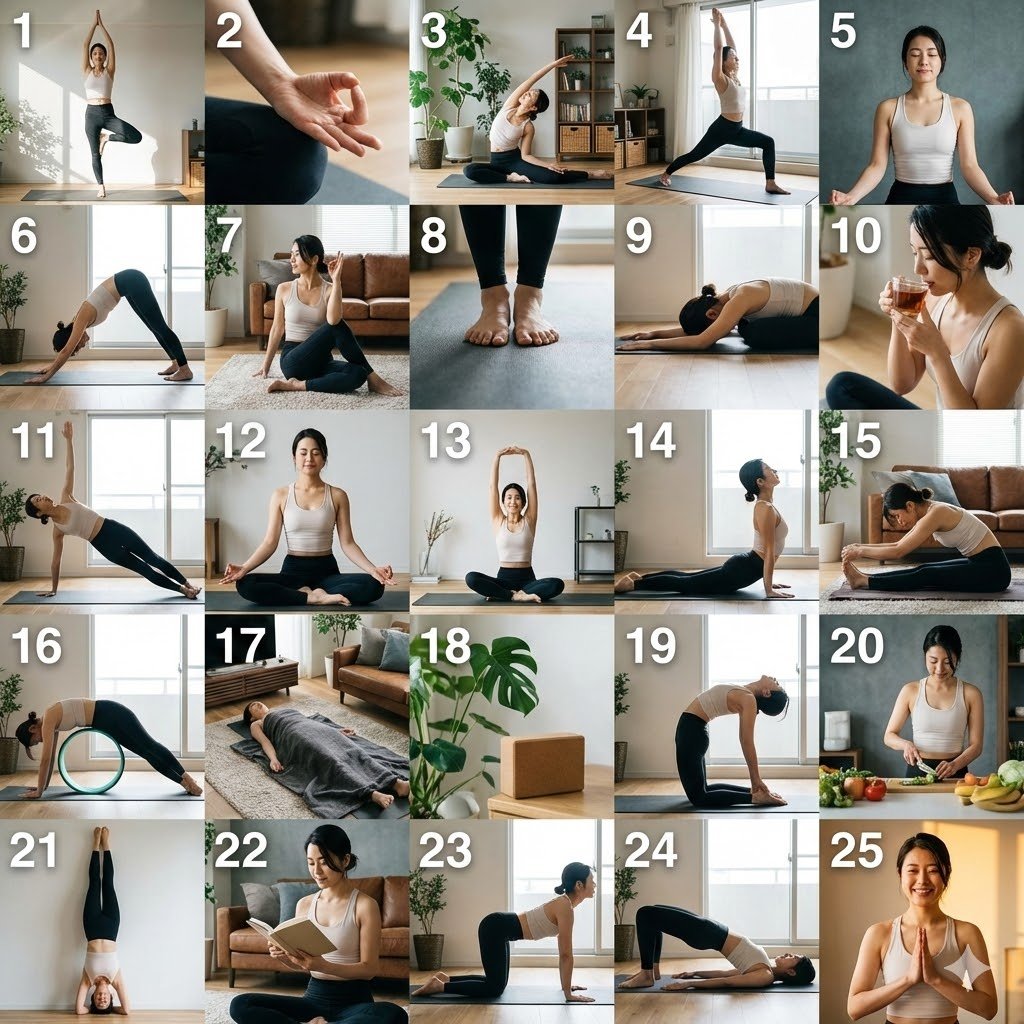
Multi-Cut Scene Generation and Extraction Prompt
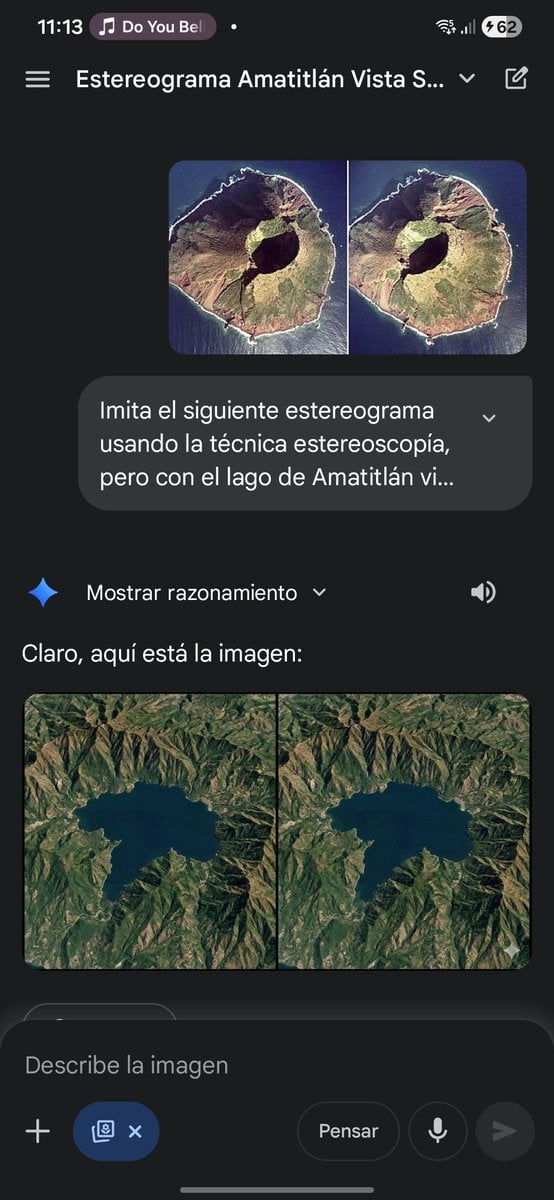
Stereogram of Amatitlán Lake from above
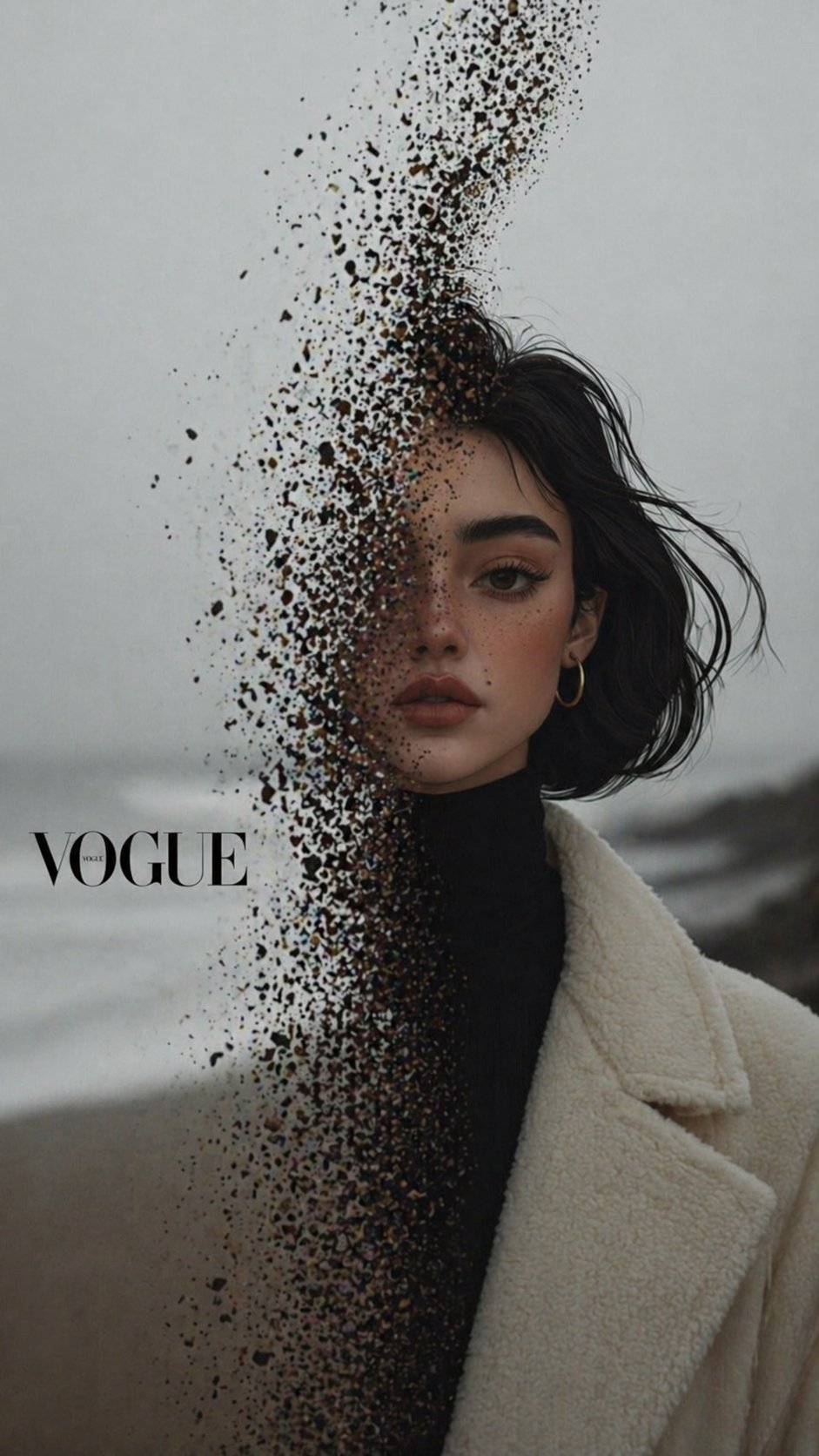
X Noor Ul Ain43 Hard Truth Your Expensive Setup Isnt Special Anymore Prompts Chatgpt Images
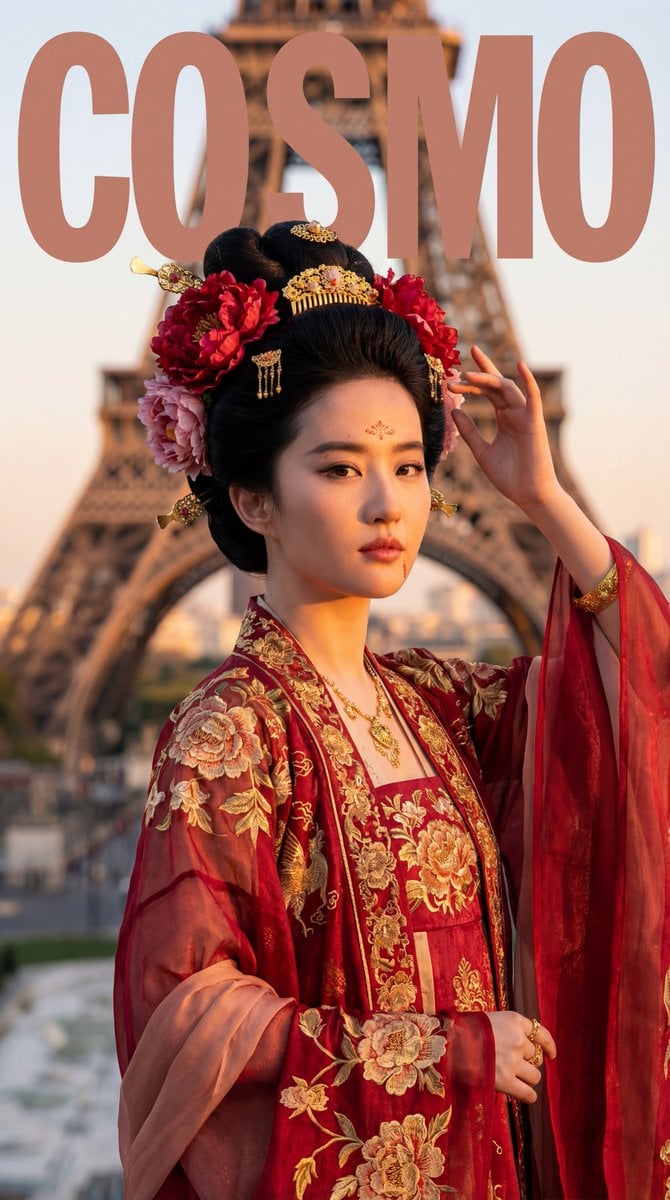
Tang Dynasty Empress in Paris Fashion Magazine Cover Prompt
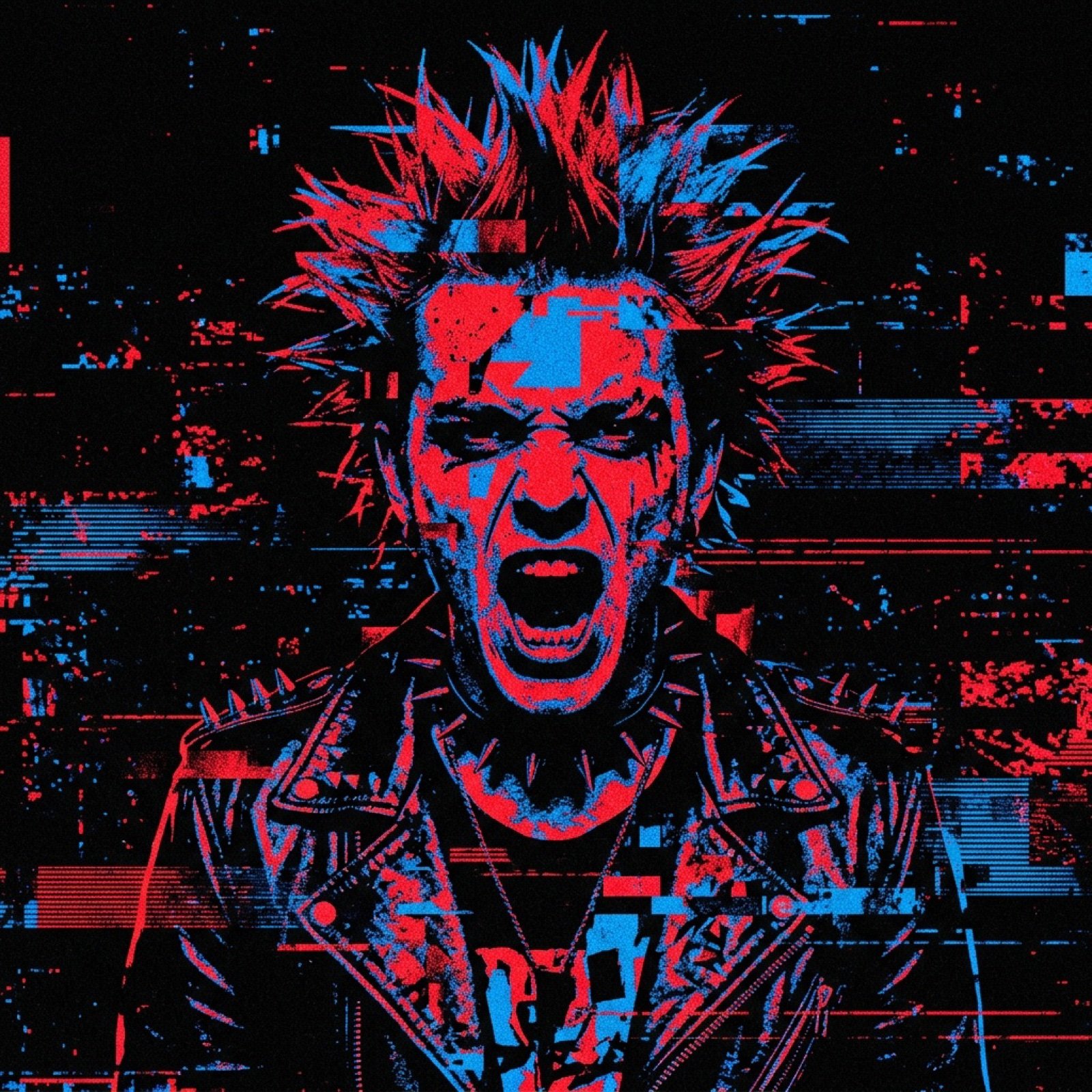
Noisy Distortion Filter for Mixed Media Effect
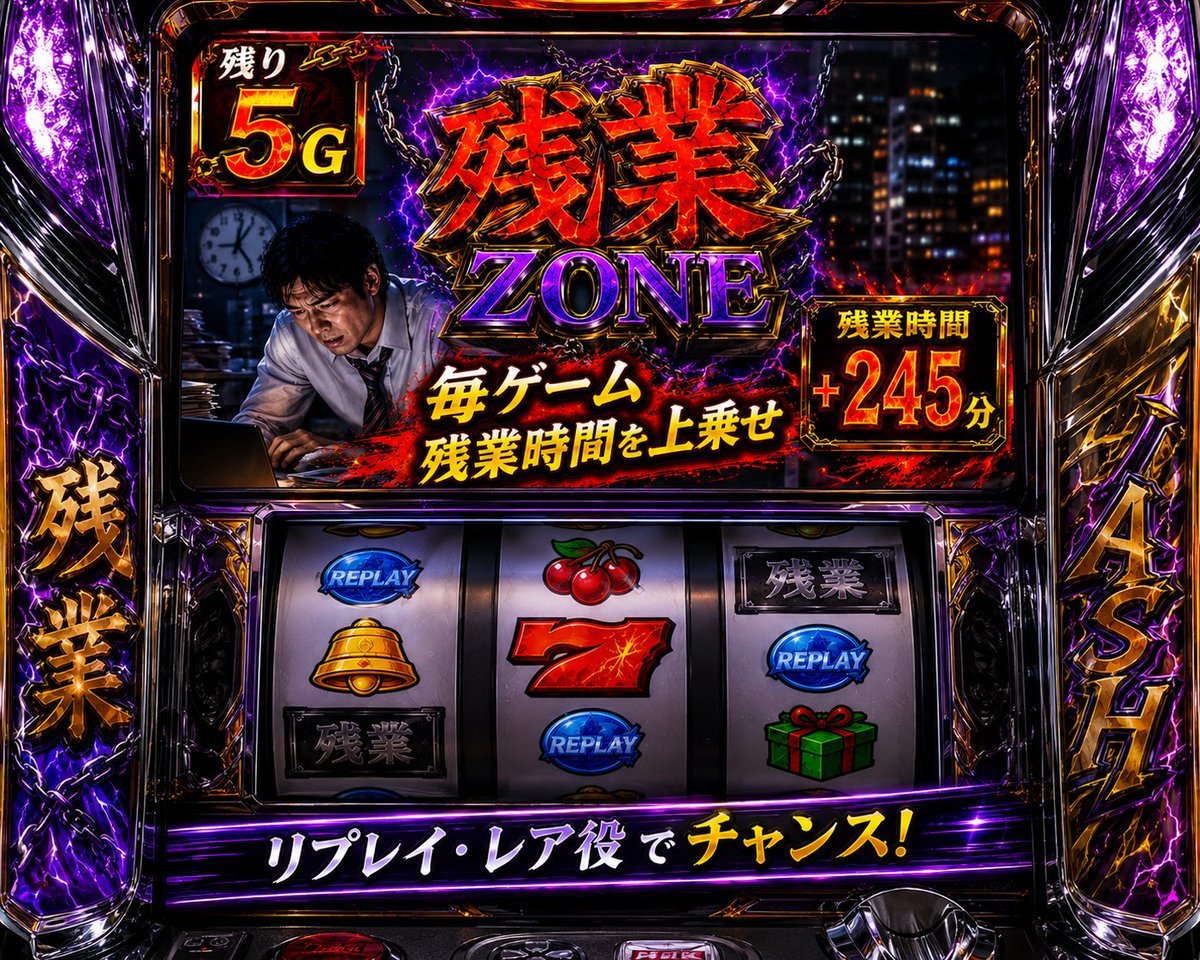
Overtime Zone Pachislot Machine
Japanese Katsudon Diet Thumbnail
Indoor Bedroom Mirror Selfie Generation Prompt
Cinematic Subway Portrait
Luxury Korean Hanjeongsik Food Advertisement Prompt
Browse template categories
Abstract High-Fashion Mixed-Media Poster questions
How do I use the Abstract High-Fashion Mixed-Media Poster template?
Add your photo if the template asks for one, edit the prompt if you like — the template's model and format are already selected — and press Generate. Your version opens in PicX Studio.
Can I customize the Abstract High-Fashion Mixed-Media Poster template?
Yes. You can change the subject, setting, lighting, mood, format, and available model controls before creating your image.
Is the Abstract High-Fashion Mixed-Media Poster template free?
Opening and editing this template is free. Generating uses credits, shown on the Generate button when you are signed in.
Which AI model should I use?
Start with GPT Image 2, which is the model associated with this template. You can compare another compatible model for a different finish.
Looking for something else? Browse all templates.

Your photo, any look
Thousands of ready templates for every top image and video model, from one credit balance.