
Photo to Magazine Sketch Conversion
Transforms a single photograph into a nostalgic artbook page featuring a cinematic photo on top and a corresponding hand-drawn ink sketch on the bottom.
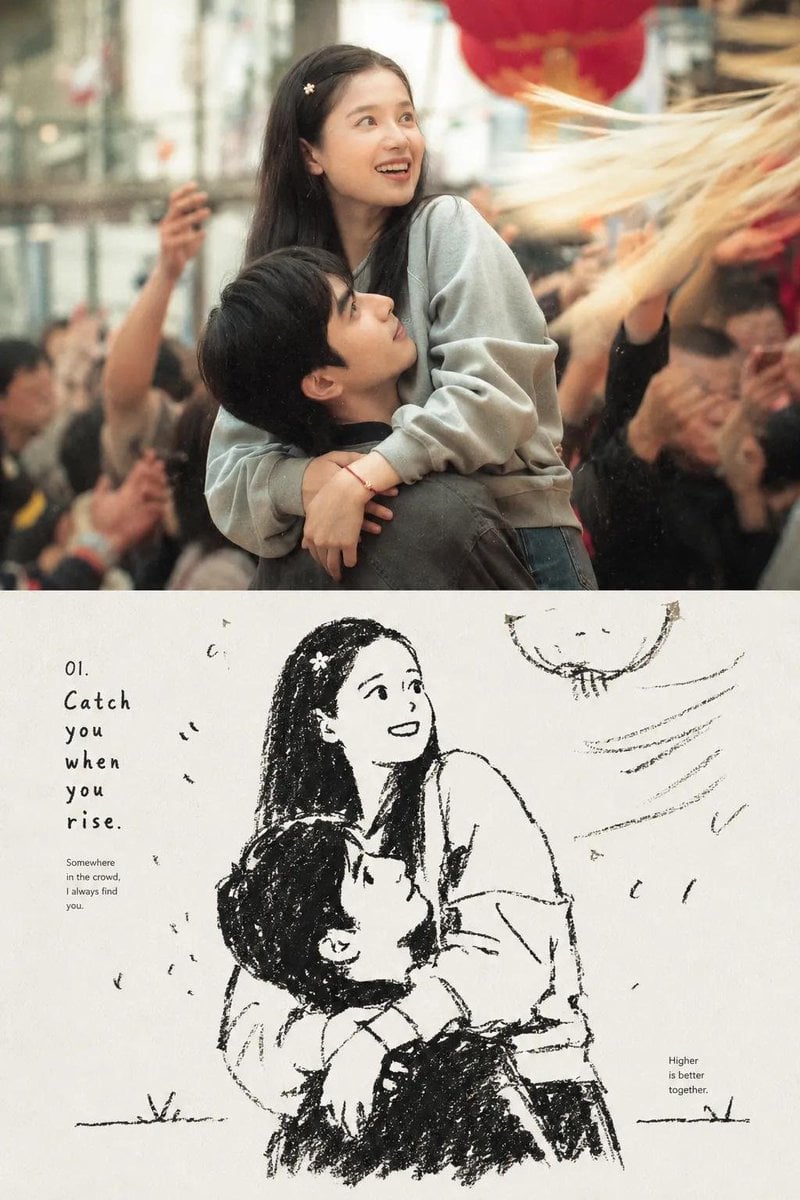
- Prompt included
- Model and format preset
- Free template
The prompt behind this image
Copy the exact prompt behind Photo to Magazine Sketch Conversion, or open it in the studio and make it yours.
# 添付写真をもとに、{argument name="雰囲気" default="ノスタルジック"}な編集誌風「写真→スケッチ」のアートブックページを1枚作成。被写体・ポーズ・表情・服装・構図・雰囲気は元写真のまま維持すること。 【レイアウト条件】 ・① ページを上下2段に分け、ひと続きに見せる ・② 上段:映画のような超リアル写真(柔らかい自然光・微かなフィルムグレイン・浅い被写界深度・自然な色) ・③ 下段:同じ場面と人物を、白黒の手描きインクイラストに変換 ・下段の紙は温かみのあるオフホワイト。線はラフ、粗いクロスハッチング、陰影は最小限、手作りスケッチブックの雰囲気 【文字・装飾】 ・イラストの周りに上品な編集誌風の文字組み ・小さな番号つきタイトル/短い手書き風の詩的キャプション/小さなメモ ・高級な写真誌、または日本の“ビジュアル日記”のような雰囲気 【全体の質感】 ・クリーム色の余白をたっぷり ・紙の質感と、わずかにかすれたインク印刷 ・控えめなヴィンテージ配置、ミニマルなデザイン ・写真と絵の切り替えは自然につなぐ 【禁止事項】 ・透かし、ロゴを入れない ・体の比率や骨格は自然なまま 【目的】 元写真の人物と場面を忠実に保ったまま、「写真と手描きスケッチが1ページに同居する」編集誌風ページを出力すること。
How to use Photo to Magazine Sketch Conversion in 3 steps
- 1Upload ImagePNG, JPG or paste
Add your photo
Upload the photo the template builds on. The prompt, model and format are already set.
- 2…a portrait of your subject in softgolden-hour light, 85mm…
Personalize
Edit the subject and creative details for your destination.
- 3Generate
Generate
Press Generate — your image is created in PicX Studio, so you can compare it with the original and refine one variable at a time.
More like this
Templates with the same subject, style or setup. Open one to see its prompt.

Open Magazine Luxury Fashion Editorial Layout

Monochrome Halftone Editorial Fashion Poster

Korean Model Floating Magazine Pages Campaign

Blue Hour Editorial Fashion Portrait

Japanese Café Sketch Duo Illustration

Delicate Japanese Café Lifestyle Illustration
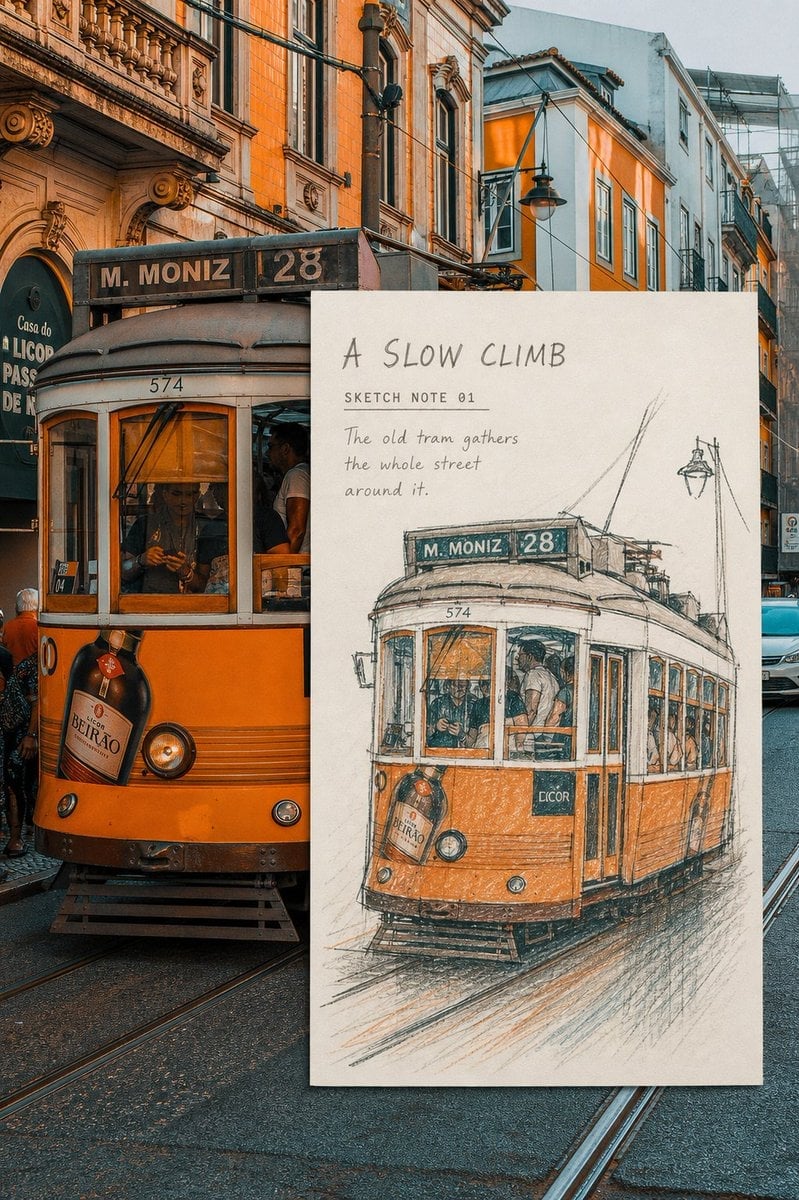
Real-Scene Inset Sketch Poster
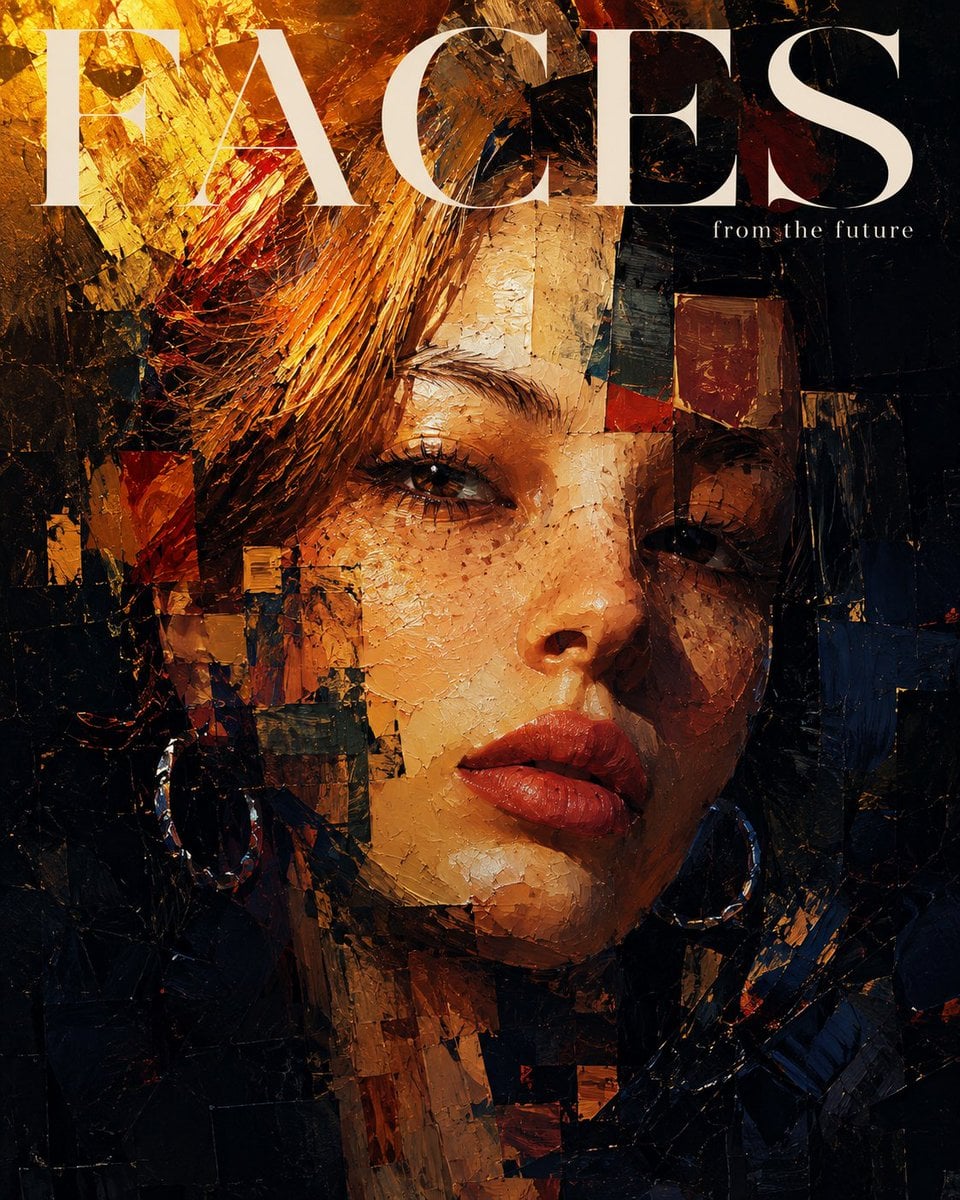
Expressionistic Impasto Magazine Portrait
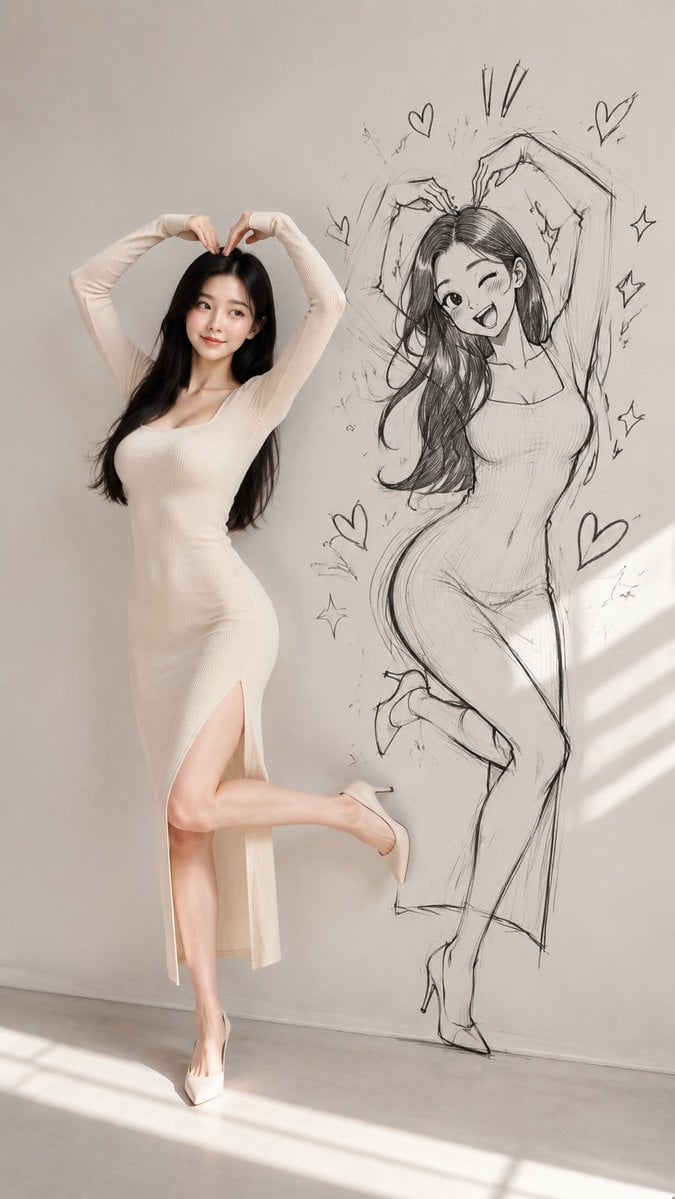
Model With Manga Wall Sketch

Off Duty Fashion Magazine Cover

Japanese Tatami Lifestyle Magazine Cover
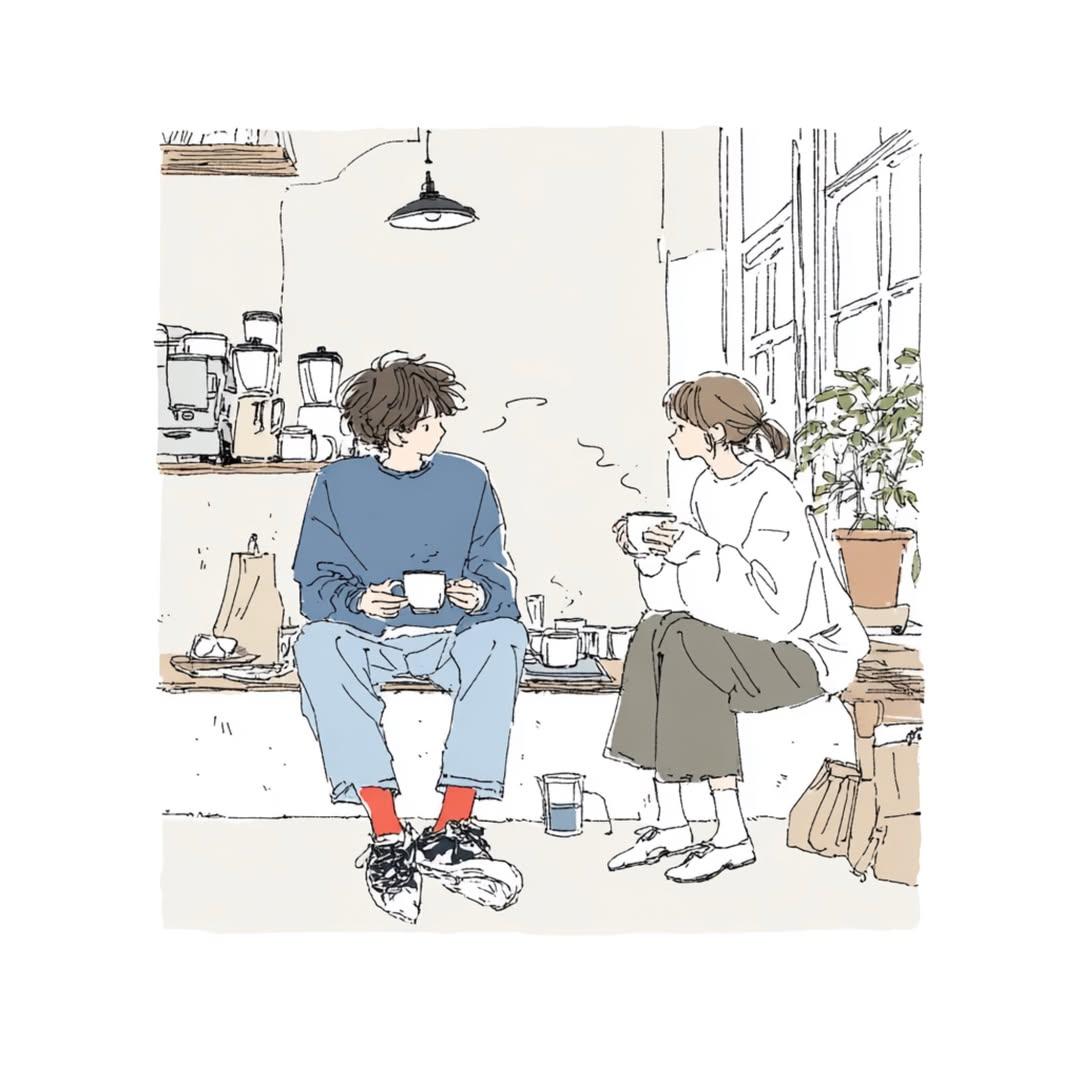
Japanese Lifestyle Sketch Illustration
Make it yours
Photo to Magazine Sketch Conversion works as-is. These are the safest ways to change it without losing the look.
Change one field
Copy a single group, rewrite it, and generate again so you can see what that field is doing.
Keep the frame, change the subject
Hold the composition and light of Photo to Magazine Sketch Conversion, then swap wardrobe, props or the person for a new take.
| If the result… | Why | Fix |
|---|---|---|
| The result drifts from the preview | Too many fields changed at once. | Reuse Photo to Magazine Sketch Conversion as-is first, then change one group — subject, light, or setting. |
| The model over-stylizes the scene | The prose prompt leaves finish and camera underspecified. | Add one camera or lighting sentence and stay on GPT Image 2. |
More GPT Image 2 templates
Other prompts made for GPT Image 2.

Six VTuber Japanese Logo Sheet

Realistic Portrait of Woman and Deer

The Vista Modular Condo Poster

AI Model Routing Comparison Infographic

2.5D Anime Art Board

Isometric Productivity Desk Scene

New York Double Exposure Poster

Four-Panel AI Landscape Comparison

NESCAFÉ Coffee Map Poster

Brutalist Cogito Chinese Typography Poster
More image prompts
Fresh picks from across the catalog.
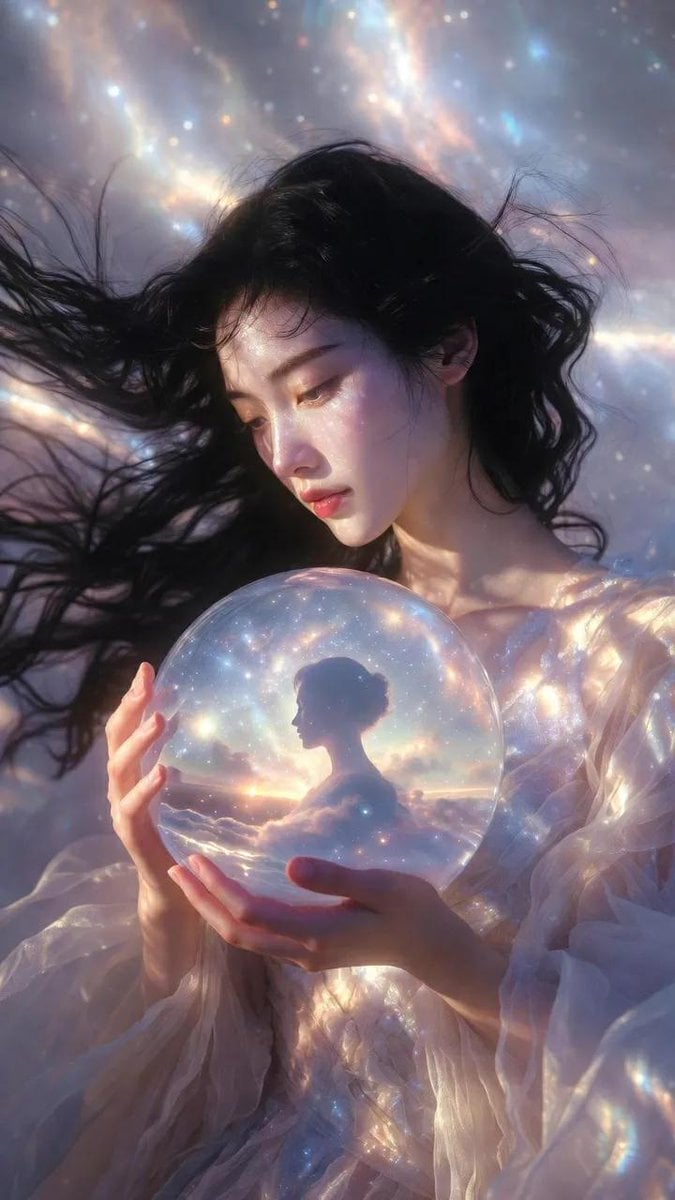
Ethereal Cinematic Fashion Portrait Prompt
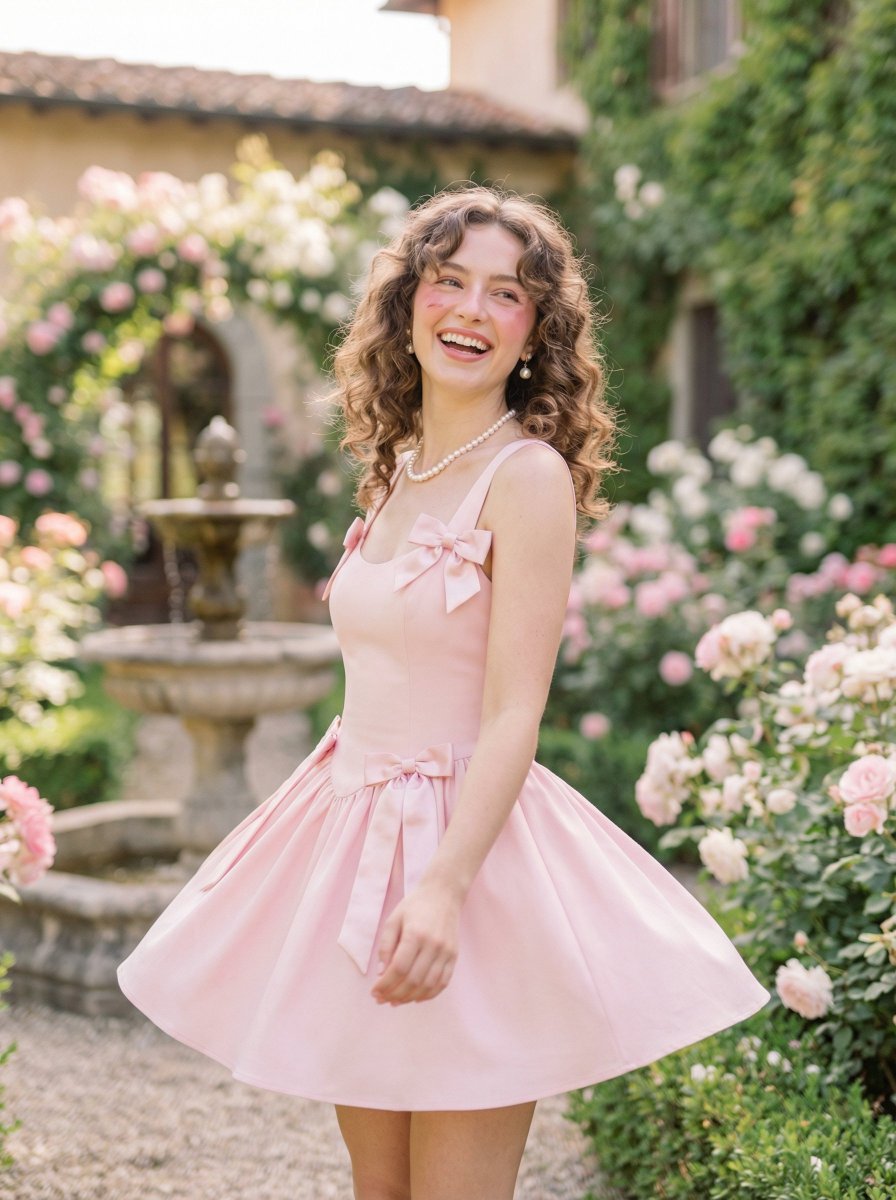
Coquette Pink Fashion Editorial
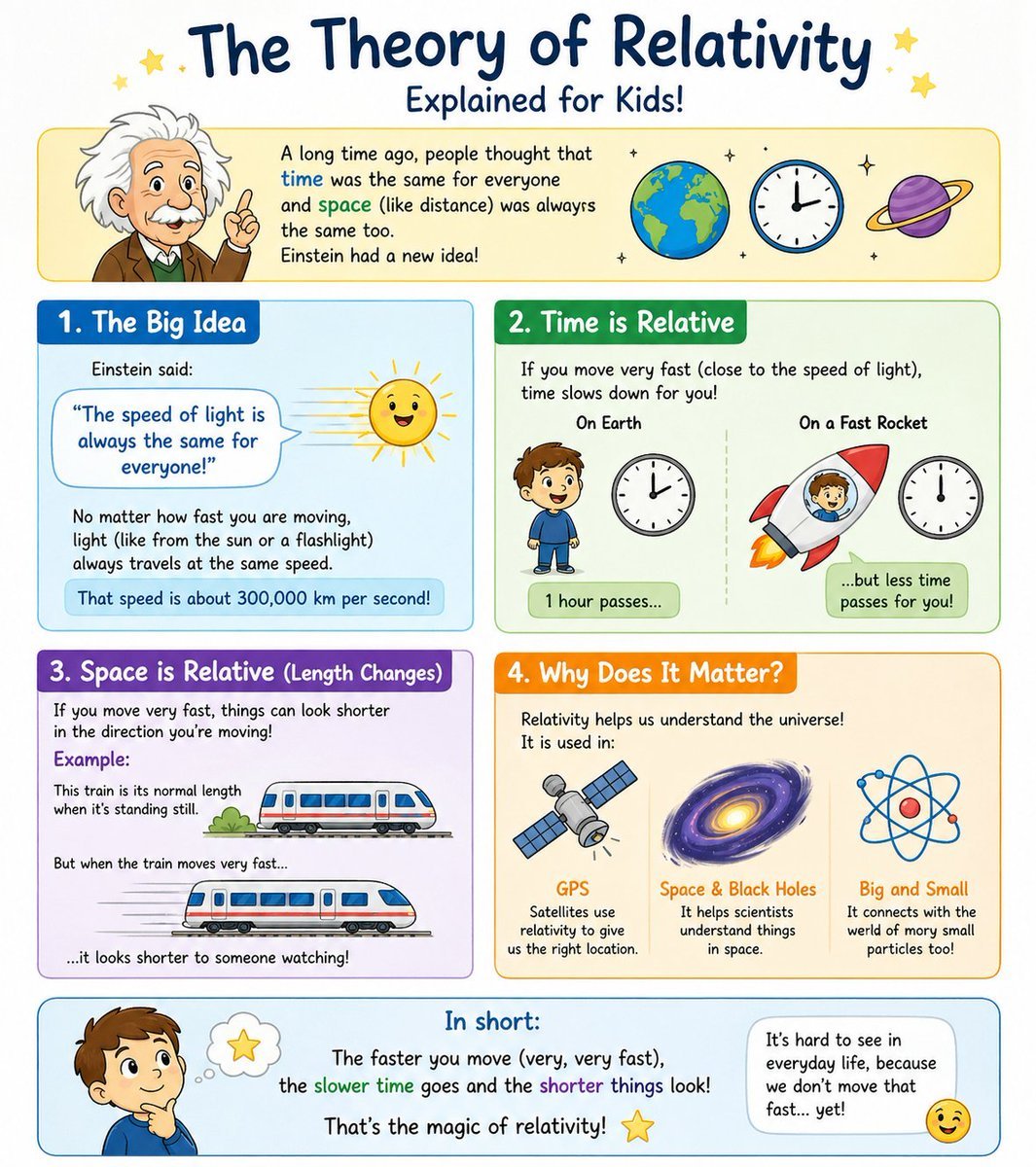
Kids Relativity Infographic Poster
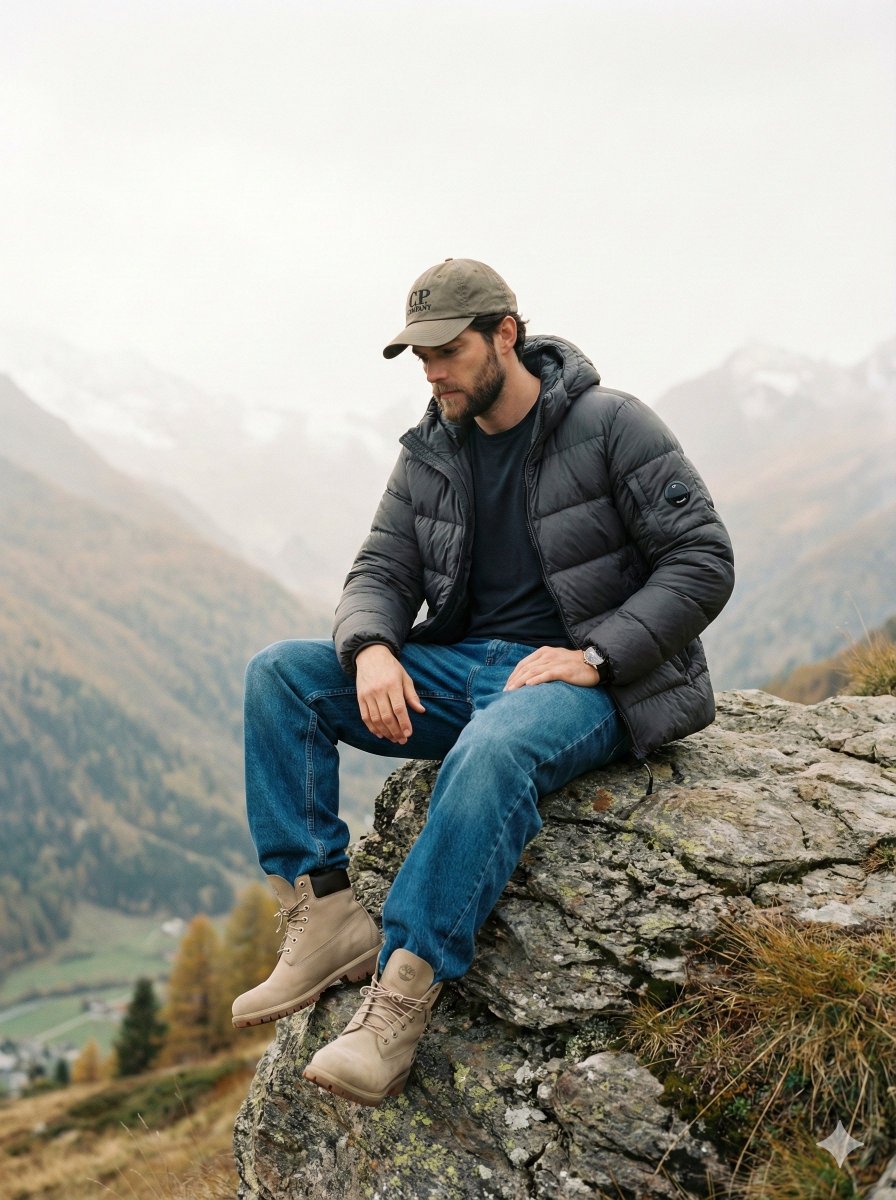
Cinematic Fashion Editorial Image Prompt for Male Subject in Swiss Alps
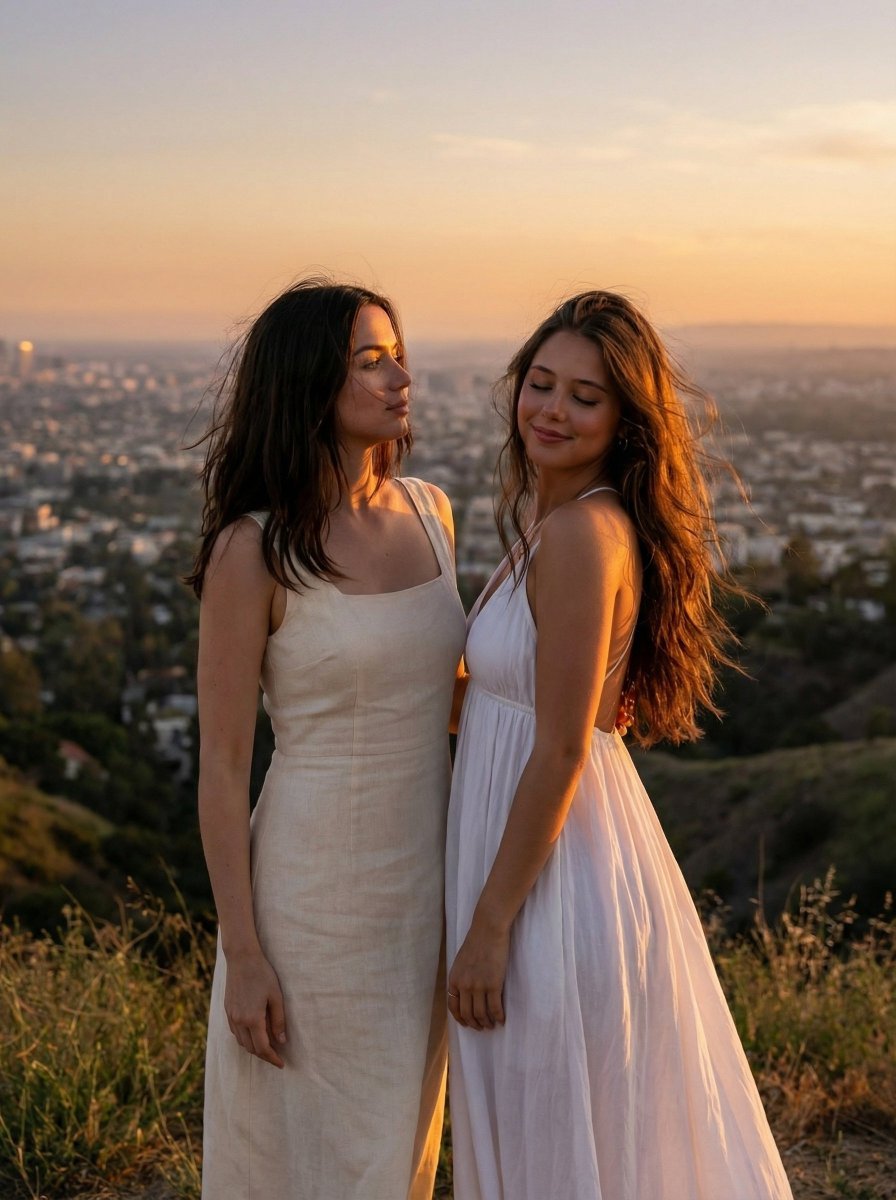
Cinematic Golden Hour Portrait on Hilltop
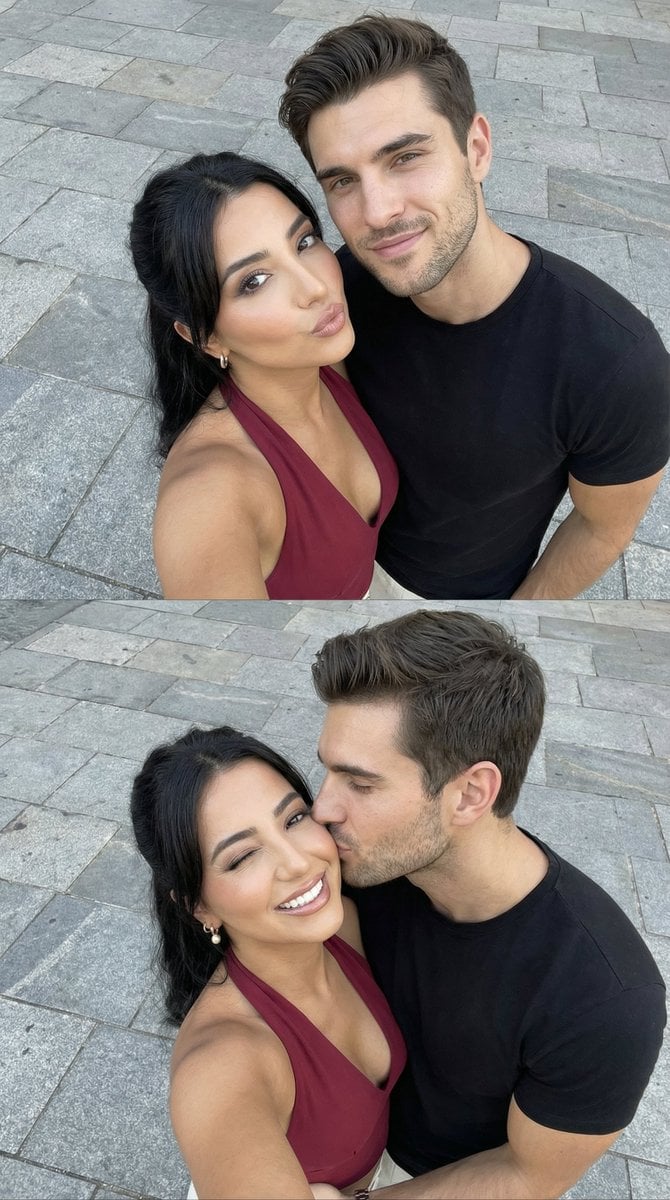
Photorealistic Couple Selfie Grid with Identity Lock
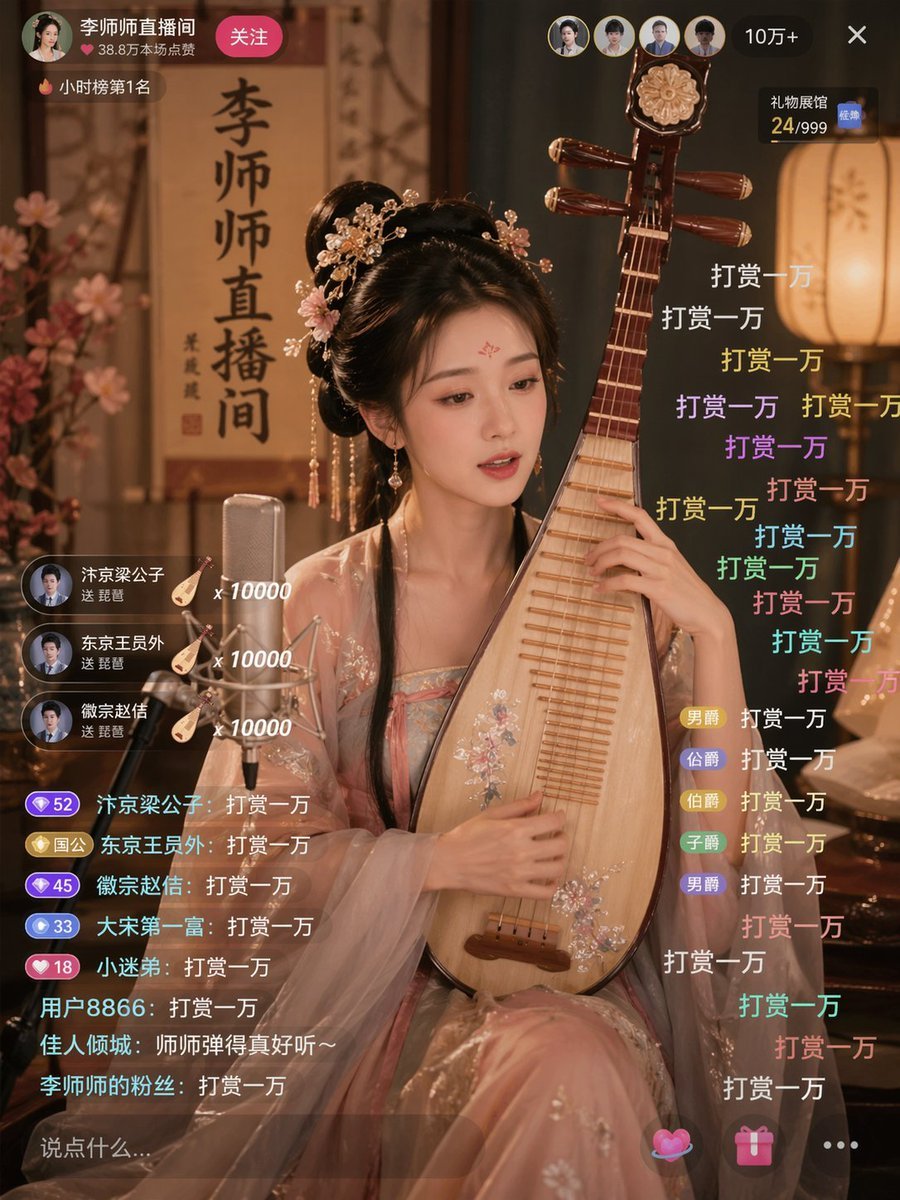
Ancient Beauty Livestream Scene
Fridge-scan recipe infographic
High-Speed Skateboard Tricks Video Prompt
Candid European Café Portrait
Browse template categories
Photo to Magazine Sketch Conversion questions
How do I use the Photo to Magazine Sketch Conversion template?
Add your photo if the template asks for one, edit the prompt if you like — the template's model and format are already selected — and press Generate. Your version opens in PicX Studio.
Can I customize the Photo to Magazine Sketch Conversion template?
Yes. You can change the subject, setting, lighting, mood, format, and available model controls before creating your image.
Is the Photo to Magazine Sketch Conversion template free?
Opening and editing this template is free. Generating uses credits, shown on the Generate button when you are signed in.
Which AI model should I use?
Start with GPT Image 2, which is the model associated with this template. You can compare another compatible model for a different finish.
Looking for something else? Browse all templates.

Your photo, any look
Thousands of ready templates for every top image and video model, from one credit balance.