
Japanese Paper-Cut Travel Illustration
Transforms a real beach photograph into a sophisticated hand-painted paper-cut travel artwork using Japanese-inspired organic shapes and layered flat colors.
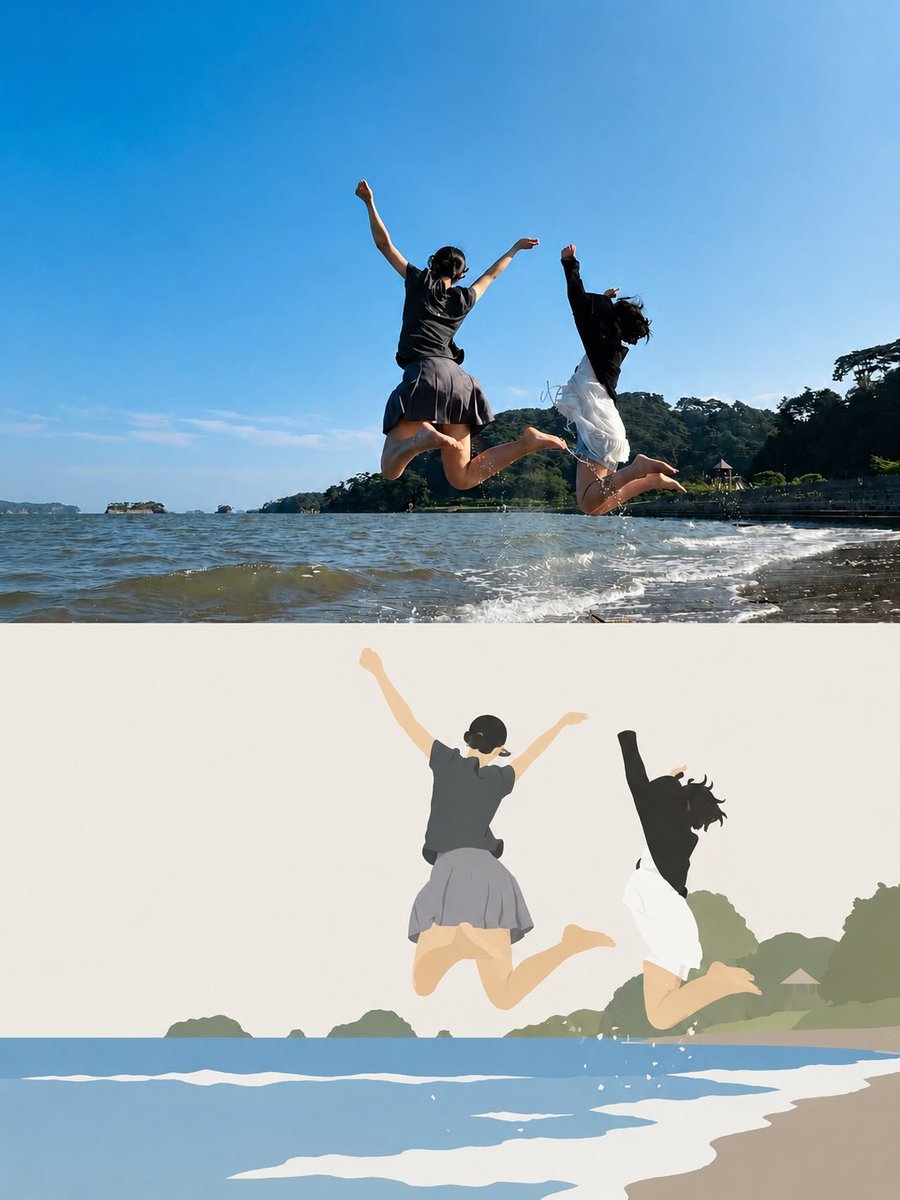
- Prompt included
- Model and format preset
- Free template
The prompt behind this image
Copy the exact prompt behind Japanese Paper-Cut Travel Illustration, or open it in the studio and make it yours.
Create a stylized editorial illustration based on the reference photo, transforming the real beach scene into a sophisticated hand-painted cut-paper travel artwork. Show two young women joyfully jumping above shallow ocean water, captured from a low, wide perspective. Preserve the original composition, body poses, clothing silhouettes, jumping motion, shoreline, distant tree-covered island, bright blue sky, and splashing water. Use a minimalist Japanese-inspired paper-cut illustration style with clean organic shapes, layered flat colors, subtle paper grain, soft shadows, and slightly imperfect handmade edges. Simplify the people into elegant illustrated figures while keeping their poses recognizable: one woman wearing a dark charcoal short-sleeve top and gray pleated skirt, the other wearing a black long-sleeve top and flowing white skirt. Their arms are raised naturally and their legs are bent backward mid-jump. Replace realistic textures with soft layered shapes: pale blue ocean, cream sandy shoreline, muted green coastal vegetation, warm beige highlights, and a clear powder-blue sky. Add simplified white water splashes beneath their feet and subtle distant islands and trees. The final image should feel like a premium Japanese travel magazine illustration / handcrafted paper collage, calm, nostalgic, artistic, and playful. Maintain generous negative space in the sky, balanced composition, soft pastel color palette, clean silhouettes, subtle depth from layered paper, delicate shadows, high-end editorial design, no photorealism, no 3D CGI, no excessive outlines, no clutter, no text. Vertical 4:5 composition, high resolution, polished illustration, visually faithful to the reference pose and framing.
How to use Japanese Paper-Cut Travel Illustration in 3 steps
- 1Upload ImagePNG, JPG or paste
Add your photo
Upload the photo the template builds on. The prompt, model and format are already set.
- 2…a portrait of your subject in softgolden-hour light, 85mm…
Personalize
Edit the subject and creative details for your destination.
- 3Generate
Generate
Press Generate — your image is created in PicX Studio, so you can compare it with the original and refine one variable at a time.
More like this
Templates with the same subject, style or setup. Open one to see its prompt.

Master Paper Cut Illustration — Saudi Arabia Travel Poster in Layered Paper Art

City Posters by Nano Banana Pro
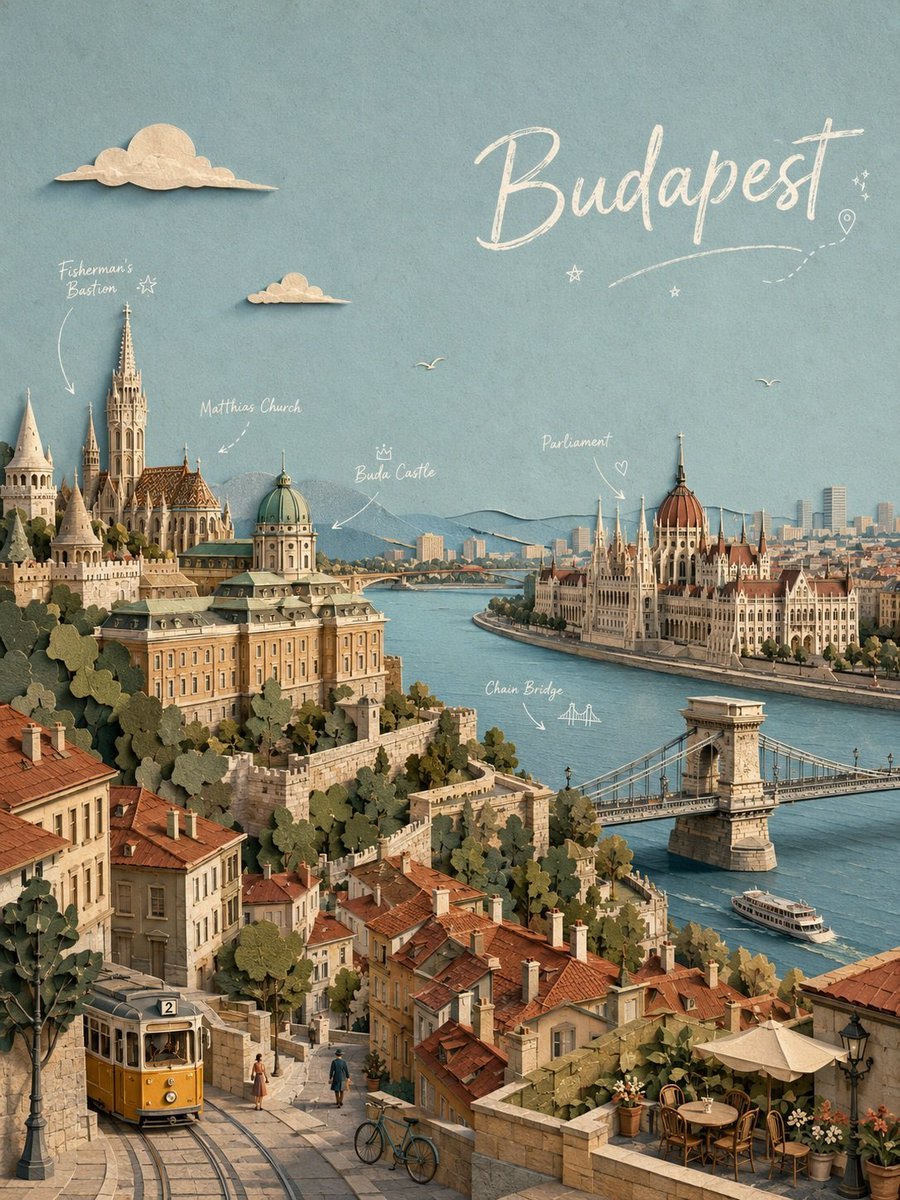
Budapest Paper-Cut Travel Poster

Paper Cut Vintage Travel Poster
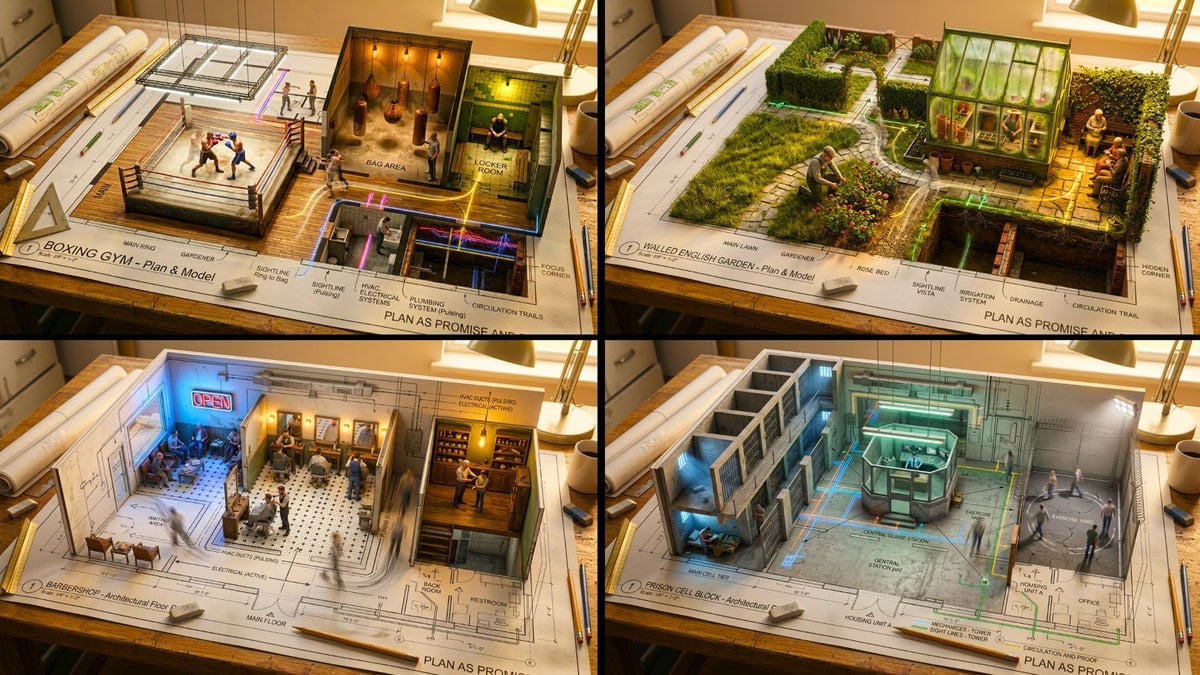
Paper Cut Scientific Illustration
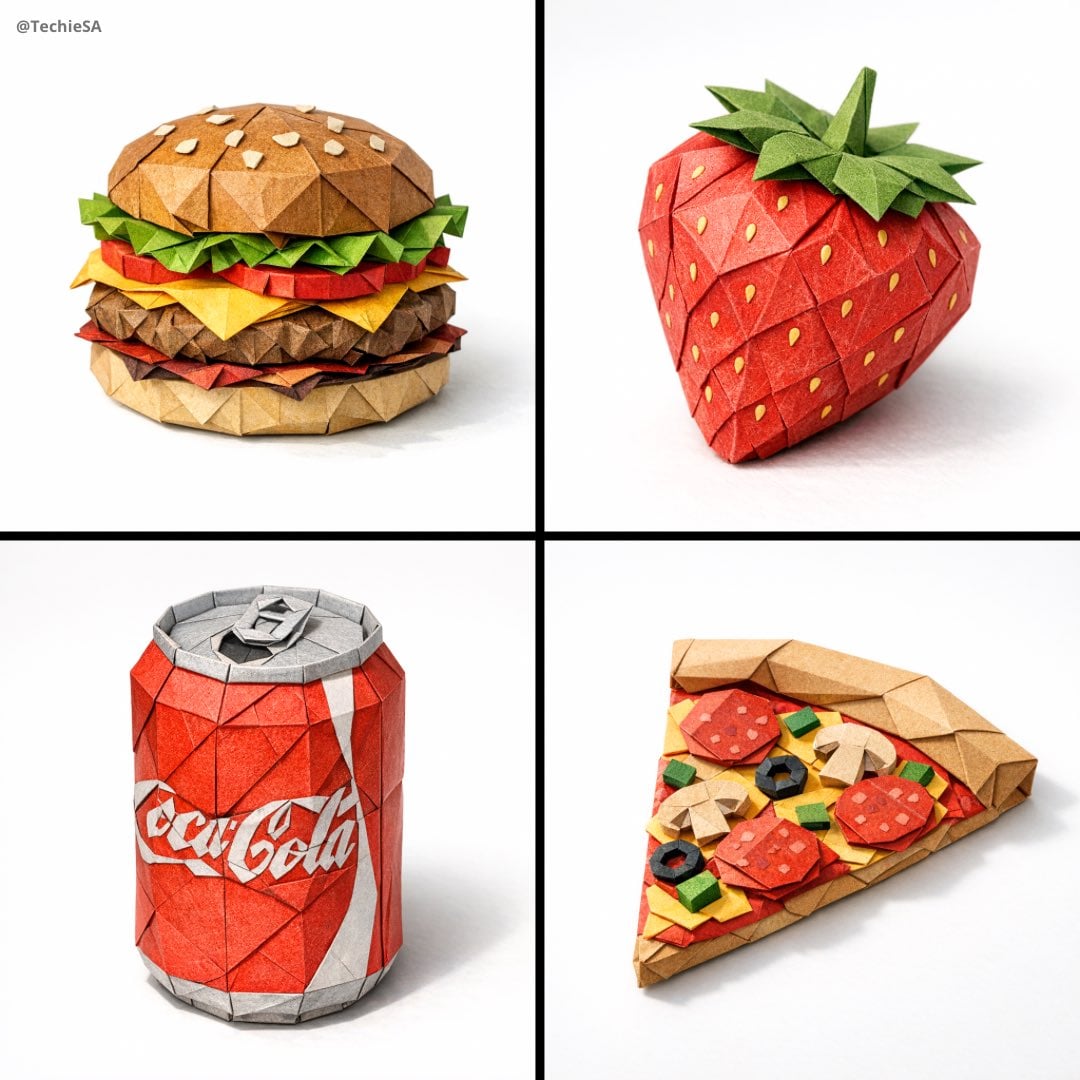
Paper Cut Botanical Illustration
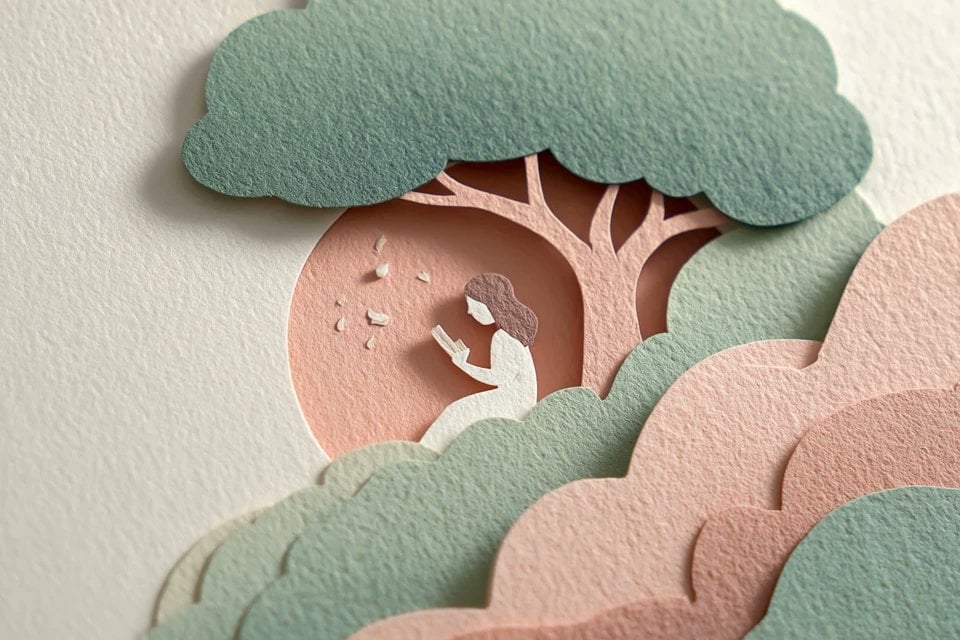
Master Layered Paper Cut Illustration — Overlapping Shapes with Handcrafted Textures

Saudi Arabia Paper Cut Travel Poster

Soft Handcrafted Paper-Cut Layered Illustration

Paper Cut Craft Illustration

Layered Paper Cut Illustration Template

Decorative Folk Flat Paper Cut Illustration
Make it yours
Japanese Paper-Cut Travel Illustration works as-is. These are the safest ways to change it without losing the look.
Change one field
Copy a single group, rewrite it, and generate again so you can see what that field is doing.
Keep the frame, change the subject
Hold the composition and light of Japanese Paper-Cut Travel Illustration, then swap wardrobe, props or the person for a new take.
| If the result… | Why | Fix |
|---|---|---|
| The result drifts from the preview | Too many fields changed at once. | Reuse Japanese Paper-Cut Travel Illustration as-is first, then change one group — subject, light, or setting. |
| The model over-stylizes the scene | The prose prompt leaves finish and camera underspecified. | Add one camera or lighting sentence and stay on GPT Image 2. |
More GPT Image 2 templates
Other prompts made for GPT Image 2.

Six VTuber Japanese Logo Sheet

Realistic Portrait of Woman and Deer

The Vista Modular Condo Poster

AI Model Routing Comparison Infographic

2.5D Anime Art Board

Isometric Productivity Desk Scene

New York Double Exposure Poster

Four-Panel AI Landscape Comparison

Japanese Tatami Lifestyle Magazine Cover

NESCAFÉ Coffee Map Poster
More image prompts
Fresh picks from across the catalog.
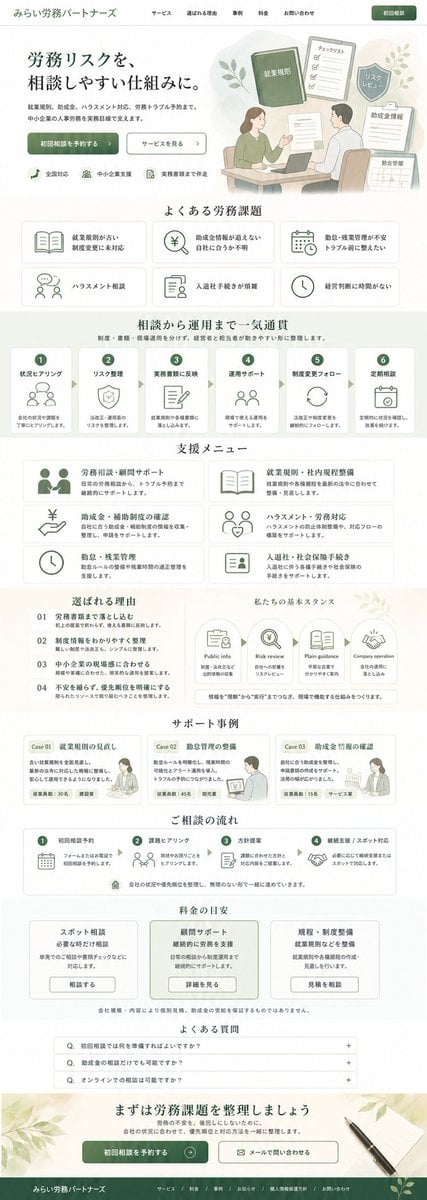
ASCII Layout Landing Page Generator
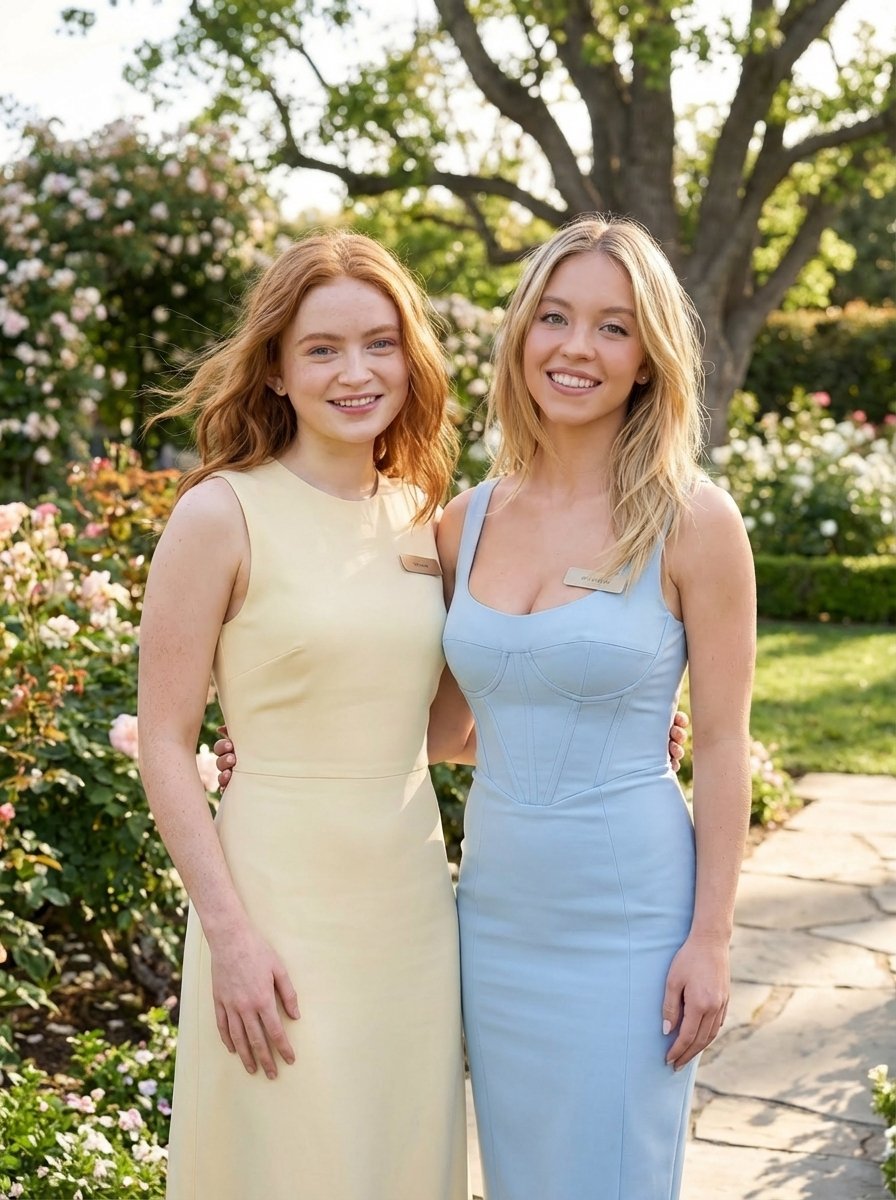
Duo Portrait Prompt for Nano Banana Pro

Flashy suspicious info-product style thumbnail
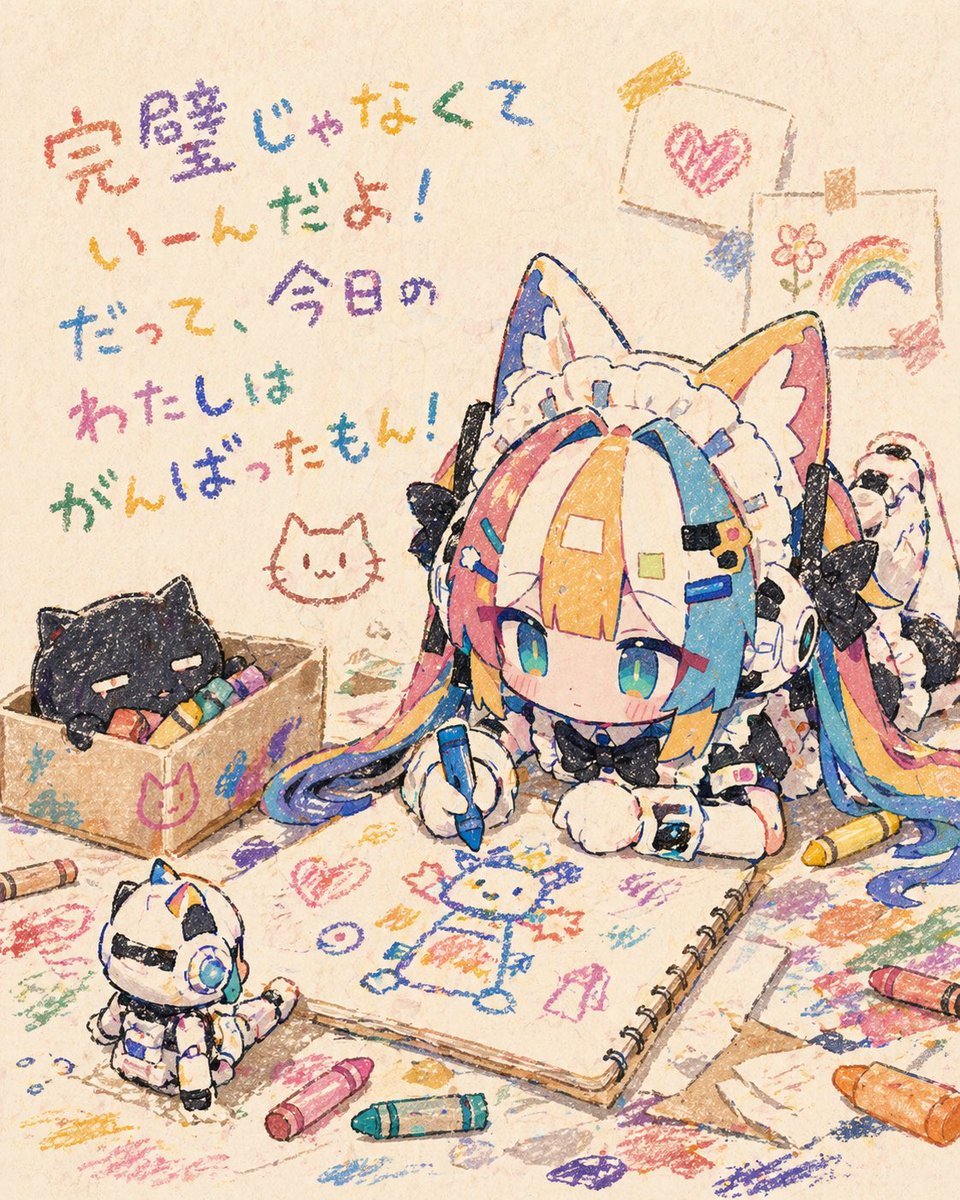
Chibi Cat Maid Crayon Art Scene

Premium Smartphone Ad Poster
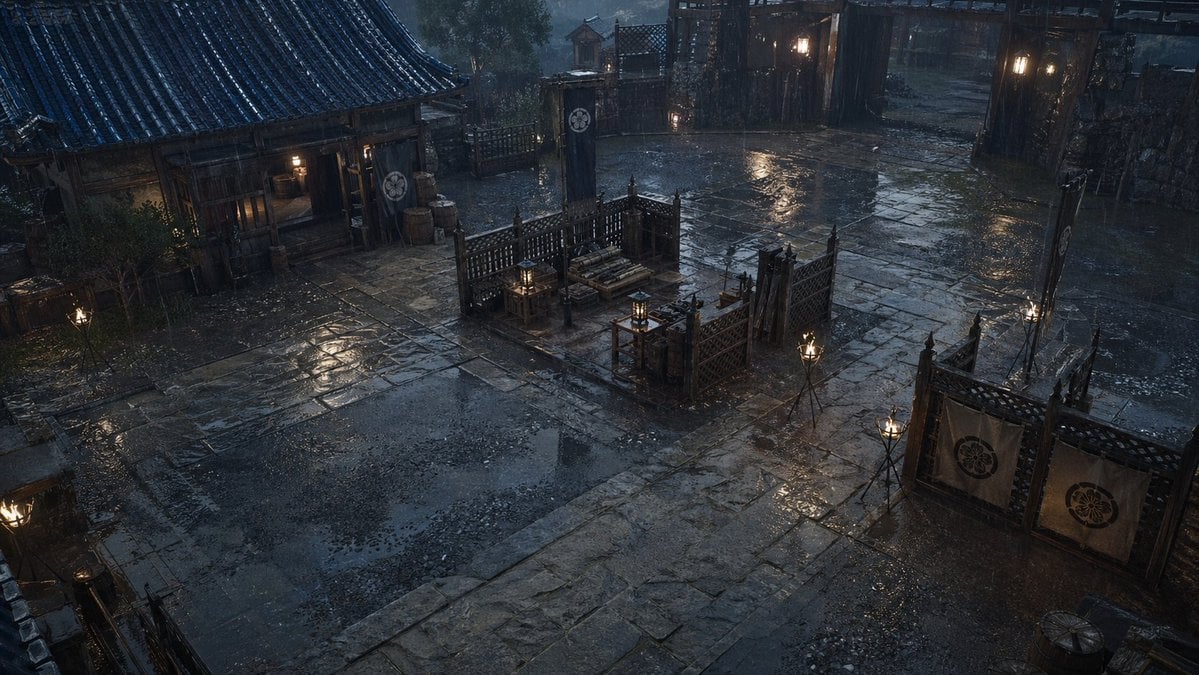
Rainy Feudal Japan Courtyard
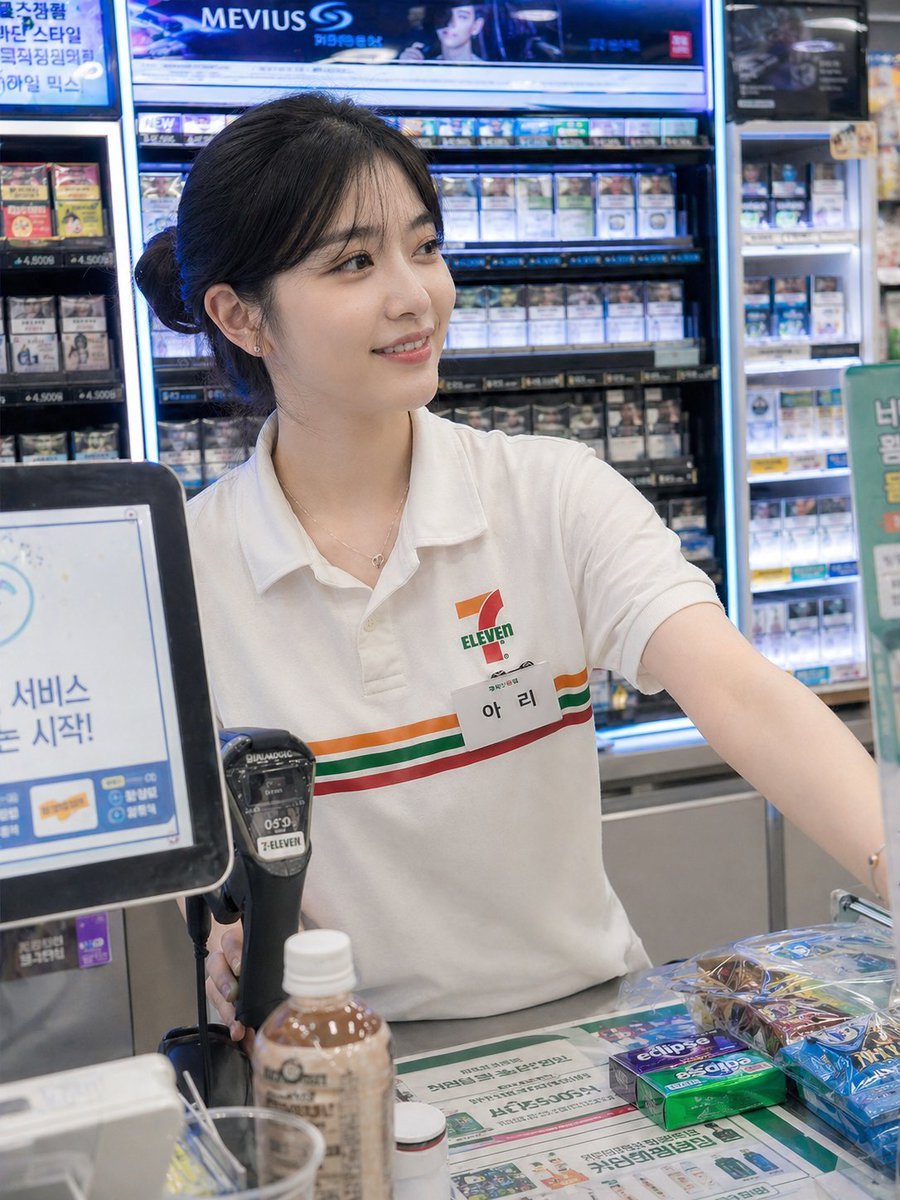
Candid Convenience Store Cashier
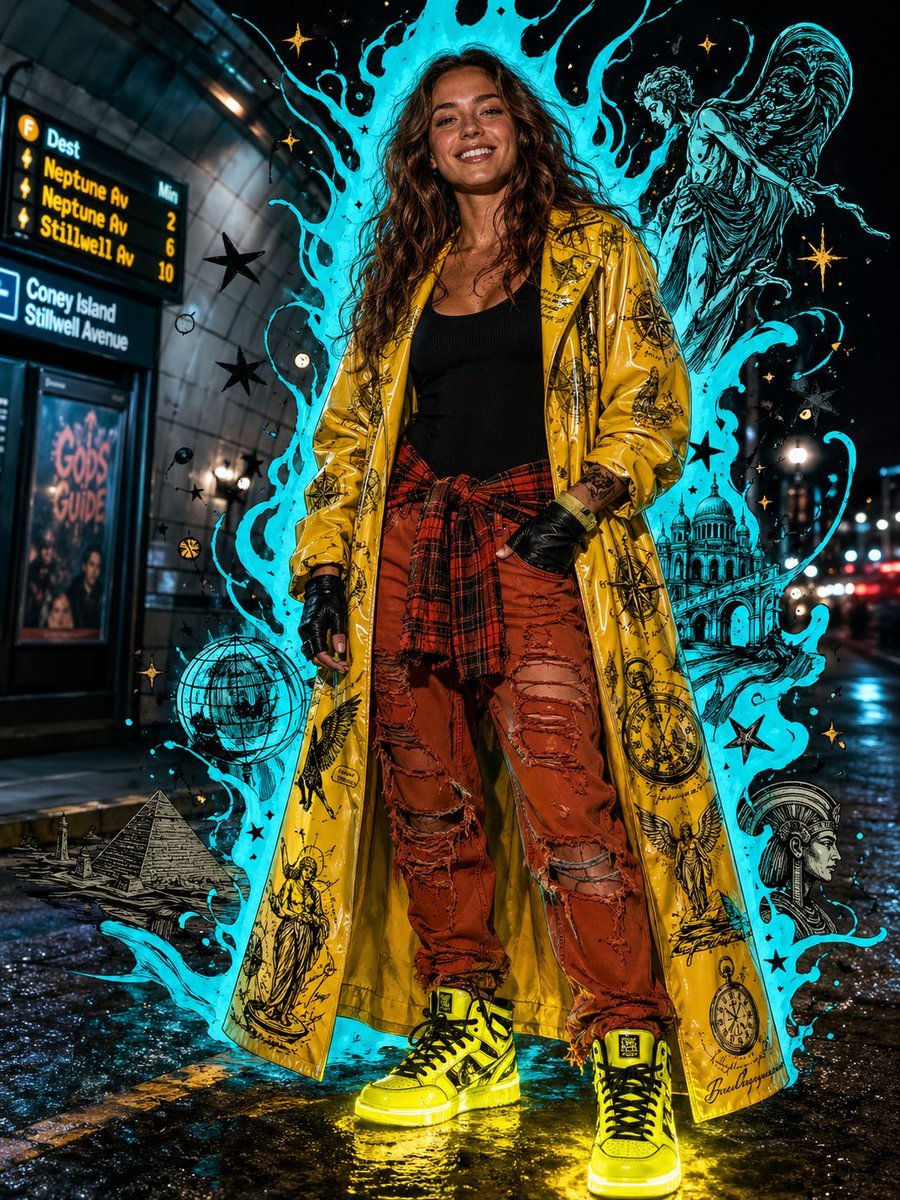
Afrofuturist Streetwear Editorial Portrait
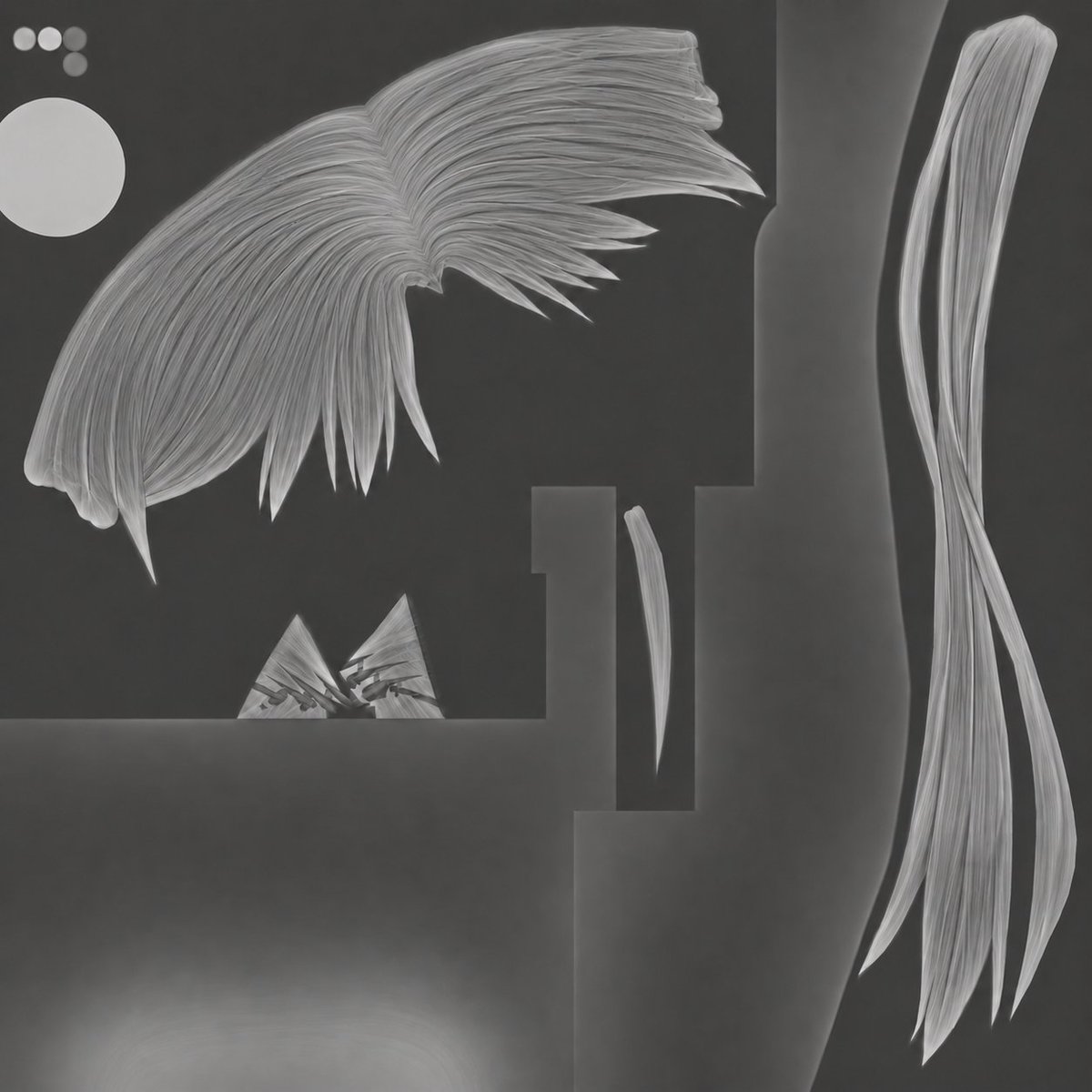
3D Hair Texture Height Map
Ultra-realistic cinematic western fashion in Times Square prompt
Browse template categories
Japanese Paper-Cut Travel Illustration questions
How do I use the Japanese Paper-Cut Travel Illustration template?
Add your photo if the template asks for one, edit the prompt if you like — the template's model and format are already selected — and press Generate. Your version opens in PicX Studio.
Can I customize the Japanese Paper-Cut Travel Illustration template?
Yes. You can change the subject, setting, lighting, mood, format, and available model controls before creating your image.
Is the Japanese Paper-Cut Travel Illustration template free?
Opening and editing this template is free. Generating uses credits, shown on the Generate button when you are signed in.
Which AI model should I use?
Start with GPT Image 2, which is the model associated with this template. You can compare another compatible model for a different finish.
Looking for something else? Browse all templates.

Your photo, any look
Thousands of ready templates for every top image and video model, from one credit balance.