
Fashion Editorial Magazine Poster
A high-end contemporary fashion editorial prompt that integrates custom text and poses with an automatically generated professional studio or architectural background.
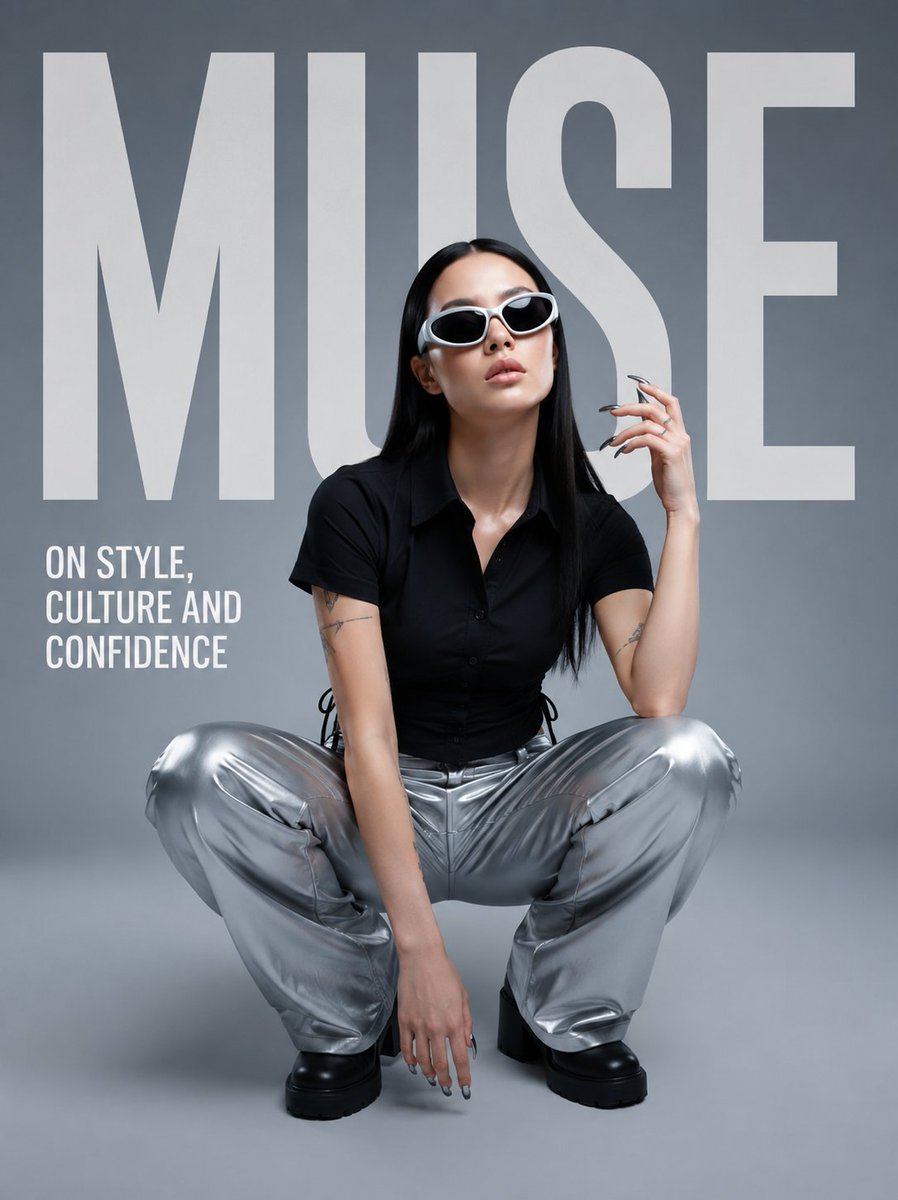
- Prompt included
- Model and format preset
- Free template
The prompt behind this image
Copy the exact prompt behind Fashion Editorial Magazine Poster, or open it in the studio and make it yours.
Create a premium contemporary fashion editorial poster using the uploaded subject as the main character. Preserve the subject's identity, facial structure, natural skin tone, hairstyle, hair color, body proportions, and recognizable appearance accurately.\n\nThe BACKGROUND must be generated automatically based on the overall creative direction. Do not require the user to define the background. Automatically create a sophisticated environment, studio setting, architectural space, abstract backdrop, or atmospheric scene that best complements the subject, wardrobe, pose, and editorial concept. The background should feel intentional, premium, realistic, and visually cohesive.\n\nThe subject must follow the user-defined {argument name="pose" default="POSE"} naturally and convincingly. Automatically generate the wardrobe, accessories, makeup, hair styling, lighting, color palette, camera angle, composition, and overall art direction to suit the generated concept. These elements should not require user input.\n\nUse the user-defined {argument name="headline text" default="TEXT"} as the primary oversized editorial typography. Integrate it directly into the composition like a professional fashion magazine cover. The typography should be bold, modern, clean, and large-scale, with intentional spacing and layering. The subject may overlap or partially obscure the typography where appropriate to create depth. Ensure the text is correctly spelled and clearly readable.\n\nDo not add random promotional copy, prices, dates, sale information, product lists, fake brands, logos, watermarks, or unnecessary small text. Only add minimal secondary typography if specifically required by the visual concept.\n\nCreate a high-end fashion editorial aesthetic with cinematic realism, realistic skin texture, natural anatomy, authentic fabric materials, sophisticated lighting, subtle film grain, controlled contrast, premium color grading, and strong visual hierarchy. Avoid generic AI aesthetics, plastic skin, excessive beauty retouching, distorted anatomy, extra fingers, duplicated limbs, warped clothing, messy typography, or visual clutter.\n\nThe final composition should feel like a professionally art-directed contemporary fashion magazine/editorial campaign. The subject is the focal point, the user-defined {argument name="headline text" default="TEXT"} is the dominant graphic element, and everything else—including the background—is generated automatically to support the concept.
How to use Fashion Editorial Magazine Poster in 3 steps
- 1Upload ImagePNG, JPG or paste
Add your photo
Upload the photo the template builds on. The prompt, model and format are already set.
- 2…a portrait of your subject in softgolden-hour light, 85mm…
Personalize
Edit the subject and creative details for your destination.
- 3Generate
Generate
Press Generate — your image is created in PicX Studio, so you can compare it with the original and refine one variable at a time.
More like this
Templates with the same subject, style or setup. Open one to see its prompt.
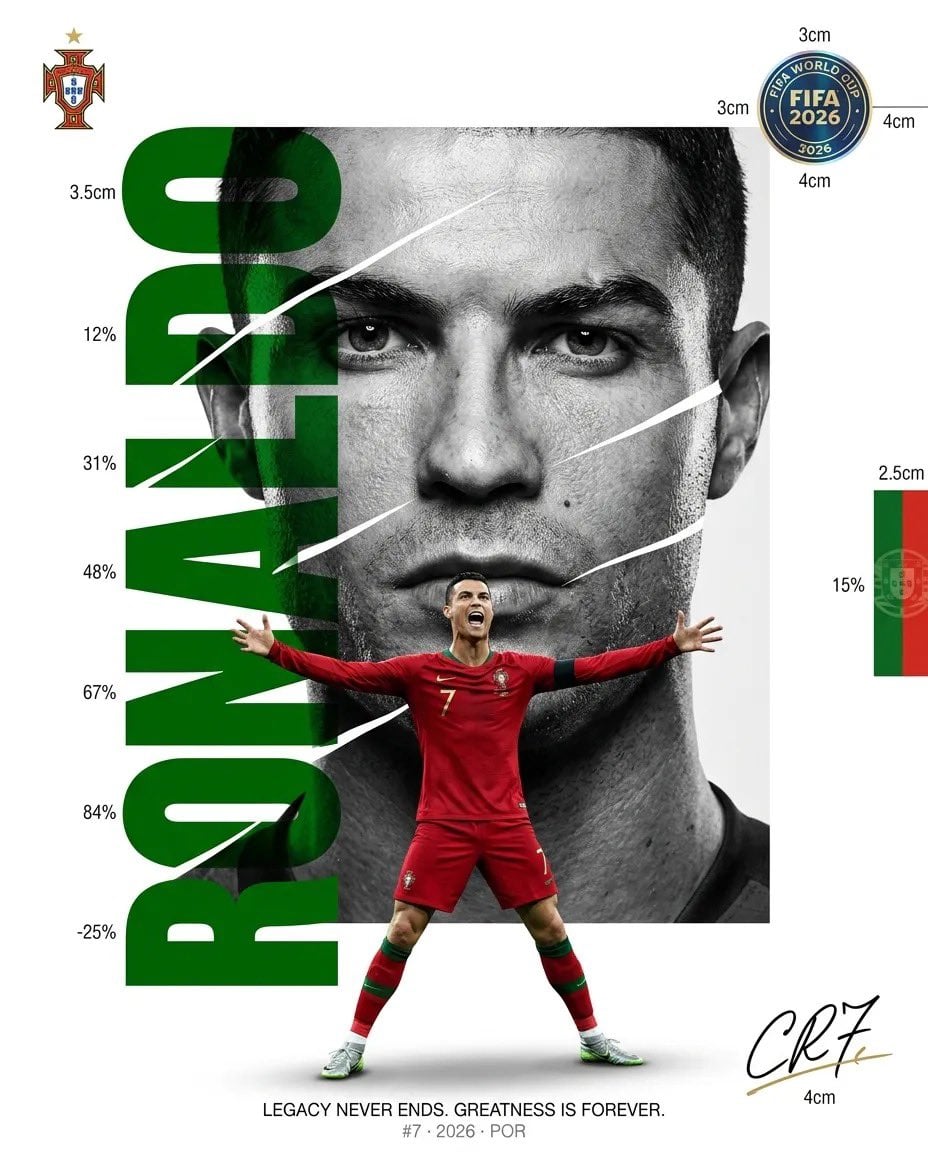
Luxury Sliced Wordmark Player Poster
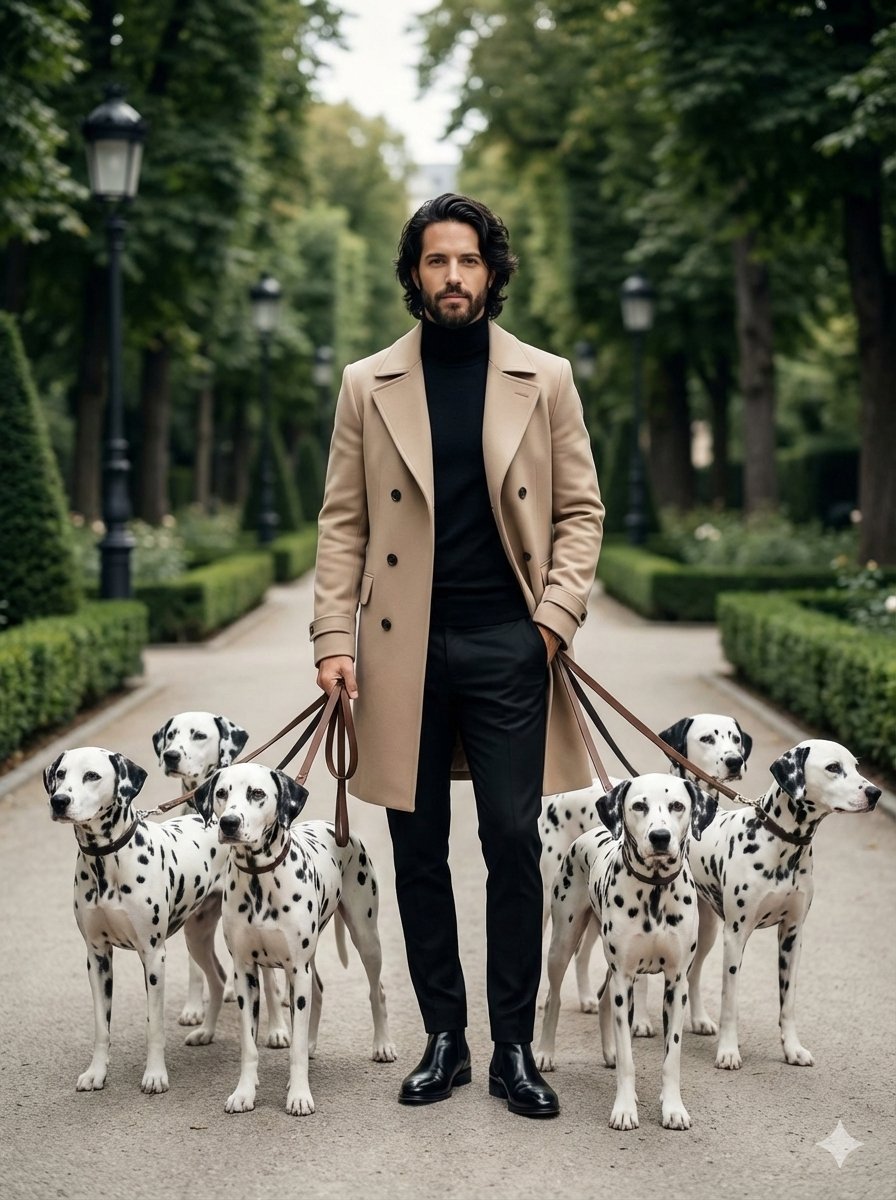
untitled
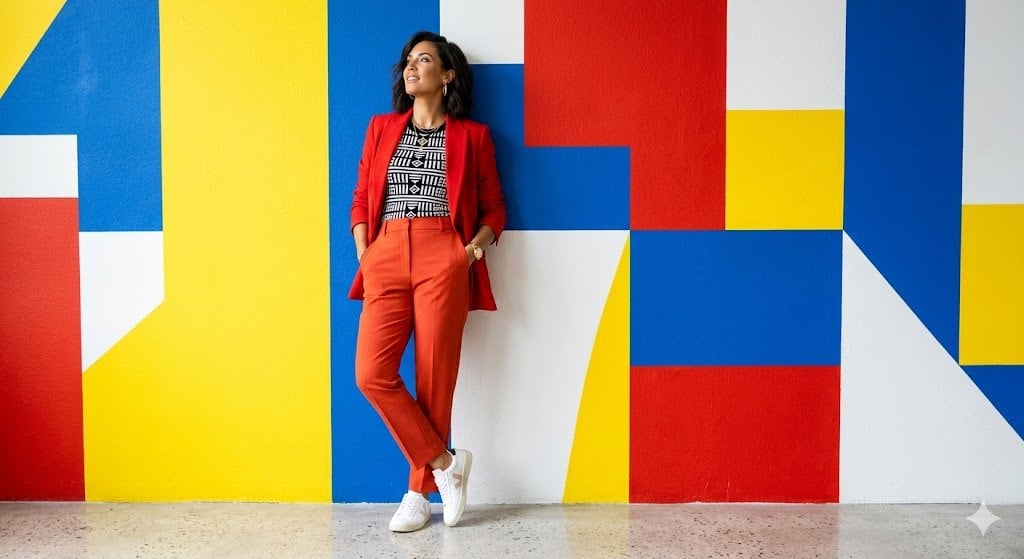
Google Gemini Nano Banana Pro
Conceptual Fashion Portrait in Spider We
01 Skincare Split Portrait — Nano Banana 2
24 The Getty Center — California Series
21 Glass Floor Skyscraper — California Series

19 Luxury Helicopter Travel — California Series

08 Rodeo Drive Luxury Exit — California Series
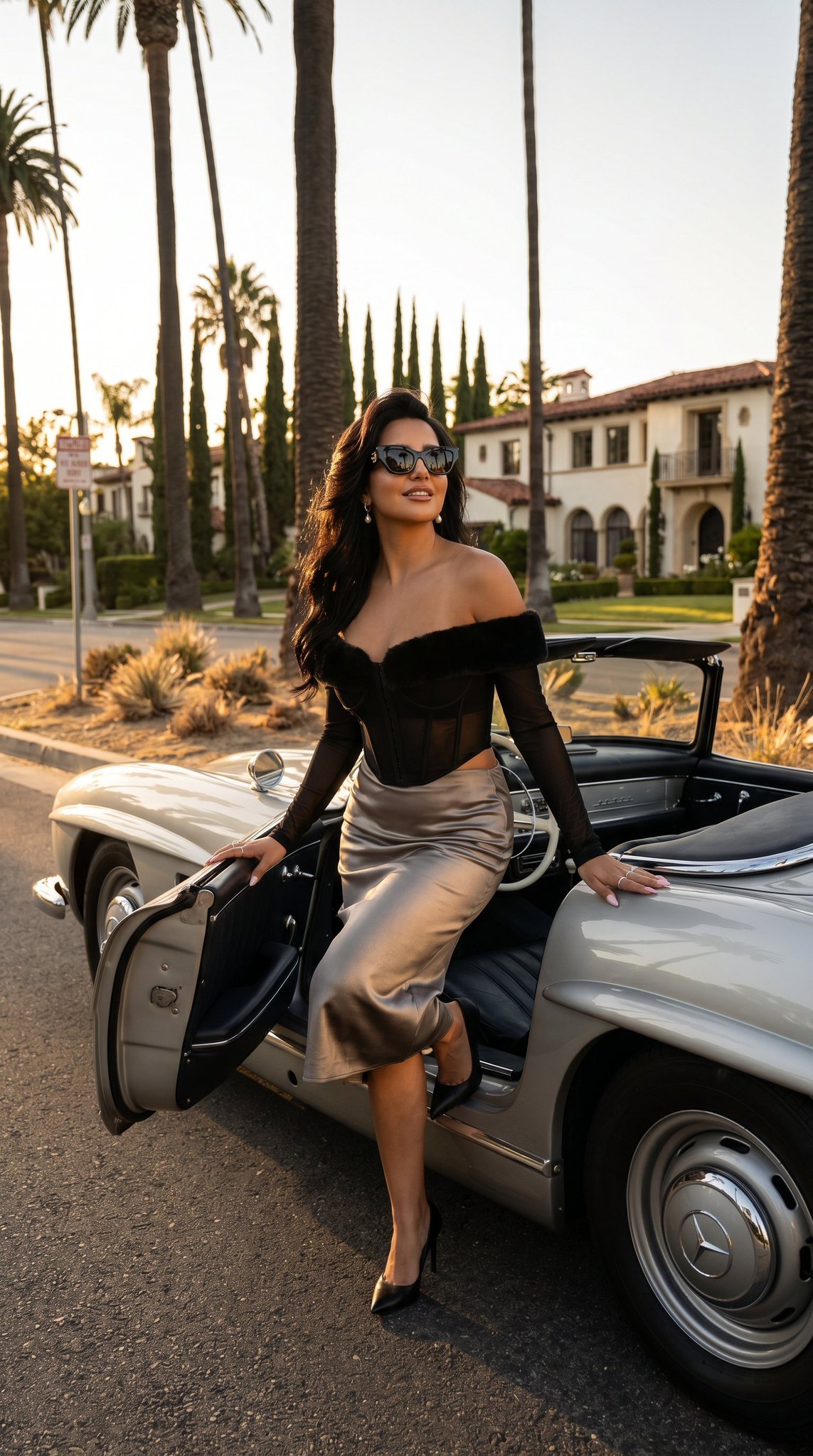
03 Beverly Hills Convertible — California Series
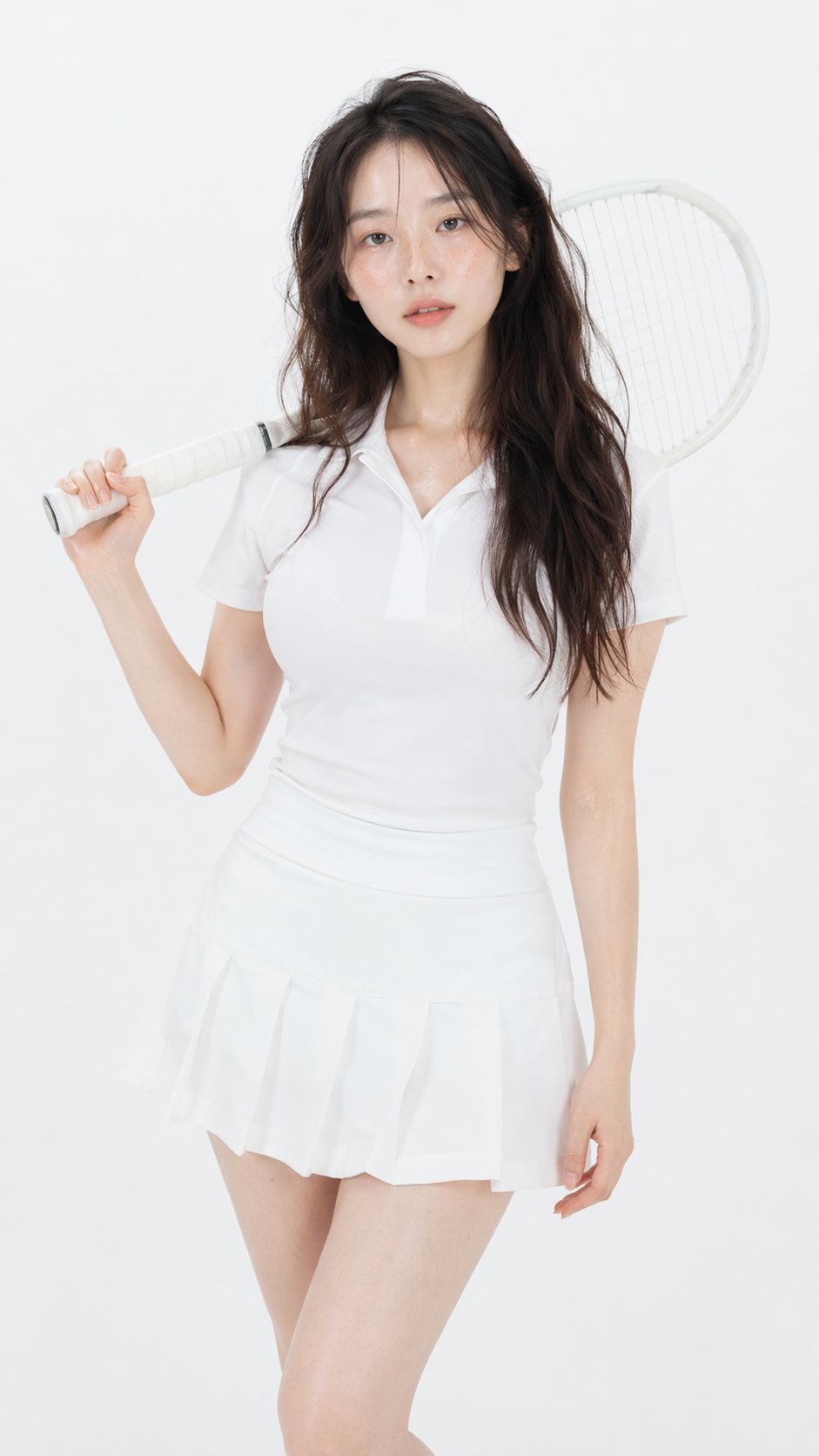
Gpt Image 2 Fashion Portrait

Caution Tape Fashion — Industrial Editorial
Make it yours
Fashion Editorial Magazine Poster works as-is. These are the safest ways to change it without losing the look.
Change one field
Copy a single group, rewrite it, and generate again so you can see what that field is doing.
Keep the frame, change the subject
Hold the composition and light of Fashion Editorial Magazine Poster, then swap wardrobe, props or the person for a new take.
| If the result… | Why | Fix |
|---|---|---|
| The result drifts from the preview | Too many fields changed at once. | Reuse Fashion Editorial Magazine Poster as-is first, then change one group — subject, light, or setting. |
| The model over-stylizes the scene | The prose prompt leaves finish and camera underspecified. | Add one camera or lighting sentence and stay on GPT Image 2. |
More GPT Image 2 templates
Other prompts made for GPT Image 2.

Six VTuber Japanese Logo Sheet

Realistic Portrait of Woman and Deer

The Vista Modular Condo Poster

AI Model Routing Comparison Infographic

2.5D Anime Art Board

Isometric Productivity Desk Scene

New York Double Exposure Poster

Four-Panel AI Landscape Comparison

Japanese Tatami Lifestyle Magazine Cover

NESCAFÉ Coffee Map Poster
More image prompts
Fresh picks from across the catalog.
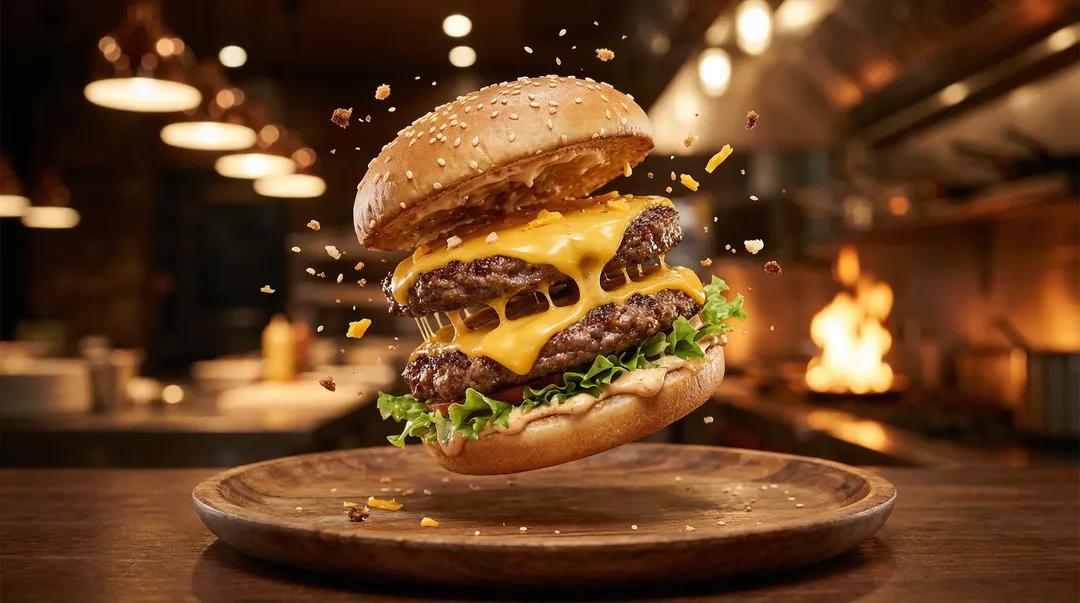
Exploding Ice Cream Cookie Sandwich
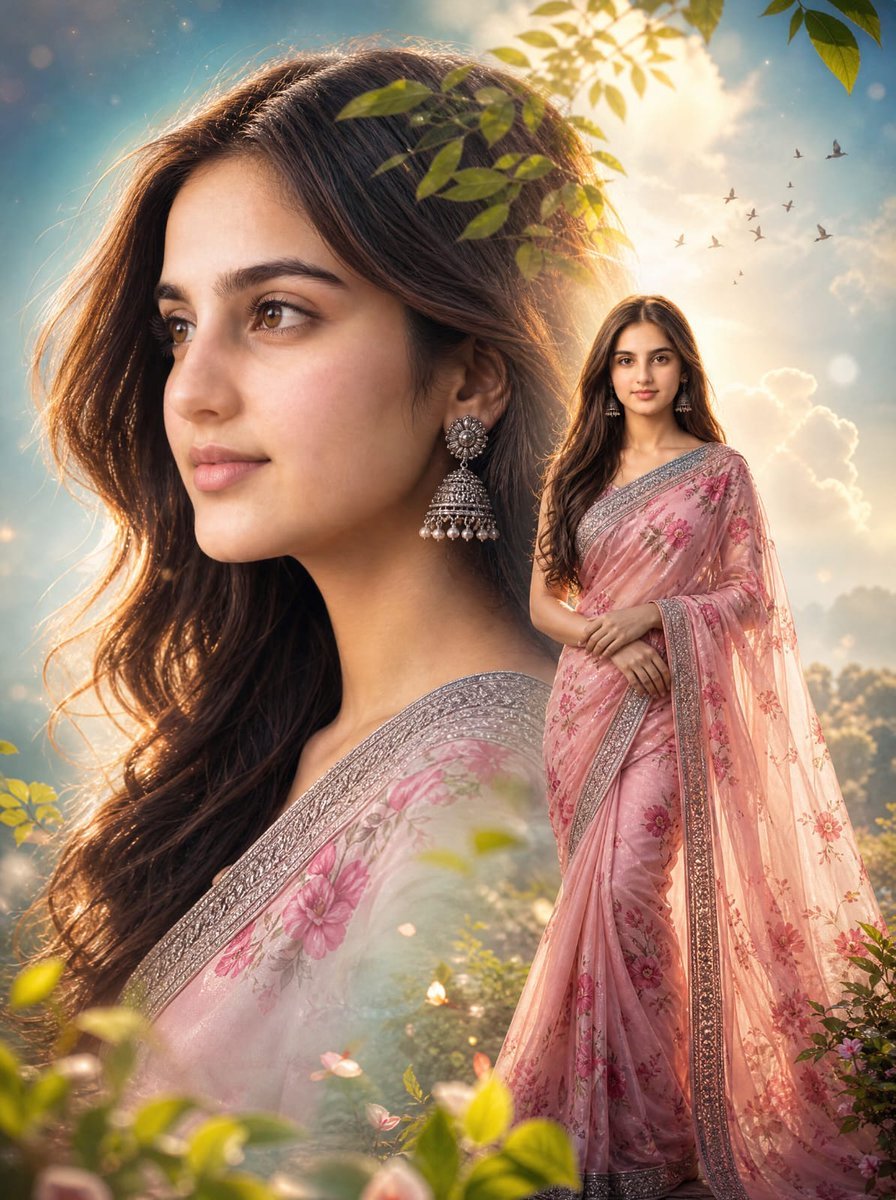
Cinematic Saree Double Exposure Portrait
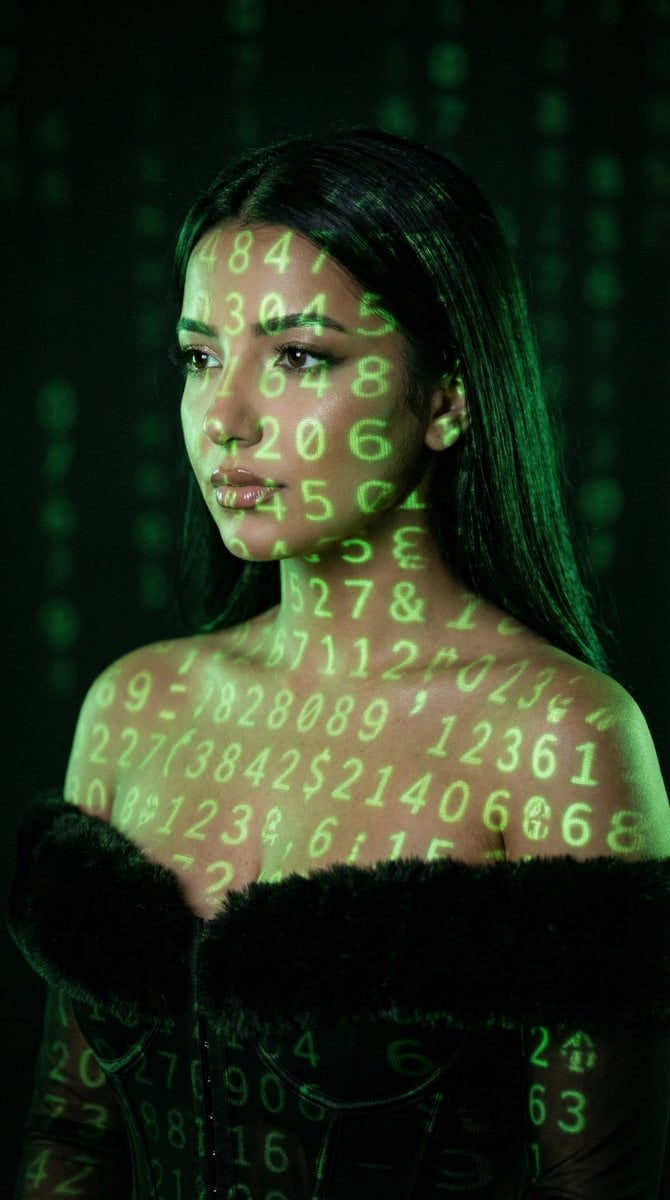
Cyber Projector Numbers Beauty Portrait Prompt (JSON format)
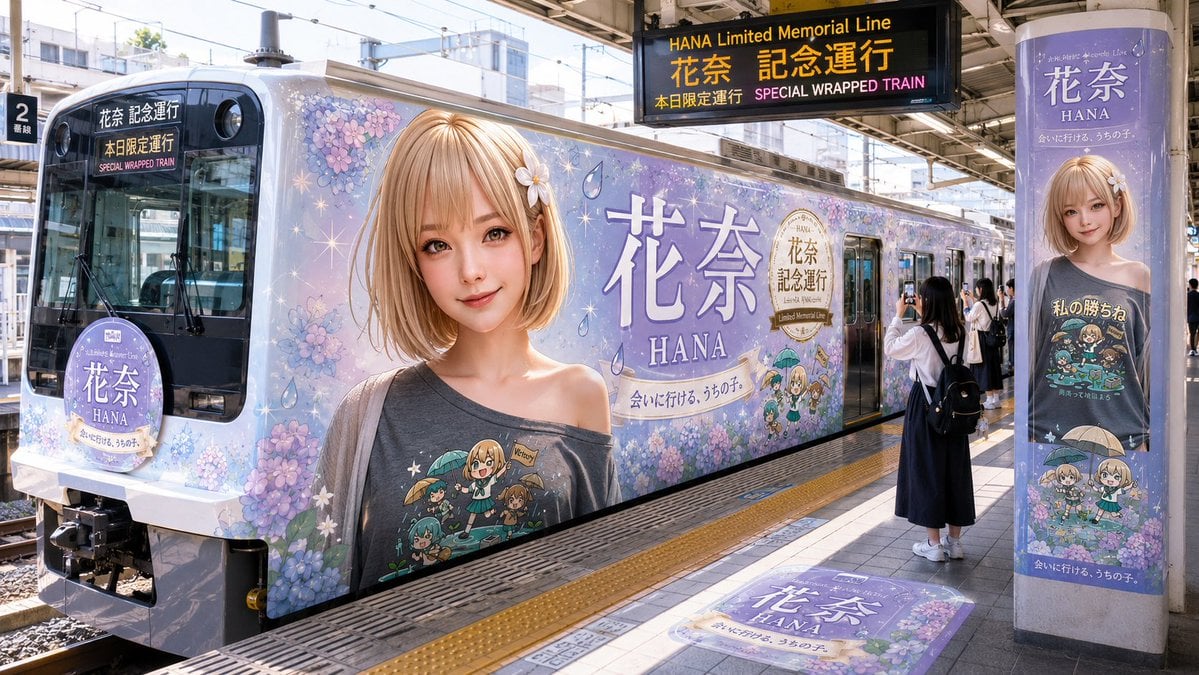
HANA Anime Wrapped Train at Station
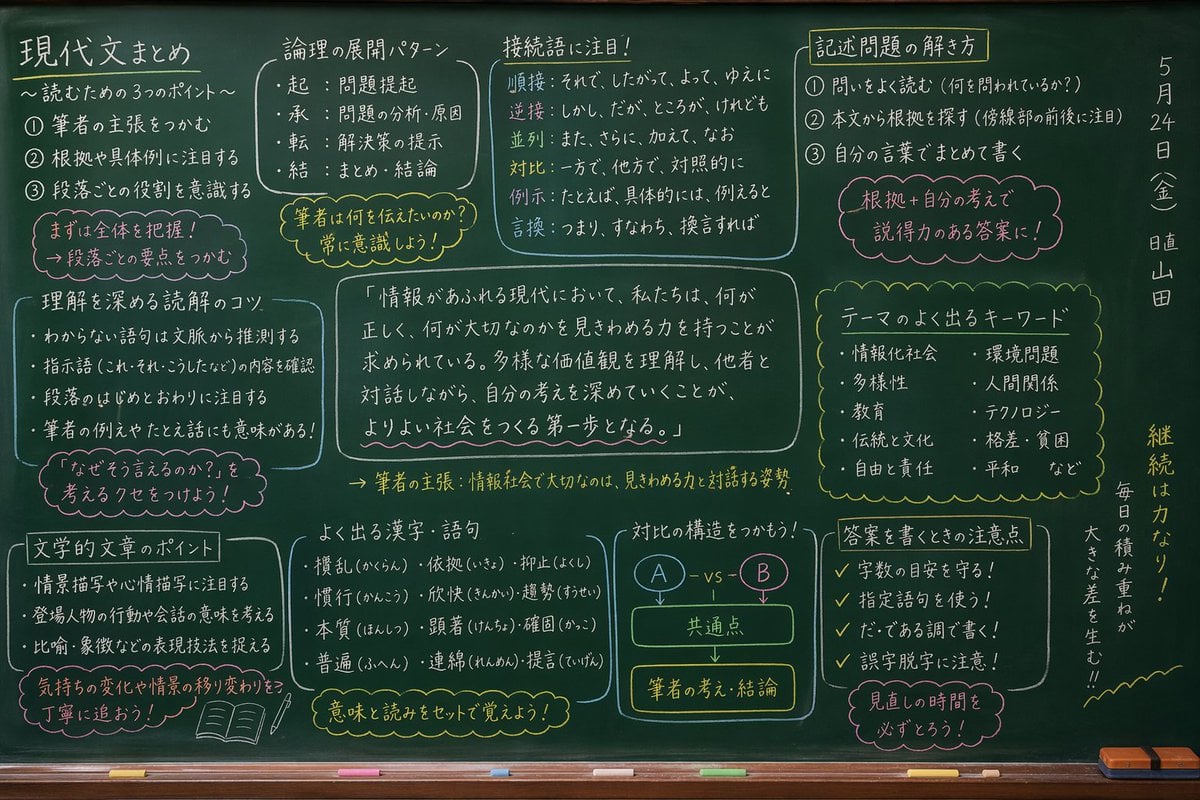
Japanese Classroom Chalkboard Notes
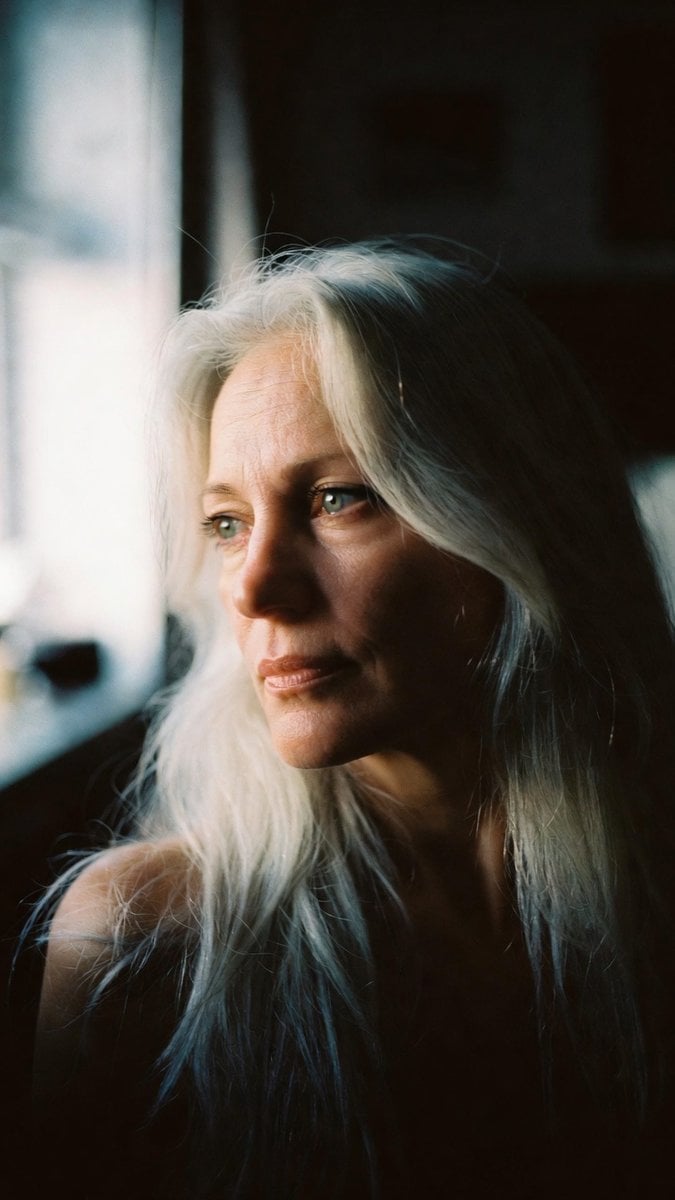
Portrait - Silver Hair Lady
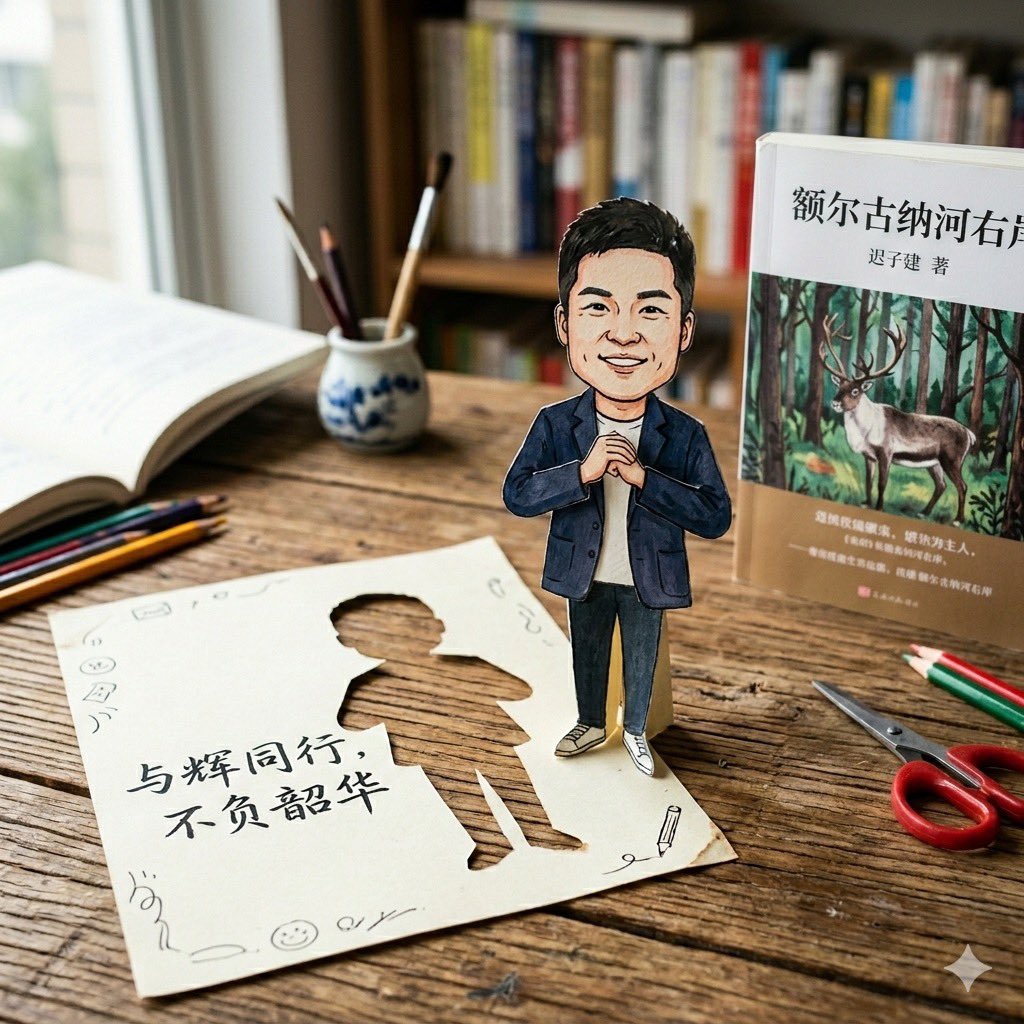
Paper-Cut Character Art Generation Prompt
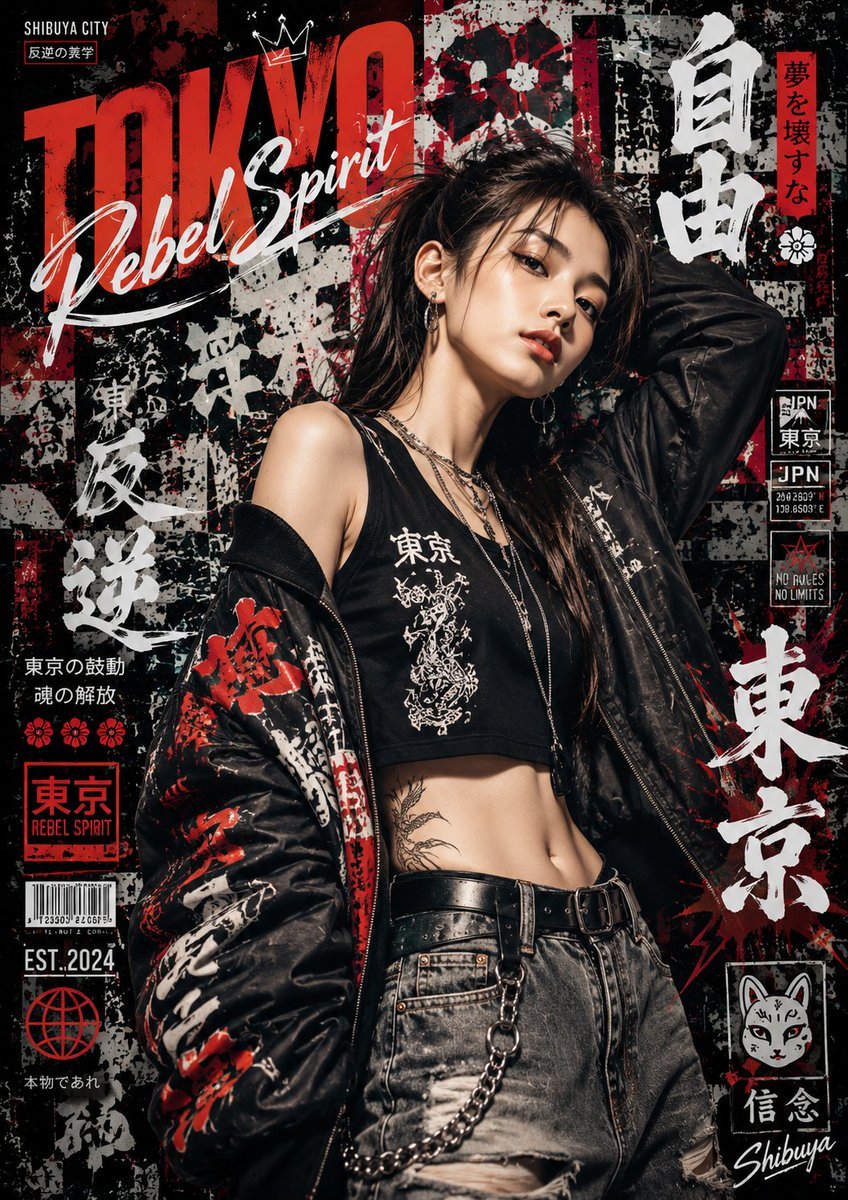
Japanese Graffiti Street Art Poster
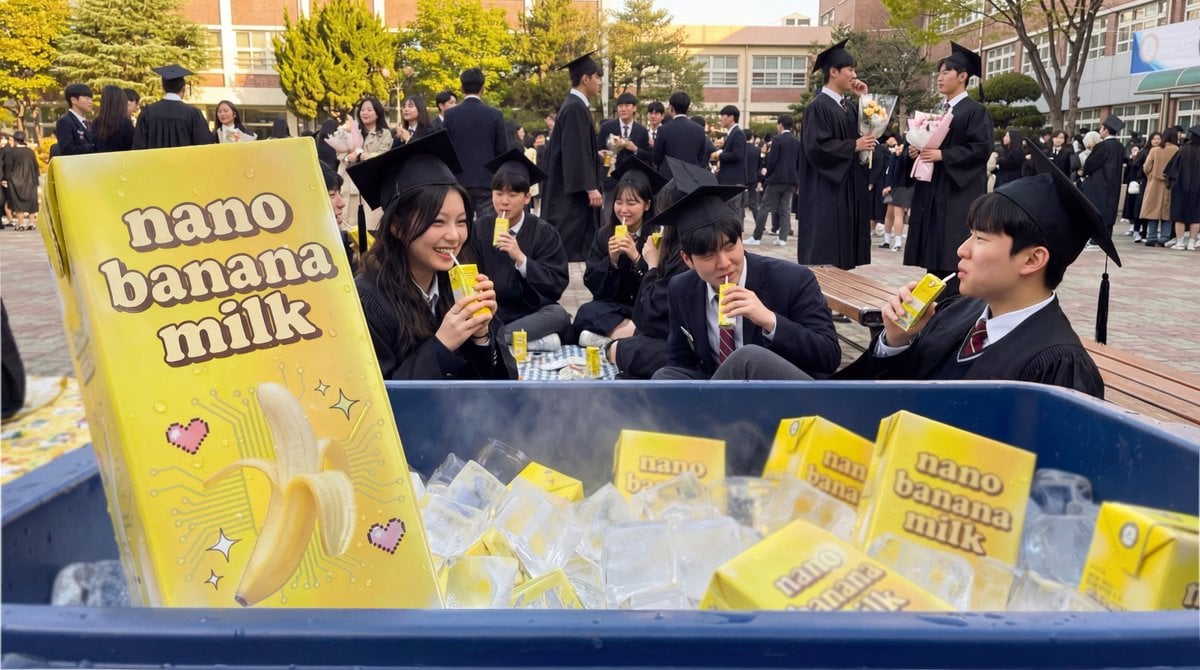
Product Photography of Nano Banana Milk Cooler
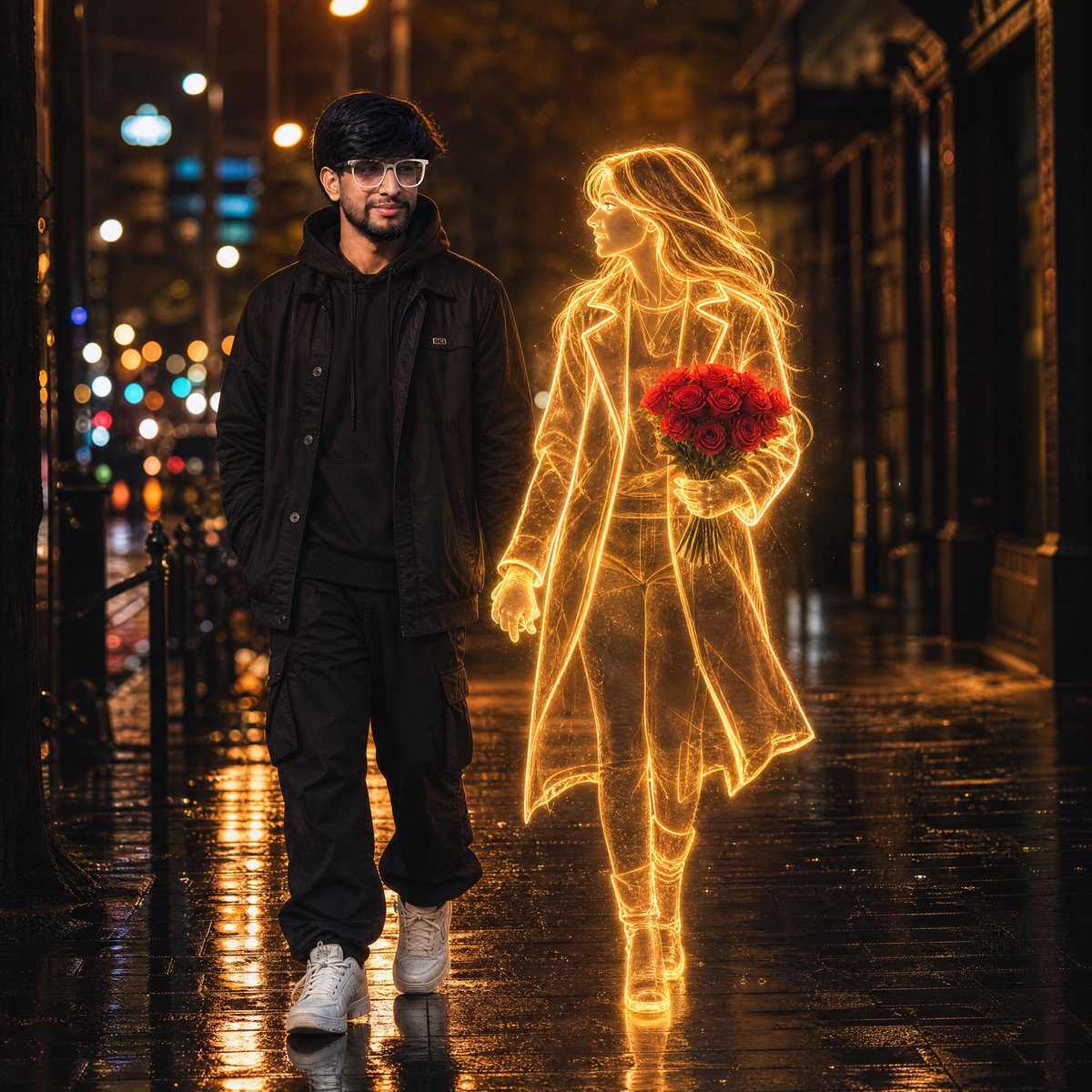
Glowing Hologram Night Scene
Browse template categories
Fashion Editorial Magazine Poster questions
How do I use the Fashion Editorial Magazine Poster template?
Add your photo if the template asks for one, edit the prompt if you like — the template's model and format are already selected — and press Generate. Your version opens in PicX Studio.
Can I customize the Fashion Editorial Magazine Poster template?
Yes. You can change the subject, setting, lighting, mood, format, and available model controls before creating your image.
Is the Fashion Editorial Magazine Poster template free?
Opening and editing this template is free. Generating uses credits, shown on the Generate button when you are signed in.
Which AI model should I use?
Start with GPT Image 2, which is the model associated with this template. You can compare another compatible model for a different finish.
Looking for something else? Browse all templates.

Your photo, any look
Thousands of ready templates for every top image and video model, from one credit balance.