
Chinese Feng Shui City Test Screenshot
Generates a realistic Xiaohongshu-style post screenshot featuring a feng shui direction map of China for a viral city-matching test concept.
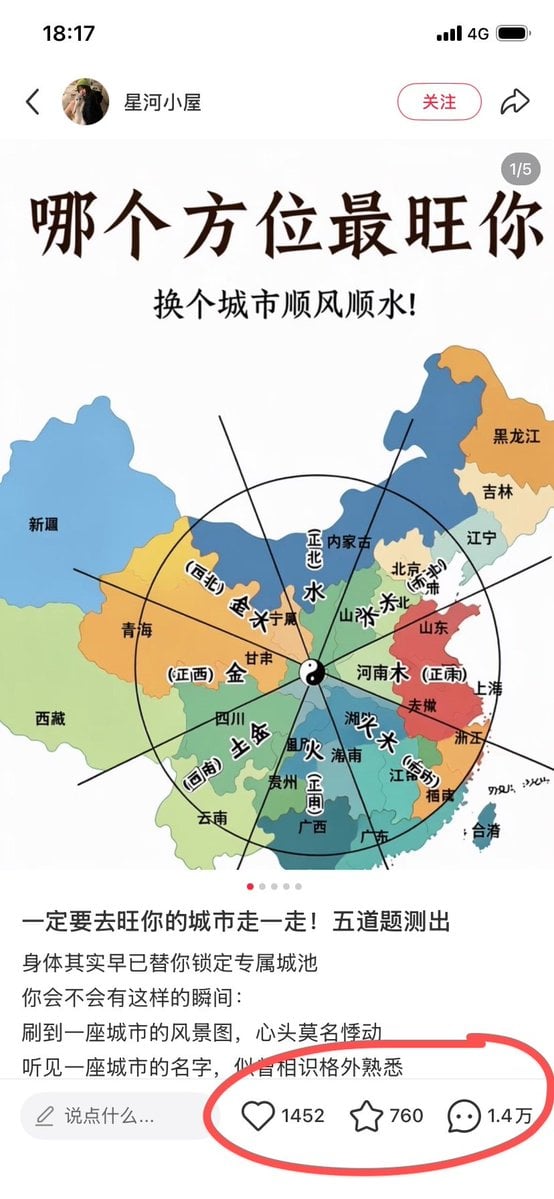
- Prompt included
- Model and format preset
- Free template
The prompt behind this image
Copy the exact prompt behind Chinese Feng Shui City Test Screenshot, or open it in the studio and make it yours.
Goal: Create a realistic screenshot-style vertical Chinese social media post about a fun feng shui city-direction personality test. Canvas: Tall smartphone screenshot, approximately 9:16, white app interface background, iPhone status bar at the top showing time 18:17, signal, 4G, and battery. The whole image should look like a Xiaohongshu/RED note screenshot rather than a clean poster. Top app header: A back arrow on the left, a small circular female avatar, the account name {argument name="account name" default="星河小屋"}, a rounded pink-outline follow button labeled 「关注」, and a share arrow icon on the right. Add a small gray carousel badge near the upper right of the post image reading 「1/5」. Main post image: Center a colorful simplified map of China on a white background. Use pastel province blocks with Chinese province labels such as 新疆, 青海, 西藏, 四川, 云南, 贵州, 广西, 广东, 福建, 浙江, 上海, 安徽, 山东, 河南, 北京, 内蒙古, 辽宁, 吉林, 黑龙江, 台湾. Overlay a black feng shui/bagua compass diagram: one large circle, multiple radial black lines, a yin-yang symbol at the center, and bold Chinese five-element/direction labels including 水, 木, 火, 土, 金 and direction notes such as 正北, 正南, 正东, 正西, 西北, 东北, 东南, 西南. The map should feel like a casual educational graphic, slightly imperfect but readable. Main headline text: At the top of the post image, use very large dark brown-black Chinese calligraphy-style title text: {argument name="headline text" default="哪个方位最旺你"}. Below it, centered smaller black text: {argument name="subtitle text" default="换个城市顺风顺水!"}. Post body under the image: Add Chinese caption text in a social feed layout. First line in larger black text: {argument name="caption hook" default="一定要去旺你的城市走一走!五道题测出"}. Then smaller lines: 「身体其实早已替你锁定专属城池」, 「你会不会有这样的瞬间:」, 「刷到一座城市的风景图,心头莫名悸动」, 「听见一座城市的名字,似曾相识格外熟悉」. Bottom engagement bar: At the bottom, include a rounded comment input field with a pencil icon and placeholder 「说点什么...」. To its right show exactly 3 engagement items: a heart icon with 「1452」, a star/bookmark icon with 「760」, and a comment bubble icon with 「1.4万」. Draw a thick hand-drawn red oval circle around these three engagement metrics, emphasizing them. Visual style: Realistic mobile screenshot, crisp UI icons, clean white margins, slight social-media compression, readable Chinese typography, map illustration in soft blue/green/yellow/orange/red provinces, black compass lines. Keep the image vertical and avoid adding extra panels or unrelated decorations.
How to use Chinese Feng Shui City Test Screenshot in 3 steps
- 1Upload ImagePNG, JPG or paste
Add your photo
Upload the photo the template builds on. The prompt, model and format are already set.
- 2…a portrait of your subject in softgolden-hour light, 85mm…
Personalize
Edit the subject and creative details for your destination.
- 3Generate
Generate
Press Generate — your image is created in PicX Studio, so you can compare it with the original and refine one variable at a time.
More like this
Templates with the same subject, style or setup. Open one to see its prompt.

Minecraft Next-Gen Voxel World Screenshot

Cozy Knit Sweater Window Portrait

Minimalist Hand-Drawn Doodle Portrait
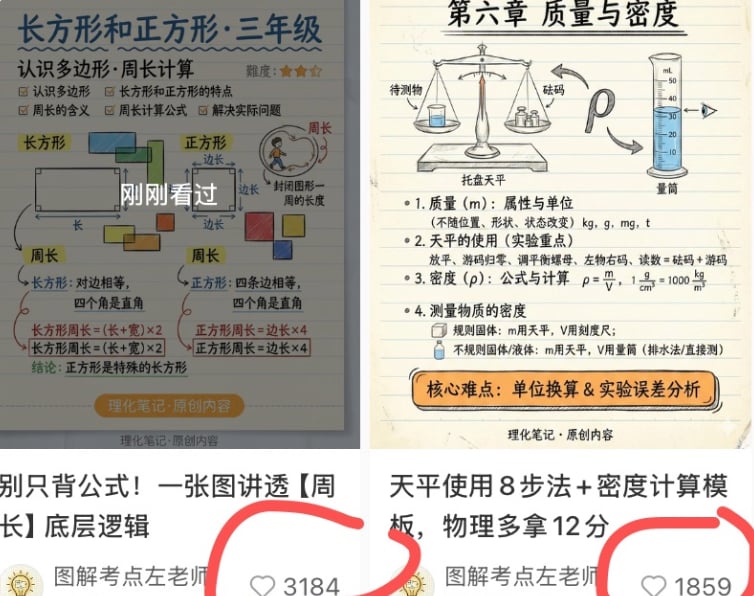
Chinese Study Card Social Screenshot
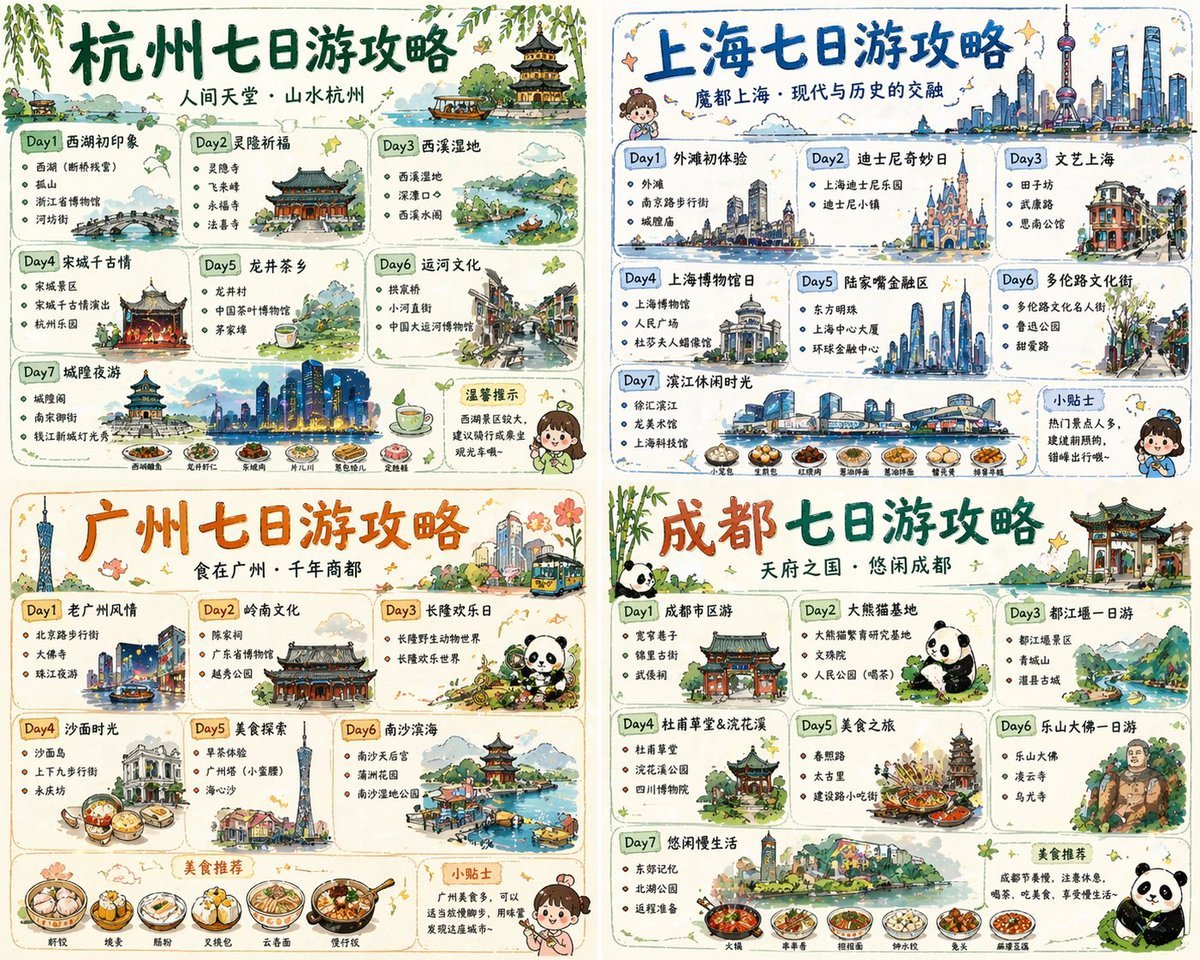
Four-City Chinese Travel Guide Poster Set

敦煌纸雕飞天 — 3D Layered Paper Cutout

博物馆图鉴式汉服拆解图 — GPT-image-2

Nano Banana Pro 2.0 — 3x3 Travel Profile Grid
Debug Test
Stylish Man in Modern City
Overhead Sci-Fi Catgirl Test Yard
Gritty City Fever Theater Poster
Make it yours
Chinese Feng Shui City Test Screenshot works as-is. These are the safest ways to change it without losing the look.
Change one field
Copy a single group, rewrite it, and generate again so you can see what that field is doing.
Keep the frame, change the subject
Hold the composition and light of Chinese Feng Shui City Test Screenshot, then swap wardrobe, props or the person for a new take.
| If the result… | Why | Fix |
|---|---|---|
| The result drifts from the preview | Too many fields changed at once. | Reuse Chinese Feng Shui City Test Screenshot as-is first, then change one group — subject, light, or setting. |
| The model over-stylizes the scene | The prose prompt leaves finish and camera underspecified. | Add one camera or lighting sentence and stay on GPT Image 2. |
More GPT Image 2 templates
Other prompts made for GPT Image 2.

Six VTuber Japanese Logo Sheet

Realistic Portrait of Woman and Deer

The Vista Modular Condo Poster

AI Model Routing Comparison Infographic

2.5D Anime Art Board

Isometric Productivity Desk Scene

New York Double Exposure Poster

Four-Panel AI Landscape Comparison

Japanese Tatami Lifestyle Magazine Cover

NESCAFÉ Coffee Map Poster
More image prompts
Fresh picks from across the catalog.
Calculus Symbols as Futuristic Architecture

Iridescent Glass Gothic Beauty Portrait
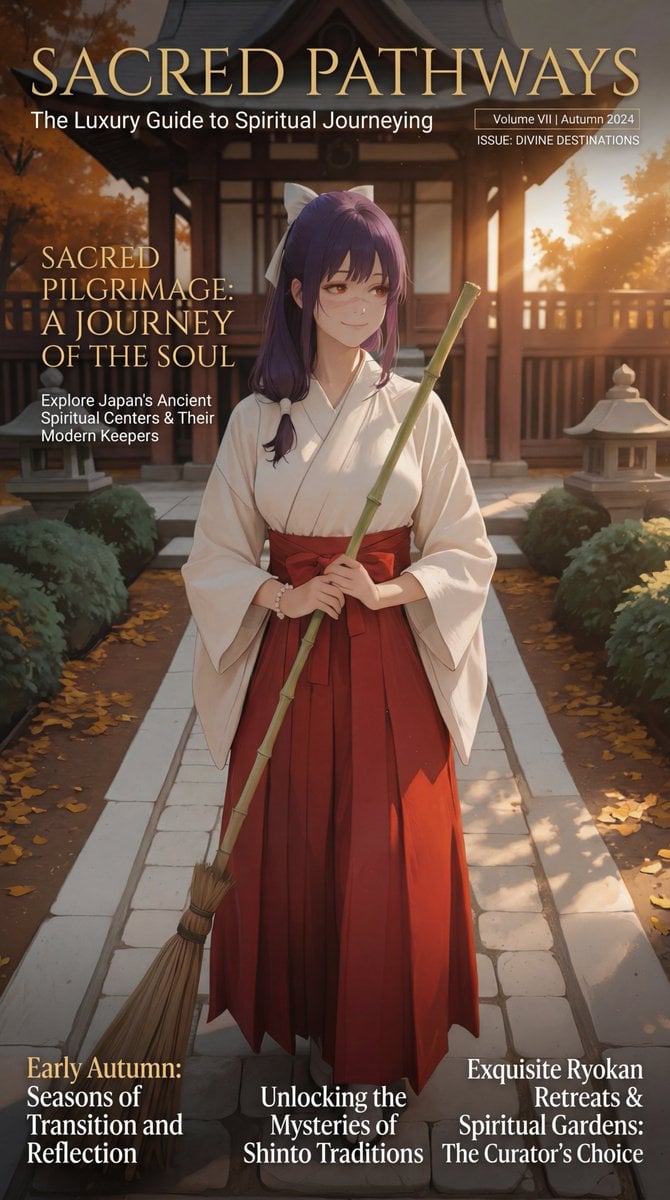
Luxury Travel Magazine Layout Prompt

Clean Authenticator Onboarding UI
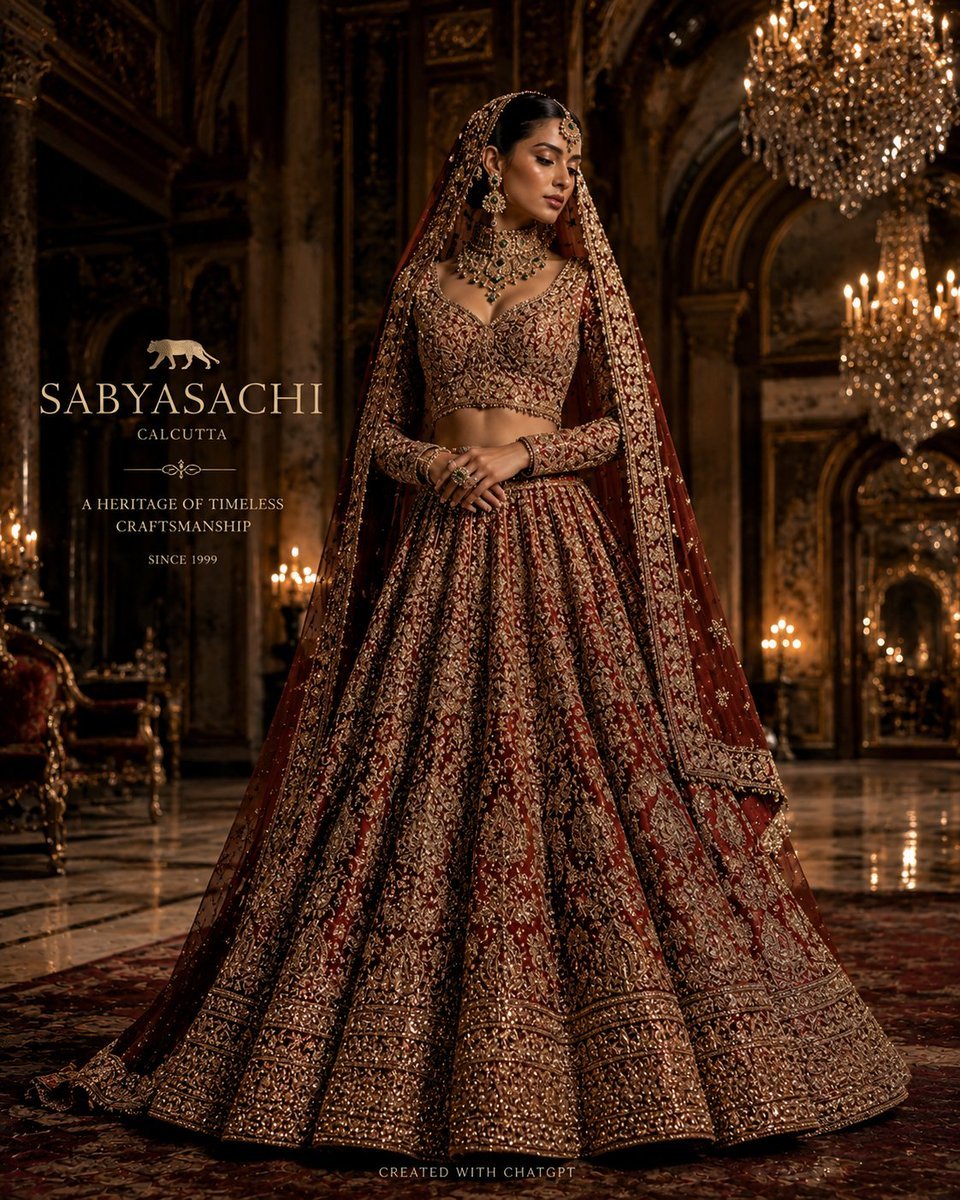
Luxury Bridal Fashion Empire Poster

mirror
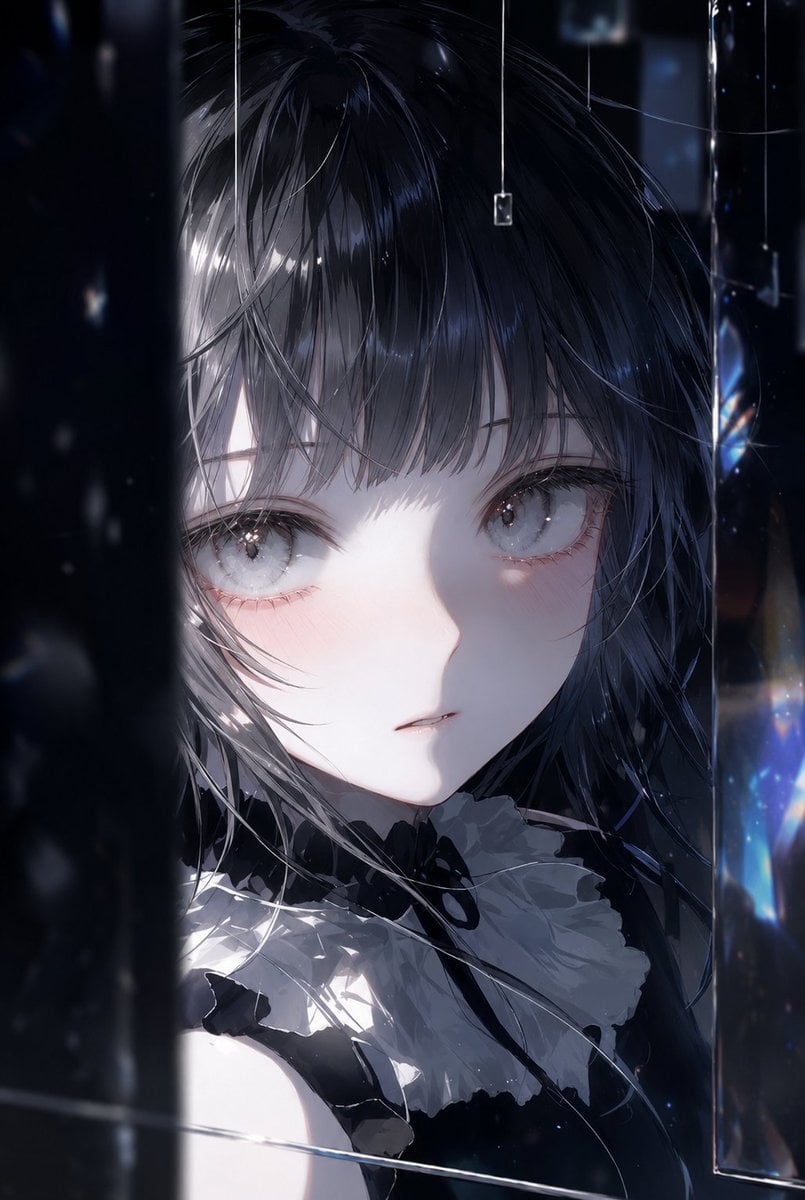
Illustration Refinement and Quality Upgrade
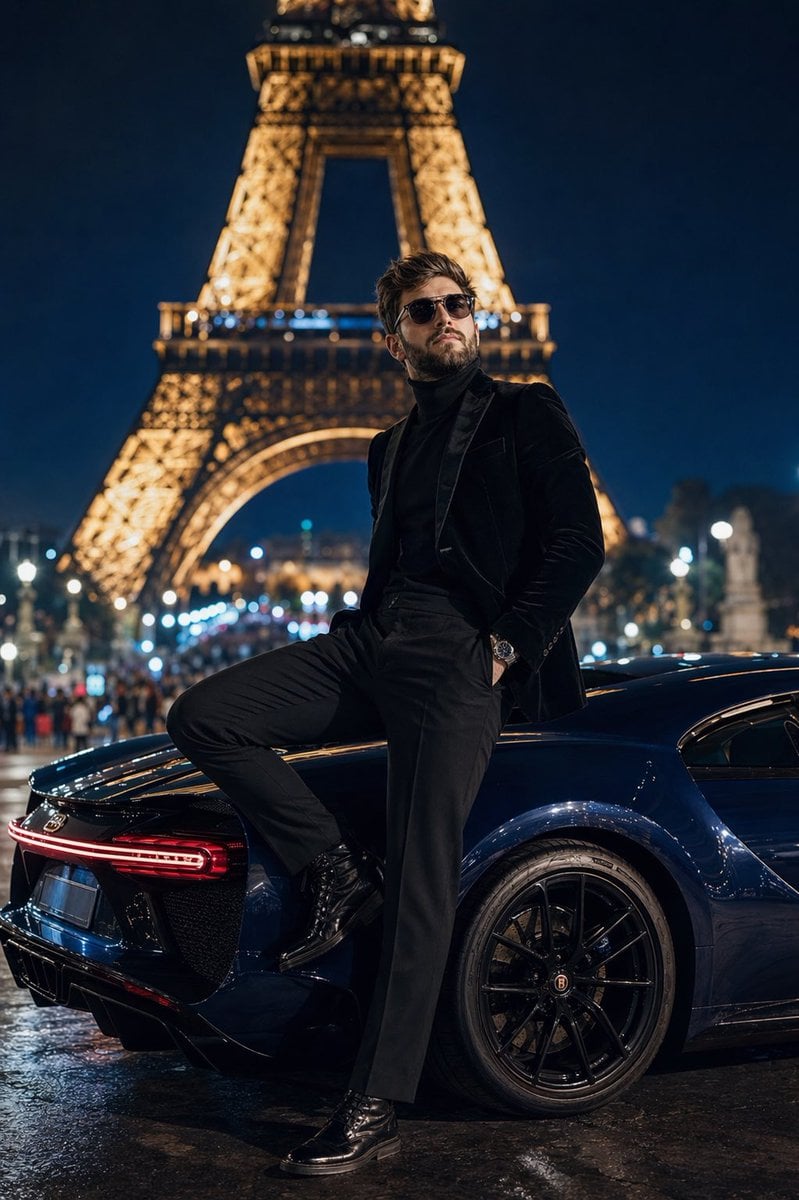
Cinematic Paris Fashion Shot
Realistic X-Style French Profile Screen
Futuristic Sportswear Fashion Poster
Browse template categories
Chinese Feng Shui City Test Screenshot questions
How do I use the Chinese Feng Shui City Test Screenshot template?
Add your photo if the template asks for one, edit the prompt if you like — the template's model and format are already selected — and press Generate. Your version opens in PicX Studio.
Can I customize the Chinese Feng Shui City Test Screenshot template?
Yes. You can change the subject, setting, lighting, mood, format, and available model controls before creating your image.
Is the Chinese Feng Shui City Test Screenshot template free?
Opening and editing this template is free. Generating uses credits, shown on the Generate button when you are signed in.
Which AI model should I use?
Start with GPT Image 2, which is the model associated with this template. You can compare another compatible model for a different finish.
Looking for something else? Browse all templates.

Your photo, any look
Thousands of ready templates for every top image and video model, from one credit balance.