
Pink Hair Bedroom Selfie Photography
A prompt for a raw, unretouched smartphone selfie featuring a woman with two-tone pink and black hair in a bedroom setting.
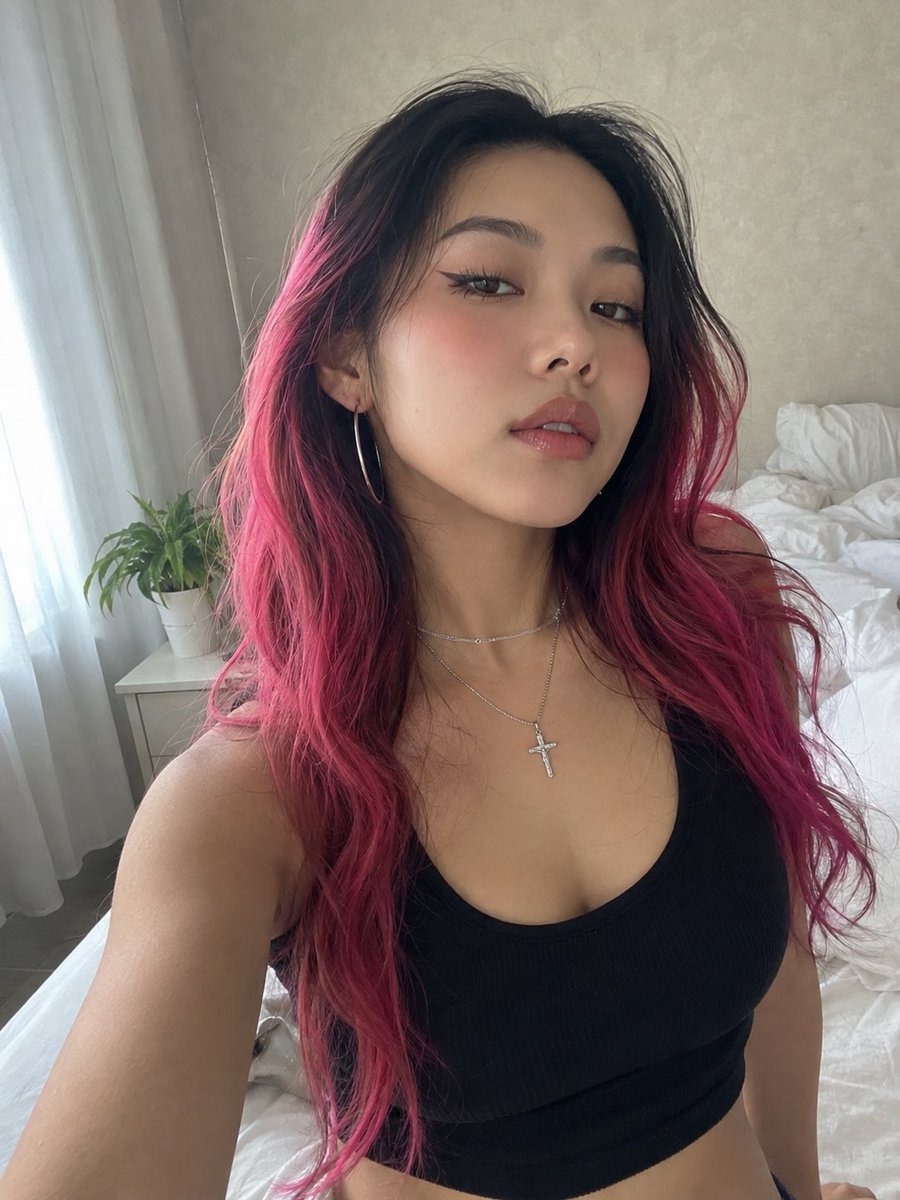
- Prompt included
- Model and format preset
- Free template
The prompt behind this image
Copy the exact prompt behind Pink Hair Bedroom Selfie Photography, or open it in the studio and make it yours.
RAW 8K smartphone photograph with an authentic, unretouched front-camera look. Preserve the subject’s identity with exact facial geometry and recognizable features—no beautification, face reshaping, skin smoothing, or artificial perfection. Natural pores, fine lines, subtle skin variations, tiny imperfections, realistic hair texture, and mild smartphone sensor grain should remain visible. Avoid any CGI, overly polished, or synthetic appearance. A young woman takes an intimate close-range bedroom selfie from a slightly upward camera angle. Her face is angled subtly upward, with her head turned just enough to create a natural candid composition. She maintains relaxed eye contact with the lens and a calm, self-assured expression. Her hair is long, thick, and naturally wavy, featuring a {argument name="hair color" default="dramatic two-tone color treatment: deep black at the roots gradually blending into vivid hot-pink and magenta"}. The hair is parted near the center, with loose strands, flyaways, uneven texture, and individually defined strands for believable realism. Makeup features a modern East Asian-inspired Douyin aesthetic: luminous but naturally textured skin, softly sculpted brows with a feathered finish, elongated black winged eyeliner, delicate separated lower lashes, a subtle rosy flush across the upper cheeks, and glossy pink gradient lips with realistic moisture. She wears a {argument name="outfit" default="fitted black ribbed cotton scoop-neck crop tank"}, paired with a fine layered silver necklace and a small crystal-detailed crucifix pendant. Large minimalist silver hoop earrings complete the look. The {argument name="setting" default="setting is an ordinary lived-in bedroom"} rather than a studio. Soft daylight enters from a nearby window on the left through translucent white curtains. A small white bedside table holds a leafy green houseplant. Behind her are naturally rumpled white bedsheets and a softly textured pale neutral wall. Use realistic smartphone front-camera optics, slight natural lens distortion, imperfect exposure, subtle grain, authentic depth separation, and believable daylight. The final image should feel like an unedited personal selfie captured spontaneously on a real phone—raw, intimate, imperfect, and completely photorealistic.
How to use Pink Hair Bedroom Selfie Photography in 3 steps
- 1
Open
The prompt is already in the box next to the preview, with the template's model and format selected.
- 2…a portrait of your subject in softgolden-hour light, 85mm…
Personalize
Edit the subject and creative details for your destination.
- 3Generate
Generate
Press Generate — your image is created in PicX Studio, so you can compare it with the original and refine one variable at a time.
More like this
Templates with the same subject, style or setup. Open one to see its prompt.

Nano Banana - Peace Sign Bedroom Selfie

Mirror Selfie Chibi Characters Pixar Style
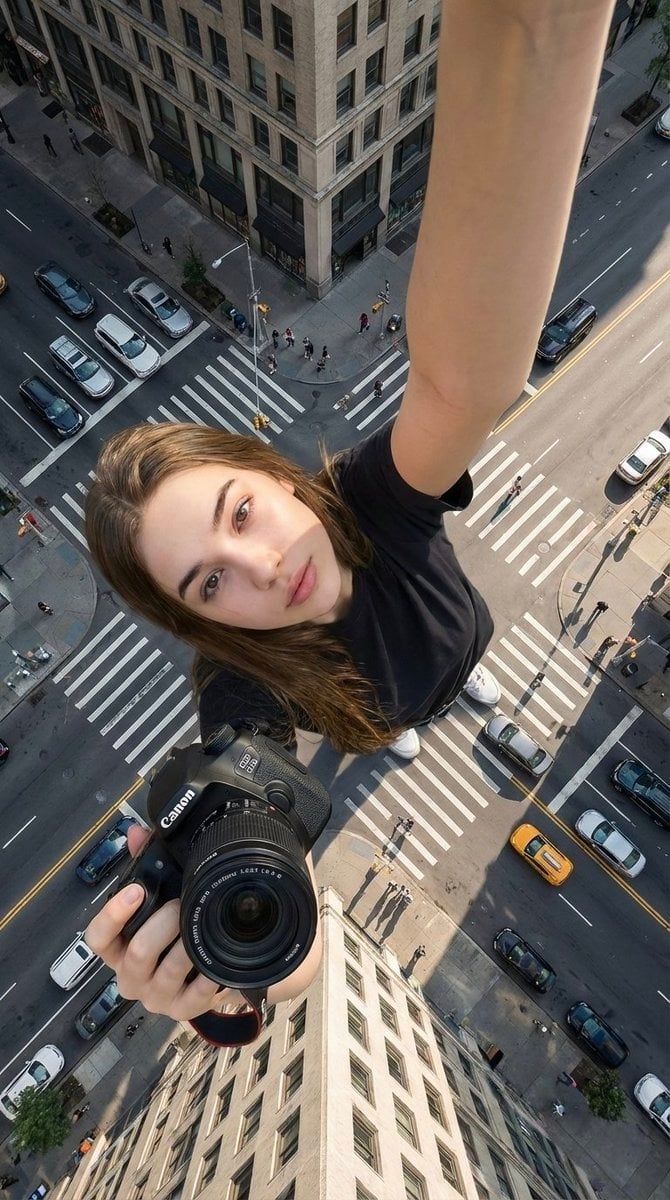
Hyper-realistic cinematic selfie image of a woman using her exact

Flower Petal Sunglasses Couture Portrait

Fashion Portrait Colored Smoke Studio

Mountain Valley Lifestyle Portrait

青蛇小青写真大片,绿色紧身蛇鳞裙,湿发红唇,妖娆妩媚

A double exposure, long exposure editorial photograph of a man Use image

Portrait of a young woman in her early 20s walking calmly on a beautiful

Artistic portrait of an elegant Asian woman wearing a black silk

A high-quality photo collage featuring the same person with identical

LIGHTING each element still lit by its original source, windows casting
Make it yours
Pink Hair Bedroom Selfie Photography works as-is. These are the safest ways to change it without losing the look.
Change one field
Copy a single group, rewrite it, and generate again so you can see what that field is doing.
Keep the frame, change the subject
Hold the composition and light of Pink Hair Bedroom Selfie Photography, then swap wardrobe, props or the person for a new take.
| If the result… | Why | Fix |
|---|---|---|
| The result drifts from the preview | Too many fields changed at once. | Reuse Pink Hair Bedroom Selfie Photography as-is first, then change one group — subject, light, or setting. |
| The model over-stylizes the scene | The prose prompt leaves finish and camera underspecified. | Add one camera or lighting sentence and stay on GPT Image 2. |
More GPT Image 2 templates
Other prompts made for GPT Image 2.

Six VTuber Japanese Logo Sheet

Realistic Portrait of Woman and Deer

The Vista Modular Condo Poster

AI Model Routing Comparison Infographic

2.5D Anime Art Board

Isometric Productivity Desk Scene

New York Double Exposure Poster

Four-Panel AI Landscape Comparison

Japanese Tatami Lifestyle Magazine Cover

NESCAFÉ Coffee Map Poster
More image prompts
Fresh picks from across the catalog.

Ishihara Color Blindness Test Plate
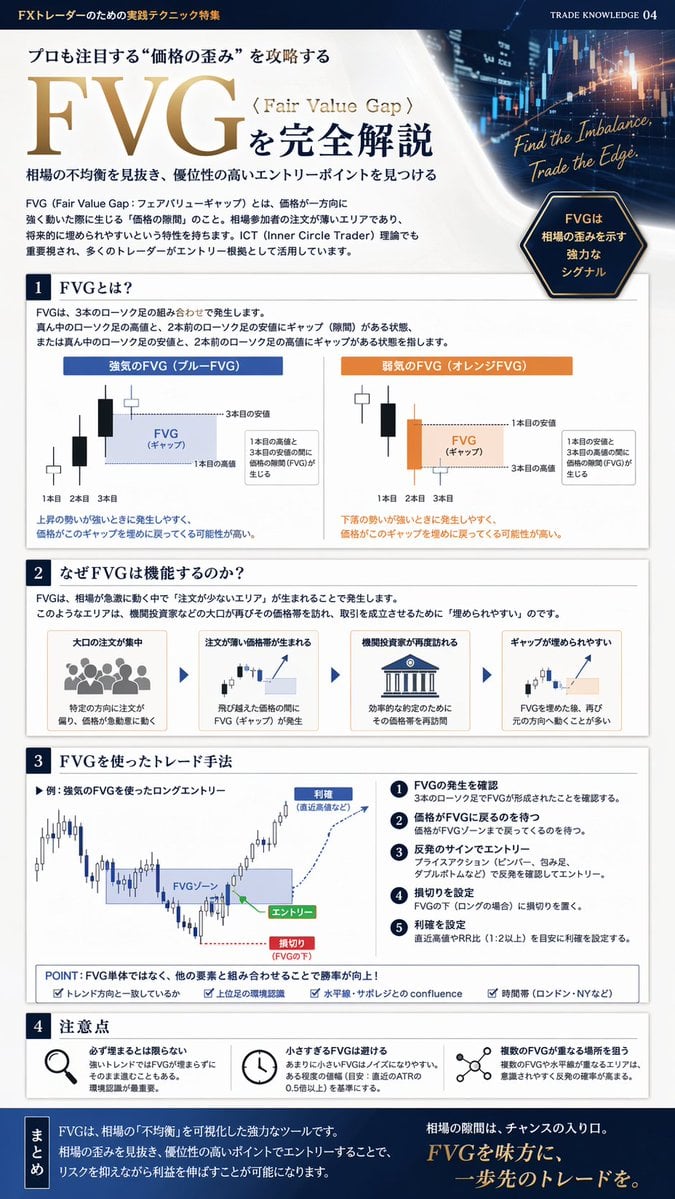
FX Trading Educational Infographic
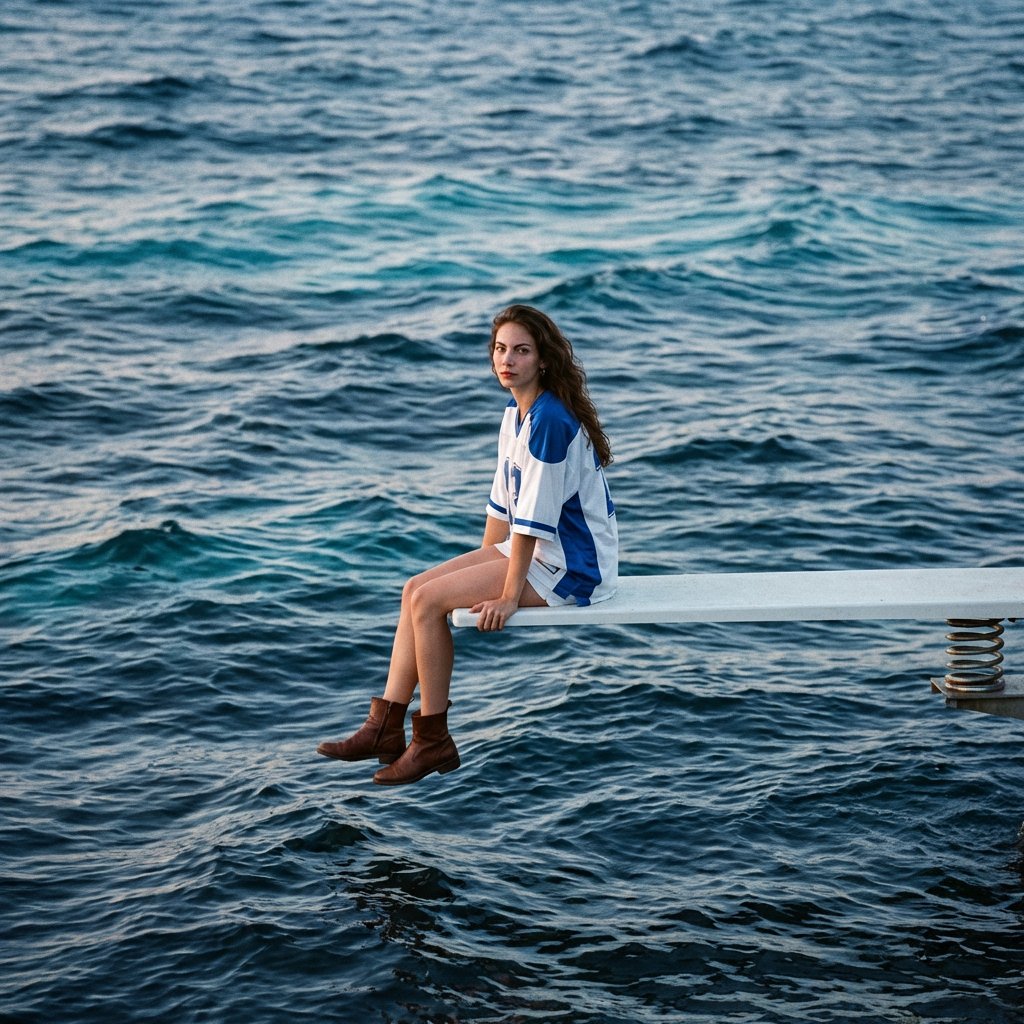
SZA SOS Album Cover Recreation
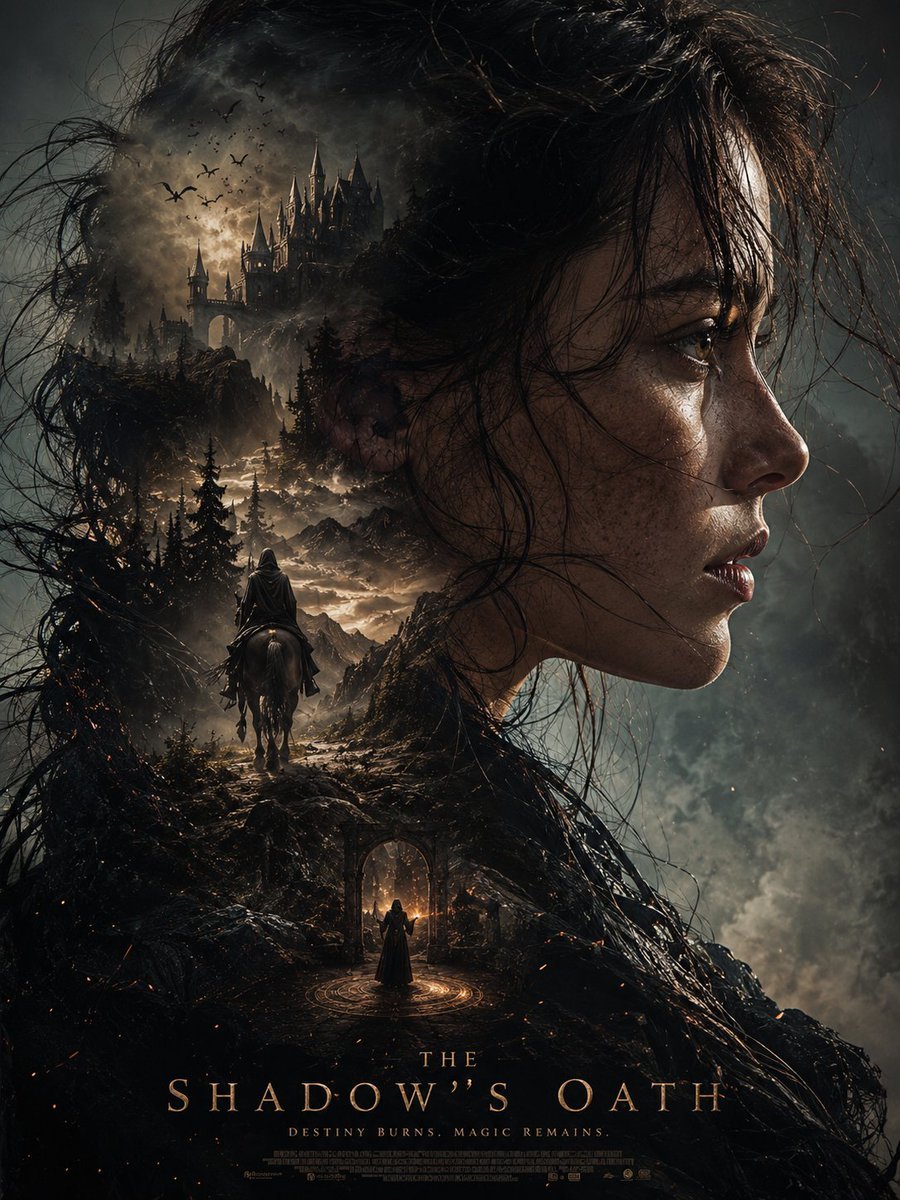
Dark Fantasy Double Exposure Poster
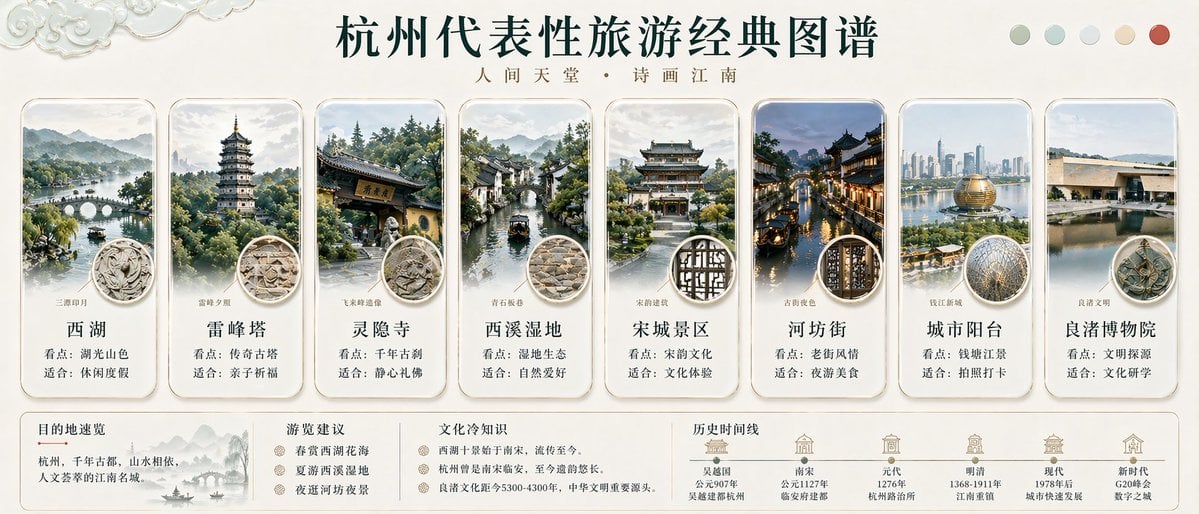
Hangzhou Travel Infographic Poster
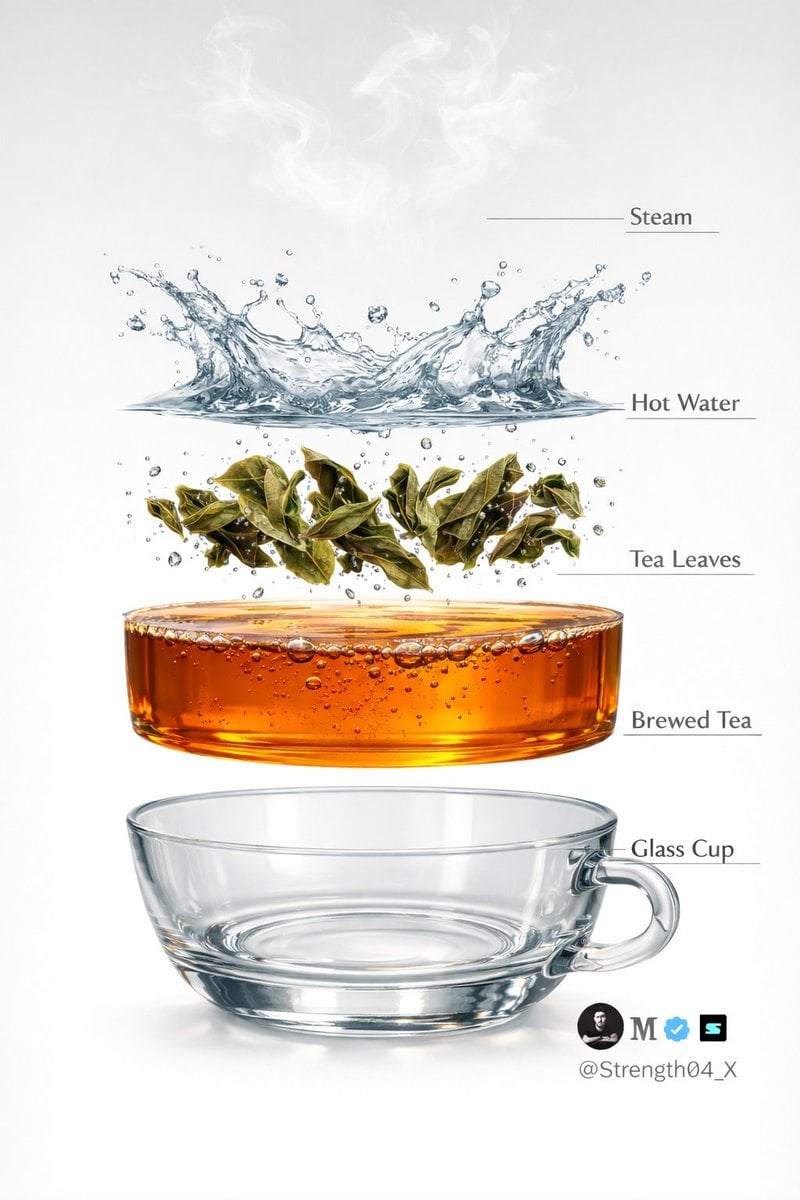
Hyper-realistic Tea Photography Prompts (Still Life and Exploded View)

Educational Kids Product Poster
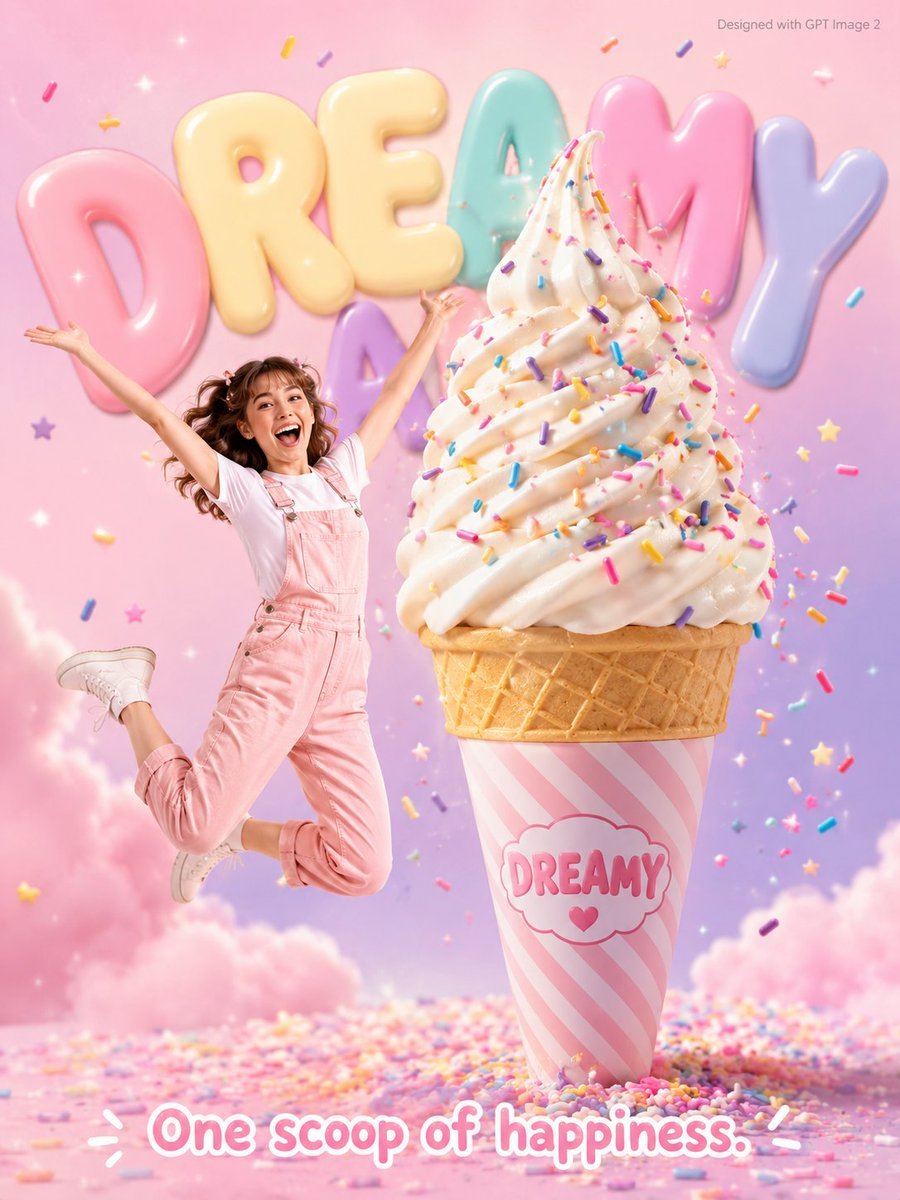
Dreamy Dessert Advertisement Poster
Fine Art Still Life of Egg Yolks and Ceramics

Pixar Rooftop Renovation Duo
Browse template categories
Pink Hair Bedroom Selfie Photography questions
How do I use the Pink Hair Bedroom Selfie Photography template?
Add your photo if the template asks for one, edit the prompt if you like — the template's model and format are already selected — and press Generate. Your version opens in PicX Studio.
Can I customize the Pink Hair Bedroom Selfie Photography template?
Yes. You can change the subject, setting, lighting, mood, format, and available model controls before creating your image.
Is the Pink Hair Bedroom Selfie Photography template free?
Opening and editing this template is free. Generating uses credits, shown on the Generate button when you are signed in.
Which AI model should I use?
Start with GPT Image 2, which is the model associated with this template. You can compare another compatible model for a different finish.
Looking for something else? Browse all templates.

Your photo, any look
Thousands of ready templates for every top image and video model, from one credit balance.