
Y2K fashion poster character Wareen
A playful and vibrant Y2K-inspired fashion poster prompt featuring a specific character with purple hair in a studio setting with 3D typography.
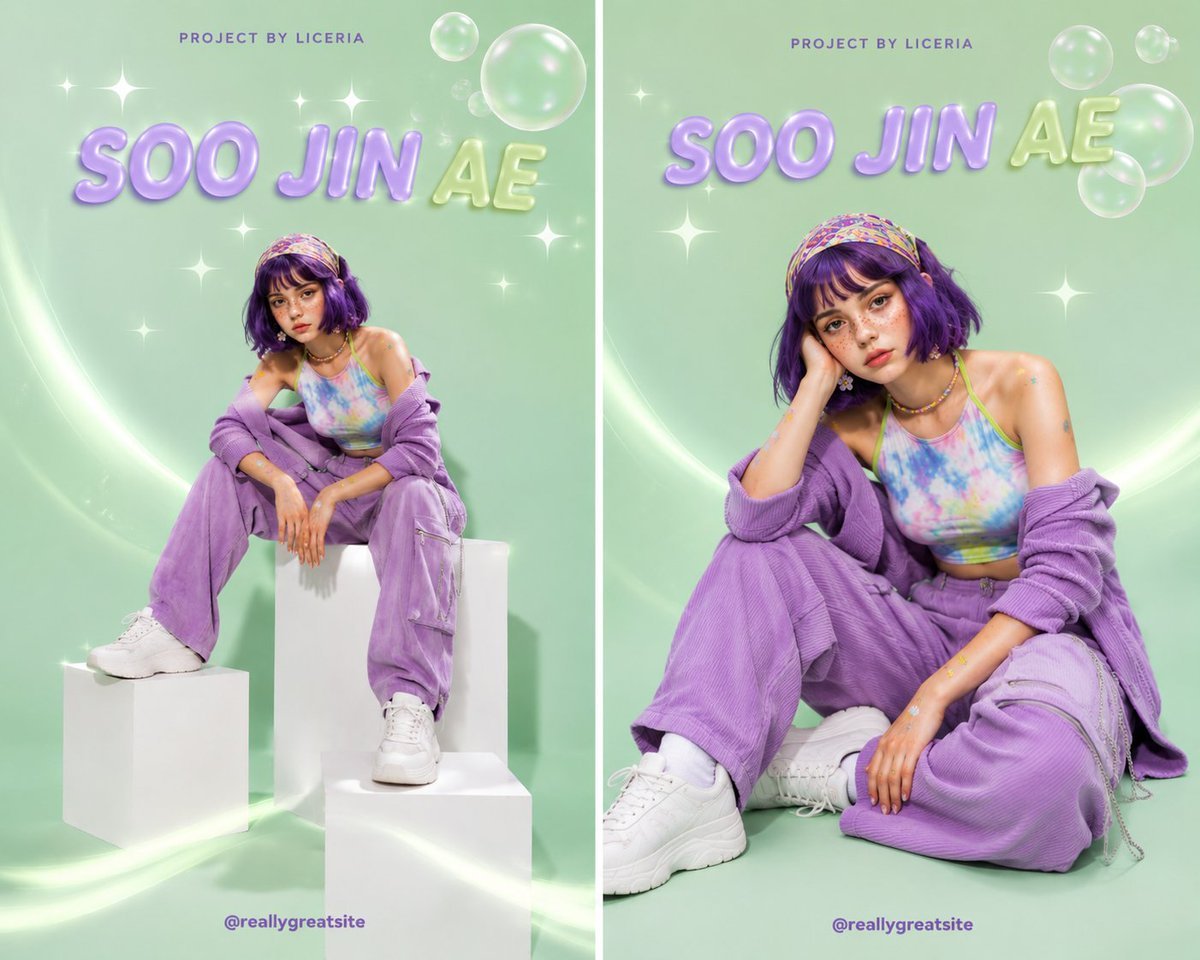
- Prompt included
- Model and format preset
- Free template
The prompt behind this image
Copy the exact prompt behind Y2K fashion poster character Wareen, or open it in the studio and make it yours.
Create a premium Y2K fashion poster featuring the same character, {argument name="character name" default="Wareen"}: a young woman with fair skin, natural freckles, expressive brown eyes, and a short vibrant {argument name="hair color" default="purple"} bob haircut with soft bangs. Mint-green seamless studio background with soft shadows, transparent bubbles, white sparkling stars, and curved glowing light trails. She wears a pastel blue-pink-green tie-dye halter crop top with lime-green stitching, a lavender ribbed cardigan worn off the shoulders, matching high-waisted lavender cargo trousers with zipper pockets and chain details, chunky white sneakers, a colorful Y2K headscarf, colorful beaded necklace, flower earrings, and small star/heart sticker decals on her arms. Create two separate fashion-editorial compositions: 1. Full-body pose sitting confidently on white geometric display blocks, one foot on a lower block, leaning forward with arms resting on her knees. 2. A closer seated fashion pose, relaxed and stylish, with one hand supporting her head. Add glossy 3D pastel typography reading “{argument name="main text" default="WAREEN"}” at the top, with small “PROJECT BY LICERIA” above it and “@Wareenaa” at the bottom. No “Happy Birthday” text and no “Soo Jin Ae”. Playful Y2K pop aesthetic, vibrant pastel colors, high-fashion editorial photography, crisp details, glossy poster design, realistic skin and hair, professional studio lighting, soft shadows, ultra-realistic, 8K.
How to use Y2K fashion poster character Wareen in 3 steps
- 1
Open
The prompt is already in the box next to the preview, with the template's model and format selected.
- 2…a portrait of your subject in softgolden-hour light, 85mm…
Personalize
Edit the subject and creative details for your destination.
- 3Generate
Generate
Press Generate — your image is created in PicX Studio, so you can compare it with the original and refine one variable at a time.
More like this
Templates with the same subject, style or setup. Open one to see its prompt.

80s College Gate

1988 Mall Style

80s Polka Dot Saree

Japan Travel Brochure Poster
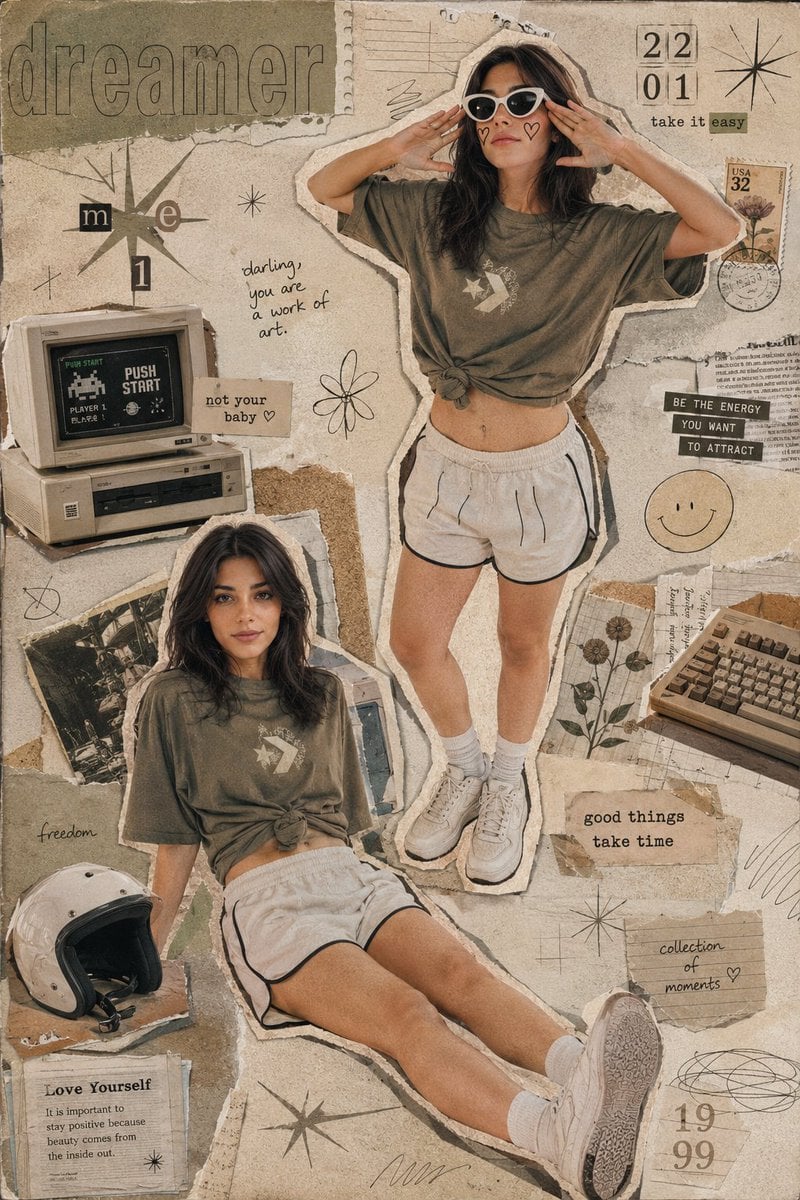
Y2K Retro Scrapbook Collage Poster

Cartoon TV Show Poster Pack

Blue Backdrop Luxury Fashion Portrait Campaign

Luxury Black-and-White Fashion Contact Sheet

Futuristic Studio Neon Ring Minimalist Portrait

Neon Night Crosswalk Candid Portrait
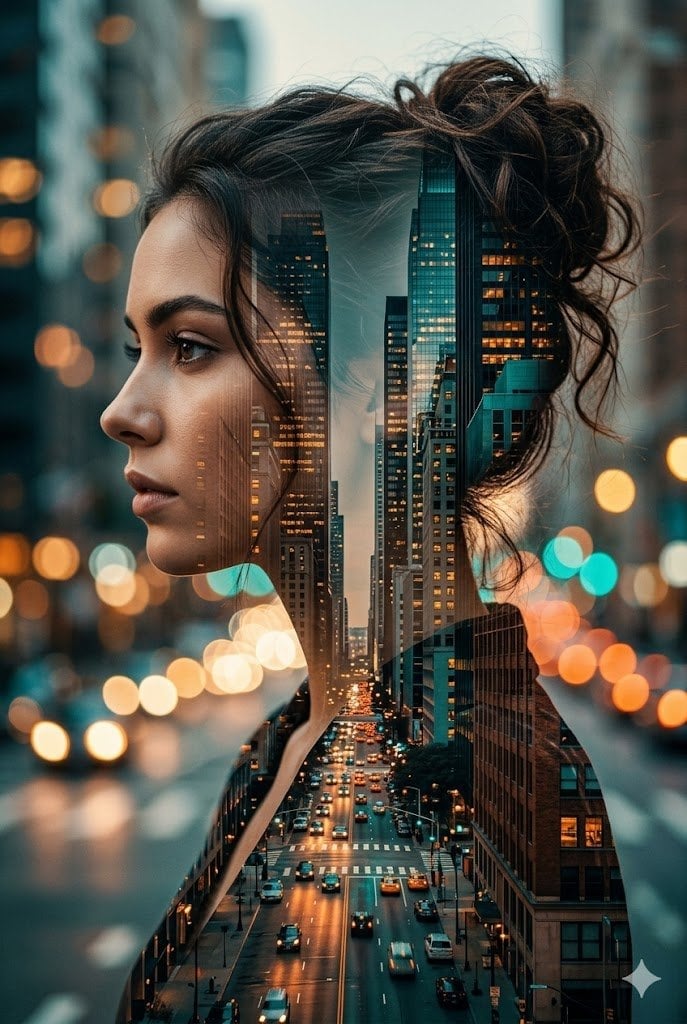
Double Exposure City Street Portrait
Neon Night Crosswalk Candid Portrait
Make it yours
Y2K fashion poster character Wareen works as-is. These are the safest ways to change it without losing the look.
Change one field
Copy a single group, rewrite it, and generate again so you can see what that field is doing.
Keep the frame, change the subject
Hold the composition and light of Y2K fashion poster character Wareen, then swap wardrobe, props or the person for a new take.
| If the result… | Why | Fix |
|---|---|---|
| The result drifts from the preview | Too many fields changed at once. | Reuse Y2K fashion poster character Wareen as-is first, then change one group — subject, light, or setting. |
| The model over-stylizes the scene | The prose prompt leaves finish and camera underspecified. | Add one camera or lighting sentence and stay on GPT Image 2. |
More GPT Image 2 templates
Other prompts made for GPT Image 2.

Six VTuber Japanese Logo Sheet

Realistic Portrait of Woman and Deer

The Vista Modular Condo Poster

AI Model Routing Comparison Infographic

2.5D Anime Art Board

Isometric Productivity Desk Scene

New York Double Exposure Poster

Four-Panel AI Landscape Comparison

Japanese Tatami Lifestyle Magazine Cover

NESCAFÉ Coffee Map Poster
More image prompts
Fresh picks from across the catalog.
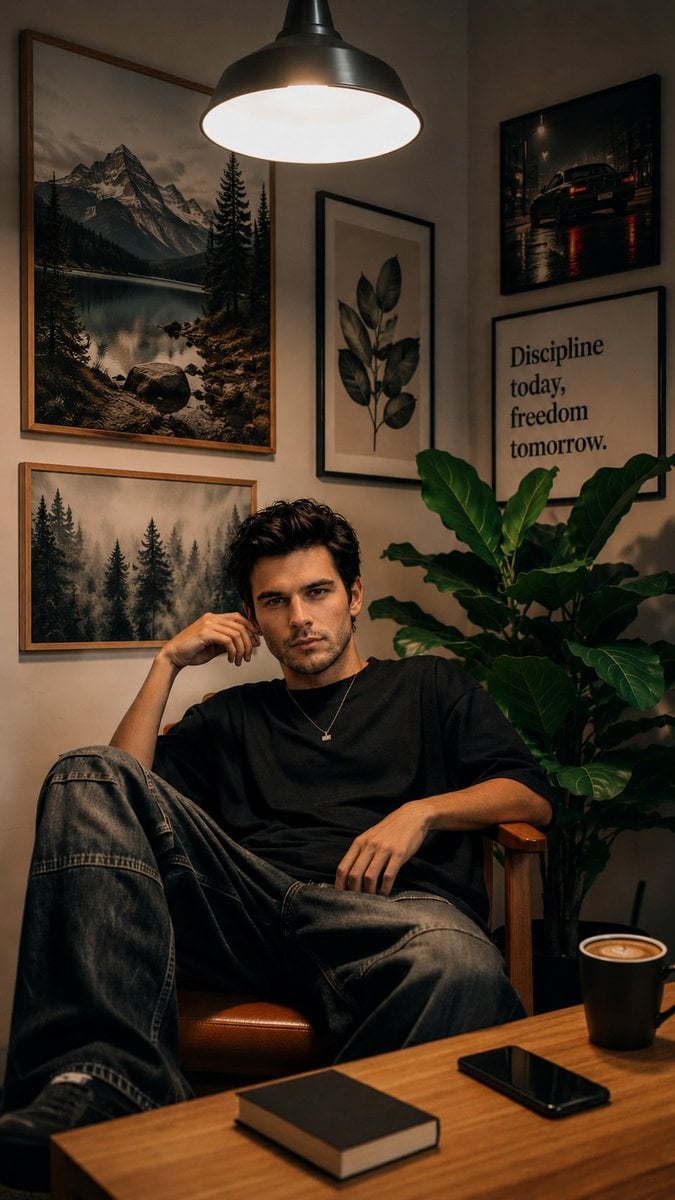
Cozy Workspace Café Portrait
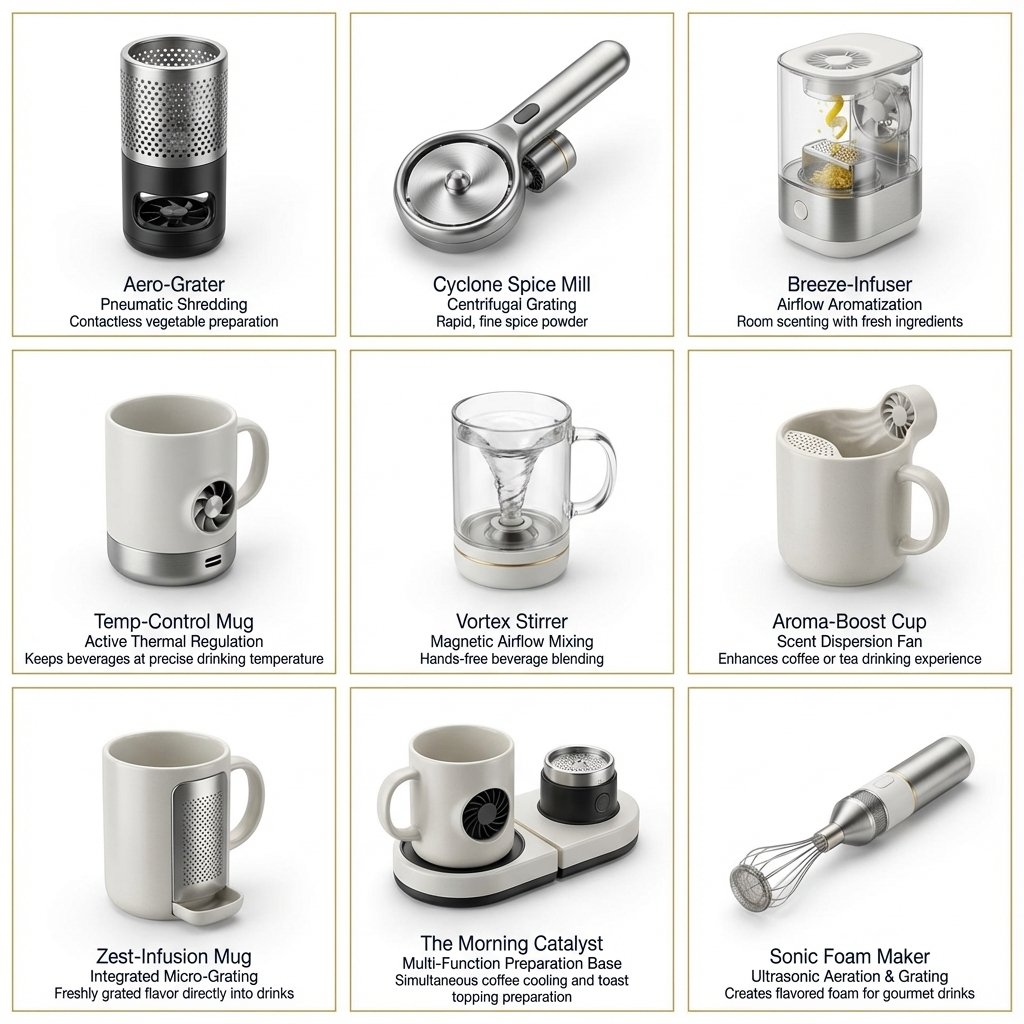
Two-Phase Prompt for Absurd Product Fusion Concepts
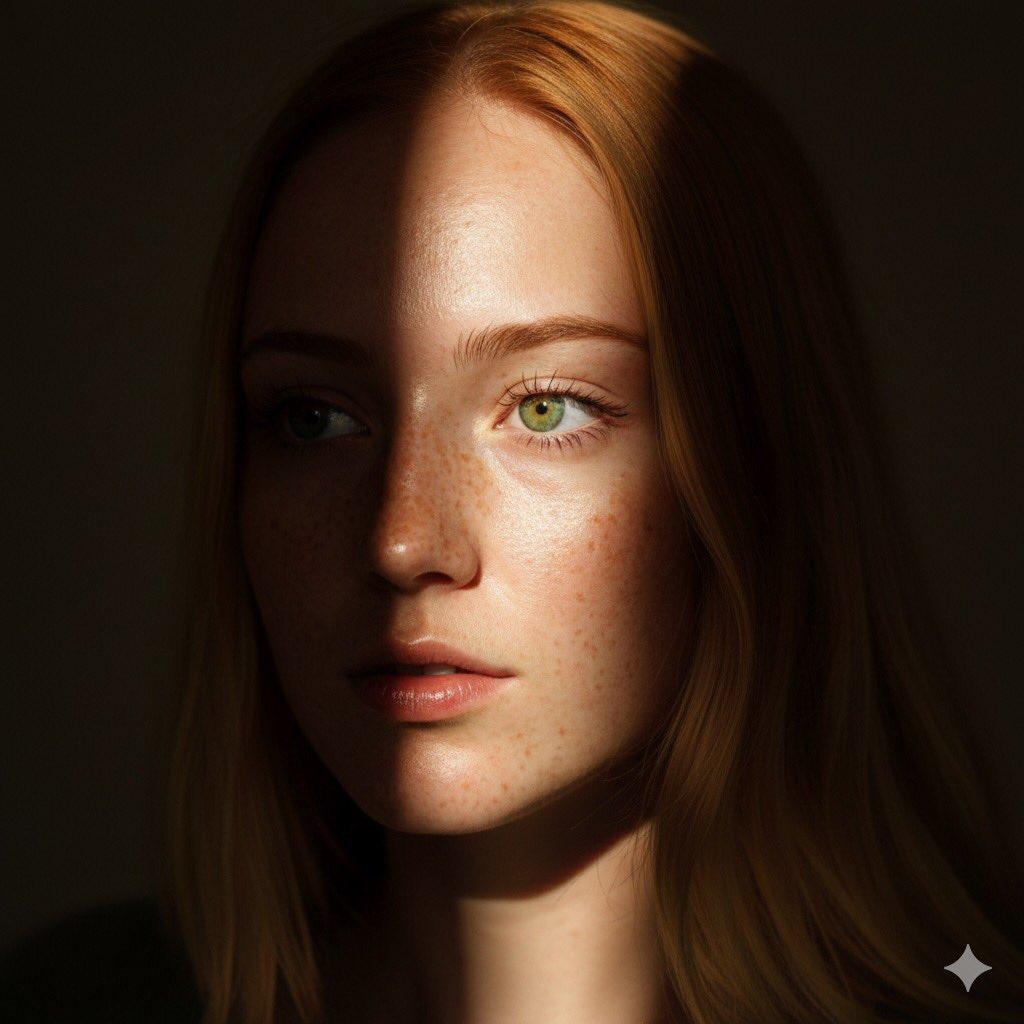
8K Chiaroscuro Portrait JSON
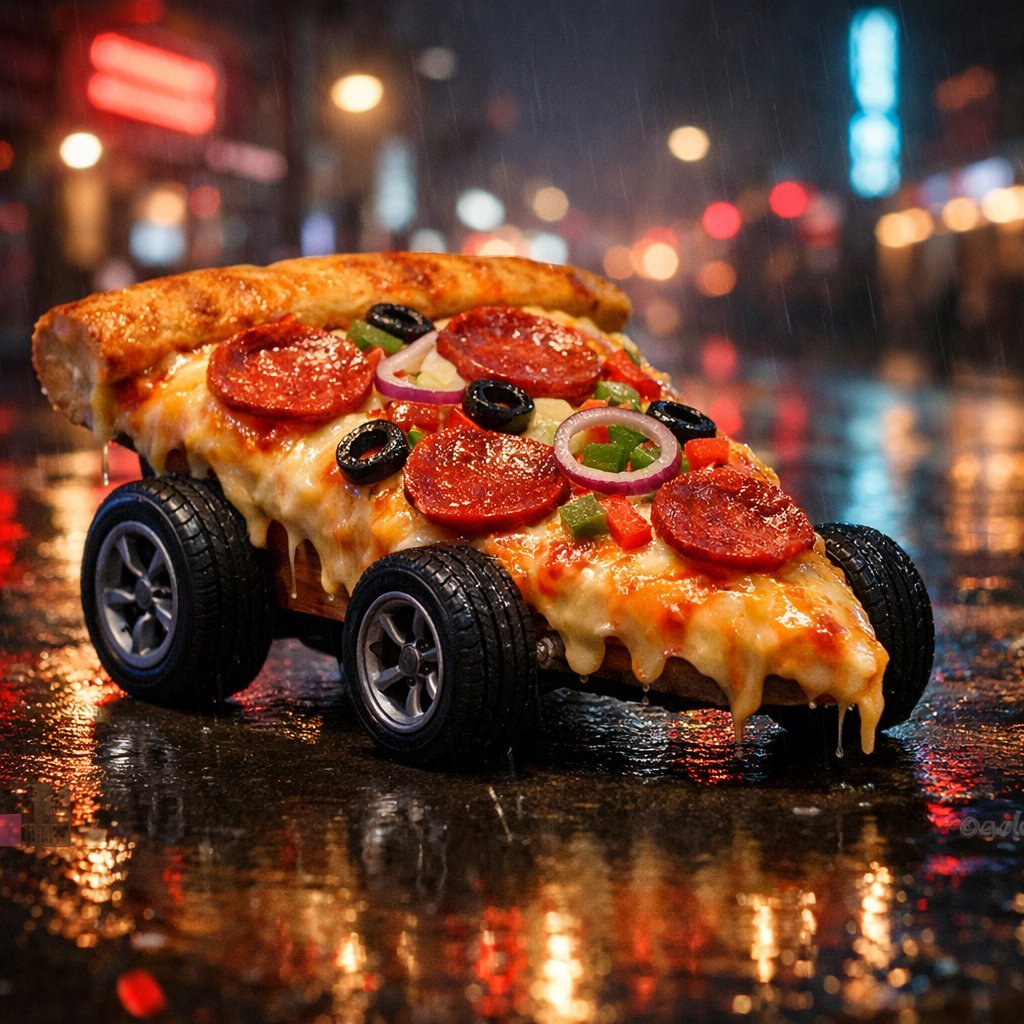
Surreal Cyberpunk Pizza Car Prompt
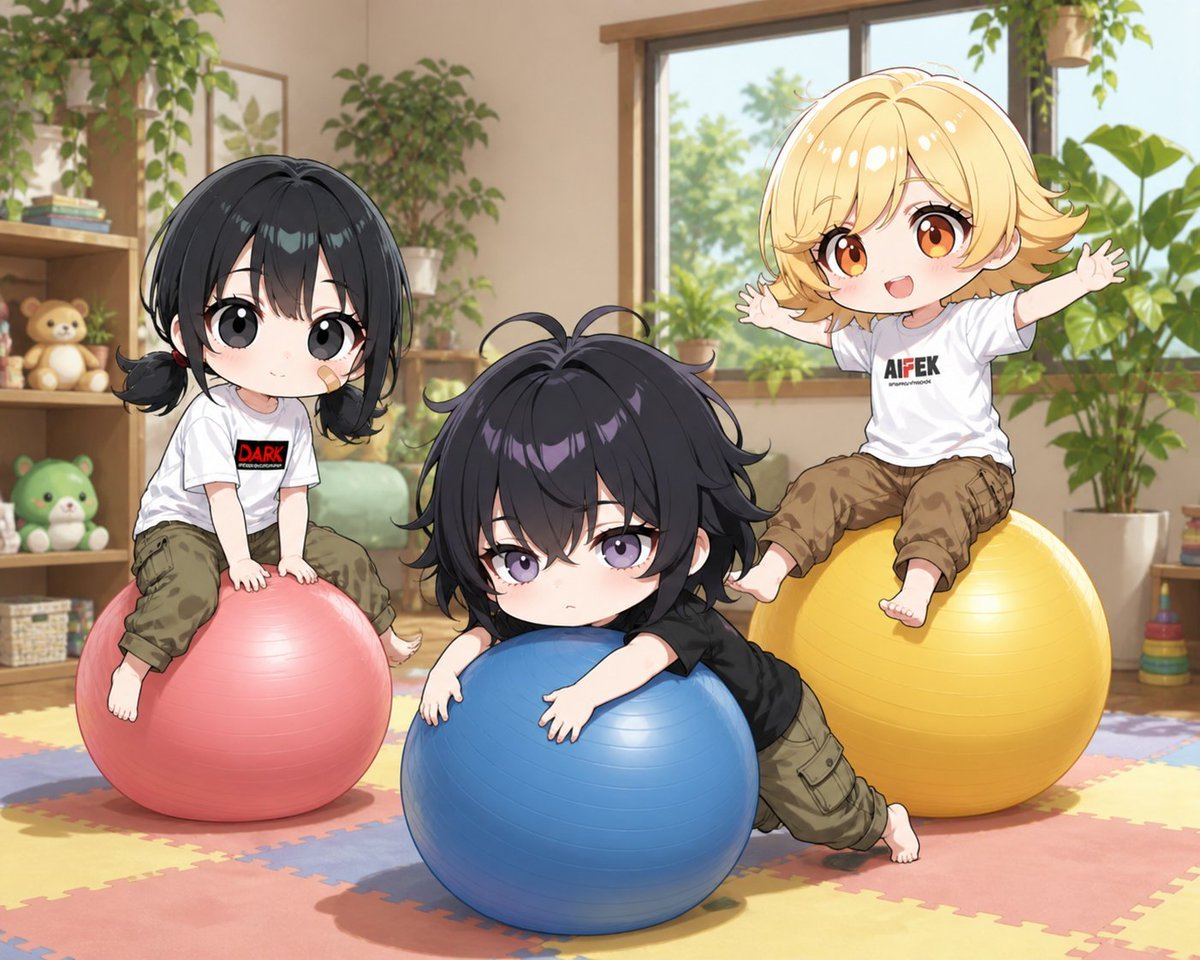
Chibi Kids Playing on Exercise Balls
Hyper-realistic Sports Snapshot
Flat Vector Llama Emoji Prompt
Futuristic Sakura Itasha Supercar
Nano Banana Pro Prompt Using Image Reference
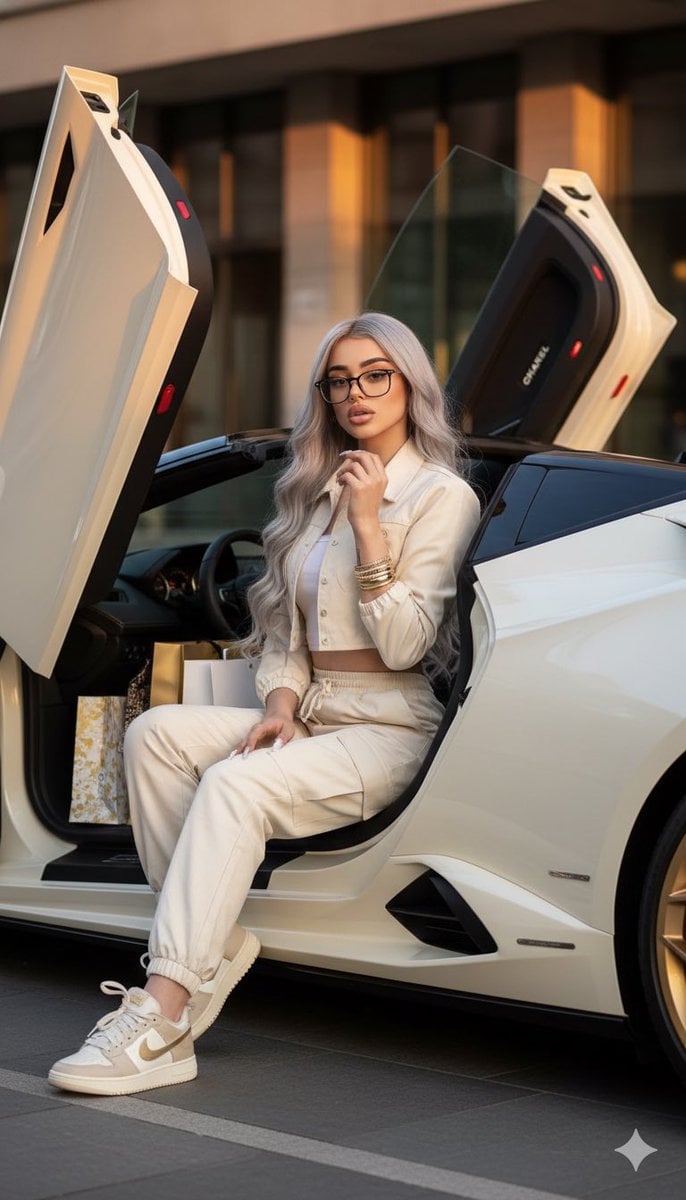
Luxury Fashion Shoot with Lamborghini Huracán
Browse template categories
Y2K fashion poster character Wareen questions
How do I use the Y2K fashion poster character Wareen template?
Add your photo if the template asks for one, edit the prompt if you like — the template's model and format are already selected — and press Generate. Your version opens in PicX Studio.
Can I customize the Y2K fashion poster character Wareen template?
Yes. You can change the subject, setting, lighting, mood, format, and available model controls before creating your image.
Is the Y2K fashion poster character Wareen template free?
Opening and editing this template is free. Generating uses credits, shown on the Generate button when you are signed in.
Which AI model should I use?
Start with GPT Image 2, which is the model associated with this template. You can compare another compatible model for a different finish.
Looking for something else? Browse all templates.

Your photo, any look
Thousands of ready templates for every top image and video model, from one credit balance.