
Neon Diamond Double Portrait Composite
A sophisticated studio portrait prompt combining a monochrome ghost portrait with a full-color foreground subject framed by a glowing neon diamond.
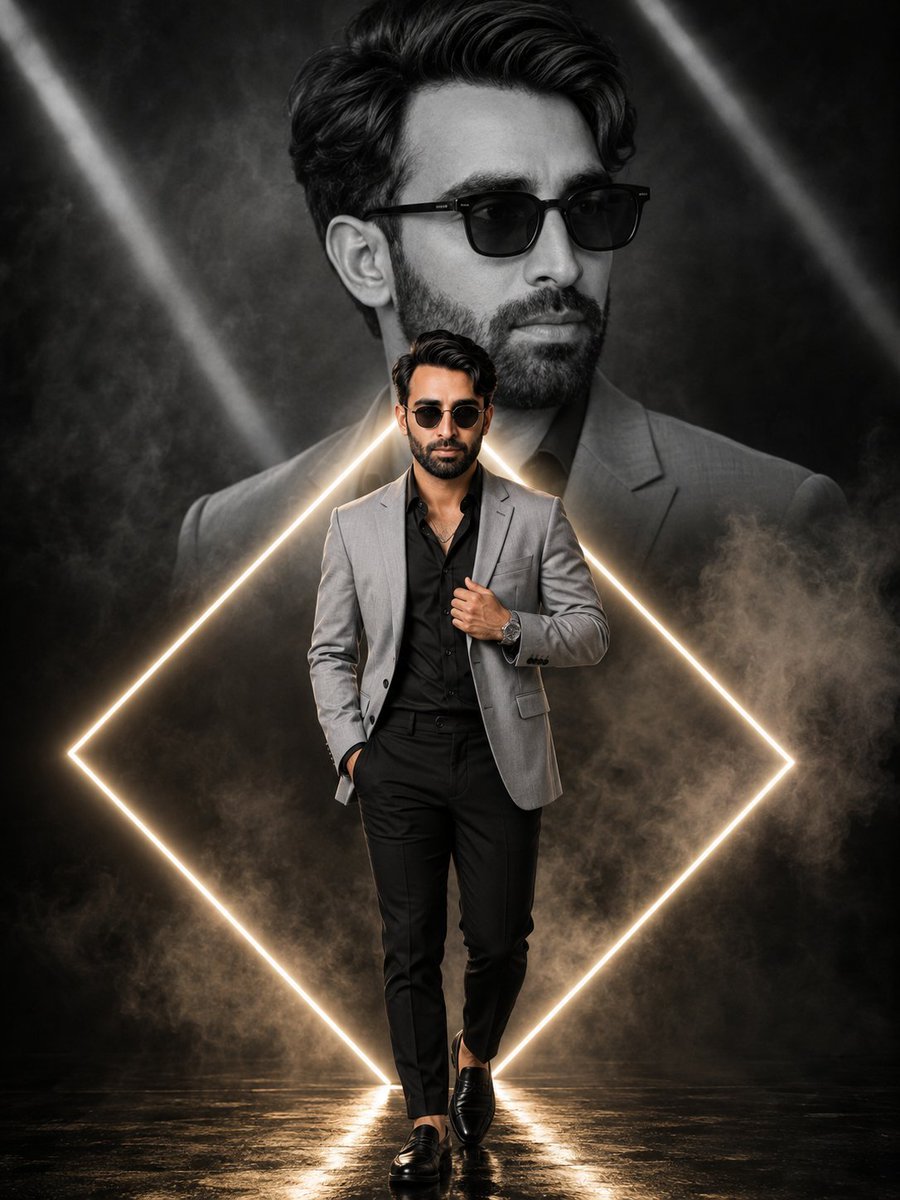
- Prompt included
- Model and format preset
- Free template
The prompt behind this image
Copy the exact prompt behind Neon Diamond Double Portrait Composite, or open it in the studio and make it yours.
Hyper-realistic cinematic double portrait composite — photorealistic large monochrome ghost portrait combined with a sharp full-color full-body walking portrait of the same man, framed within a glowing neon diamond outline, moody smoky studio backdrop, zero flat AI look.\n\nCONCEPT — EXACT: A layered composite where a large black-and-white close-up portrait fills the upper background against a smoky dark backdrop with diagonal light-beam accents, a glowing warm-white neon diamond outline frames the lower two-thirds of the frame, and a smaller sharp full-color full-body walking portrait of the same man stands centered within the diamond frame in the foreground.\n\nBACKGROUND GHOST PORTRAIT — EXACT: Large black-and-white close-up portrait, head turned slightly to the side, calm composed gaze, voluminous tousled dark hair, dark square-frame sunglasses, wearing a suit jacket collar visible at the shoulder, rendered entirely in monochrome grey tones, softly blended into the smoky backdrop.\n\nMAIN SUBJECT — FOREGROUND — EXACT: Full-body walking portrait, man standing with one hand tucked into his trouser pocket, other hand adjusting the lapel of his jacket with a wristwatch visible, voluminous tousled dark hair, dark round sunglasses, calm confident expression, thin necklace chain visible at the open collar.\n\nBODY: Lean athletic build, natural proportionate physique, relaxed confident standing posture.\n\nOUTFIT: {argument name="outfit" default="Light-grey tailored blazer worn open over a black button-up shirt, black tailored trousers, black leather loafers, dark round sunglasses, silver wristwatch, thin necklace chain."}\n\nNEON DIAMOND FRAME DETAIL — EXACT: A glowing {argument name="neon color" default="warm-white"} neon diamond-shaped outline surrounding the lower two-thirds of the frame around the foreground subject, soft glow bloom along the neon line, diagonal light-beam streaks crossing the upper background at varying angles.\n\nLIGHTING — EXACT: Soft even studio lighting on the foreground subject from the front, flat neutral lighting on the monochrome background portrait, warm glow spill from the neon diamond outline onto the floor and lower body, drifting smoke/fog catching subtle light throughout the background, no harsh shadows on the face.\n\nBACKGROUND — EXACT: {argument name="background style" default="Dark charcoal-black smoky studio backdrop with soft drifting fog, diagonal light-beam streaks crossing the upper portion, reflective dark floor surface beneath the subject's feet."}
How to use Neon Diamond Double Portrait Composite in 3 steps
- 1Upload ImagePNG, JPG or paste
Add your photo
Upload the photo the template builds on. The prompt, model and format are already set.
- 2…a portrait of your subject in softgolden-hour light, 85mm…
Personalize
Edit the subject and creative details for your destination.
- 3Generate
Generate
Press Generate — your image is created in PicX Studio, so you can compare it with the original and refine one variable at a time.
More like this
Templates with the same subject, style or setup. Open one to see its prompt.
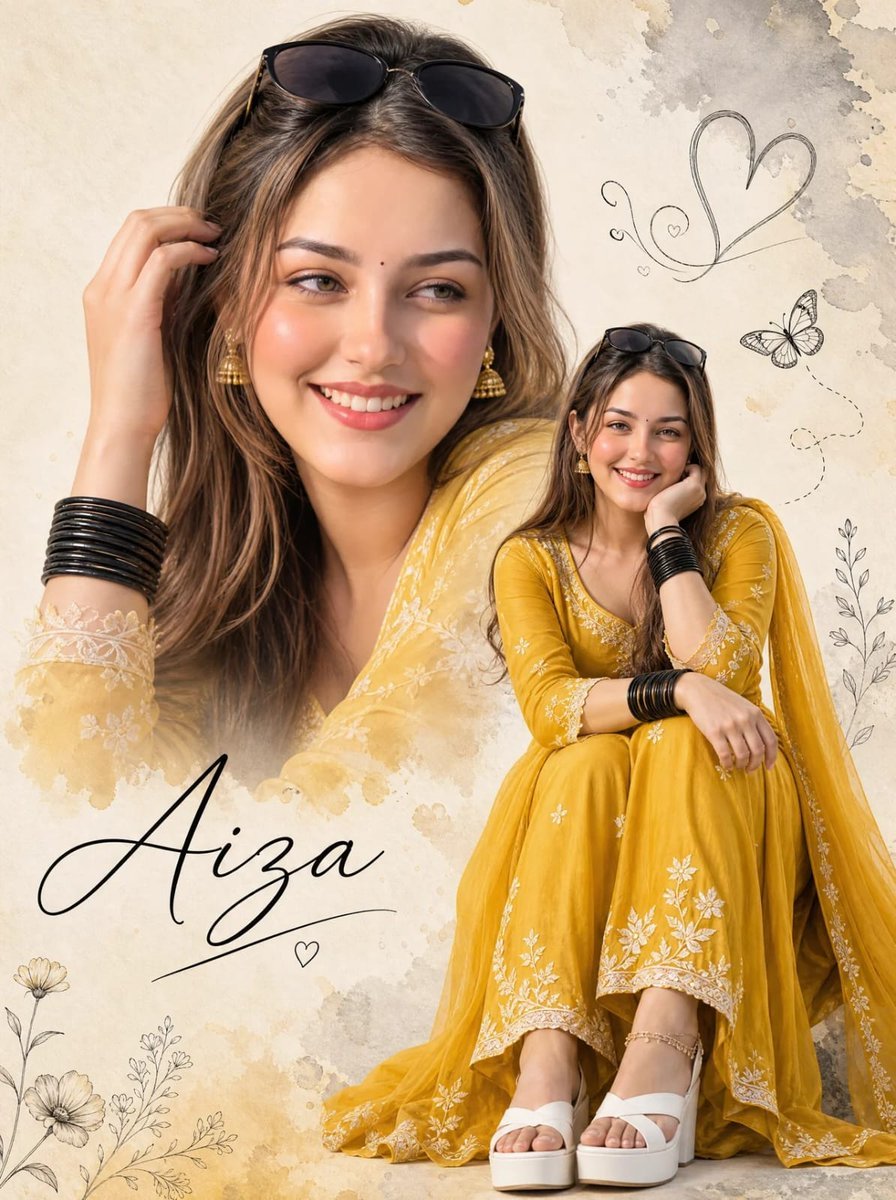
Double-Exposure Scrapbook Portrait Composite

Found Photograph: Us, 1970

80s Couple Studio Portrait

80s Neon Disco Night

80s Bollywood Star

80s Golden Hour Cinema

Me in 1985

1985 Studio Portrait
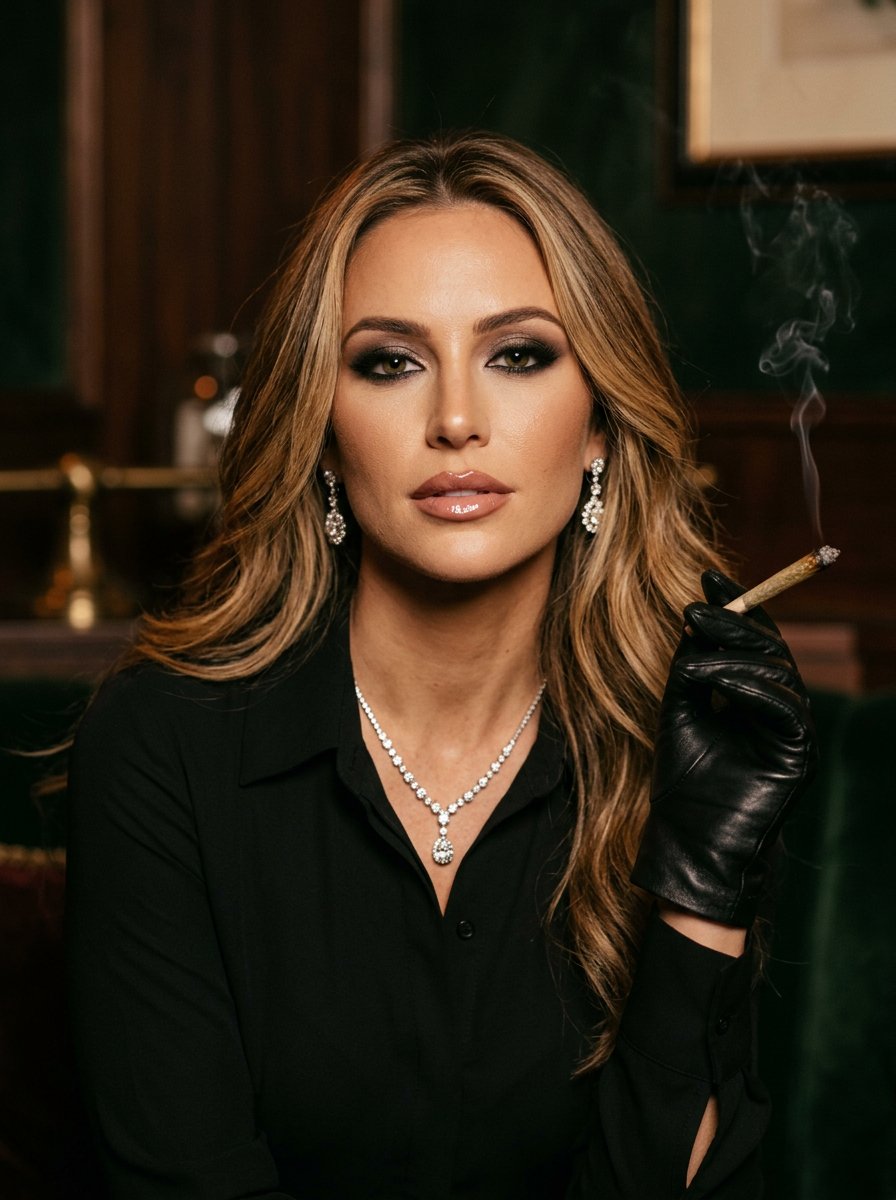
Sophisticated Portrait with Diamonds and Gloves

Hyper-Realistic Minecraft POV Portrait

Rooftop Fisheye — Cat-Ear Balaclava at Golden Hour
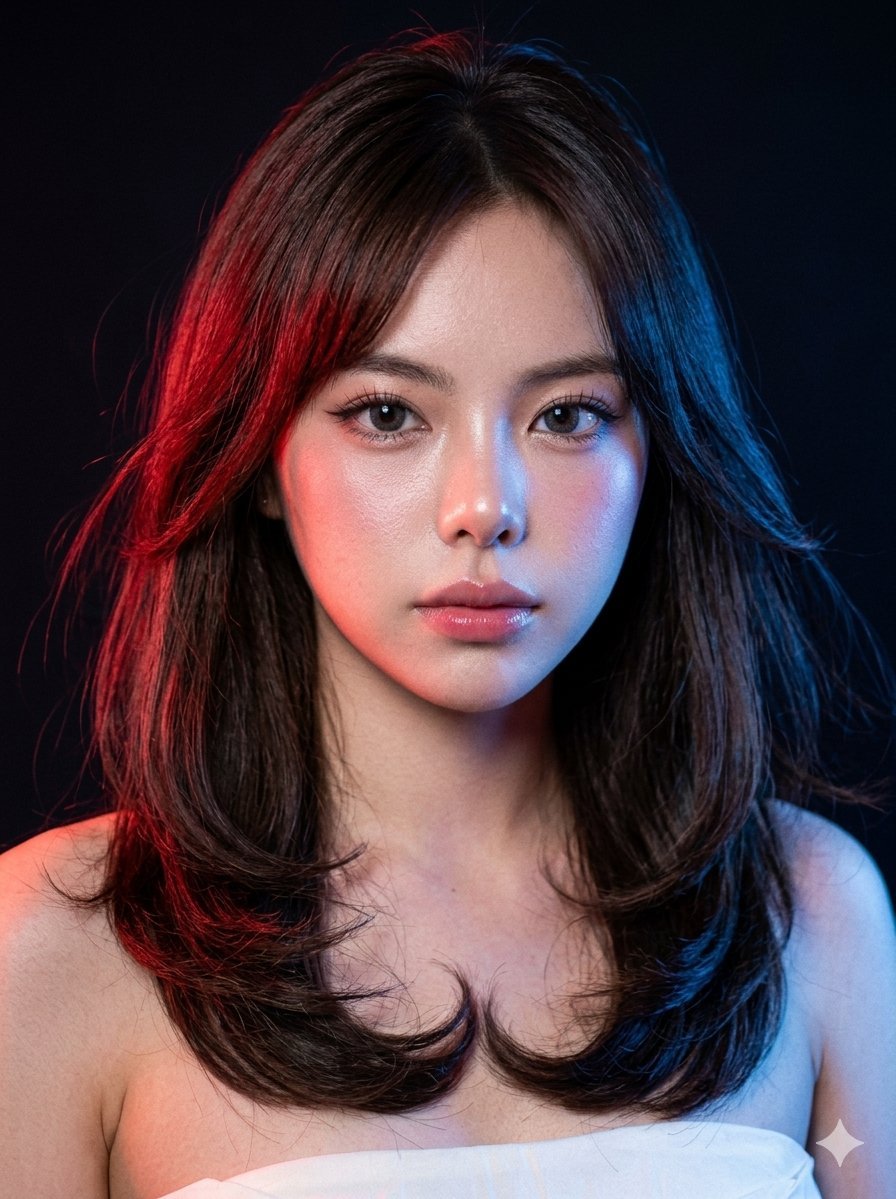
Neon Gel Lighting Studio Portrait
Make it yours
Neon Diamond Double Portrait Composite works as-is. These are the safest ways to change it without losing the look.
Change one field
Copy a single group, rewrite it, and generate again so you can see what that field is doing.
Keep the frame, change the subject
Hold the composition and light of Neon Diamond Double Portrait Composite, then swap wardrobe, props or the person for a new take.
| If the result… | Why | Fix |
|---|---|---|
| The result drifts from the preview | Too many fields changed at once. | Reuse Neon Diamond Double Portrait Composite as-is first, then change one group — subject, light, or setting. |
| The model over-stylizes the scene | The prose prompt leaves finish and camera underspecified. | Add one camera or lighting sentence and stay on GPT Image 2. |
More GPT Image 2 templates
Other prompts made for GPT Image 2.

Six VTuber Japanese Logo Sheet

Realistic Portrait of Woman and Deer

The Vista Modular Condo Poster

AI Model Routing Comparison Infographic

2.5D Anime Art Board

Isometric Productivity Desk Scene

New York Double Exposure Poster

Four-Panel AI Landscape Comparison

Japanese Tatami Lifestyle Magazine Cover

NESCAFÉ Coffee Map Poster
More image prompts
Fresh picks from across the catalog.
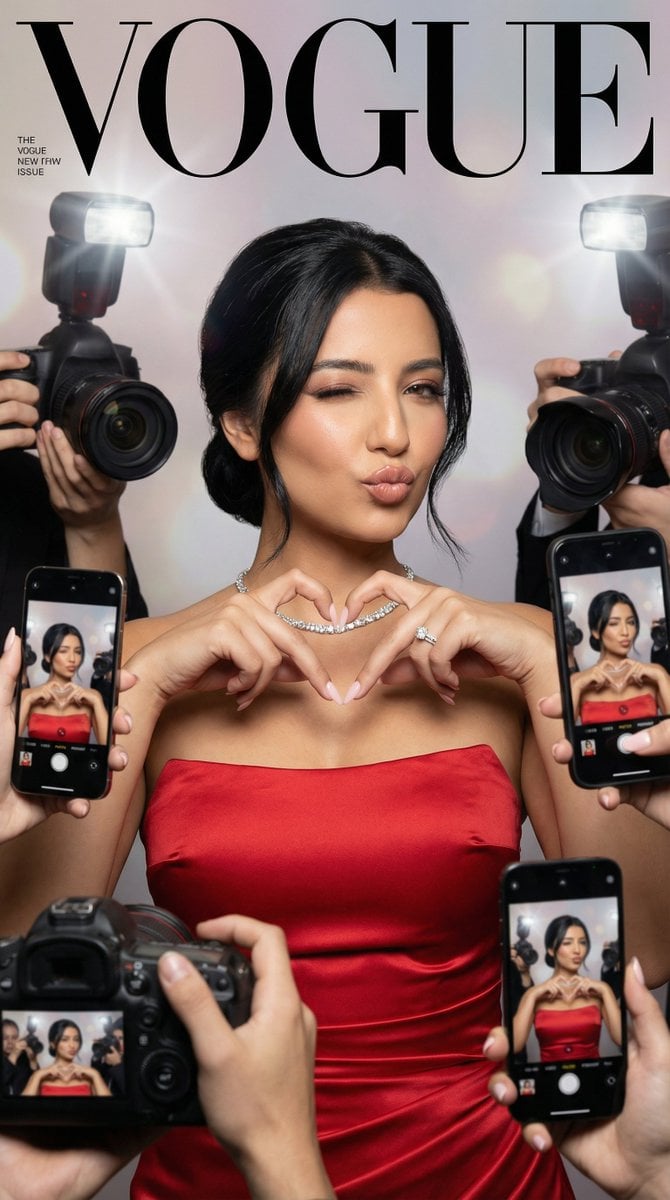
Vogue Cover Identity Preservation Prompt
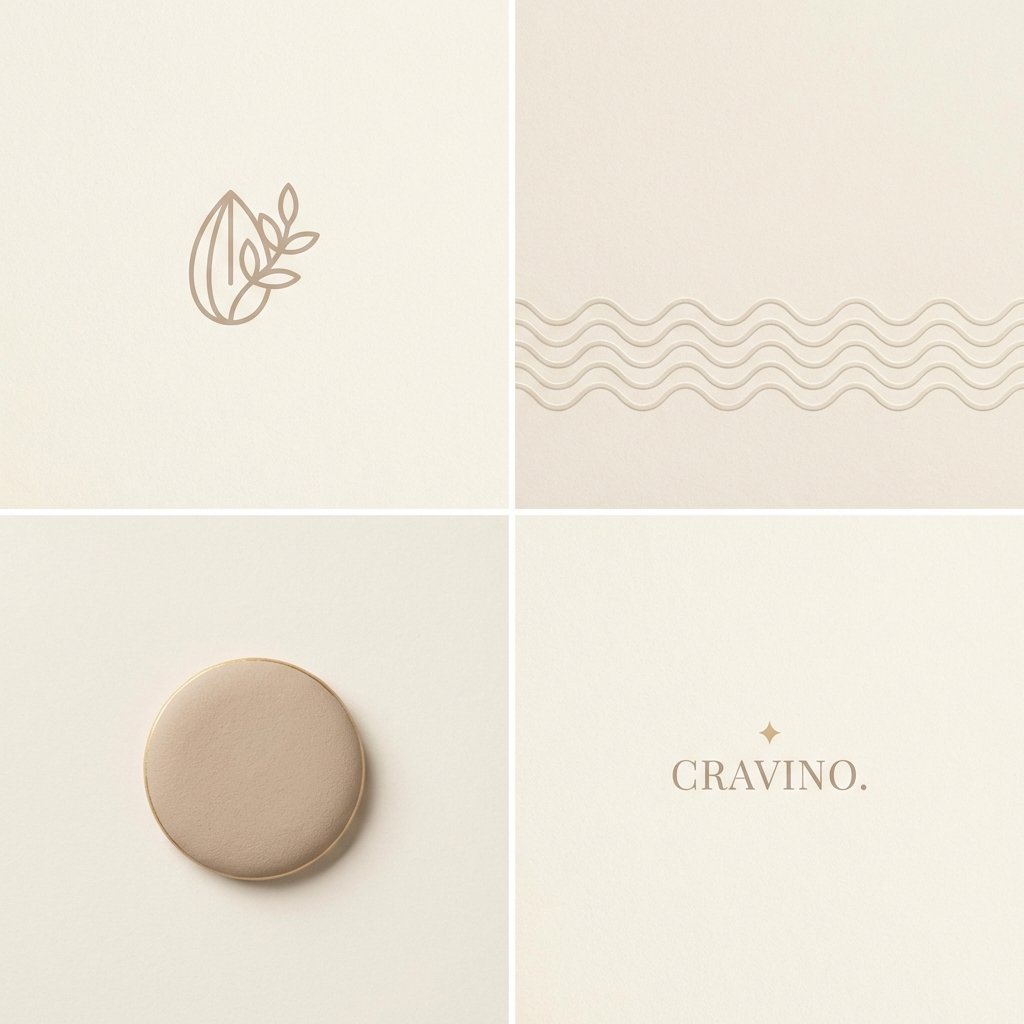
Minimal Layout Stress Test Composition
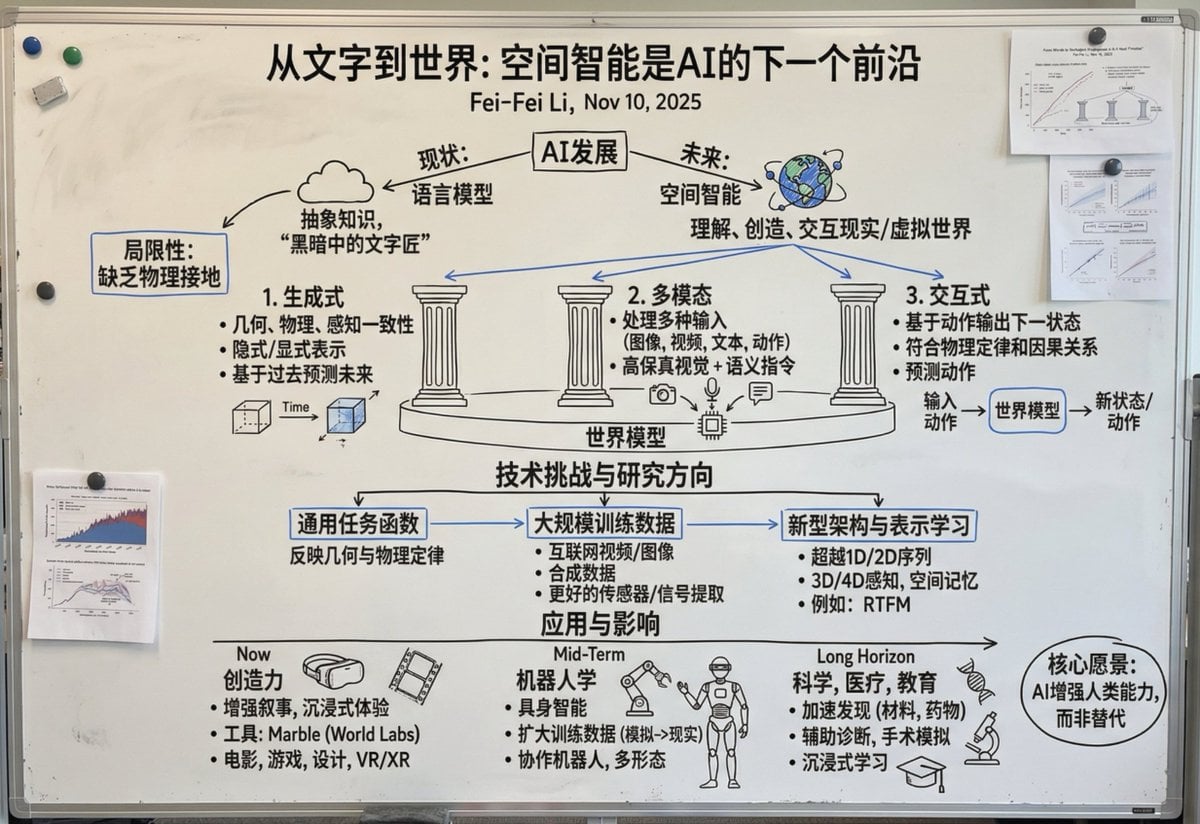
Chinese whiteboard summary of long documents
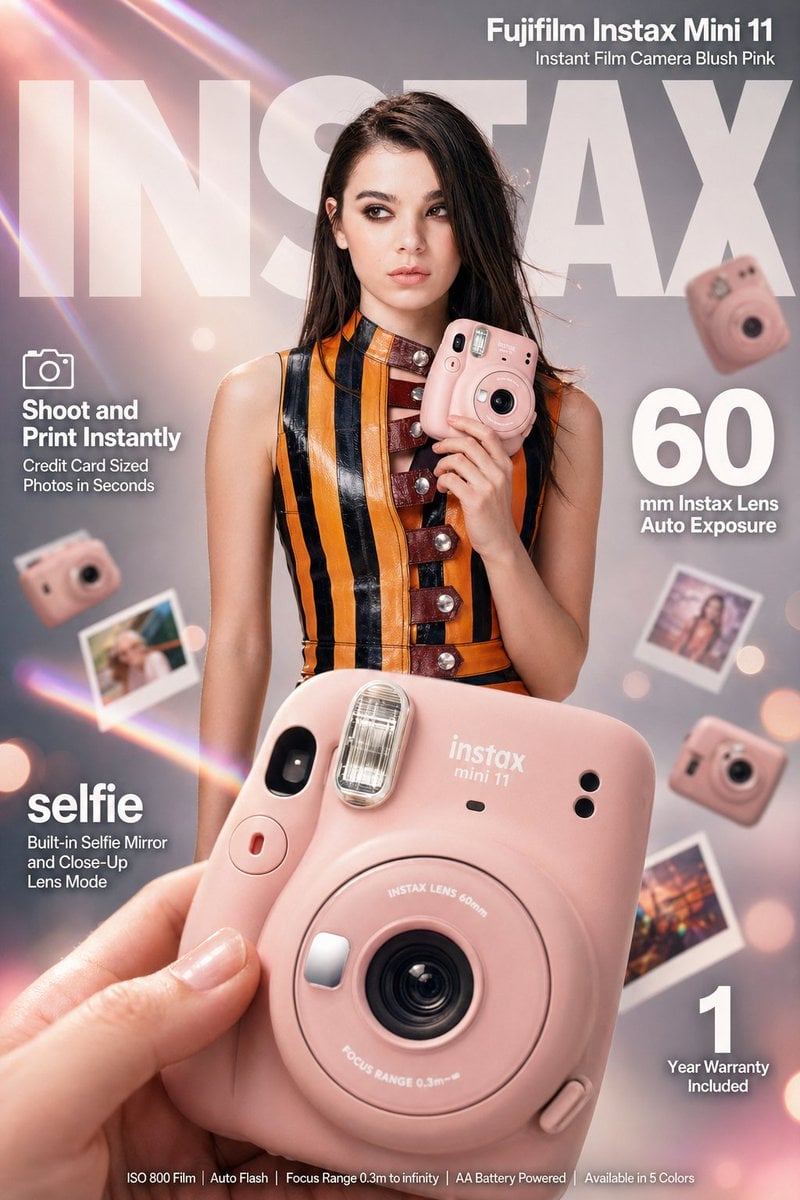
X Meng Dagg695 Gpt Image 2 on Socialsight
untitled
Cinematic Disintegration Effect Portrait
Sleeping Anime Star Witch

Pistachio Rose Latte Scrapbook Poster
Luxury Product Reveal Cinematic Sequence Prompt
Close-up Portrait with Reference Prompt
Browse template categories
Neon Diamond Double Portrait Composite questions
How do I use the Neon Diamond Double Portrait Composite template?
Add your photo if the template asks for one, edit the prompt if you like — the template's model and format are already selected — and press Generate. Your version opens in PicX Studio.
Can I customize the Neon Diamond Double Portrait Composite template?
Yes. You can change the subject, setting, lighting, mood, format, and available model controls before creating your image.
Is the Neon Diamond Double Portrait Composite template free?
Opening and editing this template is free. Generating uses credits, shown on the Generate button when you are signed in.
Which AI model should I use?
Start with GPT Image 2, which is the model associated with this template. You can compare another compatible model for a different finish.
Looking for something else? Browse all templates.

Your photo, any look
Thousands of ready templates for every top image and video model, from one credit balance.