
Surreal Hip-Hop Motion Fashion
An editorial fashion prompt utilizing motion-drag distortion and surreal streetwear silhouettes against a red background.
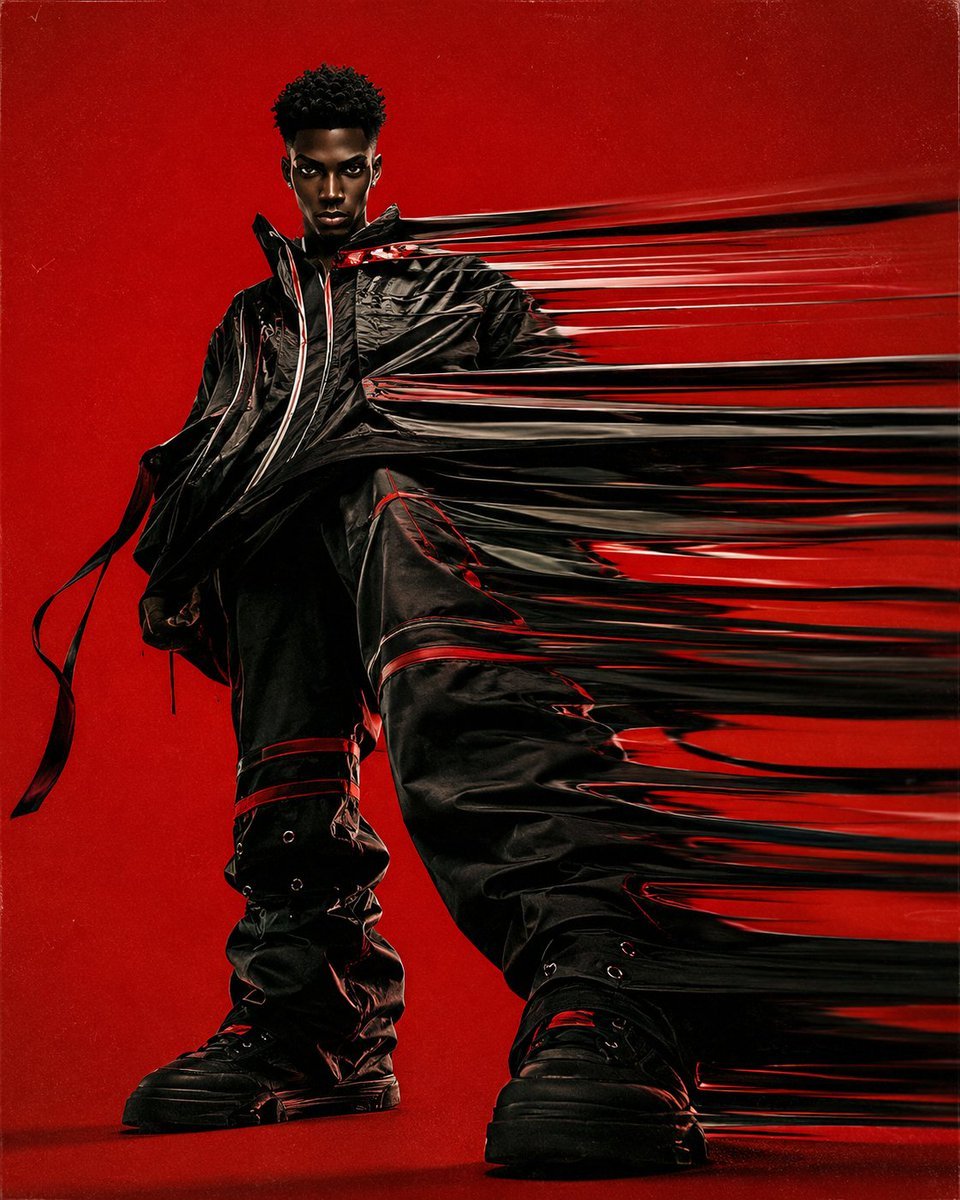
- Prompt included
- Model and format preset
- Free template
The prompt behind this image
Copy the exact prompt behind Surreal Hip-Hop Motion Fashion, or open it in the studio and make it yours.
Use the uploaded photo as the MAIN IMAGE REFERENCE. Preserve the person’s identity and facial appearance with maximum accuracy. Use the provided reference image as the MAIN VISUAL STYLE REFERENCE. Create a full-frame editorial fashion image in the exact visual language of the reference: {argument name="style" default="surreal hip-hop fashion photography"}, extreme horizontal motion-drag distortion, stretched fabric and elongated clothing trails, {argument name="background" default="bold saturated red studio background"}, dramatic {argument name="camera angle" default="low-angle"} fashion composition, oversized contemporary streetwear, strong graphic silhouette, expressive visual weirdness, cool confident attitude, retro analog print aesthetic, subtle vintage film grain, tactile photographic texture, slightly imperfect printed-surface feel. IDENTITY PRESERVATION IS THE HIGHEST PRIORITY. The person must remain immediately recognizable as the person from the source photo. Preserve the exact facial identity, facial proportions, bone structure, eye shape, eyebrows, nose, lips, jawline, cheekbones, skin tone, hairline, hairstyle, age, and all distinctive facial characteristics from the source image. Do NOT redesign, beautify, idealize, masculinize, feminize, age, de-age, or otherwise alter the person’s face. Do not turn the person into a generic fashion model. Do not create a lookalike. It must clearly be the SAME PERSON from the uploaded photo. Preserve natural facial anatomy and realistic skin texture while translating the person into the visual style of the reference. STYLE MATCH: Match the reference image as closely as possible in: overall visual language composition camera perspective low-angle fashion photography full-body framing subject scale bold red background horizontal motion streaks stretched and smeared clothing elongated fabric trails distorted garment silhouettes dynamic horizontal movement surreal fashion editorial feeling hip-hop / contemporary streetwear attitude retro film grain analog photographic texture slightly rough printed texture strong contrast saturated red environment unusual proportions created by motion distortion clean but deliberately strange fashion-art direction The motion distortion should primarily affect the CLOTHING and parts of the silhouette, creating long horizontal streaks that extend dramatically across the frame, while the face and essential facial features remain sharp, stable, recognizable, and anatomically correct. Create the illusion that the clothing is being pulled sideways through extreme motion, producing long flowing fabric trails and repeated stretched silhouettes. The distortion should feel physical, intentional, and fashion-editorial rather than like a digital glitch. The person should stand confidently with a strong, slightly confrontational fashion pose. Preserve the recognizable physical characteristics of the source person while adapting the pose and framing to the reference style. Use a dramatic low camera angle, making the figure feel powerful and
How to use Surreal Hip-Hop Motion Fashion in 3 steps
- 1Upload ImagePNG, JPG or paste
Add your photo
Upload the photo the template builds on. The prompt, model and format are already set.
- 2…a portrait of your subject in softgolden-hour light, 85mm…
Personalize
Edit the subject and creative details for your destination.
- 3Generate
Generate
Press Generate — your image is created in PicX Studio, so you can compare it with the original and refine one variable at a time.
More like this
Templates with the same subject, style or setup. Open one to see its prompt.

Hip-Hop Fashion Motion Streak Portrait
Mixed Media Fashion Film - Seedance 2.0
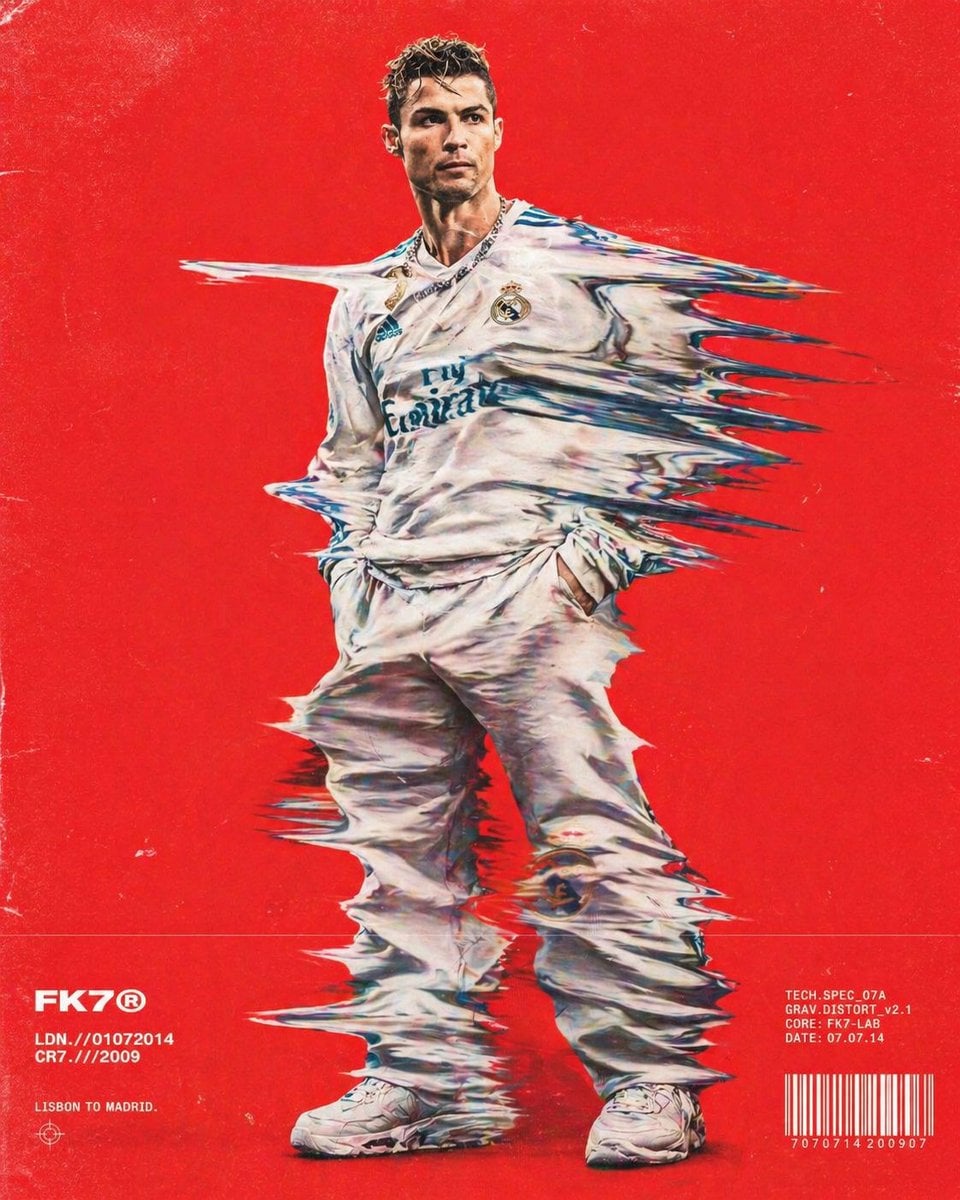
Distorted hip-hop fashion model prompt
Early 2000s Hip-Hop Fashion Portrait Prompts

80s College Gate

1988 Mall Style

80s Polka Dot Saree
Minimalist Hip-Hop Woman Illustration
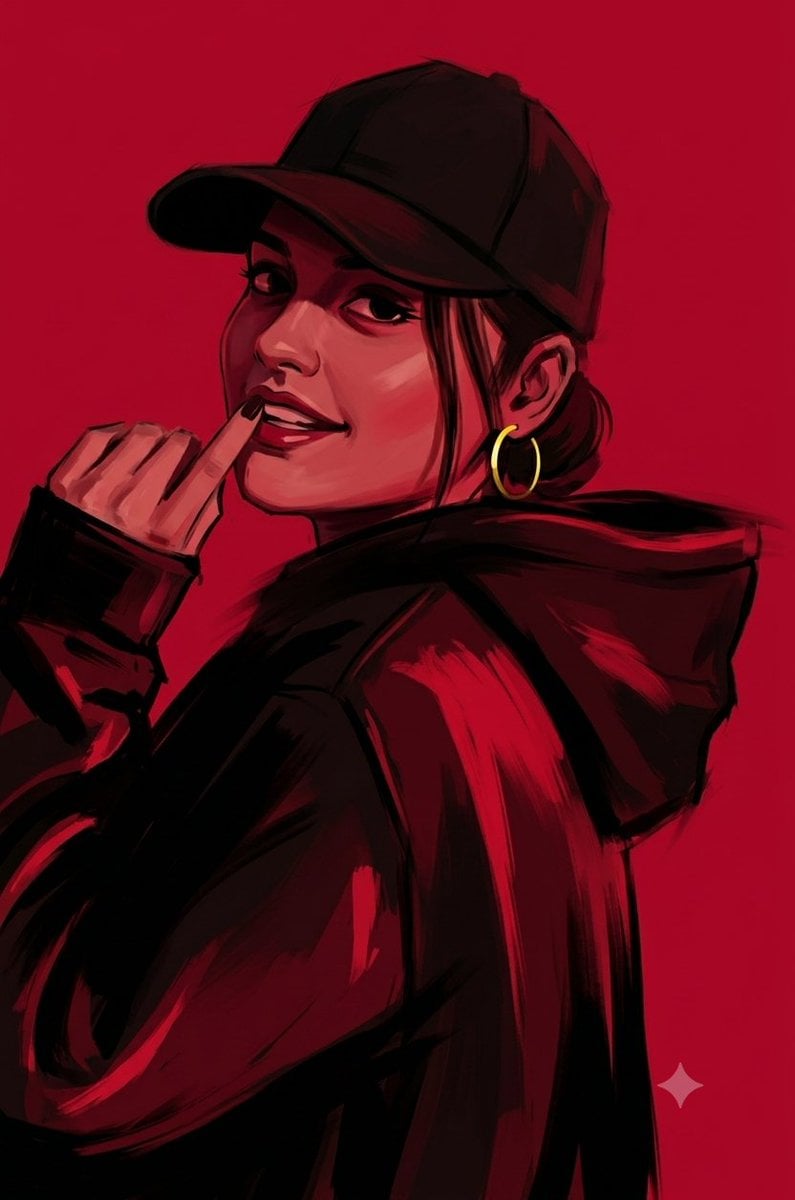
Ruby Red Hip-Hop Illustration
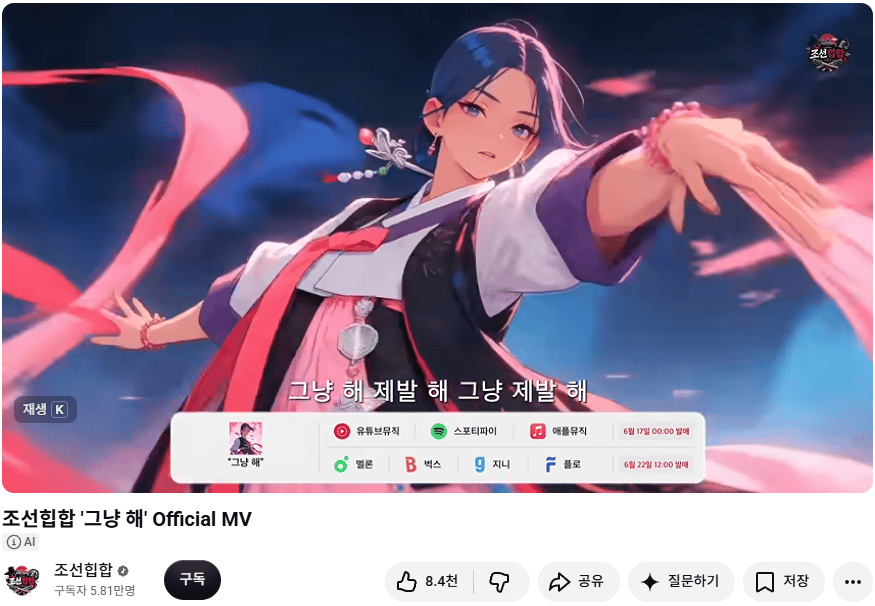
Korean Hip-Hop Anime MV Screenshot

Surreal Cat Astronaut — Humanoid Face Freefall
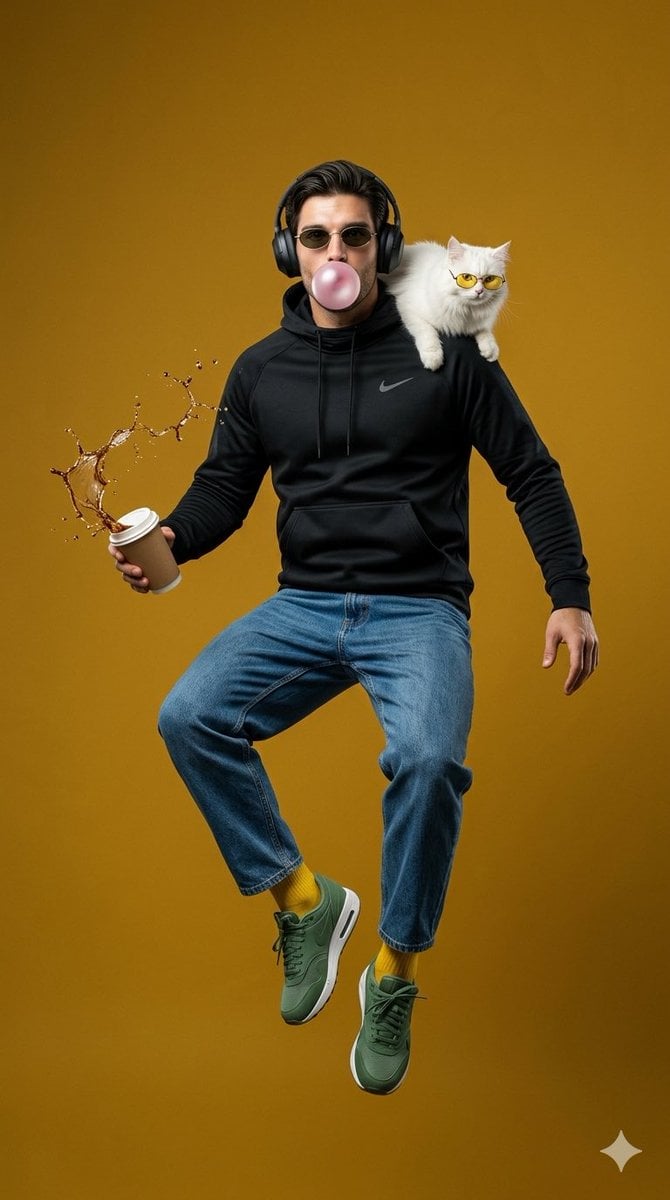
Surreal Jumping Fashion Portrait
Make it yours
Surreal Hip-Hop Motion Fashion works as-is. These are the safest ways to change it without losing the look.
Change one field
Copy a single group, rewrite it, and generate again so you can see what that field is doing.
Keep the frame, change the subject
Hold the composition and light of Surreal Hip-Hop Motion Fashion, then swap wardrobe, props or the person for a new take.
| If the result… | Why | Fix |
|---|---|---|
| The result drifts from the preview | Too many fields changed at once. | Reuse Surreal Hip-Hop Motion Fashion as-is first, then change one group — subject, light, or setting. |
| The model over-stylizes the scene | The prose prompt leaves finish and camera underspecified. | Add one camera or lighting sentence and stay on GPT Image 2. |
More GPT Image 2 templates
Other prompts made for GPT Image 2.

Six VTuber Japanese Logo Sheet

Realistic Portrait of Woman and Deer

The Vista Modular Condo Poster

AI Model Routing Comparison Infographic

2.5D Anime Art Board

Isometric Productivity Desk Scene

New York Double Exposure Poster

Four-Panel AI Landscape Comparison

Japanese Tatami Lifestyle Magazine Cover

NESCAFÉ Coffee Map Poster
More image prompts
Fresh picks from across the catalog.
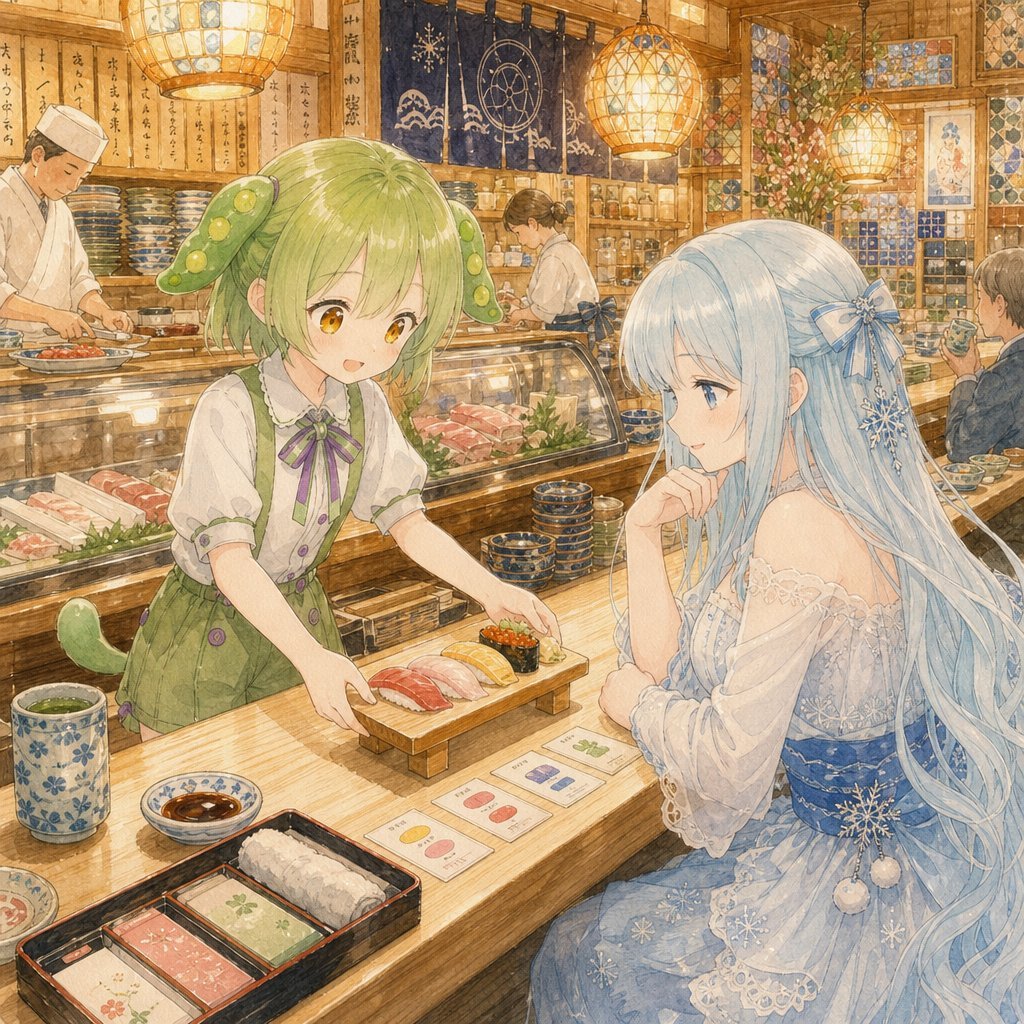
Anime Sushi Bar Transformation
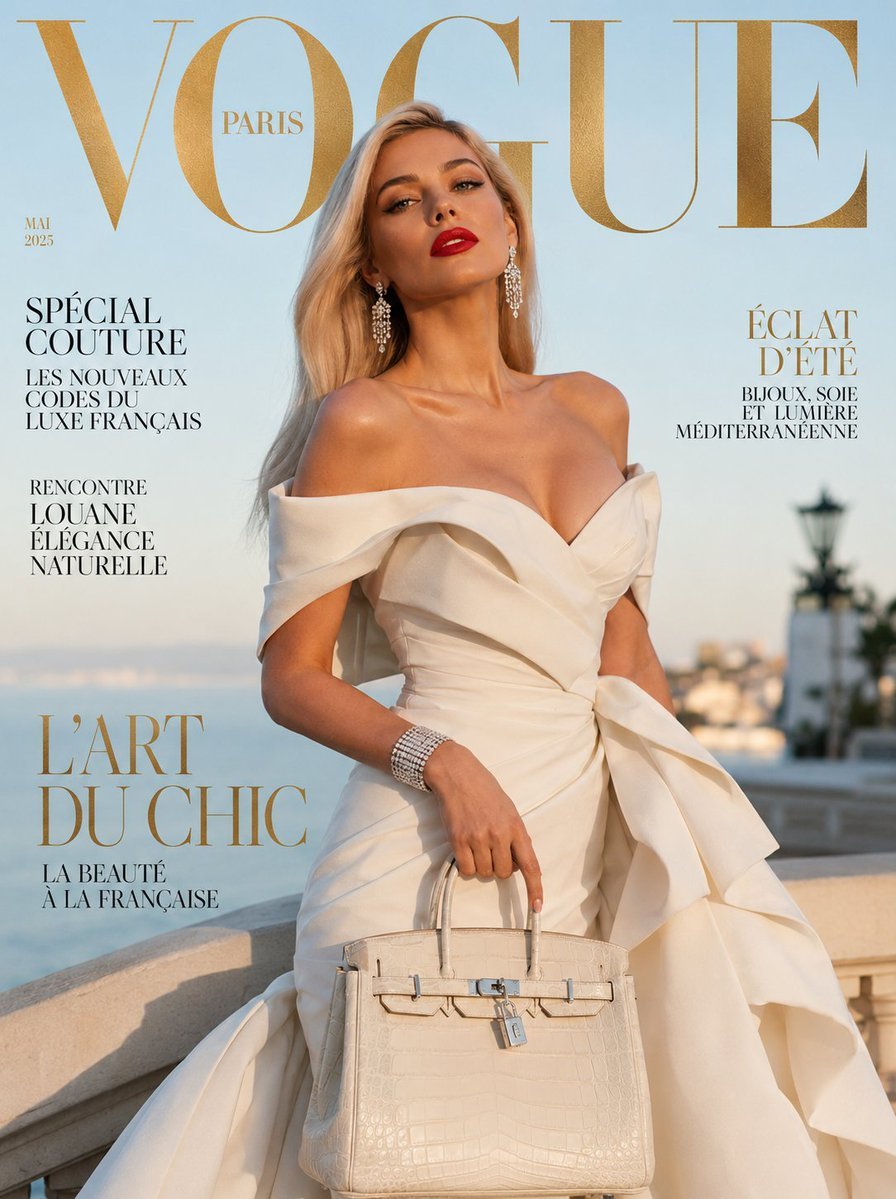
Vogue French Luxury Fashion Cover
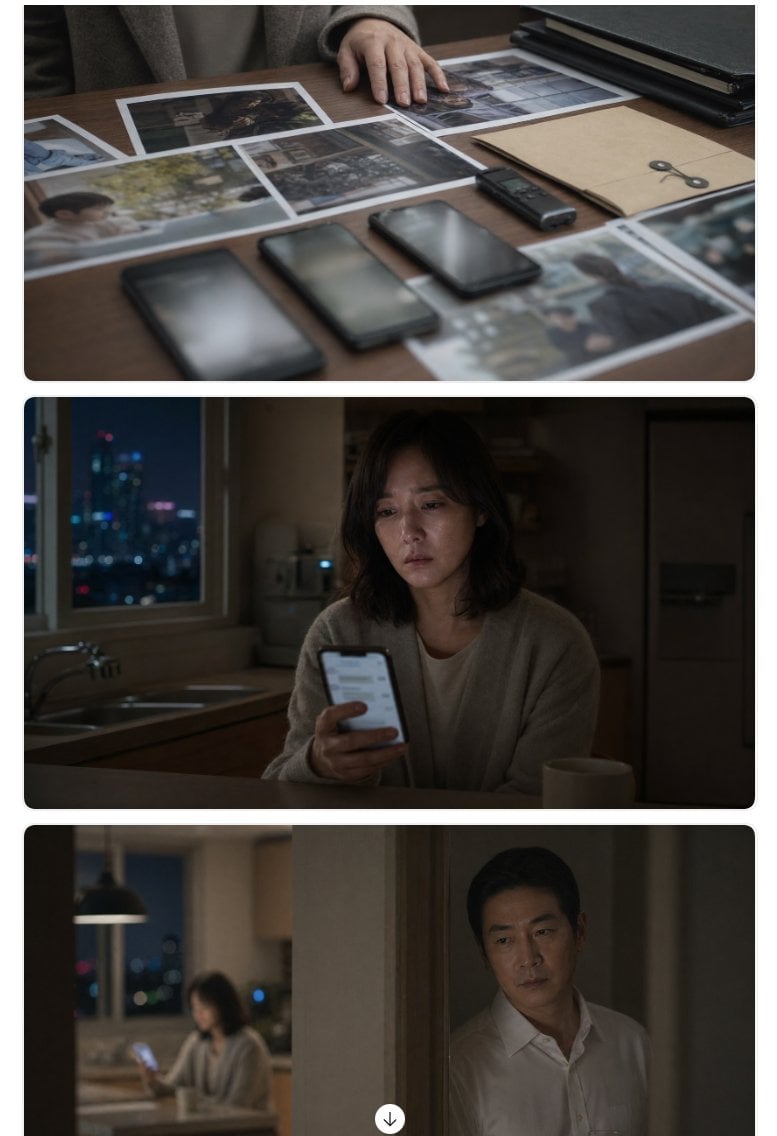
Cinematic Korean Thriller Storyboard

Noir Elderly Man by Window
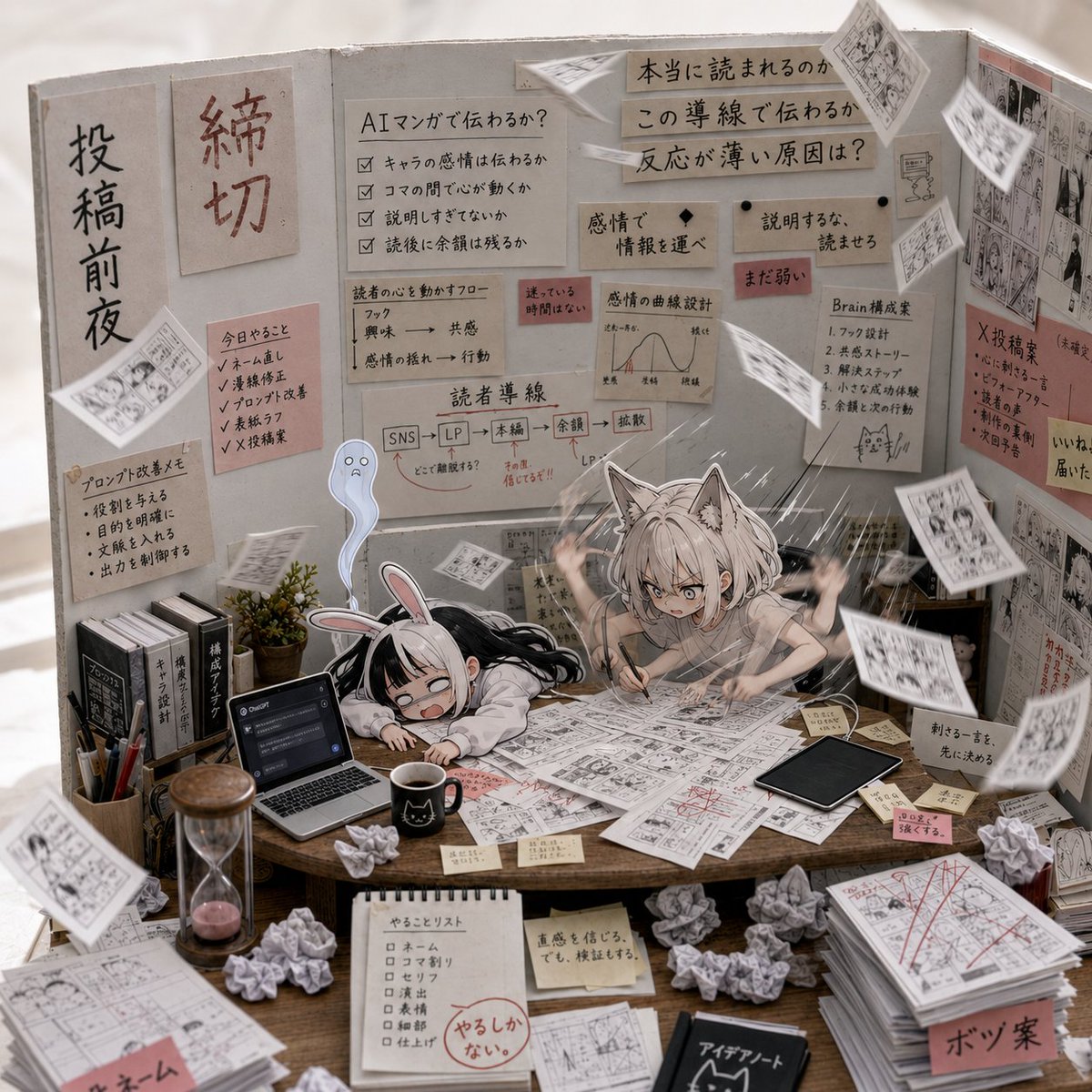
AI Manga Deadline War Room
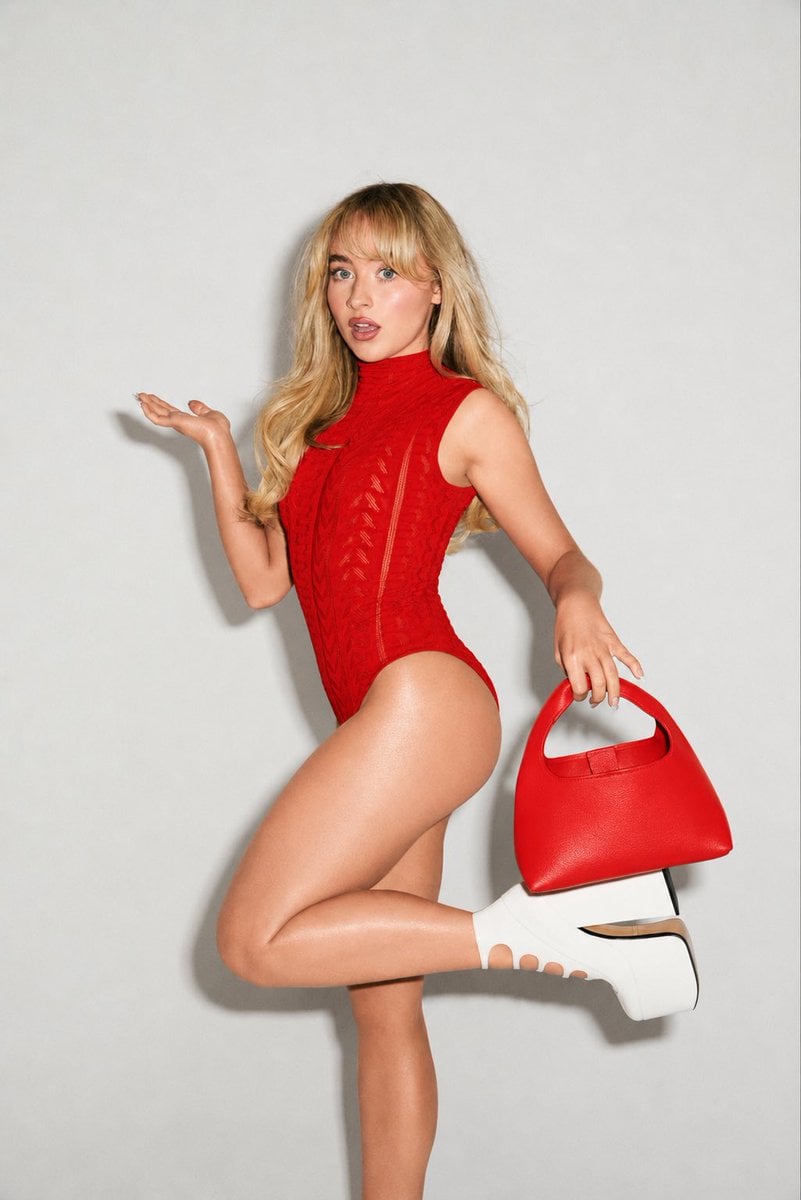
High-Fashion Editorial Portrait Edit
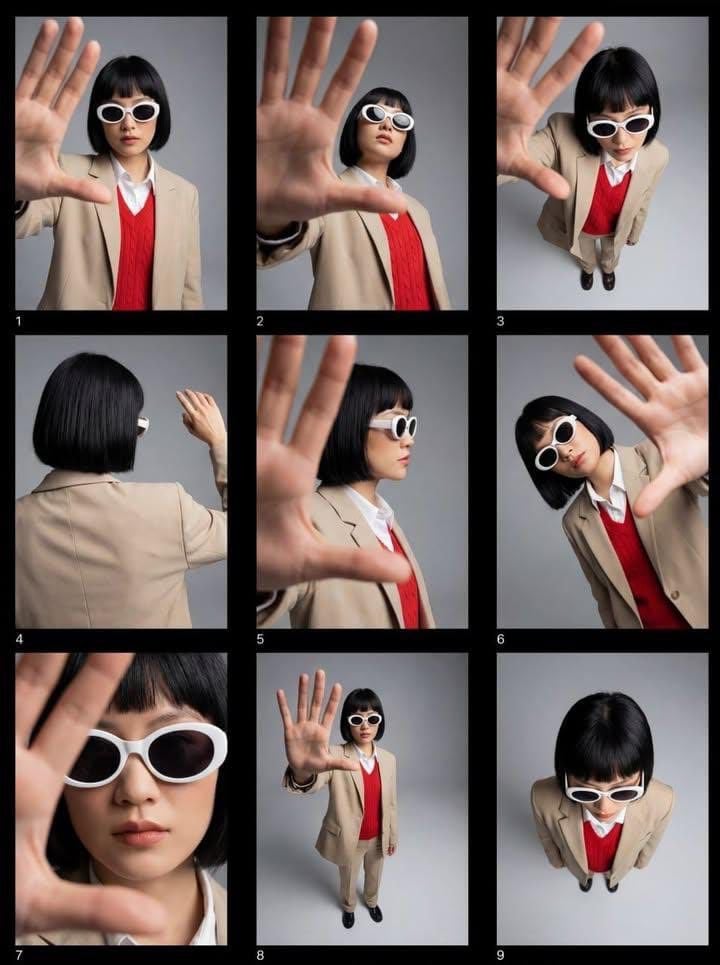
Editorial Fashion Contact Sheet with Perspective Distortion
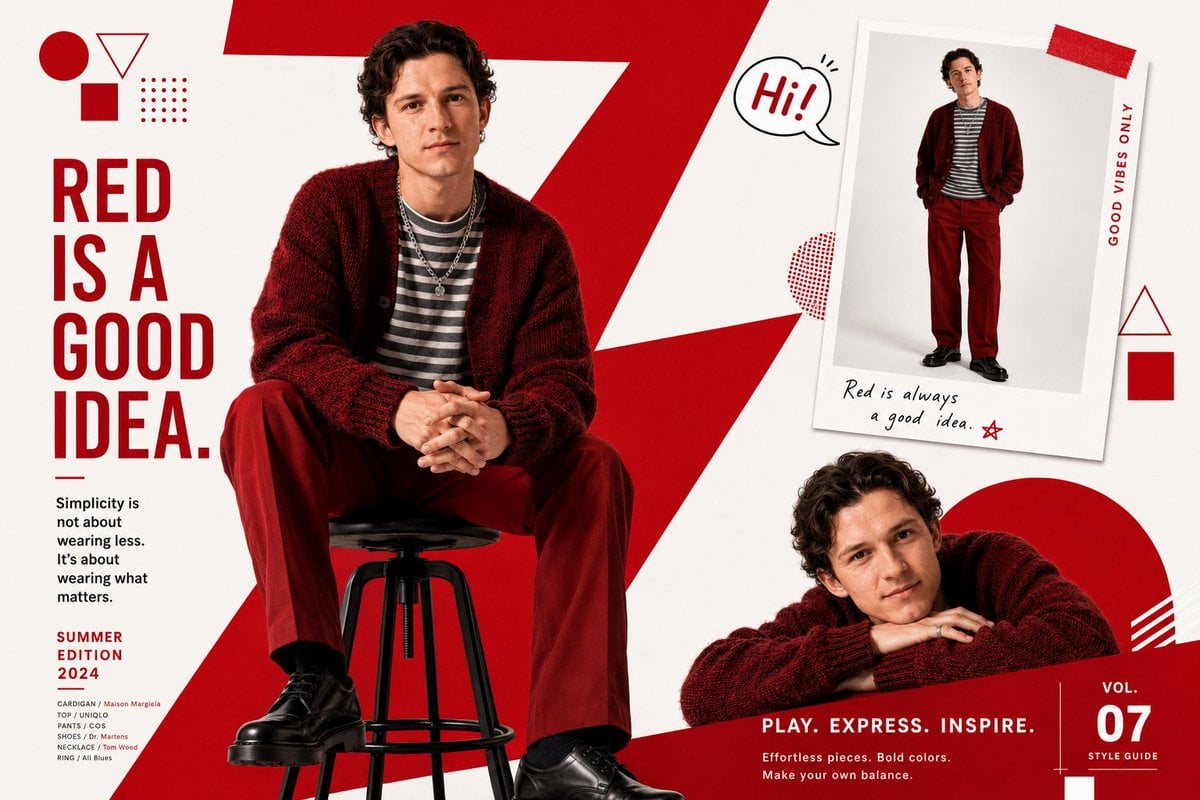
Fashion Magazine Editorial Spread
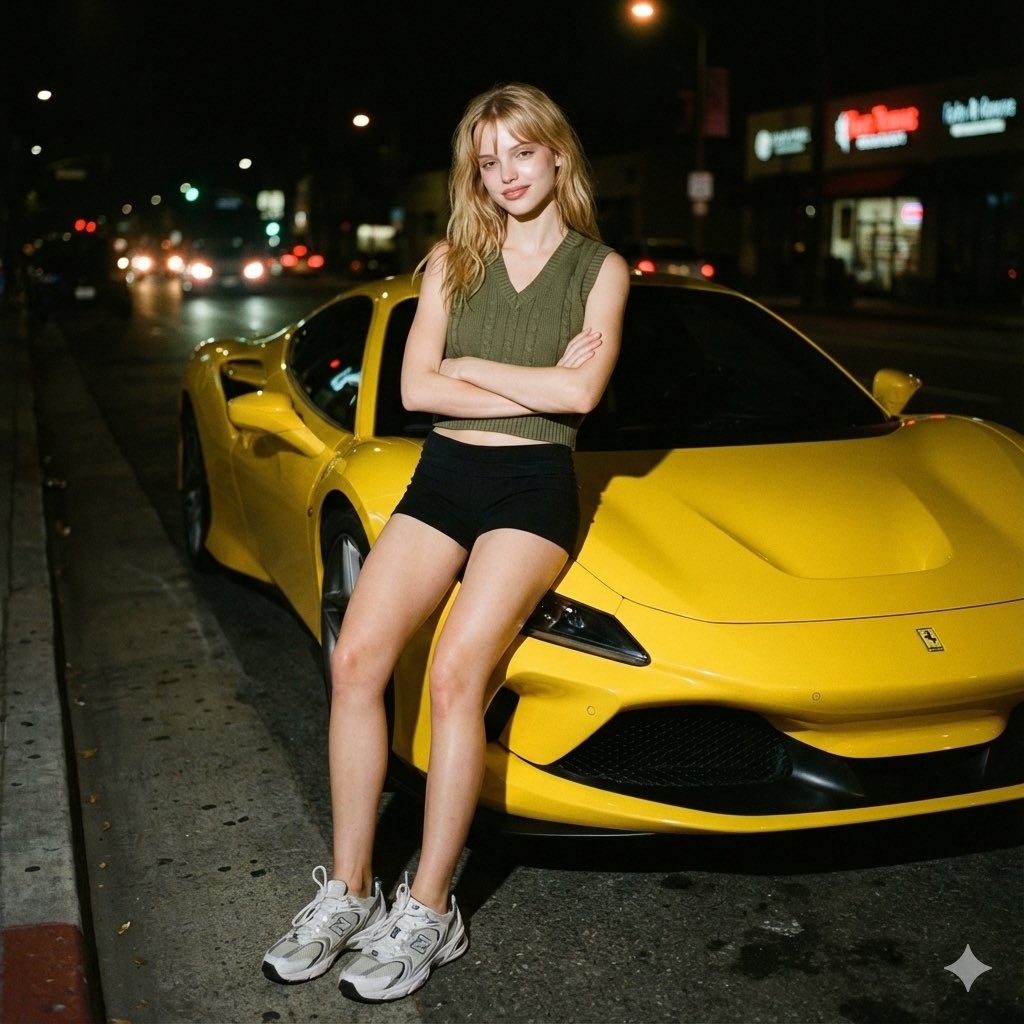
Candid night street portrait with Ferrari prompt
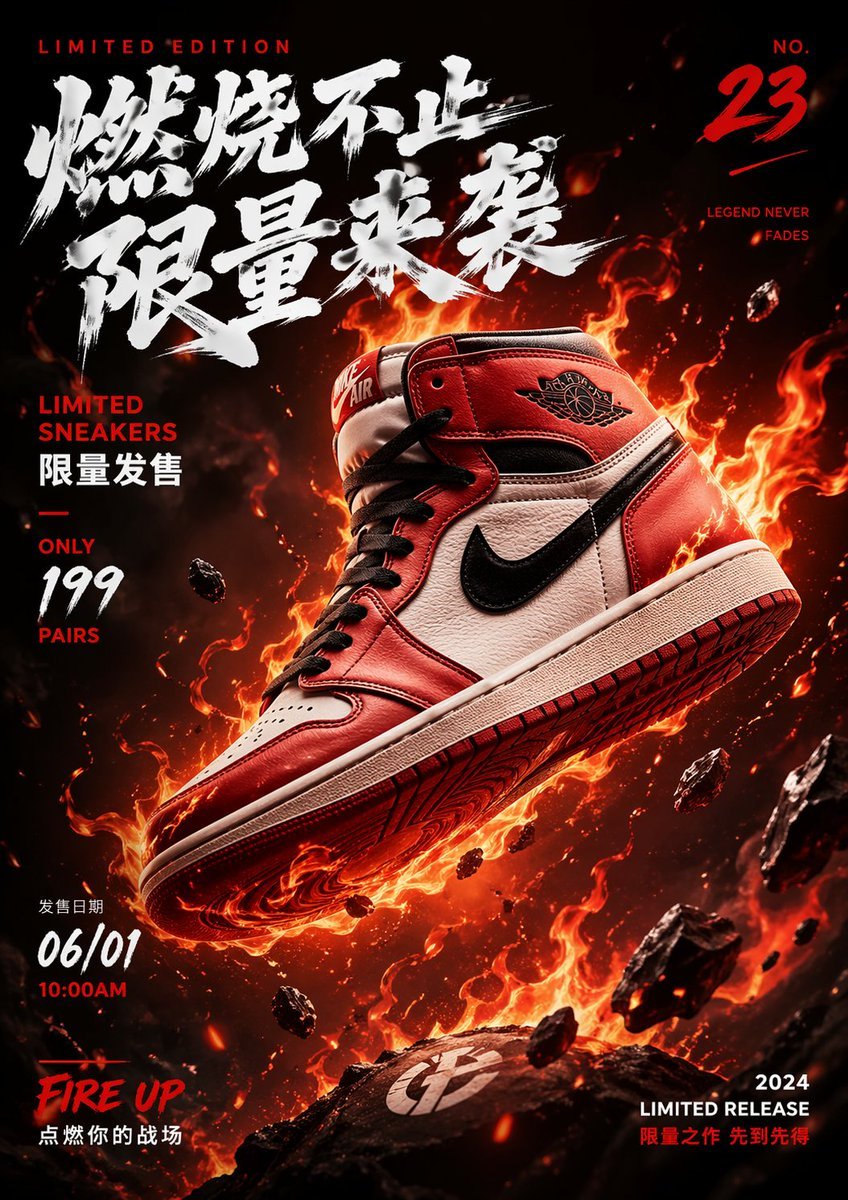
Floating Sneakers Fire Poster
Browse template categories
Surreal Hip-Hop Motion Fashion questions
How do I use the Surreal Hip-Hop Motion Fashion template?
Add your photo if the template asks for one, edit the prompt if you like — the template's model and format are already selected — and press Generate. Your version opens in PicX Studio.
Can I customize the Surreal Hip-Hop Motion Fashion template?
Yes. You can change the subject, setting, lighting, mood, format, and available model controls before creating your image.
Is the Surreal Hip-Hop Motion Fashion template free?
Opening and editing this template is free. Generating uses credits, shown on the Generate button when you are signed in.
Which AI model should I use?
Start with GPT Image 2, which is the model associated with this template. You can compare another compatible model for a different finish.
Looking for something else? Browse all templates.

Your photo, any look
Thousands of ready templates for every top image and video model, from one credit balance.