How do I use the Fashion Studio Portrait Transformation template?
Choose the primary action to open PicX Studio with the available template settings. Review the model and format, personalize the creative direction, and generate when ready.
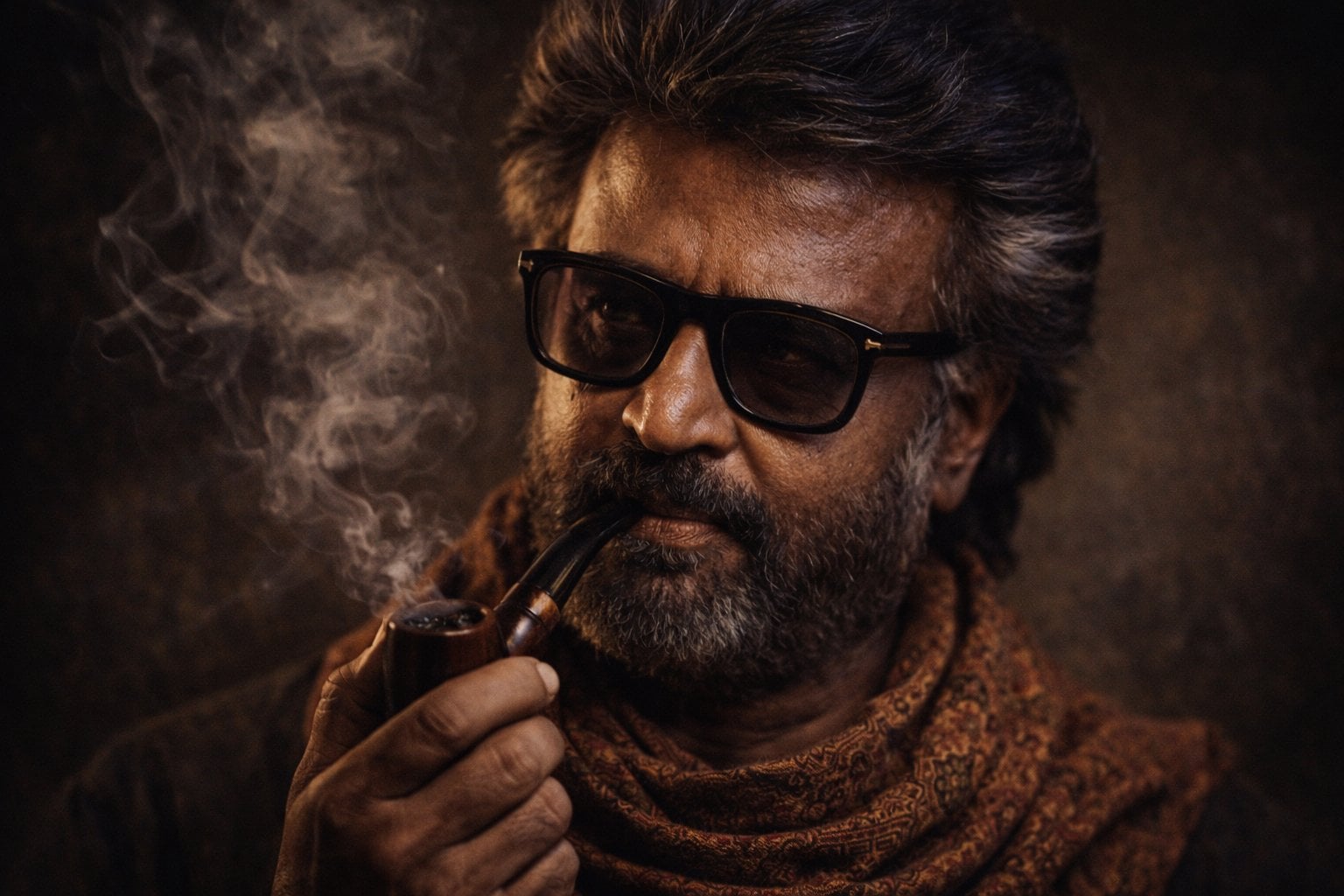
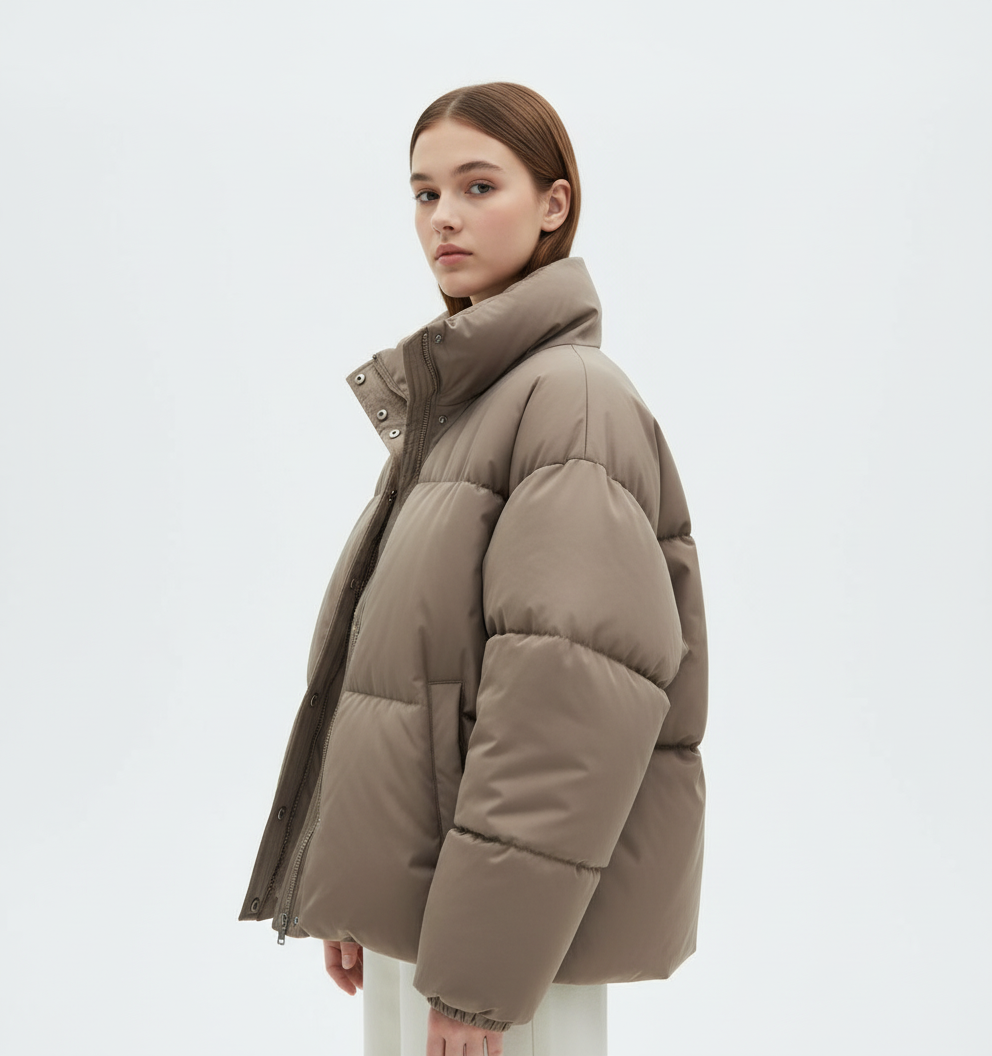
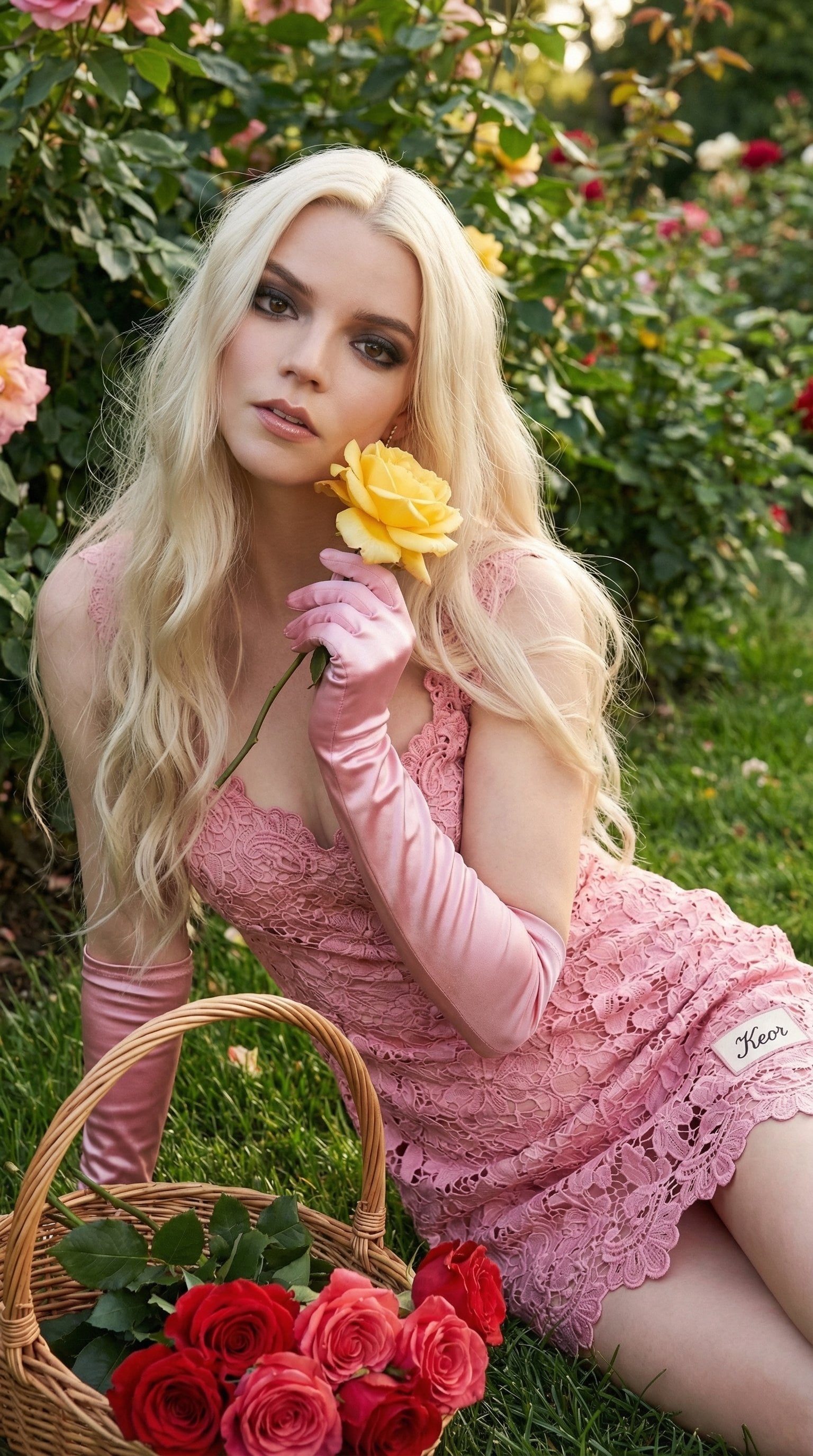
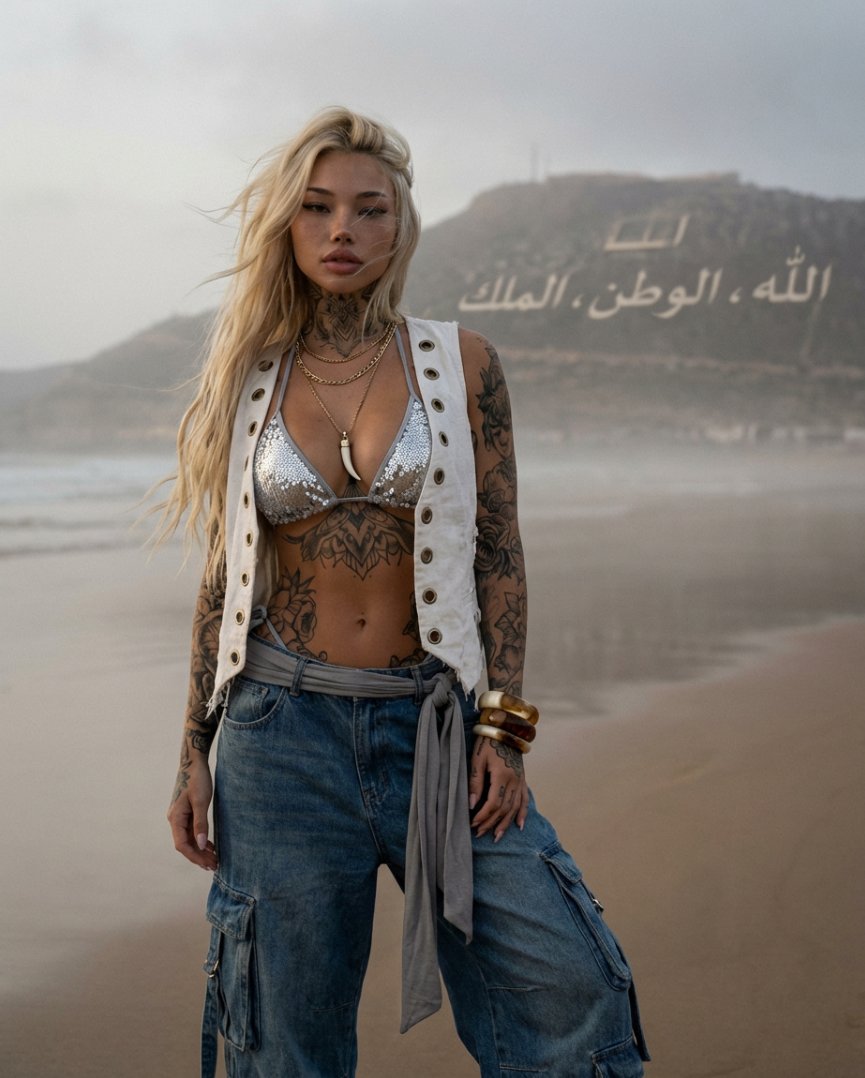
A prompt for transforming an existing photo into a professional fashion studio portrait with editorial lighting and customizable backgrounds.

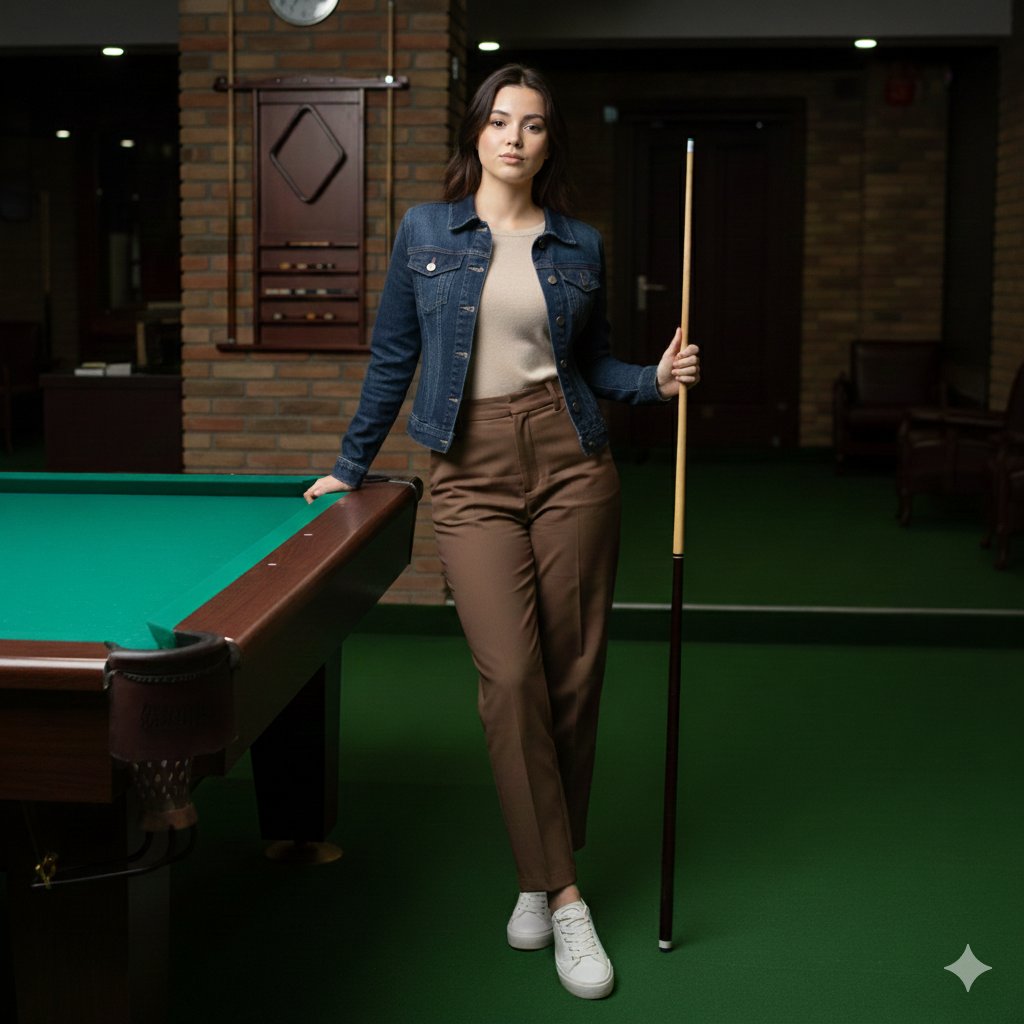
Transform this photo into an elevated fashion studio portrait. Choose a {argument name="background color" default="complementing-color"} background that enhances the subject's skin tone. Keep a {argument name="composition" default="tight head-and-shoulder"} composition with the subject centered and facing the camera straight with an {argument name="expression" default="optimistic"} expression. Apply directional lighting with subtle shadows. Preserve natural skin tones while making the image polished, minimal, and editorial—like a magazine photoshoot.
Choose the primary action to open PicX Studio with the available template settings. Review the model and format, personalize the creative direction, and generate when ready.
Yes. You can change the subject, setting, lighting, mood, format, and available model controls before creating your image.
This template is free to open and customize. Generation usage is shown in PicX Studio before you create.
Start with GPT Image 2, which is the model associated with this template. You can compare another compatible model for a different finish.
Follow a topic to a crawlable collection of related PicX Studio templates.