
Anime Fashion Editorial with Cat
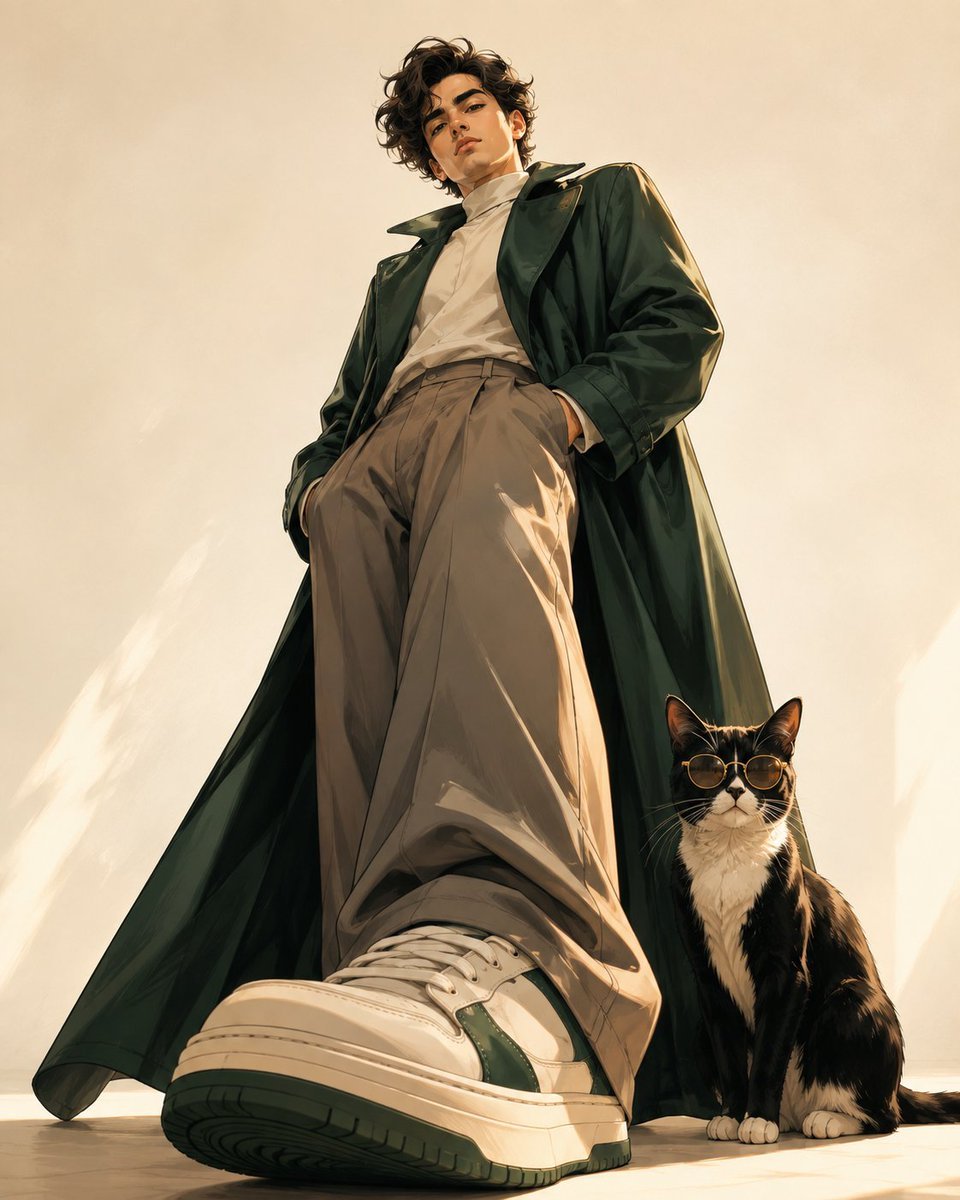
A stylish, low-angle anime-inspired fashion illustration of a man in an emerald coat with a tuxedo cat wearing sunglasses.
- Prompt included
- Model and format preset
- Free template
The prompt behind this image
Copy the exact prompt behind Anime Fashion Editorial with Cat, or open it in the studio and make it yours.
Ultra-detailed cinematic anime-inspired fashion illustration of a {argument name="subject" default="handsome young man in his early 20s"}, captured from an extreme low-angle, near-ground perspective, recreating the dramatic perspective and stylish editorial composition of the reference. He has thick, naturally wavy jet-black hair, slightly tousled and swept back, expressive deep-brown eyes, strong masculine eyebrows, a sharp defined jawline, prominent cheekbones, straight nose, and a confident, relaxed expression as he looks down toward the camera. He wears a sophisticated {argument name="outfit" default="deep emerald-green oversized long coat"} with flowing fabric and subtle satin texture, layered over a soft ivory high-neck shirt, warm taupe wide-leg tailored trousers, and premium cream-and-forest-green chunky sneakers. His hands are casually tucked into his trouser pockets, giving him an effortless, confident masculine presence. The nearest sneaker is dramatically enlarged in the foreground, almost touching the camera, creating strong fisheye-like perspective and cinematic depth. His long coat spreads naturally across the floor, with beautifully rendered folds and soft shadows. Beside him sits a {argument name="companion" default="sleek black-and-white tuxedo cat"} wearing stylish amber-gold sunglasses, calmly looking toward the camera, adding a playful luxury-fashion element. Color palette: emerald green, ivory, warm taupe, cream, subtle gold and deep charcoal accents — completely different from the reference's lavender-gray palette. Background: minimalist warm cream studio environment with a clean seamless floor, soft diffused sunlight, subtle golden ambient glow, delicate shadows, and plenty of negative space. Art style: premium modern anime illustration, semi-realistic handsome male character, sophisticated fashion editorial, painterly digital artwork, highly detailed facial features, realistic fabric texture and folds, elegant linework, cinematic lighting, subtle rim lighting, refined muted luxury colors, polished magazine-cover quality. Composition: full-body portrait, extreme ground-level camera, dramatic foreshortening, oversized foreground sneaker, tall imposing silhouette, cat positioned beside the man's leg, vertical 4:5 composition. Mood: effortlessly handsome, confident, elegant, fashionable, mysterious, youthful, cinematic. Negative prompt: text, watermark, logo, extra limbs, malformed hands, distorted feet, duplicate character, blurry face, poor anatomy, awkward proportions, low detail.
How to use Anime Fashion Editorial with Cat in 3 steps
- 1
Open
The prompt is already in the box next to the preview, with the template's model and format selected.
- 2…a portrait of your subject in softgolden-hour light, 85mm…
Personalize
Edit the subject and creative details for your destination.
- 3Generate
Generate
Press Generate — your image is created in PicX Studio, so you can compare it with the original and refine one variable at a time.
More like this
Templates with the same subject, style or setup. Open one to see its prompt.
Google Gemini Nano Banana Pro
Conceptual Fashion Portrait in Spider We
01 Skincare Split Portrait — Nano Banana 2
24 The Getty Center — California Series
21 Glass Floor Skyscraper — California Series

19 Luxury Helicopter Travel — California Series

08 Rodeo Drive Luxury Exit — California Series
03 Beverly Hills Convertible — California Series
Gpt Image 2 Fashion Portrait

Caution Tape Fashion — Industrial Editorial
Nano Banana - Paris Cafe Editorial

Couture Fashion Editorial Woman and Drag
Make it yours
Anime Fashion Editorial with Cat works as-is. These are the safest ways to change it without losing the look.
Change one field
Copy a single group, rewrite it, and generate again so you can see what that field is doing.
Keep the frame, change the subject
Hold the composition and light of Anime Fashion Editorial with Cat, then swap wardrobe, props or the person for a new take.
| If the result… | Why | Fix |
|---|---|---|
| The result drifts from the preview | Too many fields changed at once. | Reuse Anime Fashion Editorial with Cat as-is first, then change one group — subject, light, or setting. |
| The model over-stylizes the scene | The prose prompt leaves finish and camera underspecified. | Add one camera or lighting sentence and stay on GPT Image 2. |
More GPT Image 2 templates
Other prompts made for GPT Image 2.

Six VTuber Japanese Logo Sheet

Realistic Portrait of Woman and Deer

The Vista Modular Condo Poster

AI Model Routing Comparison Infographic

2.5D Anime Art Board

Isometric Productivity Desk Scene

New York Double Exposure Poster

Four-Panel AI Landscape Comparison

Japanese Tatami Lifestyle Magazine Cover

NESCAFÉ Coffee Map Poster
More image prompts
Fresh picks from across the catalog.
Water Mirror Fantasy Maiden
Fantasy Character Archive Sheet
Wireframe schematic restyle prompt
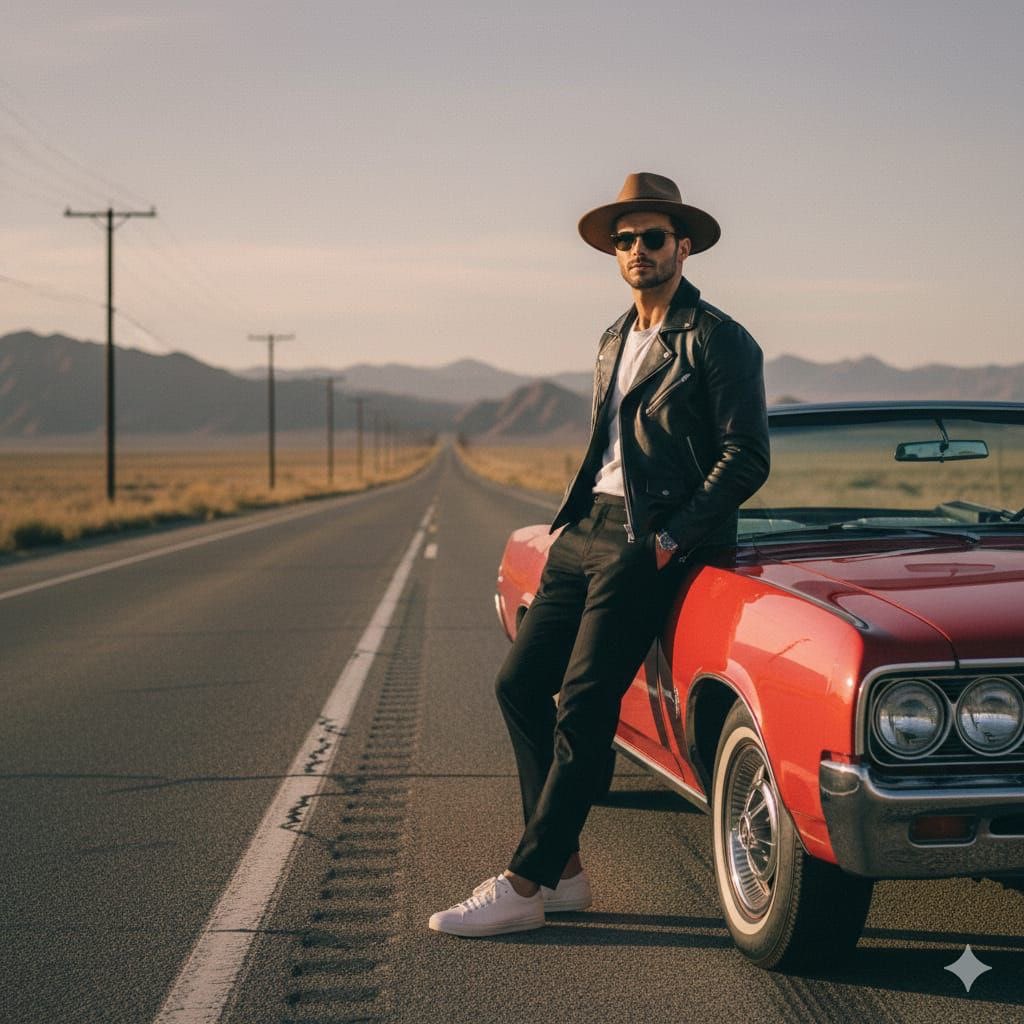
Cinematic Desert Highway Fashion Portrait Prompt
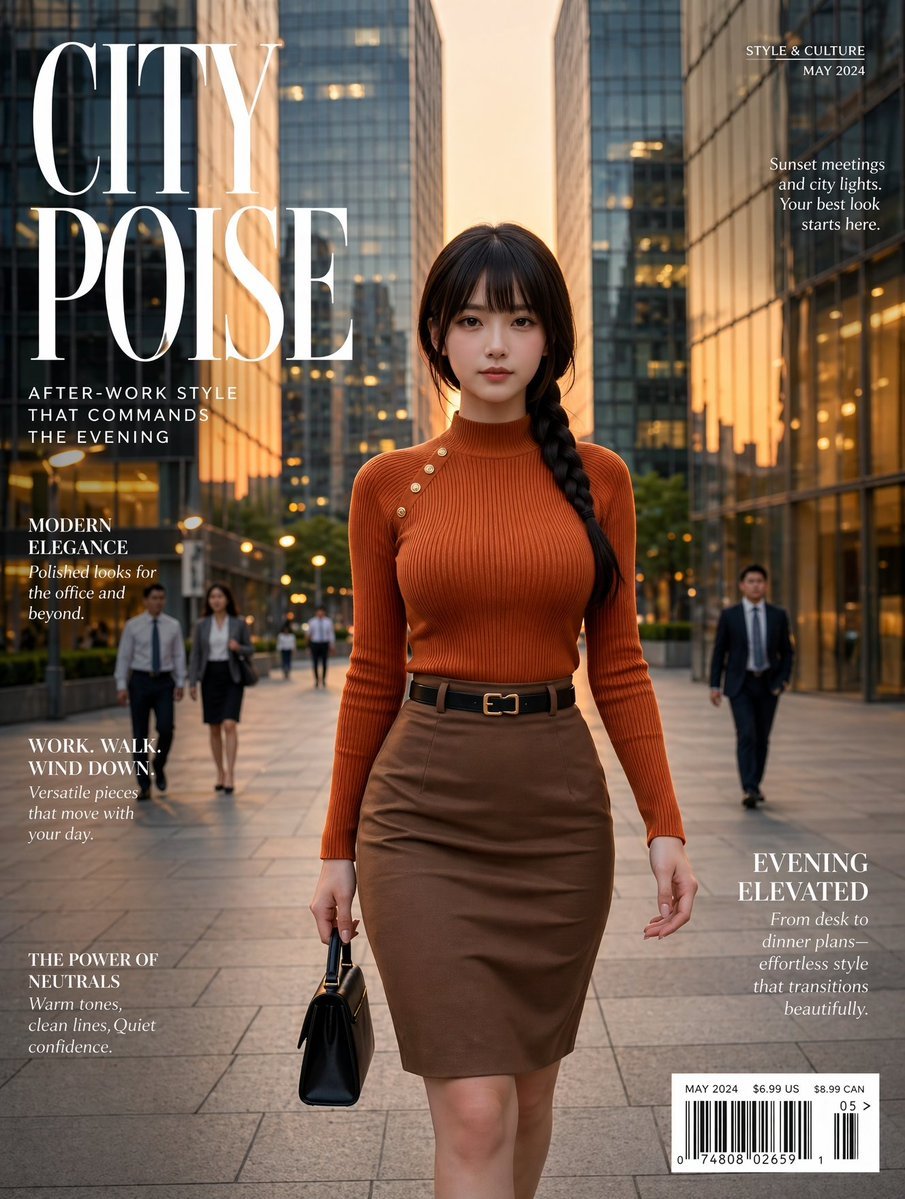
Elegant City Fashion Magazine Cover
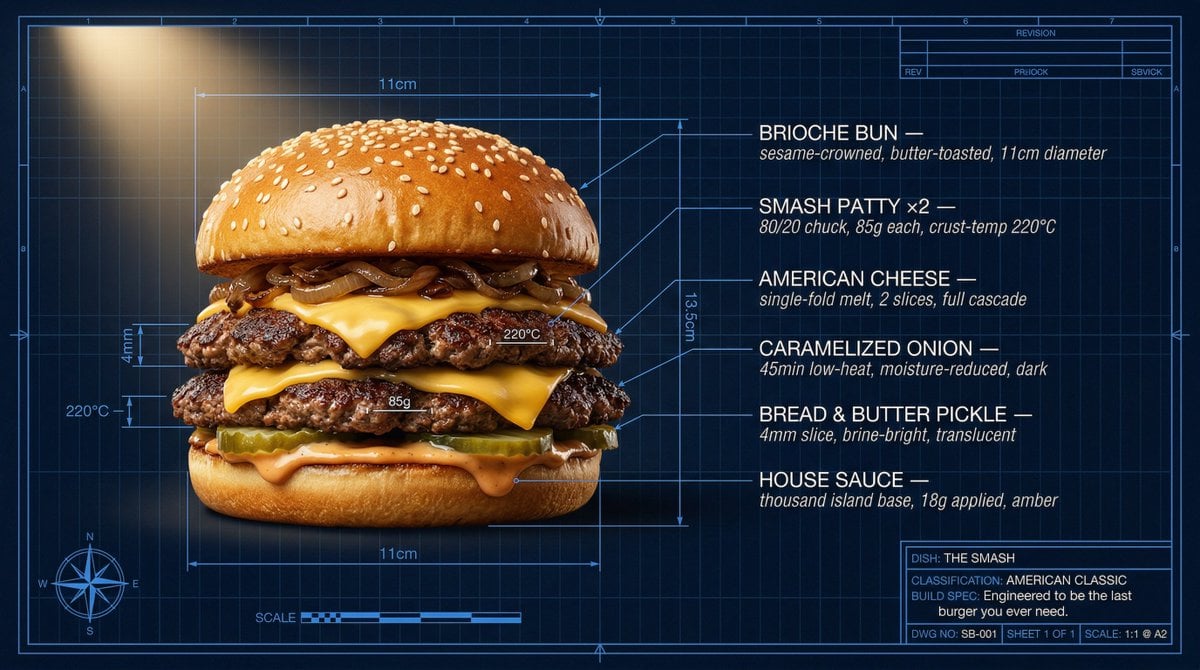
Technical Architectural Blueprint of a Smash Burger
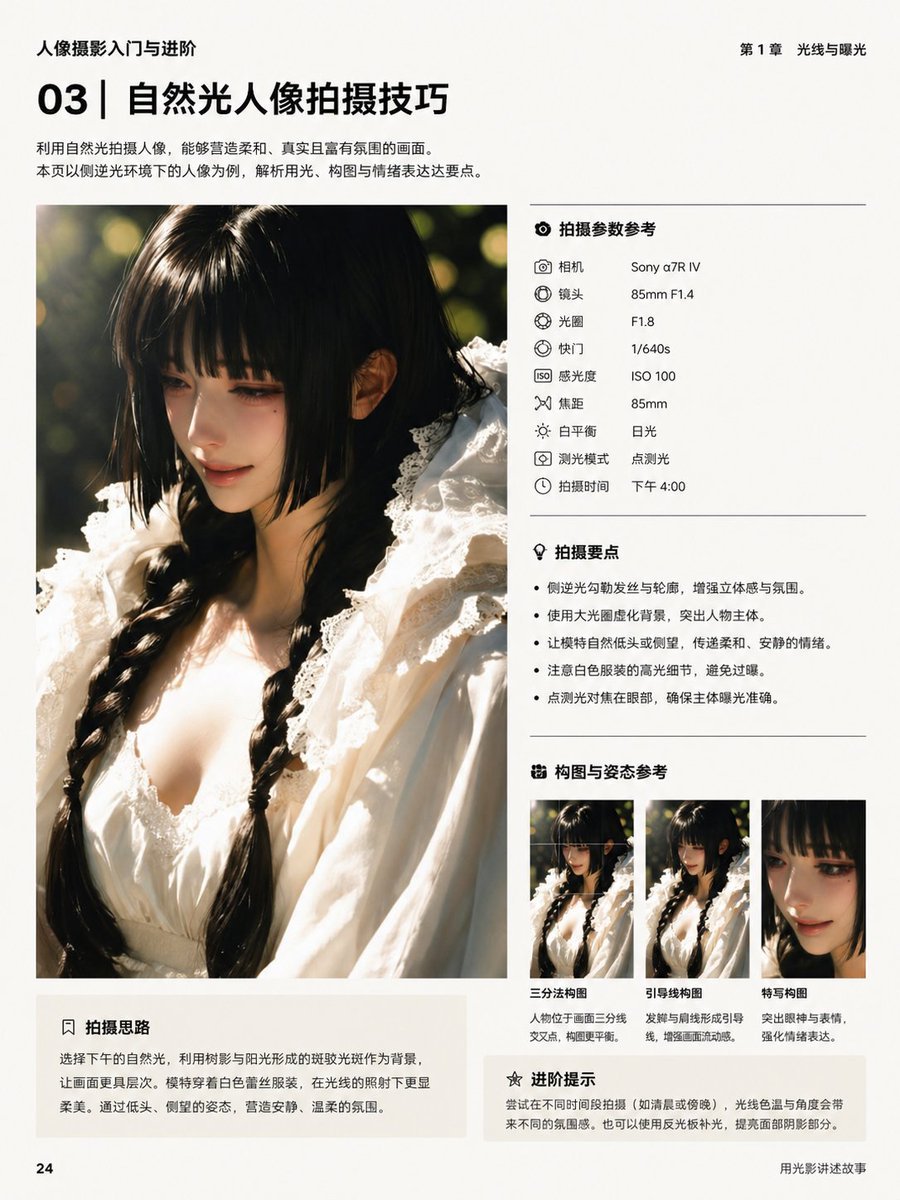
Chinese Photography Book Layout
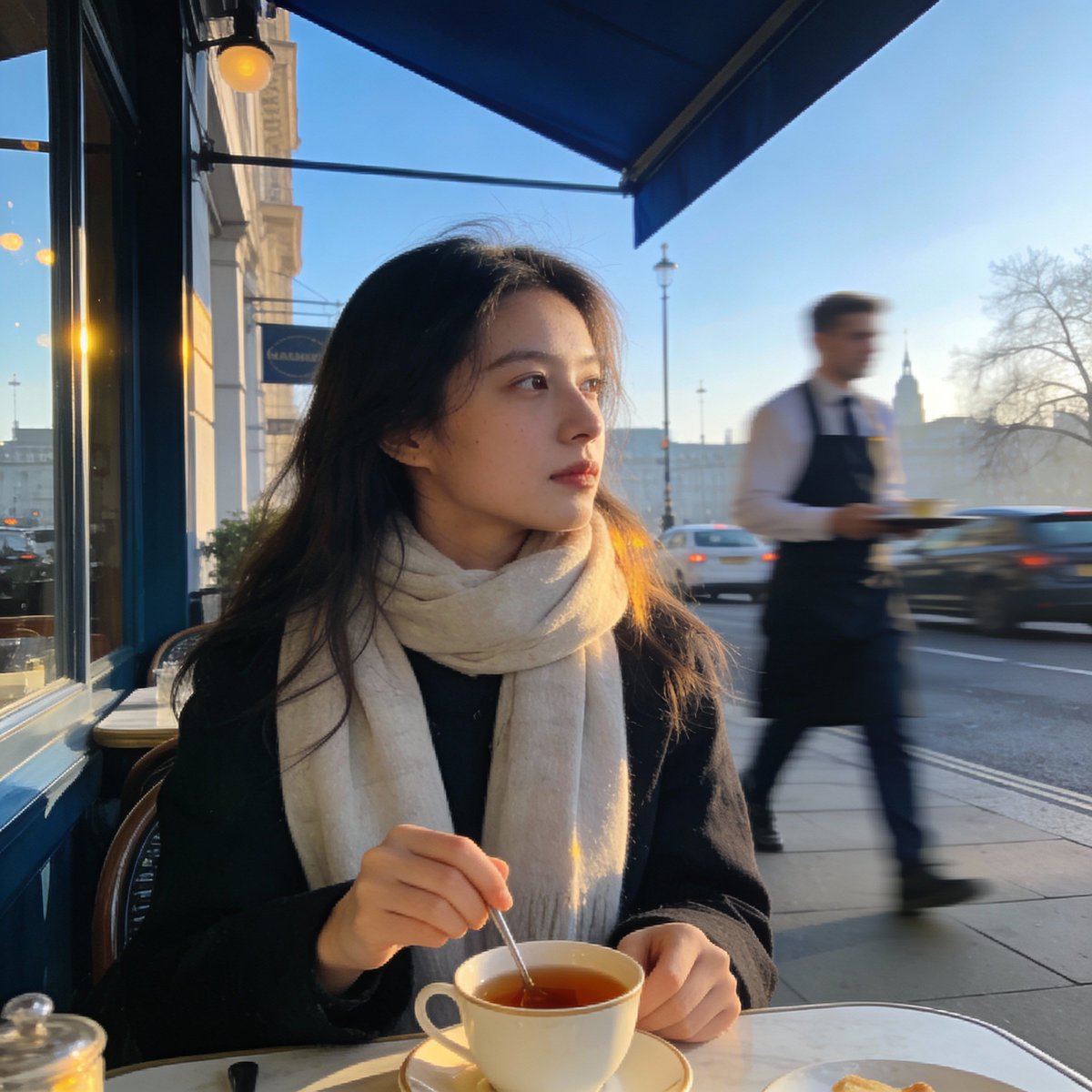
London outdoor restaurant portrait with Nano Banana Pro
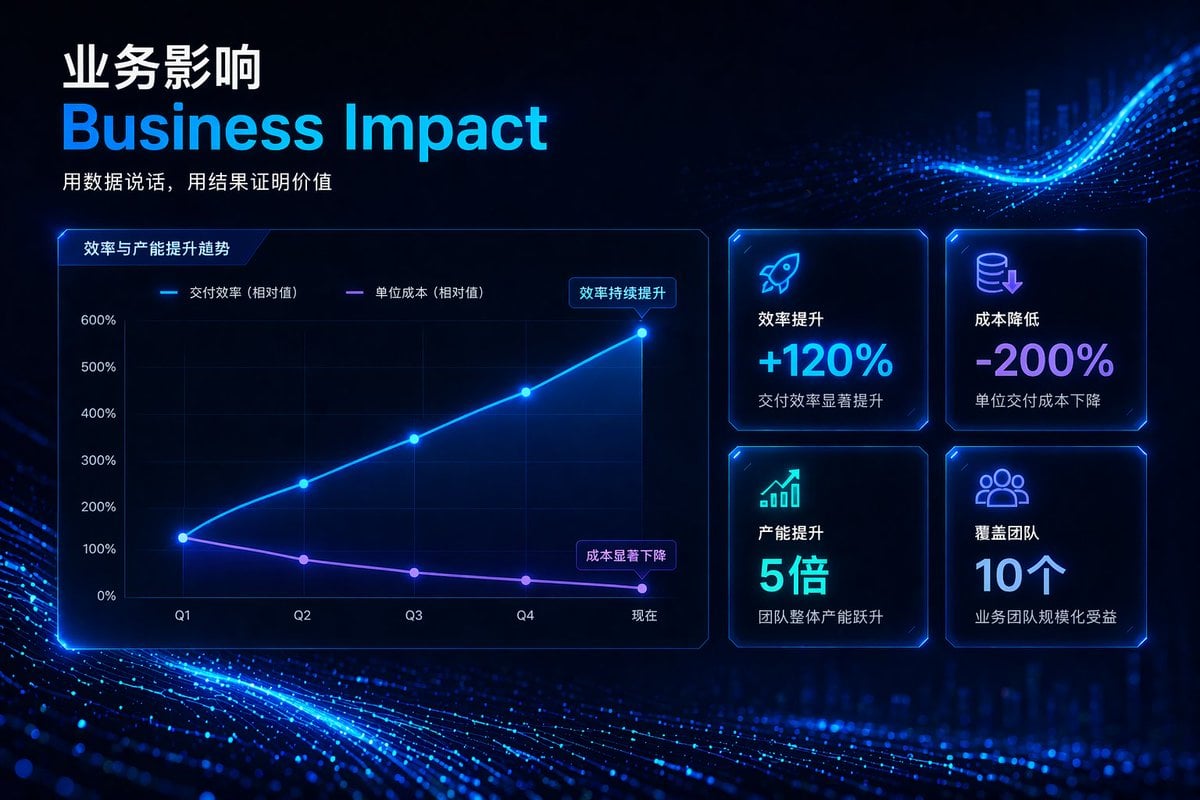
High-Tech Corporate KPI Presentation Slide
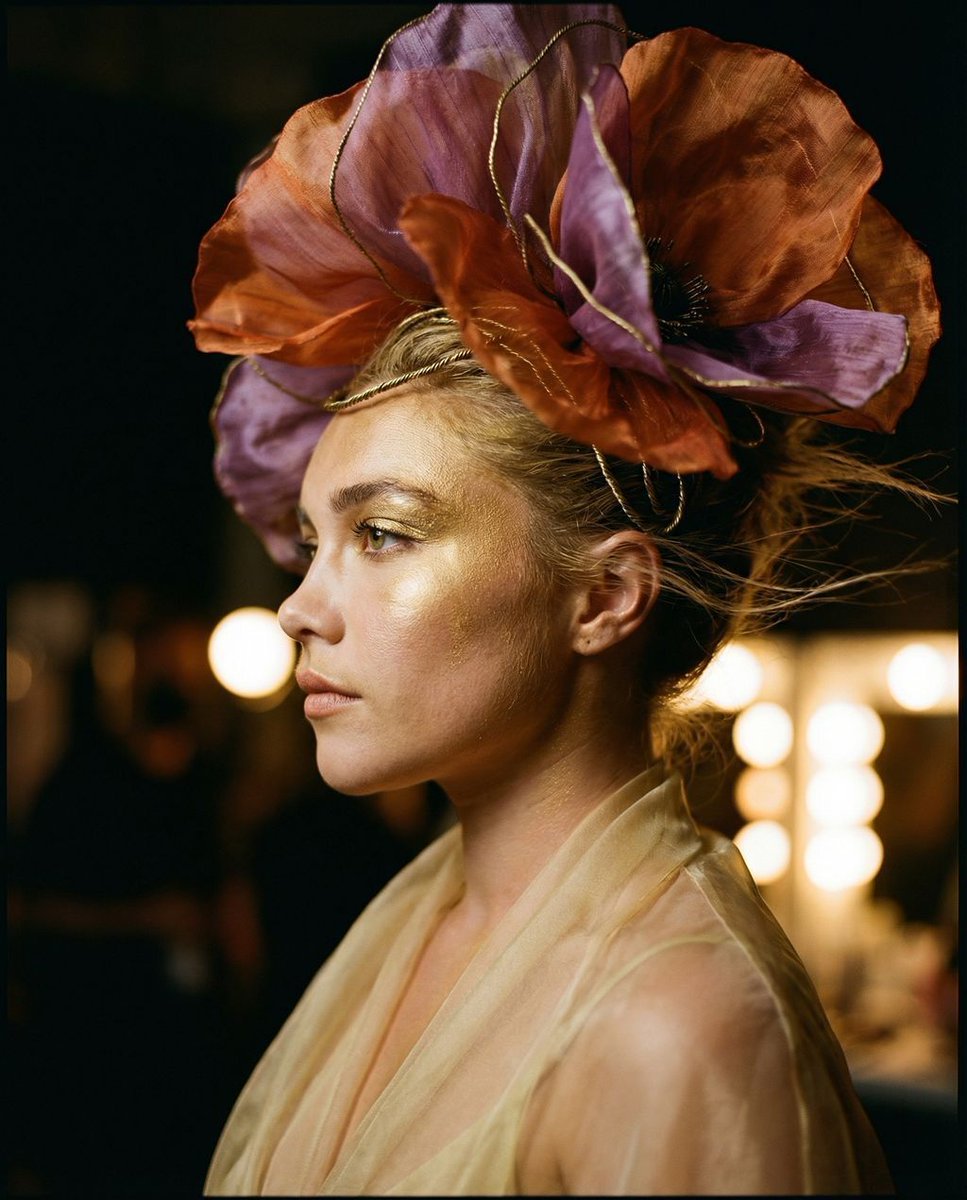
The Gilded Botanical Secret: Avant-Garde Portraiture
Browse template categories
Anime Fashion Editorial with Cat questions
How do I use the Anime Fashion Editorial with Cat template?
Add your photo if the template asks for one, edit the prompt if you like — the template's model and format are already selected — and press Generate. Your version opens in PicX Studio.
Can I customize the Anime Fashion Editorial with Cat template?
Yes. You can change the subject, setting, lighting, mood, format, and available model controls before creating your image.
Is the Anime Fashion Editorial with Cat template free?
Opening and editing this template is free. Generating uses credits, shown on the Generate button when you are signed in.
Which AI model should I use?
Start with GPT Image 2, which is the model associated with this template. You can compare another compatible model for a different finish.
Looking for something else? Browse all templates.

Your photo, any look
Thousands of ready templates for every top image and video model, from one credit balance.