How do I use the Golden Hour Car Selfie template?
Choose the primary action to open PicX Studio with the available template settings. Review the model and format, personalize the creative direction, and generate when ready.
An extremely detailed prompt for a realistic candid selfie of a woman in a car during golden hour, focused on skin and hair textures.

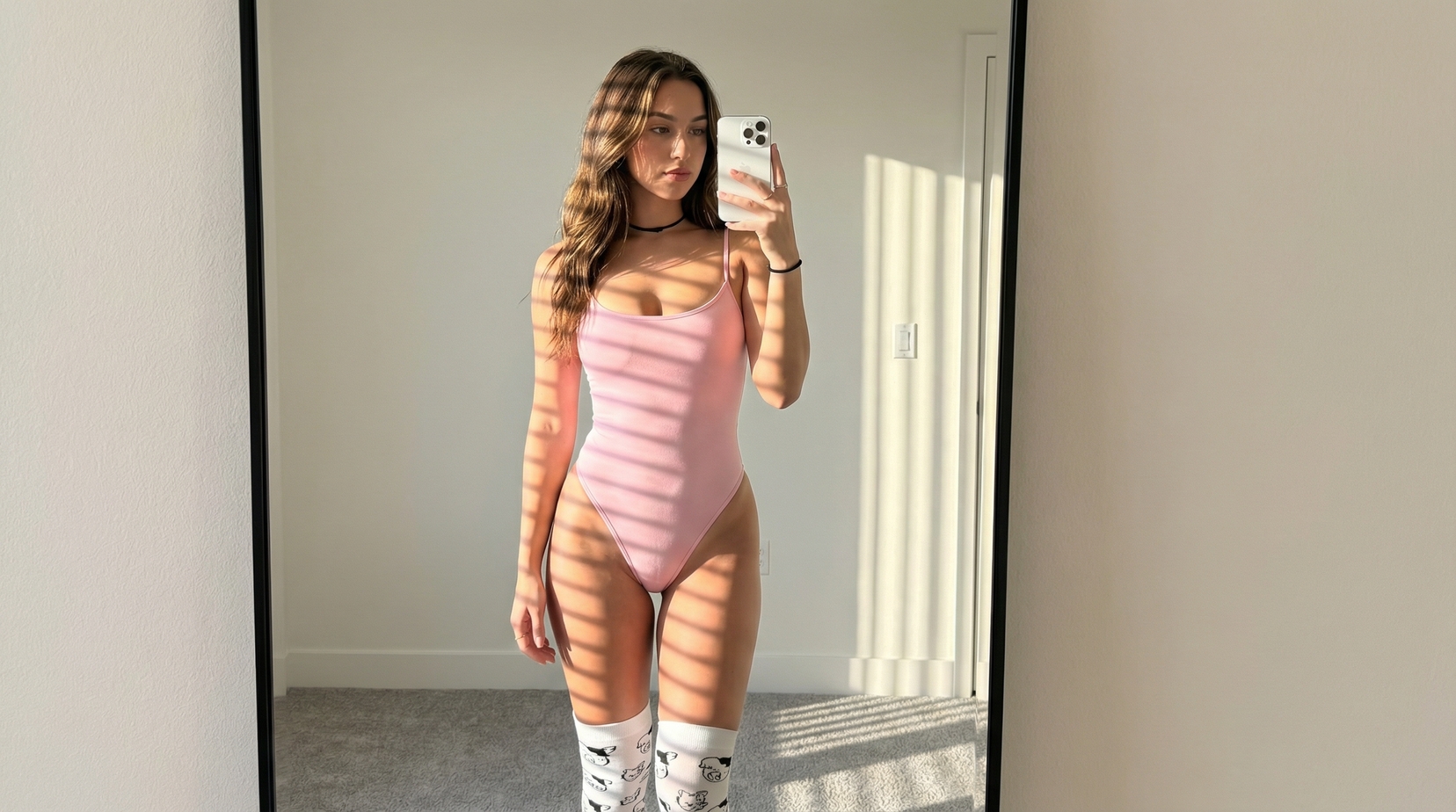
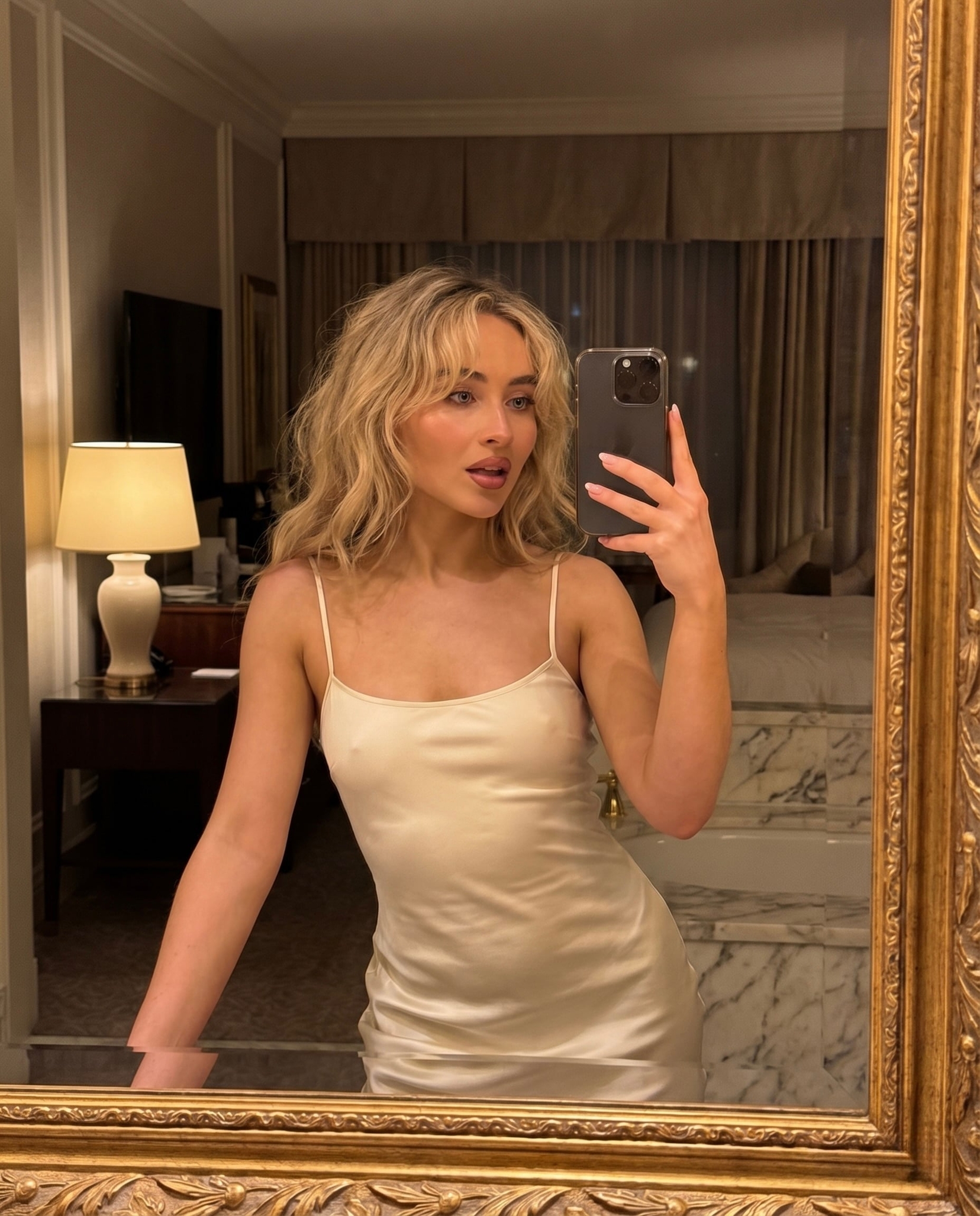
Ultra-realistic, highly detailed candid selfie portrait of a {argument name="subject" default="beautiful young adult woman"} sitting inside a {argument name="vehicle" default="modern car"}, photographed from a close arm’s-length angle. She has glossy {argument name="hair color" default="auburn-red"} hair with soft wispy bangs and naturally tousled strands catching the warm sunlight. She wears elegant thin gold-rimmed oversized glasses that frame her expressive eyes, with realistic reflections on the lenses. She has delicate facial features, natural smooth skin texture, subtle rosy cheeks, soft pink lips, and a bright genuine smile. She is wearing a vibrant red floral summer dress with delicate white flower patterns. The interior of the car is visible around her, with premium black leather seats. Through the window, lush green foliage appears softly blurred. Warm golden-hour sunlight illuminates her hair and face. Composition: intimate close-up selfie, slightly tilted camera angle, face as the primary focal point, natural candid framing, authentic social-media aesthetic, shallow depth of field, creamy background bokeh. Photography style: ultra-photorealistic, natural skin pores, realistic hair strands, premium smartphone-camera quality, editorial lifestyle photography, 8K detail.
Choose the primary action to open PicX Studio with the available template settings. Review the model and format, personalize the creative direction, and generate when ready.
Yes. You can change the subject, setting, lighting, mood, format, and available model controls before creating your image.
This template is free to open and customize. Generation usage is shown in PicX Studio before you create.
Start with GPT Image 2, which is the model associated with this template. You can compare another compatible model for a different finish.
Follow a topic to a crawlable collection of related PicX Studio templates.