
Candid Motion Blur Portrait
An advanced prompt focusing on motion blur and realistic movement for candid photography, maintaining subject identity from a reference image.
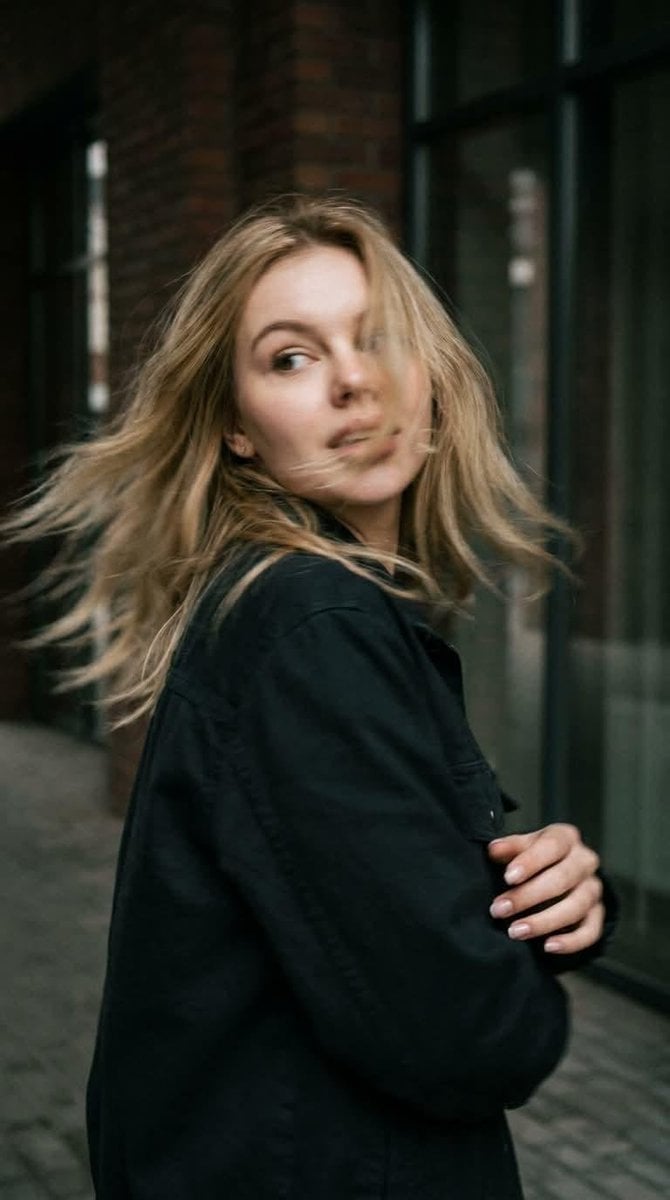
- Prompt included
- Model and format preset
- Free template
The prompt behind this image
Copy the exact prompt behind Candid Motion Blur Portrait, or open it in the studio and make it yours.
Preserve the subject’s identity and appearance with maximum accuracy. Do not change or reinterpret her facial features, facial proportions, eye shape, nose, lips, jawline, bone structure, skin texture, hair color, hair length, hair density, or natural hair texture. Maintain a highly faithful resemblance to the reference image throughout the scene. Create a photorealistic candid photograph captured in the middle of natural movement. Use a close-up, waist-up composition. The woman is standing with her back partially toward the camera at the exact moment she quickly turns her head over her shoulder. Her gaze is directed naturally toward something off to the side, as if she has just noticed something behind her. Her expression should feel spontaneous and authentic, not posed or intentionally modeled for the camera. Natural Motion & Sharpness The sudden head movement creates realistic, subtle motion blur. Apply gentle blur across the moving face, hair, and individual curls, with slightly softened silhouette edges caused by the speed of the movement. Keep the face sufficiently recognizable and preserve the subject’s defining facial characteristics. Her curls naturally sweep outward with the movement, creating a believable dynamic trail. The motion should feel like a genuine photograph captured by a real camera with a slightly slower shutter speed—not an artificial blur effect. Body Language & Composition Maintain a relaxed, natural posture with subtle asymmetry. The shoulders, neck, and upper body should show believable movement caused by the quick head turn. Avoid fashion-model posing, exaggerated gestures, or stiff studio positioning. Lighting & Environment Use cinematic directional lighting with soft, realistic shadows and atmospheric depth. Place the subject in a textured, believable environment with natural visual details. Preserve realistic skin with visible pores, fine texture, and subtle natural imperfections rather than overly smooth or plastic-looking skin. Camera & Film Aesthetic Make the image feel as though it was captured on a real 35mm film camera. Include pronounced but natural film grain, subtle optical imperfections, gentle lens characteristics, realistic depth of field, and authentic photographic texture. Use a muted, low-saturation cinematic color palette with natural tones and restrained contrast. The final image should look like a genuine candid photograph taken in real life—organic, imperfect, cinematic, and completely photorealistic.
How to use Candid Motion Blur Portrait in 3 steps
- 1Upload ImagePNG, JPG or paste
Add your photo
Upload the photo the template builds on. The prompt, model and format are already set.
- 2…a portrait of your subject in softgolden-hour light, 85mm…
Personalize
Edit the subject and creative details for your destination.
- 3Generate
Generate
Press Generate — your image is created in PicX Studio, so you can compare it with the original and refine one variable at a time.
More like this
Templates with the same subject, style or setup. Open one to see its prompt.
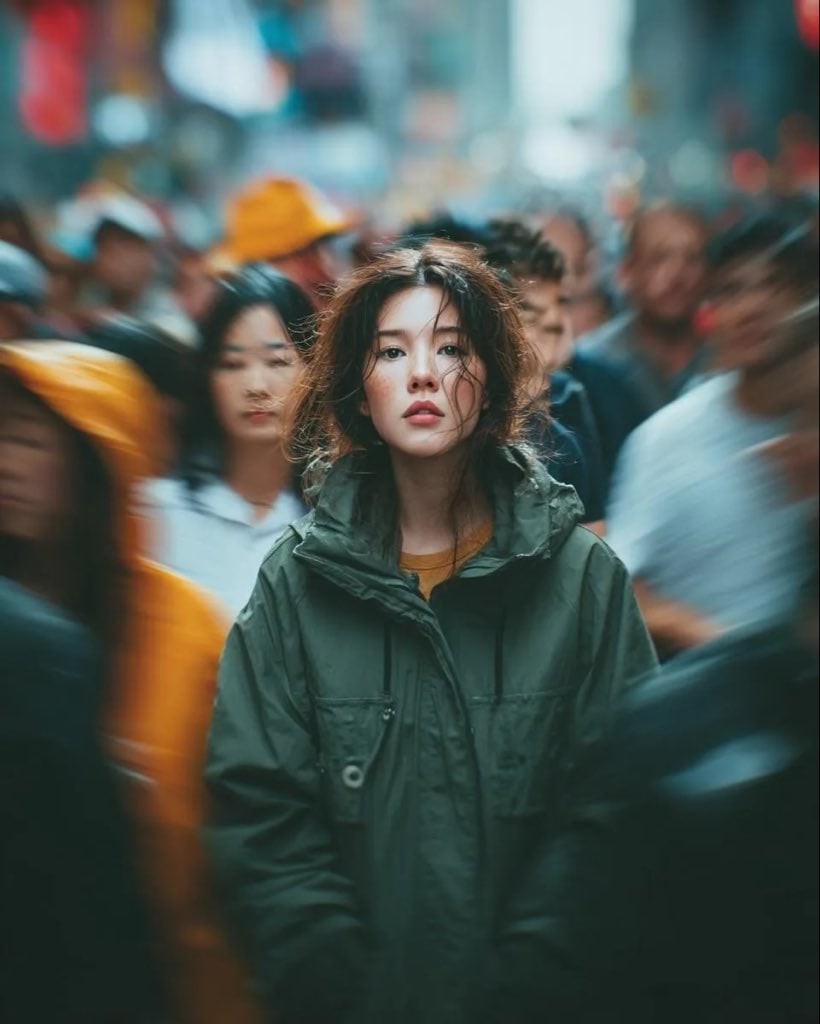
Candid Paparazzi Street Portrait with Motion Blur
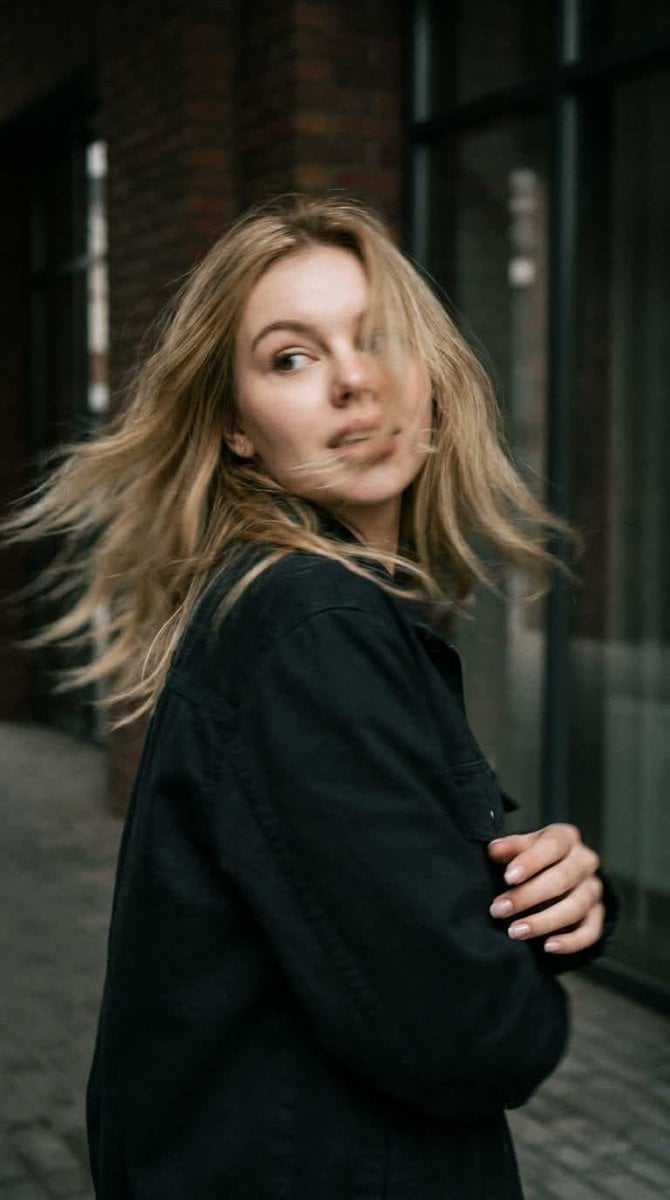
Candid Motion Blur Head Turn
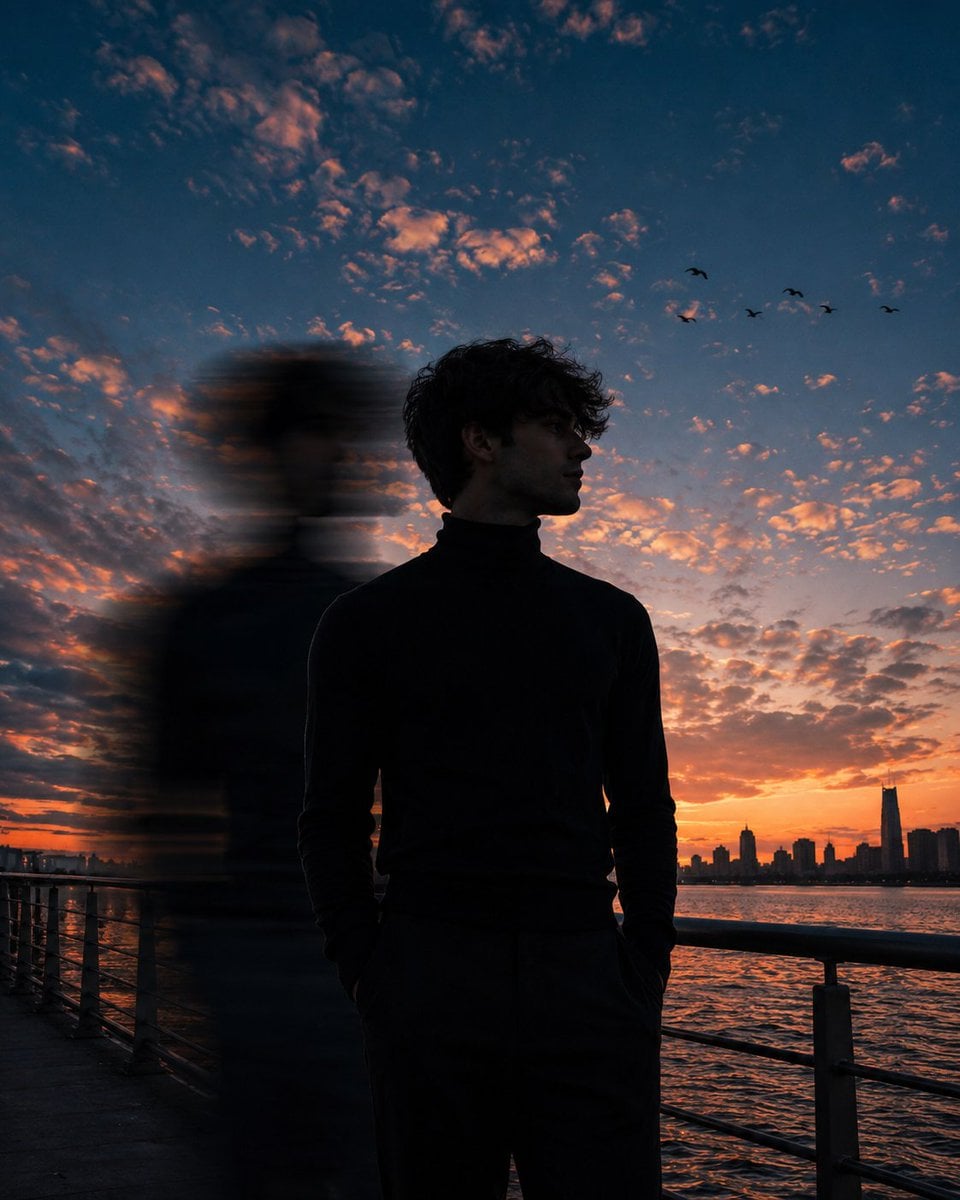
Motion Blur Sunset Portrait
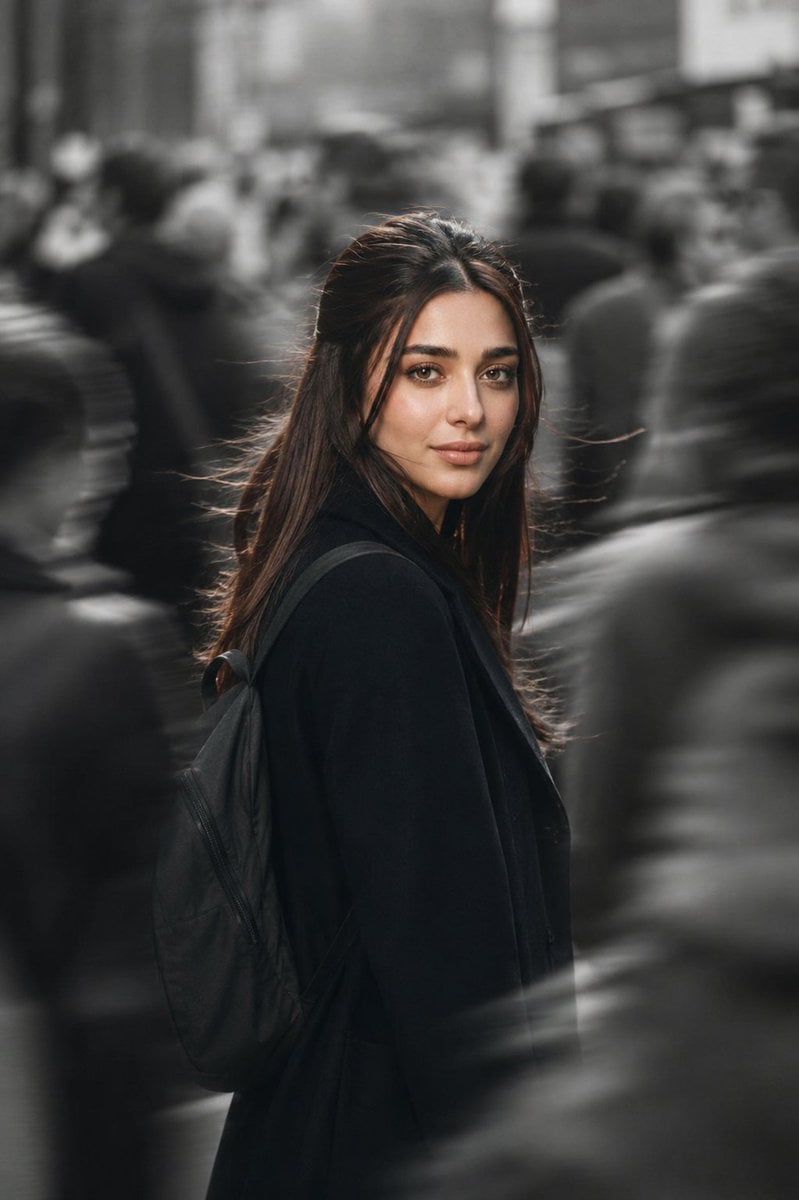
Cinematic City Motion Blur Portrait
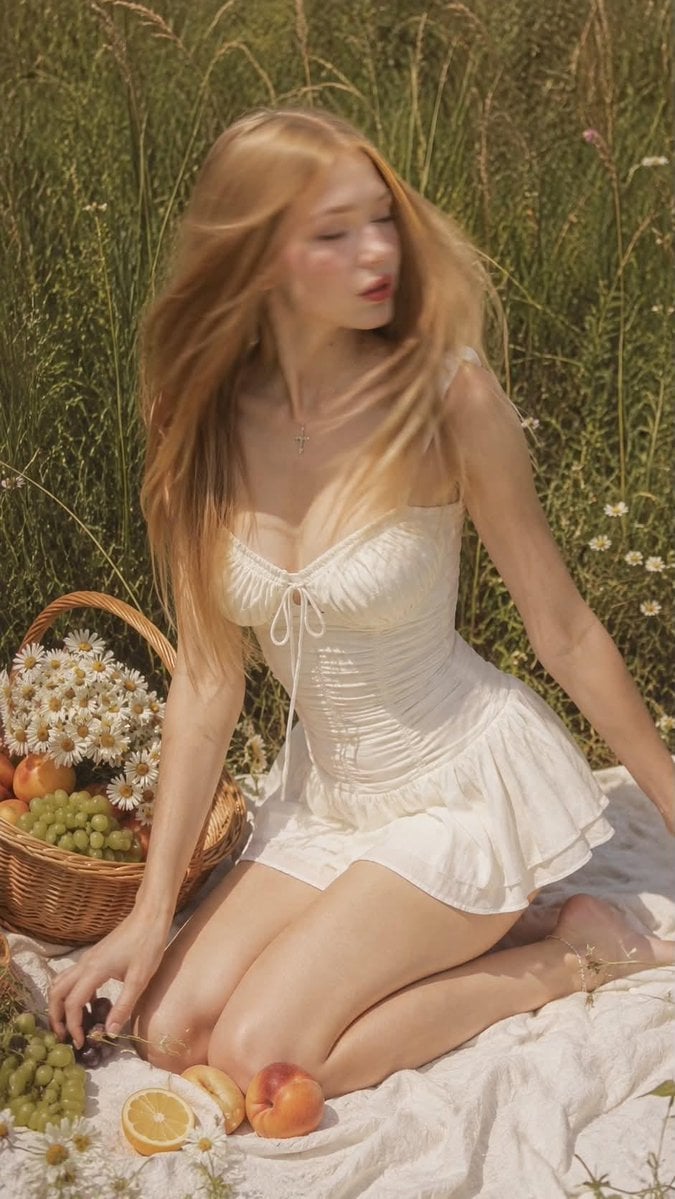
Ultra Realistic Motion Blur Portrait
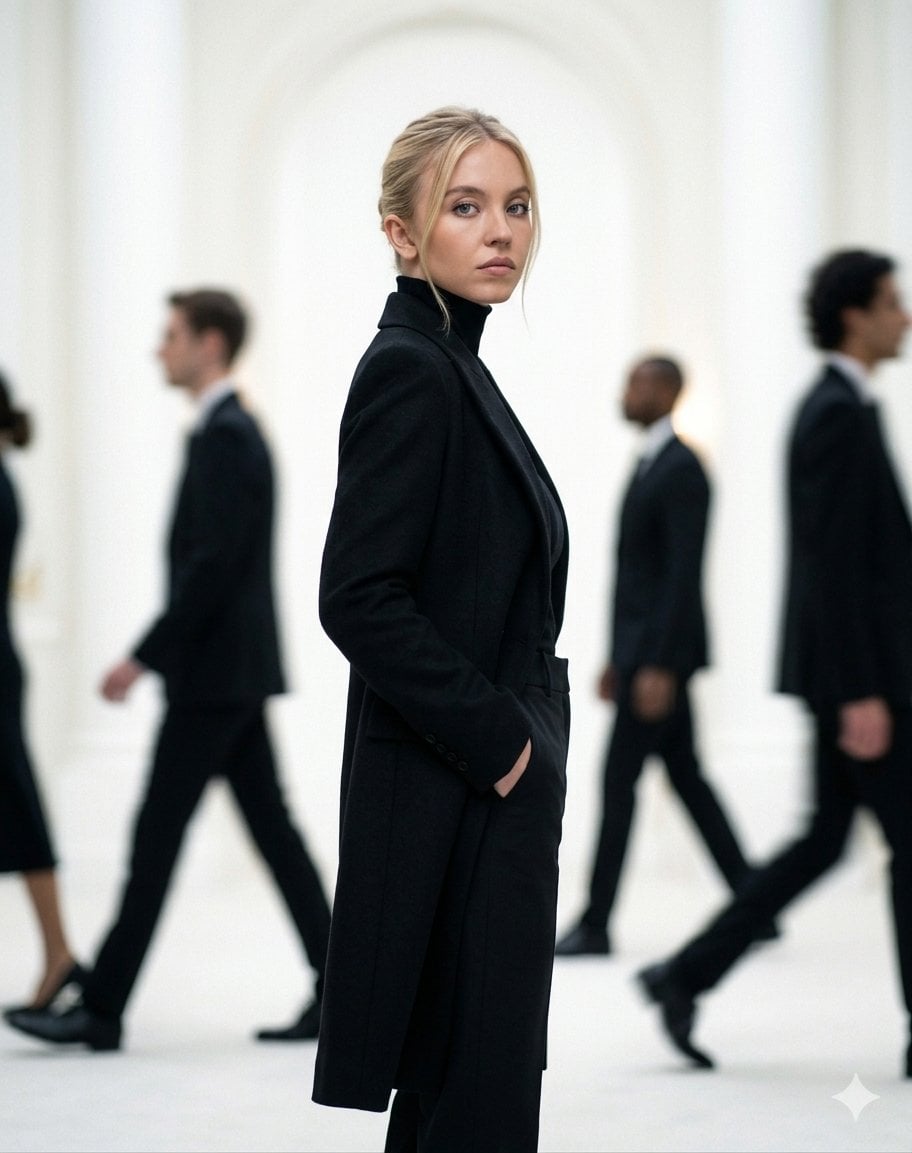
Cinematic Motion Blur Fashion Portrait
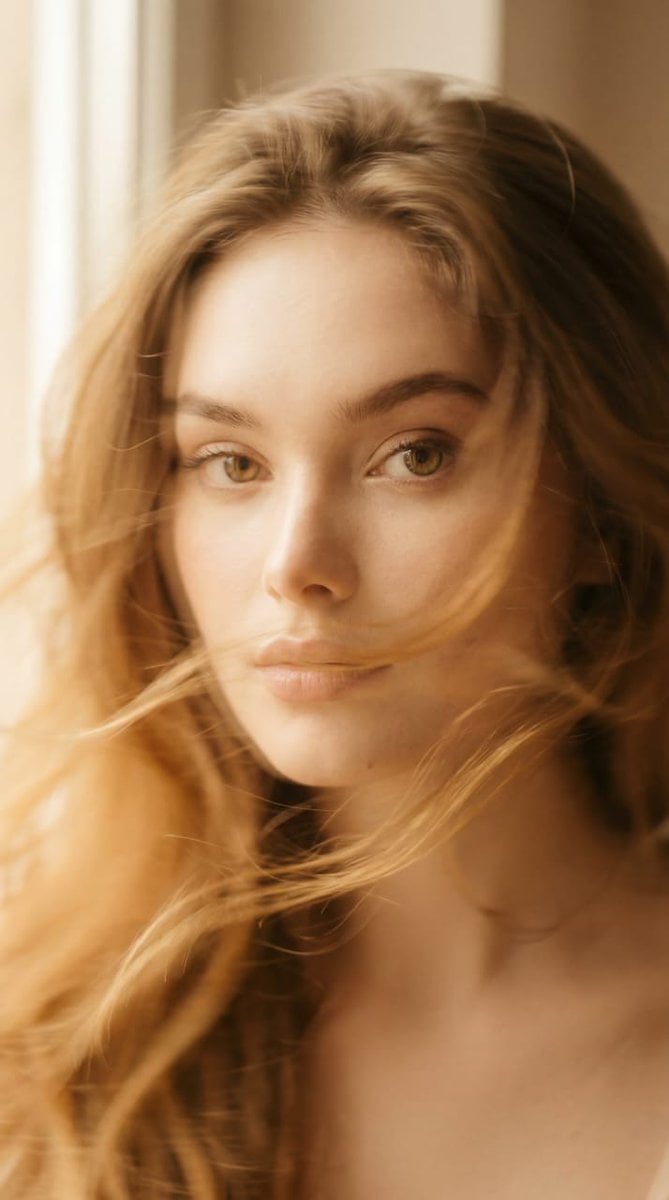
Ethereal Motion Blur Portrait
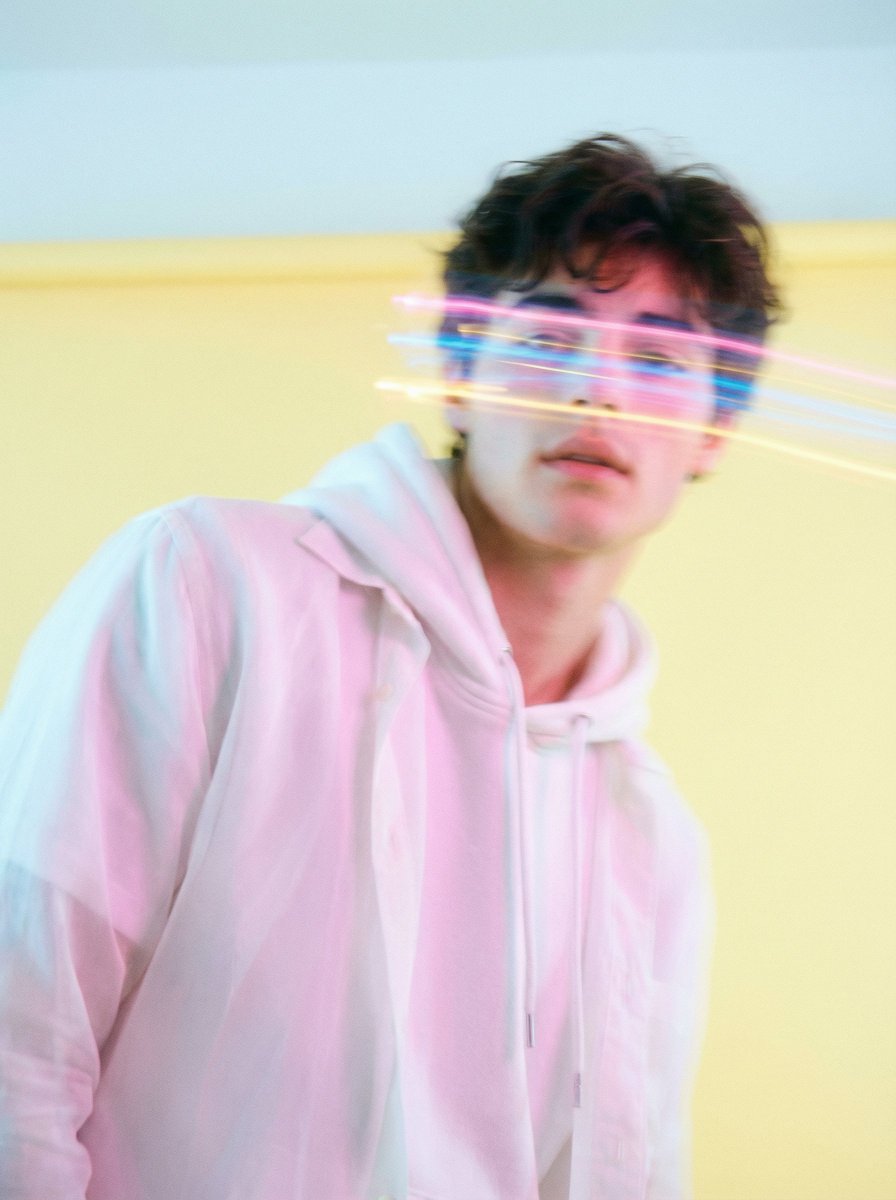
Richard Avedon Style Motion Blur Portrait
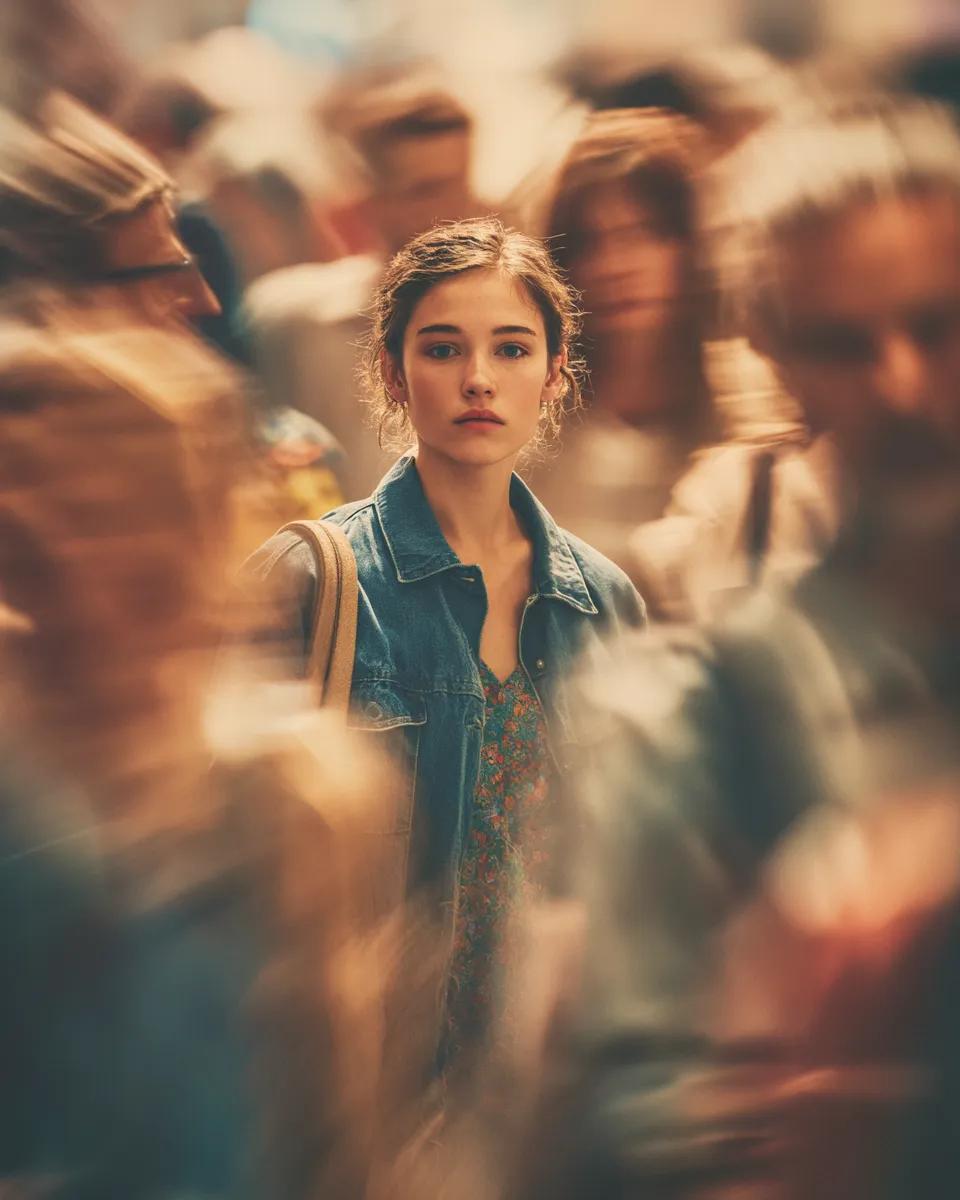
Cinematic Portrait with Motion Blur Crowd
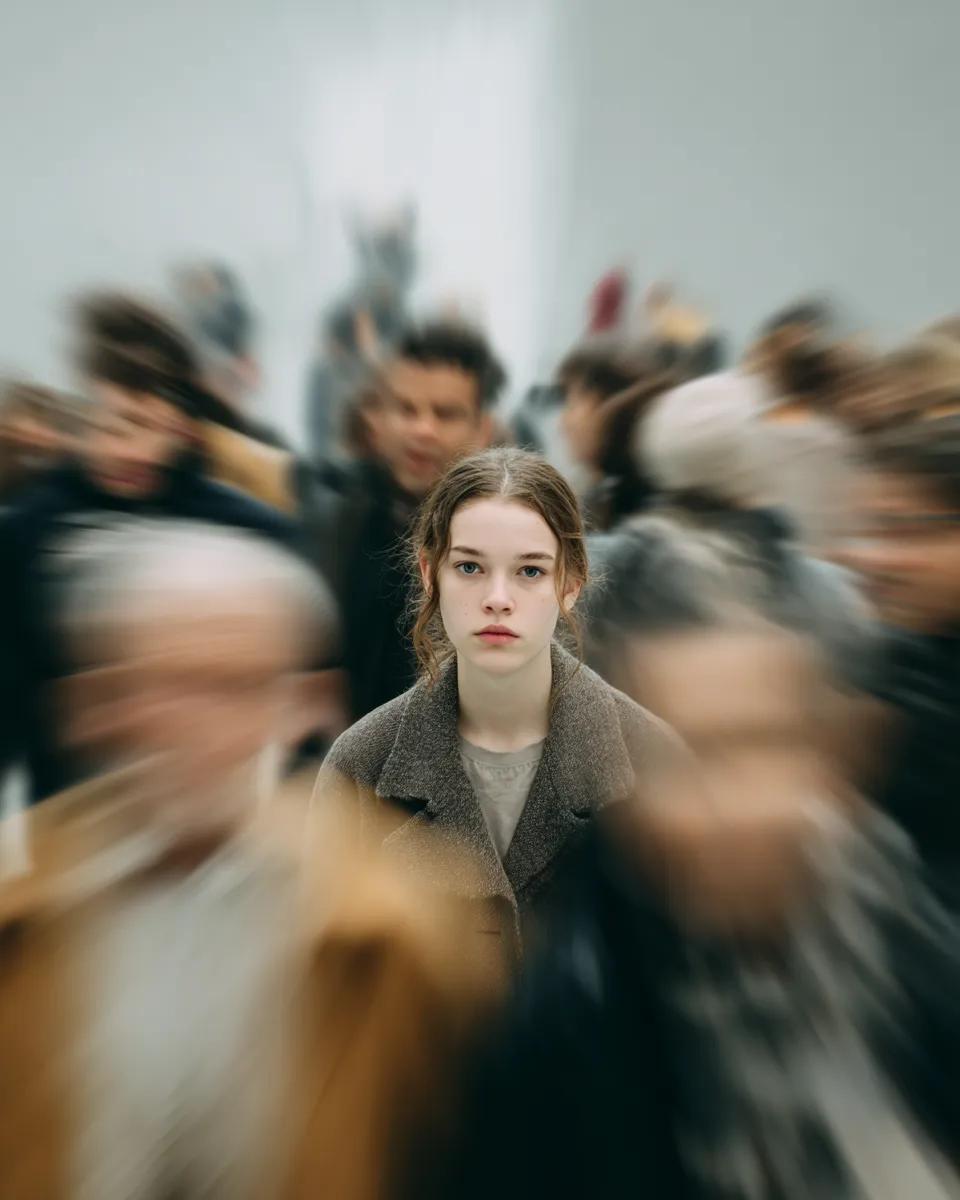
Cinematic Portrait with Radial Motion Blur
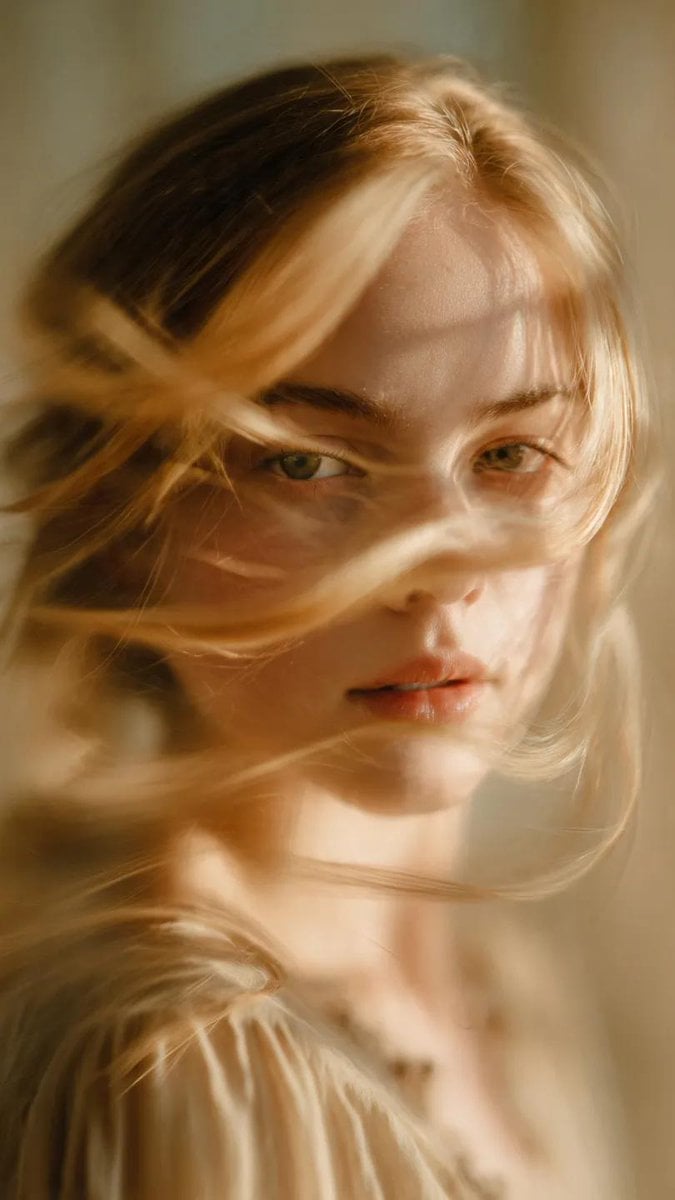
Soft-Focus Ethereal Portrait with Motion Blur
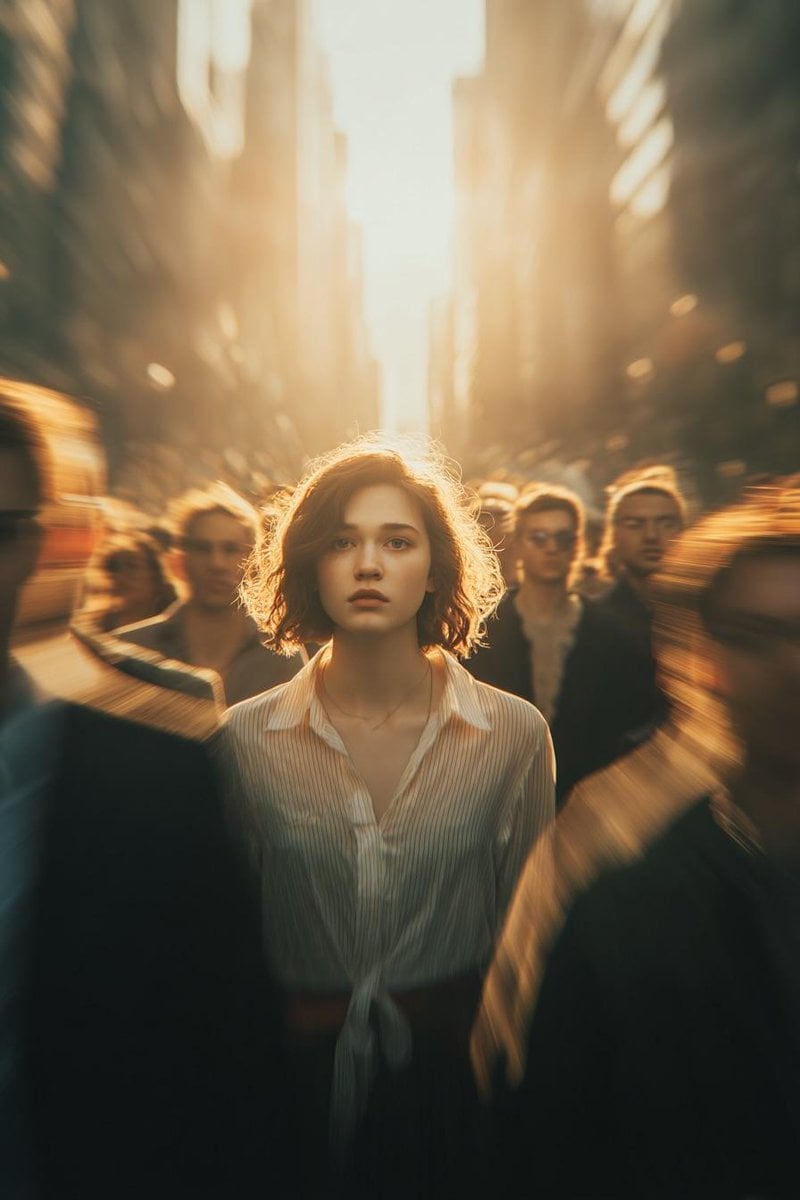
Cinematic Conceptual Portrait with Radial Motion Blur
Make it yours
Candid Motion Blur Portrait works as-is. These are the safest ways to change it without losing the look.
Change one field
Copy a single group, rewrite it, and generate again so you can see what that field is doing.
Keep the frame, change the subject
Hold the composition and light of Candid Motion Blur Portrait, then swap wardrobe, props or the person for a new take.
| If the result… | Why | Fix |
|---|---|---|
| The result drifts from the preview | Too many fields changed at once. | Reuse Candid Motion Blur Portrait as-is first, then change one group — subject, light, or setting. |
| The model over-stylizes the scene | The prose prompt leaves finish and camera underspecified. | Add one camera or lighting sentence and stay on GPT Image 2. |
More GPT Image 2 templates
Other prompts made for GPT Image 2.

Six VTuber Japanese Logo Sheet

Realistic Portrait of Woman and Deer

The Vista Modular Condo Poster

AI Model Routing Comparison Infographic

2.5D Anime Art Board

Isometric Productivity Desk Scene

New York Double Exposure Poster

Four-Panel AI Landscape Comparison

Japanese Tatami Lifestyle Magazine Cover

NESCAFÉ Coffee Map Poster
More image prompts
Fresh picks from across the catalog.
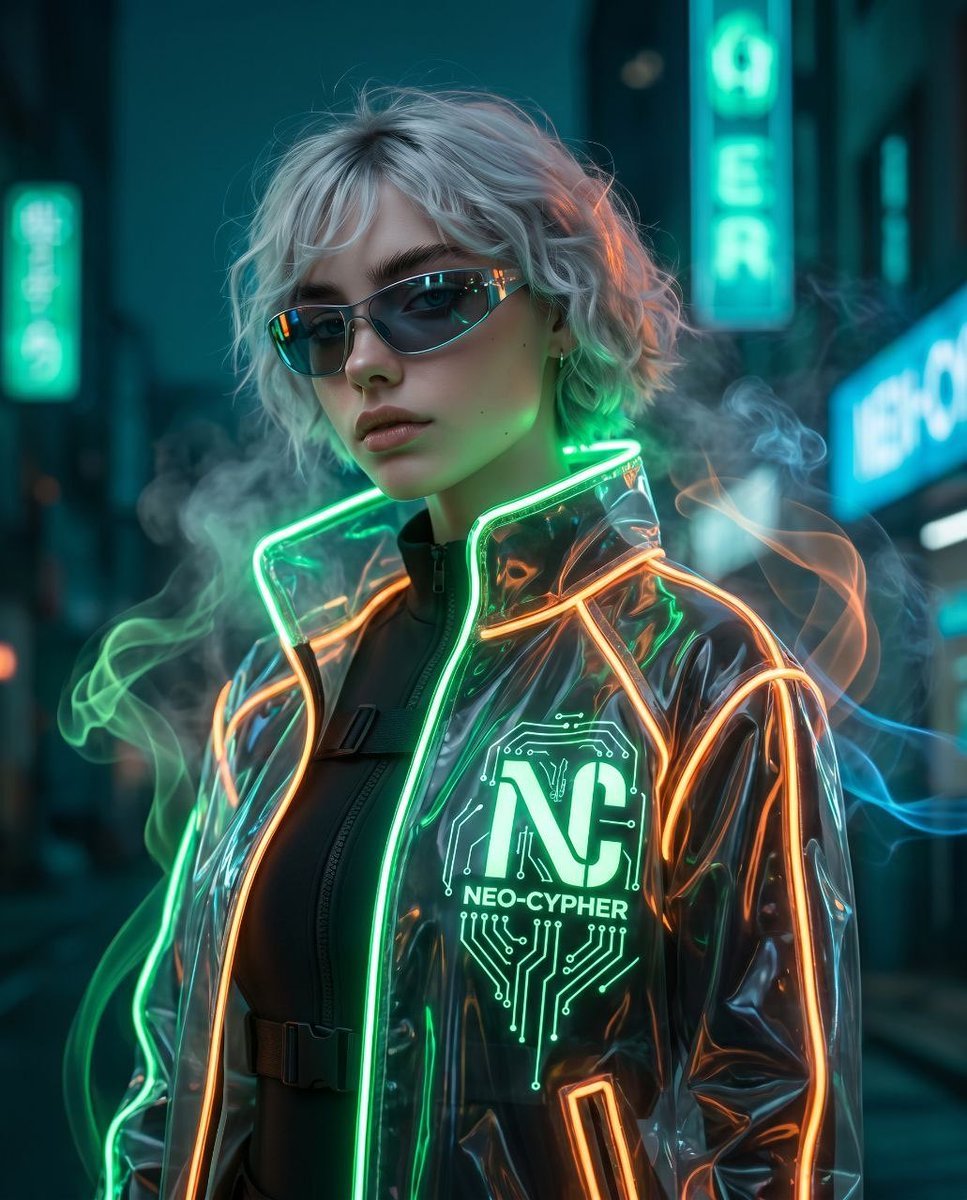
Futuristic Cyberpunk Sportswear Portrait
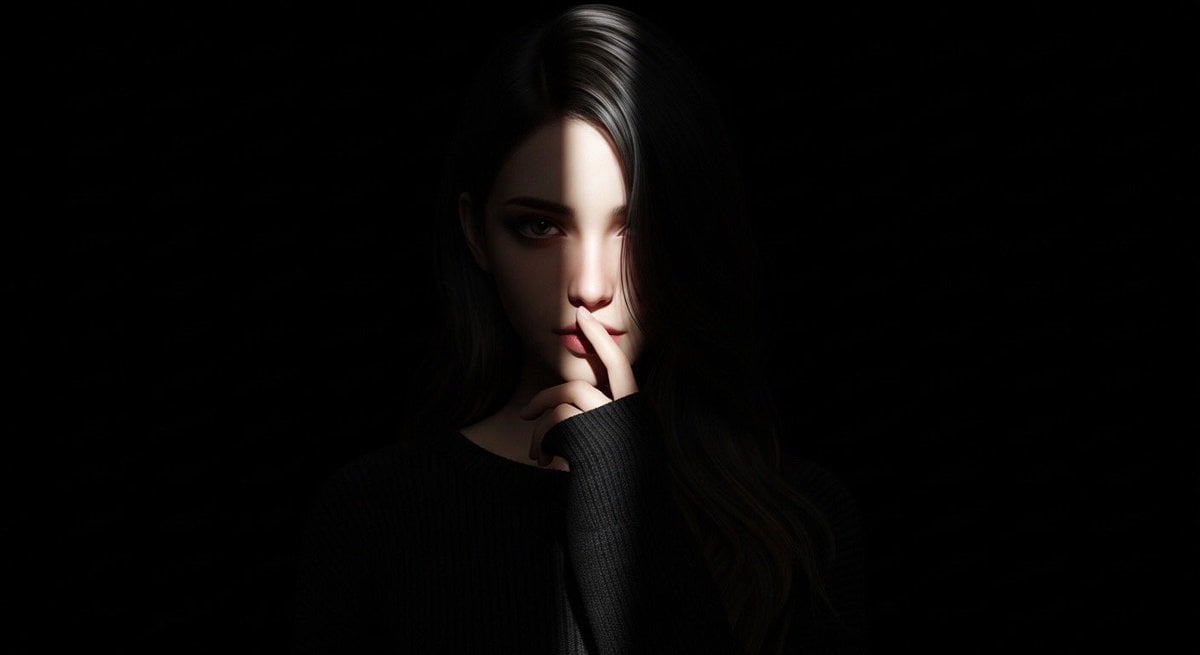
Hyperrealistic Anime Spotlight Portrait Prompt
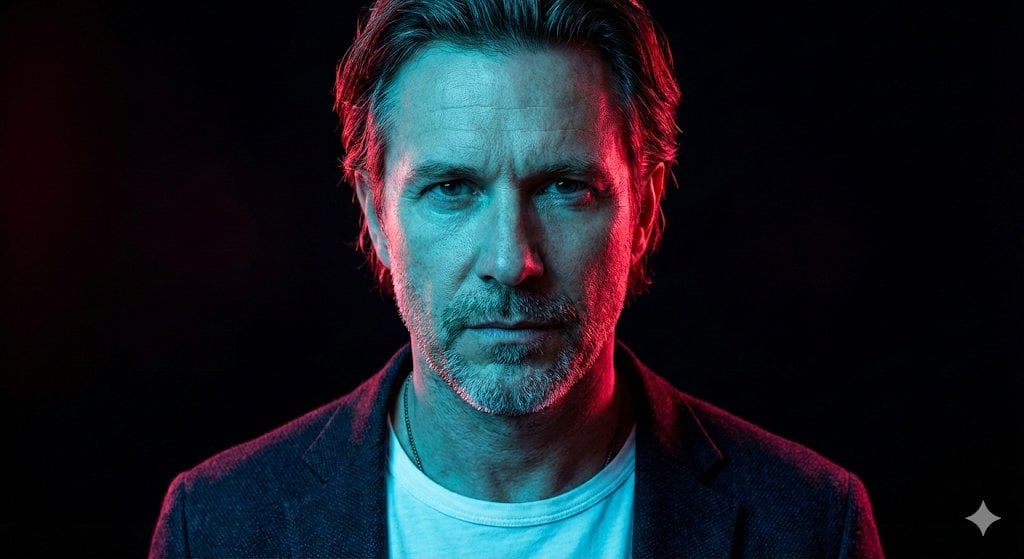
Cyberpunk Neon Cinematic Studio Portrait
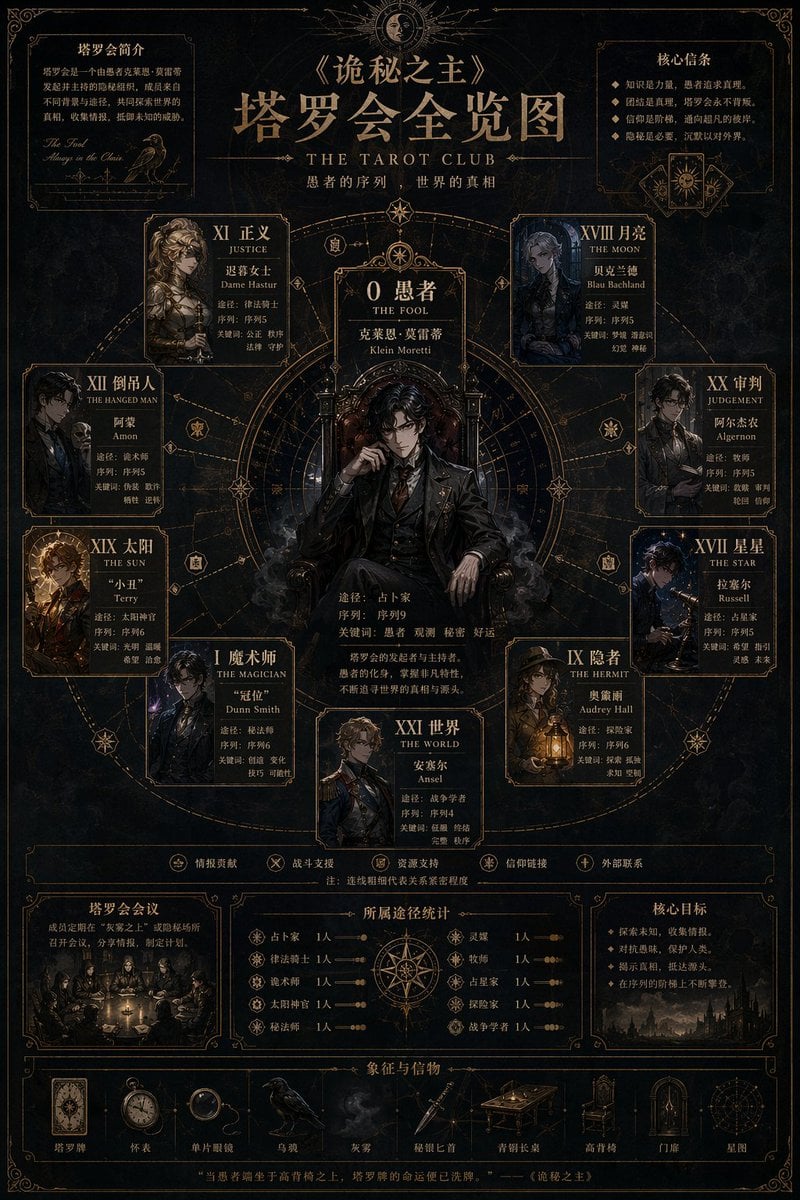
Dark Fantasy Tarot Club Lore Infographic
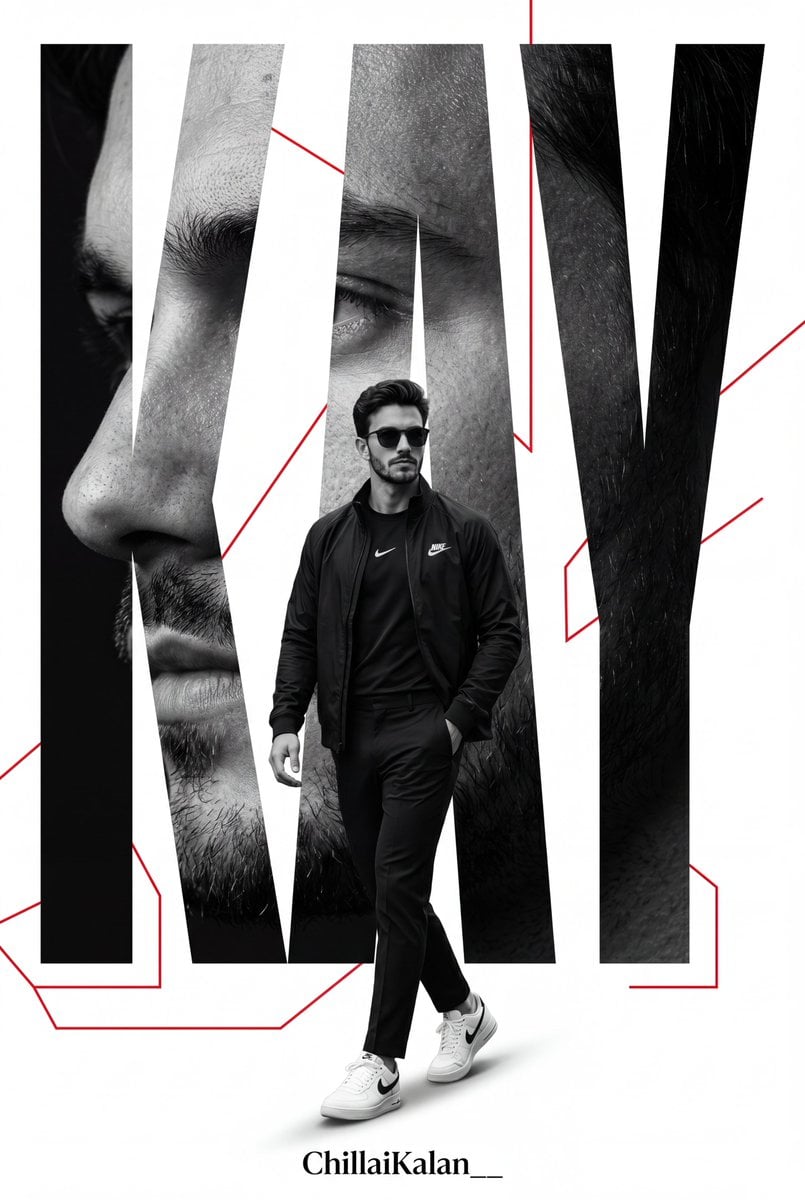
Premium Sports Magazine Poster
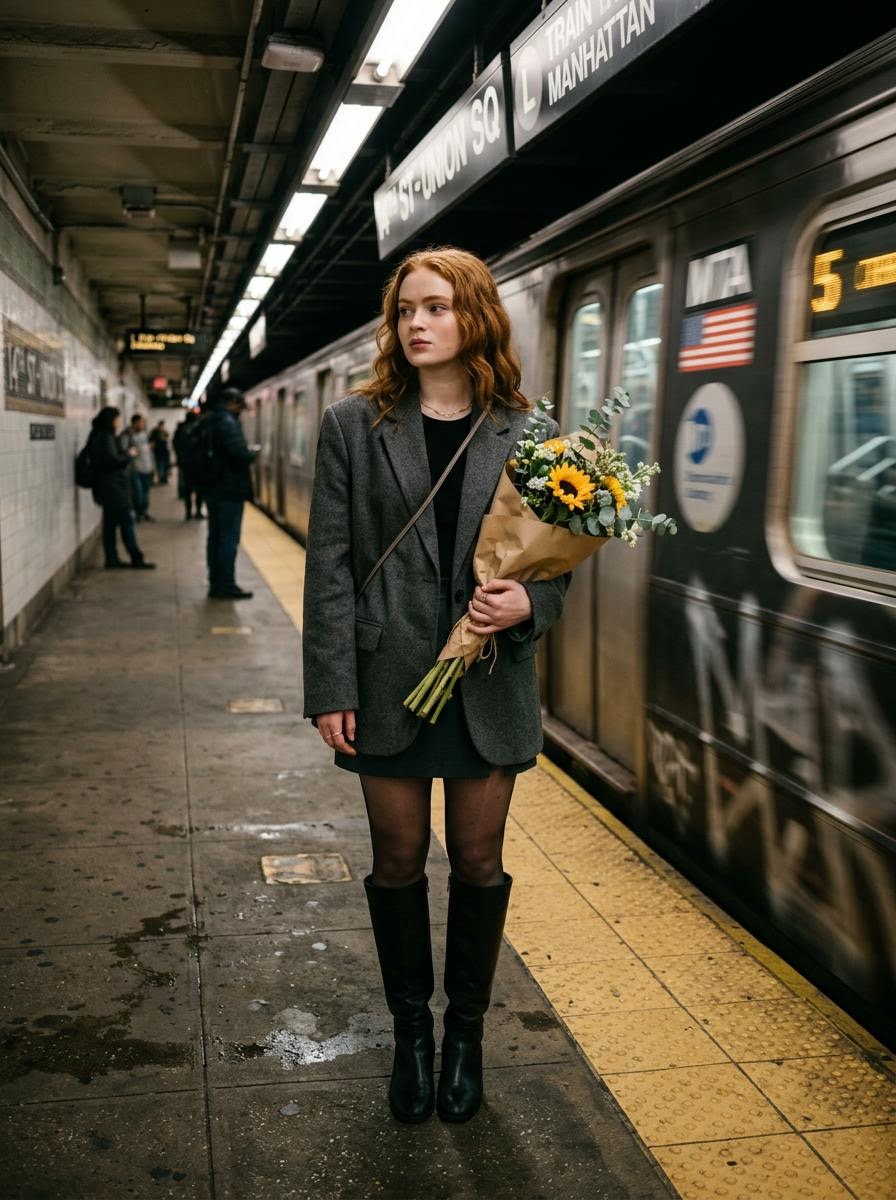
Cinematic photo of a woman on a subway platform with motion blur
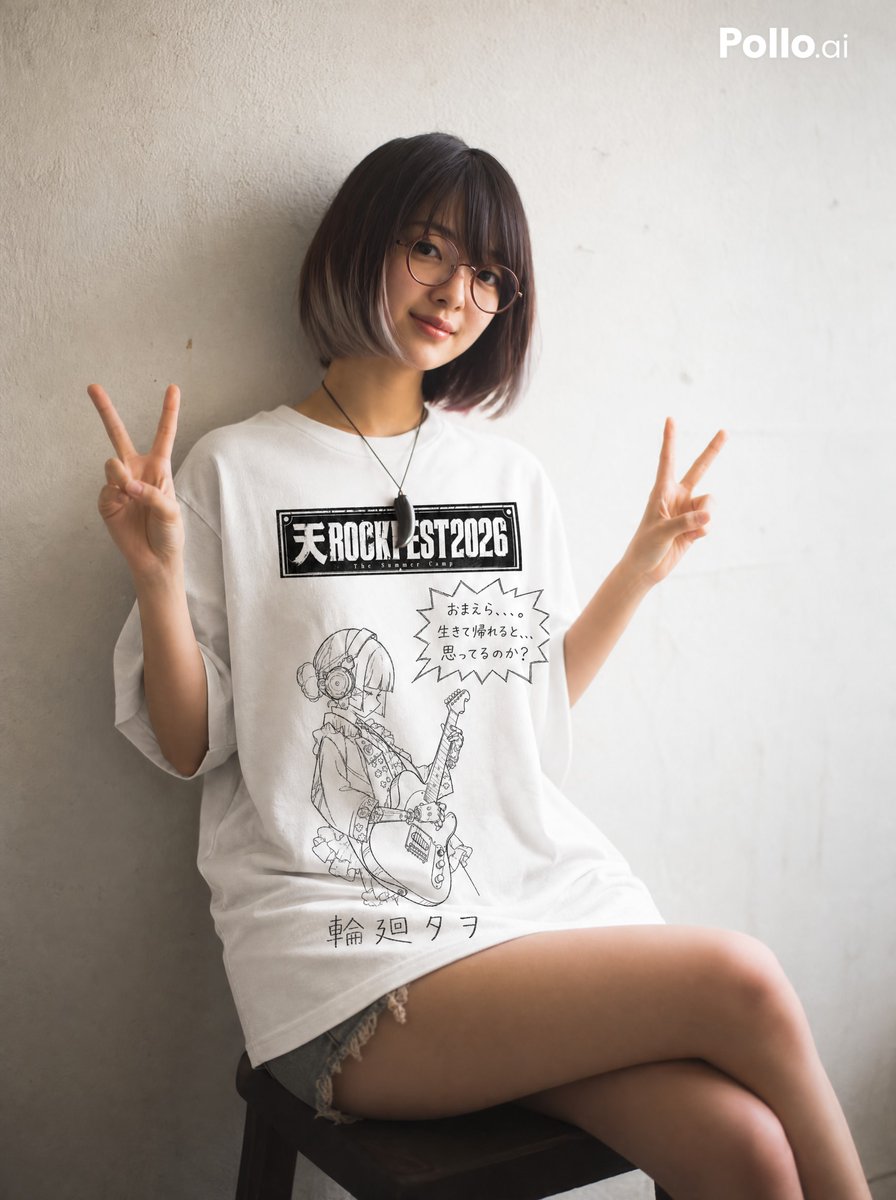
Hand-drawn Yuru-kyara T-shirt Mockup
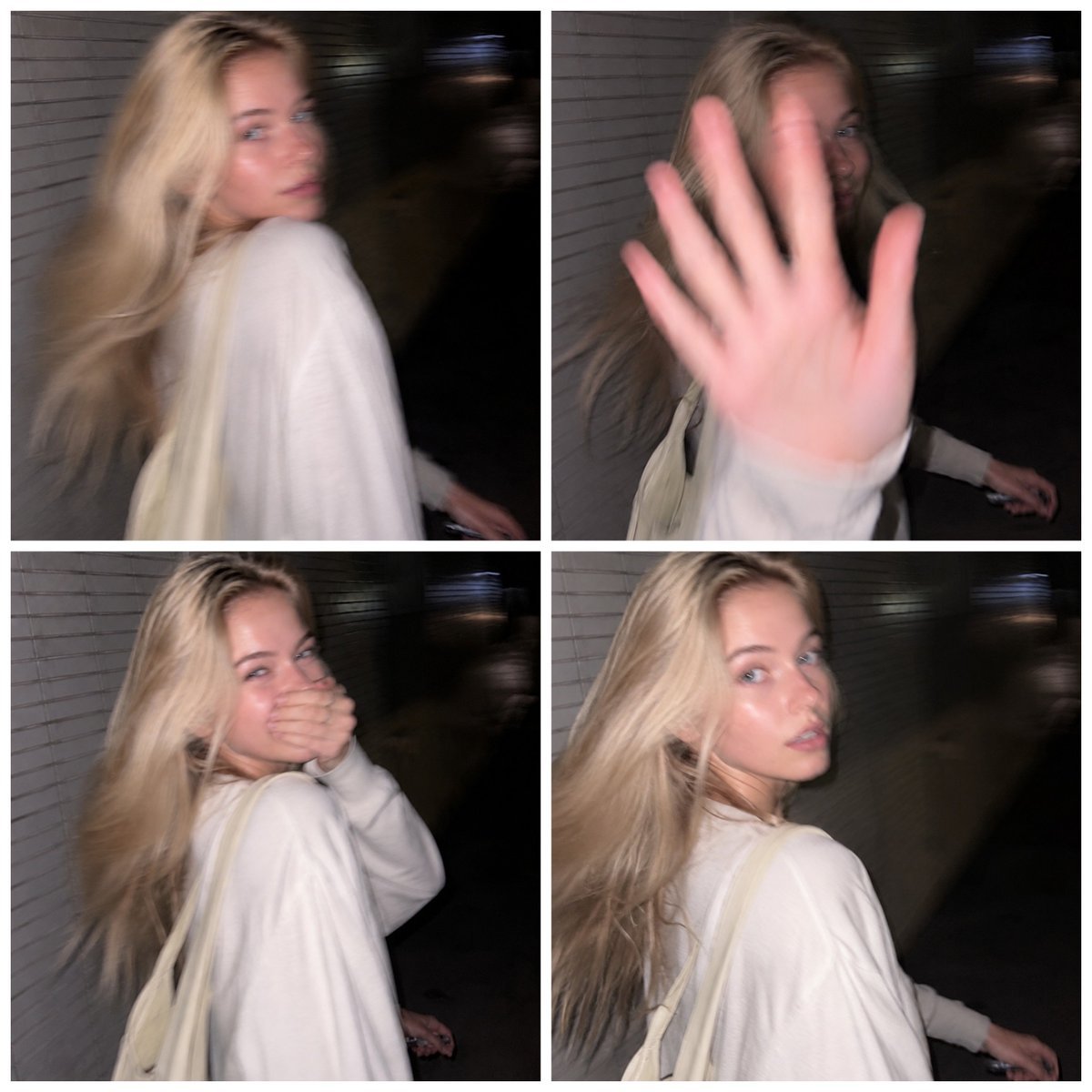
Tokyo Candid Smartphone Photography

Deconstructed Food Photography Series in Levitation
Blue Jays Broadcast Crowd Shot
Browse template categories
Candid Motion Blur Portrait questions
How do I use the Candid Motion Blur Portrait template?
Add your photo if the template asks for one, edit the prompt if you like — the template's model and format are already selected — and press Generate. Your version opens in PicX Studio.
Can I customize the Candid Motion Blur Portrait template?
Yes. You can change the subject, setting, lighting, mood, format, and available model controls before creating your image.
Is the Candid Motion Blur Portrait template free?
Opening and editing this template is free. Generating uses credits, shown on the Generate button when you are signed in.
Which AI model should I use?
Start with GPT Image 2, which is the model associated with this template. You can compare another compatible model for a different finish.
Looking for something else? Browse all templates.

Your photo, any look
Thousands of ready templates for every top image and video model, from one credit balance.