
Vintage Macau Map Poster
A delicate parchment-style line-art poster showing a Macau map filled with iconic landmarks and Chinese title text, ideal for travel or cultural illustration use.
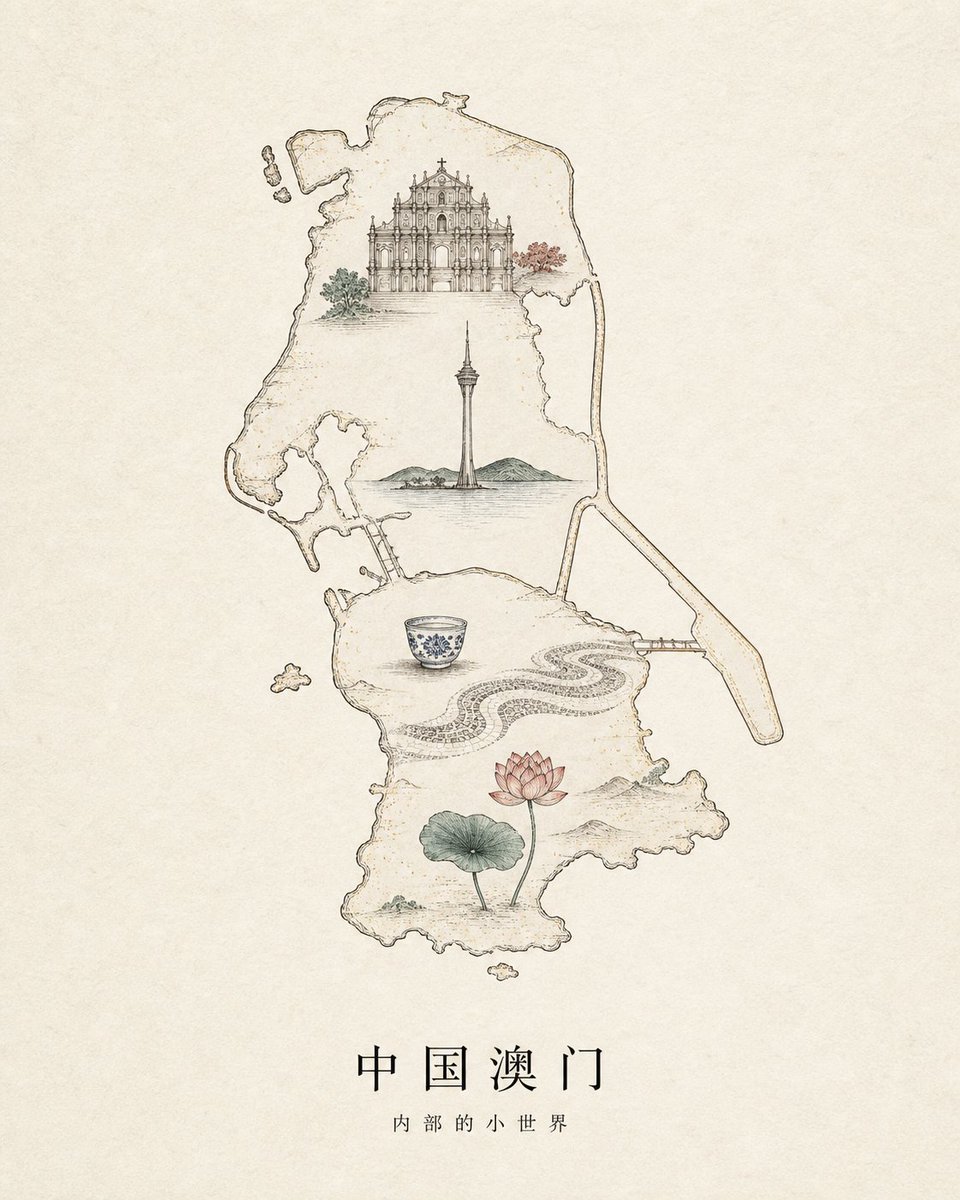
- Prompt included
- Model and format preset
- Free template
The prompt behind this image
Copy the exact prompt behind Vintage Macau Map Poster, or open it in the studio and make it yours.
Create a refined vintage line-art travel poster on warm aged parchment paper, centered on a delicate hand-drawn outline map of {argument name="region" default="Macau, China"}. Use thin sepia ink lines with subtle watercolor washes and lots of empty beige space. Inside the map, place exactly 6 illustrated landmark elements: 1 ornate Baroque church facade near the top with small green and red trees beside it, 1 tall Macau Tower in the middle rising from calm water with low green hills behind it, 1 blue-and-white porcelain teacup in the lower middle-left, 1 flowing black-and-white Portuguese wave mosaic pavement pattern curving across the lower middle-right, 1 pink lotus flower with a green lotus leaf near the bottom, and 1 long narrow bridge extending from the right side of the map. Add a few tiny detached island shapes around the main map outline. Keep the composition elegant, minimal, museum-poster-like, with fine architectural detail, faint speckles, and soft muted colors only inside the illustrations. At the bottom center, add the Chinese title {argument name="main title" default="中国澳门"} in widely spaced black serif-style characters, and beneath it the smaller subtitle {argument name="subtitle" default="内部的小世界"}. No people, no modern graphic effects, no border, no watermark.
How to use Vintage Macau Map Poster in 3 steps
- 1Upload ImagePNG, JPG or paste
Add your photo
Upload the photo the template builds on. The prompt, model and format are already set.
- 2…a portrait of your subject in softgolden-hour light, 85mm…
Personalize
Edit the subject and creative details for your destination.
- 3Generate
Generate
Press Generate — your image is created in PicX Studio, so you can compare it with the original and refine one variable at a time.
More like this
Templates with the same subject, style or setup. Open one to see its prompt.

Japan Travel Brochure Poster

Y2K Windowsill Maple Leaf — Early 2000s Digital Photo

Premium Vintage Travel Poster Landscape

Sunday Afternoon, 1988

Two Tickets, One Night

If We Met in 1985

Found Photograph: Us, 1970

One Dance Before Midnight

Before We said Goodbye

Our Song was on a Cassette

Meet Me When It Rains

The Date After College
Make it yours
Vintage Macau Map Poster works as-is. These are the safest ways to change it without losing the look.
Change one field
Copy a single group, rewrite it, and generate again so you can see what that field is doing.
Keep the frame, change the subject
Hold the composition and light of Vintage Macau Map Poster, then swap wardrobe, props or the person for a new take.
| If the result… | Why | Fix |
|---|---|---|
| The result drifts from the preview | Too many fields changed at once. | Reuse Vintage Macau Map Poster as-is first, then change one group — subject, light, or setting. |
| The model over-stylizes the scene | The prose prompt leaves finish and camera underspecified. | Add one camera or lighting sentence and stay on GPT Image 2. |
More GPT Image 2 templates
Other prompts made for GPT Image 2.

Six VTuber Japanese Logo Sheet

Realistic Portrait of Woman and Deer

The Vista Modular Condo Poster

AI Model Routing Comparison Infographic

2.5D Anime Art Board

Isometric Productivity Desk Scene

New York Double Exposure Poster

Four-Panel AI Landscape Comparison

Japanese Tatami Lifestyle Magazine Cover

NESCAFÉ Coffee Map Poster
More image prompts
Fresh picks from across the catalog.
Dark Fantasy Samurai Warlord

Photorealistic Leaf Shaped Like a Dragon

Golden Hour Rooftop Fashion Portrait
Landscape Archive Model Map
Gyeongju Korea Paper-Cut Travel Poster

Miniature Bridge of Ancient Mathematical Knowledge
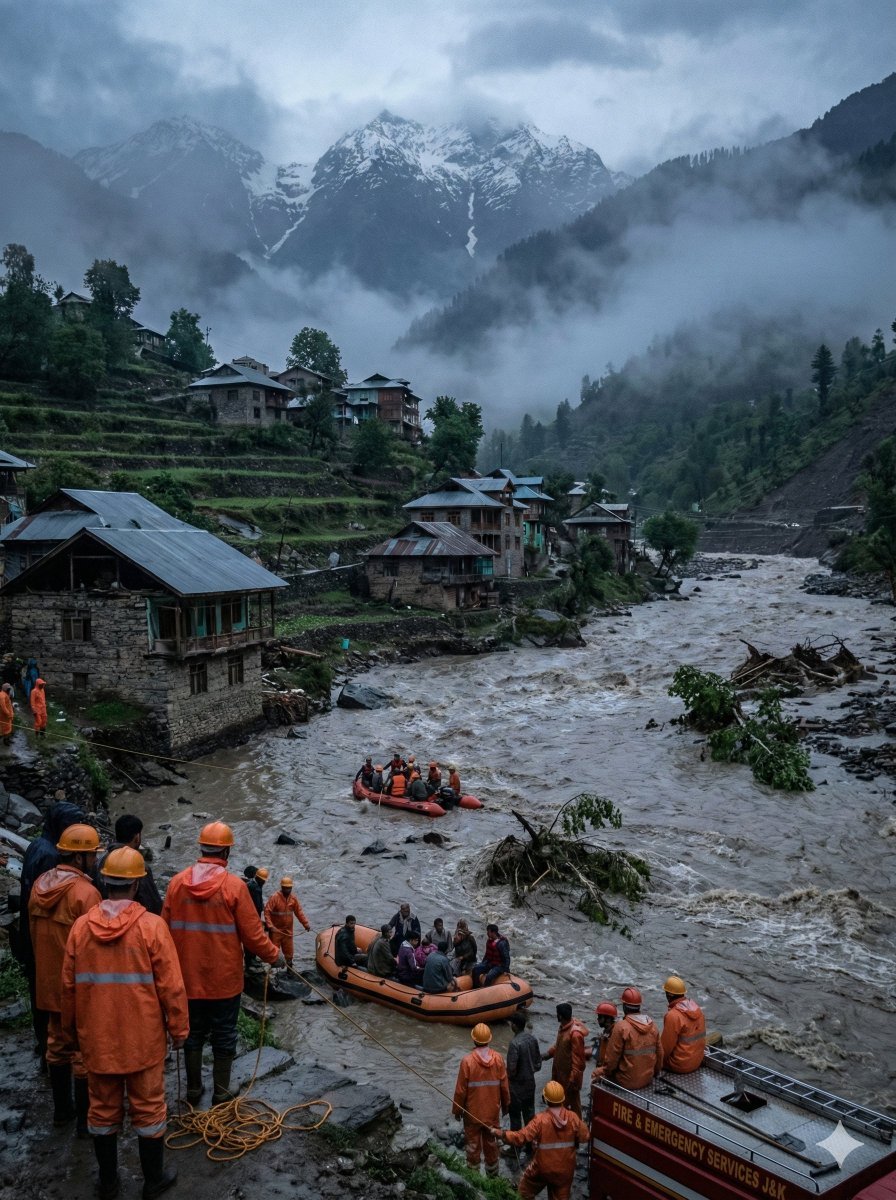
Dramatic Cinematic Kashmir Mountain Flood Rescue Scene
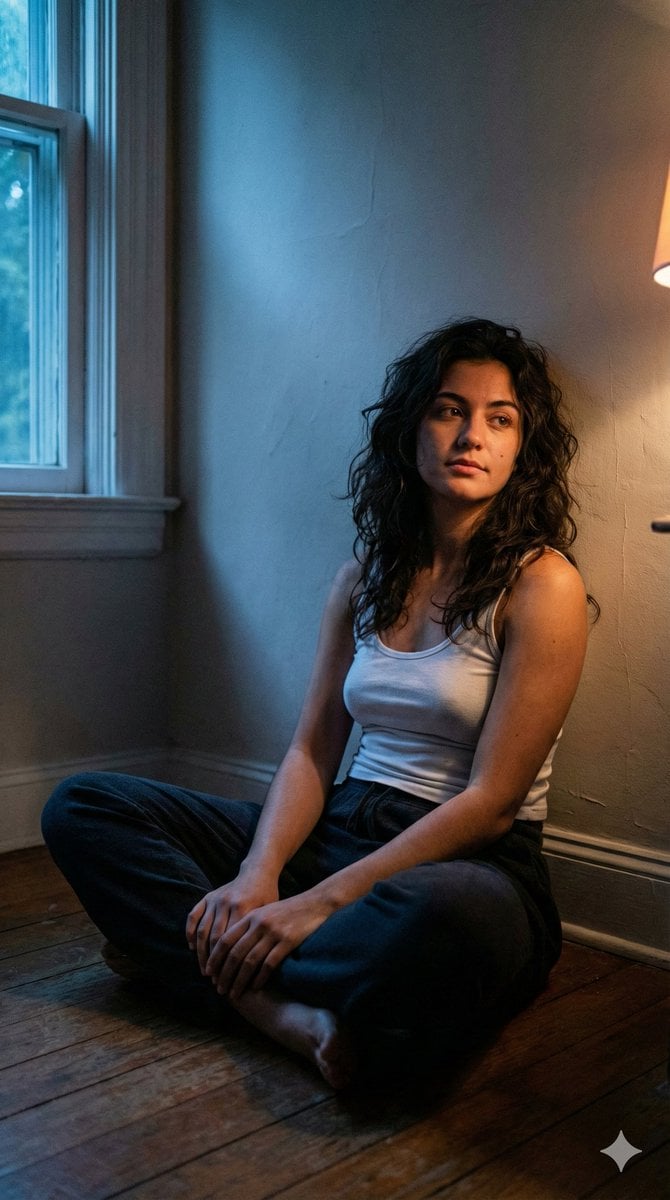
Cinematic Low-Light Night Portrait

Close-up Portrait with Persian Cat
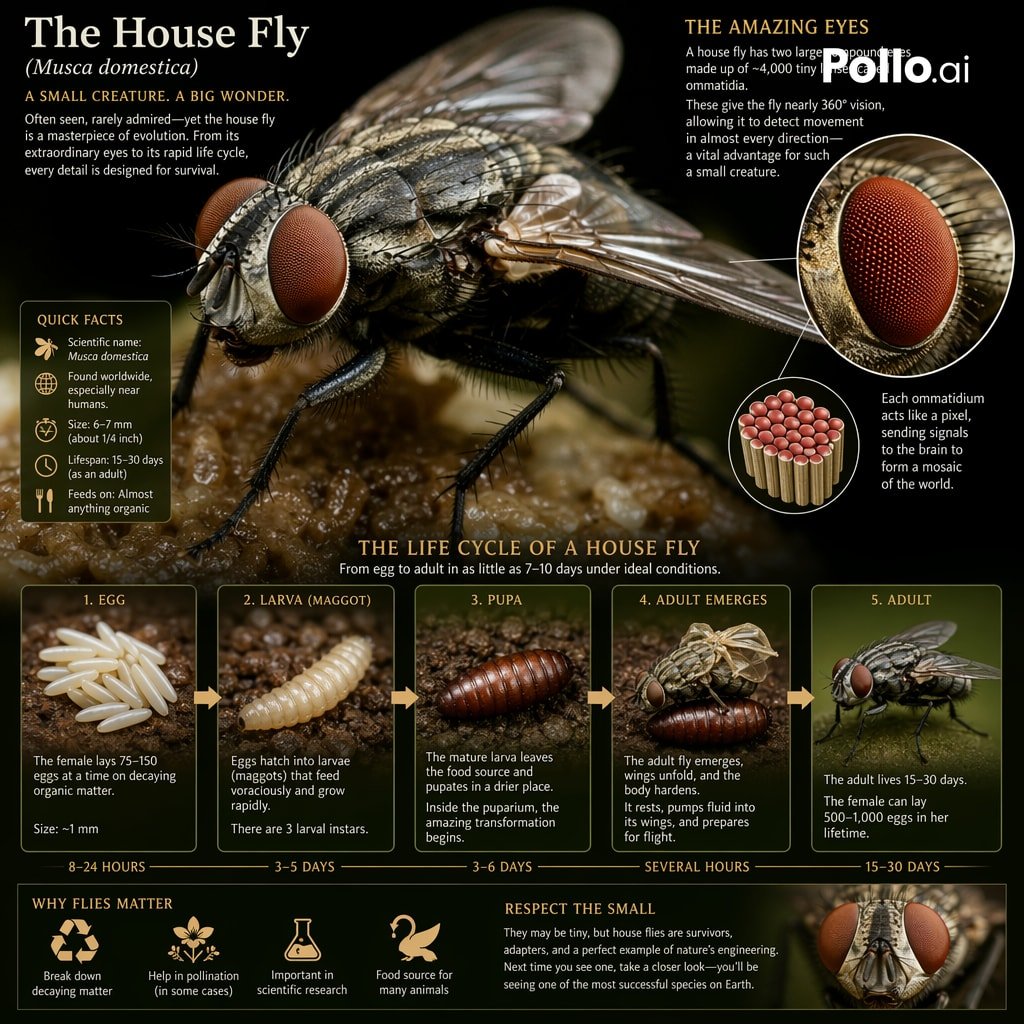
Biological Life Cycle Diagram
Browse template categories
Vintage Macau Map Poster questions
How do I use the Vintage Macau Map Poster template?
Add your photo if the template asks for one, edit the prompt if you like — the template's model and format are already selected — and press Generate. Your version opens in PicX Studio.
Can I customize the Vintage Macau Map Poster template?
Yes. You can change the subject, setting, lighting, mood, format, and available model controls before creating your image.
Is the Vintage Macau Map Poster template free?
Opening and editing this template is free. Generating uses credits, shown on the Generate button when you are signed in.
Which AI model should I use?
Start with GPT Image 2, which is the model associated with this template. You can compare another compatible model for a different finish.
Looking for something else? Browse all templates.

Your photo, any look
Thousands of ready templates for every top image and video model, from one credit balance.