
GPT Image 2.5 Anime Launch Poster
Creates a square futuristic anime promotional poster with a winking techwear mascot, robot companion, and detailed GPT Image 2.5 feature UI cards.
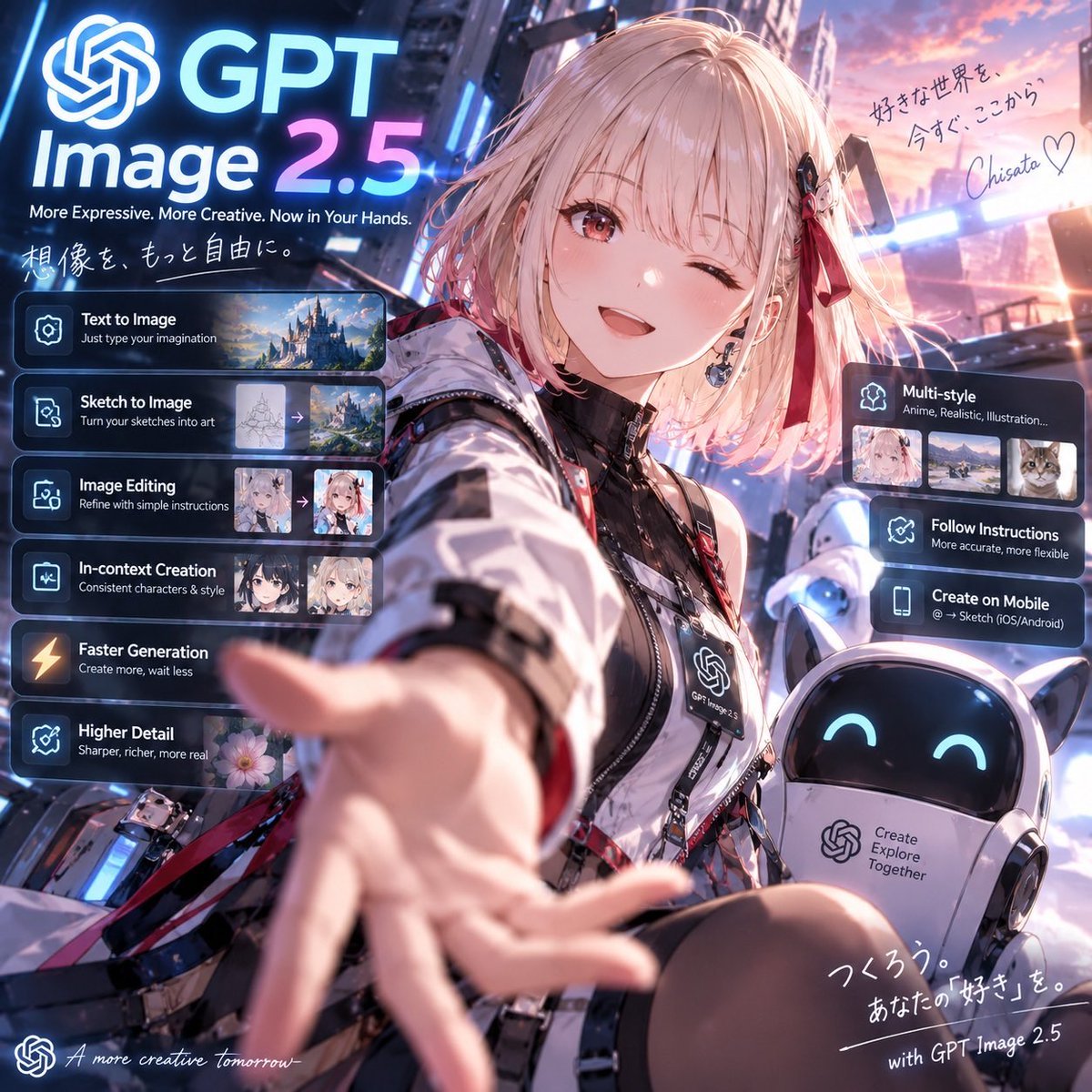
- Prompt included
- Model and format preset
- Free template
The prompt behind this image
Copy the exact prompt behind GPT Image 2.5 Anime Launch Poster, or open it in the studio and make it yours.
Goal: Create a polished square promotional anime key visual for {argument name="product name" default="GPT Image 2.5"}, presenting it as a futuristic creative image-generation service with a cheerful anime ambassador reaching toward the viewer. Canvas: 1:1 square social-media poster, cinematic neon city background at sunset, high-detail anime illustration blended with sleek SaaS launch-page UI overlays. Use strong depth of field: the character’s outstretched hand is large and slightly motion-blurred in the foreground, her face is sharp, and the city is softly glowing behind her. Main subject: A cute anime girl in the center-right foreground, about teenage/young adult style, short fluffy {argument name="hair color" default="pale pink-blonde"} bob hair with bangs, one eye winking and one warm reddish-brown eye open, smiling brightly. She wears a futuristic black-and-white techwear jacket with glossy panels, straps, zippers, badges, red ribbon accents, black inner top, and a lanyard badge printed with the OpenAI-like knot logo and “GPT Image 2.5”. Her right arm reaches toward the camera invitingly. Add a small black-and-red hair clip and ribbon on one side. Companion robot: Place exactly 1 small rounded companion robot at the lower right, white body with cat-ear-like points, glossy black face screen, cyan smiling eyes, and a chest panel containing the OpenAI-like knot logo plus the text “Create Explore Together”. Branding and headline: At the upper left, place a large glowing OpenAI-like knot icon followed by huge text “GPT” on the first line and “Image 2.5” below it, with “2.5” in a blue-to-pink neon gradient. Under it, add the tagline “More Expressive. More Creative. Now in Your Hands.” Add handwritten Japanese text beneath: 「想像を、もっと自由に。」 Left feature stack: Add exactly 6 translucent dark glassmorphism cards stacked vertically on the left, each with a glowing icon, bold white title, smaller subtitle, and where visible a small preview thumbnail strip. The 6 cards are: 1) “Text to Image” with subtitle “Just type your imagination” and 1 landscape castle thumbnail; 2) “Sketch to Image” with subtitle “Turn your sketches into art” and 2 thumbnails showing a sketch converting to a fantasy landscape with an arrow; 3) “Image Editing” with subtitle “Refine with simple instructions” and 2 anime portrait thumbnails with an arrow; 4) “In-context Creation” with subtitle “Consistent characters & style” and 2 anime character thumbnails; 5) “Faster Generation” with subtitle “Create more, wait less” and a lightning icon; 6) “Higher Detail” with subtitle “Sharper, richer, more real” and 1 flower thumbnail. Right feature stack: Add exactly 3 translucent dark glassmorphism cards on the right side. The top card is “Multi-style” with subtitle “Anime, Realistic, Illustration...” and exactly 3 thumbnails: anime portrait, realistic landscape, cat photo. The middle card is “Follow Instructions” with subtitle “More accurate, more flexible”. The lower card is “Create on Mobile” with subtitle “@ → Sketch (iOS/Android)”. Handwritten notes: In the upper right sky, add Japanese handwritten copy: 「好きな世界を、今すぐ、ここから。」 followed by a signature {argument name="signature" default="Chisato"} and a heart. At the bottom right, add handwritten Japanese copy: 「つくろう。あなたの『好き』を。」 and the line “with GPT Image 2.5”. At the bottom left, add a small OpenAI-like knot icon and cursive English text “A more creative tomorrow_”. Visual style: Premium anime promotional art, vibrant blue, cyan, magenta, and sunset-pink lighting; glowing holographic UI panels; reflective metal and glass; crisp typography; dramatic wide-angle selfie perspective; highly detailed face and clothing; soft bloom, rim light, and lens flare. Keep all UI text legible and aligned, with no extra feature cards beyond the specified counts.
How to use GPT Image 2.5 Anime Launch Poster in 3 steps
- 1Upload ImagePNG, JPG or paste
Add your photo
Upload the photo the template builds on. The prompt, model and format are already set.
- 2…a portrait of your subject in softgolden-hour light, 85mm…
Personalize
Edit the subject and creative details for your destination.
- 3Generate
Generate
Press Generate — your image is created in PicX Studio, so you can compare it with the original and refine one variable at a time.
More like this
Templates with the same subject, style or setup. Open one to see its prompt.

Captain Tsubasa Anime World Cup Poster

Gpt2 Youtube Thumbnail Anime Music Bootcamp Promo Poster
Anime Mecha Game Launch Poster
Anime Sci-Fi Game Launch Poster
Japanese Anime AI Launch Poster
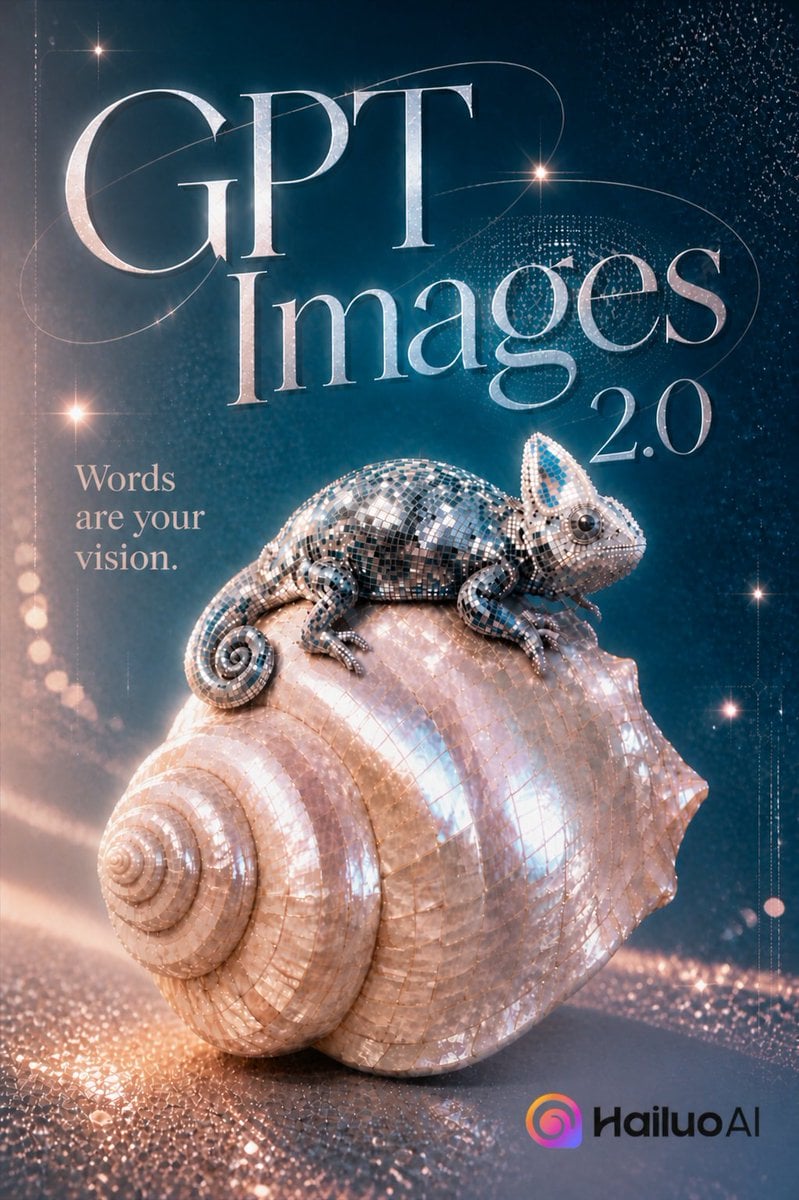
Luxury GPT Images 2.0 Launch Poster

Gpt2 Product Marketing Streetwear Sneaker Poster Ad

Gpt2 Youtube Thumbnail Wuxia Movie Character Posters

Gpt2 Infographic Edu Visual Ink Wash Tribute Poster for Chen Uen

Gpt2 Infographic Edu Visual Biomimetic Skyray Aircraft Poster

Gpt2 Social Media Post Cinematic Chicken Momos Ad Poster

Gpt2 Social Media Post Bmw Performance Social Poster
Make it yours
GPT Image 2.5 Anime Launch Poster works as-is. These are the safest ways to change it without losing the look.
Change one field
Copy a single group, rewrite it, and generate again so you can see what that field is doing.
Keep the frame, change the subject
Hold the composition and light of GPT Image 2.5 Anime Launch Poster, then swap wardrobe, props or the person for a new take.
| If the result… | Why | Fix |
|---|---|---|
| The result drifts from the preview | Too many fields changed at once. | Reuse GPT Image 2.5 Anime Launch Poster as-is first, then change one group — subject, light, or setting. |
| The model over-stylizes the scene | The prose prompt leaves finish and camera underspecified. | Add one camera or lighting sentence and stay on GPT Image 2. |
More GPT Image 2 templates
Other prompts made for GPT Image 2.

Six VTuber Japanese Logo Sheet

Realistic Portrait of Woman and Deer

The Vista Modular Condo Poster

AI Model Routing Comparison Infographic

2.5D Anime Art Board

Isometric Productivity Desk Scene

New York Double Exposure Poster

Four-Panel AI Landscape Comparison

Japanese Tatami Lifestyle Magazine Cover

NESCAFÉ Coffee Map Poster
More image prompts
Fresh picks from across the catalog.
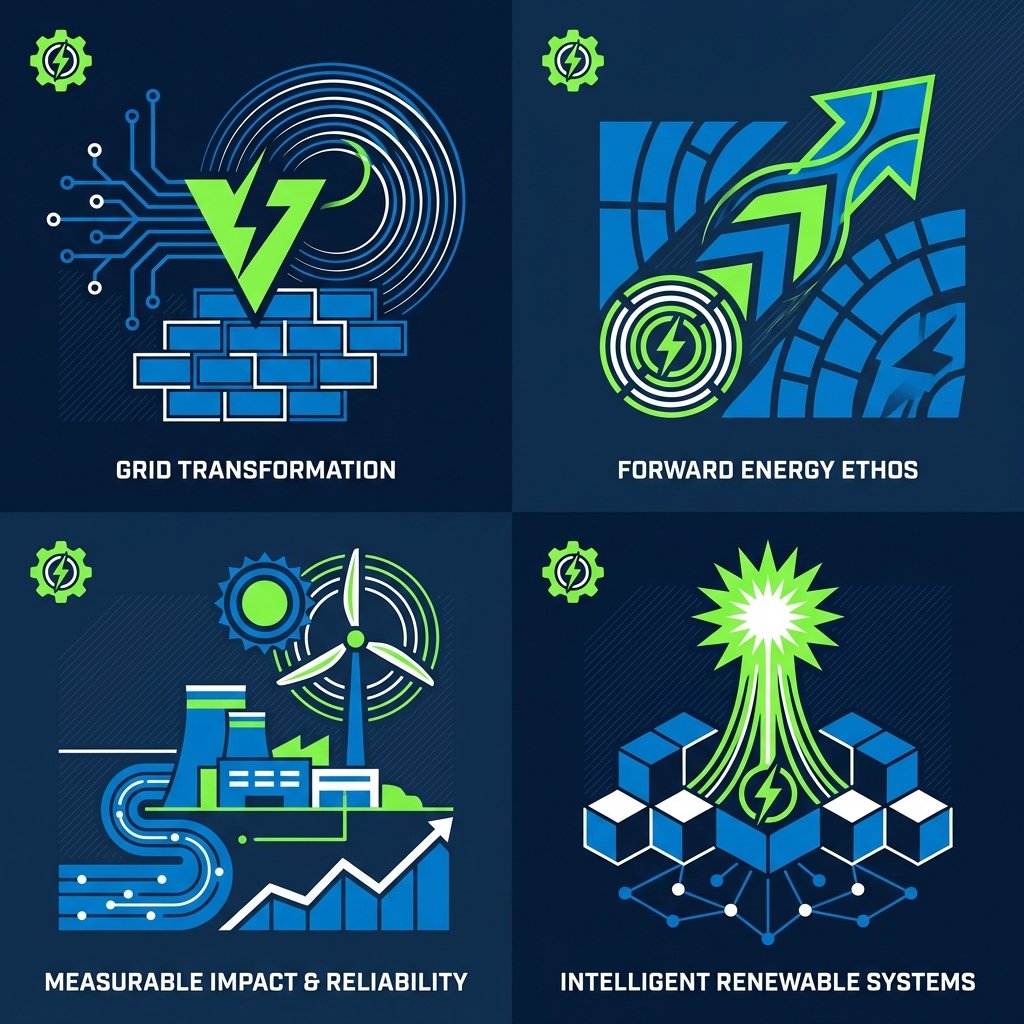
Minimal Abstract Vector Illustration Style
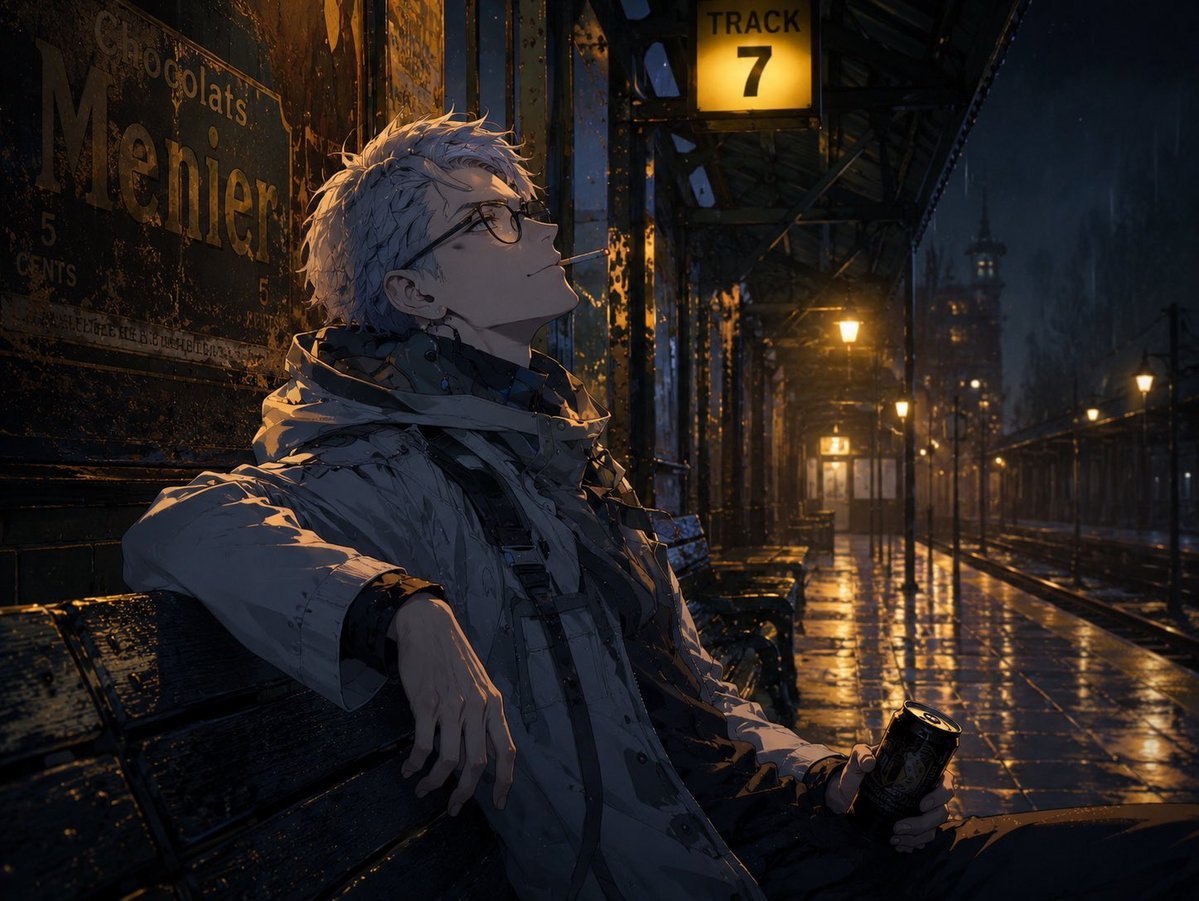
Cinematic Game Character in Midnight Station
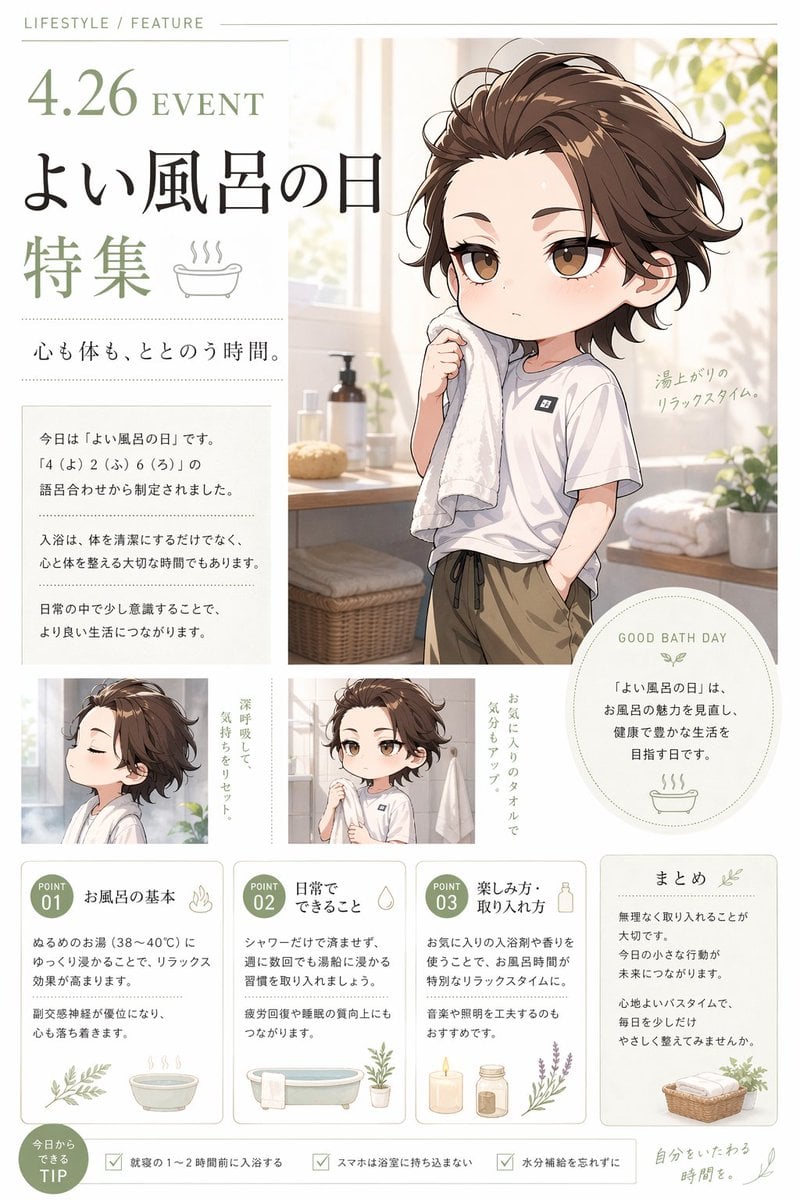
Gpt2 Infographic Edu Visual Good Bath Day Editorial Poster
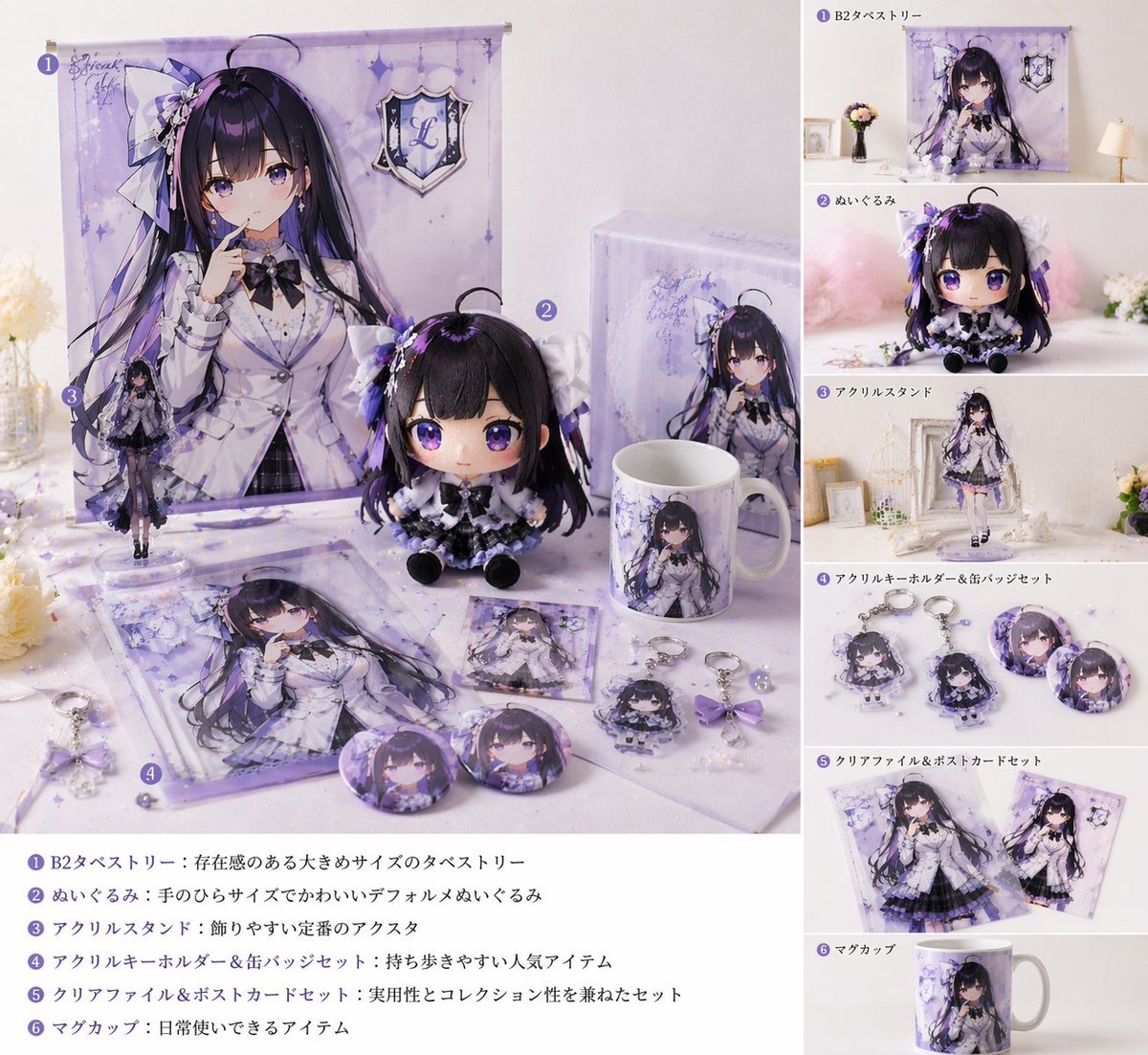
Realistic VTuber Merchandise Mockup
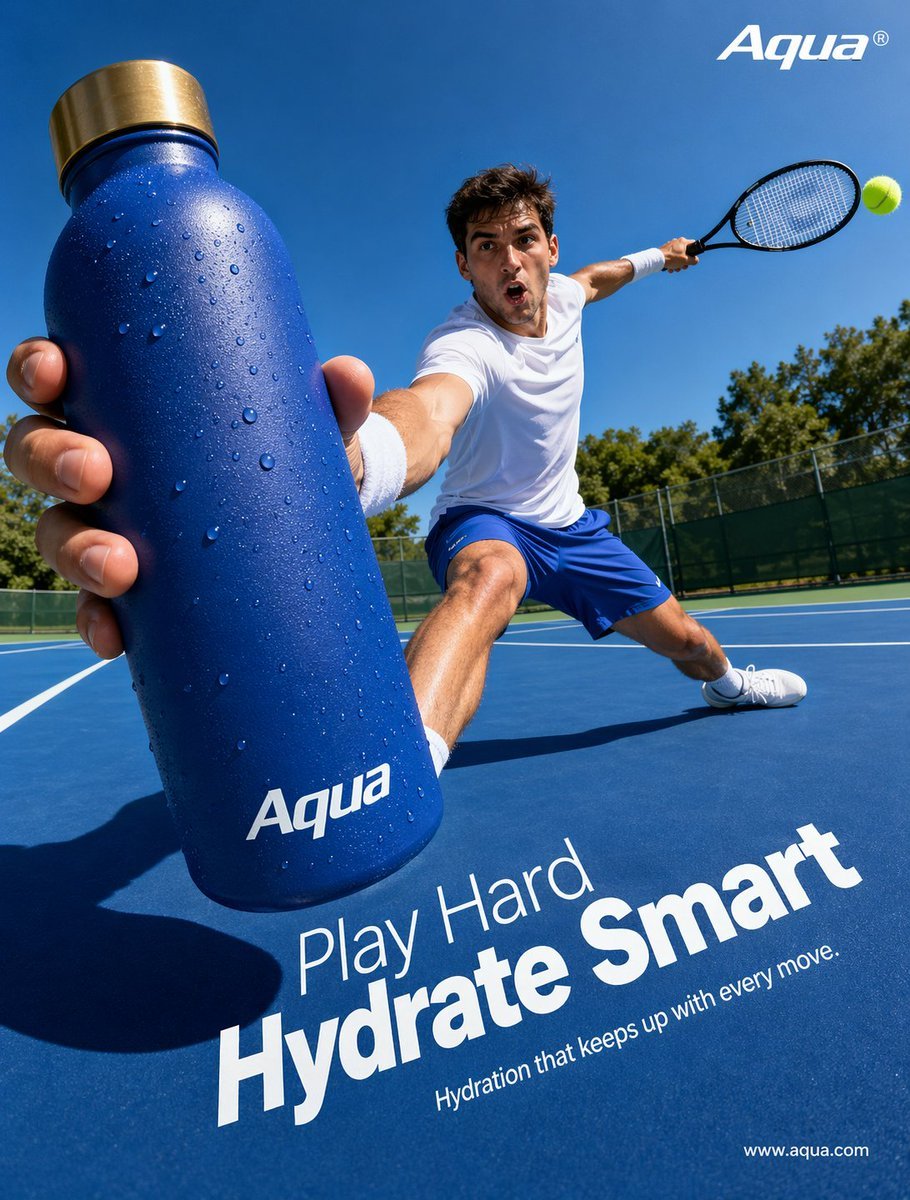
Tennis Hydration Ad Poster
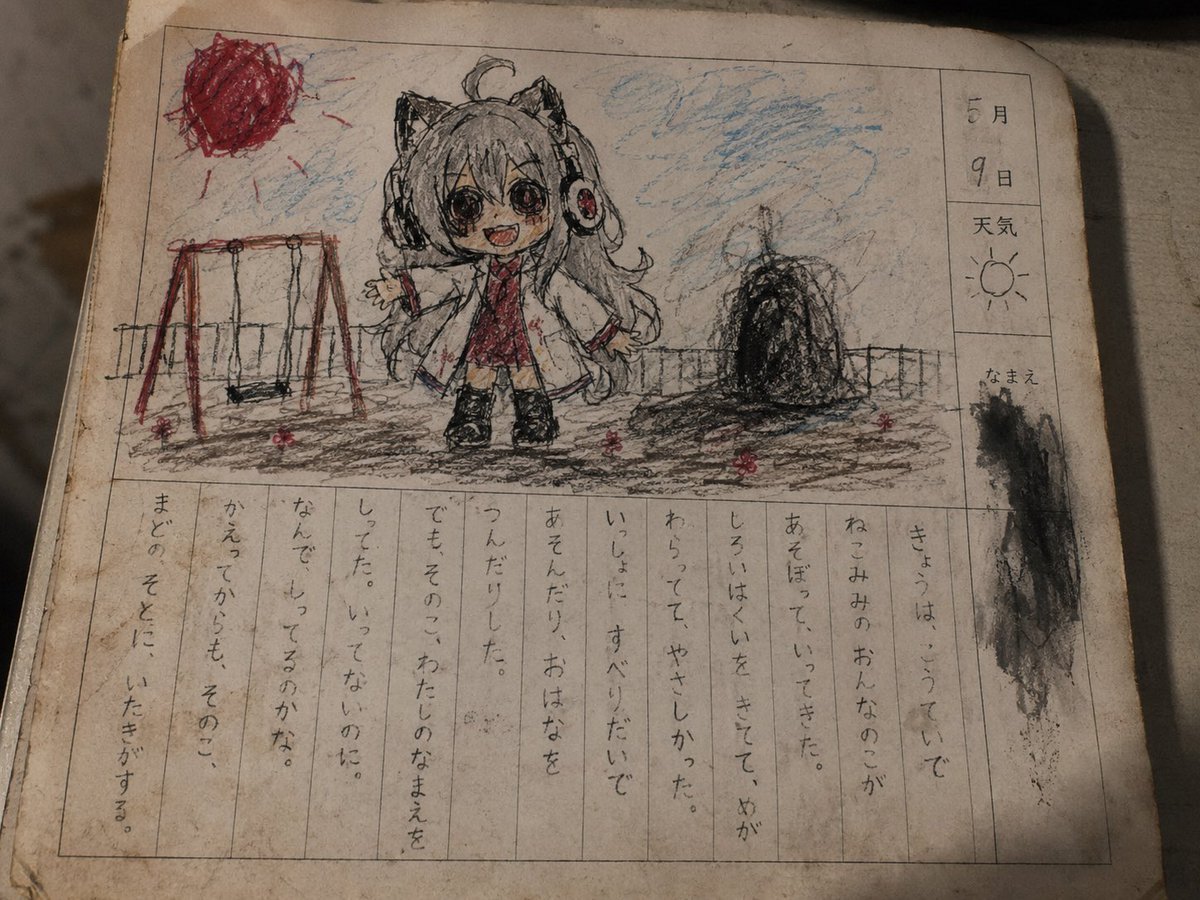
Cursed Japanese School Diary Prompt
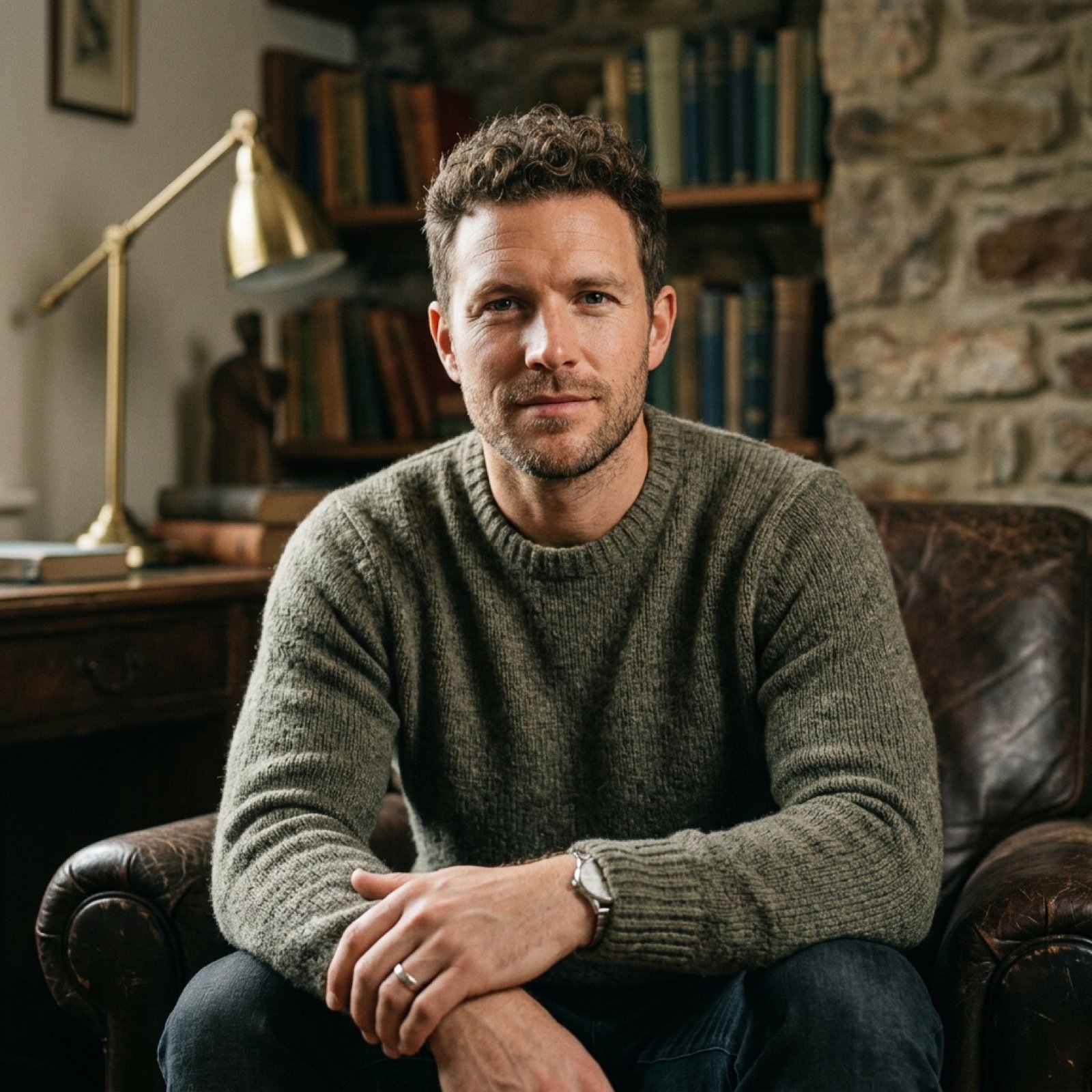
Realistic Image Generation with Identity Reference Prompt
Anime NYC Adventure Poster
Queen of Spades Fantasy Playing Card
Photorealistic Candid Street Romance Prompt (Galata Bridge)
Browse template categories
GPT Image 2.5 Anime Launch Poster questions
How do I use the GPT Image 2.5 Anime Launch Poster template?
Add your photo if the template asks for one, edit the prompt if you like — the template's model and format are already selected — and press Generate. Your version opens in PicX Studio.
Can I customize the GPT Image 2.5 Anime Launch Poster template?
Yes. You can change the subject, setting, lighting, mood, format, and available model controls before creating your image.
Is the GPT Image 2.5 Anime Launch Poster template free?
Opening and editing this template is free. Generating uses credits, shown on the Generate button when you are signed in.
Which AI model should I use?
Start with GPT Image 2, which is the model associated with this template. You can compare another compatible model for a different finish.
Looking for something else? Browse all templates.

Your photo, any look
Thousands of ready templates for every top image and video model, from one credit balance.